 100% Free
2-Step Rocket Diagram
Download this 2-Step Rocket Diagram for PowerPoint and Google Slides. Perfect for illustrating dual-stage processes, goals, or strategies.
Template Details
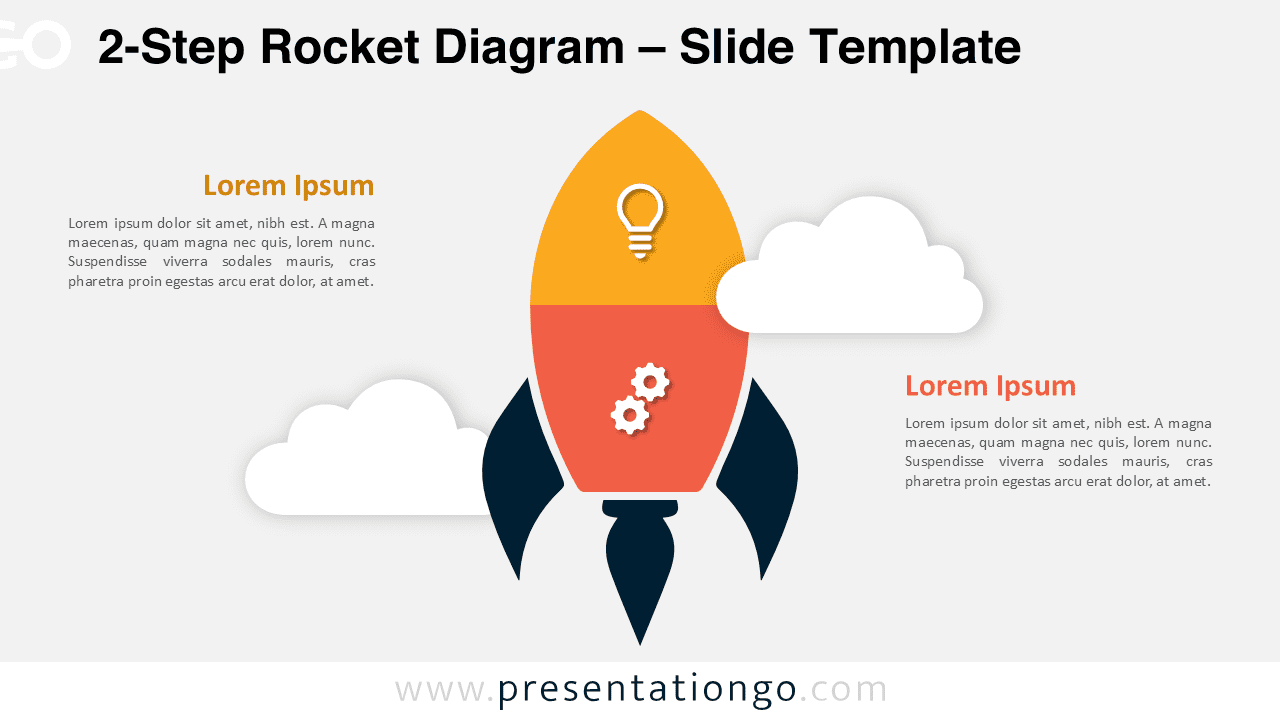
The 2-Step Rocket Diagram presents a modern rocket-shaped framework for PowerPoint and Google Slides, featuring two distinct segments with icons and text blocks for clear process visualization. This professional diagram showcases a centered rocket design split into two color-coded sections. Each segment contains a dedicated icon space paired with symmetrical text areas. Subtle cloud elements enhance the overall composition, creating visual depth and maintaining audience focus on the key information flow. The rocket metaphor effectively conveys concepts of progress, growth, and achievement in presentations. Business professionals can utilize this template for product launches, strategic planning, or transformation initiatives. Its dual-stage structure works perfectly for before-and-after scenarios, problem-solution frameworks, or comparing two distinct approaches. The presentation package includes two carefully designed slides with pre-loaded icons and placeholder text. Users gain access to fully editable shapes, light and dark theme variations, and both Standard (4:3) and Widescreen (16:9) formats in PowerPoint PPTX and Google Slides versions.
Template Features
- 2 unique slides
- Options for both light and dark themes
- Pre-populated with icons and text placeholders
- Fully customizable shapes for complete control
- Available in both Standard (4:3) and Widescreen (16:9) ratios
- Offered in both PowerPoint PPTX and Google Slides formats
- Source
- PresentationGo
- Format
- pptx
- File size
- 109 KB
- Downloads
- 0
- Slides
- 2
- Aspect Ratio
- 16:9
Author / Copyright:PresentationGo
Original source:PresentationGo original