 100% Free
8-Part Plus Pie Chart for PowerPoint and Google Slides
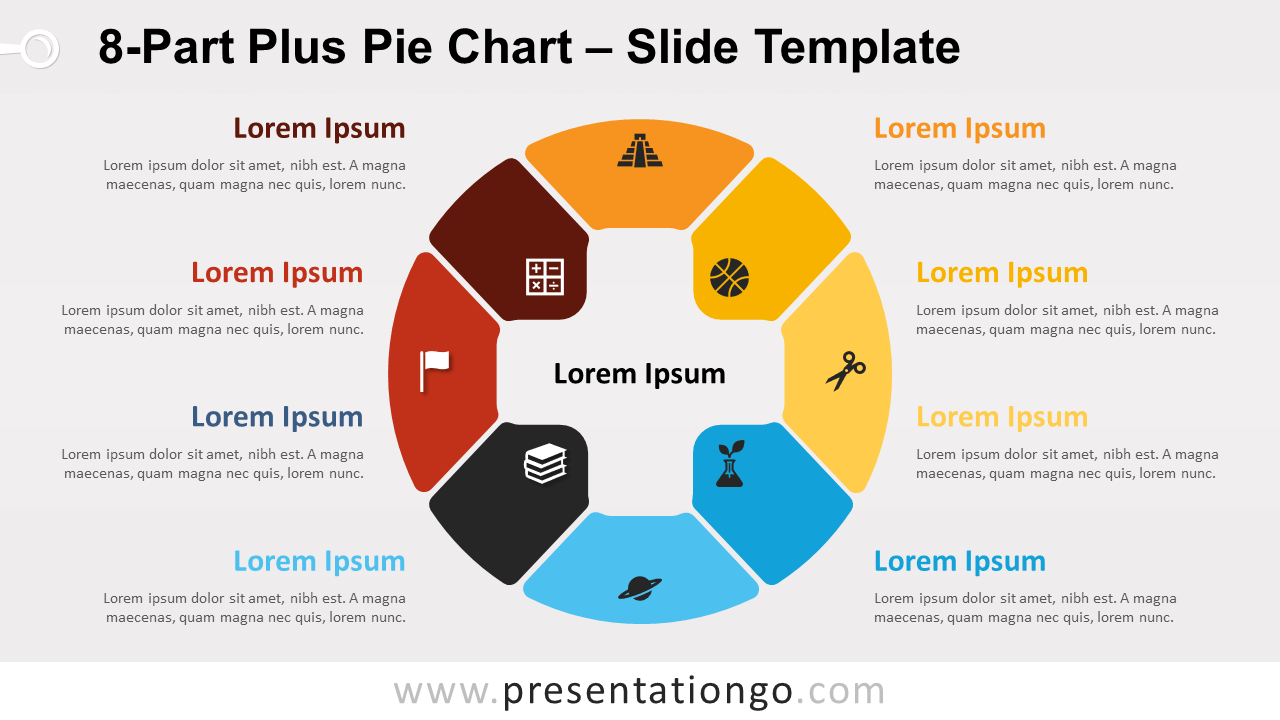
Free 8-Part Plus Pie Chart for PowerPoint and Google Slides. Circular diagram with 8 options and a cross-shaped negative space in the center.
Template Details
Free 8-Part Plus Pie Chart for PowerPoint and Google Slides. A circular diagram with eight options and a cross-shaped negative space in the center. Editable graphics with icons and text placeholders. Do you want to share your ideas in a positive, playful, and colorful way? Try this 8-Part Plus Pie Chart template ! Its circular shape will make your world and your presentation go round! The central design represents a round shape reminiscent of a volleyball. It is indeed divided into 8 parts with distinct colors, thus giving you 8 options to present your ideas. Besides, you can include icons in each segment to illustrate your concepts or groups of information. The central part has the shape of a cross or a plus sign (negative space), in which you can write the name of your main idea . Thanks to its circular form, you can also use this 8-Part Plus Pie Chart slide template as a circular process , showing the conversions and evolutions of the steps or stages of your process, project, or workflow.
- Source
- PresentationGo
- Format
- pptx
- File size
- 151 KB
- Downloads
- 0
- Slides
- 2
- Aspect Ratio
- 16:9
Author / Copyright:PresentationGo
Original source:PresentationGo original