 100% Free
Alternating Timeline Flow
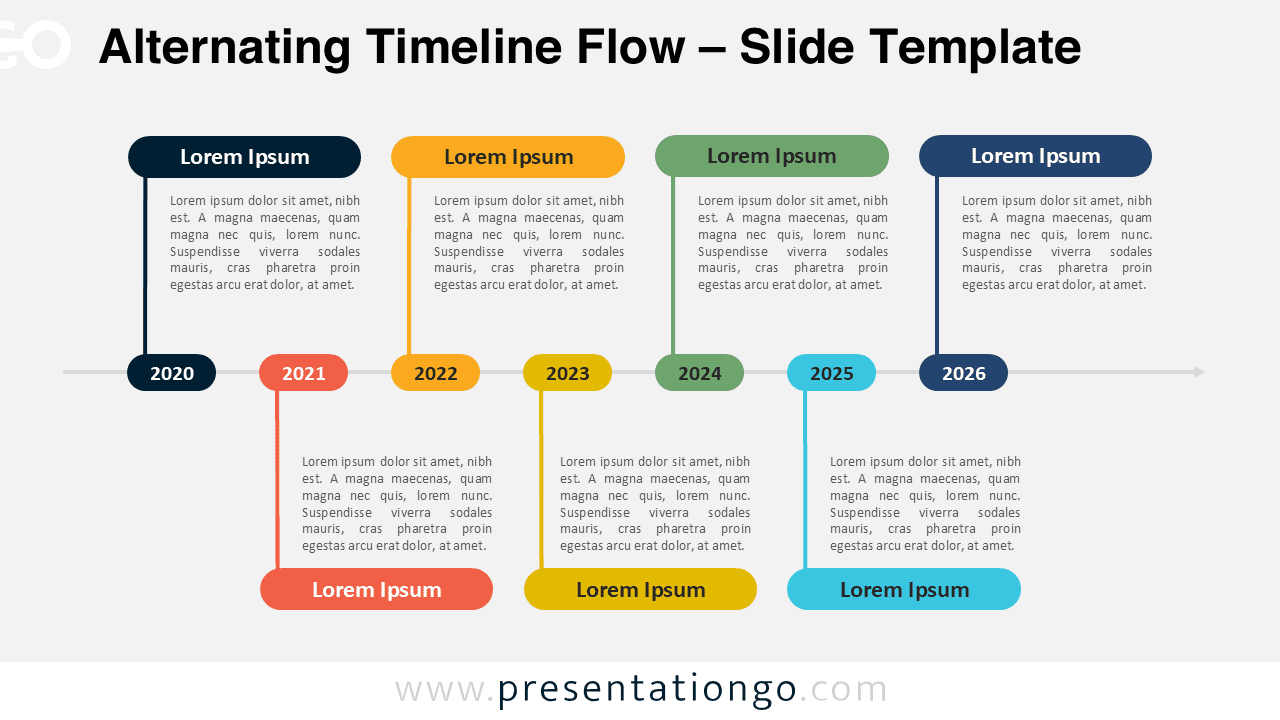
Download this Alternating Timeline Flow template for PowerPoint and Google Slides to easily present seven key steps or events.
Template Details
The Alternating Timeline Flow presents a seven-step chronological sequence for PowerPoint and Google Slides, featuring an organized horizontal axis with alternating content placement for clear visualization of historical events or project milestones. Timelines are commonly used to represent historical progressions, project plans, or event sequences. This particular diagram allows users to visually map out up to seven major events or steps in a process. Its clean structure ensures your audience can easily track progression, making it a versatile tool for visualizing business roadmaps, project milestones, or even personal growth timelines. For instance, you can showcase the major milestones in your product development journey or use it to highlight key achievements across the past year. The template’s fully editable features mean users can easily customize each segment to match their specific presentation needs.
Template Features
- 2 unique slides
- Options for both light and dark themes
- Pre-populated with icons and text placeholders
- Fully customizable shapes for complete control
- Available in both Standard (4:3) and Widescreen (16:9) ratios
- Offered in both PowerPoint PPTX and Google Slides formats
- Source
- PresentationGo
- Format
- pptx
- File size
- 92 KB
- Downloads
- 0
- Slides
- 2
- Aspect Ratio
- 16:9
Author / Copyright:PresentationGo
Original source:PresentationGo original