 100% Free
Concave Heptagon for PowerPoint and Google Slides
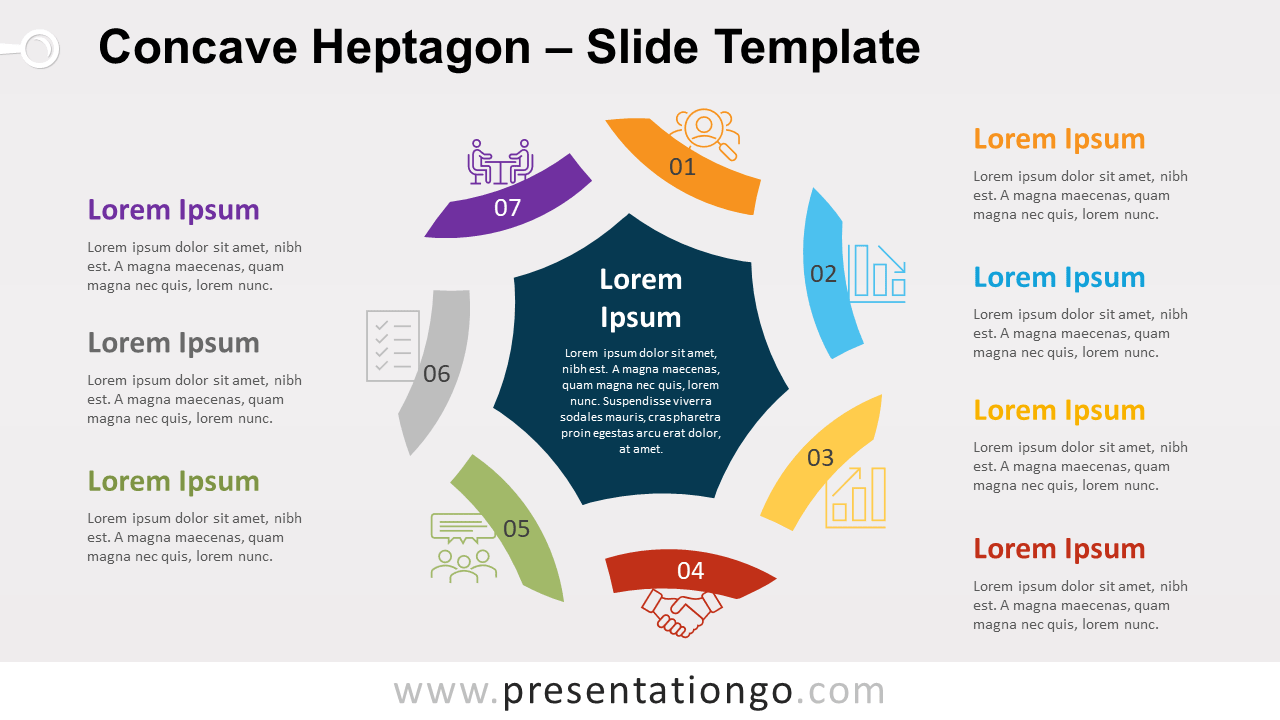
Free concave heptagon for PowerPoint and Google Slides. A central dark blue heptagon with 7 concave individual shapes around.
Template Details
Free concave heptagon for PowerPoint and Google Slides. A central dark blue heptagon with 7 concave individual shapes around. Editable graphics with icons and text placeholders. Need to surprise your audience with an original infographic? This free Concave Heptagon template gives you 7 options to do so! So, project this circular diagram and your public will be in seventh heaven! In the center of this colorful chart, you can see a dark blue heptagon with concave sides. You can actually use it as a text placeholder to explain your central idea. Around it, there are seven little banners with different colors, for you to showcase your peripheral ideas. Indeed, you can include a number inside the banner and an icon above it. If it is not enough, you also have 7 text placeholders to specify your thoughts or pieces of information in writing. This free Concave Heptagon template will grab everybody’s attention in the glimpse of an eye. It is ideal to present either 7 ideas linked to a central one, or a circular process with 7 steps or stages.
- Source
- PresentationGo
- Format
- pptx
- File size
- 217 KB
- Downloads
- 0
- Slides
- 2
- Aspect Ratio
- 16:9
Author / Copyright:PresentationGo
Original source:PresentationGo original