 100% Free
Layered Five-Part Pyramid
Download the Layered Five-Part Pyramid template for PowerPoint & Google Slides—perfect for illustrating multi-step processes.
Template Details
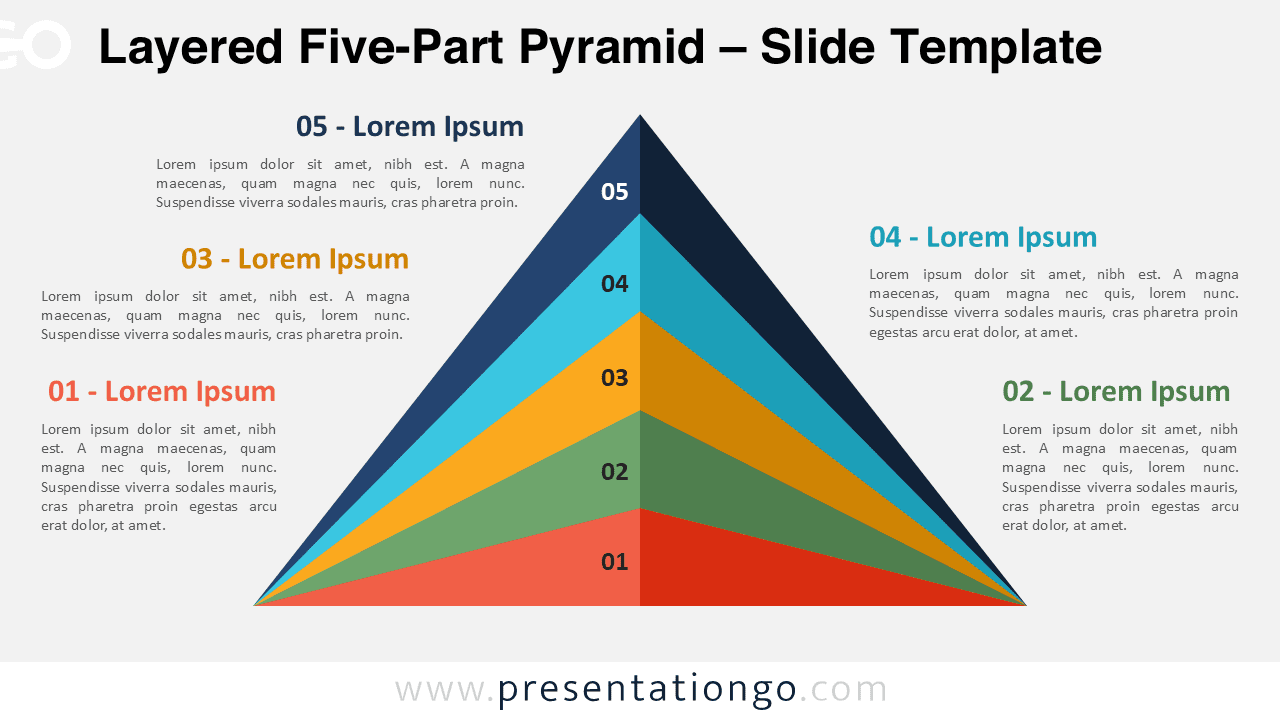
The Layered Five-Part Pyramid diagram template features five distinct numbered sections in a hierarchical structure designed specifically for PowerPoint and Google Slides presentations. This five-part pyramid template showcases an innovative layered design with a three-dimensional effect that adds depth and visual interest. The mirror and folding effects create symmetry and dynamism, making the information flow naturally from bottom to top. Each of the five numbered sections stands out clearly, allowing for simple identification and logical progression through your content. The purposeful triangular structure naturally draws attention upward, representing growth, hierarchy, or achievement, while the layered design emphasizes the relationship between different components. Pyramid diagrams excel at communicating hierarchical relationships or processes that build upon each other. This five-part template works particularly well for presenting organizational hierarchies, strategic frameworks, marketing funnels, or skill development progressions. For instance, a business consultant might use it to illustrate the five stages of implementing a new strategy, while a training specialist could demonstrate the five competency levels employees need to master. Marketing professionals find pyramid diagrams invaluable for showing customer journey stages or conversion funnels where each layer represents a different phase of engagement.
Template Features
- 2 unique slides
- Options for both light and dark themes
- Pre-populated with numbers and text placeholders
- Fully customizable shapes for complete control
- Available in both Standard (4:3) and Widescreen (16:9) ratios
- Offered in both PowerPoint PPTX and Google Slides formats
- Source
- PresentationGo
- Format
- pptx
- File size
- 93 KB
- Downloads
- 0
- Slides
- 2
- Aspect Ratio
- 16:9
Author / Copyright:PresentationGo
Original source:PresentationGo original