 100% Free
Layered Ribbon Pyramid for PowerPoint and Google Slides
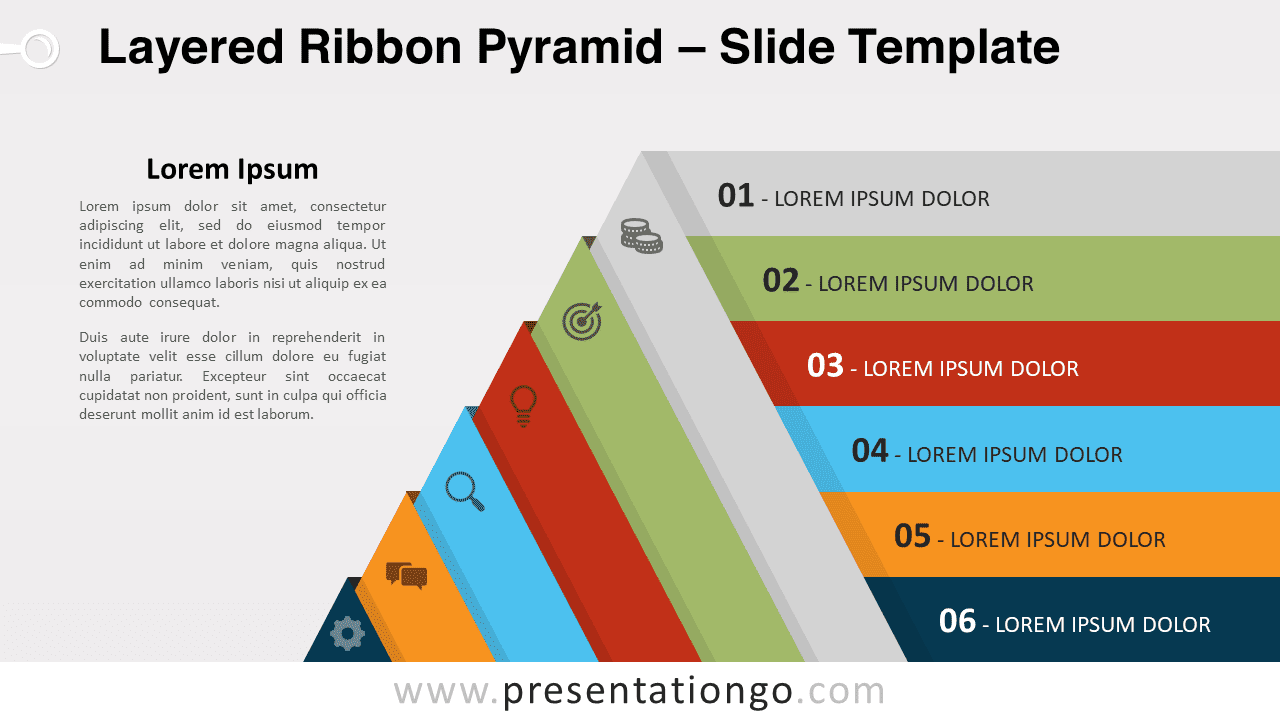
Boost slides with the Layered Ribbon Pyramid for PowerPoint, ideal for showcasing processes and hierarchies in a clear layout.
Template Details
Elevate your presentations with the Layered Ribbon Pyramid, a versatile and customizable template designed for clarity and impact. Its pyramidal design with horizontal projections is ideal for illustrating hierarchies or processes in a visually engaging way. Imagine a dynamic blend of form and function – six diagonal layers, each with a corresponding horizontal shadow, creating a 3D effect on your slide. Icons on the left anchor the content, while editable text placeholders on each layer allow for detailed explanations, making the template a narrative powerhouse. This slide template is perfect for business strategies, marketing plans, or educational materials. It can transform complex data into a structured story, ideal for presenters aiming to communicate stages of development or priority levels. For instance, use it to detail the steps in a product launch, or to display organizational roles in a corporate hierarchy. In conclusion, the “Layered Ribbon Pyramid for PowerPoint and Google Slides” is more than just a template; it’s a storytelling facilitator. It’s crafted for presenters who demand excellence and engagement in their visuals. Harness its potential to make your next presentation not just seen, but remembered.
- Source
- PresentationGo
- Format
- pptx
- File size
- 126 KB
- Downloads
- 0
- Slides
- 3
- Aspect Ratio
- 16:9
Author / Copyright:PresentationGo
Original source:PresentationGo original