 100% Free
Split-Screen Comparison Cards
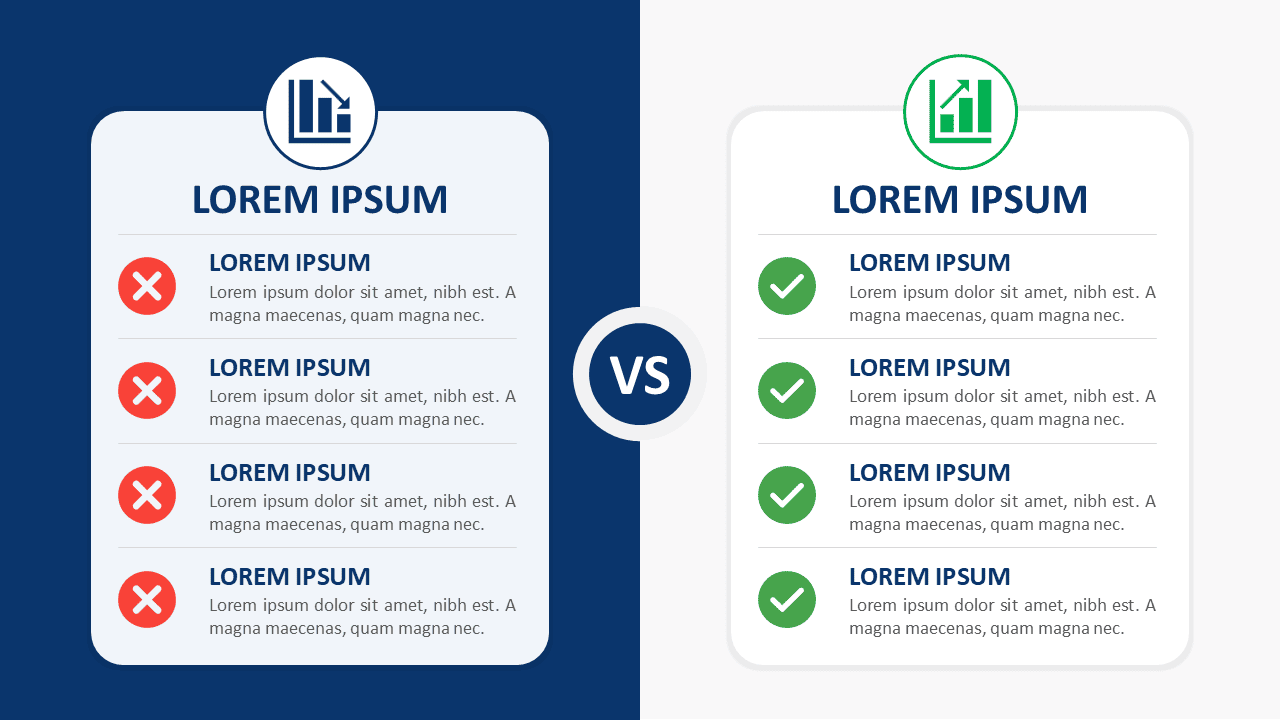
Download Split-Screen Comparison Cards for PowerPoint and Google Slides. Compare two options across four clear points with fully editable content.
Template Details
The Split-Screen Comparison Cards diagram gives you a clear way to compare two options within one slide. Its balanced side-by-side structure helps viewers evaluate differences without jumping between separate layouts. Each card provides four distinct comparison points, making the design useful for structured business discussions, reviews, and decision-making presentations. A central “VS” element visually connects both sides while keeping each option easy to scan. Short headings, supporting text, and status icon placeholders create a repeatable visual hierarchy. The diagram works in PowerPoint and Google Slides and can be adapted for many comparison scenarios.
- Source
- PresentationGo
- Format
- pptx
- File size
- 95 KB
- Downloads
- 0
Author / Copyright:PresentationGo
Original source:PresentationGo original
Related resources

Check Out This Vintage Illustrated Thesis Defense Presentation Template
Discover our Brown Vintage Scrapbook themed Thesis Defense Presentation! Engage with old education, research, and history topics in high school or college. Fully customizable and 100% free to use!