 100% Gratis
Curved Accent Map Pins for PowerPoint and Google Slides
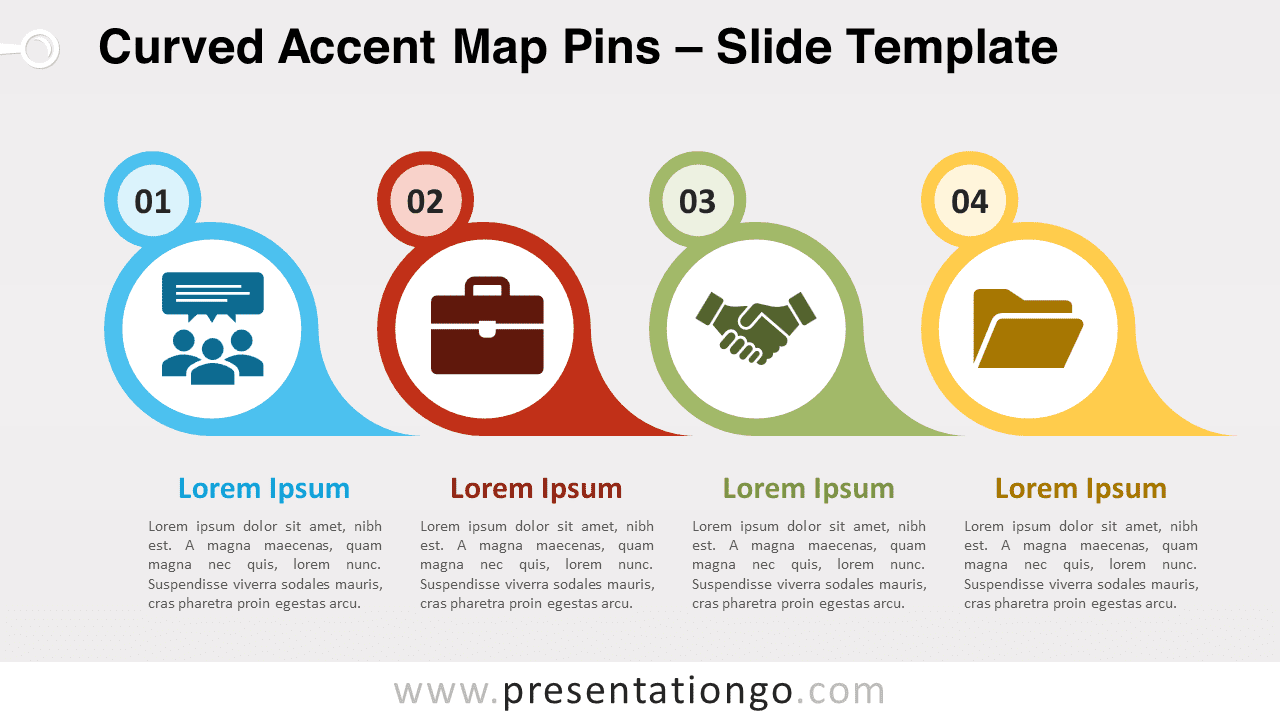
Free curved accent map pins for PowerPoint and Google Slides. A series of editable teardrop-shaped markers with a right curved tail.
Detalles de la plantilla
Free curved accent map pins for PowerPoint and Google Slides. A series of teardrop-shaped markers with a right curved tail. Editable graphics with numbers, icons, and text placeholders. During your presentations, you always need to find the clearest, most eye-catching charts to get your information across. So, it is high time for you to accentuate your ideas and put them on the map with this free Curved Accent Map Pins template! This simple yet impactful slide shows 4 map pins aligned horizontally. They have a curved accent shape that makes them look like abstract snails or tape rollers, ideal to show the progression from one step to the next. These represent your 4 options , list of ideas or steps in a process. You can indeed include a large icon inside a white circle to illustrate your stages. Furthermore, you will find smaller circles to insert the numbers of steps in your process. Finally, there are 4 text placeholders below each pin to explain your steps or thoughts. This free Curved Accent Map Pins template is a great diagram for you to display linear processes with 4 steps. You can also list 4 ideas or items of information.
- Fuente
- PresentationGo
- Formato
- pptx
- Tamaño
- 111 KB
- Descargas
- 0
- Diapositivas
- 2
- Relación
- 16:9
Autor / Copyright:PresentationGo
Fuente original:PresentationGo original