 100% Gratis
Left-Right-Up Arrows for PowerPoint and Google Slides
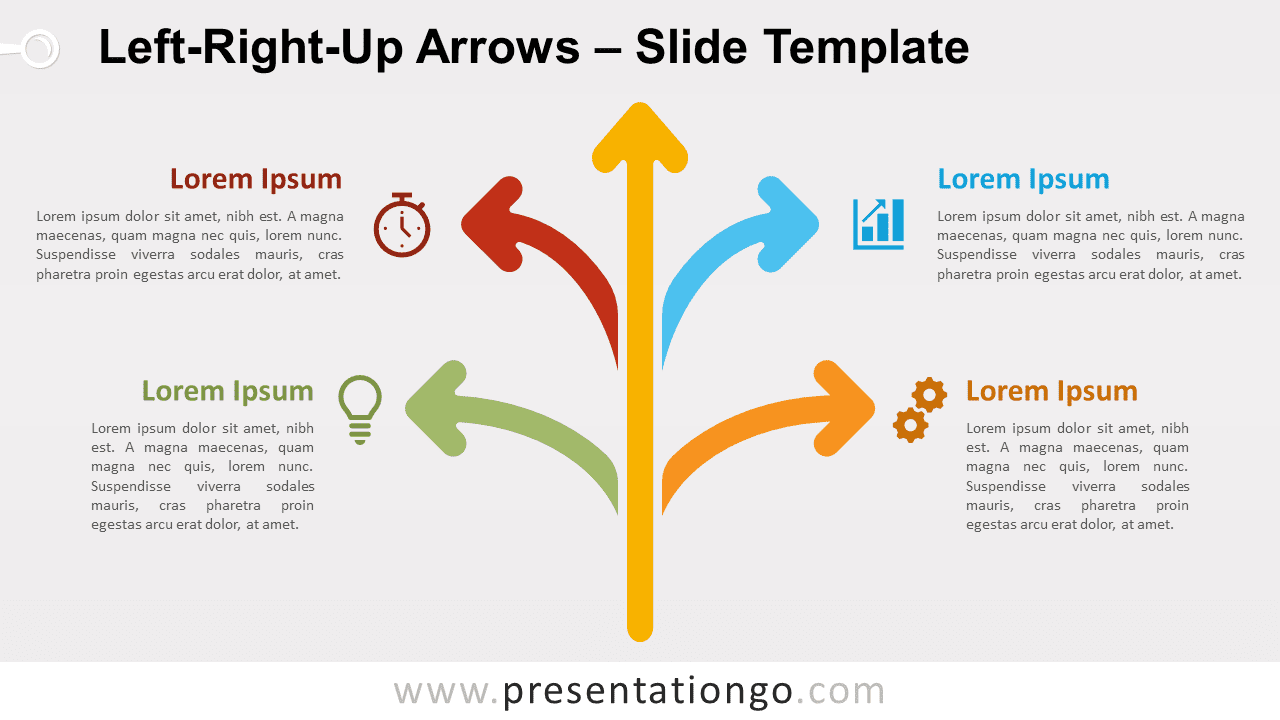
Free left-right-up arrows for PowerPoint and Google Slides. Illustration of a main vertical arrow and two more curved arrows on each side.
Detalles de la plantilla
Free left-right-up arrows for PowerPoint and Google Slides. Illustration of a main vertical arrow and two more curved arrows on each side. Editable graphics with icons and text placeholders. Where do you want to lead your audience? Thanks to this free Left-Right-Up Arrows design, the answer is practically anywhere! This simple yet indispensable slide displays a main vertical arrow and two more curved arrows on each side, like a trunk and the branches of a tree. Indeed, this infographic gives you 4 or 5 options to present your info. The 5 arrows also look like water gushing out of a fountain. At the end of each arrow, you can include an icon, a title, and a fair amount of text too. If you want to present 4 or 5 elements of information, items, or data that are related or hierarchically organized, this free Left-Right-Up Arrows diagram will show you the way!
- Fuente
- PresentationGo
- Formato
- pptx
- Tamaño
- 134 KB
- Descargas
- 0
- Diapositivas
- 2
- Relación
- 16:9
Autor / Copyright:PresentationGo
Fuente original:PresentationGo original