 100% Gratuit
Arrow Ribbons for PowerPoint and Google Slides
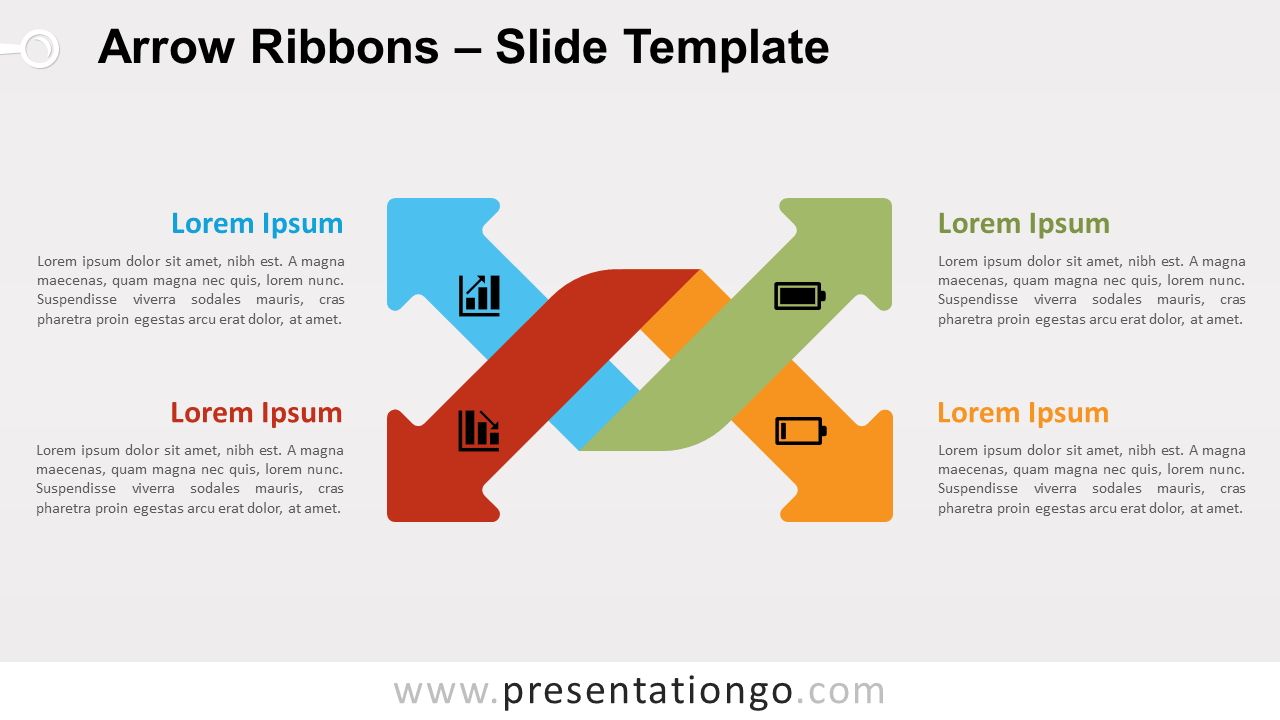
Free arrow ribbons for PowerPoint and Google Slides. A versatile infographic for your slides with 2 intertwined arrows. Editable graphics.
Détails du modèle
Free arrow ribbons for PowerPoint and Google Slides. Diagram template slide of two (2) intertwined left-right arrows. 2 arrows are pointing upwards, and 2 downwards. Editable graphics with icons and text placeholders. The 2 intertwined left-right arrows create an interesting graphic, that you can use for various purposes. For example, it may be used as a matrix diagram , where you can show the placement of concepts along two axes (vertical and horizontal). Also, this illustration could be perfect to compare 2 dichotomous, opposite ideas or contrasting concepts, like “good vs. bad”, “positive vs. negative”, “strengths vs. weaknesses” (for the SWOT analysis), etc. Slide #2 is specially designed for that purpose with only the red color (for the down arrow, a color associated with negative elements) and the green color (positive).
- Source
- PresentationGo
- Format
- pptx
- Taille
- 95 KB
- Téléchargements
- 0
- Diapositives
- 3
- Format
- 16:9
Auteur / Copyright:PresentationGo
Source d’origine:PresentationGo original