 100% Gratuit
Infographic Chevron for PowerPoint and Google Slides
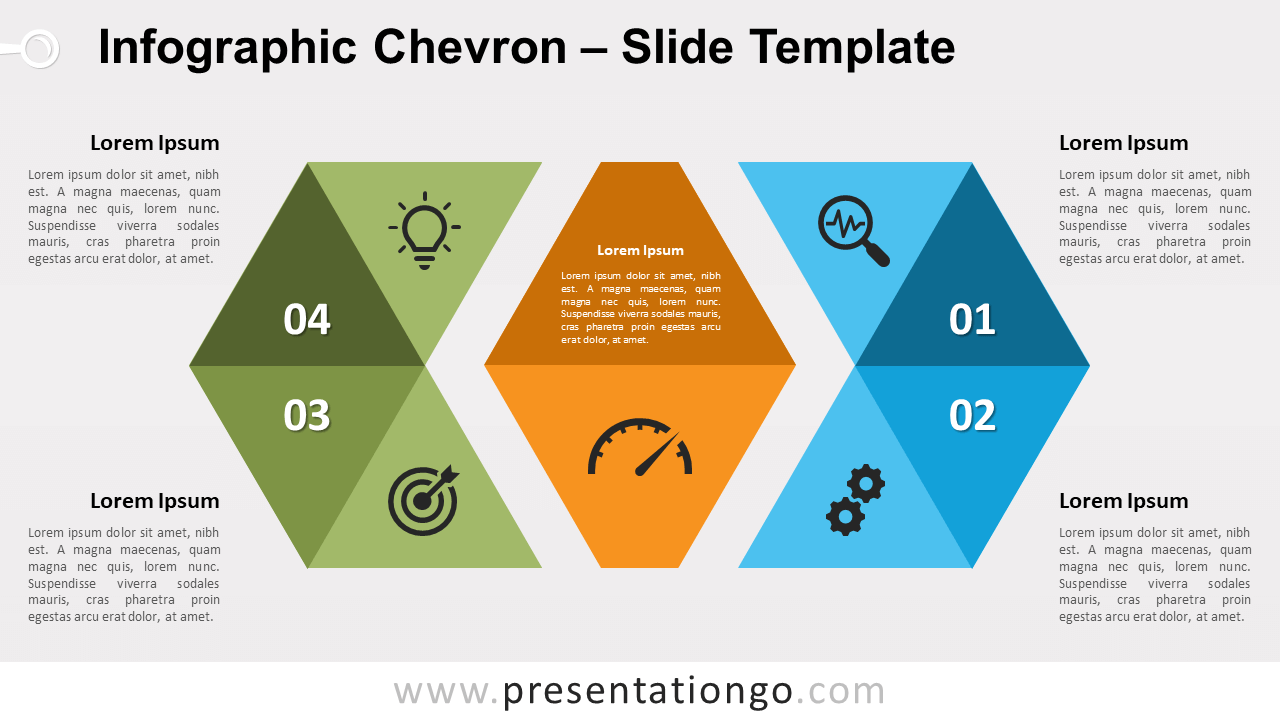
Free infographic Chevron for PowerPoint and Google Slides. A radial geometric graphic with 2 diverging chevron shapes and a central element.
Détails du modèle
Free infographic Chevron for PowerPoint and Google Slides. A geometric radial graphic with 2 diverging chevron shapes and a central element. Designed with triangles. Editable graphics with numbers, icons, and text placeholders. That’s a fact, using uncommon and original graphics will make your presentation more captivating. Also, they will strengthen your message and make it more visual and thus memorable . More specifically, we used triangle shapes to create this infographic design. Once we formed the hexagonal horizontal shape, we separated the 2 extreme sides (the chevrons) from the center block. In the end, the graphic illustrates 2 opposite blocks and another one in the middle. These chevron shapes, just like arrows, seem to diverge from the center shape. This geometric design offers a very versatile option for your slides. Indeed, you can adapt it in many different contexts. You can also use it for 2, 4, and up to 8 options. Finally, you can remove one side of the infographic too… customize it to make it yours! For example, you can use it as a radial diagram where you can show relationships to a central idea .
- Source
- PresentationGo
- Format
- pptx
- Taille
- 100 KB
- Téléchargements
- 0
- Diapositives
- 2
- Format
- 16:9
Auteur / Copyright:PresentationGo
Source d’origine:PresentationGo original