 100% Gratuit
Seesaw Cycle for PowerPoint and Google Slides
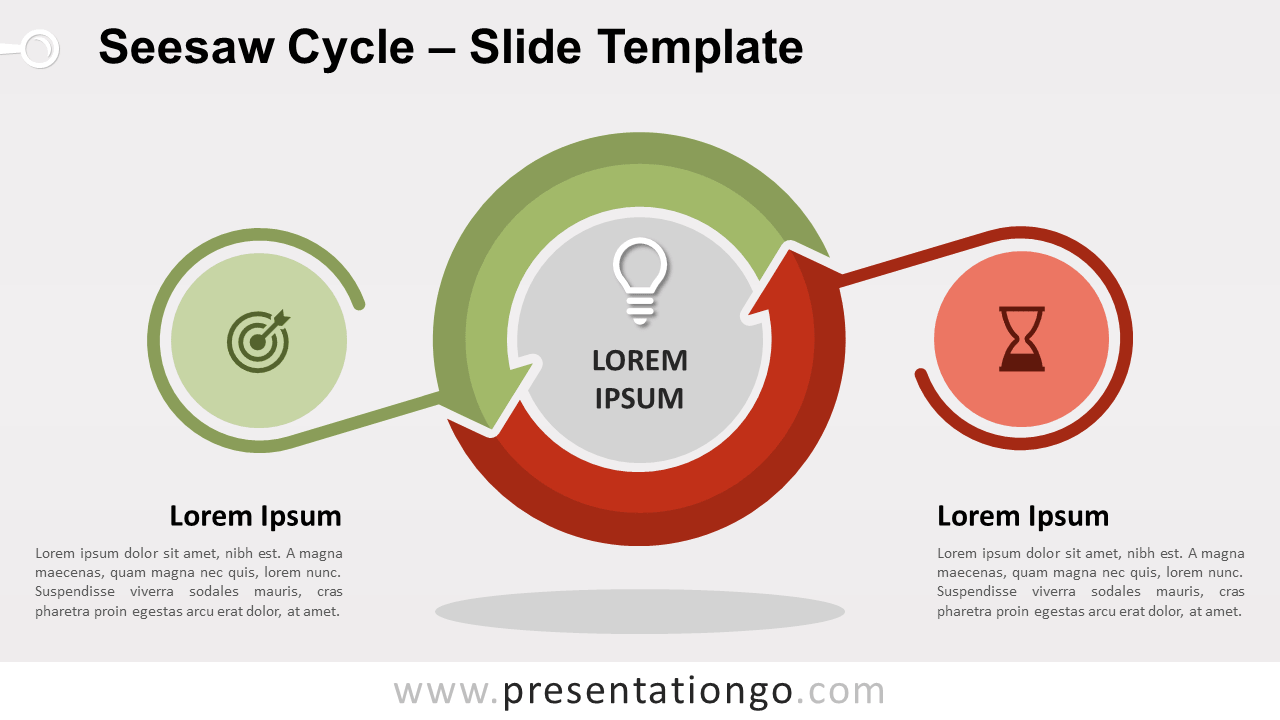
Free seesaw cycle for PowerPoint and Google Slides. Cycle diagram with two circular up-and-down arrows. Perfect to illustrate dichotomous, opposite ideas.
Détails du modèle
Free seesaw cycle for PowerPoint and Google Slides. Cycle diagram with two circular up-and-down arrows. Each end arrow connects to an icon. Editable graphics with icons and text placeholders. This diagram is designed with two semi-circle arrows. Overall, this design looks like the ‘update’ (or ‘refresh’, ‘reload’) icon. More precisely, the circular flow is counterclockwise: they rotate in the opposite direction of any clock. Also, each end arrow is associated with an icon. That creates a sort of balance scale or a seesaw graphic. The circular arrows hence become the pivot point. For example, you can use this illustration in your presentation to compare 2 dichotomous, opposite ideas or contrasting concepts.
- Source
- PresentationGo
- Format
- pptx
- Taille
- 104 KB
- Téléchargements
- 0
- Diapositives
- 2
- Format
- 16:9
Auteur / Copyright:PresentationGo
Source d’origine:PresentationGo original