 100% Gratuit
Simple Icon Blocks for PowerPoint and Google Slides
Unveil the Simple Icon Blocks for PowerPoint & Google Slides: four customizable squares with distinct icons. Elevate your presentation effortlessly.
Détails du modèle
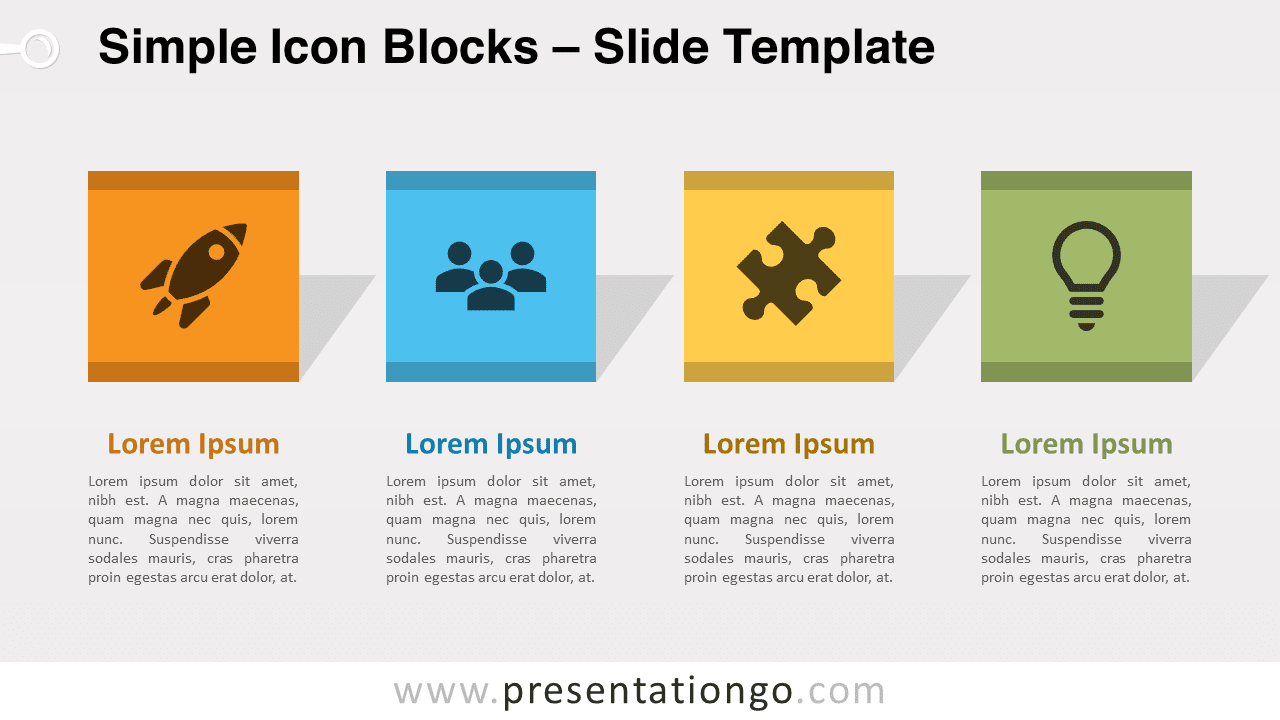
Unveiling our latest slide template: “Simple Icon Blocks for PowerPoint and Google Slides”. This illustration features four colorful squares, each highlighting a distinctive icon. Tailored for presenters, it’s a visual aid that effortlessly integrates into any presentation. Imagine a series of four vibrant squares. Each square boasts a unique color, and at its center is a dominant icon. The icon is enhanced further by a subtle shadow, along with a darker line at both its top and bottom. The design’s elegance lies in its simplicity and the ability for users to customize. Whether you wish to switch out the icons from the Office library or tweak the colors, the adaptability is at your fingertips. Now, why should presenters consider this visual aid for their decks? Well, for one, it’s incredibly versatile. It’s perfect for introducing a four-step process, categorizing topics, or showcasing a set of key company values. For instance, a marketer might use it to outline the four Ps of marketing. Additionally, with placeholders for titles and text, you can concisely detail each element, ensuring your audience stays engaged and informed. In conclusion, our “Simple Icon Blocks for PowerPoint and Google Slides” is not just another slide template. It’s an optimized, customizable, and professional visual aid designed specifically for presenters. Its design emphasizes clarity, while its flexibility ensures relevance to various topics. Elevate your next presentation with this illustration.
- Source
- PresentationGo
- Format
- pptx
- Taille
- 98 KB
- Téléchargements
- 0
- Diapositives
- 2
- Format
- 16:9
Auteur / Copyright:PresentationGo
Source d’origine:PresentationGo original