Loading resources…
Loading categories…
Free PPT templates and design assets in this category — all open for download.
合計 1760 件の素材
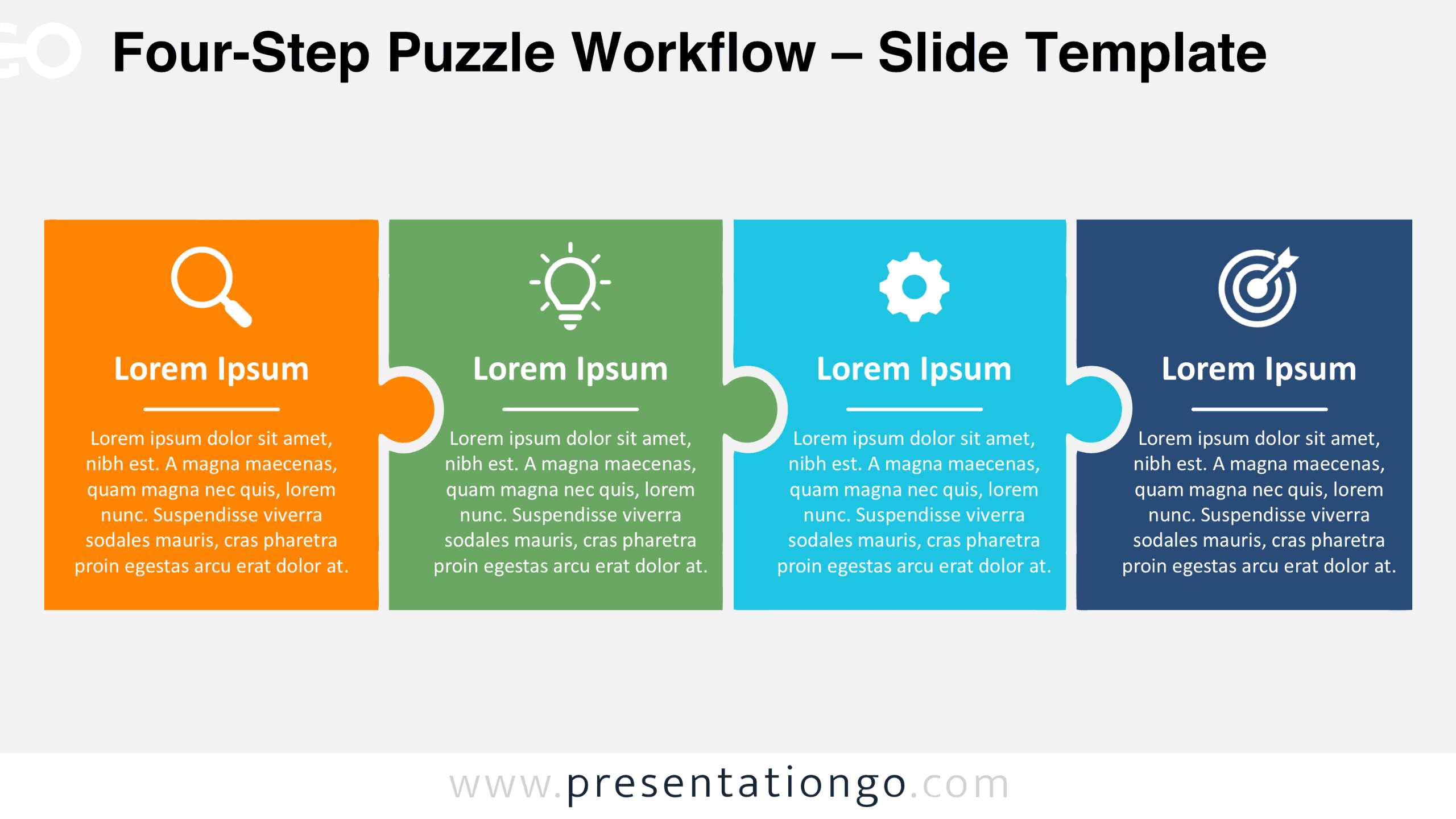
Download the free Four-Step Puzzle Workflow diagram for PowerPoint and Google Slides. Present four connected stages with editable puzzle shapes, text, and icons.
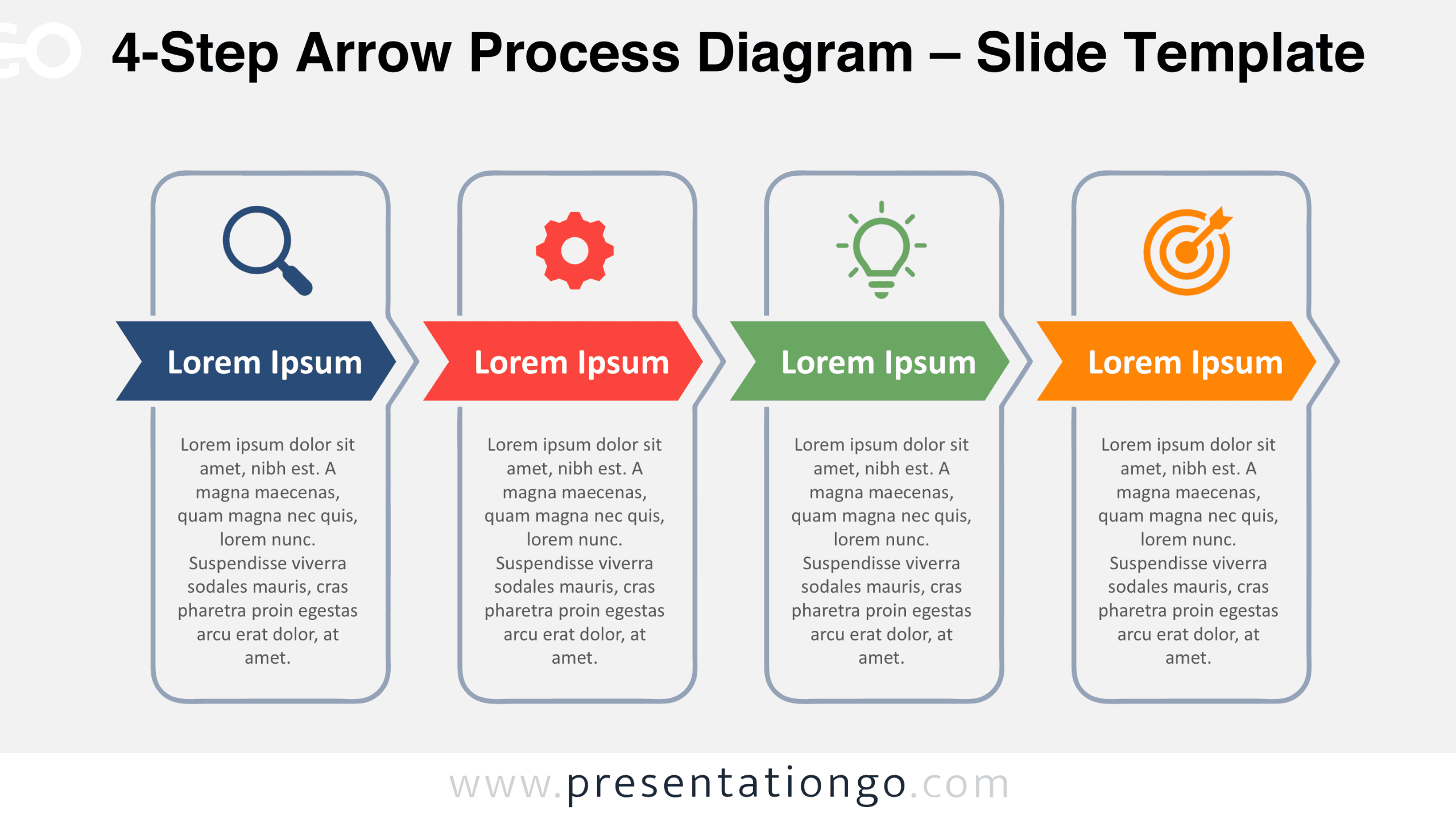
Download the free 4-Step Arrow Process Diagram for PowerPoint and Google Slides. Customize four connected stages with editable text, shapes, and icons.
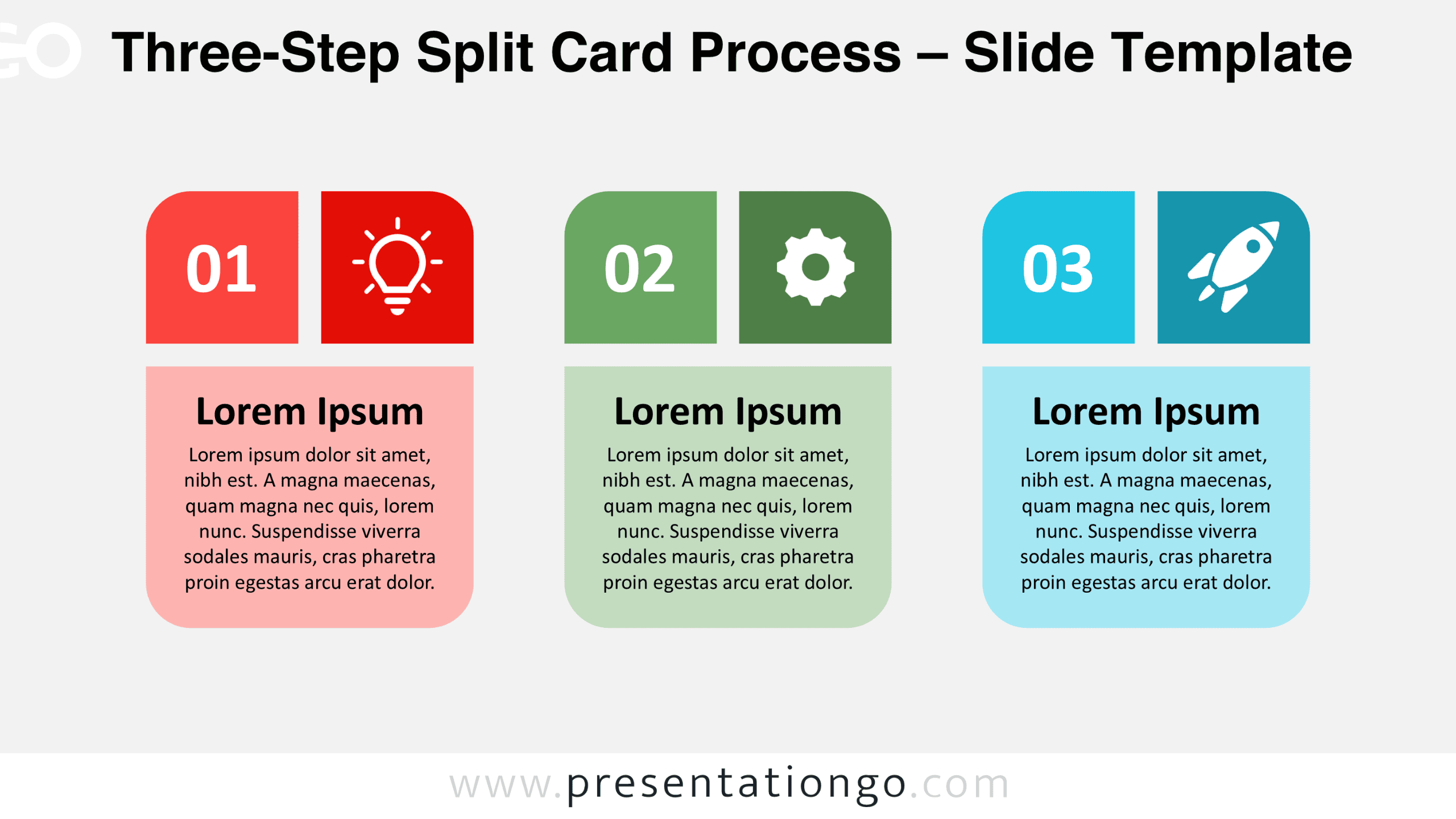
Download the Three-Step Split Card Process for PowerPoint and Google Slides. Edit three numbered cards, icon placeholders, and supporting text for workflows.
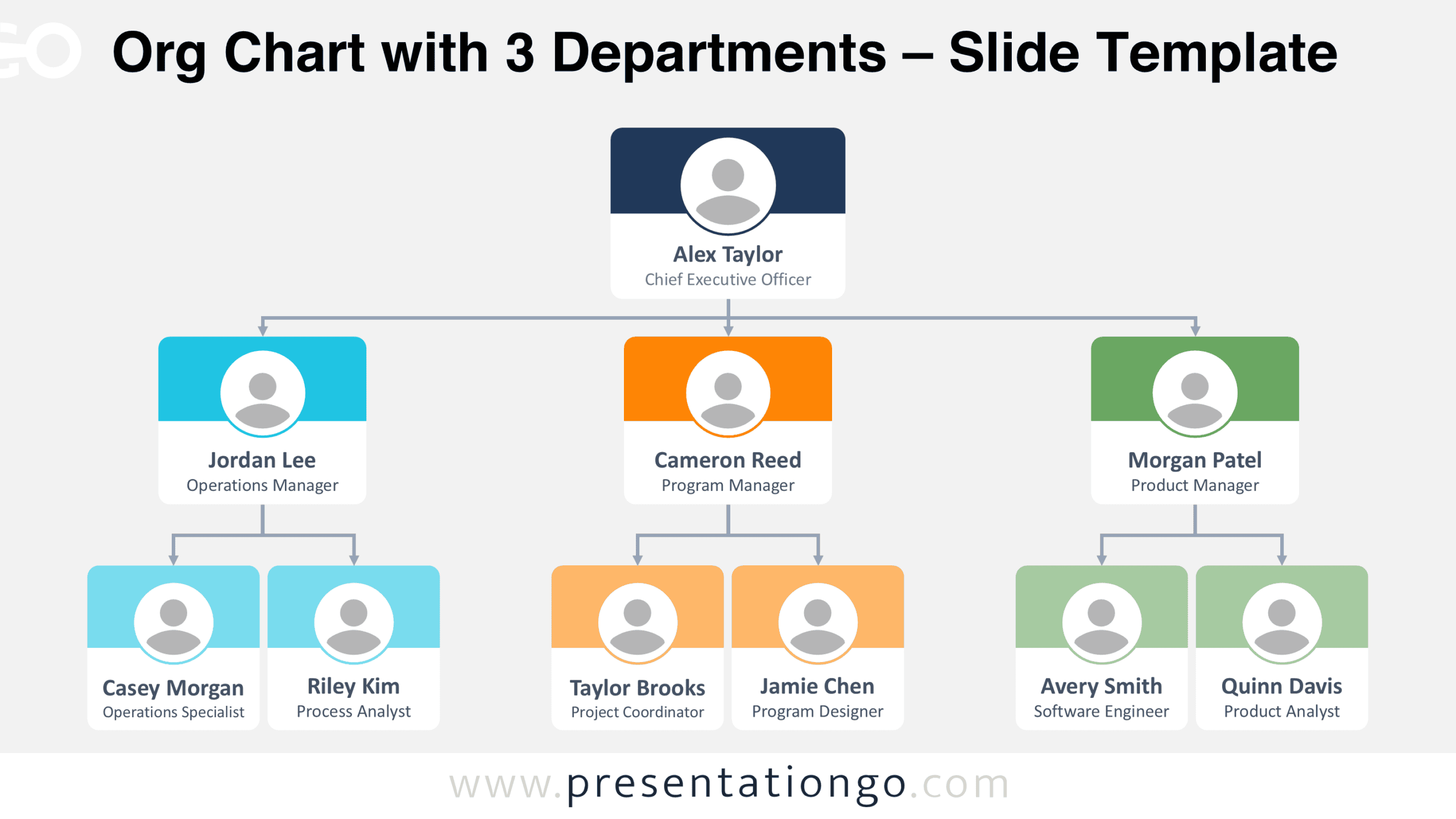
Download the free Org Chart with 3 Departments for PowerPoint and Google Slides. Edit employee profiles, department managers, reporting lines, and job titles.
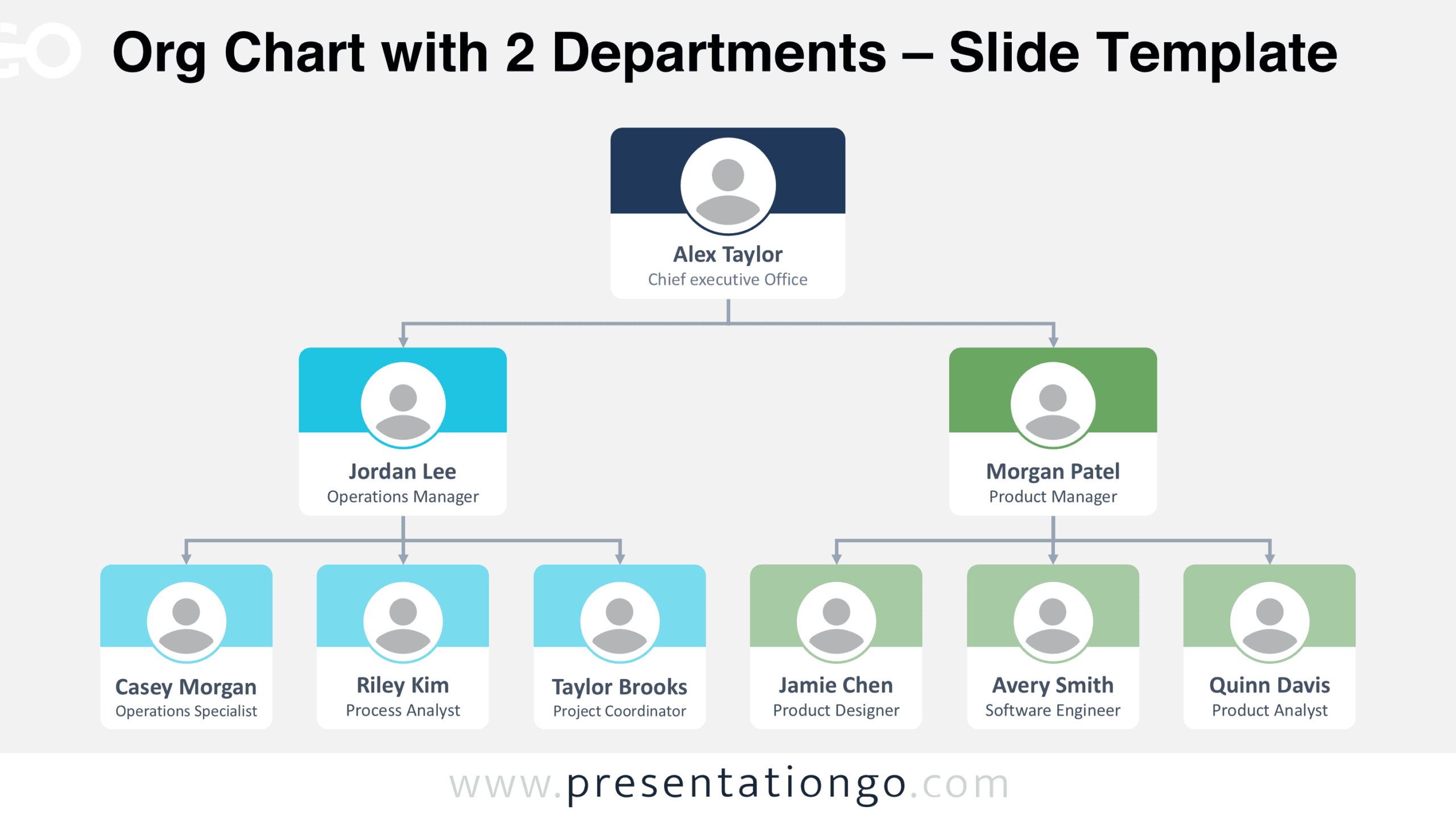
Download the free Org Chart with 2 Departments for PowerPoint and Google Slides. Edit employee cards, reporting lines, department names, and job titles.
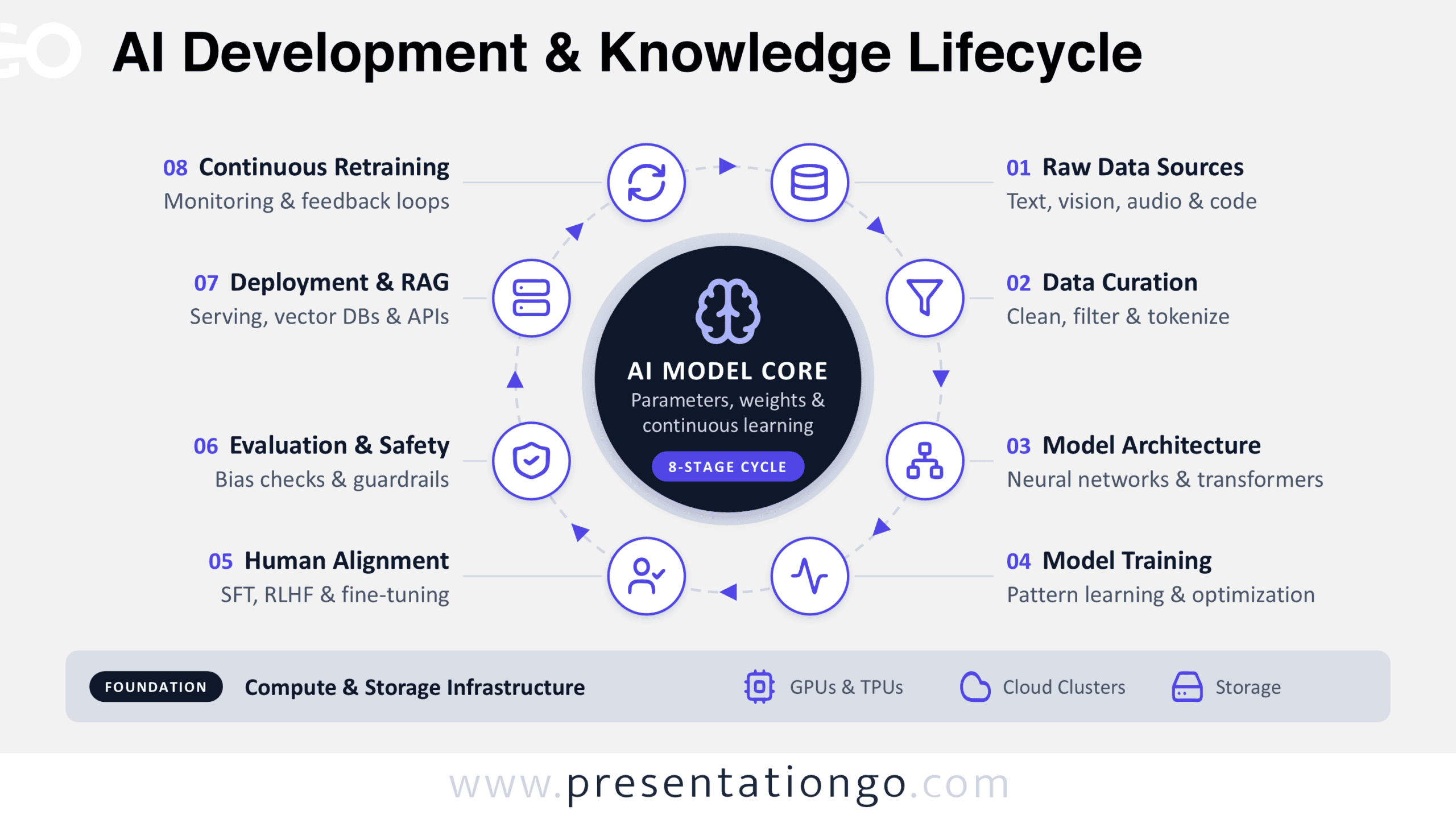
Download the AI Development & Knowledge Lifecycle diagram for PowerPoint and Google Slides to explain data curation, model training, alignment, and deployment.
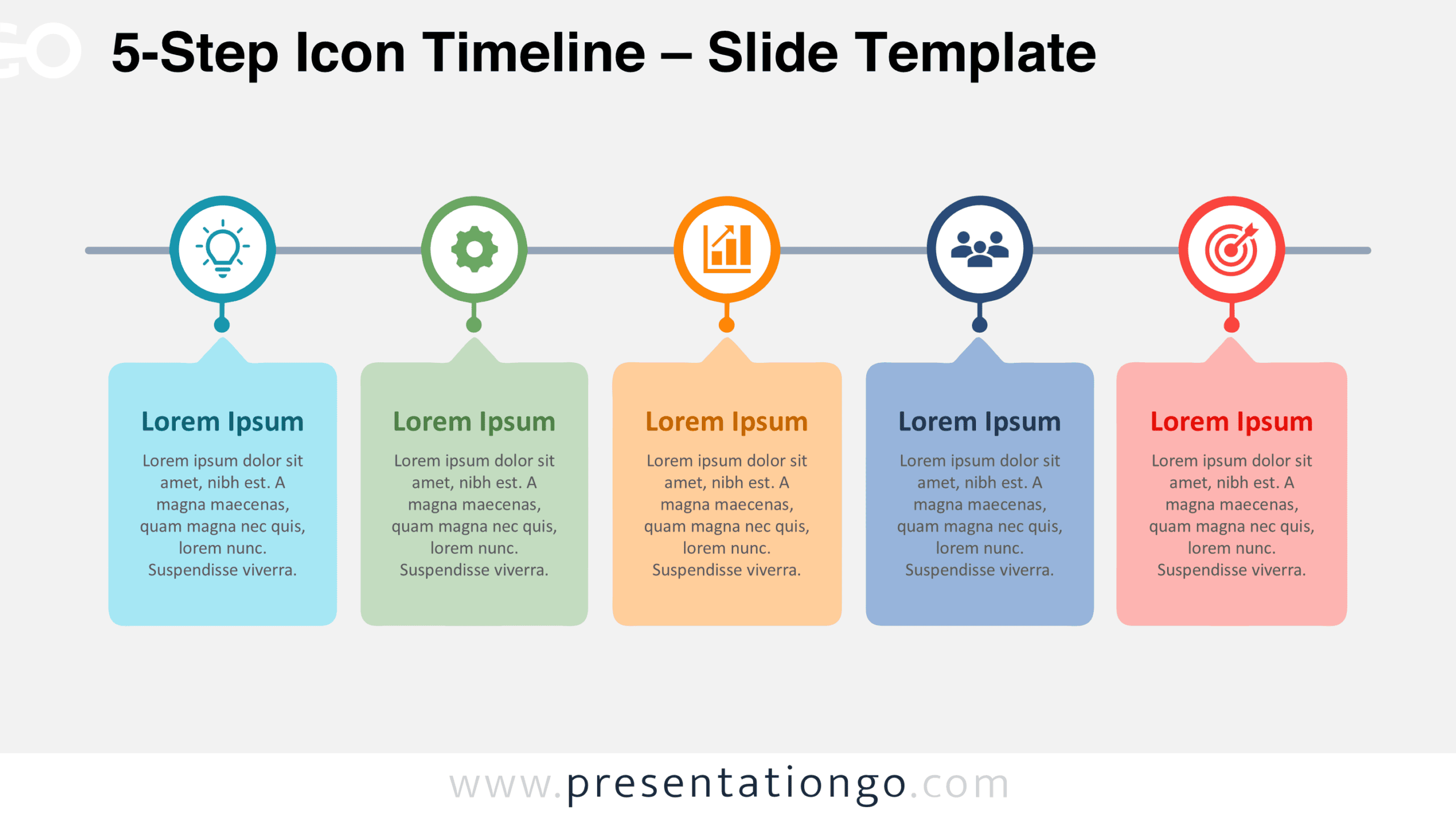
Download the free 5-Step Icon Timeline for PowerPoint and Google Slides. Present five connected milestones with editable icons, text boxes, and a structured layout.
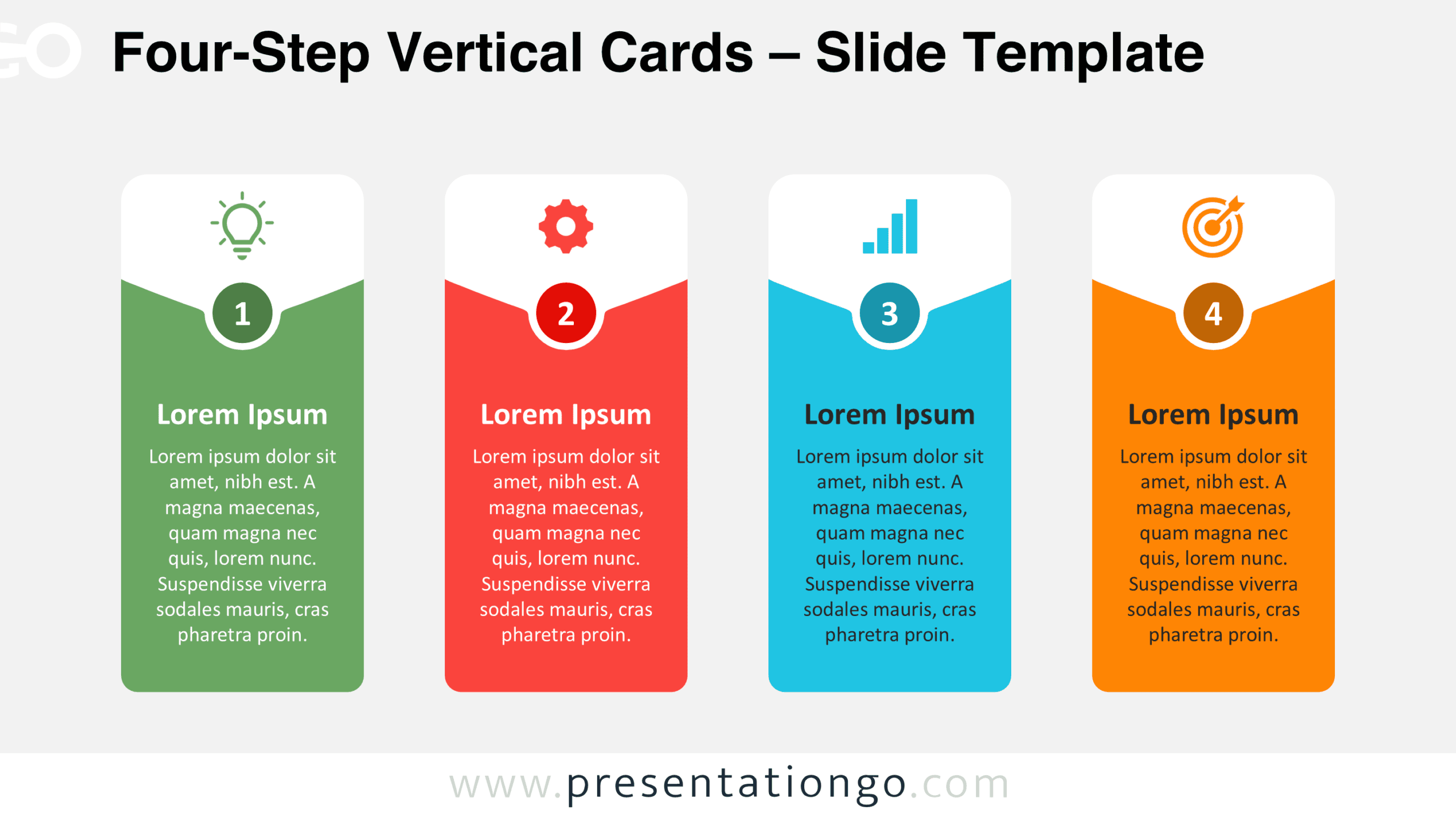
Download Four-Step Vertical Cards for PowerPoint and Google Slides. This free four-stage infographic includes numbered panels, icons, and editable text areas.
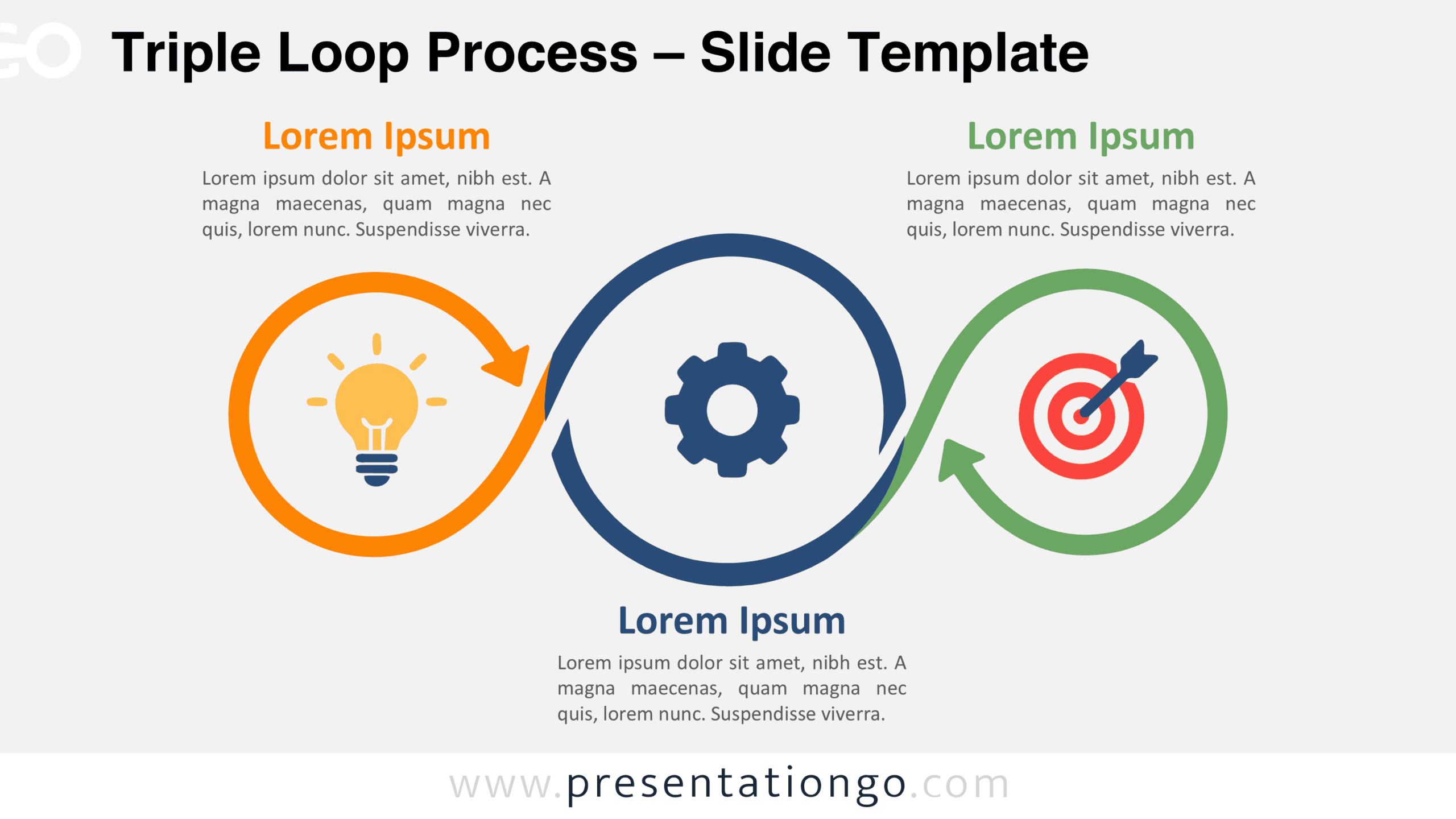
Download the Triple Loop Process diagram for PowerPoint and Google Slides. Present three connected stages with editable arrows, text, and icon placeholders.
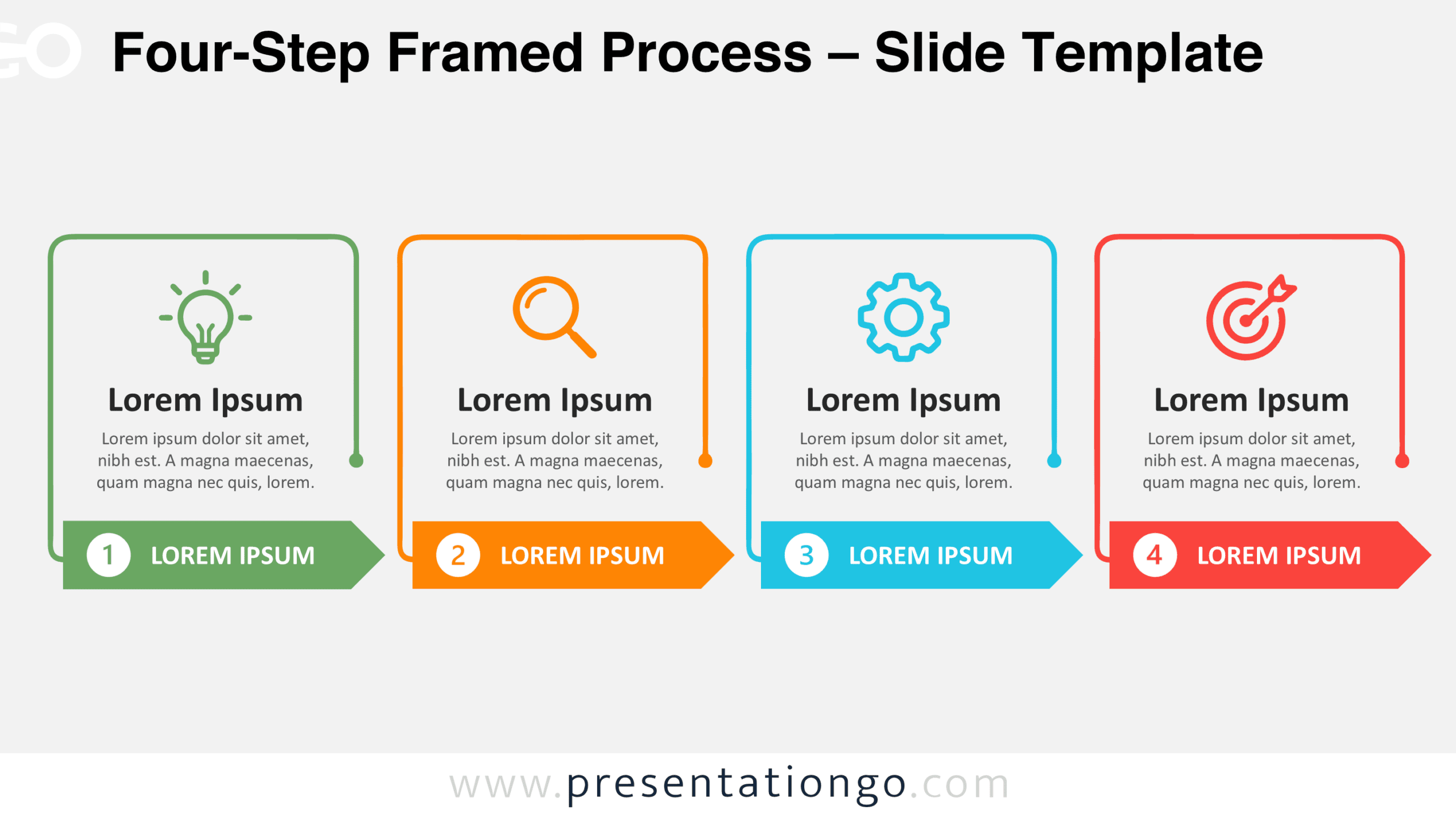
Download the Four-Step Framed Process diagram for PowerPoint and Google Slides. Present four stages with frames, numbered arrows, and icon placeholders.
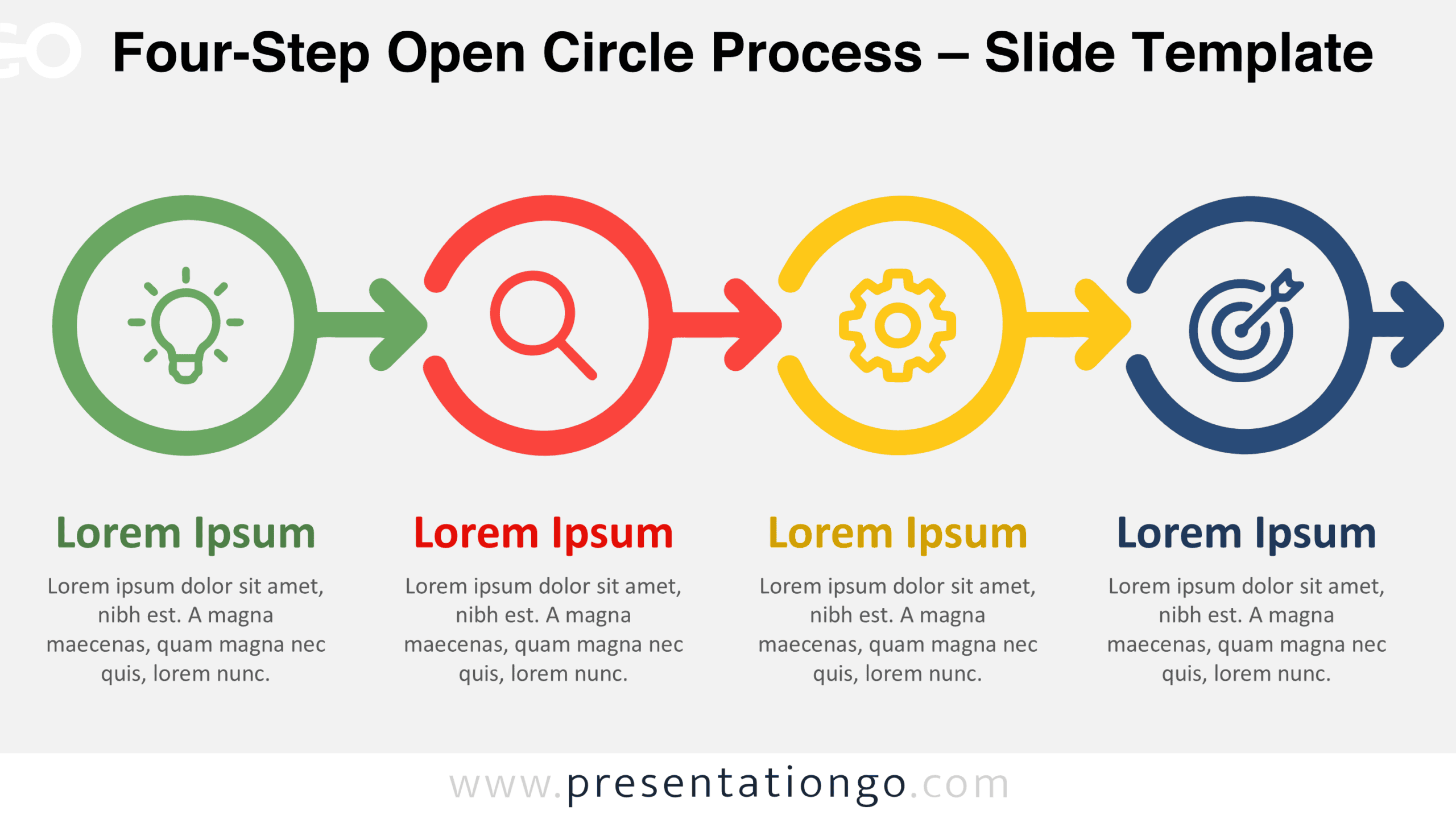
Download the Four-Step Open Circle Process diagram for PowerPoint and Google Slides. Customize four connected stages, arrows, icons, and text for your projects.
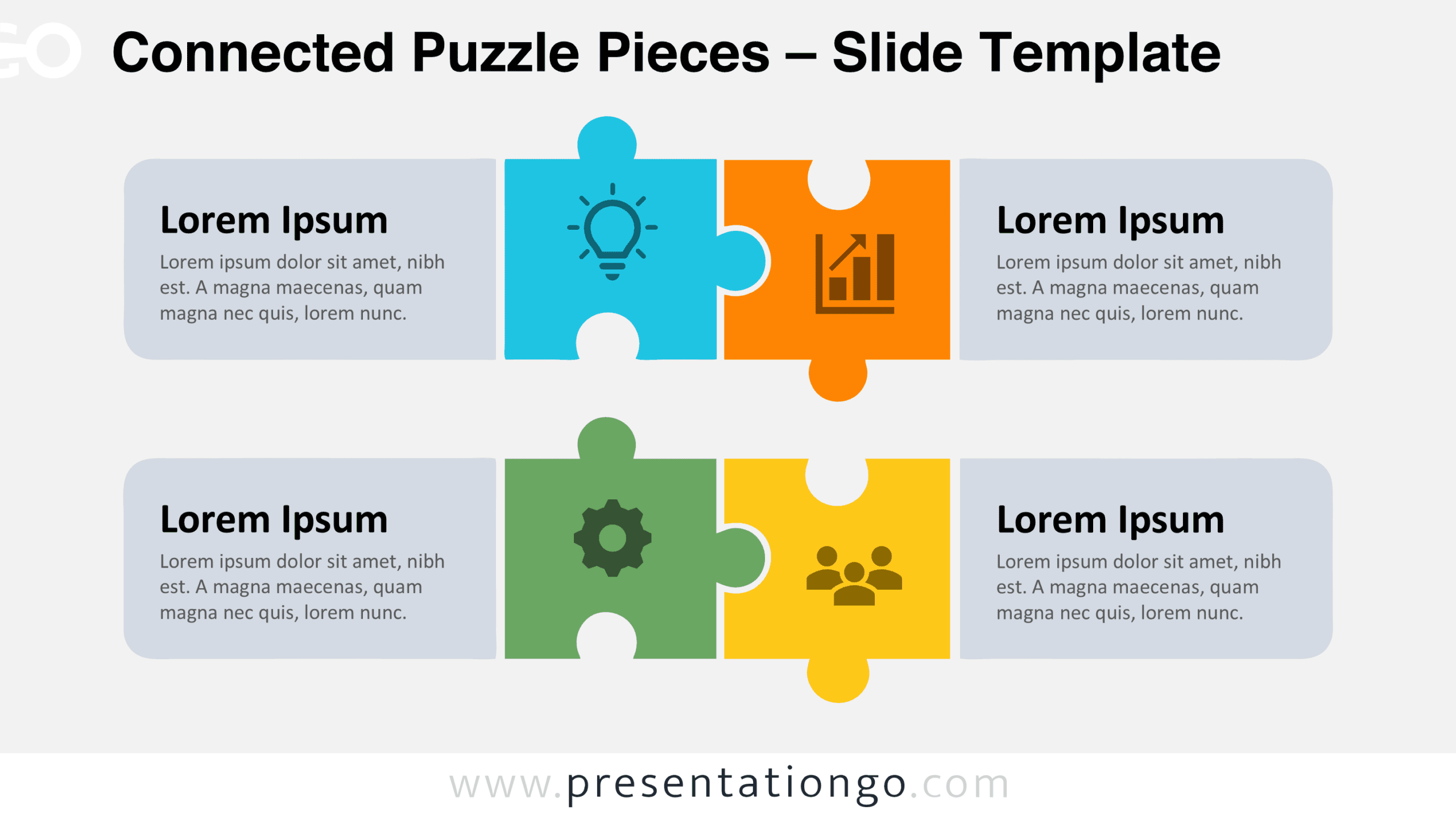
Download the free Connected Puzzle Pieces diagram for PowerPoint and Google Slides. Customize four interlocking pieces, icons, and text for your presentation.
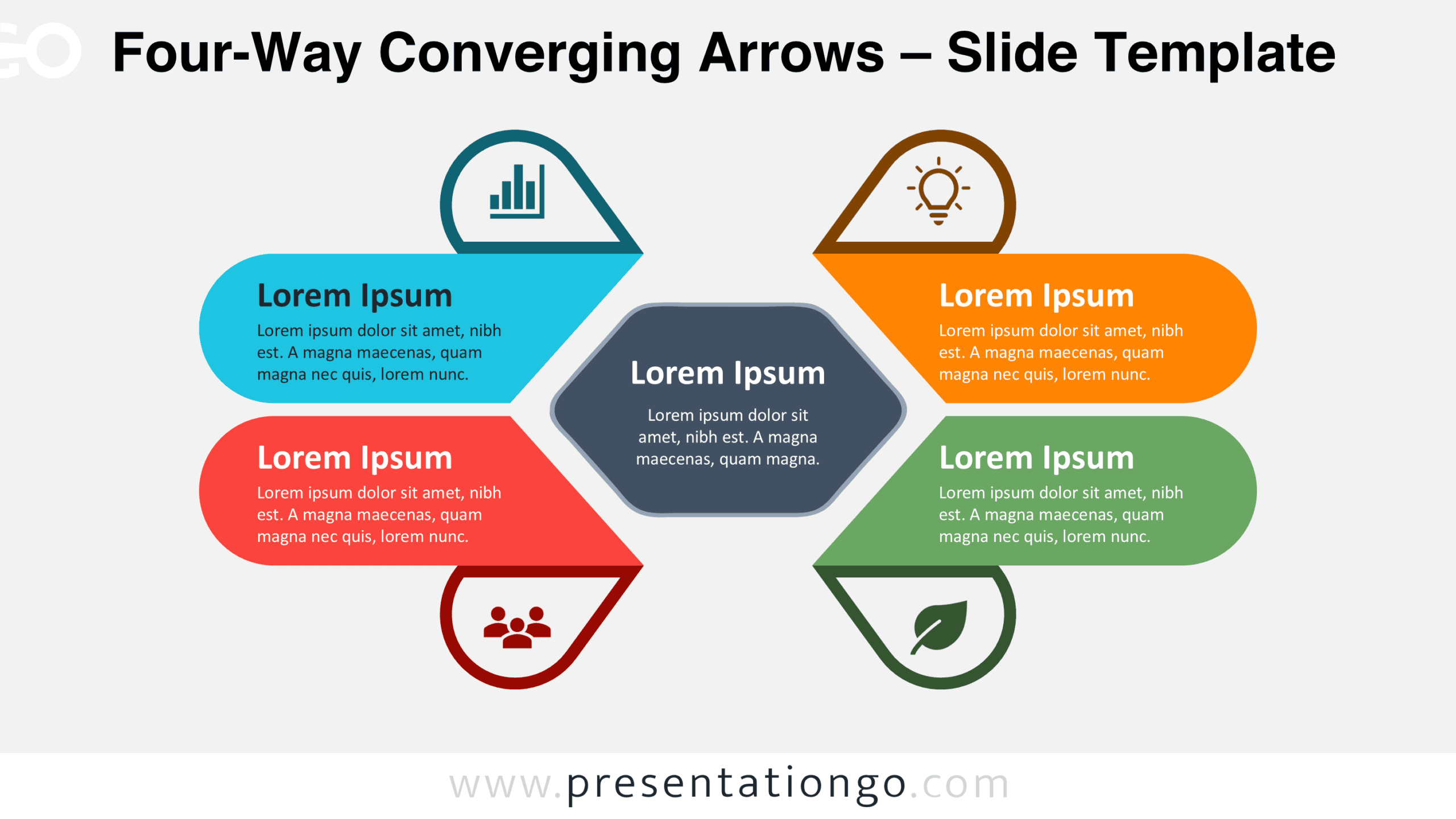
Download the free Four-Way Converging Arrows diagram for PowerPoint and Google Slides. Present four connected ideas around one central goal in your slides.
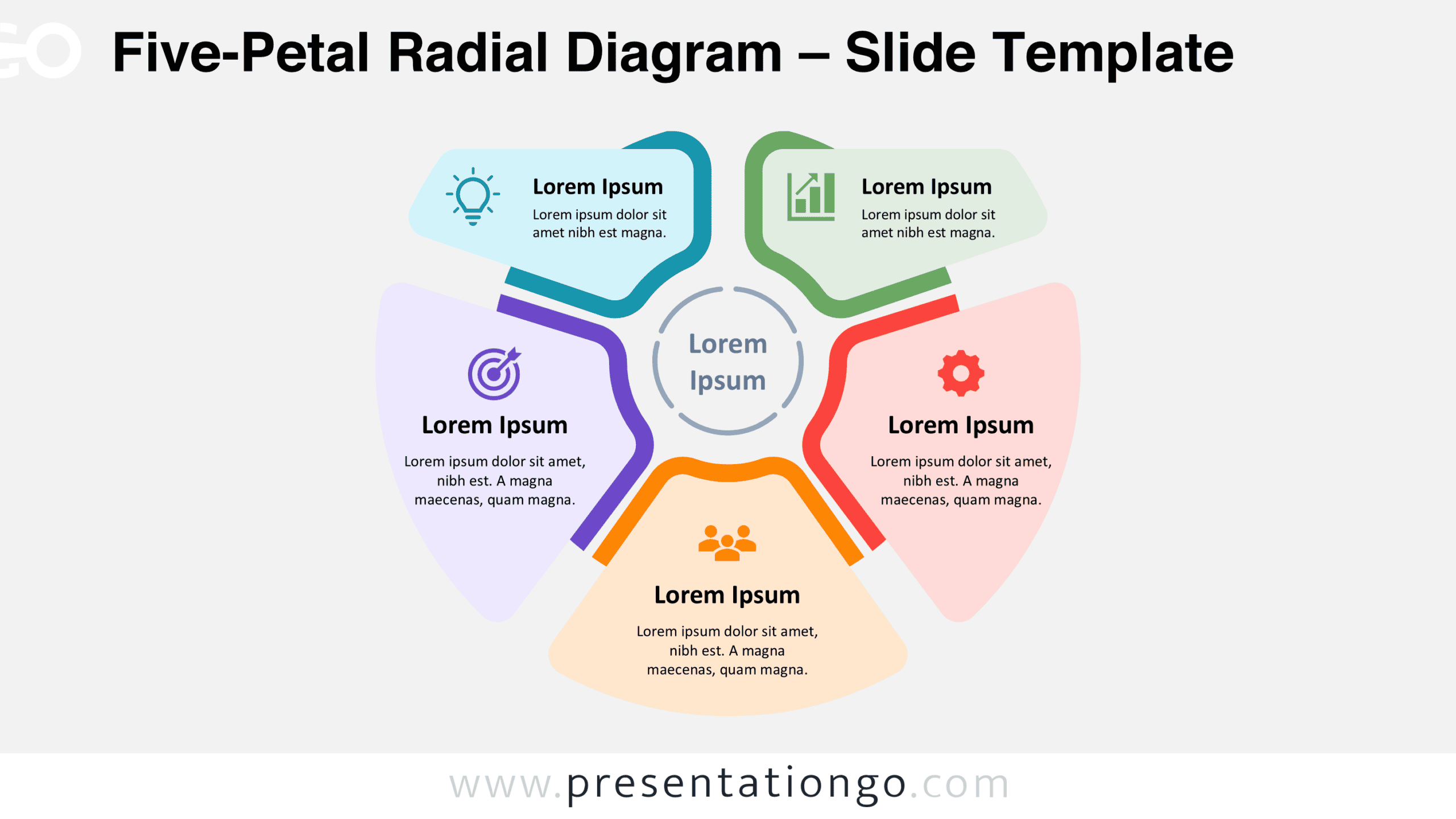
Download the free Five-Petal Radial Diagram for PowerPoint and Google Slides. Customize five interconnected sections, text, and icons to present key ideas.
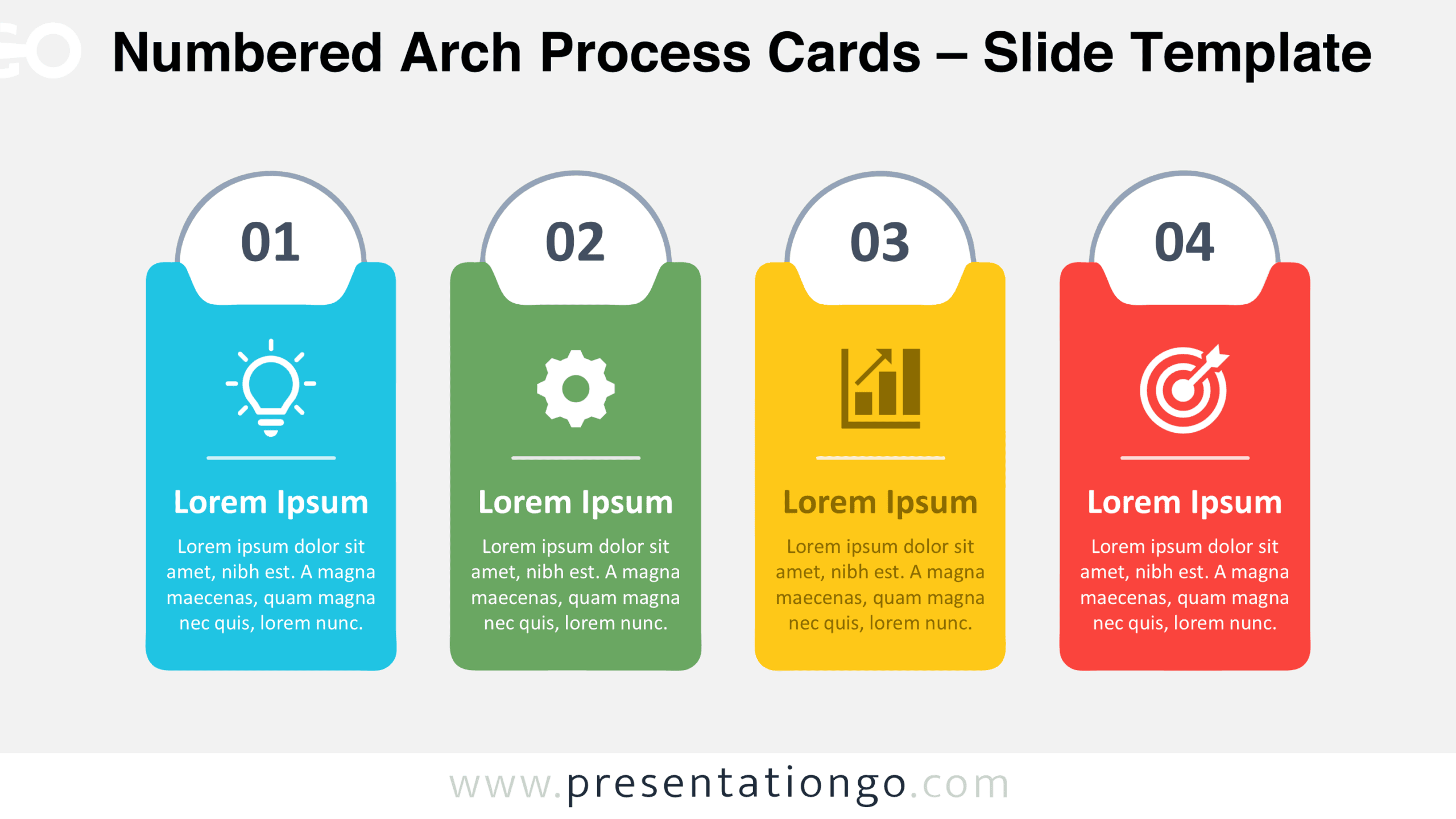
Present four sequential stages with Numbered Arch Process Cards for PowerPoint and Google Slides, featuring editable shapes, text, and icon placeholders.
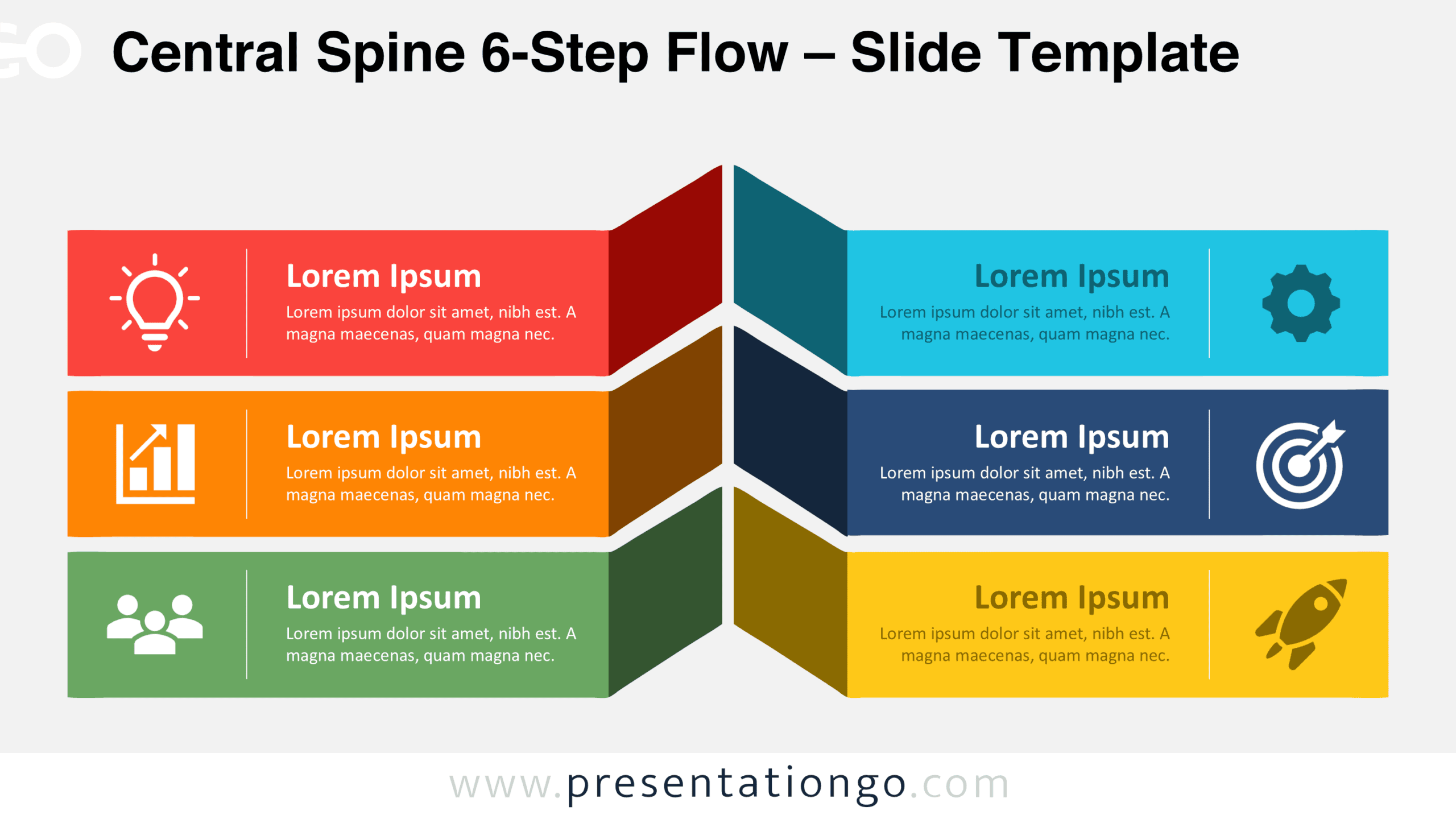
Download the Central Spine 6-Step Flow diagram for PowerPoint and Google Slides. Present six connected ideas, priorities, or process steps in one layout.
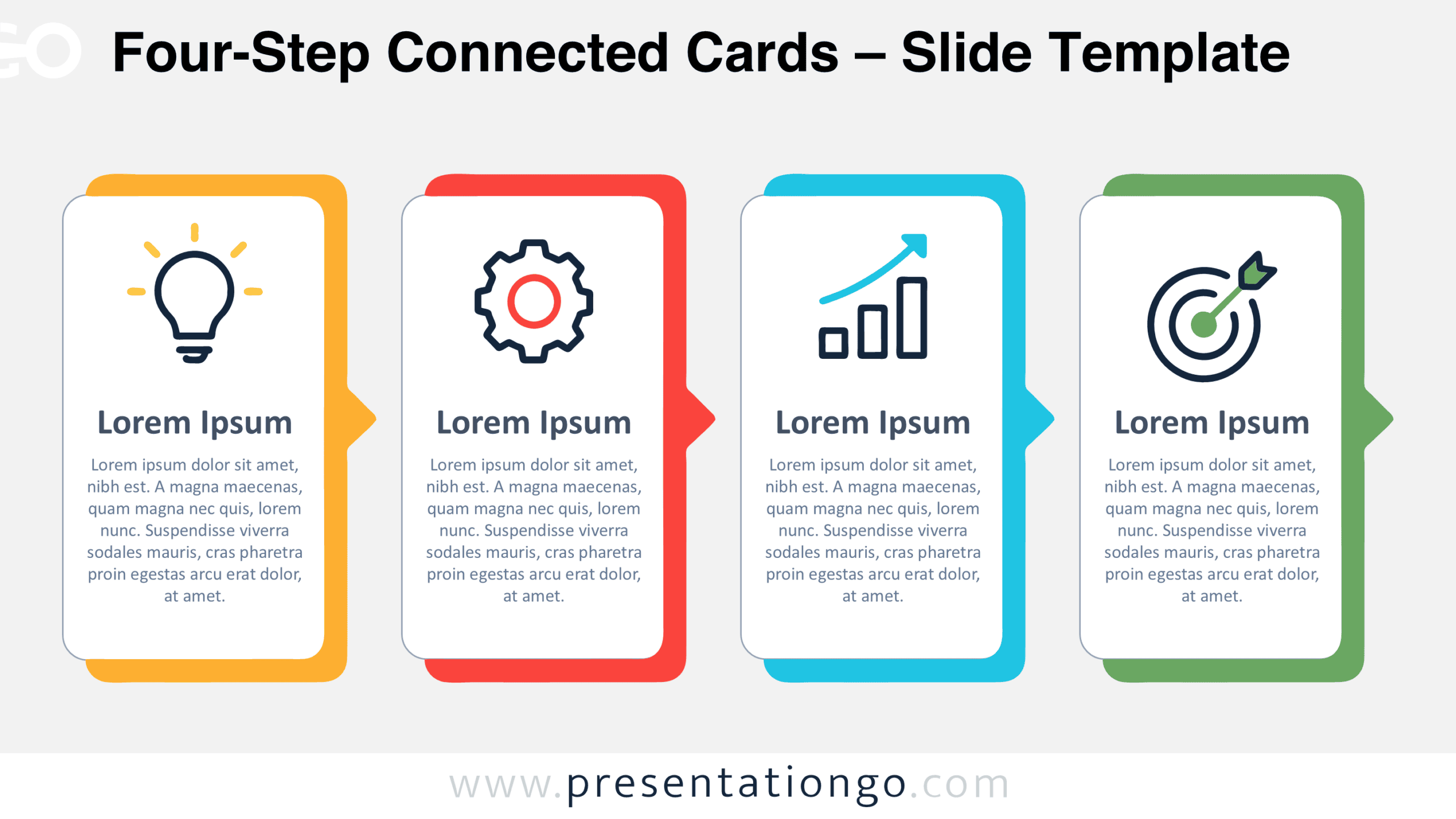
Present four sequential stages with the Four-Step Connected Cards diagram for PowerPoint and Google Slides, featuring editable cards, text, and icons.
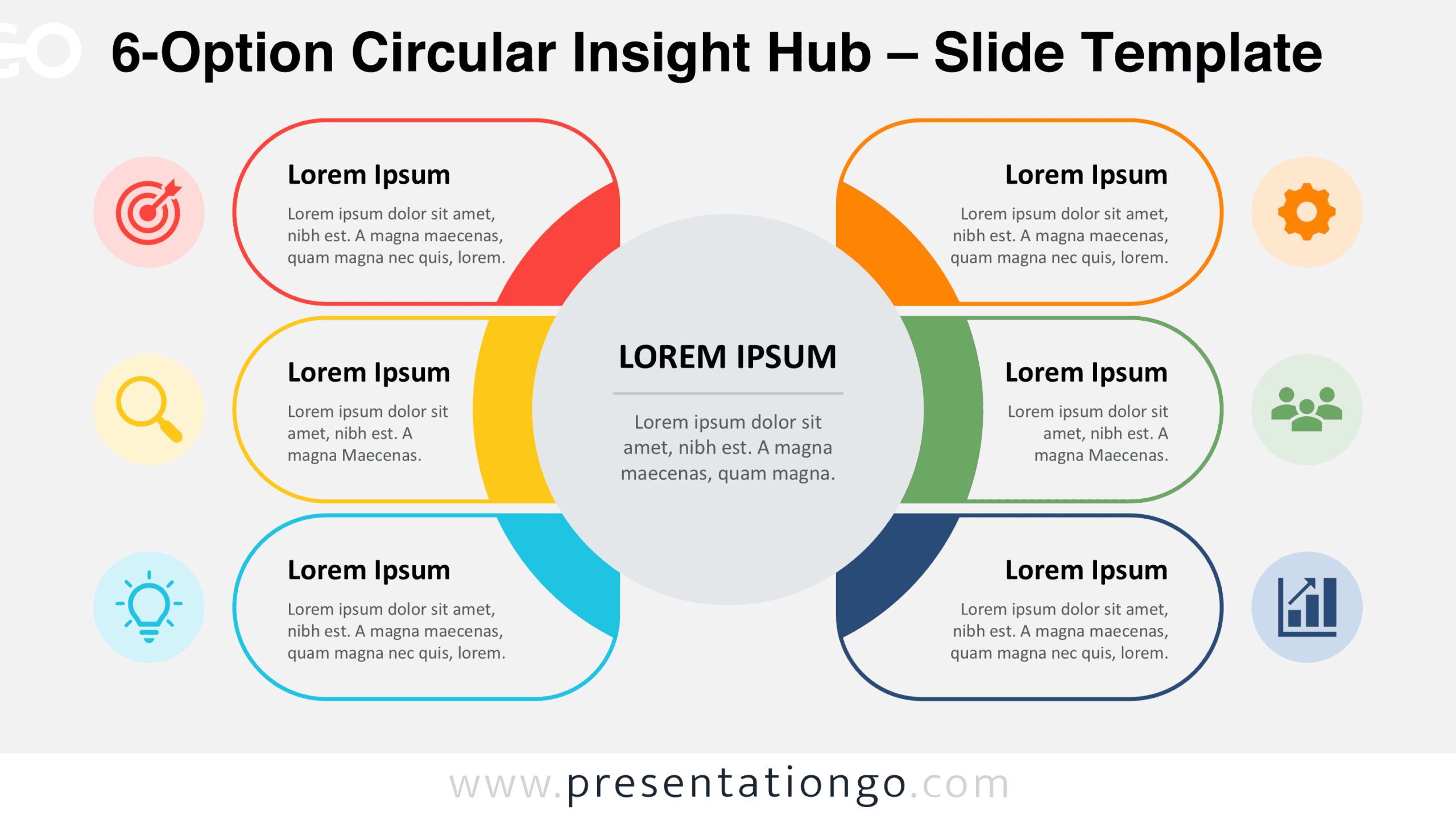
Organize six business concepts around one central message with the 6-Option Circular Insight Hub for editable PowerPoint and Google Slides presentations.
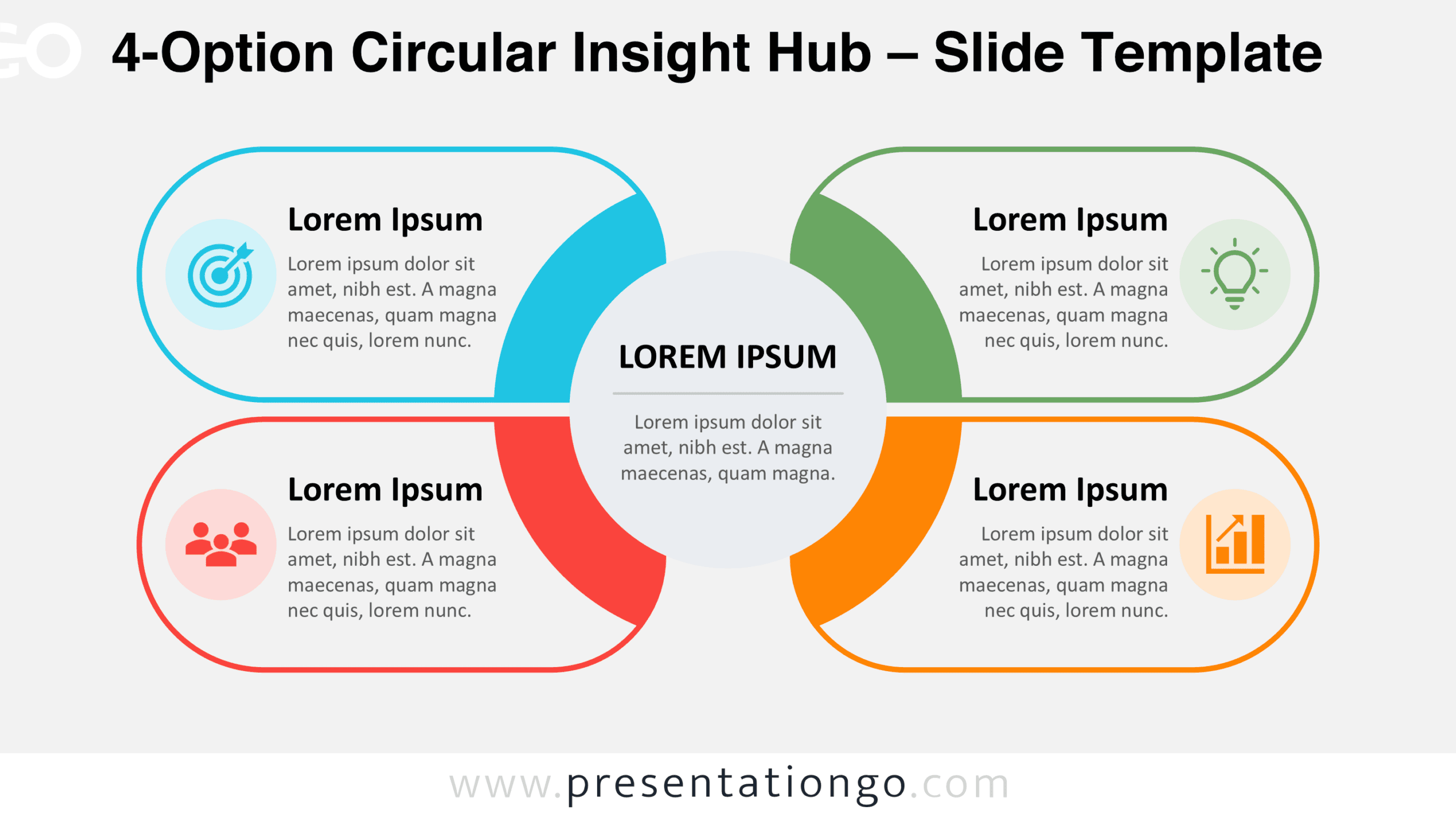
Download the 4-Option Circular Insight Hub for PowerPoint and Google Slides, featuring four editable sections around a central message for structured ideas.
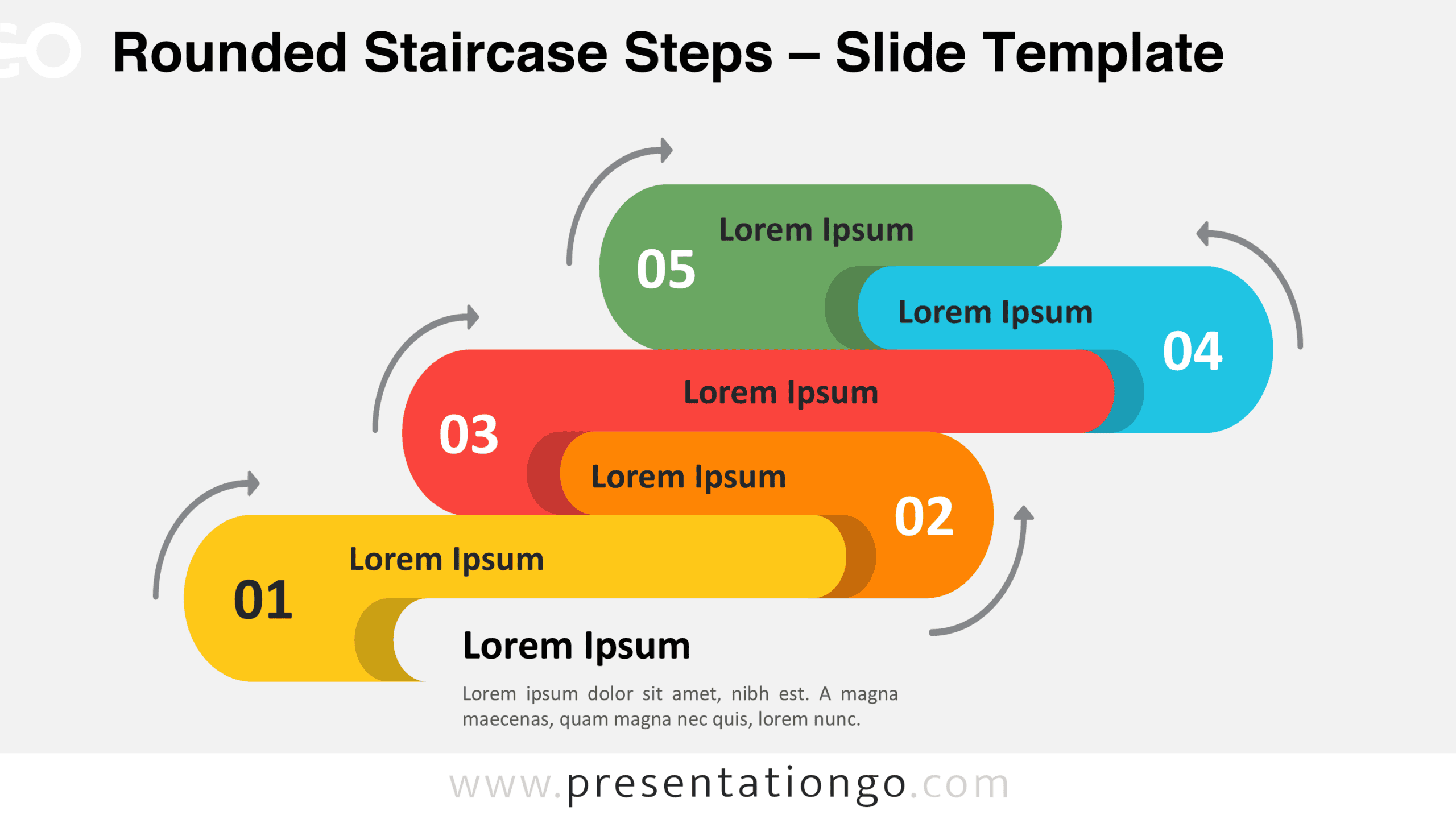
Download Rounded Staircase Steps for PowerPoint and Google Slides, a five-stage process diagram with editable shapes, text, and directional arrows.
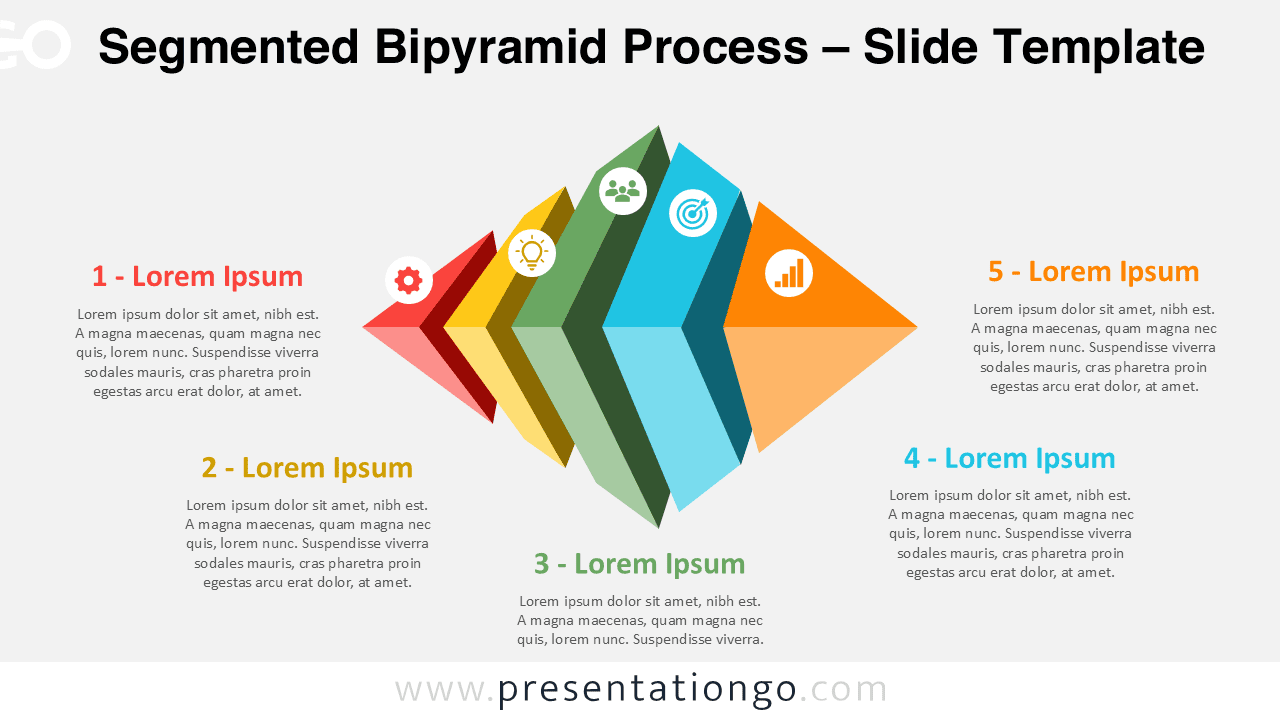
Download the Segmented Bipyramid Process Diagram for PowerPoint and Google Slides. Present five connected stages with editable shapes, text, and icons.
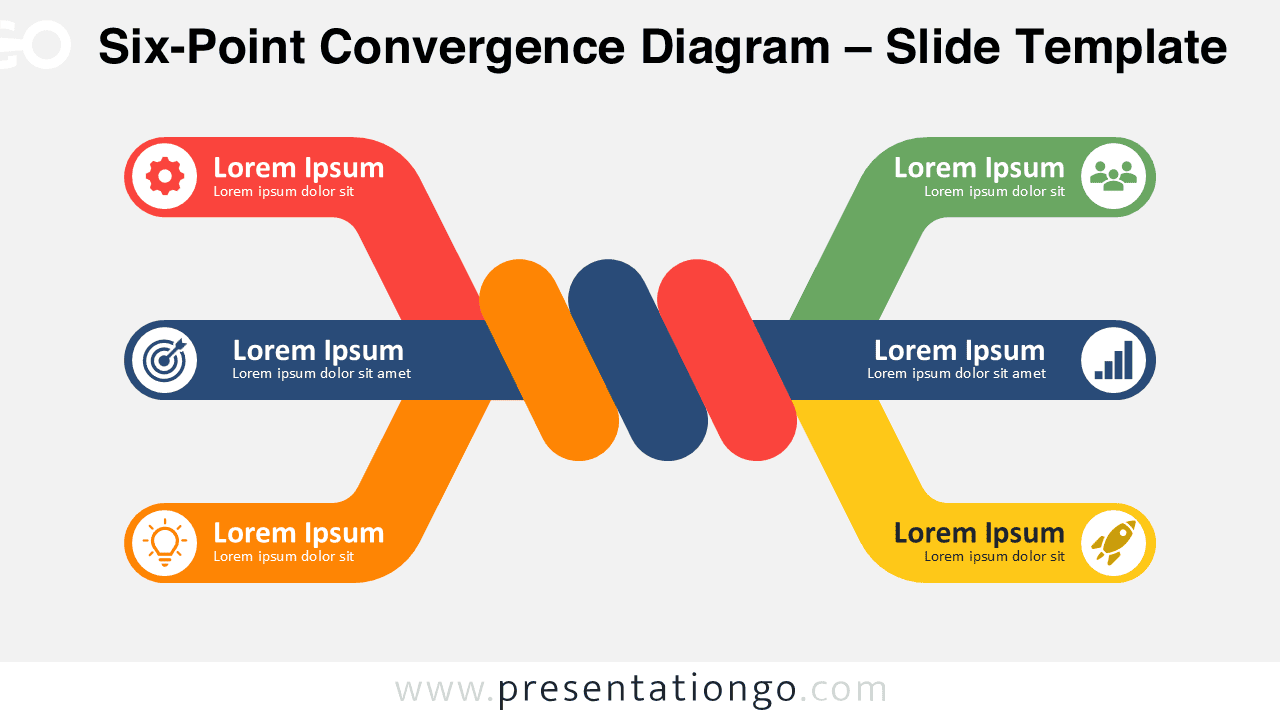
Six-Point Convergence Diagram for PowerPoint and Google Slides with six editable branches for strategies, relationships, processes, and business topics.
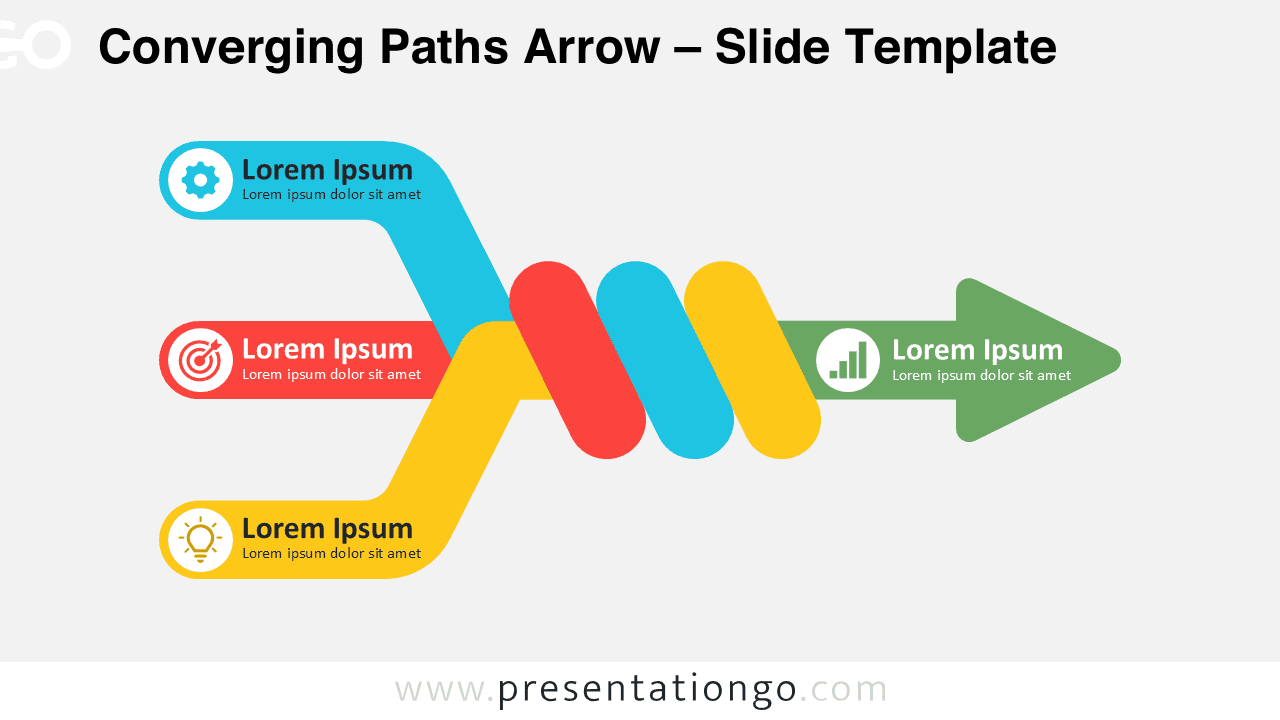
Download the Converging Paths Arrow for PowerPoint and Google Slides. Show three separate inputs converging into one unified direction or outcome.
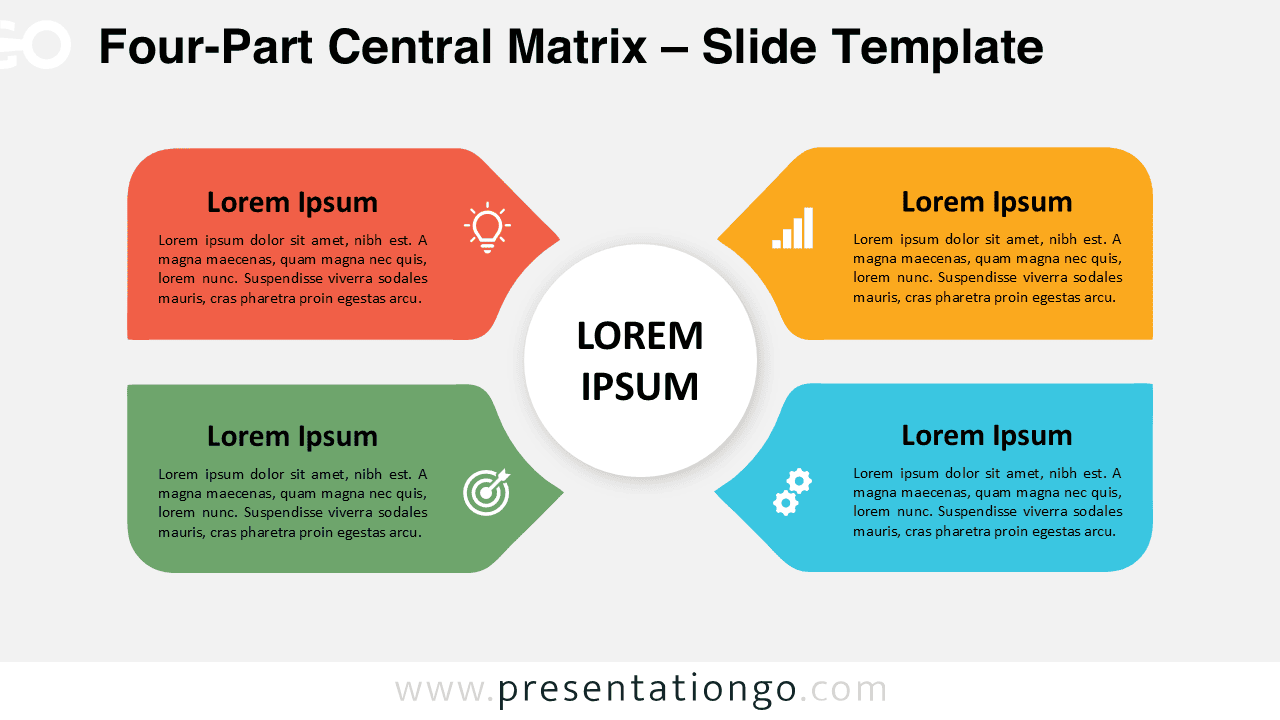
Download the Four-Part Central Matrix for PowerPoint and Google Slides, featuring four editable sections connected to one central concept.