 100% 無料
4-Option Flow Radial for PowerPoint and Google Slides
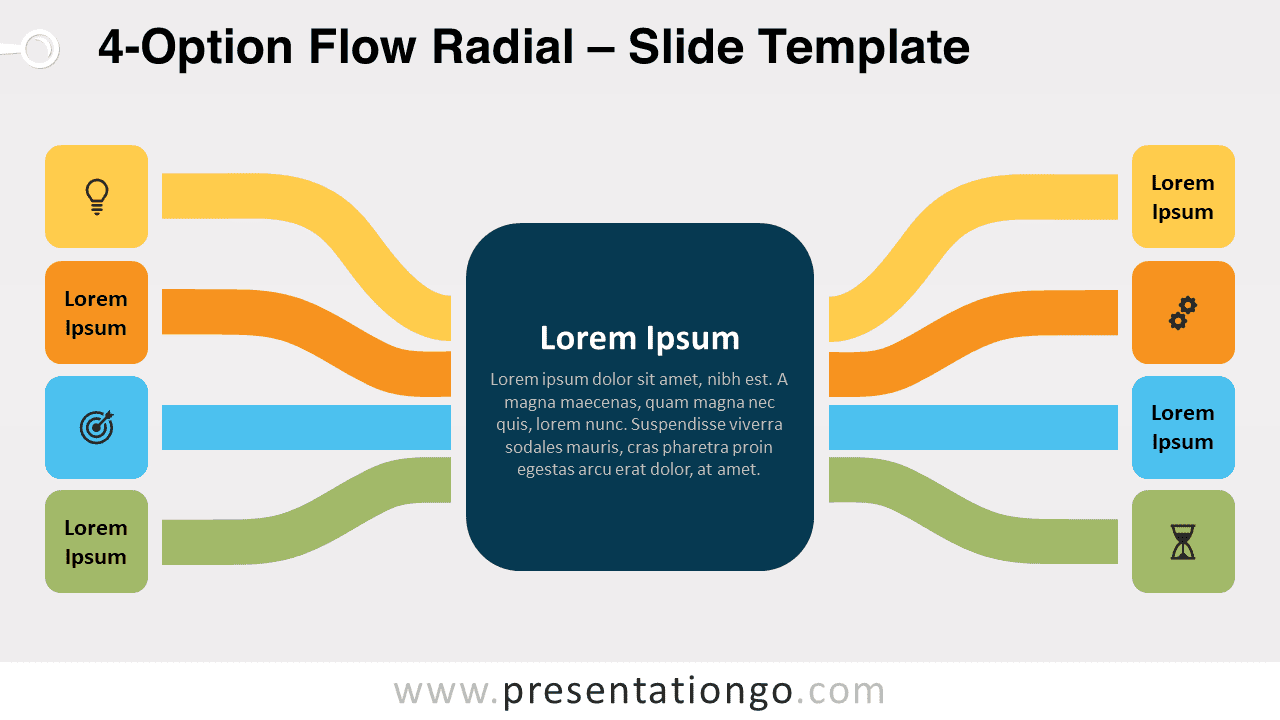
Free 4-option flow radial for PowerPoint and Google Slides. Two sets of 4 elements with horizontal lines converging towards a central idea.
テンプレートの詳細
Free 4-option flow radial for PowerPoint and Google Slides. Two sets of 4 elements with horizontal lines converging towards a prominent central idea. Editable graphics with icons and text placeholders. Looking for an infographic both professional and colorful, serious, and fun at the same time? Some charts do have all these characteristics, such as this free 4-Option Flow Radial template! This slide has a simple and dynamic design. Indeed, it displays a large square with rounded corners (squircle) in the center for you to write a title and a short text to explain your central idea. On each side, you can see 4 colored lines converging towards it. At the end of each horizontal tentacle (imagine an octopus with 6 arms!), there are small squares in which you can insert a title or an icon. This means you have 4 options (if paired or 8 options ) to explain your peripheral ideas, both with words and with an icon. This free 4-Option Flow Radial template is a great diagram option if you need to show peripheral ideas converging towards a central idea. You can also download it with a light or a dark background.
- 出典
- PresentationGo
- 形式
- pptx
- サイズ
- 143 KB
- ダウンロード数
- 0
- スライド枚数
- 2
- アスペクト比
- 16:9
作者 / 著作権:PresentationGo
元のページ:PresentationGo original