 100% 無料
6-Step Rocket Diagram
Download the 6-Step Rocket Diagram for PowerPoint and Google Slides. Great for startups, strategy, and multi-step processes.
テンプレートの詳細
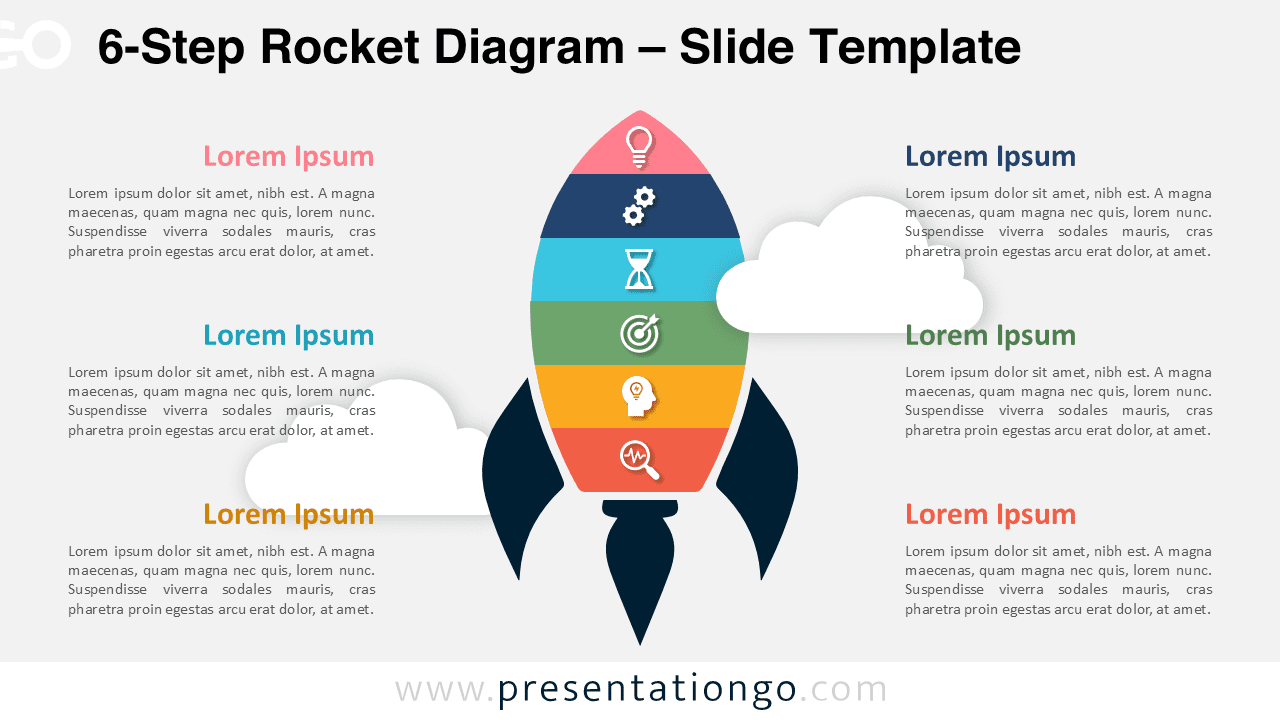
The 6-Step Rocket Diagram illustrates a modern rocket design segmented into six distinct parts for step-by-step process presentations in PowerPoint and Google Slides. This dynamic template features a central rocket graphic divided into six color-coded sections. Each segment contains a dedicated icon placeholder, complemented by text blocks placed symmetrically to the left and right. The background includes subtle cloud graphics, adding depth while maintaining focus on the rocket’s details. Rocket illustrations symbolize innovation, progress, and ambition, making this template ideal for presentations on growth, launches, startups, or strategic plans. Its six-step framework suits topics like multi-phase project planning, business strategies, or educational sequences. The template includes two pre-designed slides, fully editable with placeholder icons and text. It offers light and dark theme variations and is available in both Standard (4:3) and Widescreen (16:9) formats, compatible with PowerPoint and Google Slides.
テンプレートの特徴
- 2 unique slides
- Options for both light and dark themes
- Pre-populated with icons and text placeholders
- Fully customizable shapes for complete control
- Available in both Standard (4:3) and Widescreen (16:9) ratios
- Offered in both PowerPoint PPTX and Google Slides formats
- 出典
- PresentationGo
- 形式
- pptx
- サイズ
- 150 KB
- ダウンロード数
- 0
- スライド枚数
- 2
- アスペクト比
- 16:9
作者 / 著作権:PresentationGo
元のページ:PresentationGo original