 100% 無料
Dual Teardrops
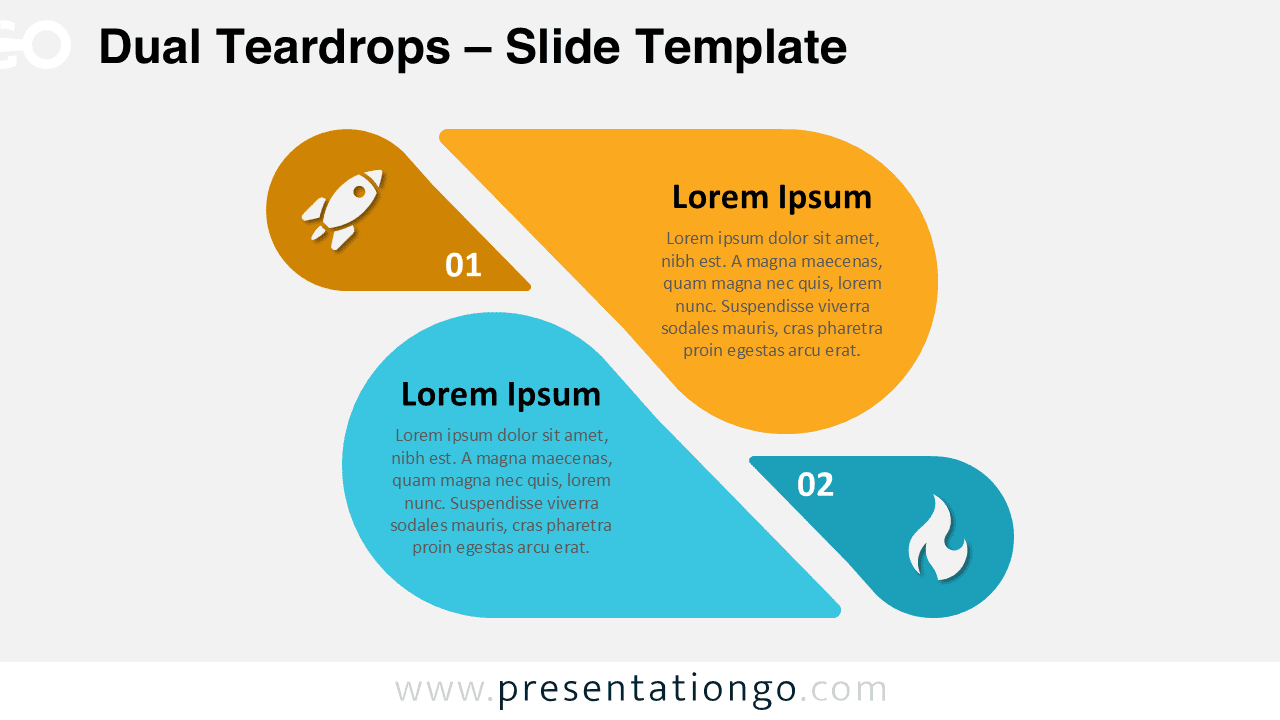
Download Dual Teardrops for PowerPoint & Google Slides, a two-step comparison template ideal for business strategies and decision-making.
テンプレートの詳細
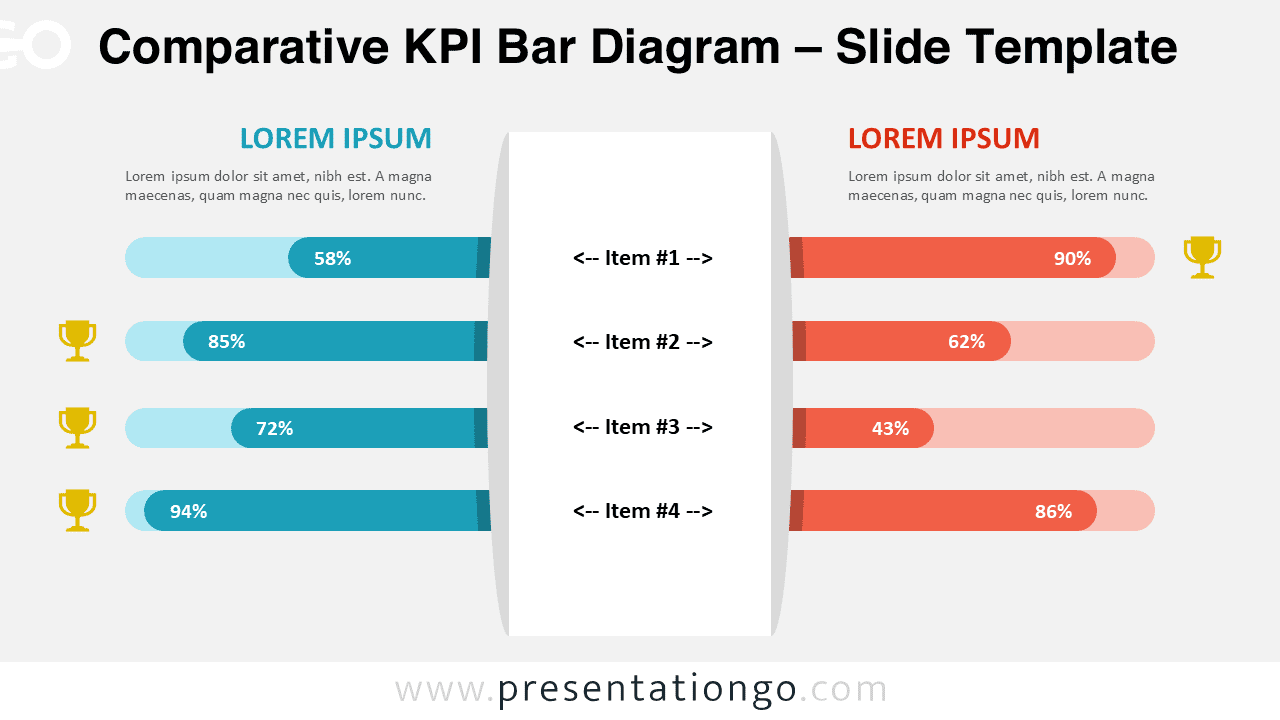
The Dual Teardrops diagram is a structured, two-step layout designed for PowerPoint and Google Slides, allowing users to compare two sets of ideas, concepts, or sequential steps. Each set in this infographic consists of a smaller teardrop containing an icon and a number, paired with a larger teardrop embedding descriptive text. The interlocking, curved design naturally guides the viewer’s eye, making comparisons easy and intuitive. The two-step layout ensures clarity, with icons reinforcing quick understanding and numbers emphasizing order. This template is ideal for business strategies, decision-making processes, and structured comparisons . Presenters can use it to contrast pros and cons, showcase product features, or illustrate two related processes side by side. For example, it can help compare marketing strategies, investment plans, or project workflows in an easy-to-digest format. The template includes two unique slides, pre-populated with text placeholders for easy editing. It is available in both Standard (4:3) and Widescreen (16:9) formats, with light and dark background options.
テンプレートの特徴
- 2 unique slides
- Options for both light and dark themes
- Pre-populated with icons and text placeholders
- Fully customizable shapes for complete control
- Available in both Standard (4:3) and Widescreen (16:9) ratios
- Offered in both PowerPoint PPTX and Google Slides formats
- 出典
- PresentationGo
- 形式
- pptx
- サイズ
- 108 KB
- ダウンロード数
- 0
- スライド枚数
- 2
- アスペクト比
- 16:9
作者 / 著作権:PresentationGo
元のページ:PresentationGo original