 100% 無料
Pentagon Arrow Process for PowerPoint and Google Slides
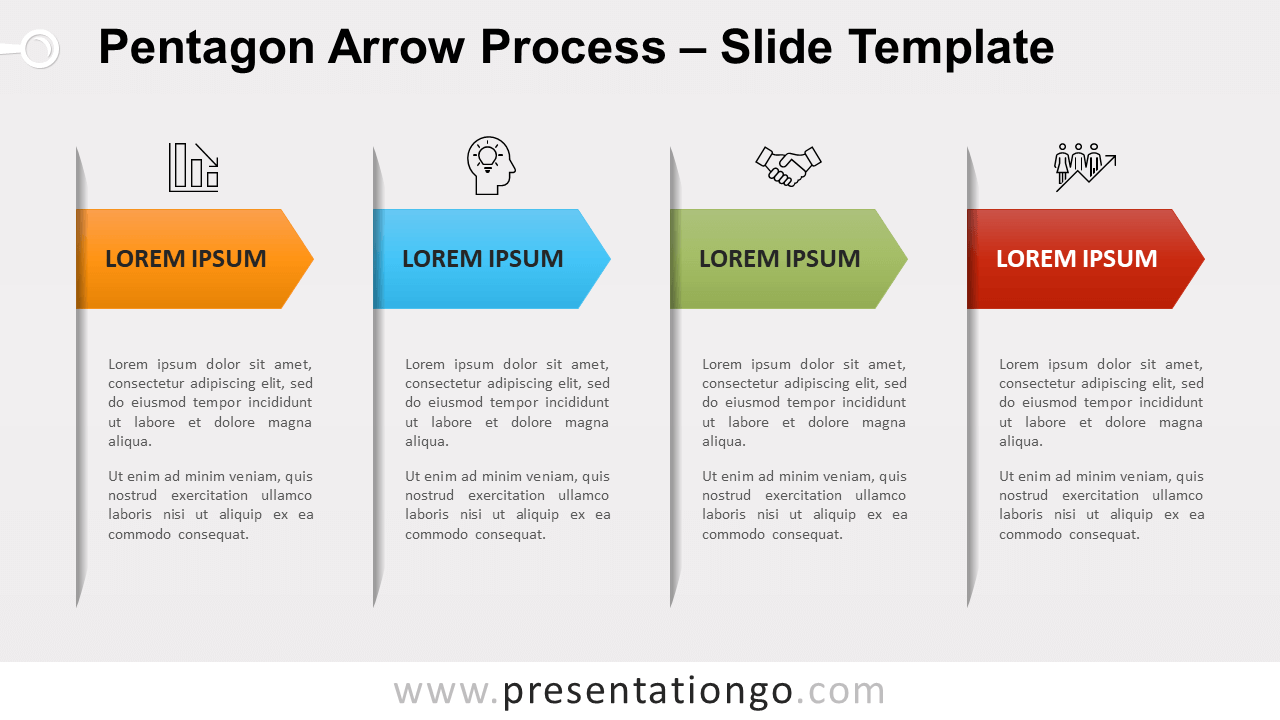
Free pentagon arrow process for PowerPoint and Google Slides. A process diagram with colorful right pentagon arrows and a vertical shadow line.
テンプレートの詳細
Free pentagon arrow process for PowerPoint and Google Slides. A process diagram with colorful right pentagon arrows and a vertical shadow line. Editable graphics with icons and text placeholders. There is not only one way to present different blocks of text in a presentation slide. In fact, only the sky is the limit… and your inspiration. More specifically, for this template, each step is made of a right pentagon arrow and a vertical line with a gradient gray transparent fill. Above the arrow, you can insert an icon (or a number for example). And below, just insert your own text. Finally, you can simply adjust the width in case you’d need to add or remove steps to your slide. This pentagon arrow process design is a simple template to present your grouped blocks of information. Actually, it won’t suit only processes, but it will be great in many cases: from simple blocks of text to timelines .
- 出典
- PresentationGo
- 形式
- pptx
- サイズ
- 110 KB
- ダウンロード数
- 0
- スライド枚数
- 2
- アスペクト比
- 16:9
作者 / 著作権:PresentationGo
元のページ:PresentationGo original