 100% 無料
Seven-Loop Clover
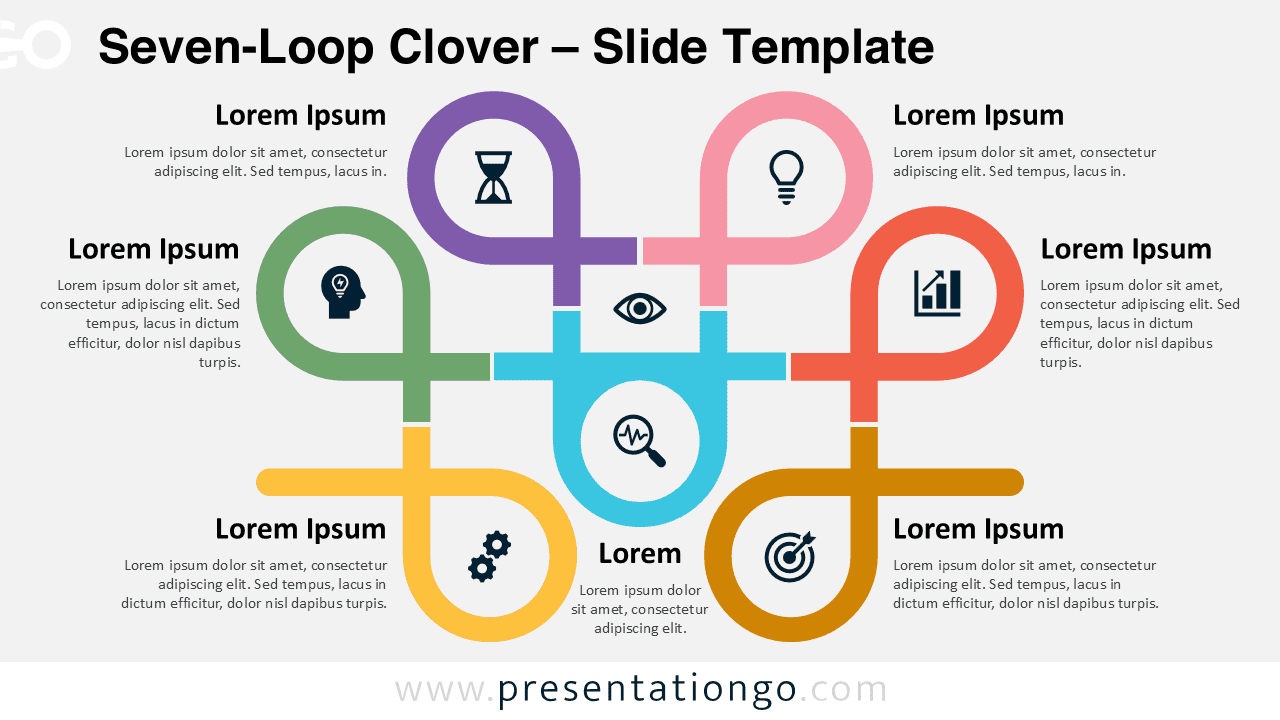
Download the Seven-Loop Clover template for PowerPoint & Google Slides. Perfect for showcasing seven-step processes and workflows.
テンプレートの詳細
The Seven-Loop Clover provides a structured, seven-step diagram for outlining processes, frameworks, or concepts in PowerPoint and Google Slides. With seven interconnected loops, this template ensures a seamless visual flow, drawing attention to each step while allowing for clear distinction between nodes. Each loop includes a circular element with an icon, adding a focal point that can represent different stages, tasks, or ideas. This cohesive layout combines separation and harmony, enhancing both organization and readability. Using this template, presenters can illustrate intricate processes or concepts with ease. For example, it’s ideal for showing project timelines, multi-step workflows, or various strategic stages in business presentations. By guiding the audience through each step naturally, this diagram adds coherence to complex information, making it highly adaptable for topics in education, project management, or planning sessions. The document offers two unique slides, pre-populated with numbers, icons, and text placeholders. Users can fully customize the shapes and choose between light and dark themes. It’s compatible with both Standard (4:3) and Widescreen (16:9) layouts, available in PowerPoint PPTX and Google Slides formats.
テンプレートの特徴
- 2 unique slides
- Options for both light and dark themes
- Pre-populated with icons and text placeholders
- Fully customizable shapes for complete control
- Available in both Standard (4:3) and Widescreen (16:9) ratios
- Offered in both PowerPoint PPTX and Google Slides formats
- 出典
- PresentationGo
- 形式
- pptx
- サイズ
- 223 KB
- ダウンロード数
- 0
- スライド枚数
- 2
- アスペクト比
- 16:9
作者 / 著作権:PresentationGo
元のページ:PresentationGo original