Loading resources…
Loading categories…
Free PPT templates and design assets in this category — all open for download.
합계 304 건
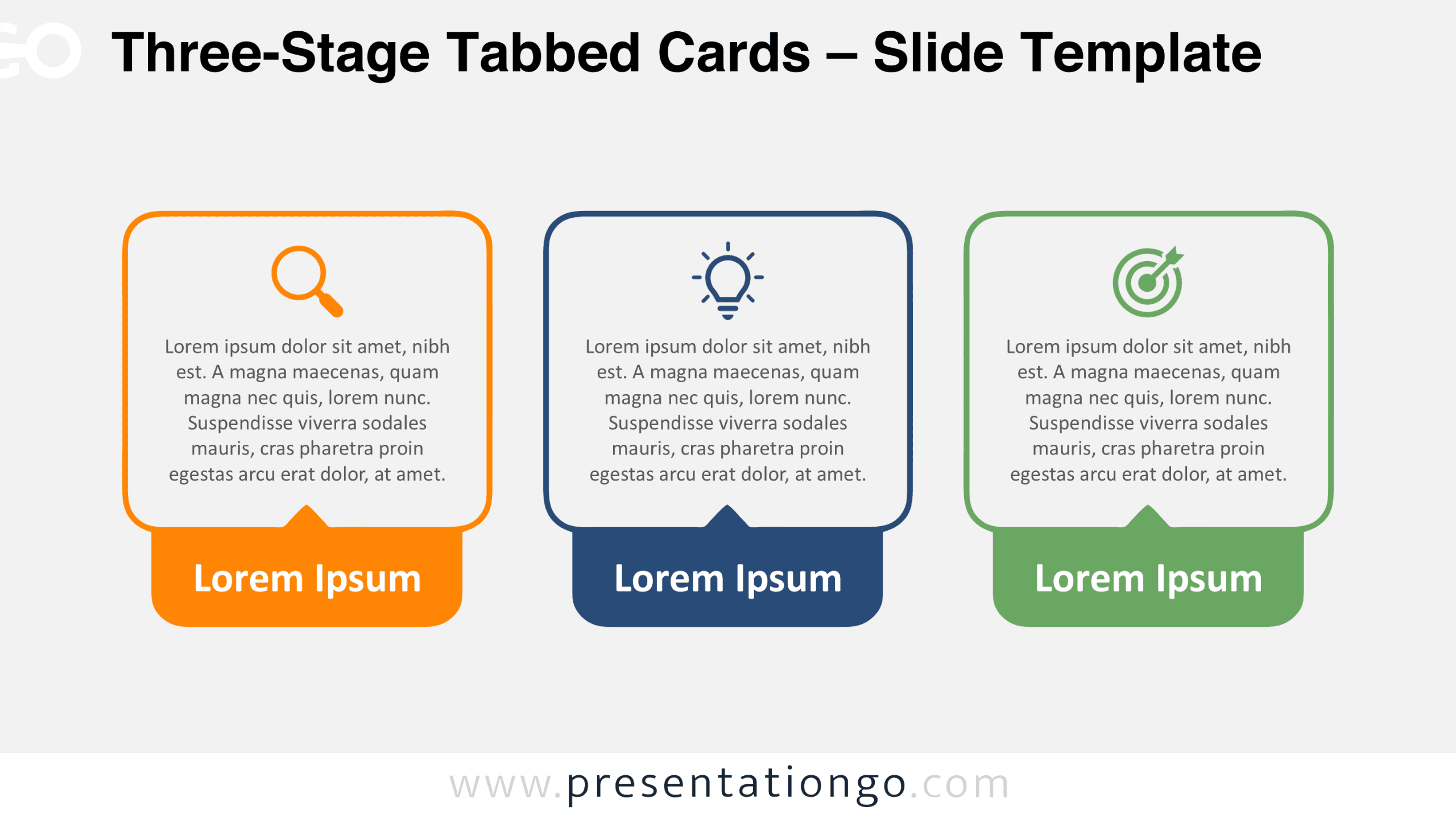
Download the free Three-Stage Tabbed Cards diagram for PowerPoint and Google Slides. Present three concepts using editable rounded cards and icon placeholders.
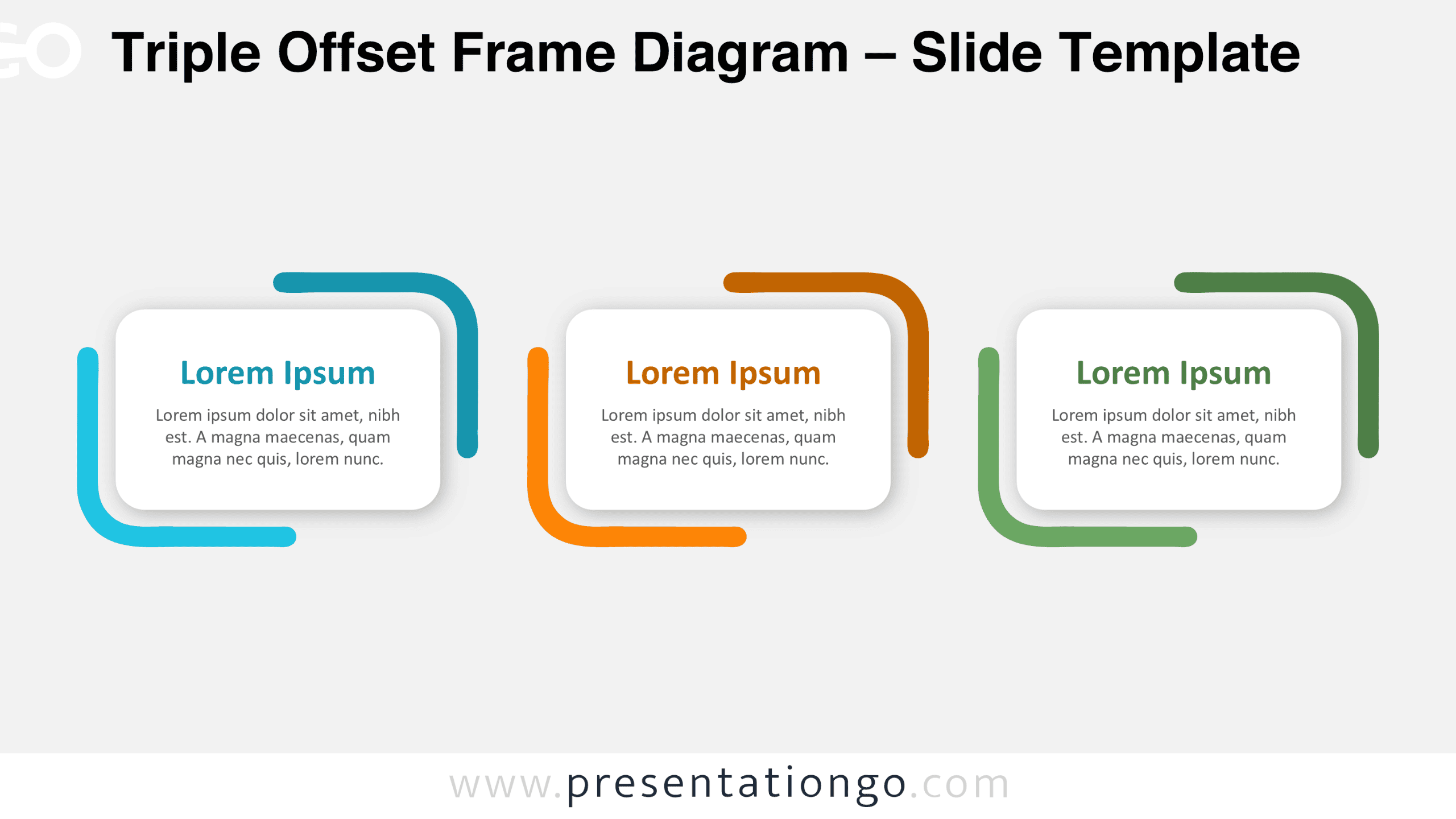
Download the free Triple Offset Frame Diagram for PowerPoint and Google Slides. Present three ideas using editable cards and distinctive rounded corner frames.
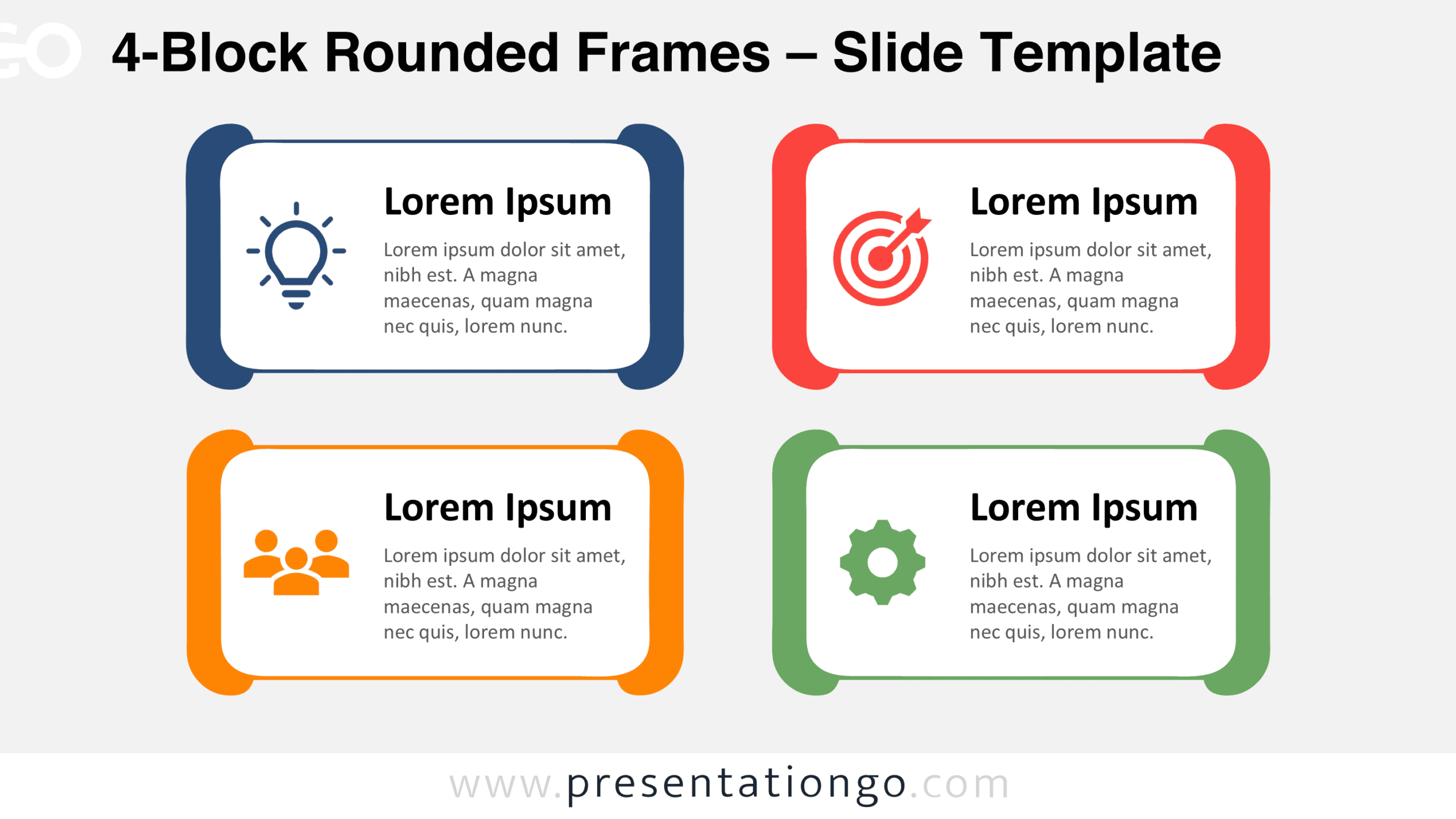
Use the 4-Block Rounded Frames diagram in PowerPoint and Google Slides to show four concepts, pillars, or services with editable text blocks and icons.
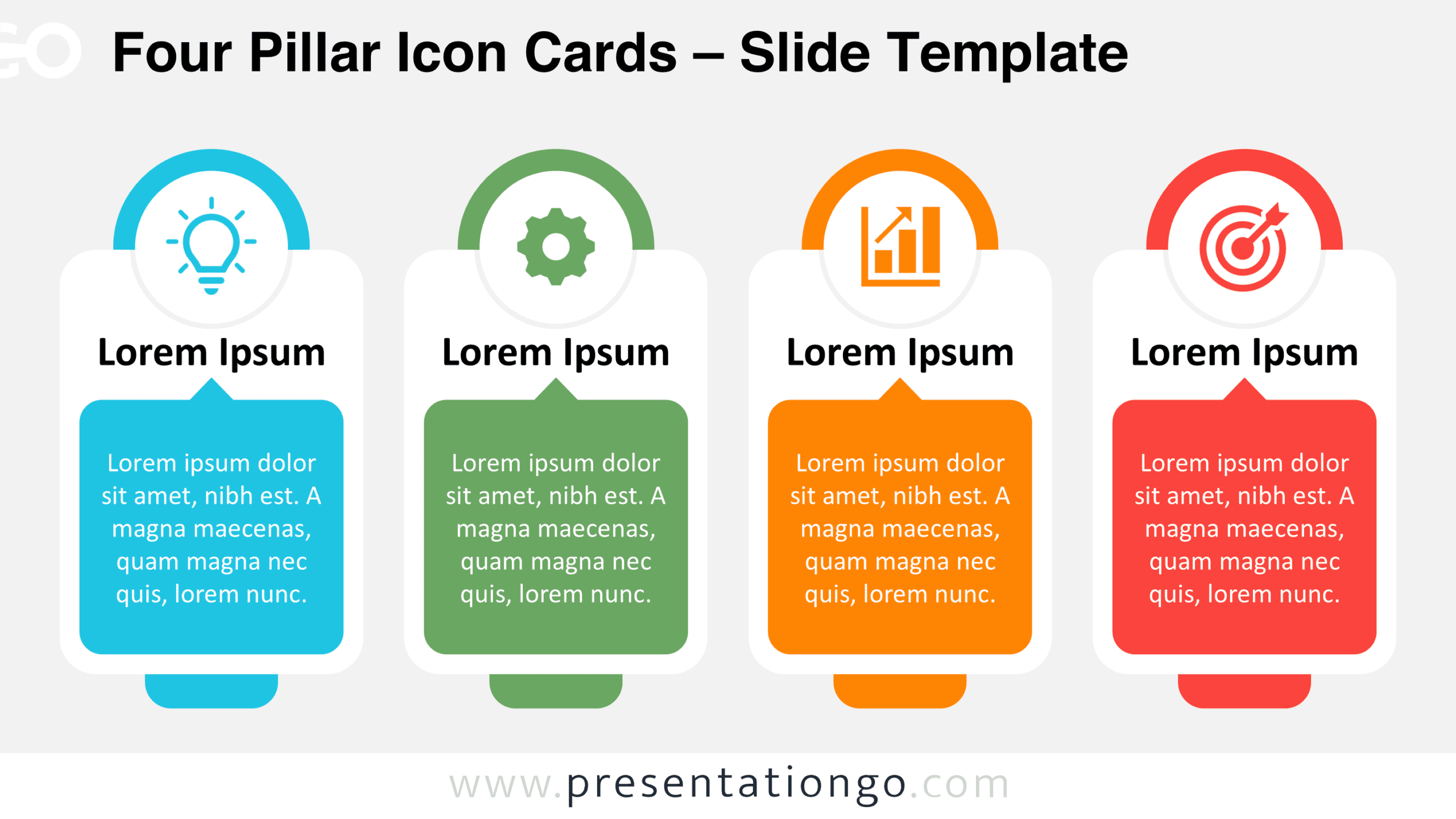
Download the Four Pillar Icon Cards diagram for PowerPoint and Google Slides. Present four related ideas with editable cards, text, shapes, and icons.
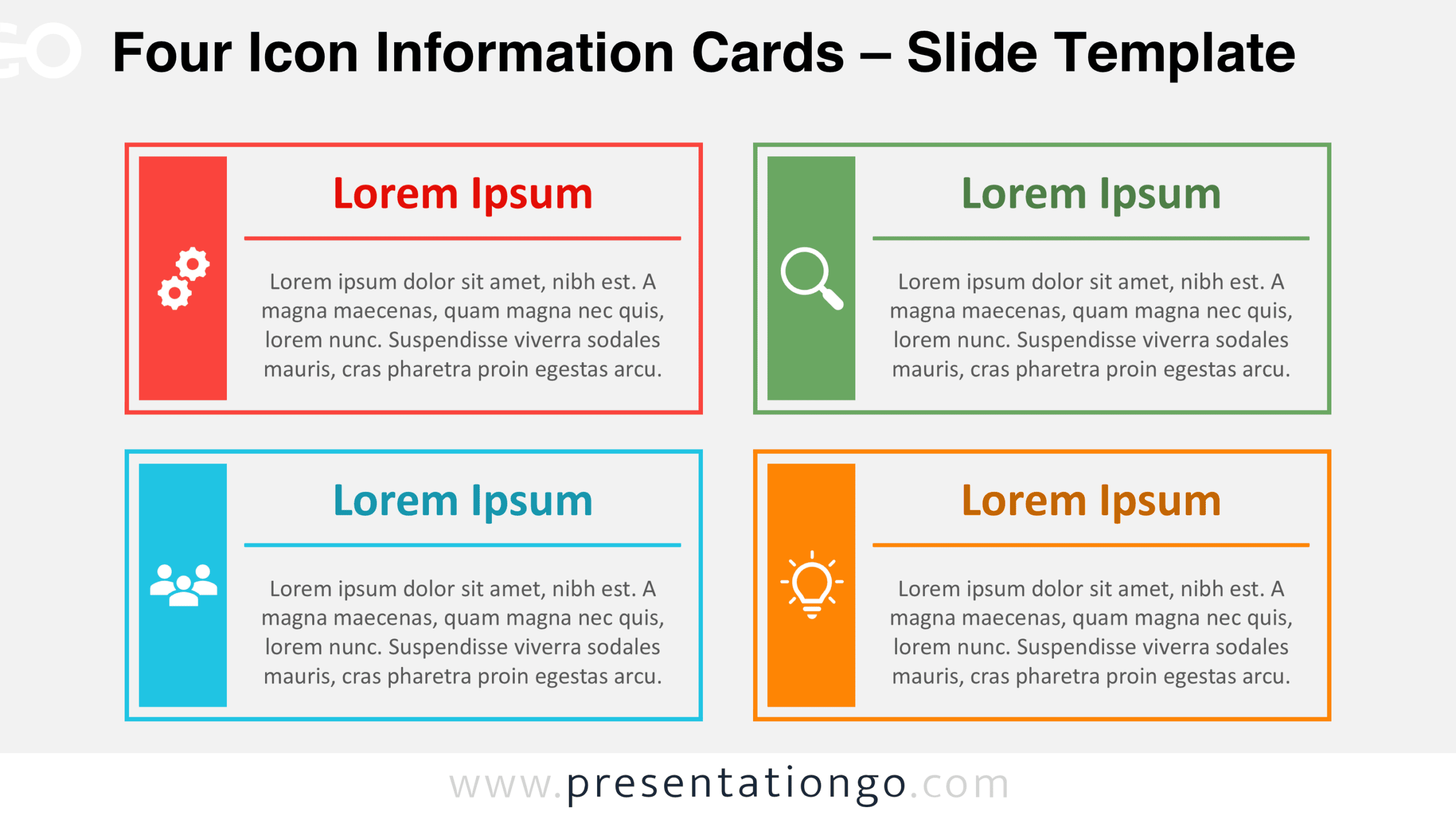
Download the Four Icon Information Cards diagram for PowerPoint and Google Slides, featuring four editable content blocks with Office icon placeholders.
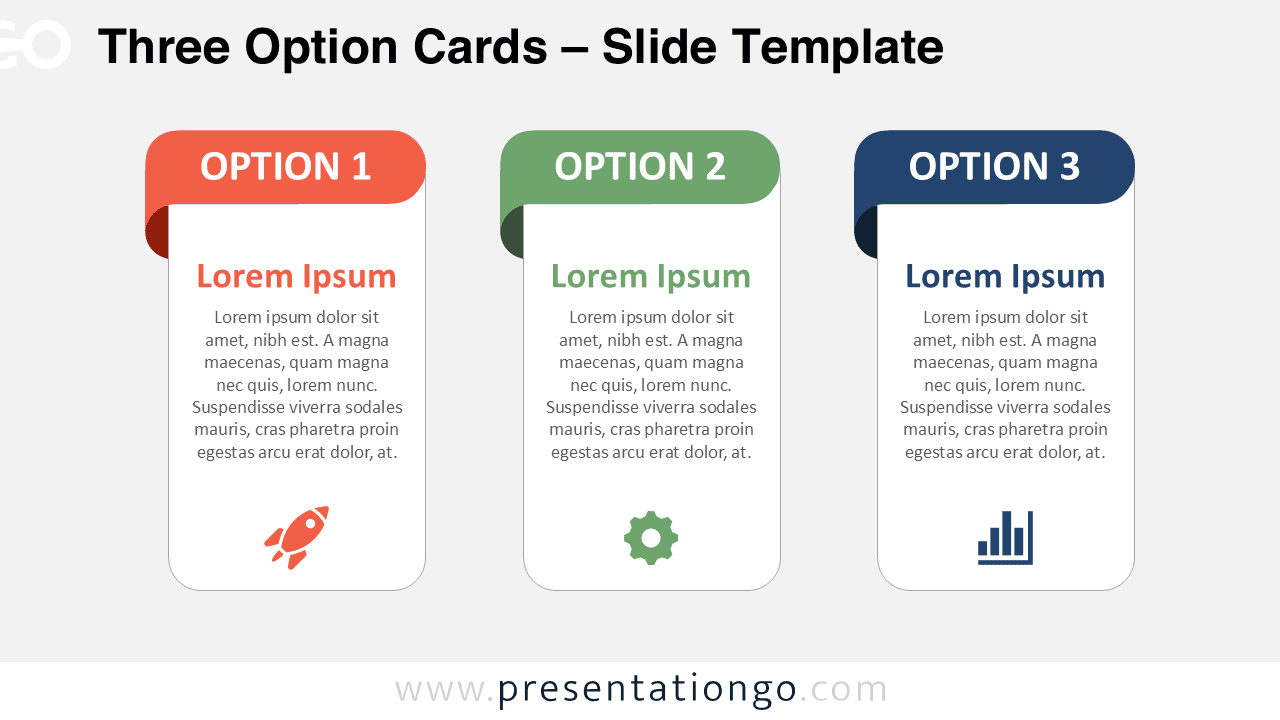
Download the Three Option Cards PowerPoint diagram to compare three choices. Edit text, shapes, and icons in PowerPoint or Google Slides.
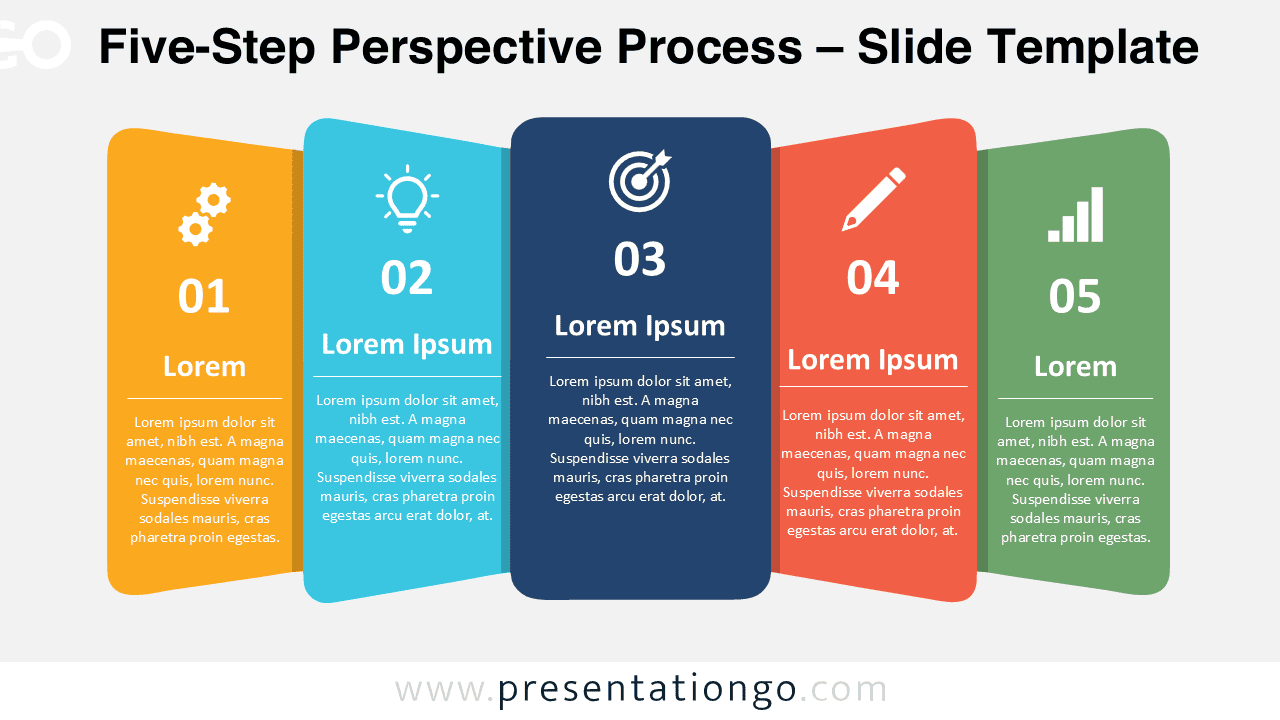
Download the Five-Step Perspective Process for PowerPoint and Google Slides, with editable stages, text, shapes, and Office library icons.
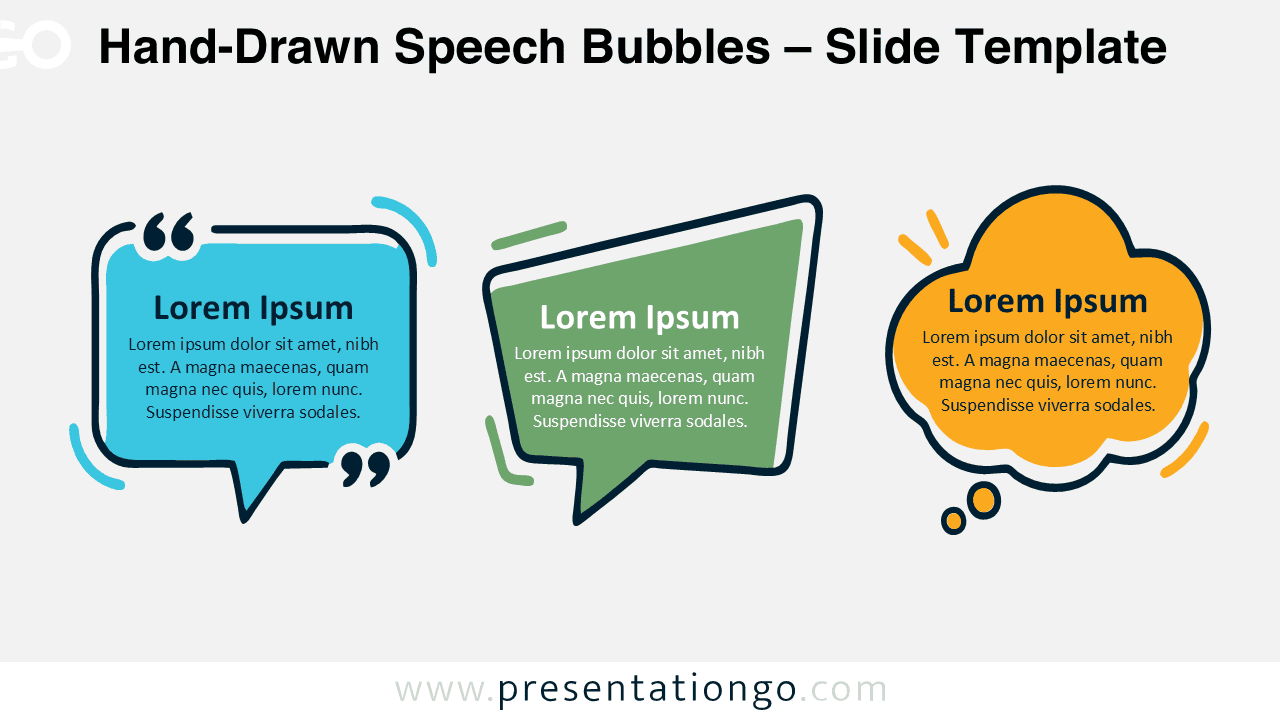
Download Hand-Drawn Speech Bubbles for PowerPoint and Google Slides. Customize three expressive shapes for quotes, ideas, feedback, and dialogue.
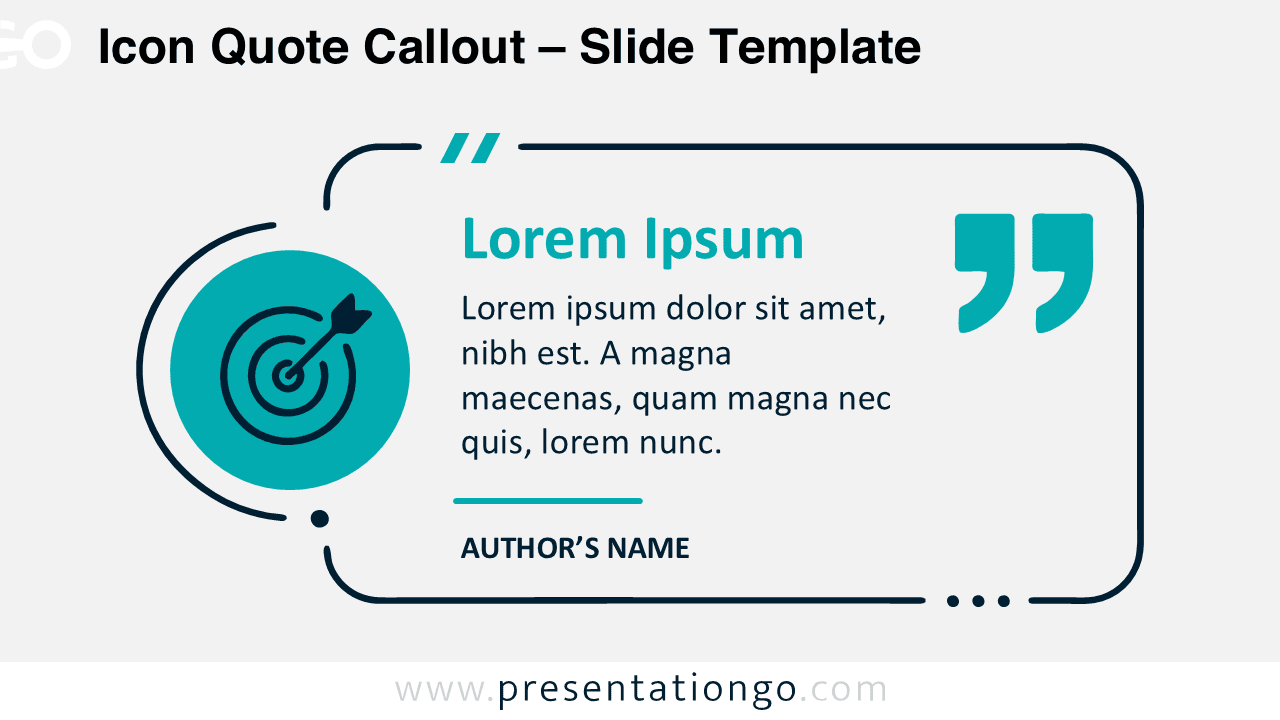
Download the Icon Quote Callout diagram for PowerPoint and Google Slides, with editable text, shapes, attribution, and an adaptable icon placeholder.
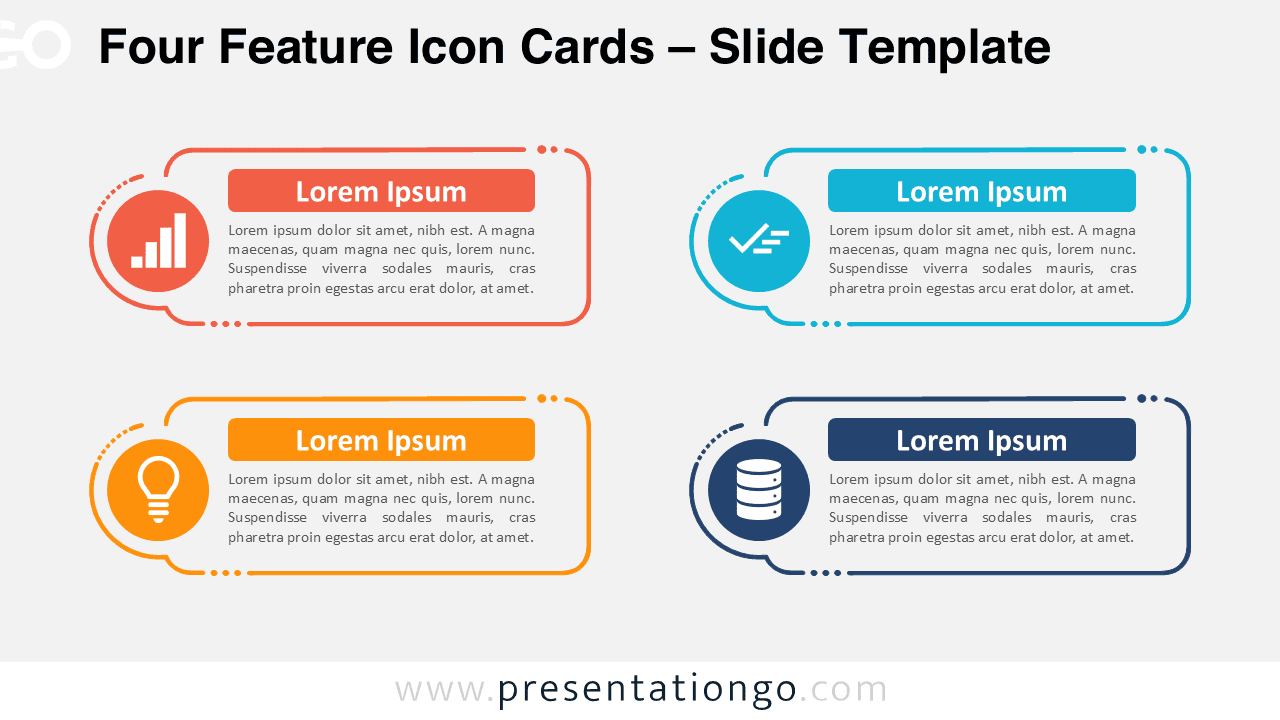
Download the Four Feature Icon Cards diagram for PowerPoint and Google Slides. Present four ideas with editable text, shapes, and modifiable Office library icons.
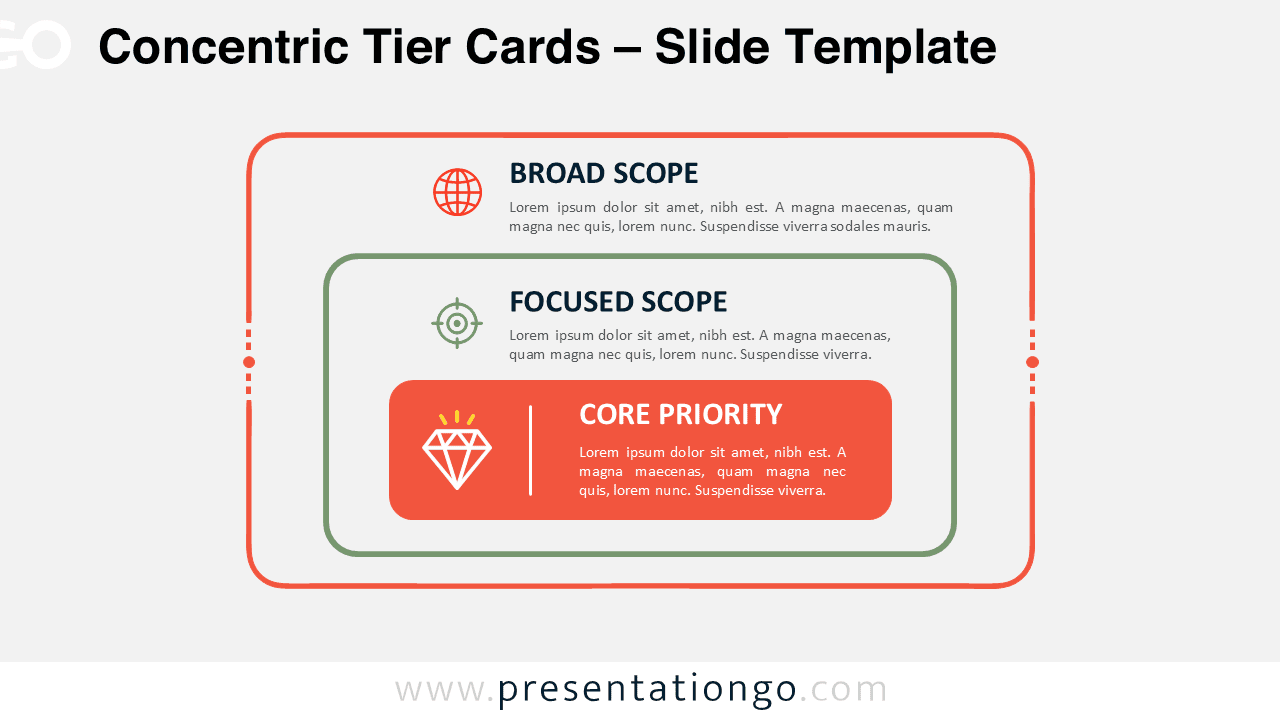
Download the Concentric Tier Cards diagram for PowerPoint and Google Slides. Compare broad, focused, and core priorities with three editable nested text cards.
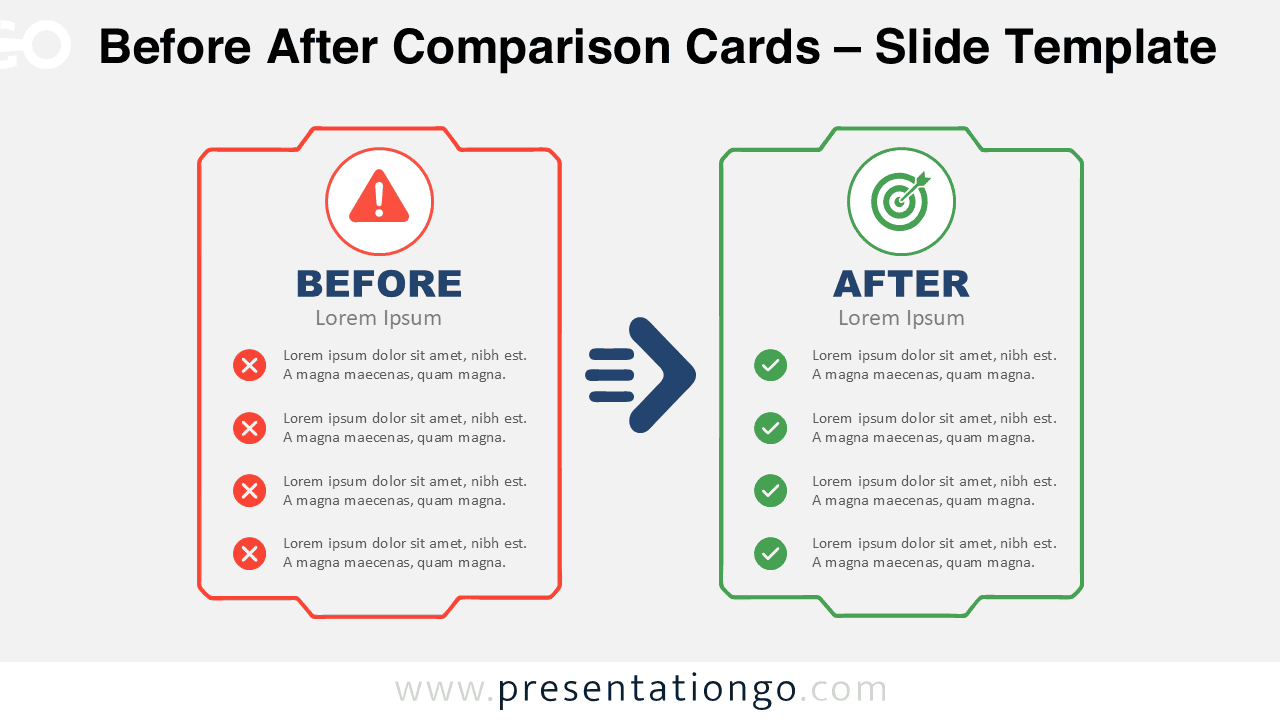
Use Before After Comparison Cards to present change, progress, or transformation in PowerPoint and Google Slides with two editable comparison panels.
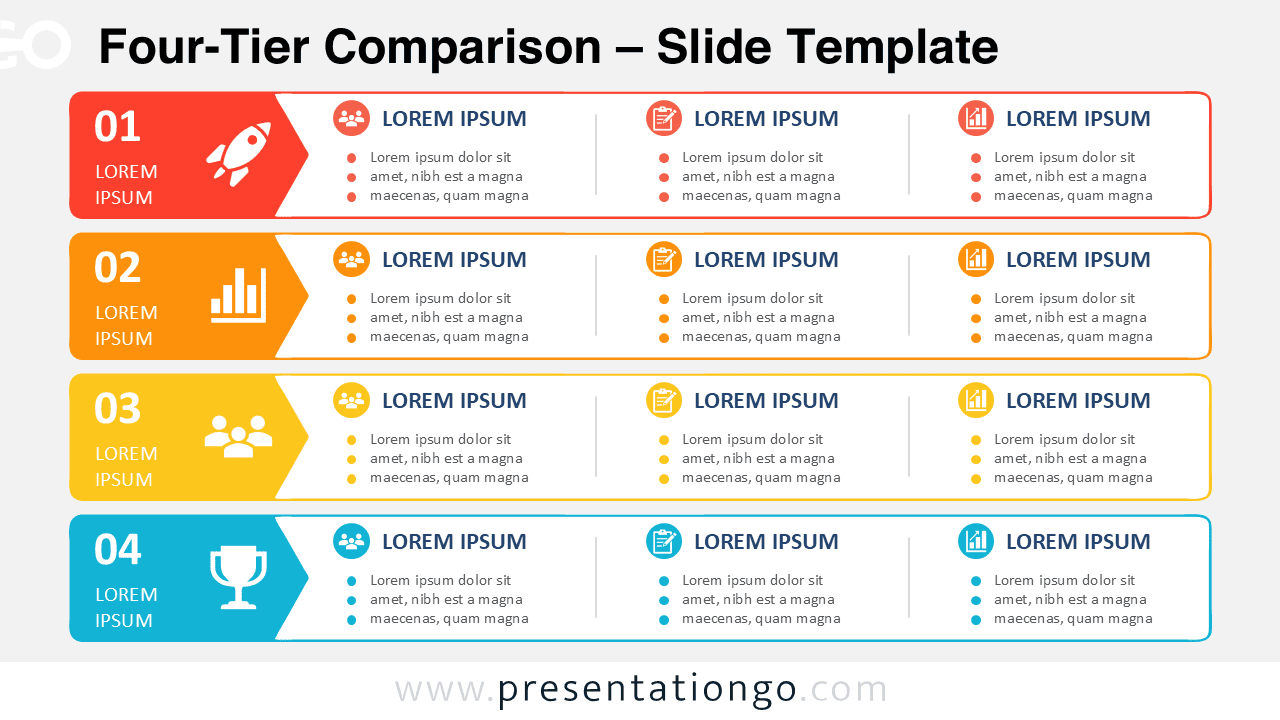
Present four service levels or business options clearly with the Four-Tier Comparison PowerPoint Diagram for editable PowerPoint and Google Slides decks.
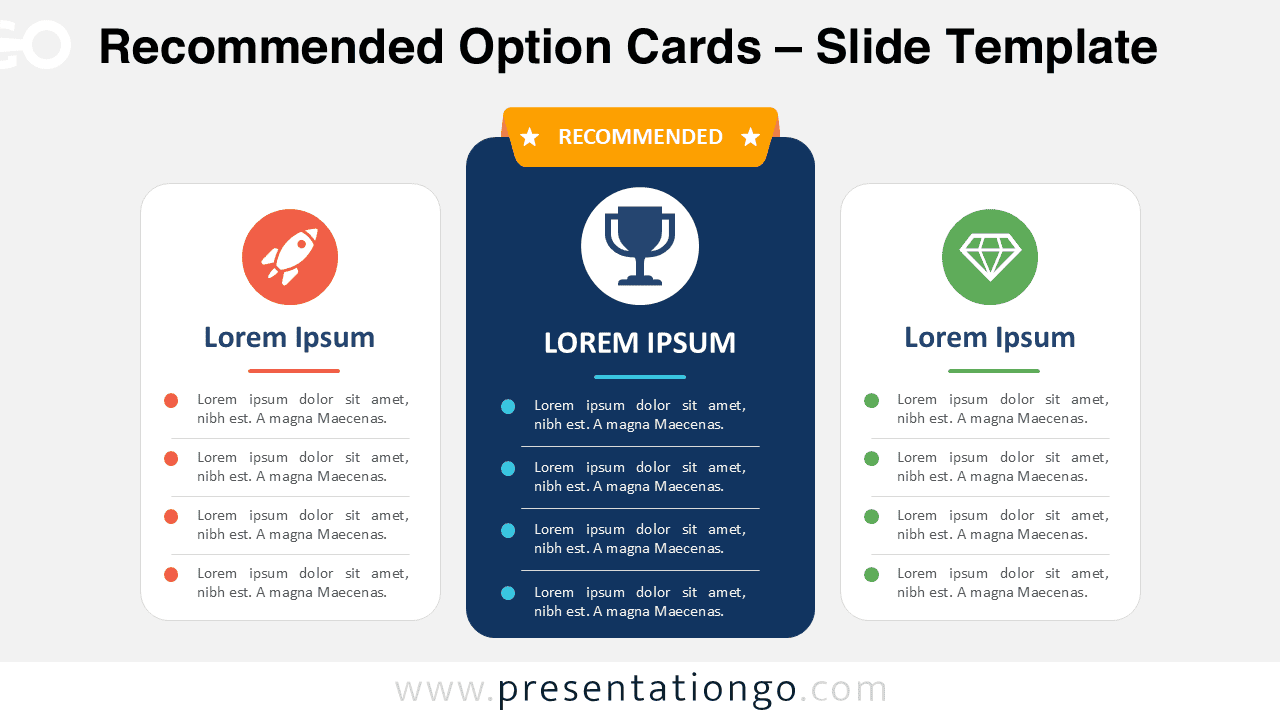
Download the Recommended Option Cards PowerPoint diagram for comparing three choices with an elevated center option. Fully editable in Google Slides.
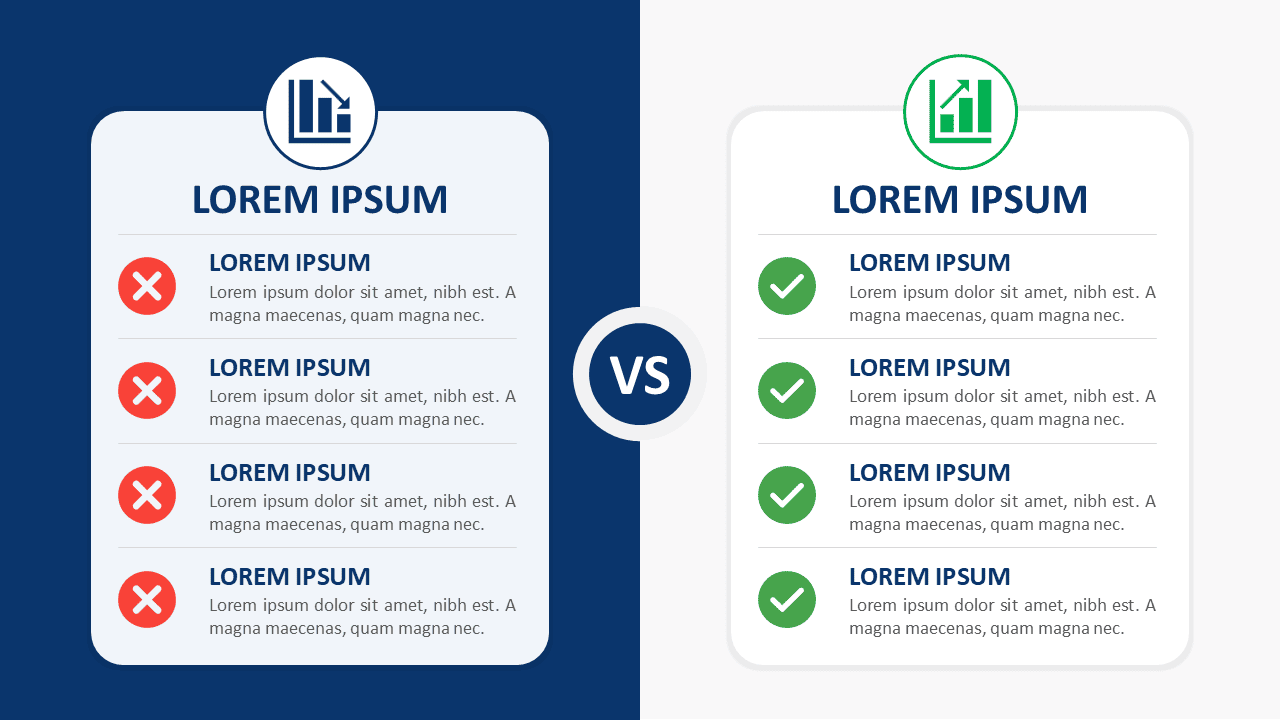
Download Split-Screen Comparison Cards for PowerPoint and Google Slides. Compare two options across four clear points with fully editable content.
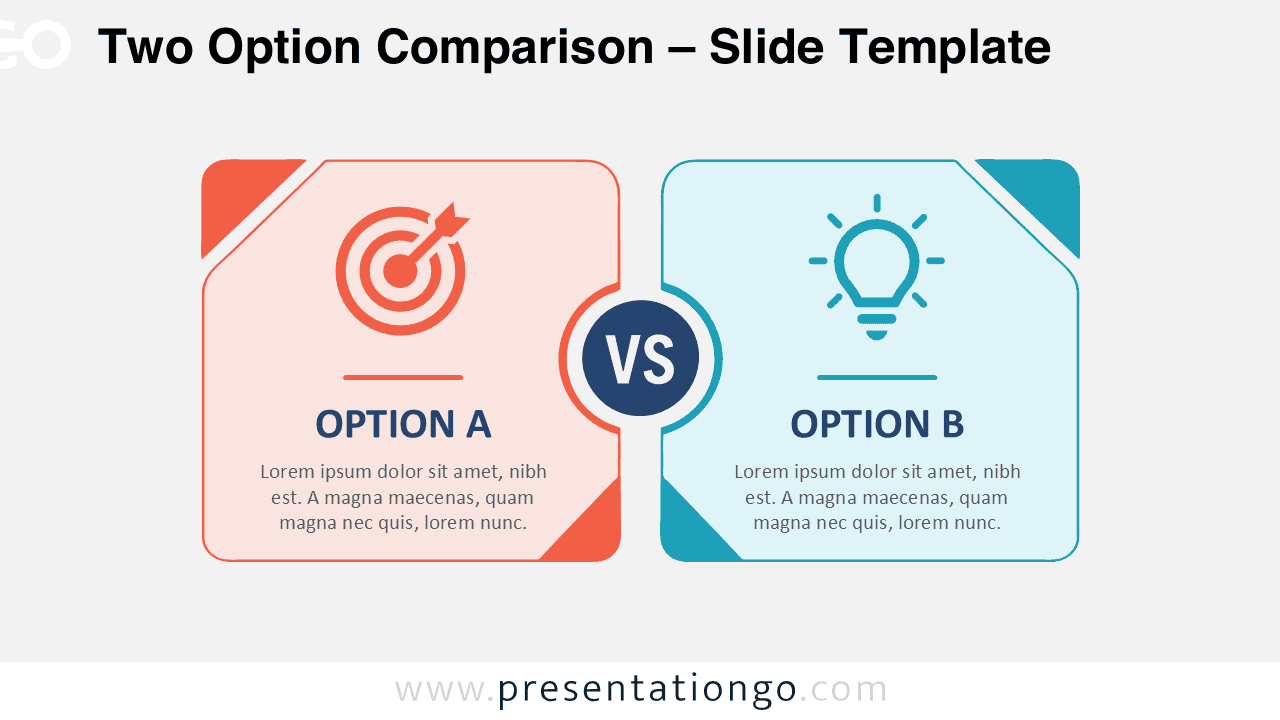
Compare two alternatives clearly with this Two Option Comparison diagram for PowerPoint and Google Slides, featuring editable text, shapes, and icons.
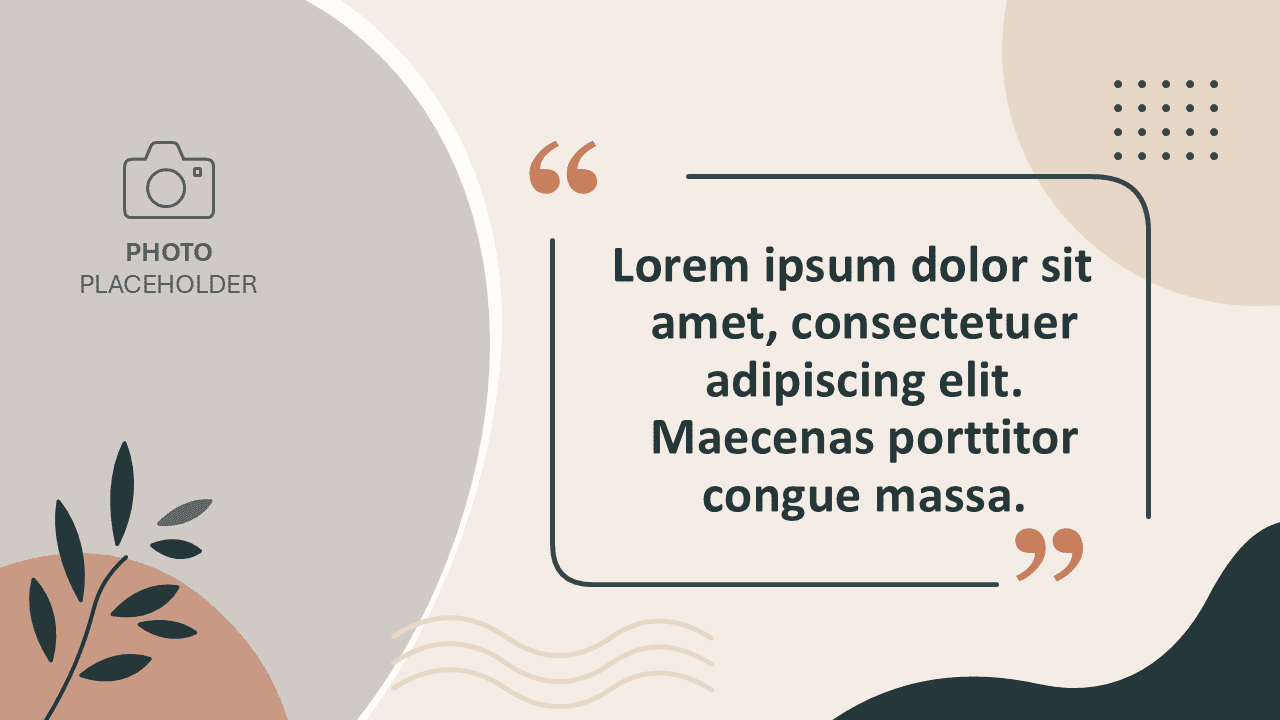
Present a memorable quote beside a photo with the Botanical Quote & Photo slide for PowerPoint and Google Slides. Edit every shape and text field.
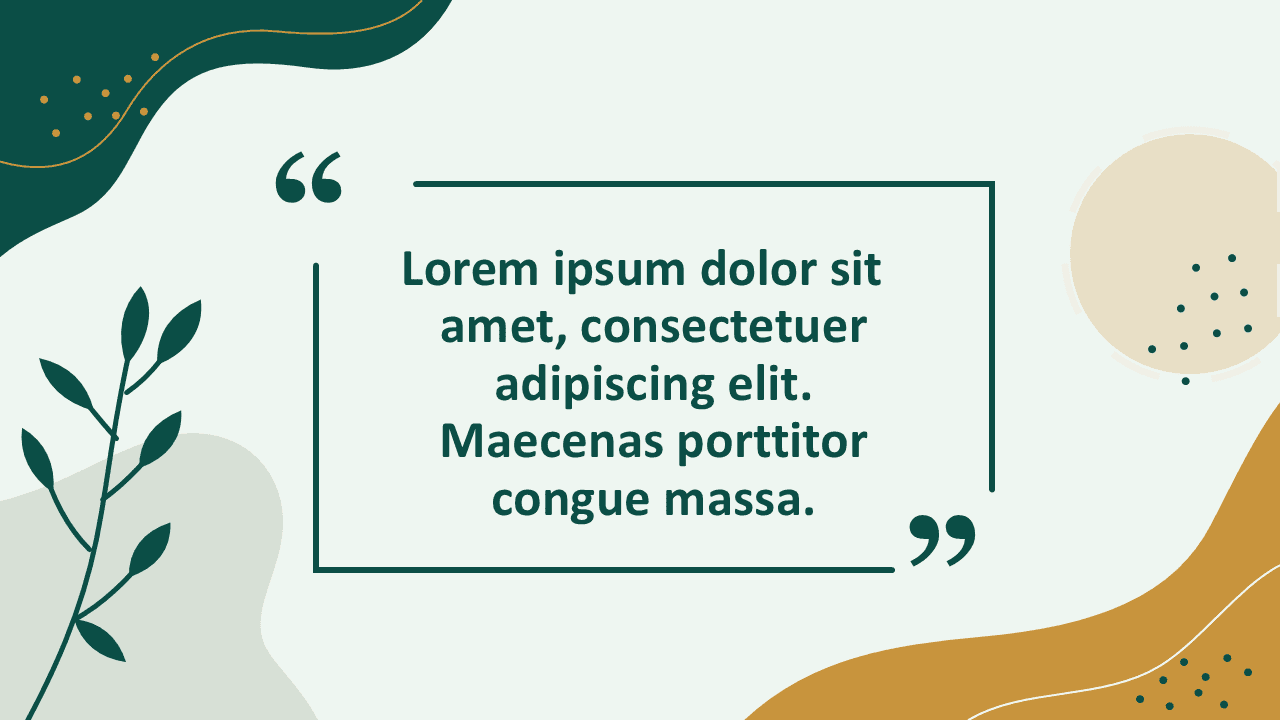
Use the Organic Quote Frame to highlight testimonials, insights, and memorable statements. Edit all shapes, text, and colors in PowerPoint and Google Slides.
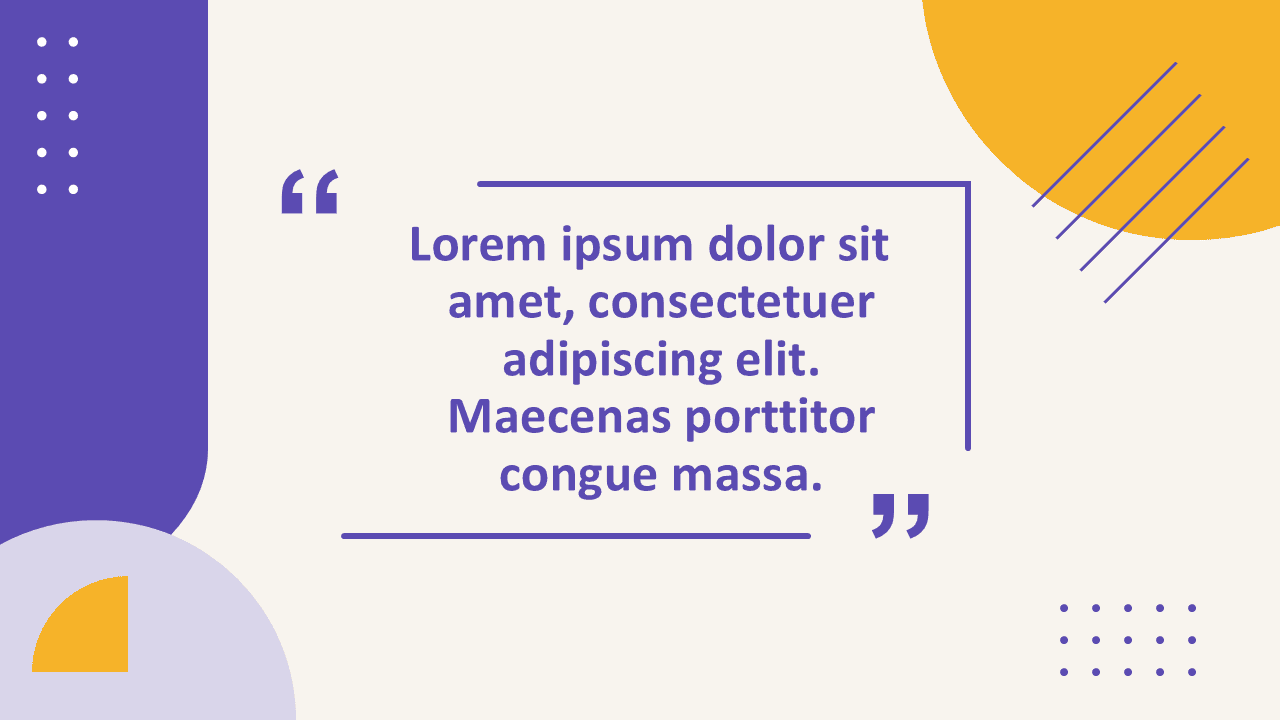
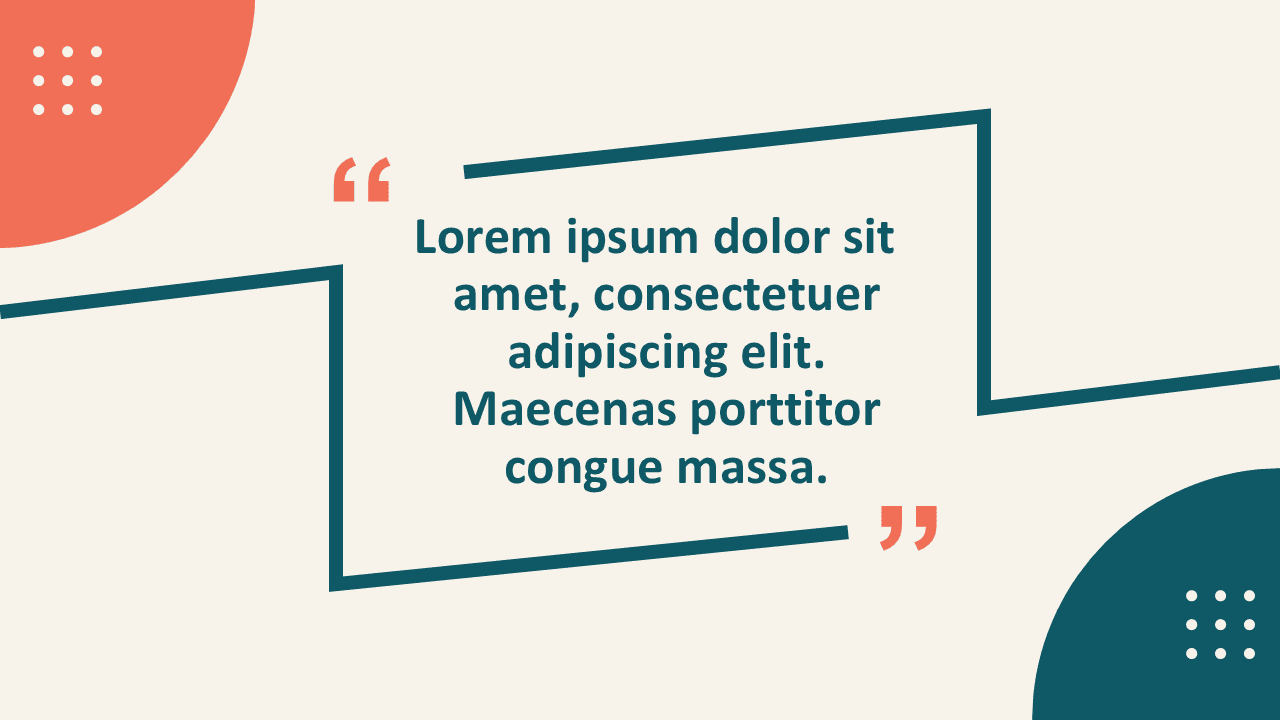
Download the Memphis Quote Frame for PowerPoint and Google Slides. Highlight testimonials, statements, and quotations with a modern editable layout.
Download a free minimal testimonial card for PowerPoint and Google Slides. Showcase customer quotes, reviews, feedback, or key statements with clarity.
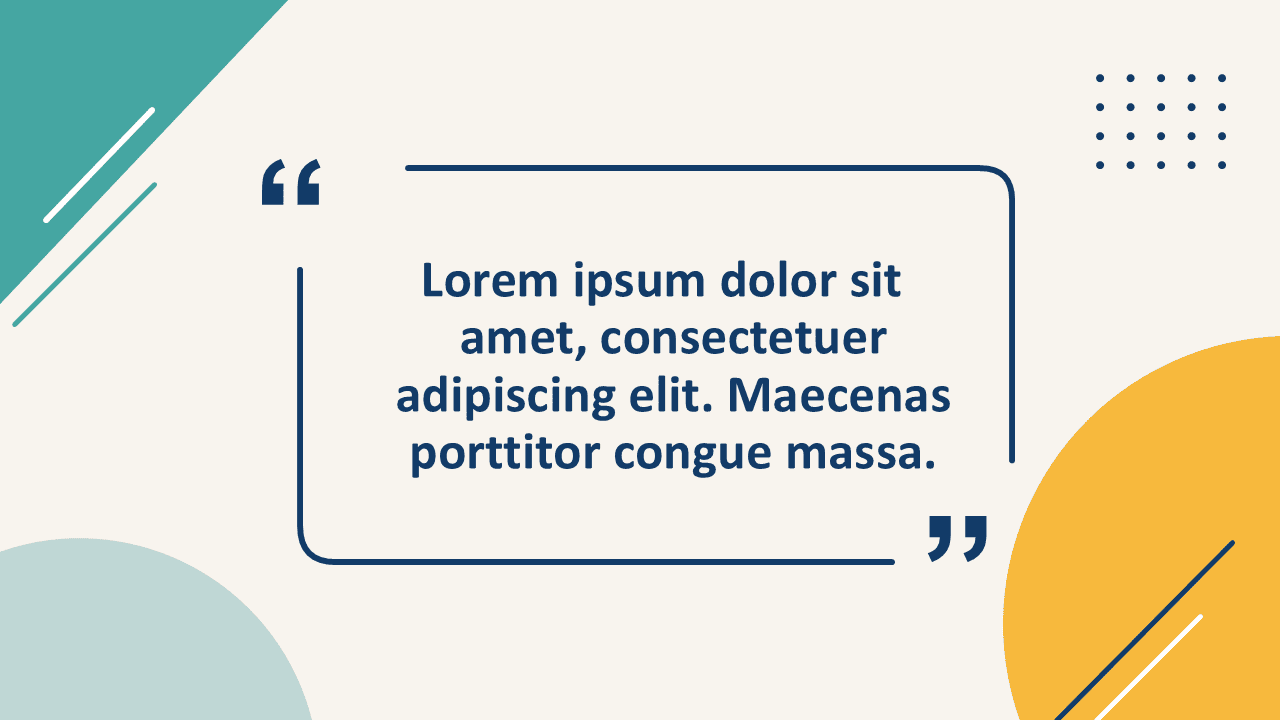
Download the Modern Quote Frame for PowerPoint and Google Slides. Edit every shape, customize colors, and highlight testimonials, insights, or key messages.
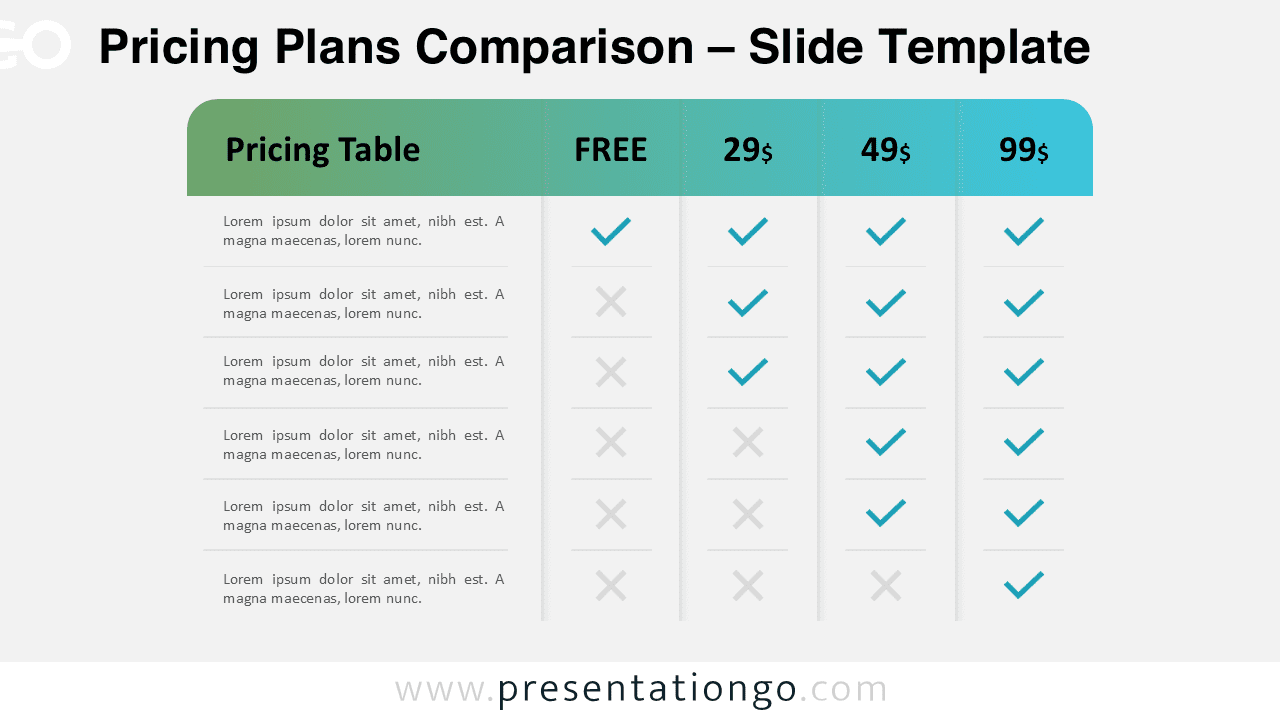
Download a Pricing Plans Comparison diagram with checkmarks and crosses for PowerPoint and Google Slides. Ideal for feature comparison.
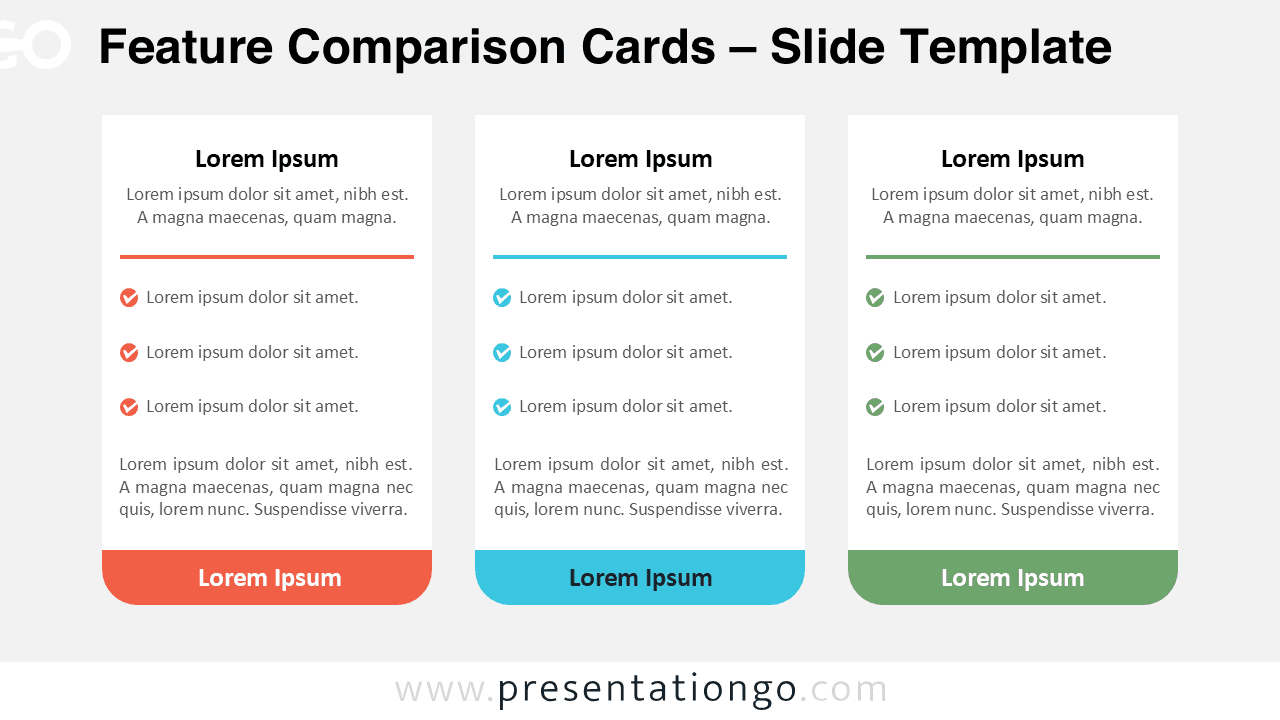
Download feature comparison cards for PowerPoint and Google Slides, ideal for showcasing pricing options, business plans, and side-by-side feature analysis.
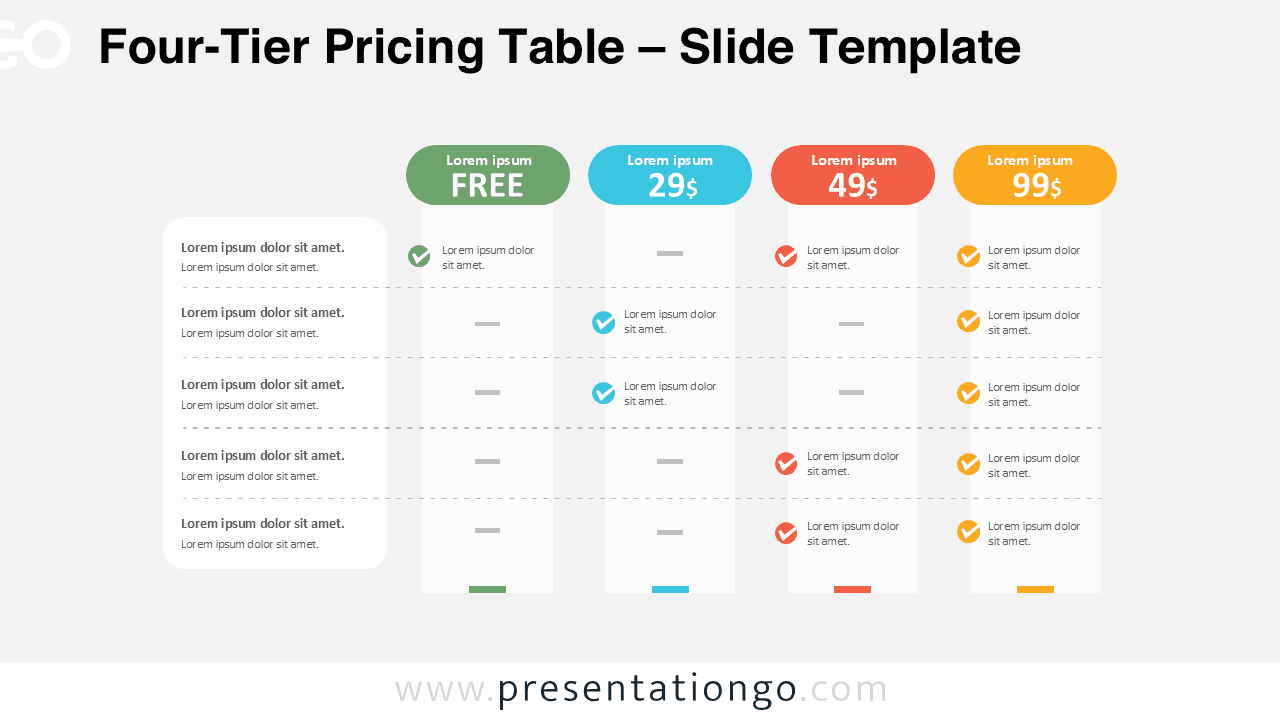
Free Four-Tier Pricing Table diagram for PowerPoint and Google Slides. Showcase pricing plans, features, and tiers with a professional comparison layout.