 100% 무료
4-Step Arrow Cycle for PowerPoint and Google Slides
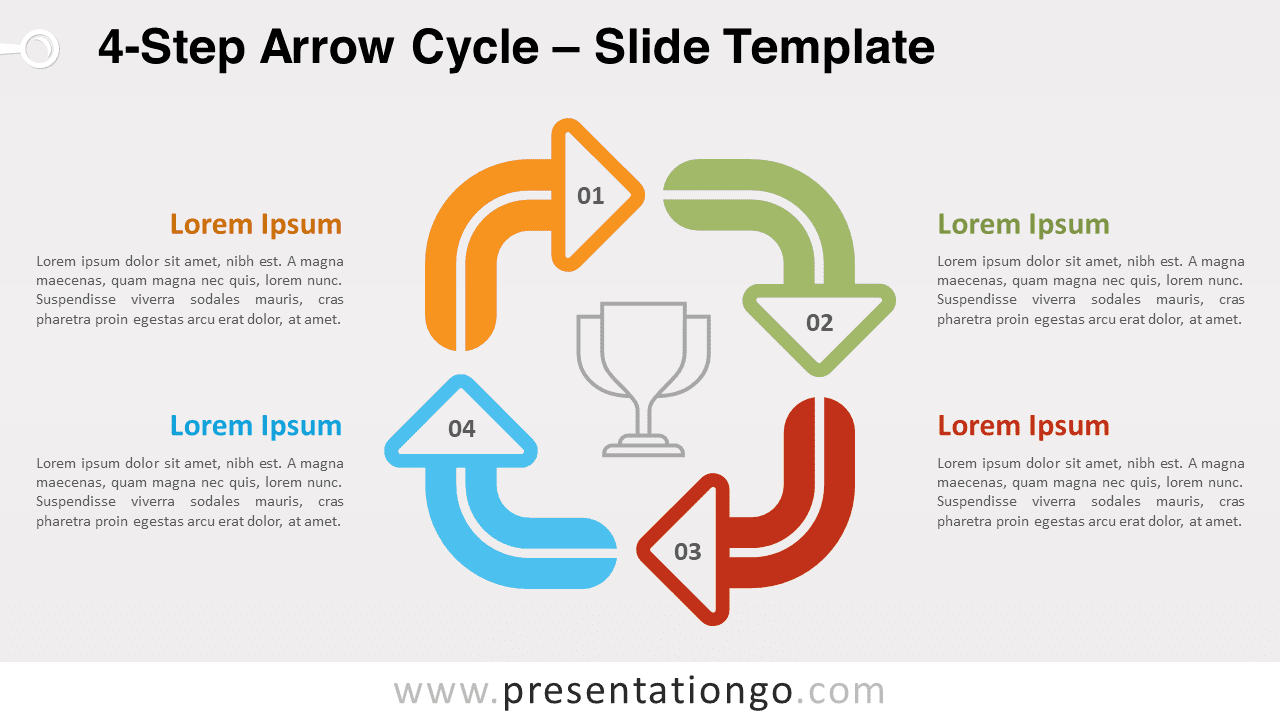
Free 4-Step Arrow Cycle for PowerPoint and Google Slides. A simple yet effective circular diagram with 4 curved arrows.
템플릿 상세
Free 4-Step Arrow Cycle for PowerPoint and Google Slides. A simple yet effective circular diagram with 4 curved arrows. Editable graphics with numbers and text placeholders. Do you want to show your audience which way to go? Just follow the arrows! This free 4-Step Arrow Cycle template is a clear and colorful manner to display your circular process. This infographic offers a simple yet powerful design to showcase and describe the 4 stages of your process. Indeed, your 4 options are represented by 4 curved arrows that form a squared shape. Besides, you can insert a number inside each arrowhead. You also have the possibility to add an icon in the center in order to represent your main idea or project. Last but not least, text placeholders are at your disposal in each corner for you to describe each step. Enjoy this free 4-Step Arrow Cycle template to showcase your circular processes such as your 4-step project, workflow, or task. You can use it as a 4-step matrix diagram as well.
- 출처
- PresentationGo
- 형식
- pptx
- 파일 크기
- 88 KB
- 다운로드
- 0
- 슬라이드 수
- 2
- 비율
- 16:9
제작자 / 저작권:PresentationGo
원본 링크:PresentationGo original