 100% 무료
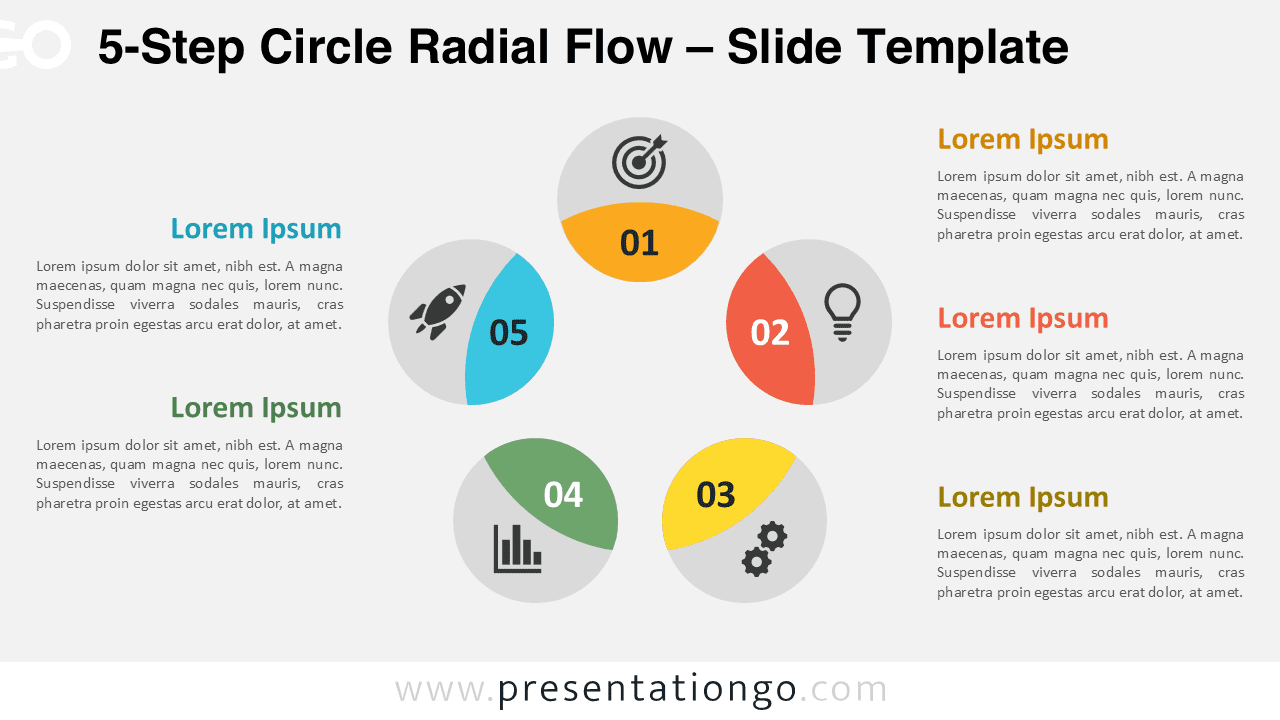
5-Step Circle Radial Flow
Download this 5-Step Circle Radial Flow for PowerPoint & Google Slides. Perfect for illustrating processes, sequences, and workflows.
템플릿 상세
The 5-Step Circle Radial Flow diagram is a fully customizable 5-step template designed for PowerPoint and Google Slides to visualize sequential processes. This template features a circular radial flow with five interconnected segments radiating around a central node. Each segment is labeled with a number, icon, and corresponding text area, creating a balanced and symmetrical design. Its intuitive layout highlights progression and relationships, ensuring clarity and focus on each step while maintaining a cohesive overall structure. Radial diagrams like this are ideal for illustrating cyclic processes , strategic planning, and workflows where all elements contribute to a unified goal. For instance, it can represent the stages of a product lifecycle, steps in a marketing campaign, or phases of team collaboration. This specific design ensures that complex information is presented concisely, making it perfect for business professionals, educators, or project managers. This template includes two unique slides pre-populated with editable icons and text placeholders. Shapes, colors, and icons are fully customizable to match specific needs or branding guidelines. Users can choose between light and dark themes, and it is available in Standard (4:3) and Widescreen (16:9) formats. The template is compatible with both PowerPoint PPTX and Google Slides, making it versatile for any presentation platform.
템플릿 특징
- 2 unique slides
- Options for both light and dark themes
- Pre-populated with icons and text placeholders
- Fully customizable shapes for complete control
- Available in both Standard (4:3) and Widescreen (16:9) ratios
- Offered in both PowerPoint PPTX and Google Slides formats
- 출처
- PresentationGo
- 형식
- pptx
- 파일 크기
- 134 KB
- 다운로드
- 0
- 슬라이드 수
- 2
- 비율
- 16:9
제작자 / 저작권:PresentationGo
원본 링크:PresentationGo original