 100% 무료
Chemistry Tools Comparison for PowerPoint and Google Slides
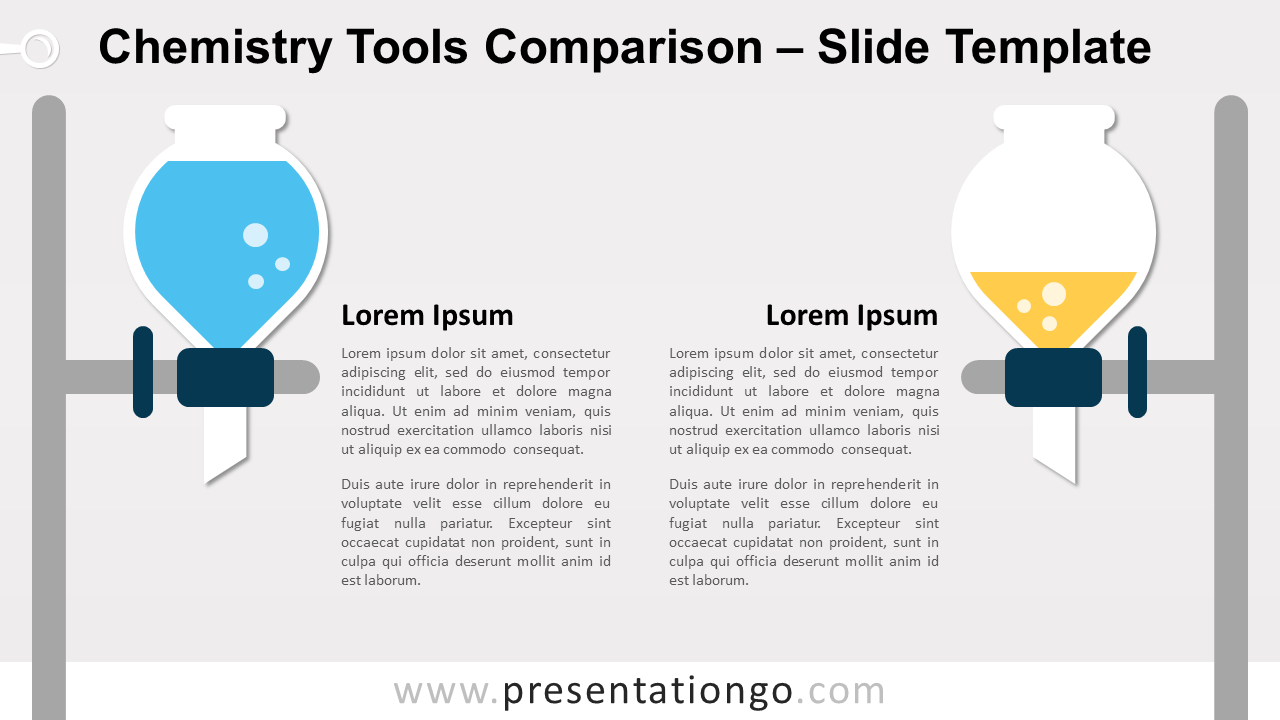
Free chemistry tools comparison for PowerPoint and Google Slides. Two laboratory glasses on a stand. Perfect to compare 2 different ideas or concepts.
템플릿 상세
Free chemistry tools comparison for PowerPoint and Google Slides. Illustration of two laboratory glasses on a stand. Perfect to compare 2 different ideas or concepts. Editable graphics with text placeholders. Comparing ideas or just showcasing 2 concepts is a pretty common thing in presentations. The most basic way of designing this type of slide is to insert 2 blocks of text side by side. Of course, this solution is not optimal . Indeed, we know that boring design won’t make your message really stand-out. As a consequence, there’s a high probability your audience won’t really remember it. Then, you need design options in your presentation arsenal to optimize these slides. That is why this specific template could be useful for you. More specifically, this graphic illustrates 2 inverted flasks in a flat design style. They both stand on a high vertical stand and placed on the extreme sides of the slide. Therefore, both paragraphs come close to the middle. Also, the flasks contain a different quantity of colorful liquid (with bubbles). This graphic with chemistry lab equipment will suit any topic about chemistry, pharmaceutical, or scientific research.
- 출처
- PresentationGo
- 형식
- pptx
- 파일 크기
- 73 KB
- 다운로드
- 0
- 슬라이드 수
- 2
- 비율
- 16:9
제작자 / 저작권:PresentationGo
원본 링크:PresentationGo original