 100% 무료
Dual Screen Projection
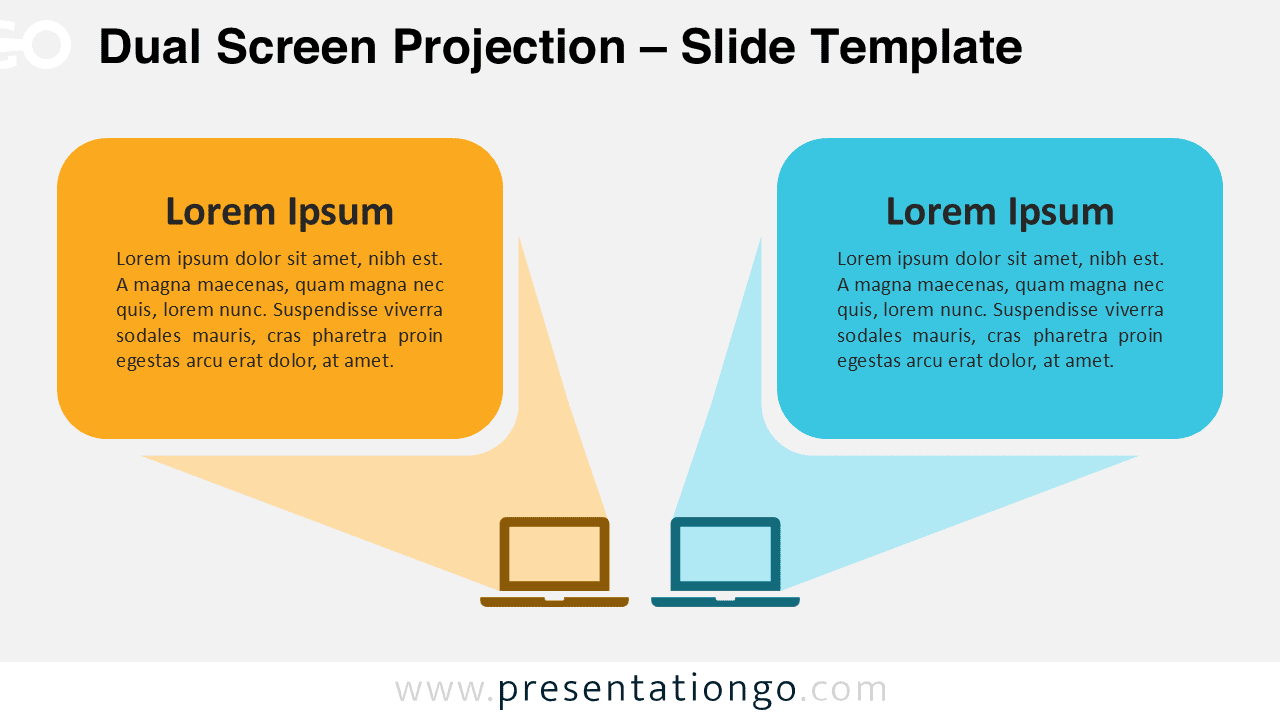
Download Dual Screen Projection for PowerPoint & Google Slides to showcase side-by-side comparisons with a structured and modern design.
템플릿 상세
The Dual Screen Projection template for PowerPoint and Google Slides offers a structured way to present comparisons through a two-step visual approach. Comparisons are essential components in effective presentations, allowing speakers to highlight differences, analyze alternatives, and support decision-making processes. This dual projection diagram excels when presenting competing proposals, contrasting methodologies, or before-and-after scenarios. For instance, marketing teams can use it to compare current versus proposed strategies, educators can contrast different theories or approaches, and sales professionals can showcase product comparisons. The visual separation enhances audience comprehension, making complex comparative information more digestible while keeping viewers engaged through clear visual organization. This template includes two unique slides, pre-populated with text placeholders, and fully customizable shapes. Users can modify the colors, text, and icons to suit their branding needs. It is available in Standard (4:3) and Widescreen (16:9) formats and includes both light and dark theme options. Compatible with PowerPoint (PPTX) and Google Slides, it provides flexibility for different presentation settings.
템플릿 특징
- 2 unique slides
- Options for both light and dark themes
- Pre-populated with text placeholders
- Fully customizable shapes for complete control
- Available in both Standard (4:3) and Widescreen (16:9) ratios
- Offered in both PowerPoint PPTX and Google Slides formats
- 출처
- PresentationGo
- 형식
- pptx
- 파일 크기
- 106 KB
- 다운로드
- 0
- 슬라이드 수
- 2
- 비율
- 16:9
제작자 / 저작권:PresentationGo
원본 링크:PresentationGo original