 100% 무료
Origami Ribbons with 6 Options for PowerPoint and Google Slides
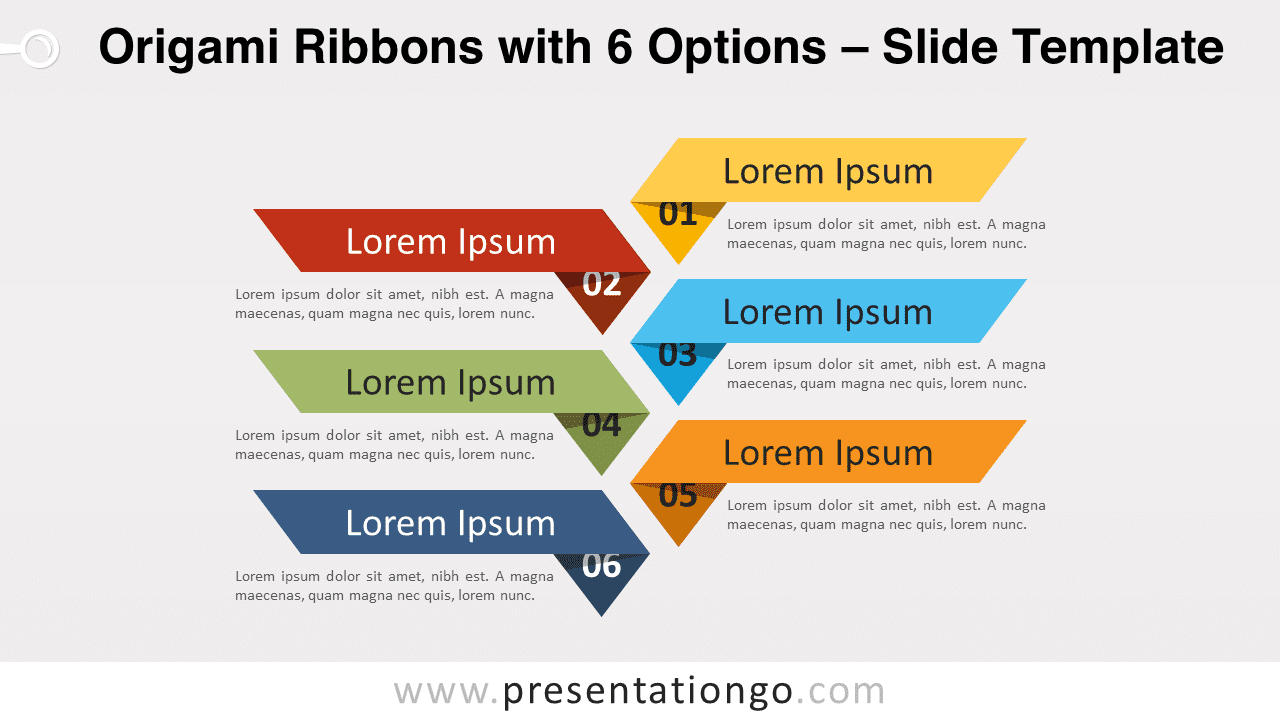
Free origami ribbons with 6 options for PowerPoint and Google Slides. A vertical series of 6 banners with a fold effect. Editable graphics.
템플릿 상세
Free origami ribbons with 6 options for PowerPoint and Google Slides. A vertical series of 6 banners with a fold effect. Editable graphics with numbers and text placeholders. Great ideas are not always enough to convince an audience. You also need the best way to convey them, and most of the time, the best option is a great infographic! So why don’t you try this free Origami Ribbons with 6 Options template? This simple yet eye-catching slide shows 6 paper-fold ribbons of different colors, aligned in a vertical alternating way. Each ribbon has a fold that forms a triangle on which you can insert a number from 1 to 6. Besides, you can write a title or the name of your idea or fact inside each banner. Moreover, you can describe your information thanks to text placeholders located right below each ribbon. Finally, you can enjoy this template with a white background or a black one for more contrast. This free Origami Ribbons with 6 Options template is a fantastic option to showcase a list of 6 items of written information. You can indeed use it for ideas, thoughts, facts as an alternative for text boxes and bulleted lists.
- 출처
- PresentationGo
- 형식
- pptx
- 파일 크기
- 74 KB
- 다운로드
- 0
- 슬라이드 수
- 2
- 비율
- 16:9
제작자 / 저작권:PresentationGo
원본 링크:PresentationGo original