 100% 무료
Speech Bubble Process for PowerPoint and Google Slides
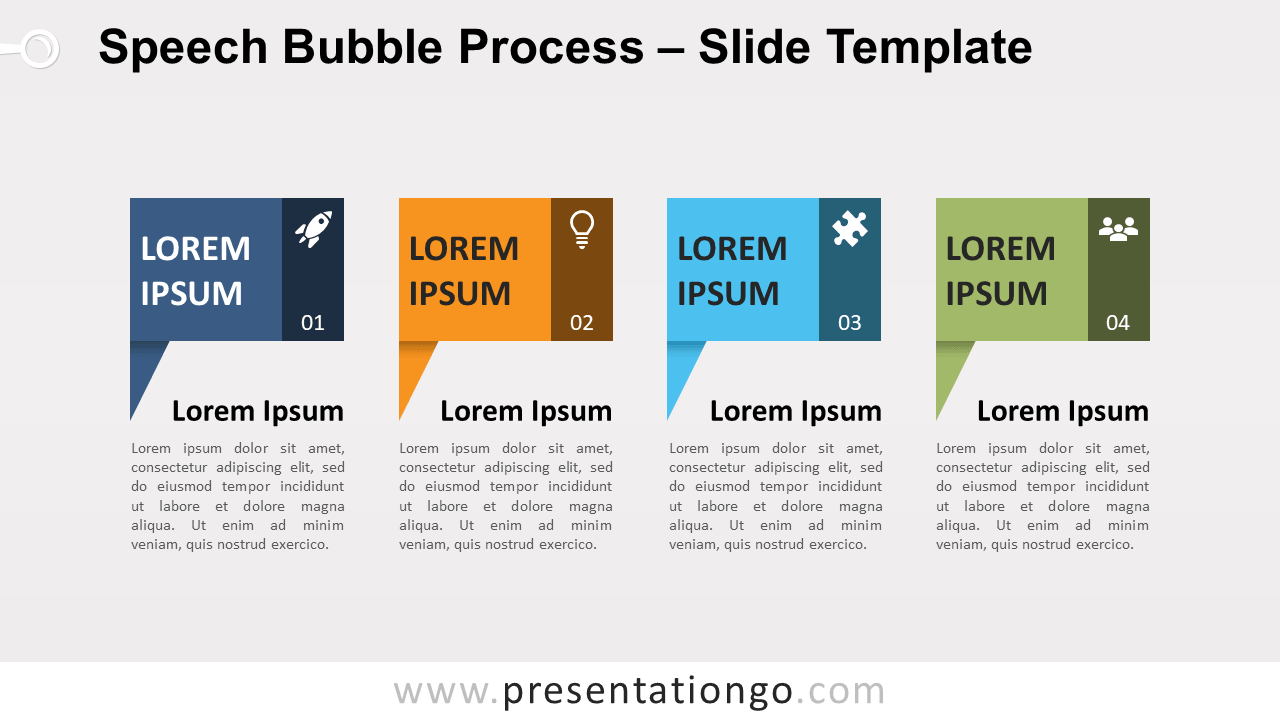
Free speech bubble process for PowerPoint and Google Slides. A four-step process diagram designed with rectangle speech bubbles. Editable graphics.
템플릿 상세
Free speech bubble process for PowerPoint and Google Slides. A four-step process diagram designed with rectangle speech bubbles. Editable graphics with numbers, icons, and text placeholders. There is literally no limit to designing beautiful processes or timelines . Indeed, like we say, the sky is the limit! Basically, process diagrams simply display a process with a start and endpoint (usually) on a line. The truth is, you could build a very appealing process diagram yourself. But we also thought that it would be easier for you to pick the one that best suits your needs among our now extensive collection. Specifically, this process diagram showcases a horizontal series of four rectangle speech bubble shapes. And each shape contains a number, an icon, and a title. You can use it to show a progression or 4 sequential steps in a task, process, or workflow. Alternatively, this graphic will be great to present a list of ideas or as a timeline.
- 출처
- PresentationGo
- 형식
- pptx
- 파일 크기
- 86 KB
- 다운로드
- 0
- 슬라이드 수
- 2
- 비율
- 16:9
제작자 / 저작권:PresentationGo
원본 링크:PresentationGo original