 100% 무료
Tabbed Text Boxes for PowerPoint and Google Slides
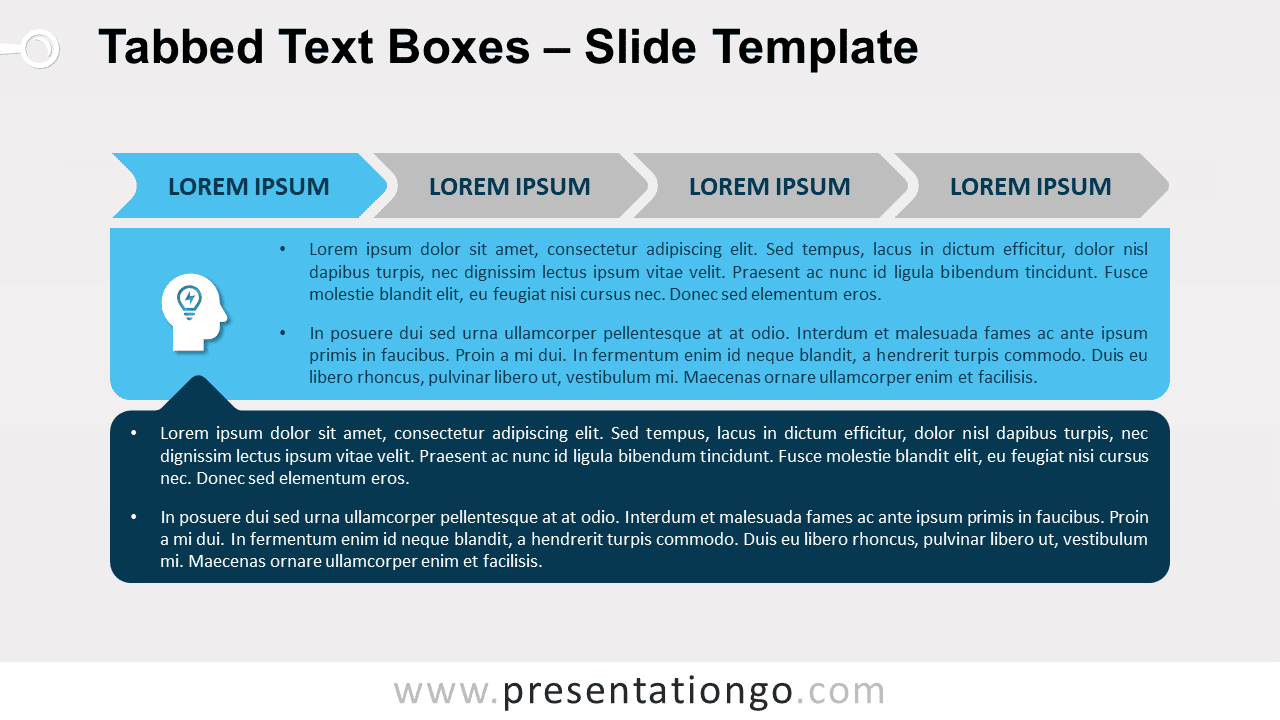
Free tabbed text boxes for PowerPoint and Google Slides. Wide text boxes with a 4-step tab divider on top. Ideal for a table of contents.
템플릿 상세
Free tabbed text boxes for PowerPoint and Google Slides. Wide text boxes with a 4-step tab divider on top. Ideal for a table of contents. Editable graphics with icons and text placeholders. Let’s organize your ideas and put some order in your thoughts! If you need a clear way of exposing your content, this free Tabbed Text Boxes template will do the trick. Thanks to the tab divider at the top of the pages, this set of 4 slides is ideal to present your content in a clear way. Each tab corresponds indeed to your 4 options (sections or menus). Each slide shows a different color with 2 distinct shades. Below the tab menu, you also have a wide text box where you can insert icons and bullet points. It is linked to another text box in the shape of a speech balloon in case you need to add some information, ideas, or quotes. Keep your audience content with this great table of contents! This free Tabbed Text Boxes template is a clear and complete option to order your ideas and communicate them efficiently.
- 출처
- PresentationGo
- 형식
- pptx
- 파일 크기
- 125 KB
- 다운로드
- 0
- 슬라이드 수
- 4
- 비율
- 16:9
제작자 / 저작권:PresentationGo
원본 링크:PresentationGo original