 100% 무료
Yet another Brainstorming Board for PowerPoint and Google Slides
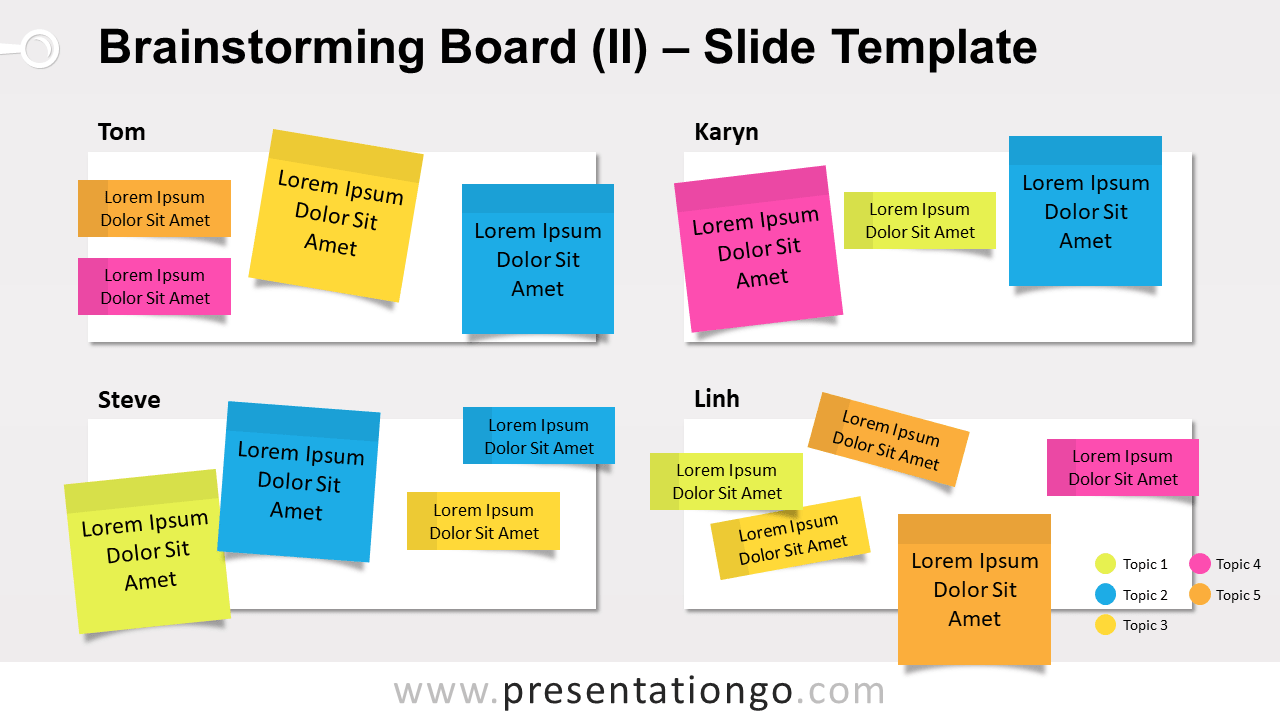
Free brainstorming board for PowerPoint and Google Slides. Board to organize creative ideas and thoughts from your team. With editable sticky notes.
템플릿 상세
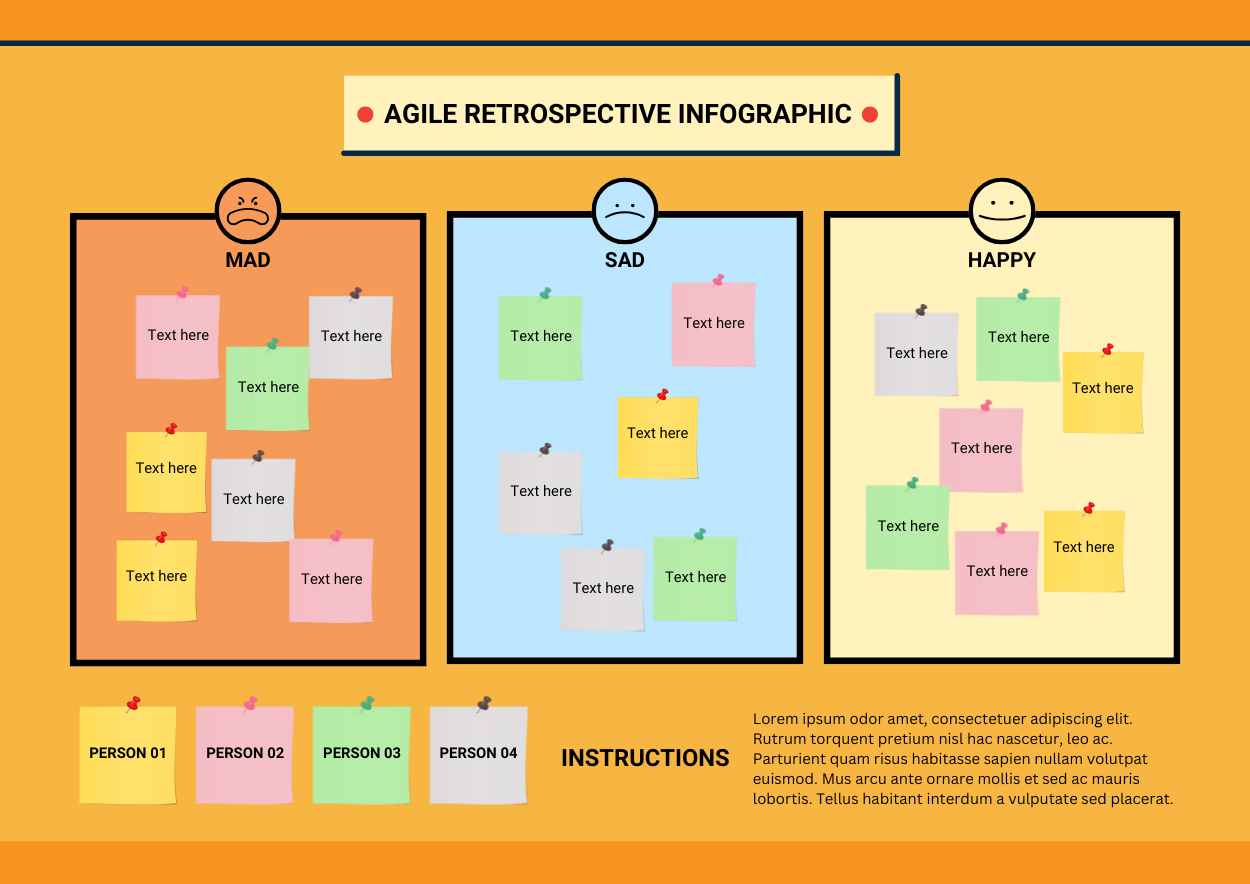
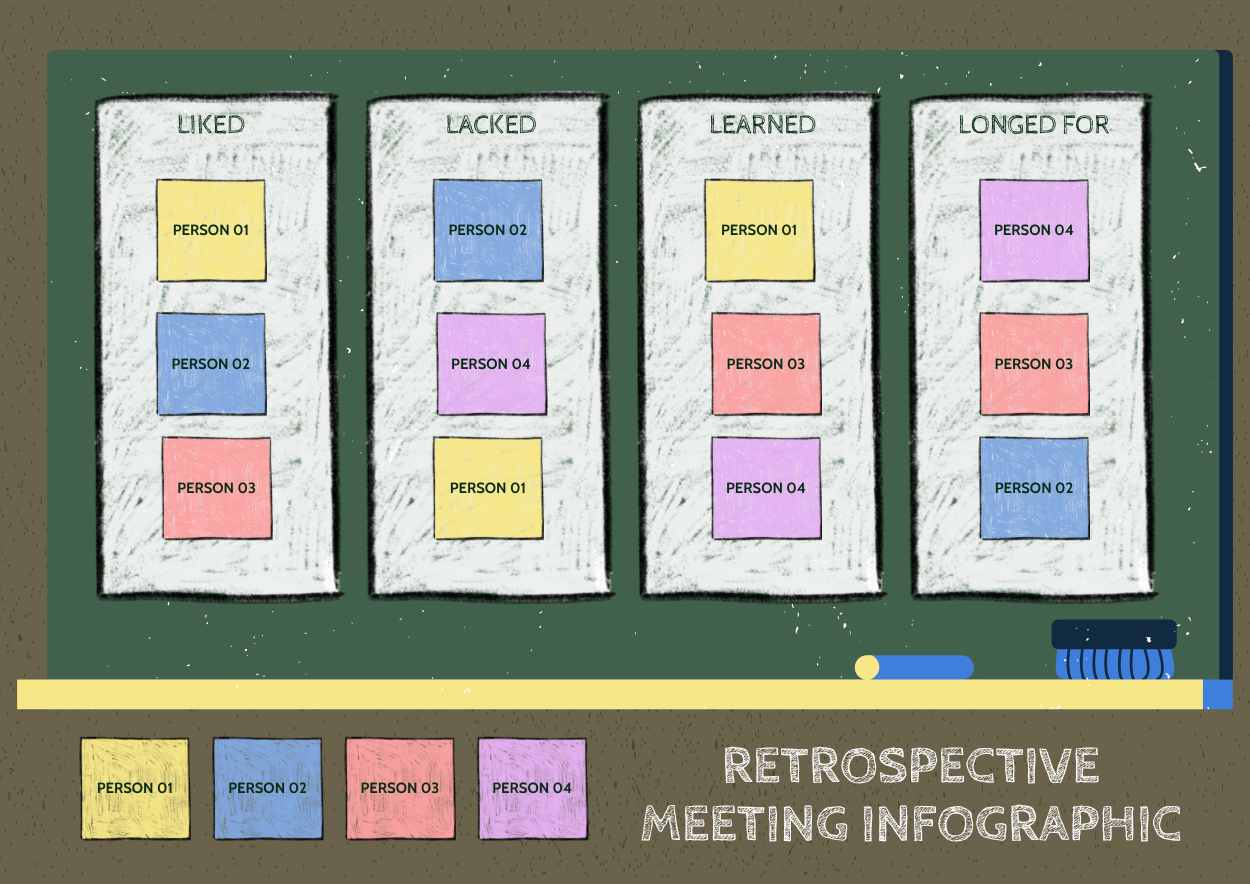
Yet another free brainstorming board for PowerPoint and Google Slides. An easy-to-use board to organize creative ideas and thoughts from your team. Editable graphics with customizable and placeable colorful sticky notes. Brainstorming is a creative methodology to gather valuable information from a group of people. Today, many companies use it for different purposes: to solve problems, to generate ideas or opinions on a specific matter, etc. During brainstorming sessions, a facilitator (aka a moderator) creates a favorable environment to get the best of a group of people. Basically, his role is to encourage the participants to come up with unlimited and imaginative thoughts and ideas. There are different techniques to actually inspire creative ideas. This brainstorming board will help you organize the ideas of your team. Specifically, this template clearly identifies each participant’s ideas . Indeed, there is a frame for each participant (here the example template can be used for 4 people). Additionally, you can customize the sticky note elements and assign them to their corresponding participants. It’s best to write only one idea per sticky note .
- 출처
- PresentationGo
- 형식
- pptx
- 파일 크기
- 79 KB
- 다운로드
- 0
- 슬라이드 수
- 2
- 비율
- 16:9
제작자 / 저작권:PresentationGo
원본 링크:PresentationGo original