 100% Free
5-Step Intertwined Arrows for PowerPoint and Google Slides
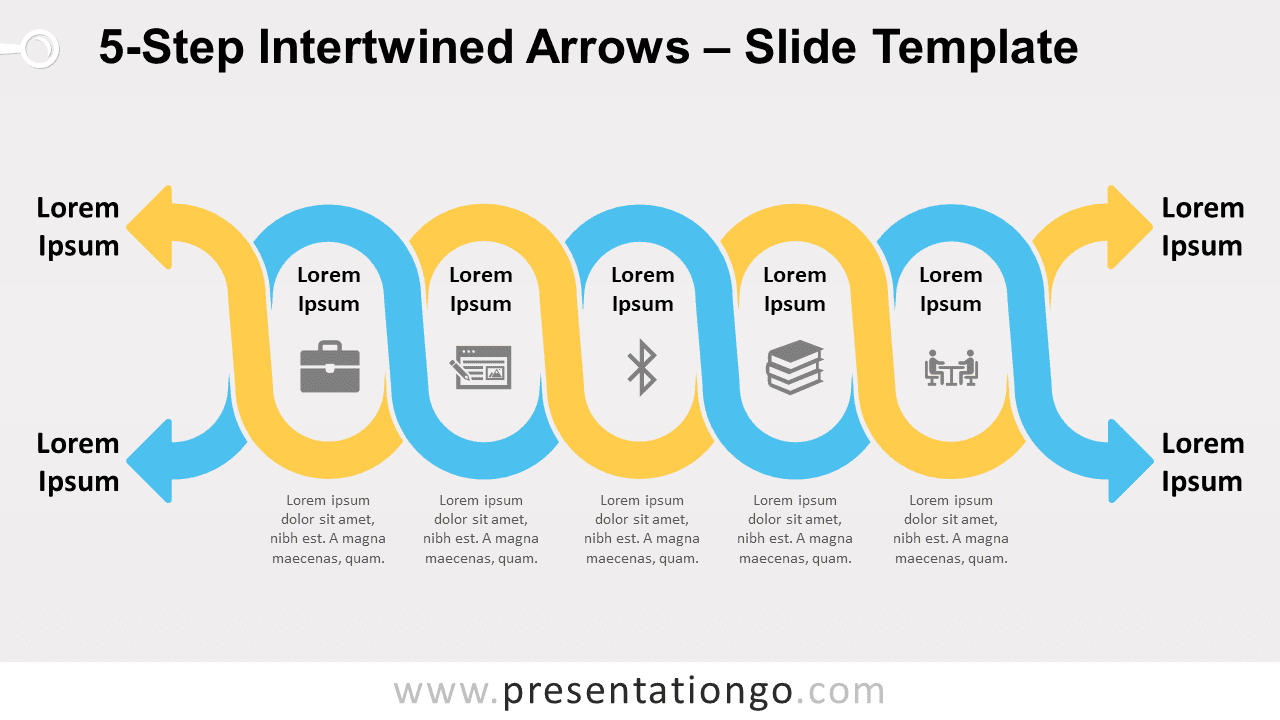
Free 5-step intertwined arrows for PowerPoint and Google Slides. Two twisted serpentine lines with arrows at both ends and 5 oval loops.
Template Details
Free 5-step intertwined arrows for PowerPoint and Google Slides. Two twisted serpentine lines with arrows at both ends and 5 oval loops. Editable graphics with icons and text placeholders. Imagine snakes that would also be arrows! This 5-Step Intertwined Arrows template will be a potent weapon for your next presentation. Indeed, you can present the twists and twirls of two interwoven linear processes in an original manner. This simple yet impactful infographic shows two serpentine lines with arrows at both ends. Next to each point of the arrow, you can also include a title if you need to. These yellow and blue horizontal wavy lines intercross and thus form 5 oval loops, which means 5 options to display your steps or ideas. You can adorn these loops by including a title and an icon inside each one of them. Besides, you will find text placeholders below the graphic to express your ideas in writing. This 5-Step Intertwined Arrows template is ideal to show the connections and conversions inside linear processes. Use these waves to get on the same wavelength as your audience!
- Source
- PresentationGo
- Format
- pptx
- File size
- 120 KB
- Downloads
- 0
- Slides
- 2
- Aspect Ratio
- 16:9
Author / Copyright:PresentationGo
Original source:PresentationGo original