 100% Free
6-Step Boomerang Diagram
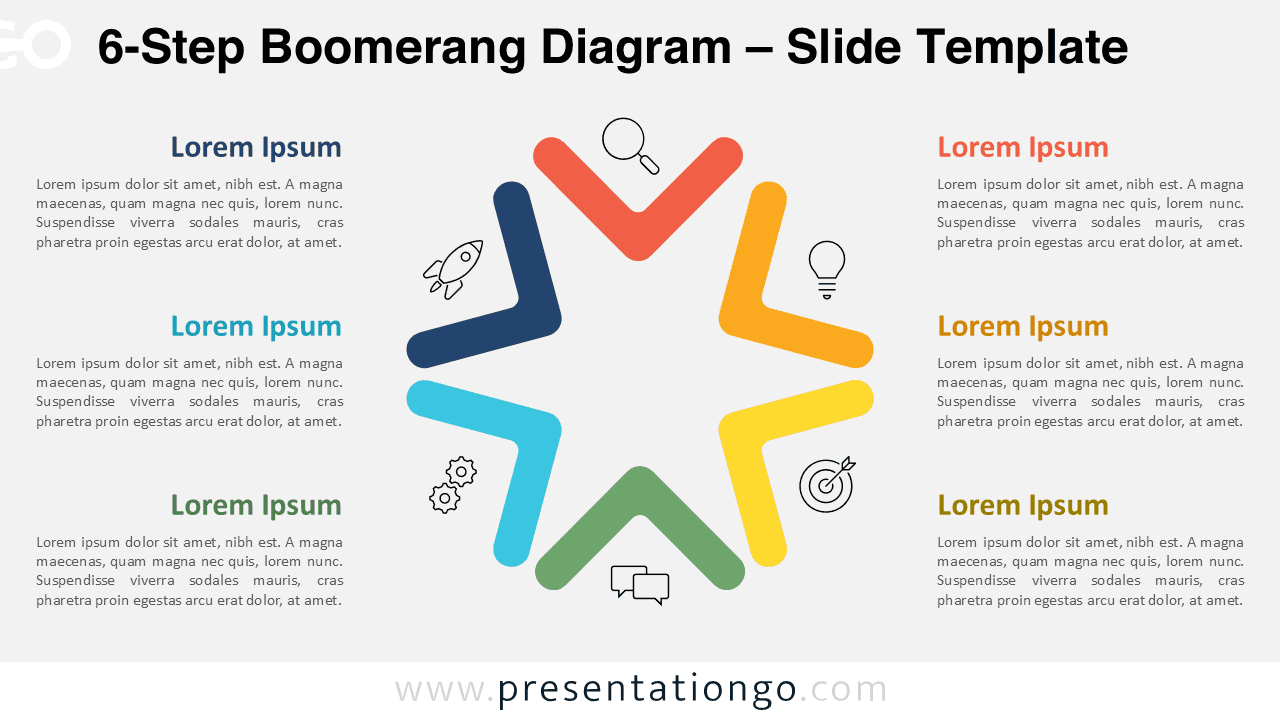
Download the 6-Step Boomerang Diagram for PowerPoint and Google Slides. Perfect for mapping phases, loops, and continuous steps.
Template Details
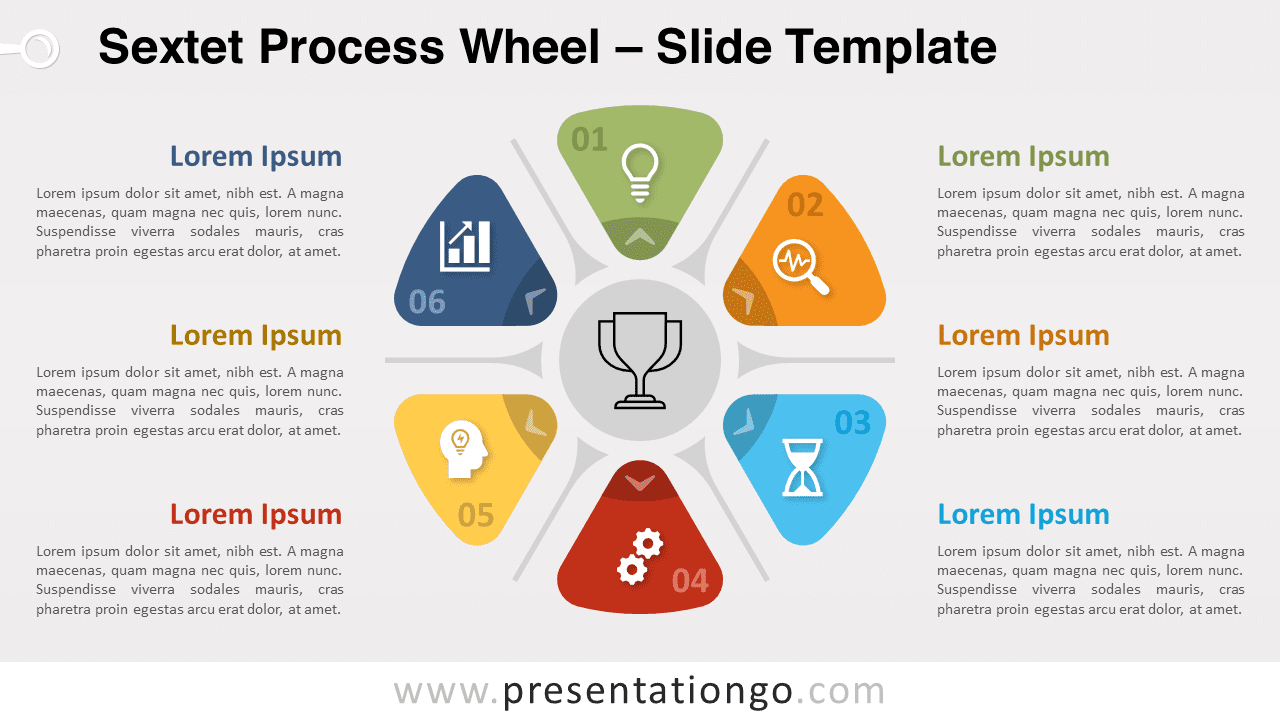
The 6-Step Boomerang Diagram presents a circular process format with six curved arrow elements that guide viewers through sequential stages, designed specifically for PowerPoint and Google Slides presentations. This diagram features six boomerang-shaped elements arranged in a circular flow, each rotated at a 60° angle to form a harmonious, clockwise loop. The curved, V-shaped arrows visually guide the viewer’s eye from one segment to the next, emphasizing motion and progression. At the center of each arrow, a distinct icon enhances clarity, while a bold title and short text block accompany each step, alternating neatly around the circle. The symmetry and consistent spacing give this diagram a well-organized, clean appearance. Circular diagrams are ideal for communicating processes that cycle or repeat. This 6-step layout is perfect for showcasing iterative strategies, development phases, or recurring workflows. For instance, a marketing team might use this to map out an annual campaign cycle, while a product team could outline stages of iterative design. Each step is both visually distinct and part of the whole, making complex concepts easy to follow. Download this versatile 6-step circular diagram to transform complex processes into clear, engaging visual narratives for your next presentation.
Template Features
- 2 unique slides
- Options for both light and dark themes
- Pre-populated with icons and text placeholders
- Fully customizable shapes for complete control
- Available in both Standard (4:3) and Widescreen (16:9) ratios
- Offered in both PowerPoint PPTX and Google Slides formats
- Source
- PresentationGo
- Format
- pptx
- File size
- 216 KB
- Downloads
- 0
- Slides
- 2
- Aspect Ratio
- 16:9
Author / Copyright:PresentationGo
Original source:PresentationGo original