 100% Free
Circle Wave Flow Process for PowerPoint and Google Slides
Enhance your presentations with the Circle Wave Flow Process for PowerPoint and Google Slides. Illustrate a five-part process effortlessly with its unique, engaging design.
Template Details
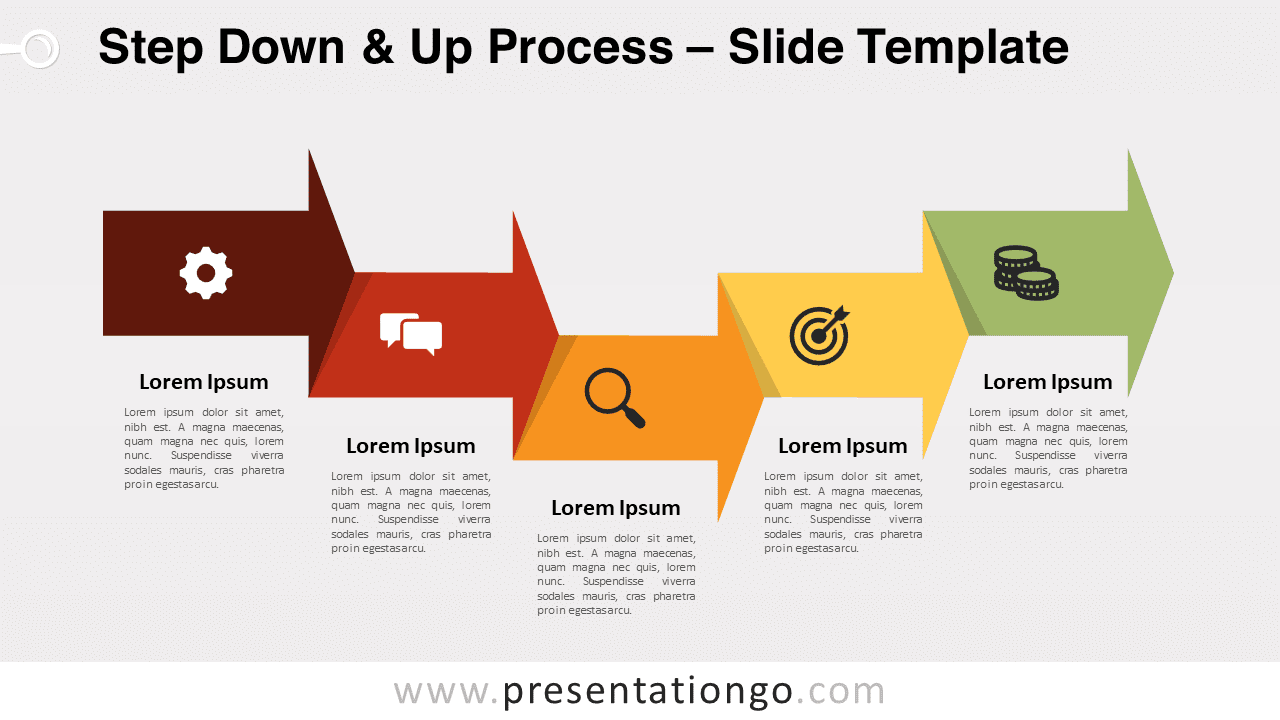
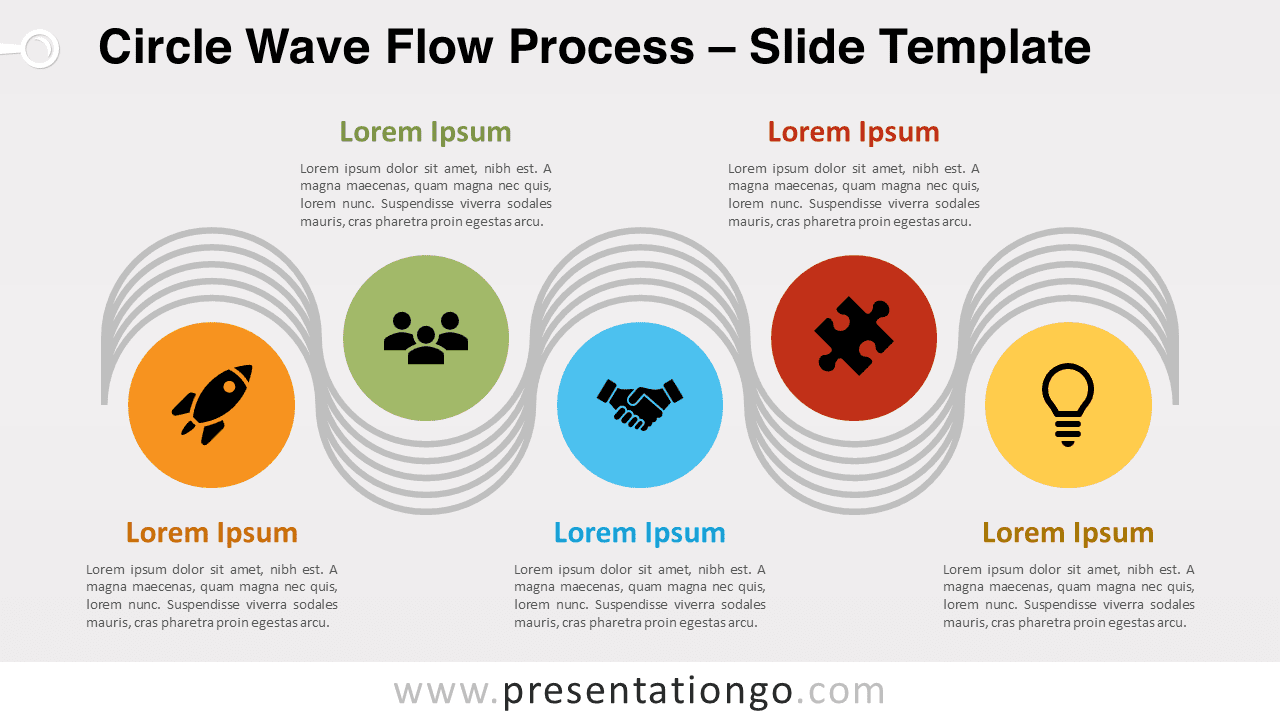
Discover the Circle Wave Flow Process for PowerPoint and Google Slides, an innovative slide template perfect for modern presentations. It highlights five unique, color-differentiated circles, each embedded with an icon, capturing the essence of a sequential flow. Diving into its design, five gray wavy lines weave around these circles, creating an engaging visual rhythm. Furthermore, each circle boasts a text placeholder, allowing for effortless customization. Given its versatility, it’s available in both standard (4:3) and widescreen (16:9) layouts, suitable for light or dark backgrounds. So, why use it? Well, this visual aid is your go-to for representing a horizontal process diagram or five-step sequence, such as a product launch timeline or project management phases. It makes conveying complex ideas simple and engaging. In conclusion, this alternating process diagram with five steps strikes the perfect balance between aesthetic appeal and functionality. A must-have for anyone aiming to make an impactful presentation.
- Source
- PresentationGo
- Format
- pptx
- File size
- 117 KB
- Downloads
- 0
- Slides
- 2
- Aspect Ratio
- 16:9
Author / Copyright:PresentationGo
Original source:PresentationGo original