 100% Free
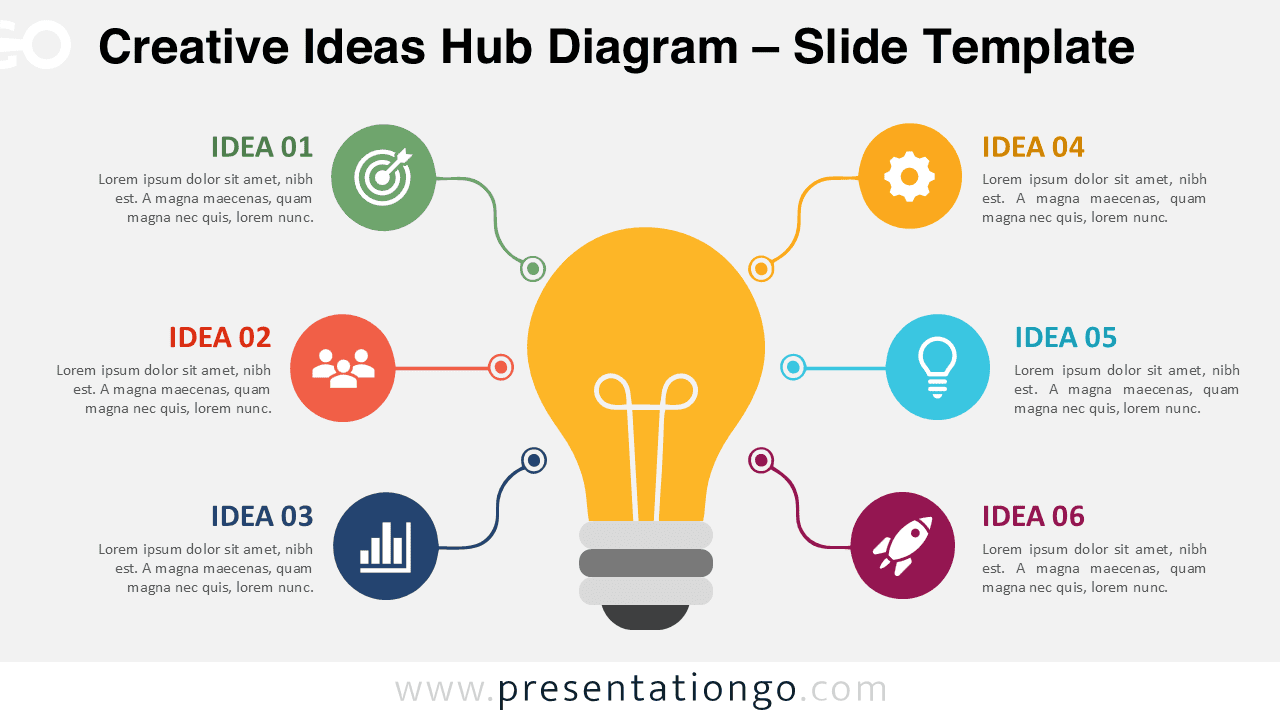
Creative Ideas Hub Diagram
Use the Creative Ideas Hub Diagram for PowerPoint and Google Slides to organize six ideas around one central concept with editable text, shapes, and icons.
Template Details
The Creative Ideas Hub Diagram helps you organize six related ideas around one clear central concept. Its radial layout creates an immediate visual hierarchy without making the slide feel crowded. A large light bulb anchors the composition, while six connected sections expand the story around it. The diagram works naturally in PowerPoint and Google Slides for brainstorming, planning, strategy, and creative presentations.
- Source
- PresentationGo
- Format
- pptx
- File size
- 131 KB
- Downloads
- 0
Author / Copyright:PresentationGo
Original source:PresentationGo original