 100% Free
Lifesaver Diagram for PowerPoint and Google Slides
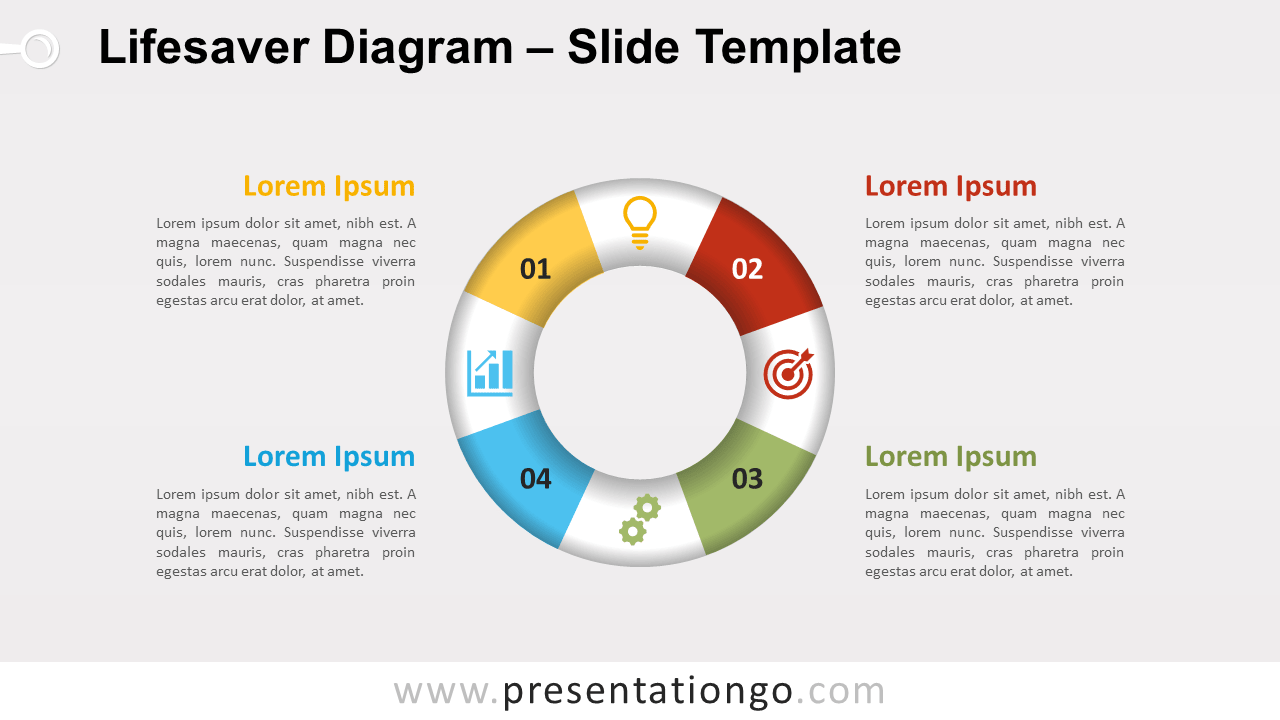
Save your presentation! Free lifesaver diagram for PowerPoint and Google Slides. Cycle diagram of a lifebuoy that showcases a 4-step circular flow.
Template Details
Free lifesaver diagram for PowerPoint and Google Slides. Cycle diagram of a lifebuoy that showcases a 4-step circular flow. Editable graphics with numbers, icons, and text placeholders. Are you desperately looking for a lifesaver for your slide, or for your presentation? This diagram may help you! Doing some research, we would have never imagined all the alternative names that can have a saving buoy. As a matter of fact, Wikipedia lists them all: lifebuoy, lifebelt, water wheely, ring buoy, lifering, lifesaver, life donut or life preserver, also known as a “kisby ring” or “perry buoy”. WOW! In general, you can use this lifesaver diagram to represent a continuing sequence of 4 stages , tasks, or events in a circular flow. Also, this graphic is nondirectional. For example, tmeans that it works well when the direction does not need to be indicated. Finally, this diagram will be great to simply showcase 4 ideas or concepts. And it will be great as a visual metaphor for helping, saving (the planet, money-saving), survival and self-preservation, or for an emergency plan, etc.
- Source
- PresentationGo
- Format
- pptx
- File size
- 100 KB
- Downloads
- 0
- Slides
- 3
- Aspect Ratio
- 16:9
Author / Copyright:PresentationGo
Original source:PresentationGo original