 100% Free
Mirrored Pins for PowerPoint and Google Slides
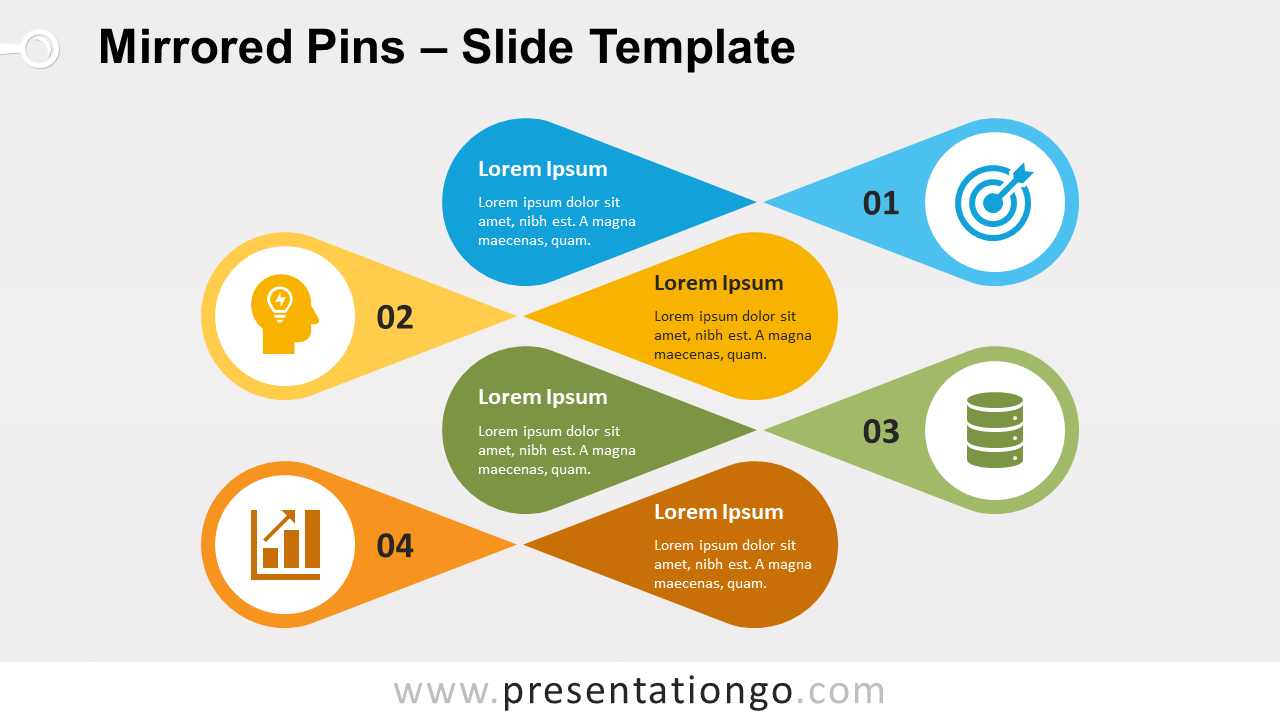
Free mirrored pins for PowerPoint and Google Slides. A series of horizontal colorful pin shapes. Editable graphics with icons and text placeholders.
Template Details
Free mirrored pins for PowerPoint and Google Slides. A series of horizontal colorful pin shapes. Editable graphics with icons and text placeholders. Using the whole space of a slide can be a challenge when designing a presentation. As a matter of fact, how to fill all that space is a crucial matter in presentation design. Indeed, you don’t want to overcharge your slides with too much information. On the other hand, you should take advantage of the height and width a slide has to offer. In the end, your information must be well balanced so that it is easier to read for your audience. This abstract infographic will allow you to optimize that space. Each element is made of a horizontal location pin , where you can embed a custom icon (or a number, or both). And on its side, a mirrored shape to insert your short text. Finally, all the elements are somehow interlocked, thanks to an alternative arrangement.
- Source
- PresentationGo
- Format
- pptx
- File size
- 87 KB
- Downloads
- 0
- Slides
- 2
- Aspect Ratio
- 16:9
Author / Copyright:PresentationGo
Original source:PresentationGo original