Loading resources…
Total 1760 resources
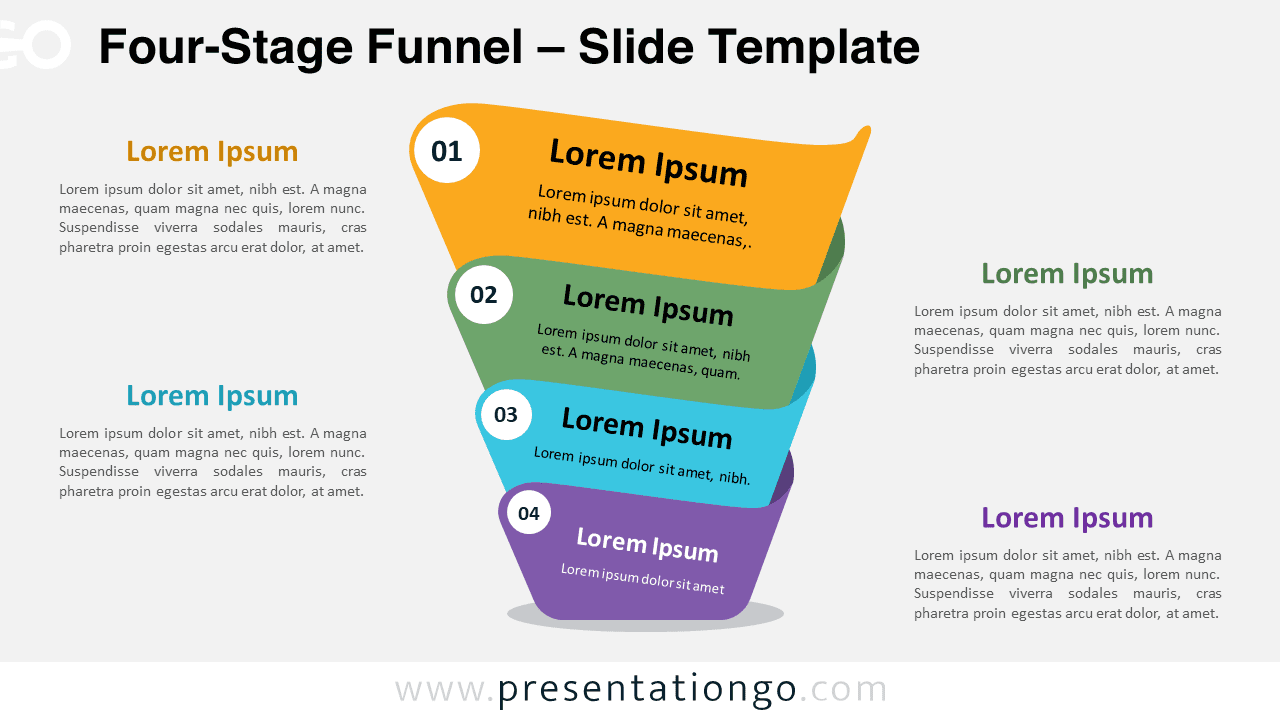
Download the Four-Stage Funnel for PowerPoint & Google Slides, and illustrate marketing processes, sales funnels, and customer journeys.
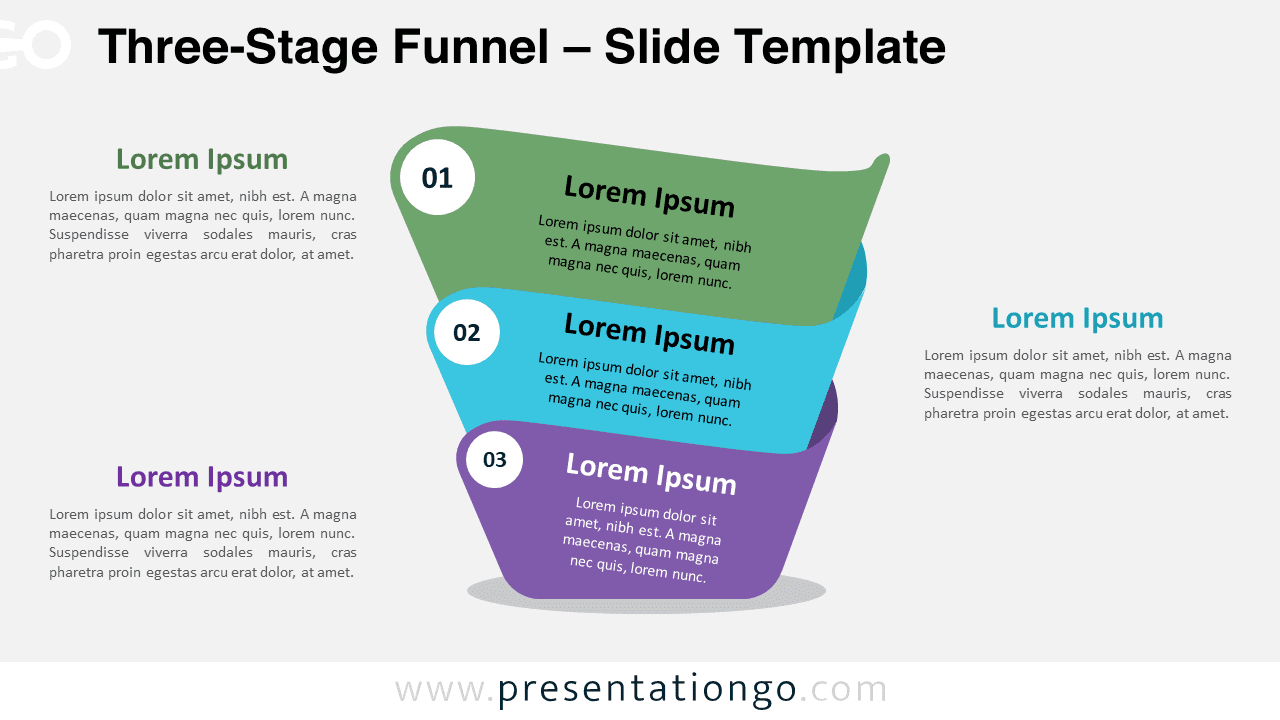
Download the Three-Stage Funnel for PowerPoint and Google Slides: a versatile free diagram for marketing, sales, and project timelines.
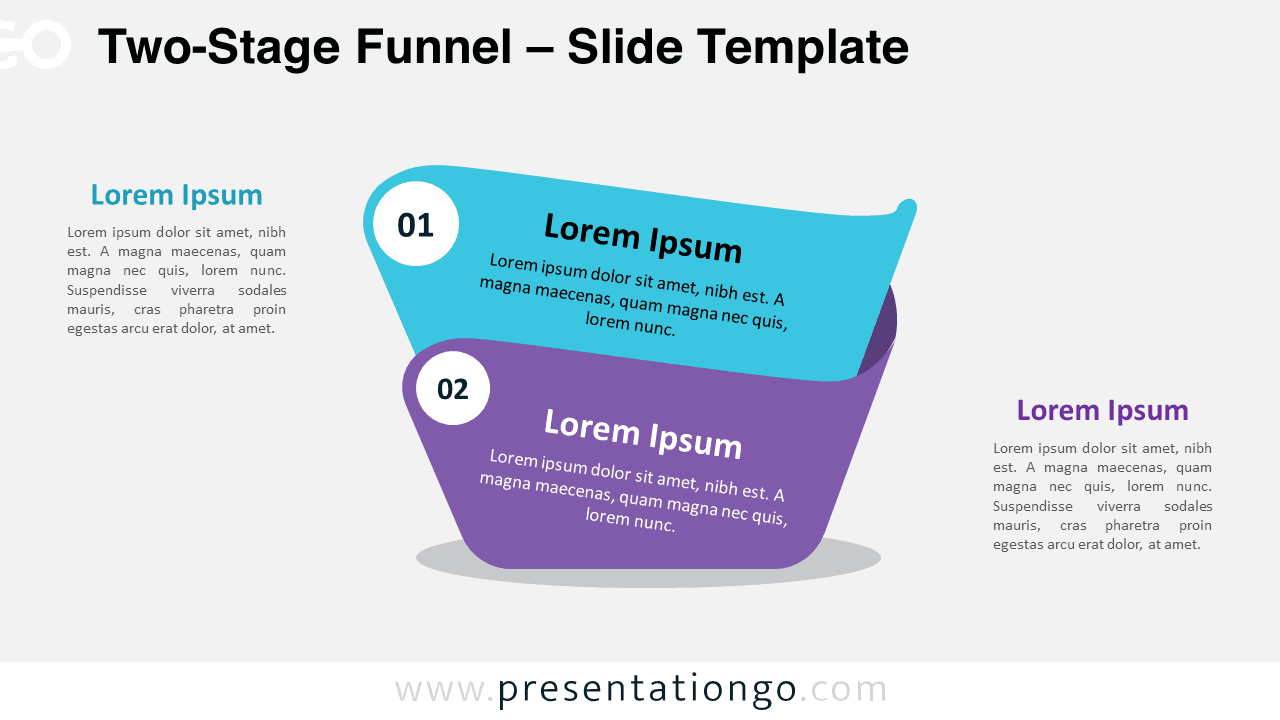
Download the Two-Stage Funnel for PowerPoint and Google Slides. Ideal for visualizing processes, sales funnels, and decision-making.
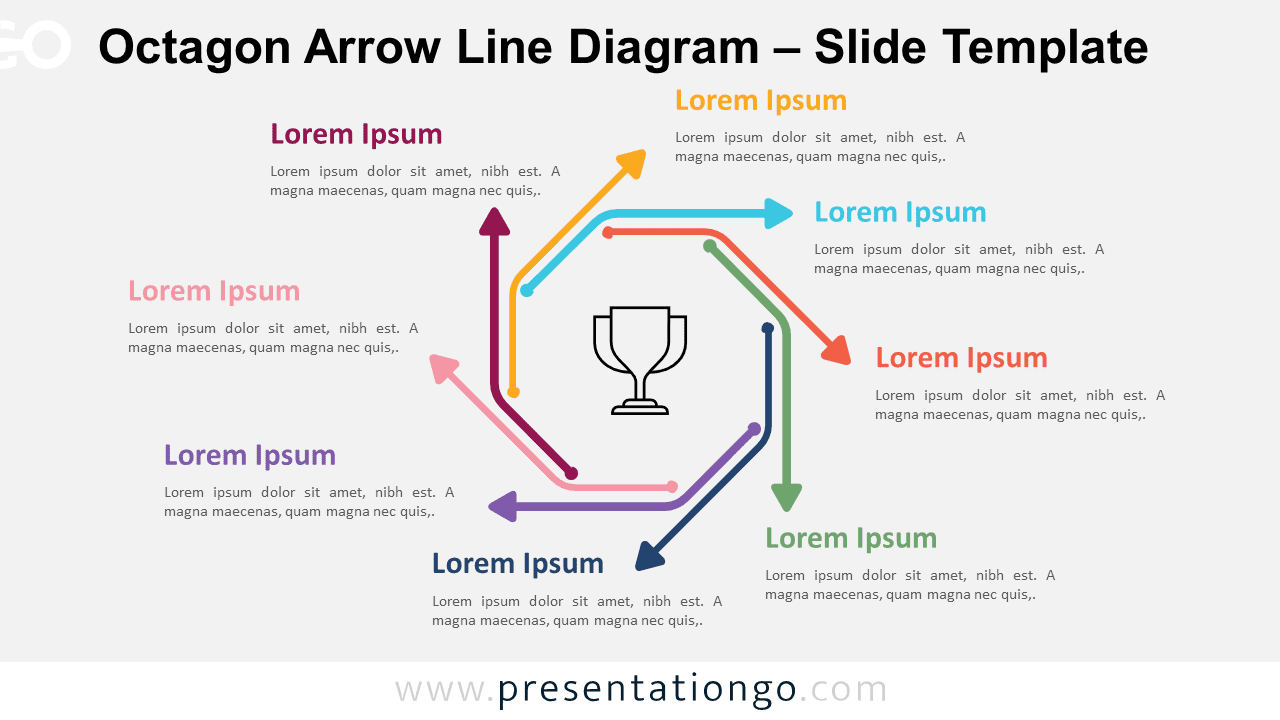
Download the Octagon Arrow Line Diagram for PowerPoint and Google Slides, featuring eight steps for simplified process visualization.
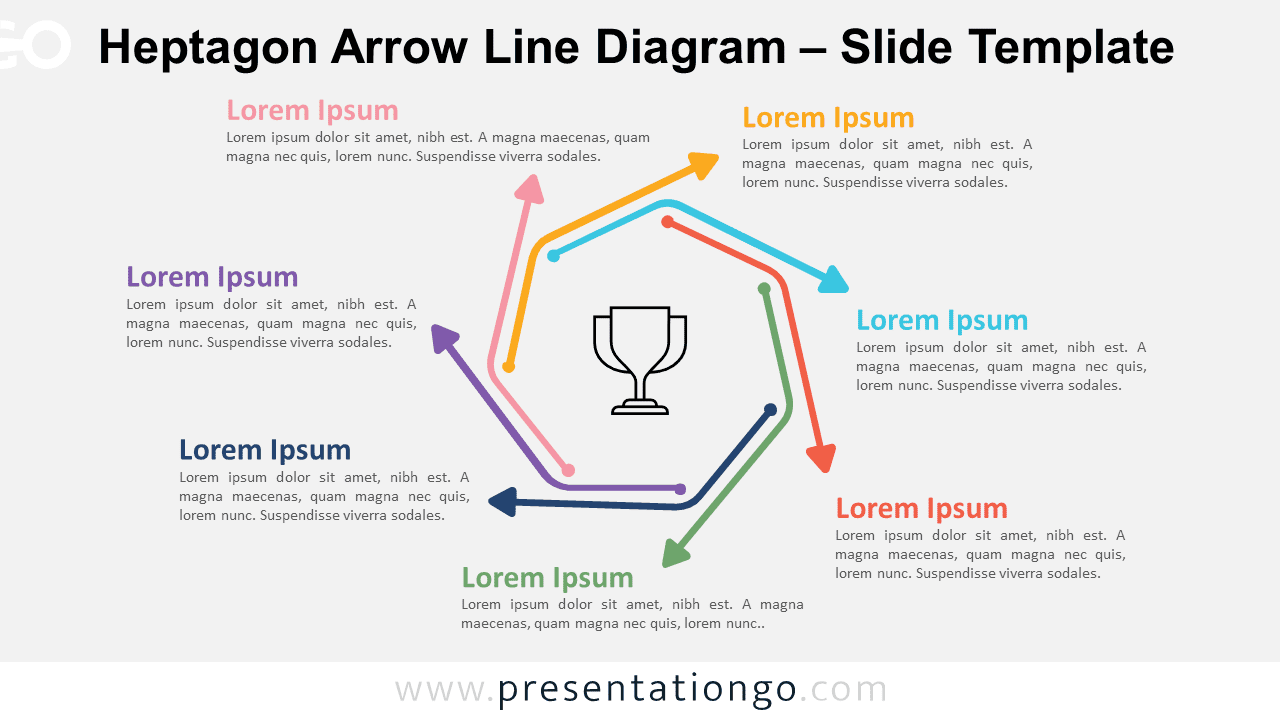
The Heptagon Arrow Line Diagram for PowerPoint and Google Slides simplifies complex processes into seven steps with clear, directional flow.
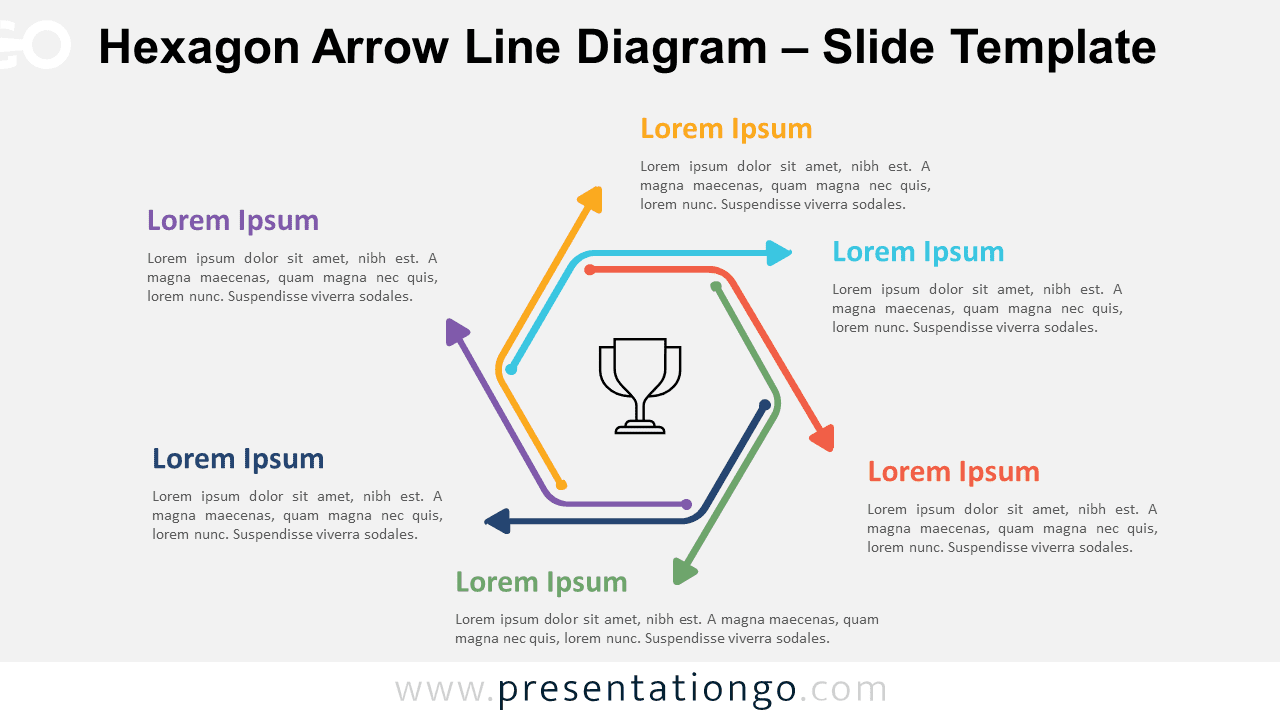
Download the Hexagon Arrow Line Diagram for PowerPoint and Google Slides. Visualize six-step processes with this geometric, circular design.
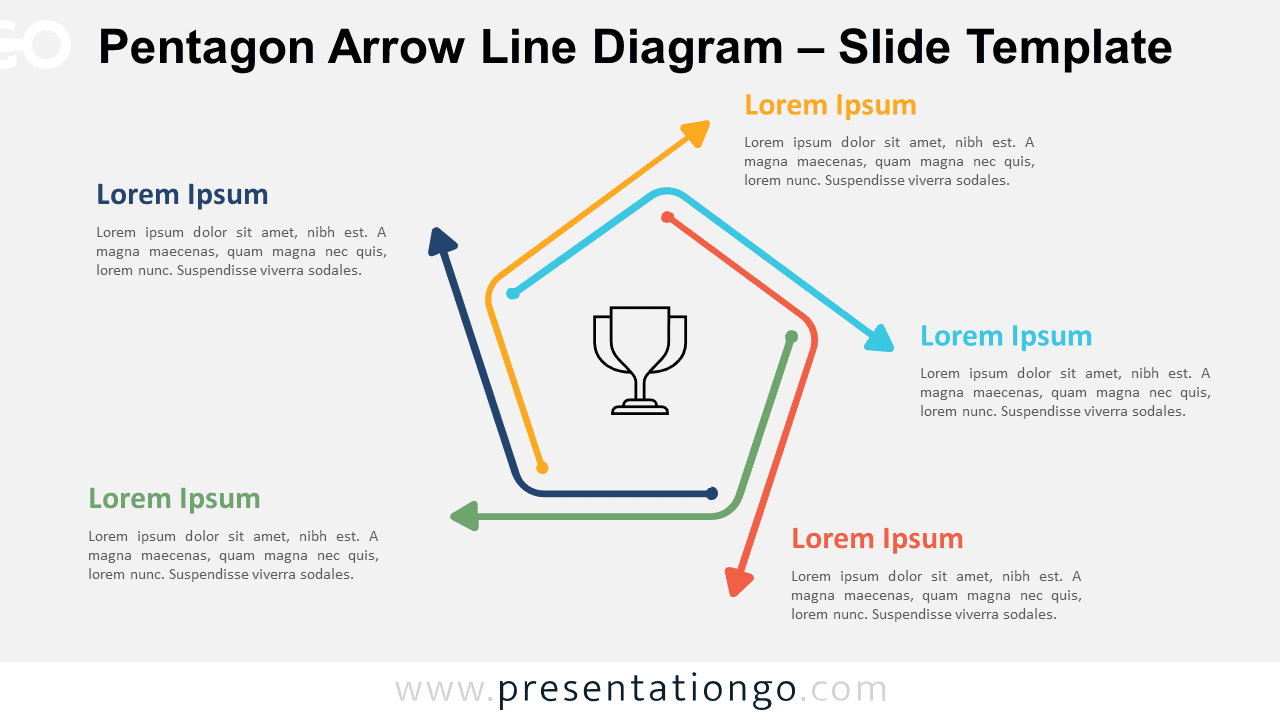
Download the Pentagon Arrow Line Diagram for PowerPoint and Google Slides, perfect for illustrating five-step processes with style.
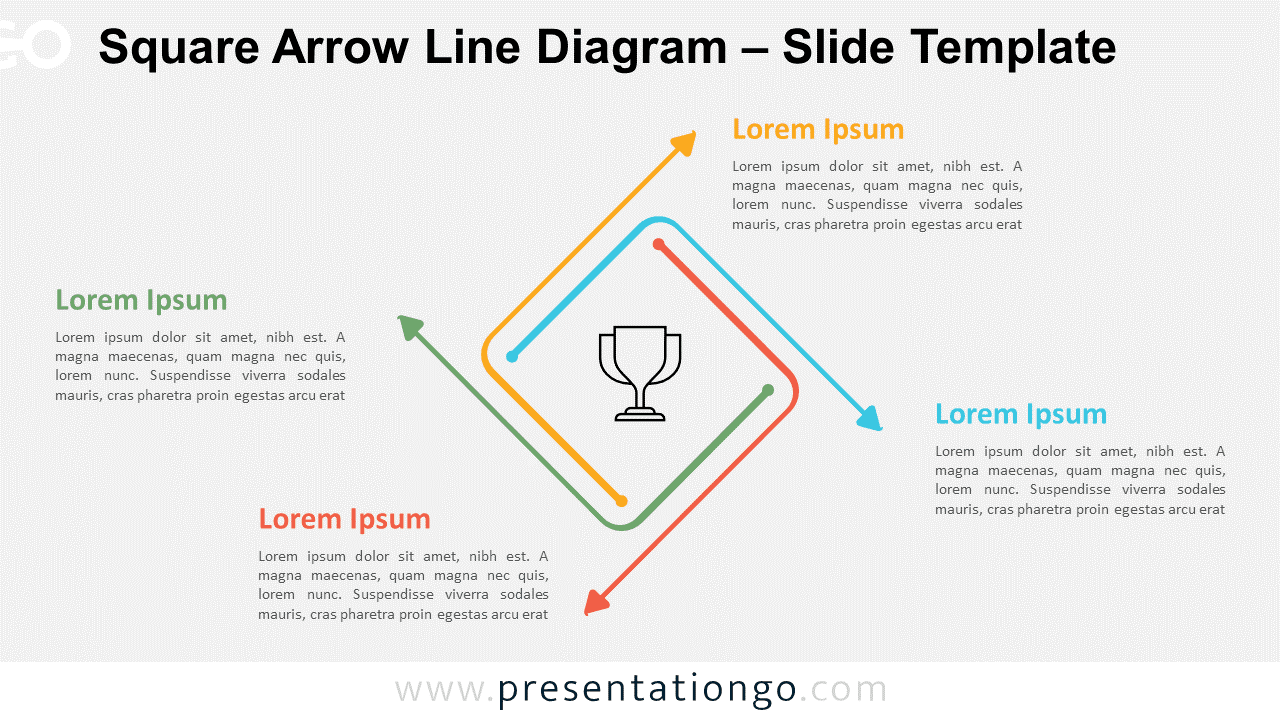
Download the Square Arrow Line Diagram for PowerPoint and Google Slides. Simplify complex processes with this four-step visual aid diagram.
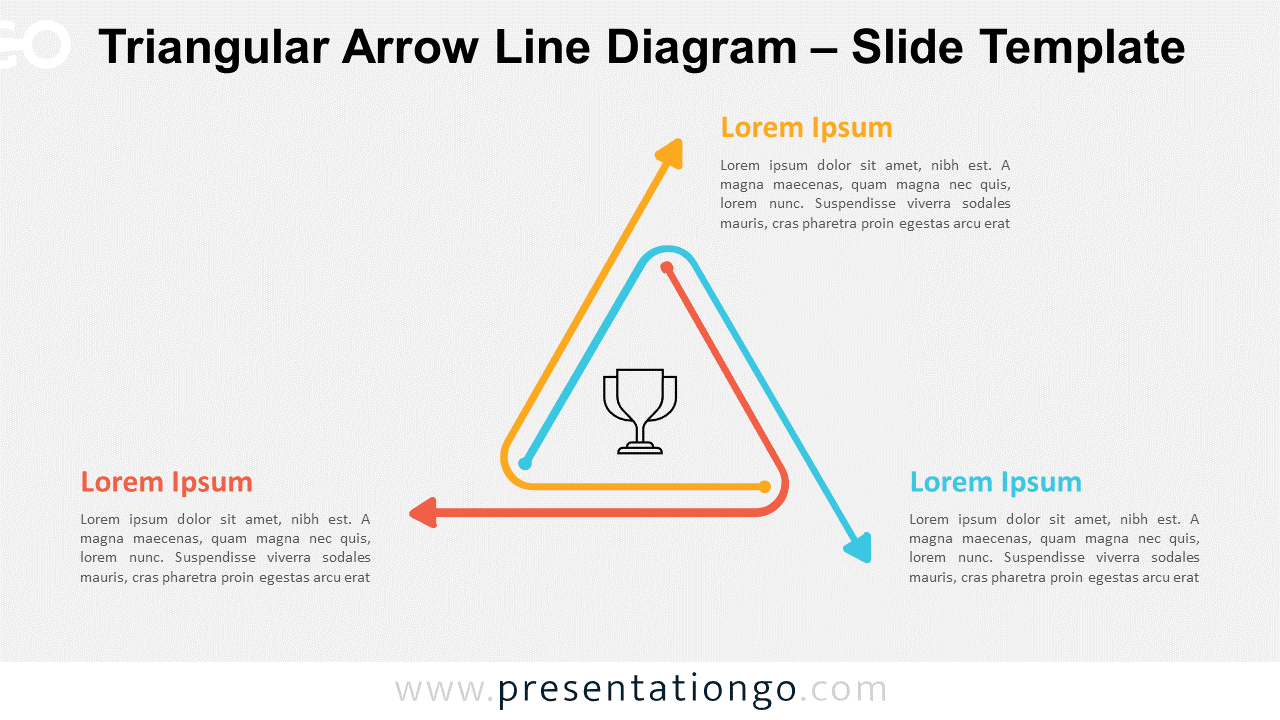
Download the Triangular Arrow Line Diagram for PowerPoint. Streamline your process presentations with this three-step design.
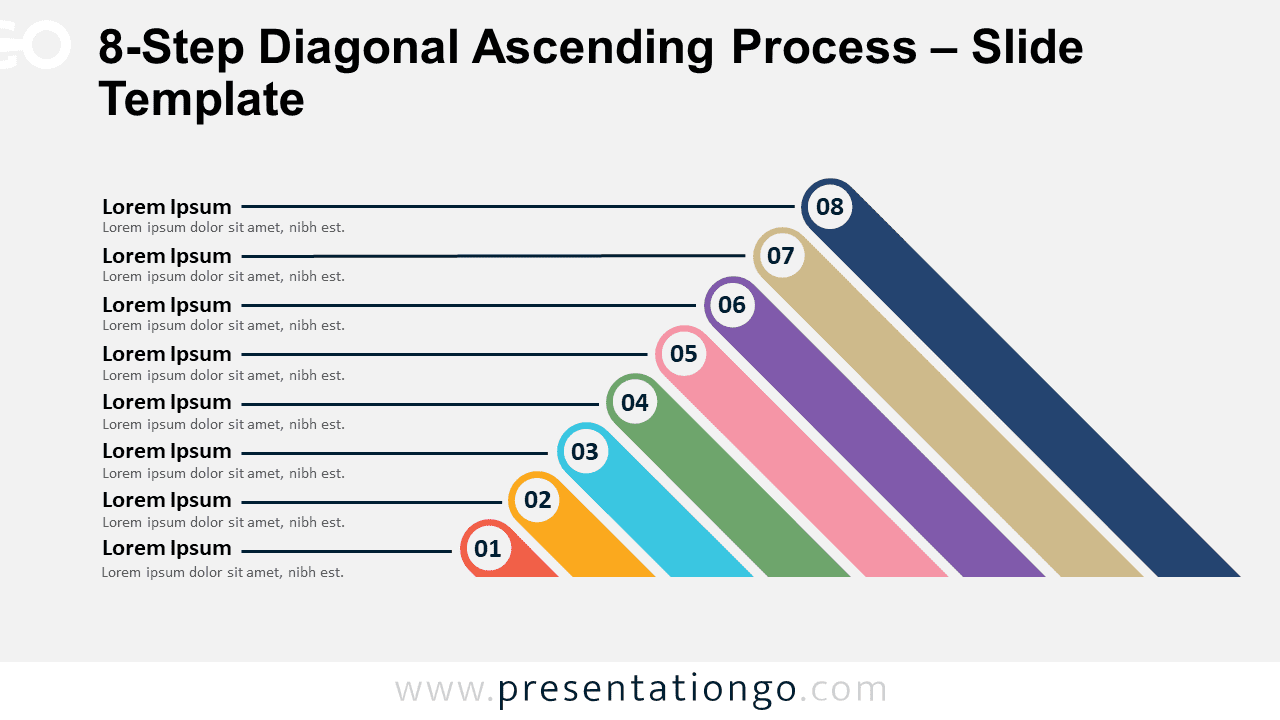
Download the 8-Step Diagonal Ascending Process template for PowerPoint and Google Slides. Ideal for illustrating growth and development.
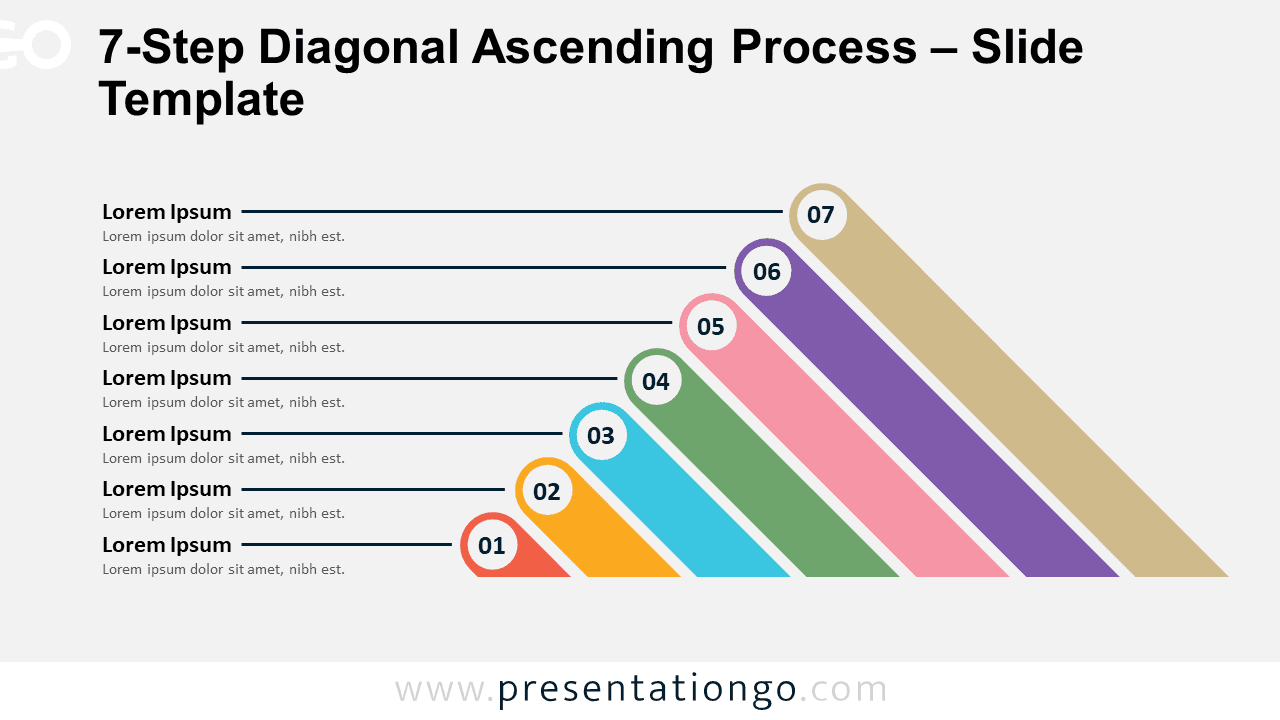
Download the 7-Step Diagonal Ascending Process template for PowerPoint and Google Slides, a dynamic layout for step-by-step progressions.
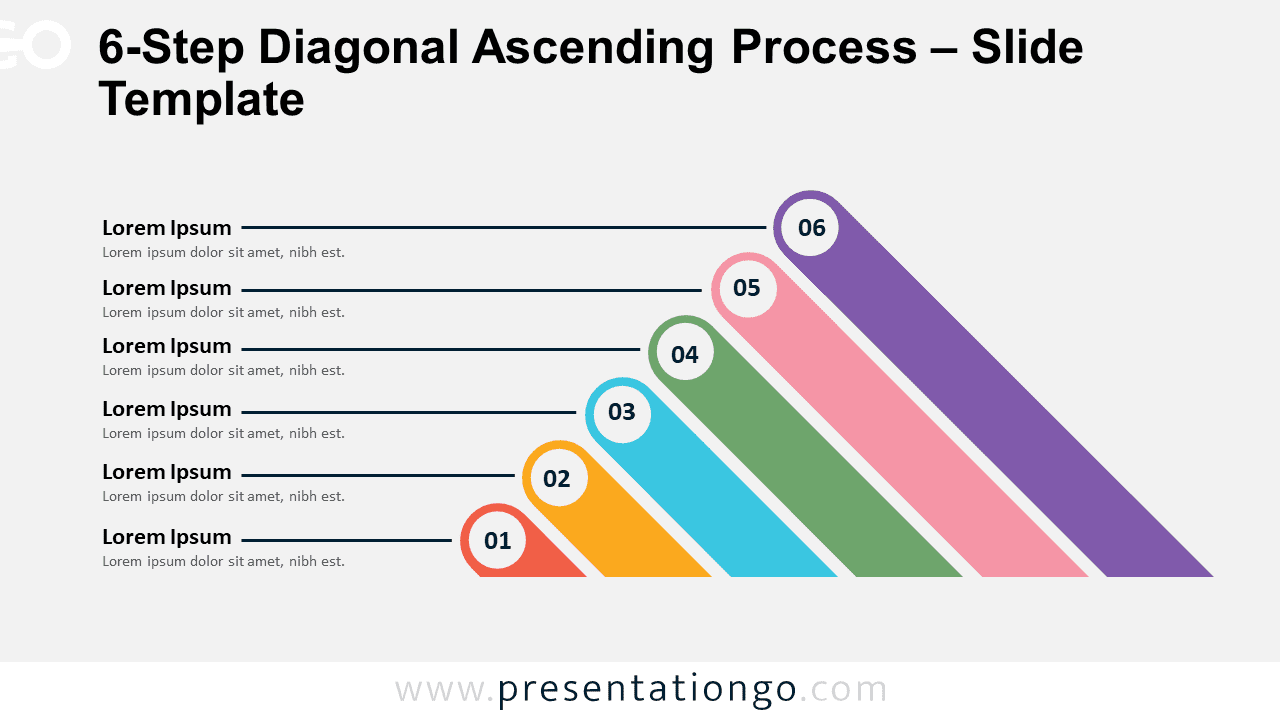
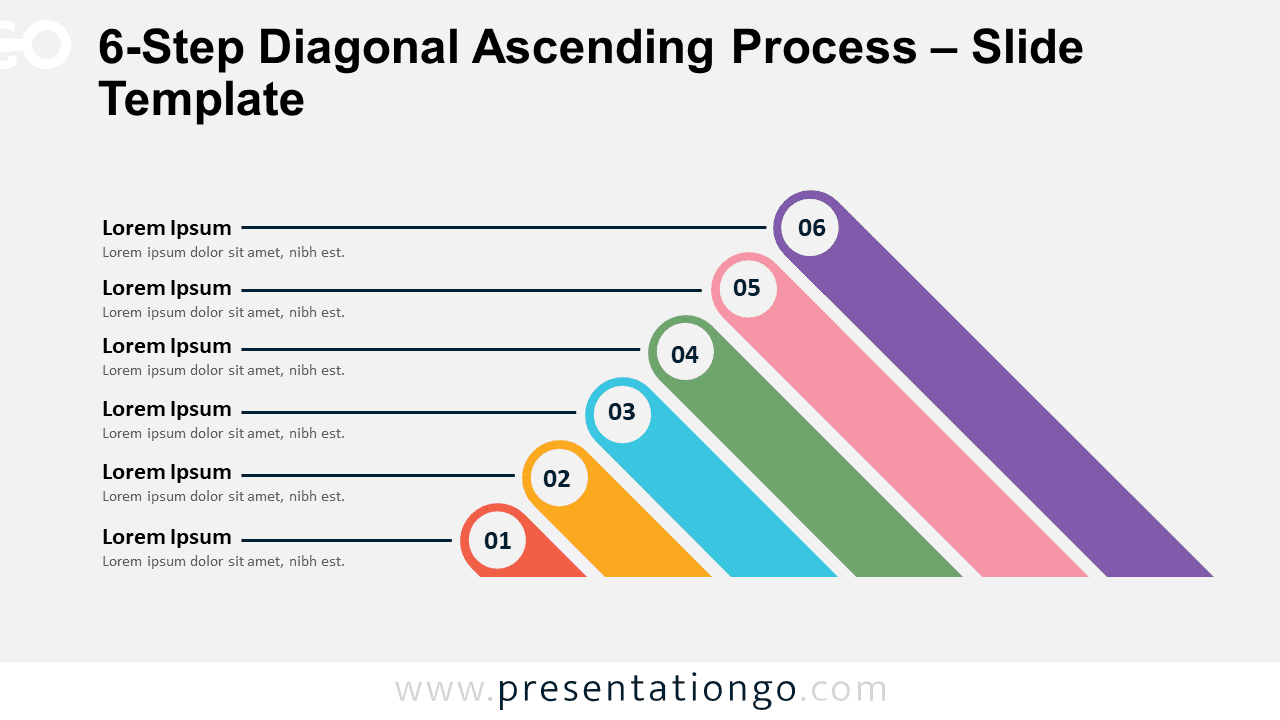
Download the 6-Step Diagonal Ascending Process for PowerPoint and Google Slides, ideal for illustrating sequential steps in a clear manner.
Download the 5-Step Diagonal Ascending Process for PowerPoint and Google Slides. Illustrate sequential progressions with clarity.
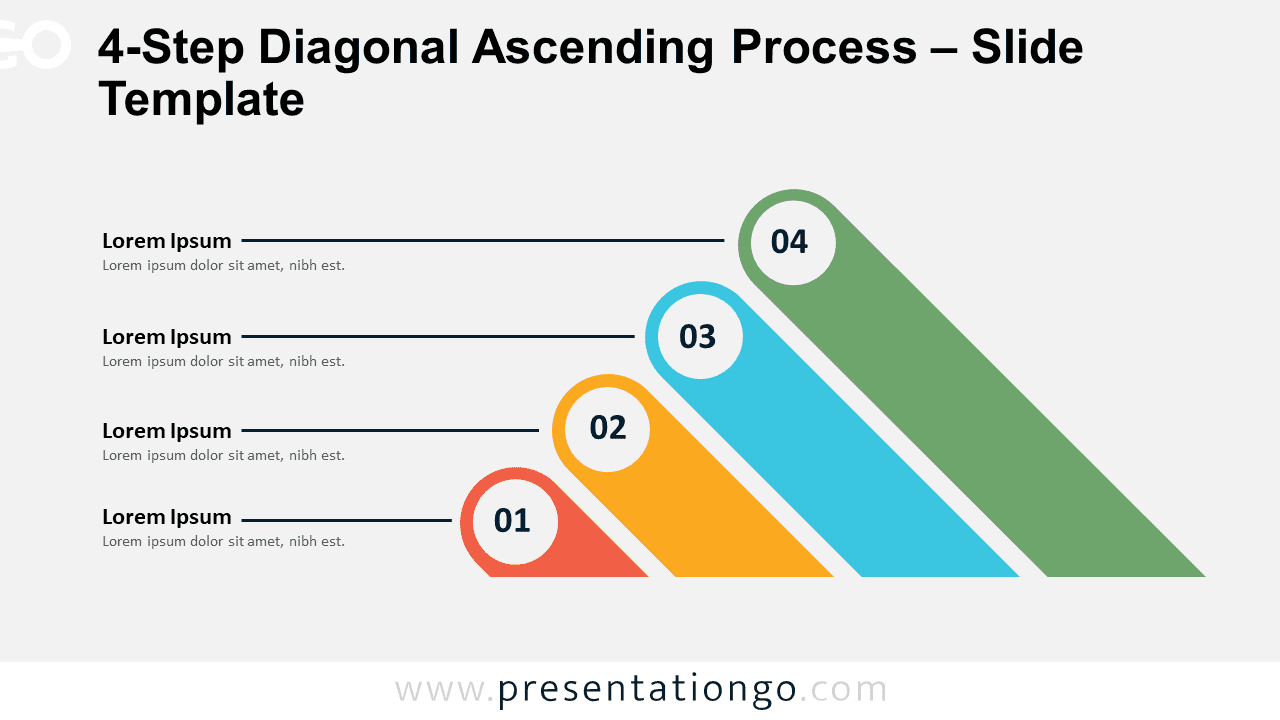
Download our 4-Step Diagonal Ascending Process for PowerPoint and Google Slides. Perfect for illustrating growth and development.
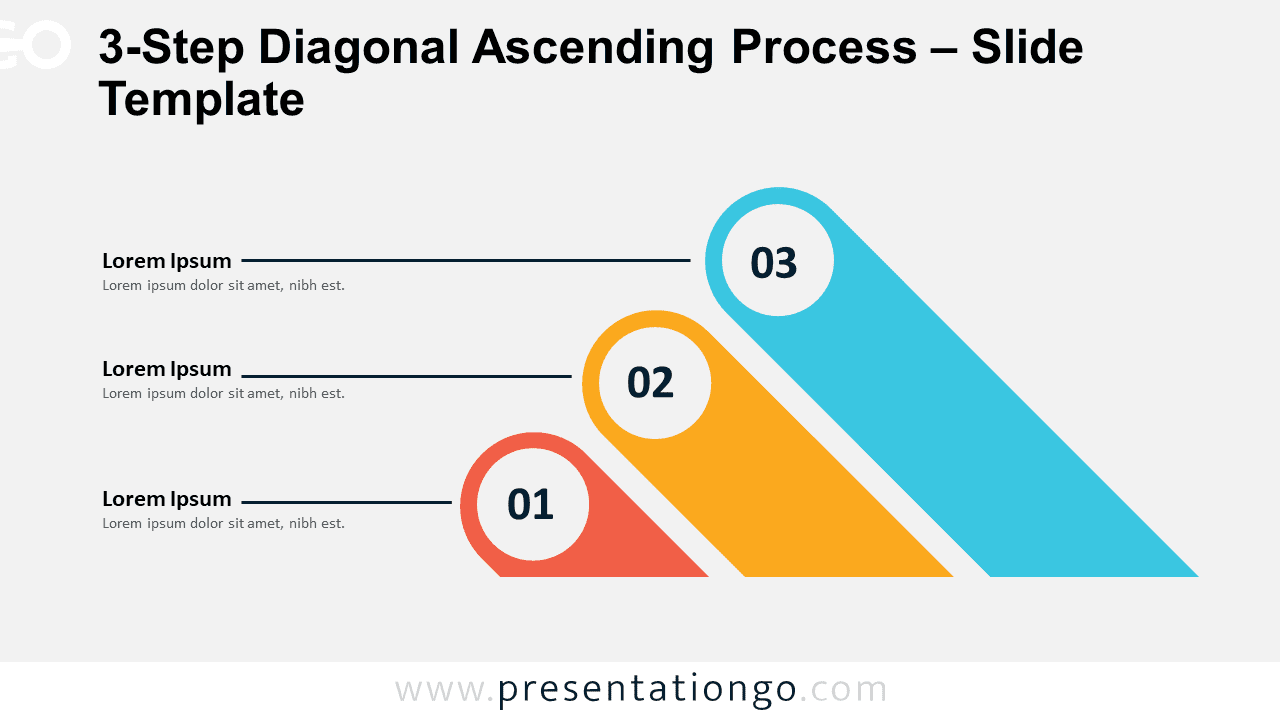
The 3-Step Diagonal Ascending Process template in PowerPoint and Google Slides features numbered steps and connection lines for clarity.
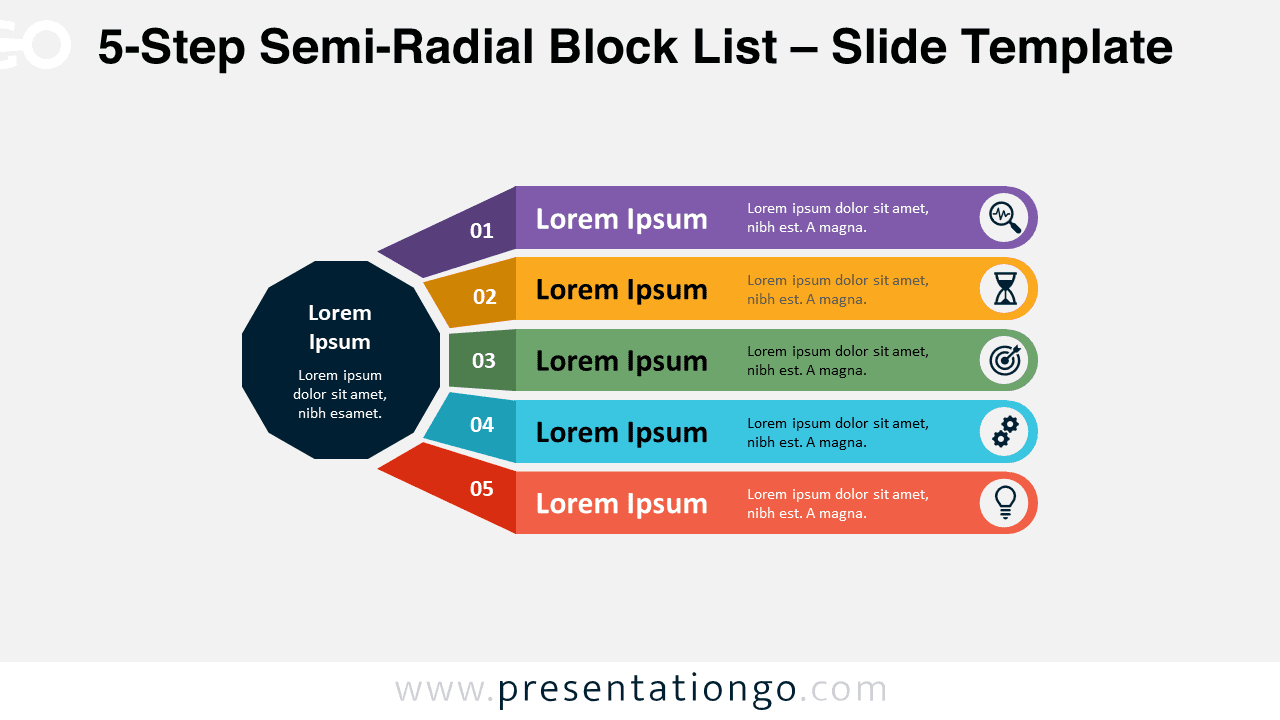
Download the 5-Step Semi-Radial Block List template for PowerPoint & Google Slides, an impactful radial diagram to visualize processes.
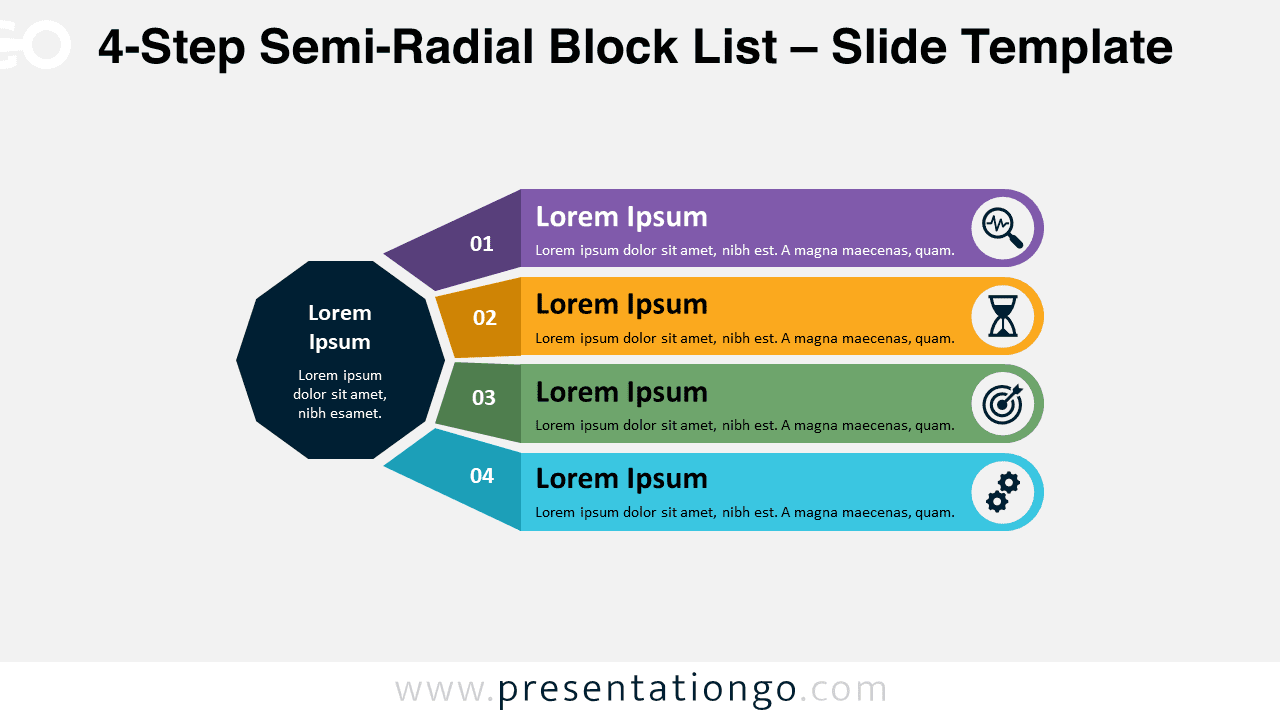
Download the 4-Step Semi-Radial Block List for PowerPoint & Google Slides, a central decagon with 4 radiating blocks, for step-by-step flows.
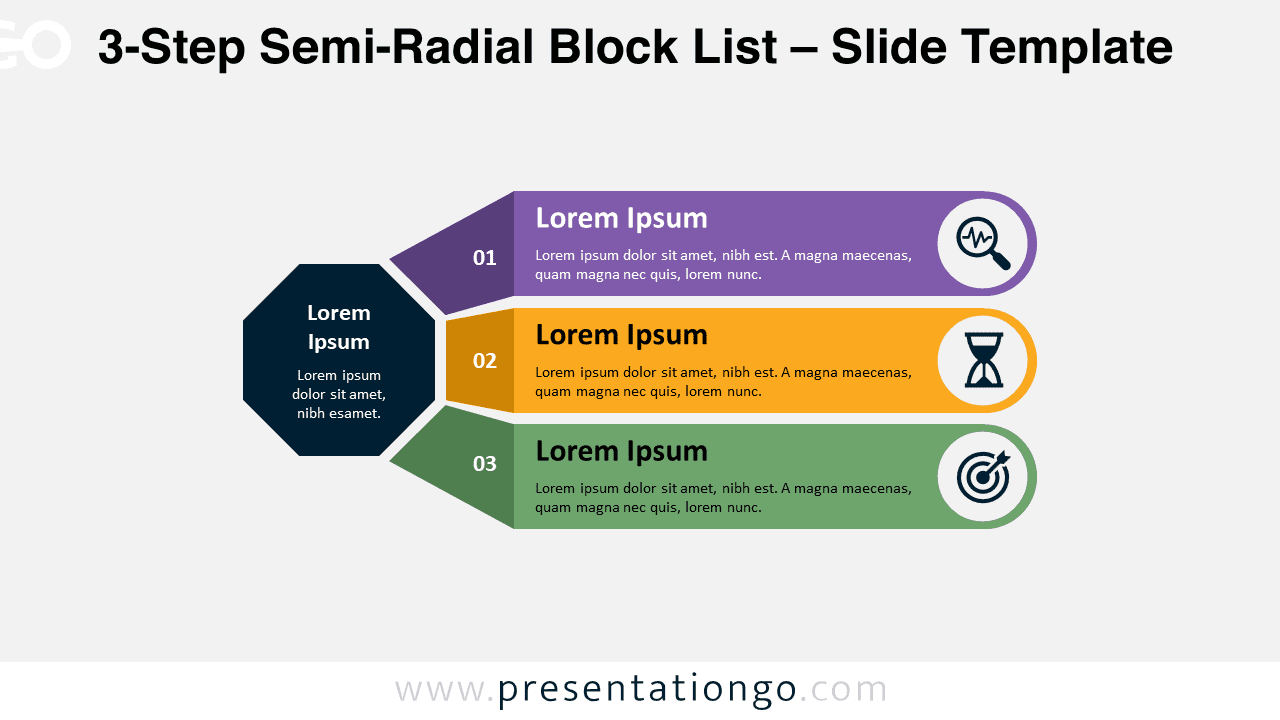
Download the 3-Step Semi-Radial Block List for PowerPoint to showcase step-by-step processes through radially branching blocks.
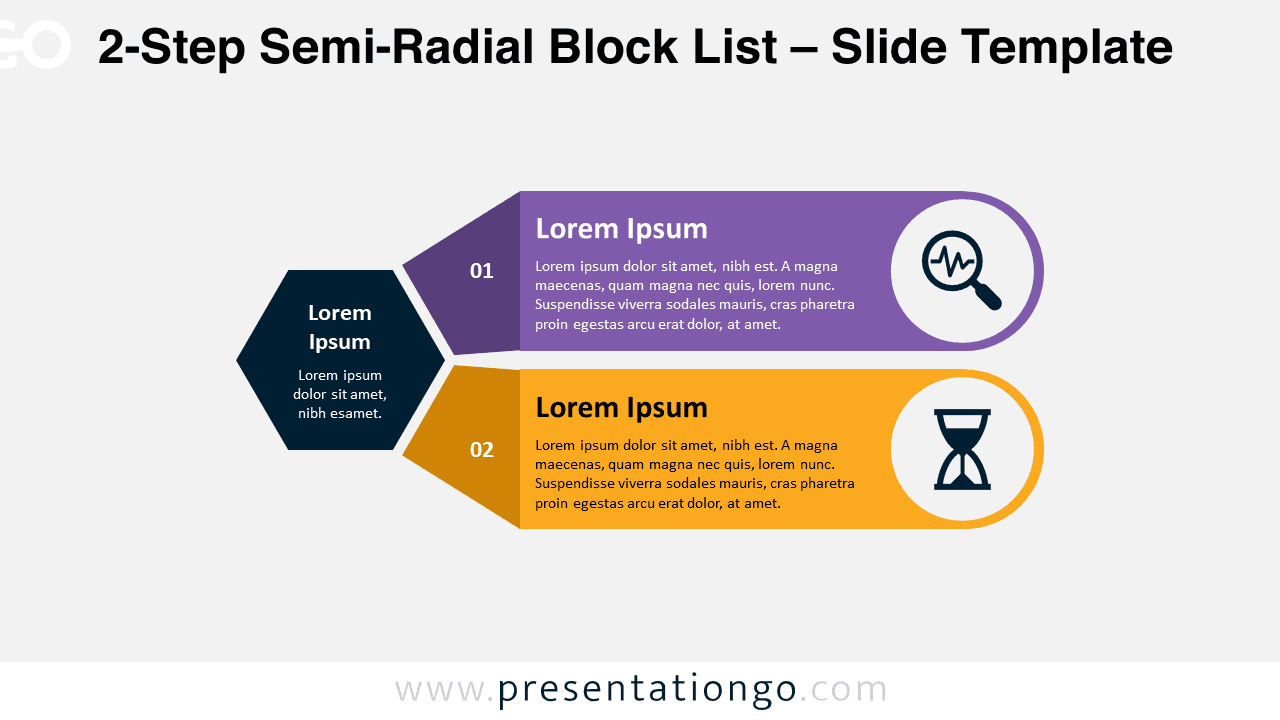
Download the 2-Step Semi-Radial Block List template to visualize dual-phase processes with a central radial hexagon and two elongated blocks.
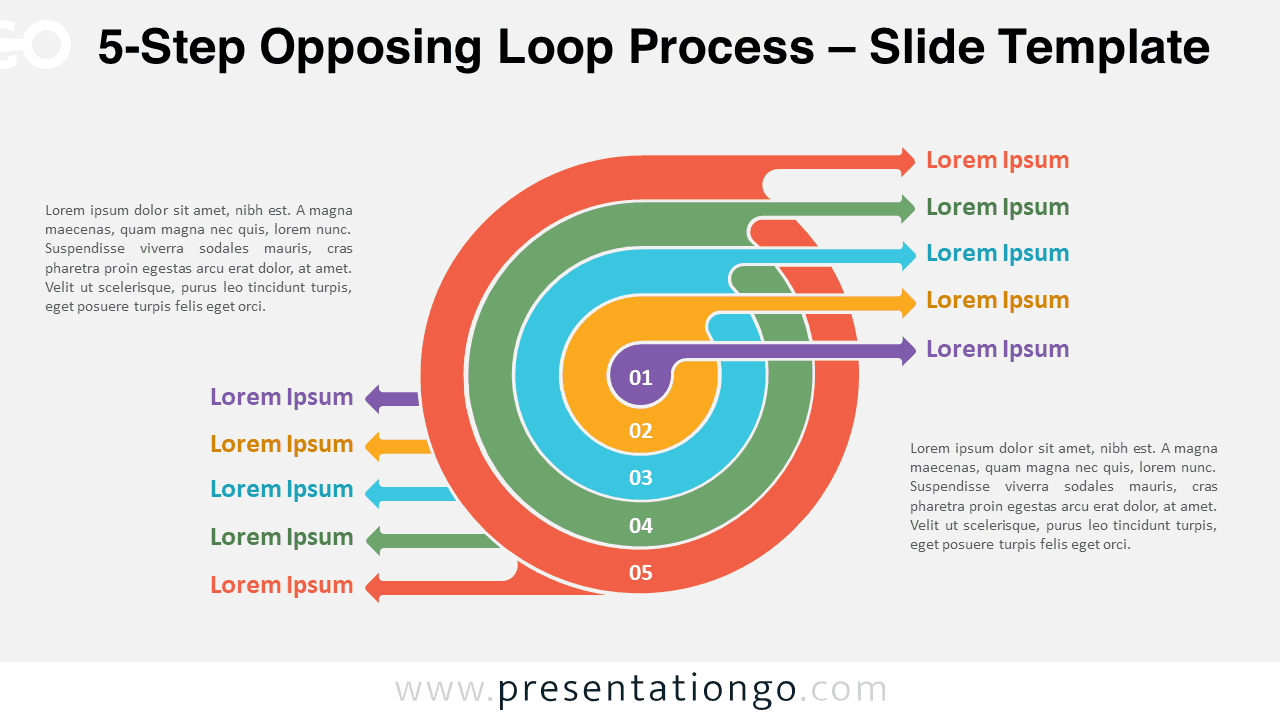
Download the 5-Step Opposing Loop Process for PowerPoint to depict contrasting, multi-directional phases within cyclical processes.
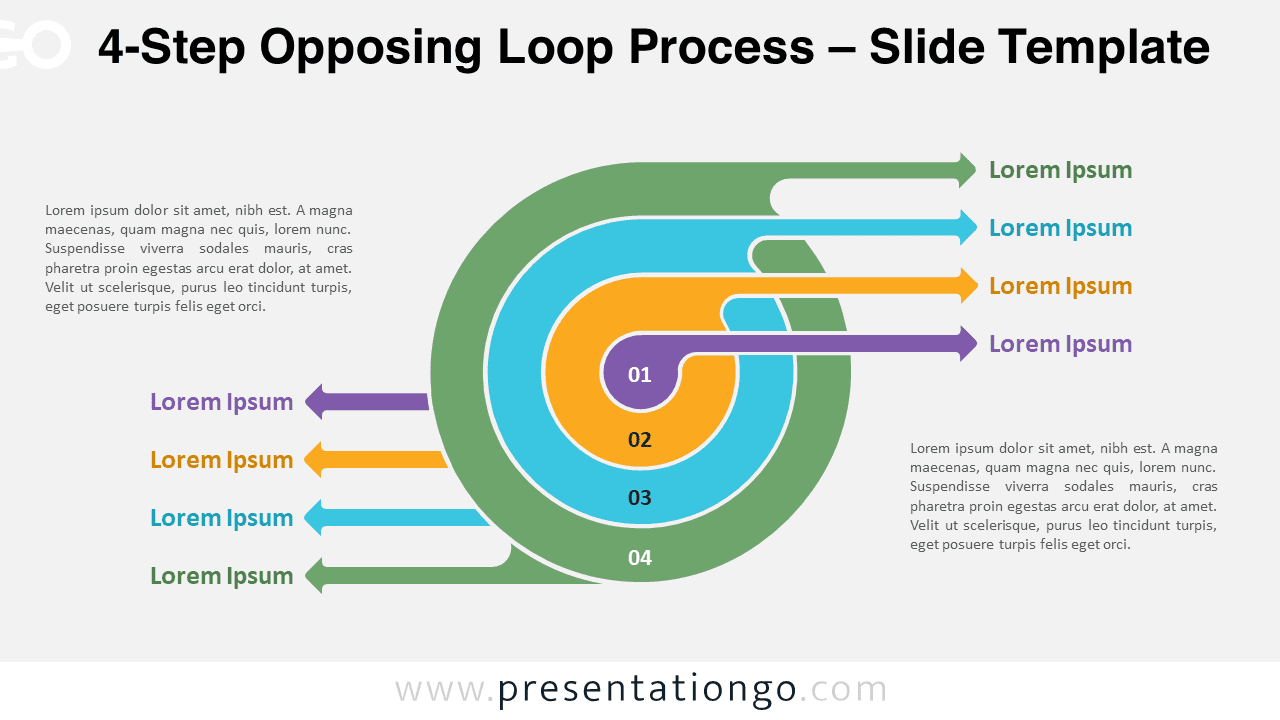
Download the 4-Step Opposing Loop Process for PowerPoint and Google Slides, featuring a dynamic loop with four opposing steps.
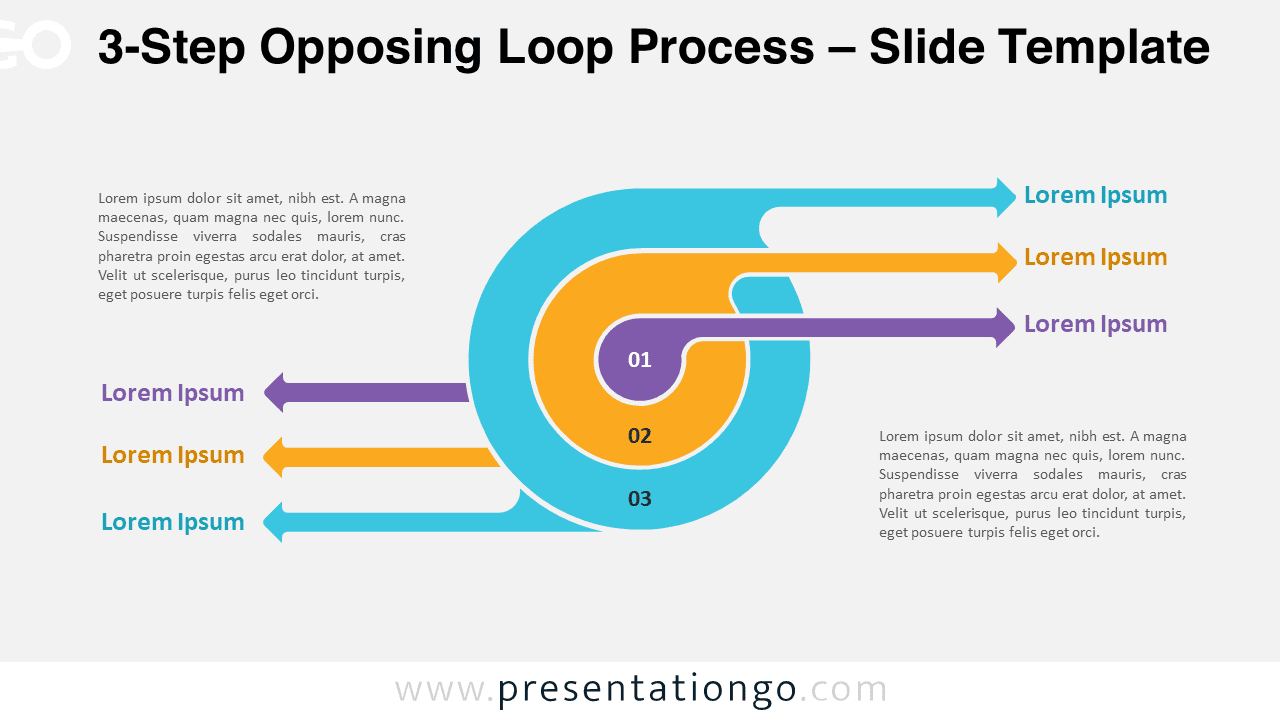
Download the 3-Step Opposing Loop Process template for PowerPoint and Google Slides, a cyclical diagram with contrasting flows.
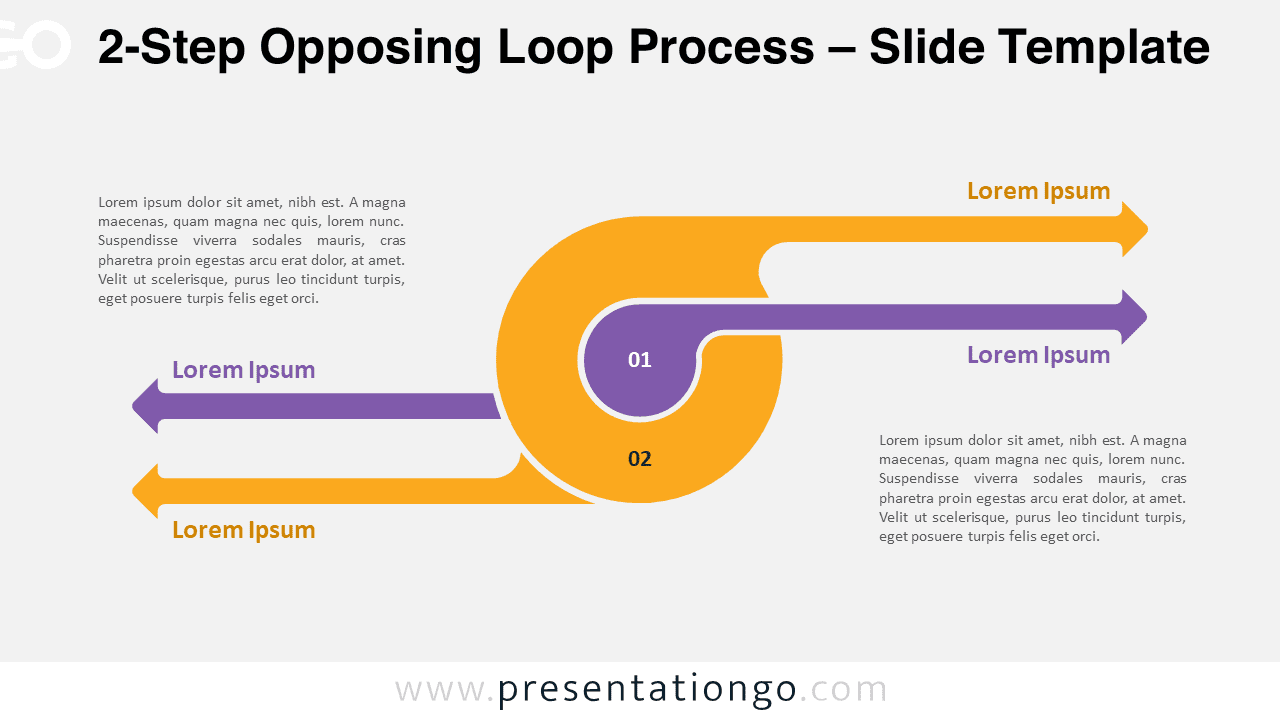
Download the 2-Step Opposing Loop Process template for PowerPoint and Google Slides to visualize cyclical workflows with opposing components.
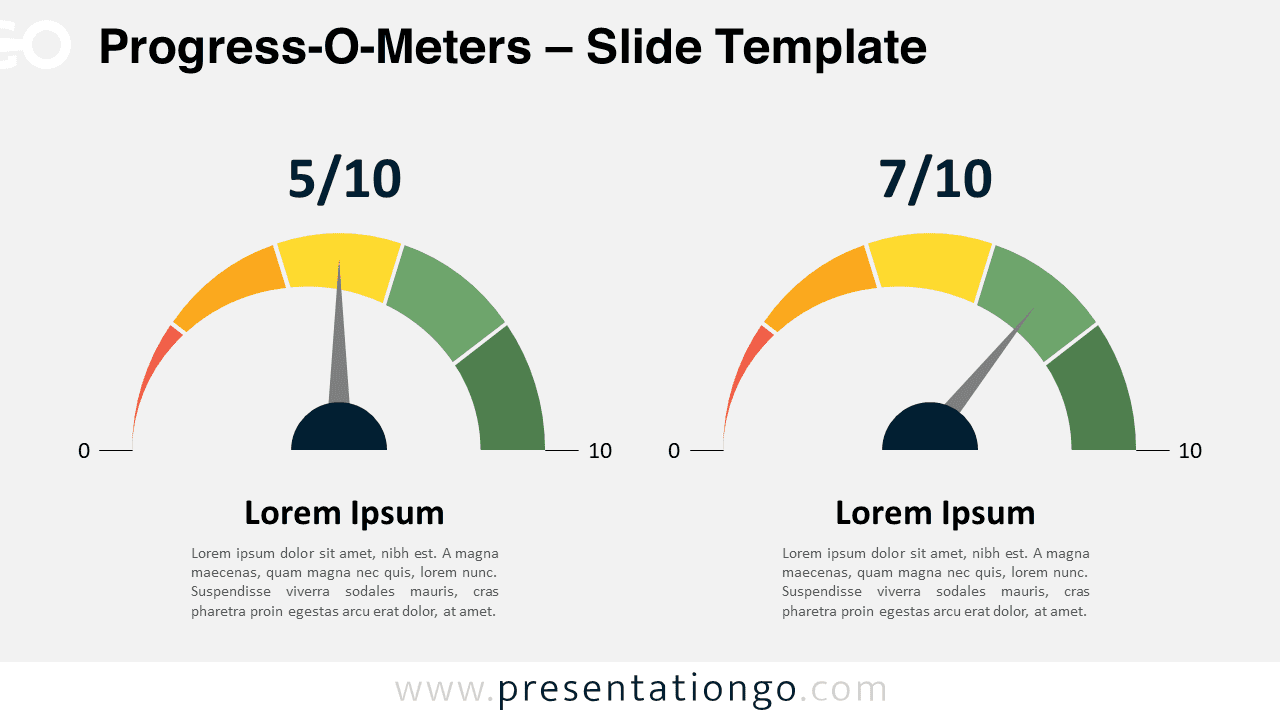
Download the Progress-O-Meters for PowerPoint and Google Slides to visualize performance data with color-coded gauges and indicators.