Loading resources…
Total 304 resources
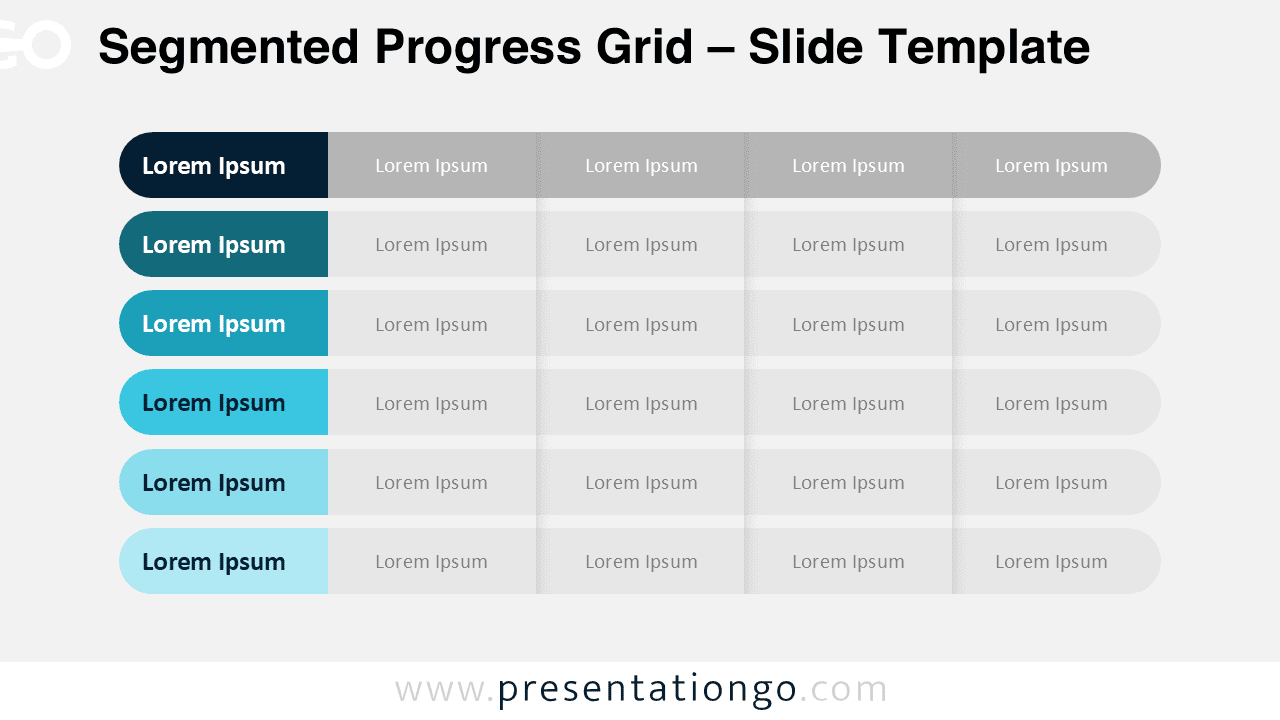
Get the Segmented Progress Grid for PowerPoint and Google Slides. Perfect for tier comparisons, status tracking, and strategic breakdown slides.
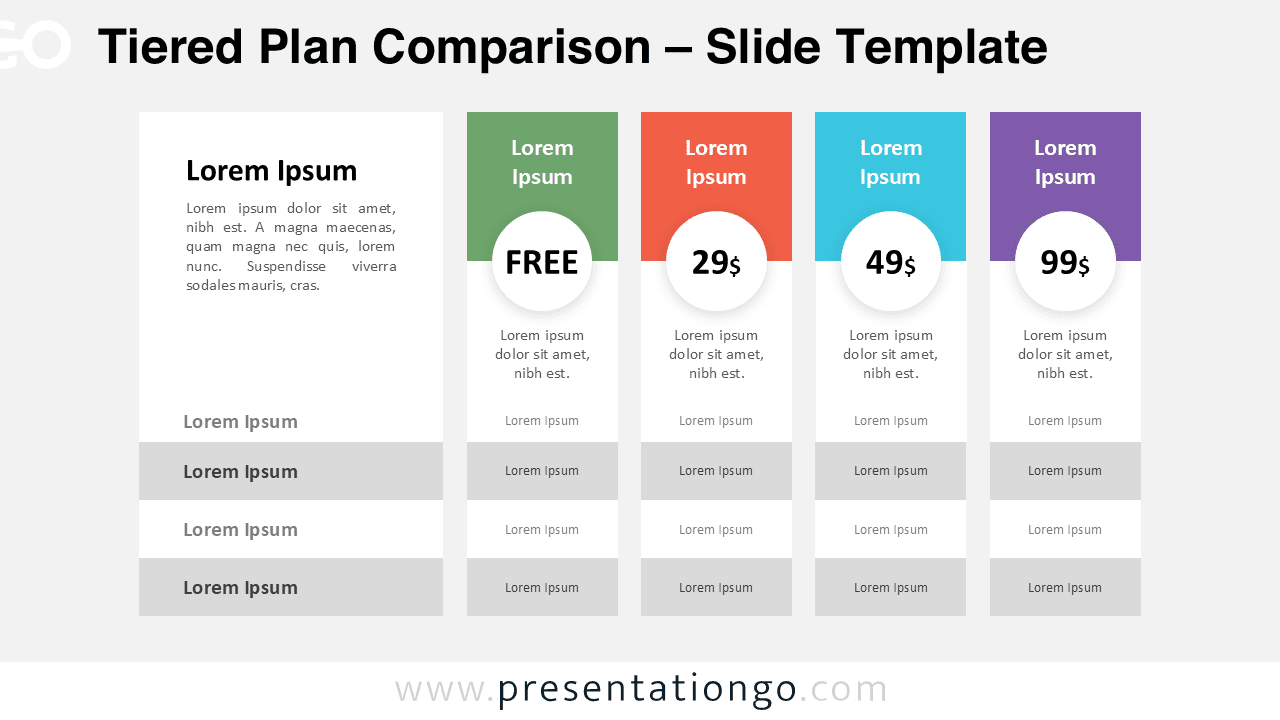
Download this free Tiered Plan Comparison diagram for PowerPoint and Google Slides. Clean pricing table layout with editable plans and feature rows.
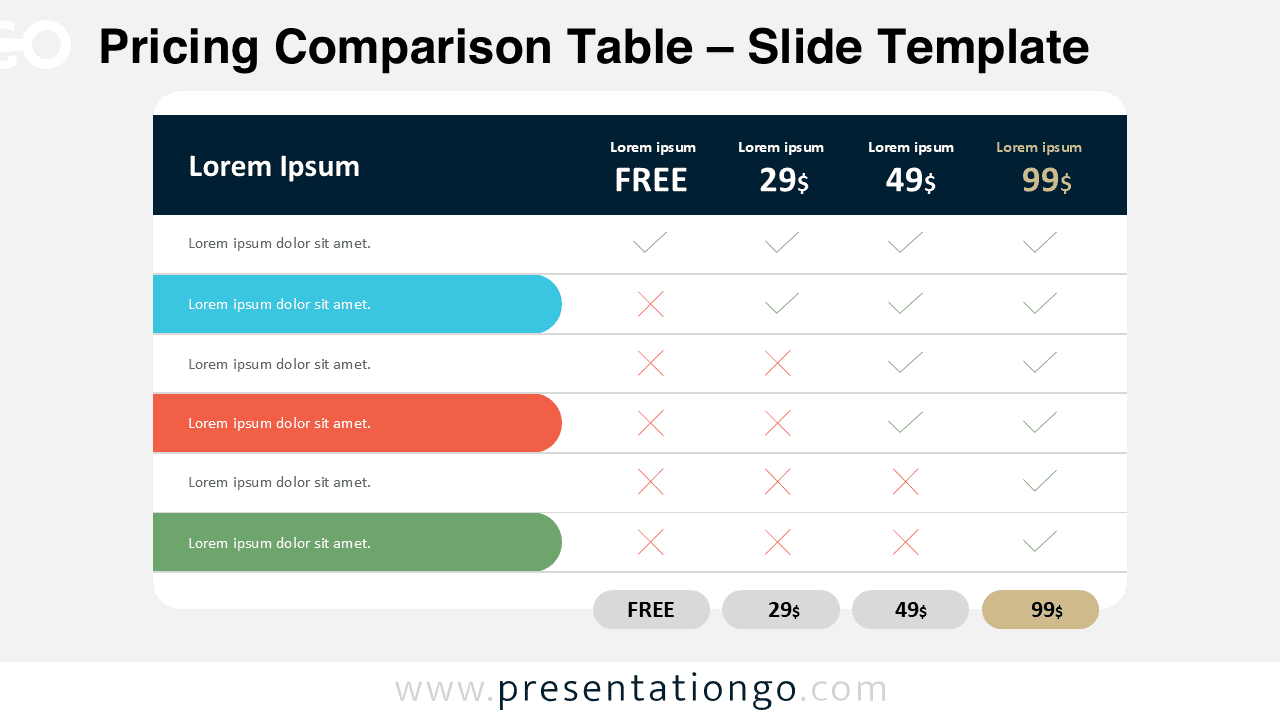
Compare plans instantly with this Pricing Comparison Table for PowerPoint and Google Slides. Edit tiers, icons, and colors.
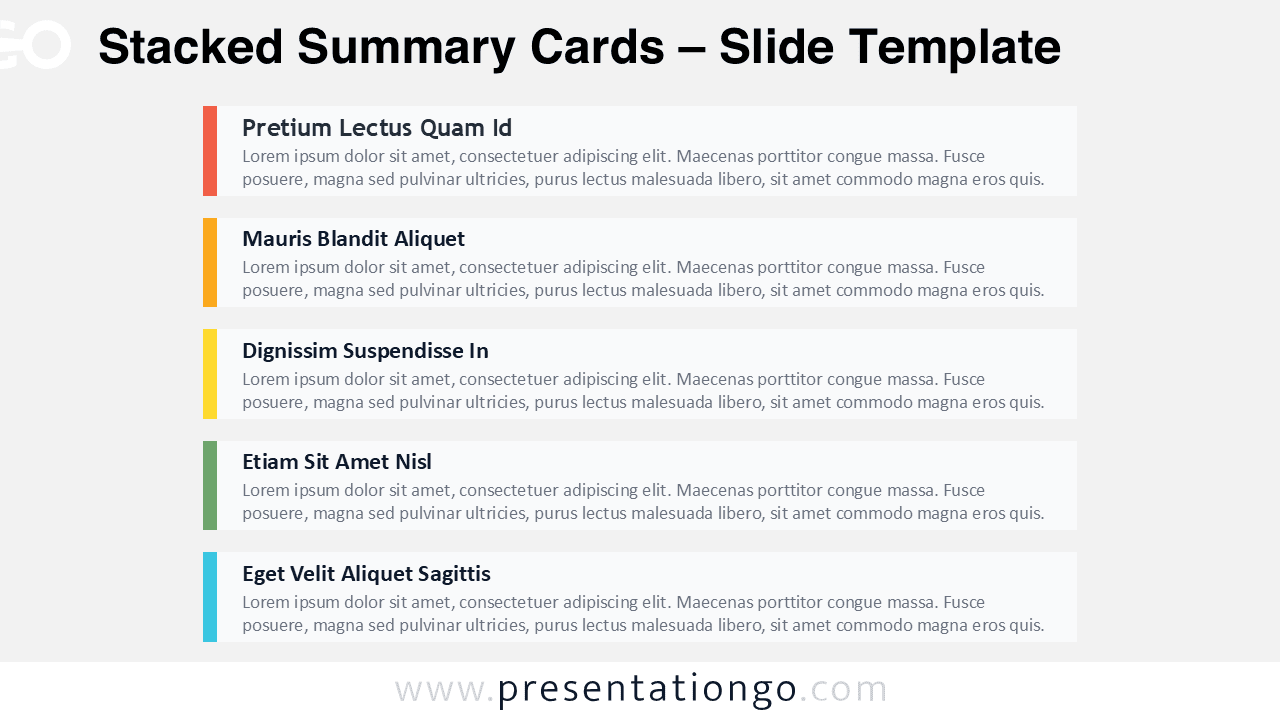
Showcase five key messages with stacked summary cards. Fully editable in PowerPoint and Google Slides for reports, meetings, and planning.
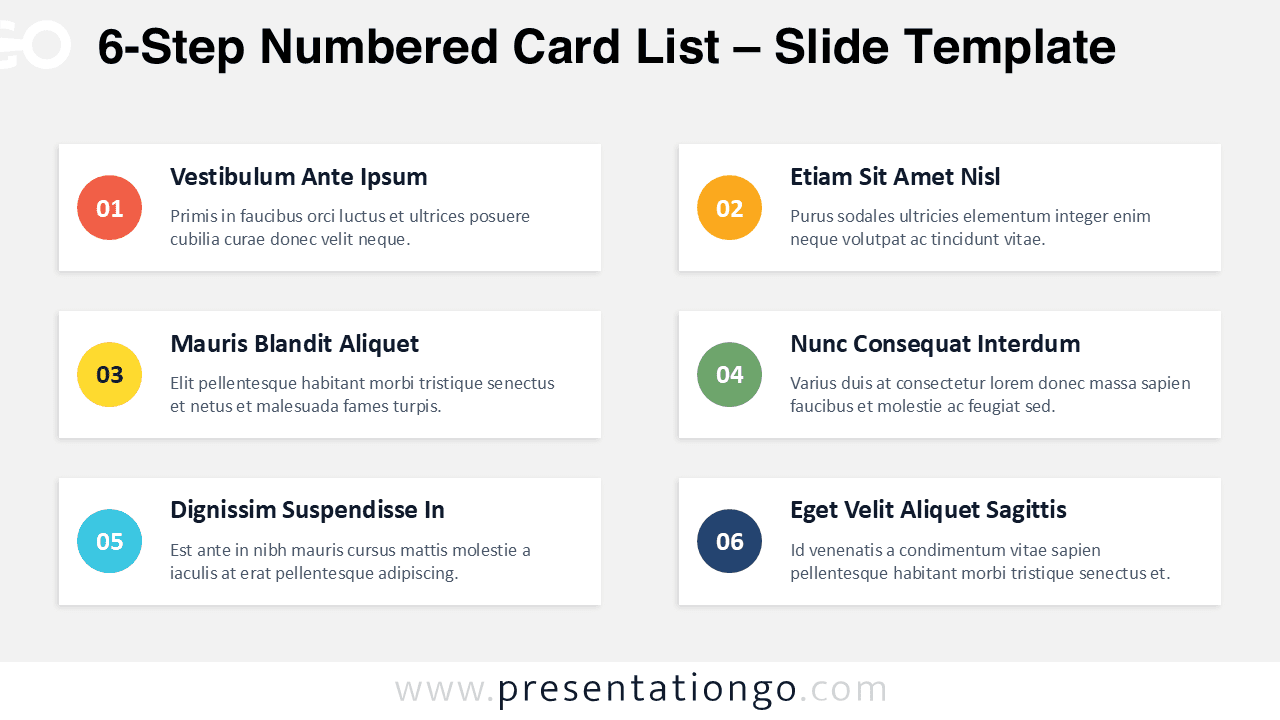
Showcase six features or phases with clean numbered cards. Works in PowerPoint and Google Slides, with dark mode and colorful badge variations.
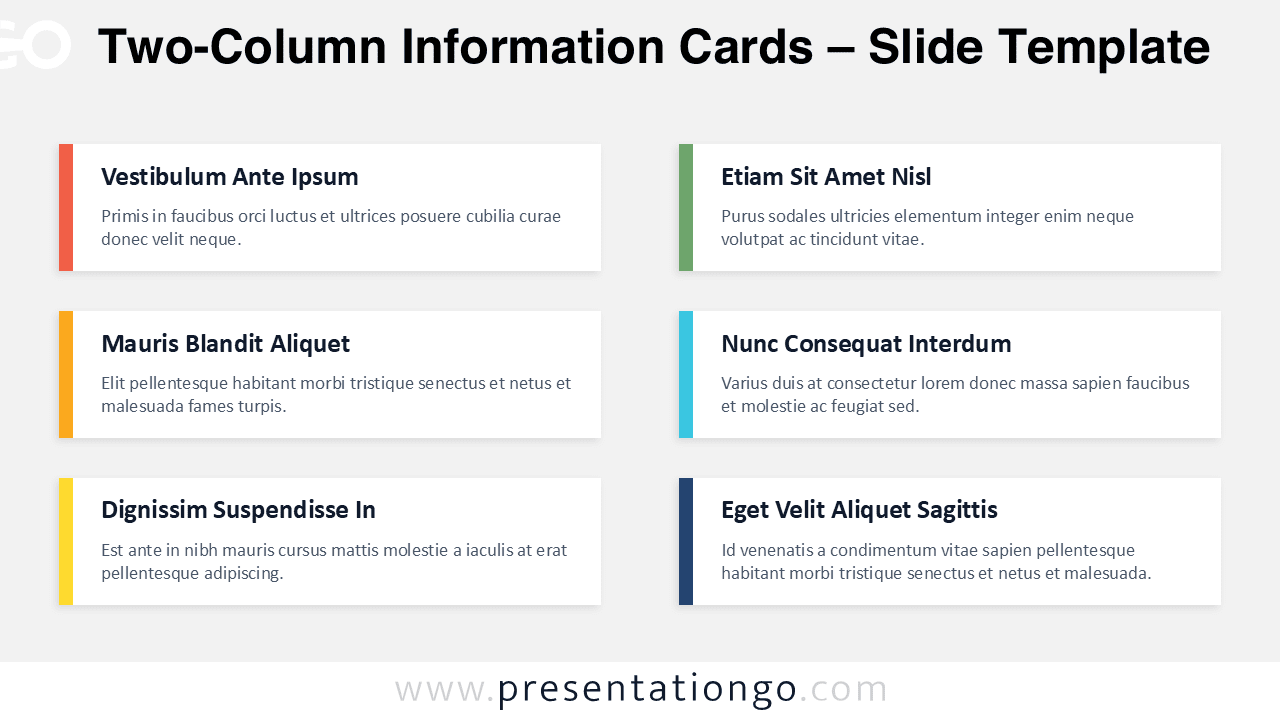
Download six information card panels with multi-color or single-color accents. Perfect for agendas and features in PowerPoint and Google Slides.
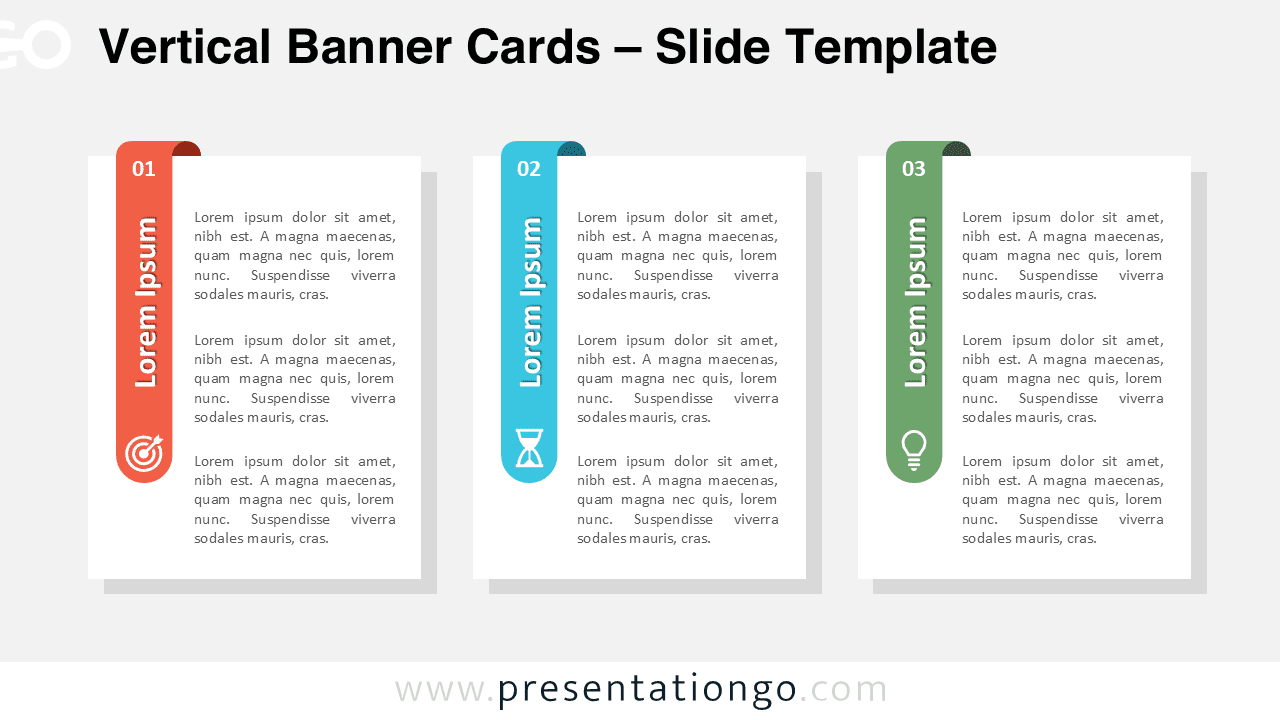
Download the free Vertical Banner Cards diagram for PowerPoint and Google Slides. Ideal for 3-step processes, pillars, or comparisons with icons.
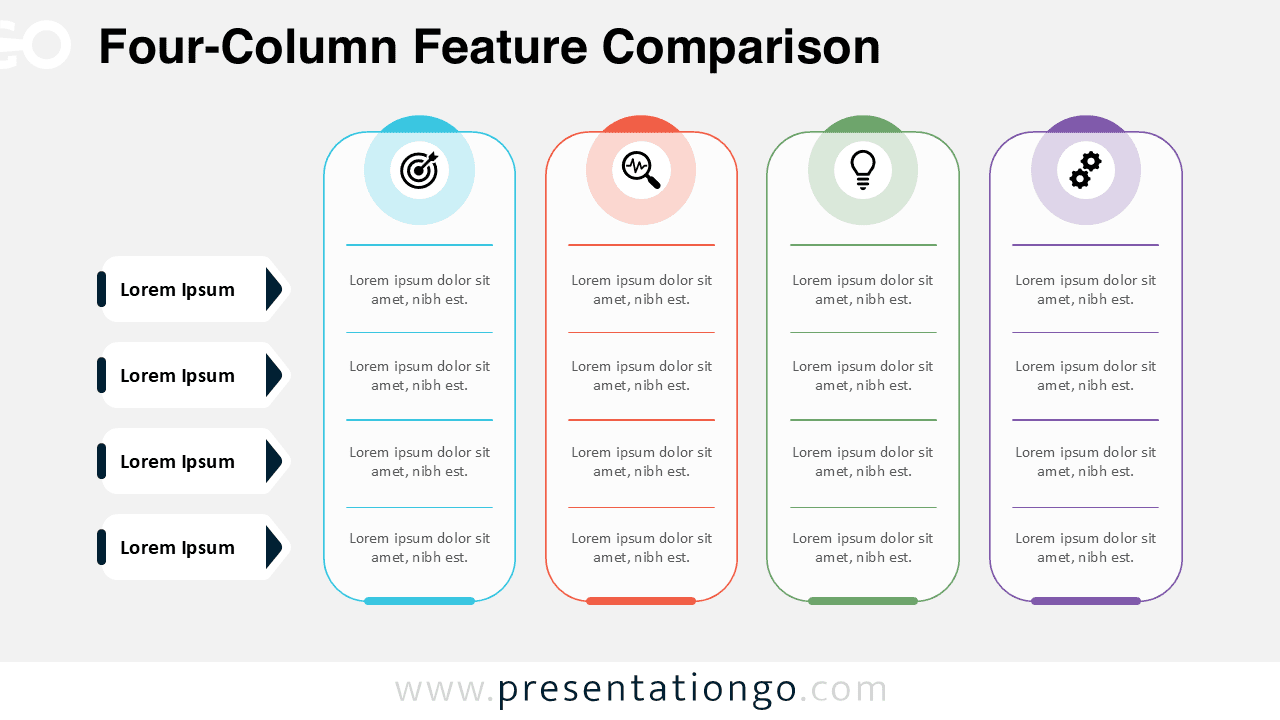
Compare features clearly with this four-column feature comparison diagram for PowerPoint and Google Slides. Ideal for product, strategy, and business use.
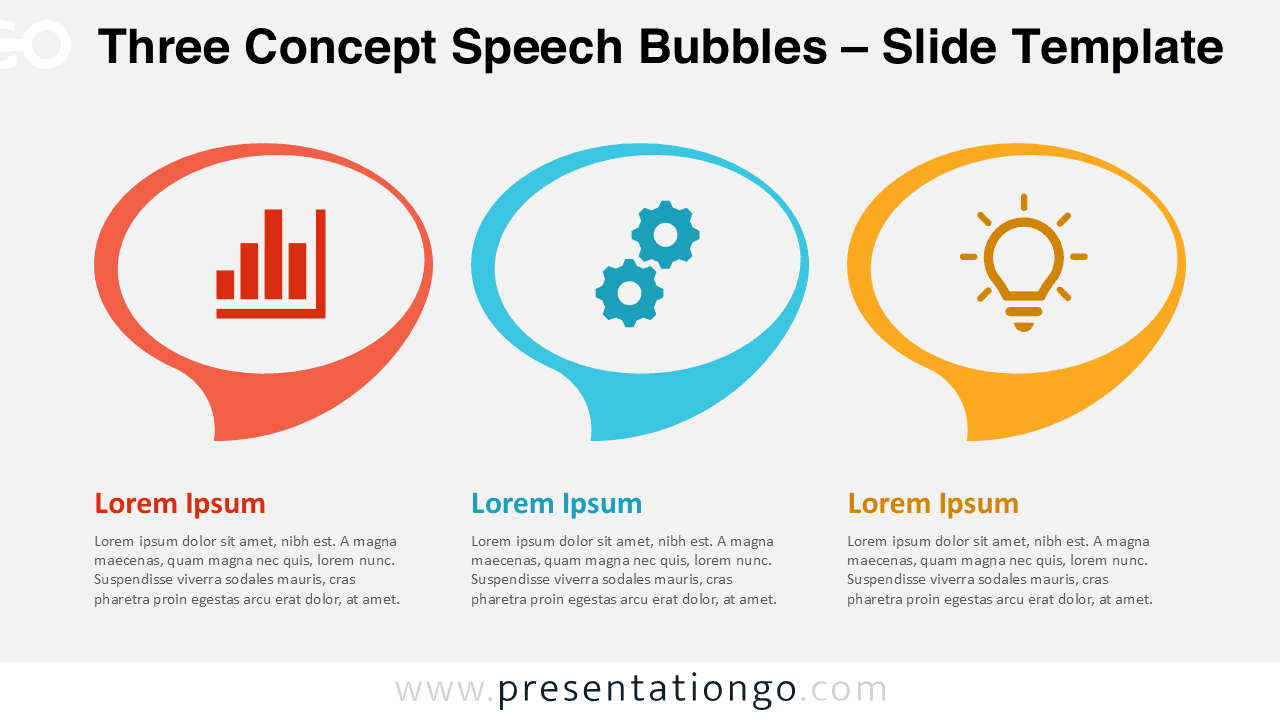
Present three key ideas clearly with the Three Concept Speech Bubbles diagram for PowerPoint and Google Slides. Fully editable icons and colors.
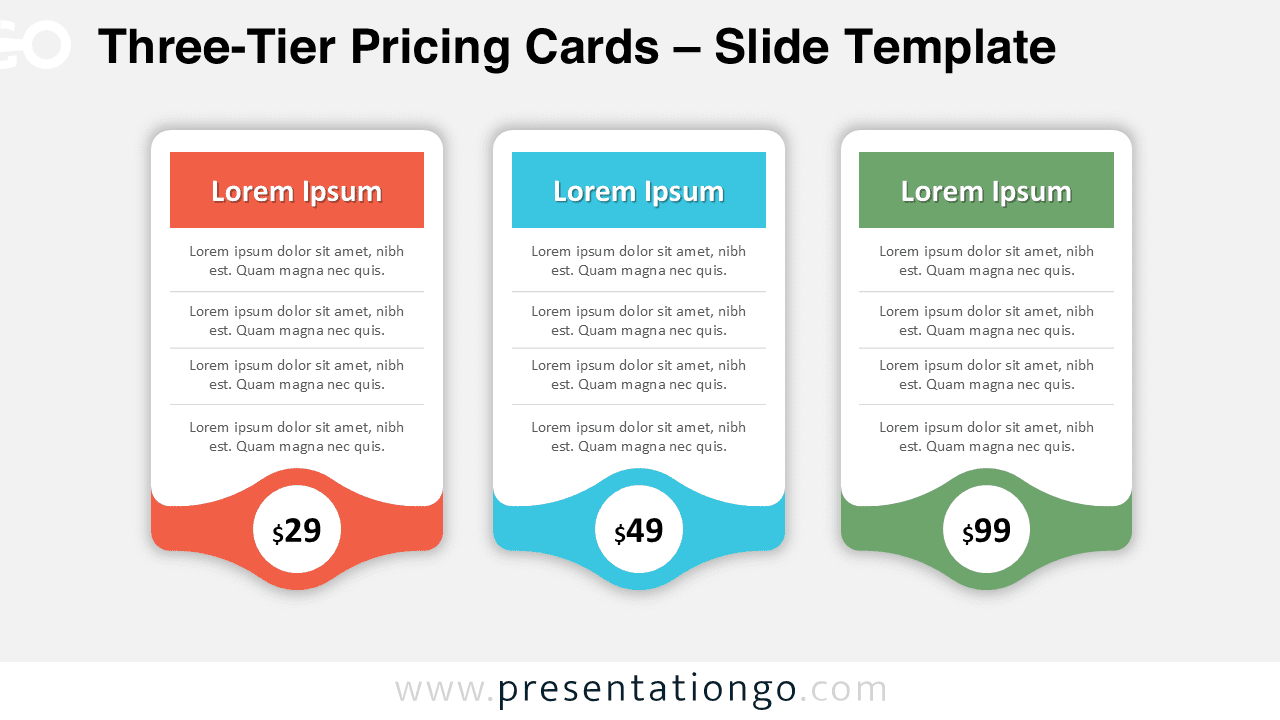
Download the free Three-Tier Pricing Cards diagram for PowerPoint and Google Slides. Ideal for pricing plans, service packages, and comparisons.
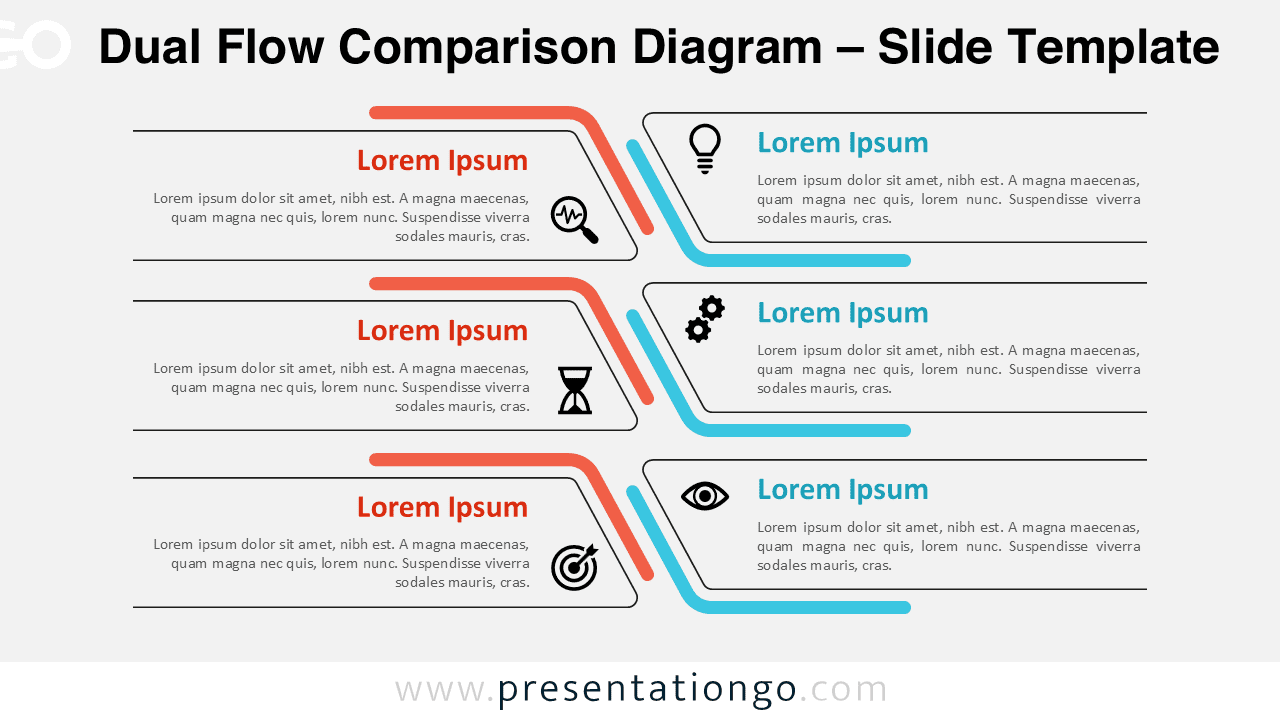
Download a dual flow comparison diagram for PowerPoint and Google Slides to present side-by-side processes, strategies, or workflows clearly.
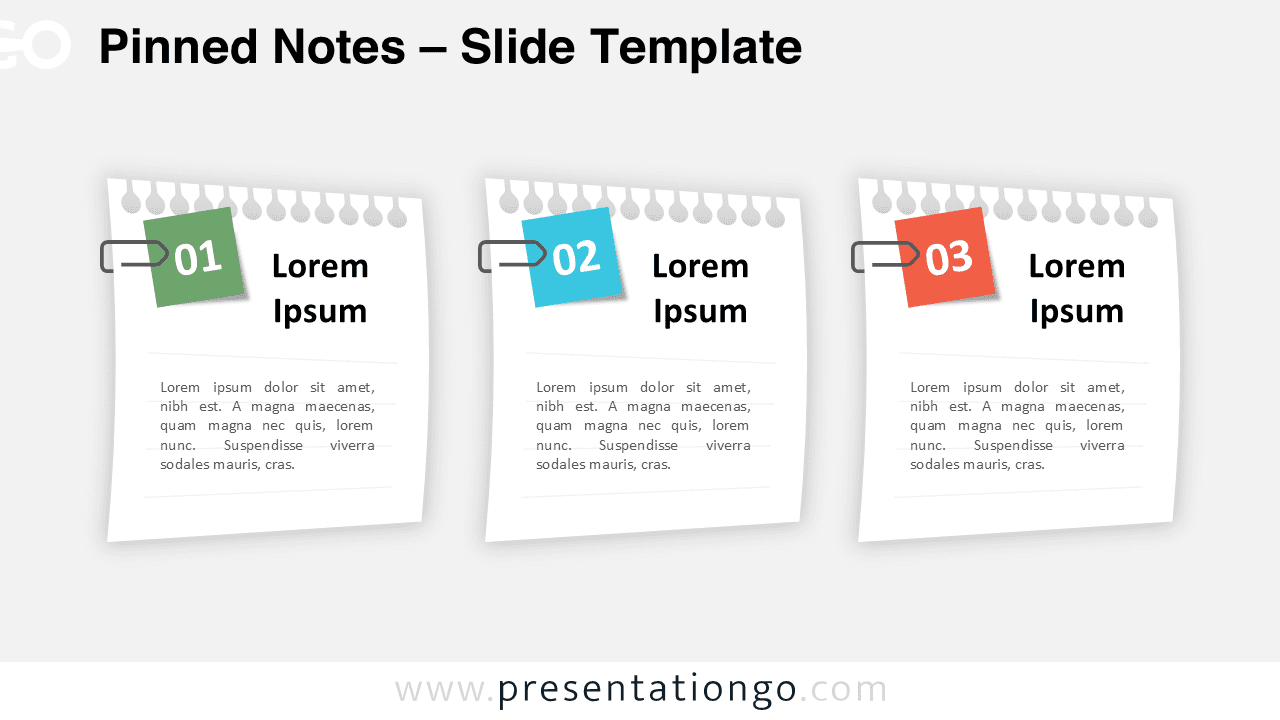
Download the free Pinned Notes slide for PowerPoint and Google Slides. Present ideas, tasks, or steps with a clean notes-style layout.
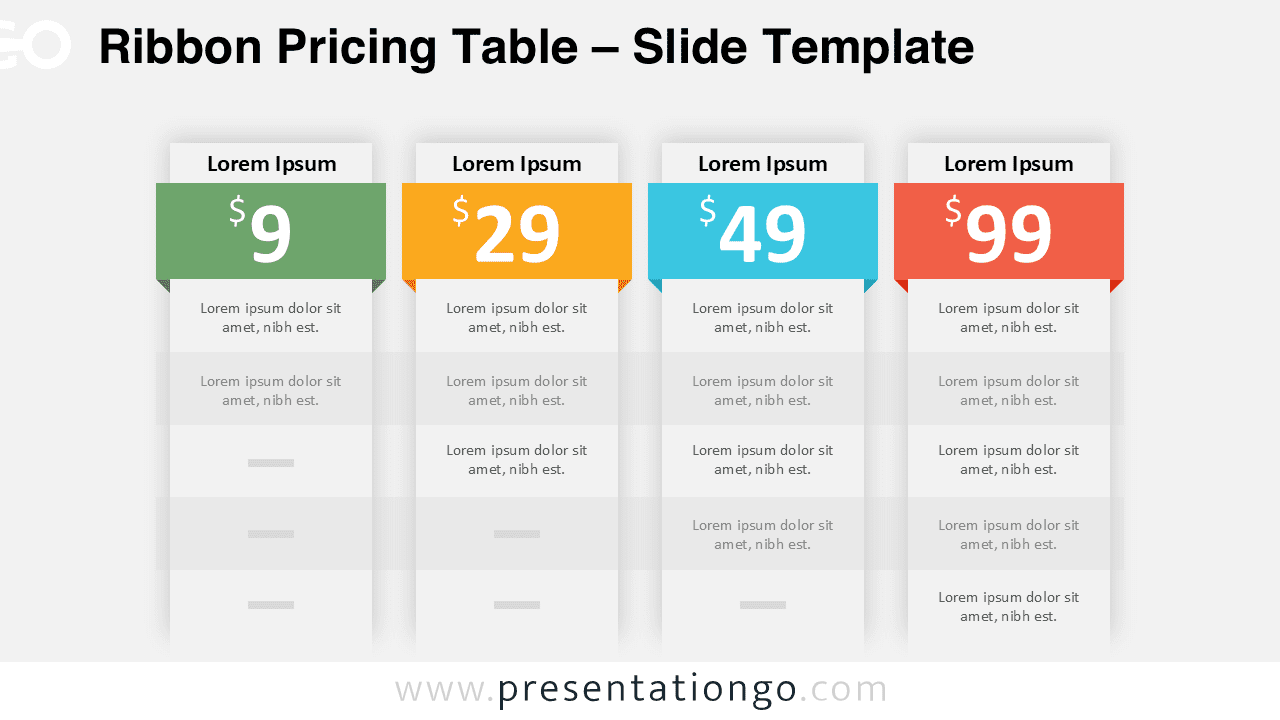
Compare plans fast with a ribbon pricing table slide. Edit colors, prices, and features in PowerPoint or Google Slides for crisp sales decks.
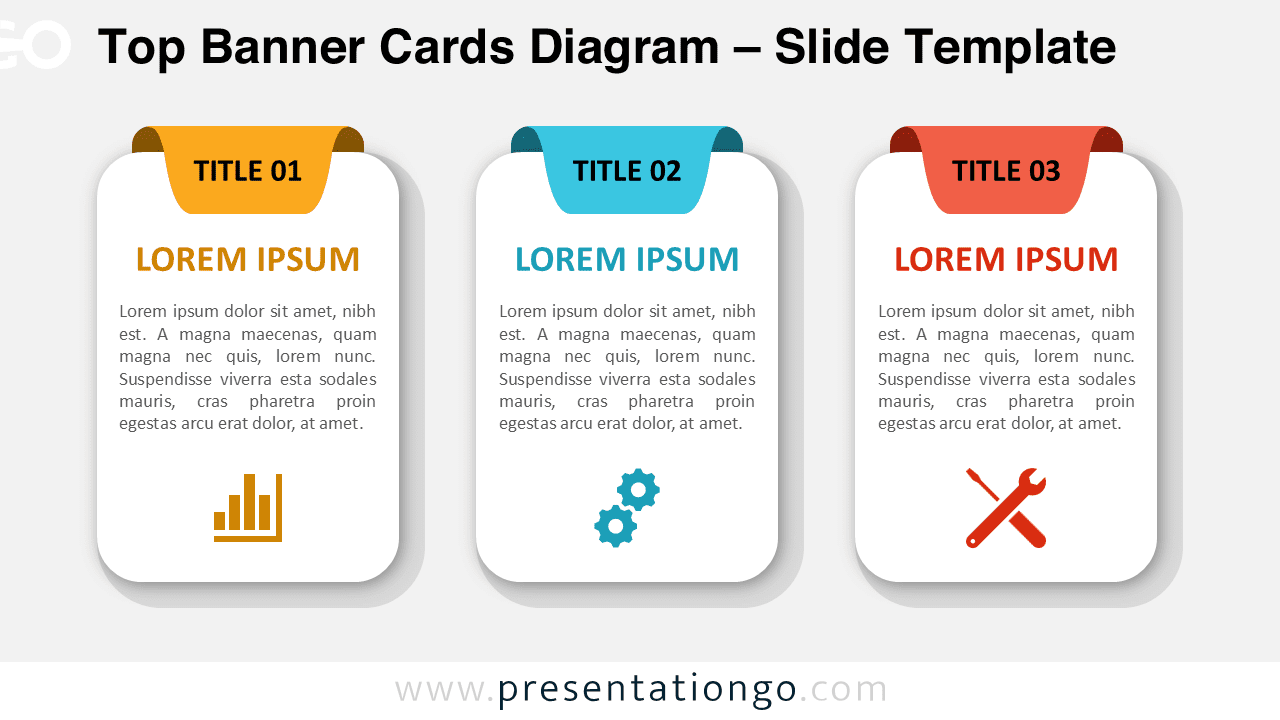
Download the Top Banner Cards Diagram for PowerPoint and Google Slides. Clean card layout with icons, ideal for processes, features, and comparisons.
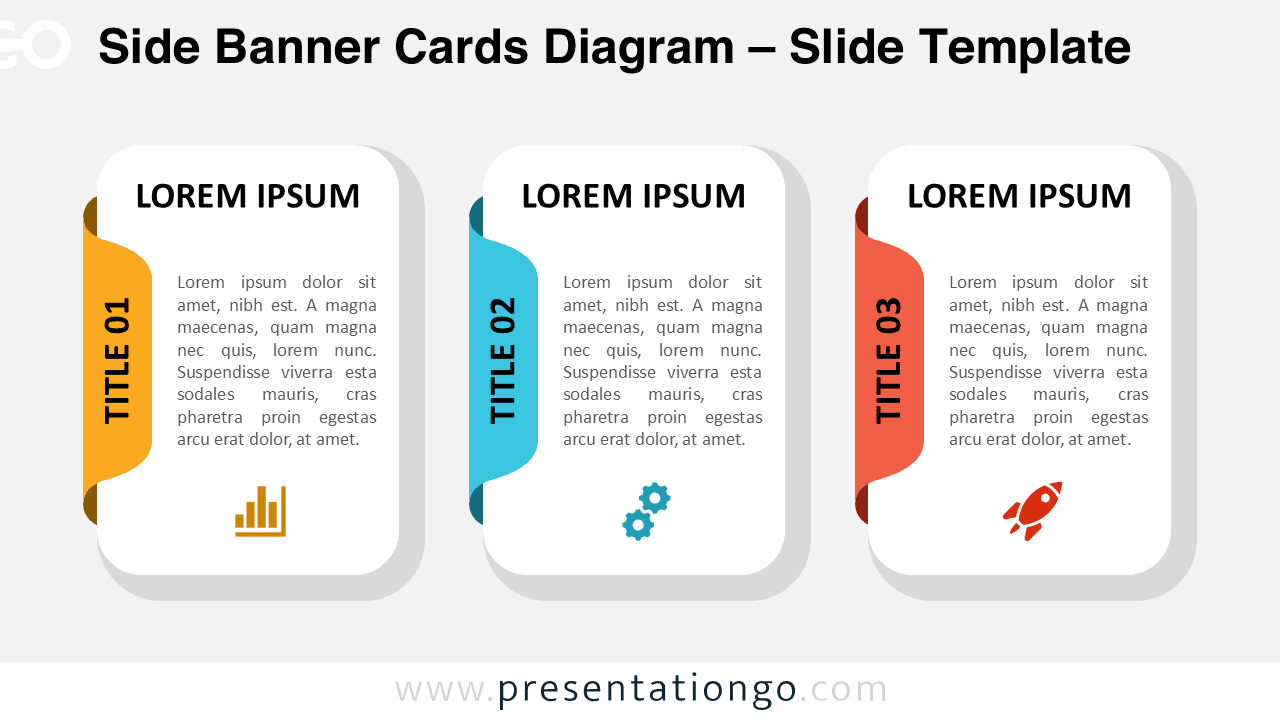
The Side Banner Cards Diagram helps visualize 3-step processes in PowerPoint and Google Slides using card blocks with vertical side banners.
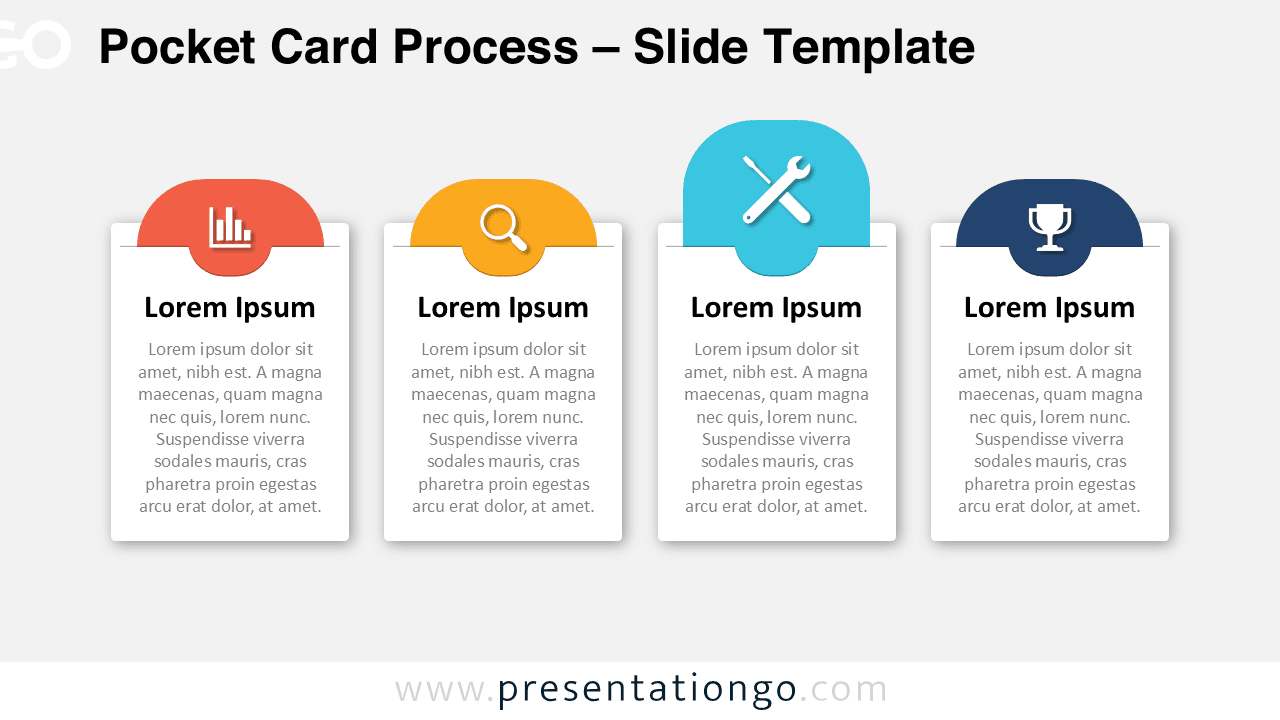
The Pocket Card Process diagram helps visualize steps using sliding card pockets in PowerPoint and Google Slides presentations.
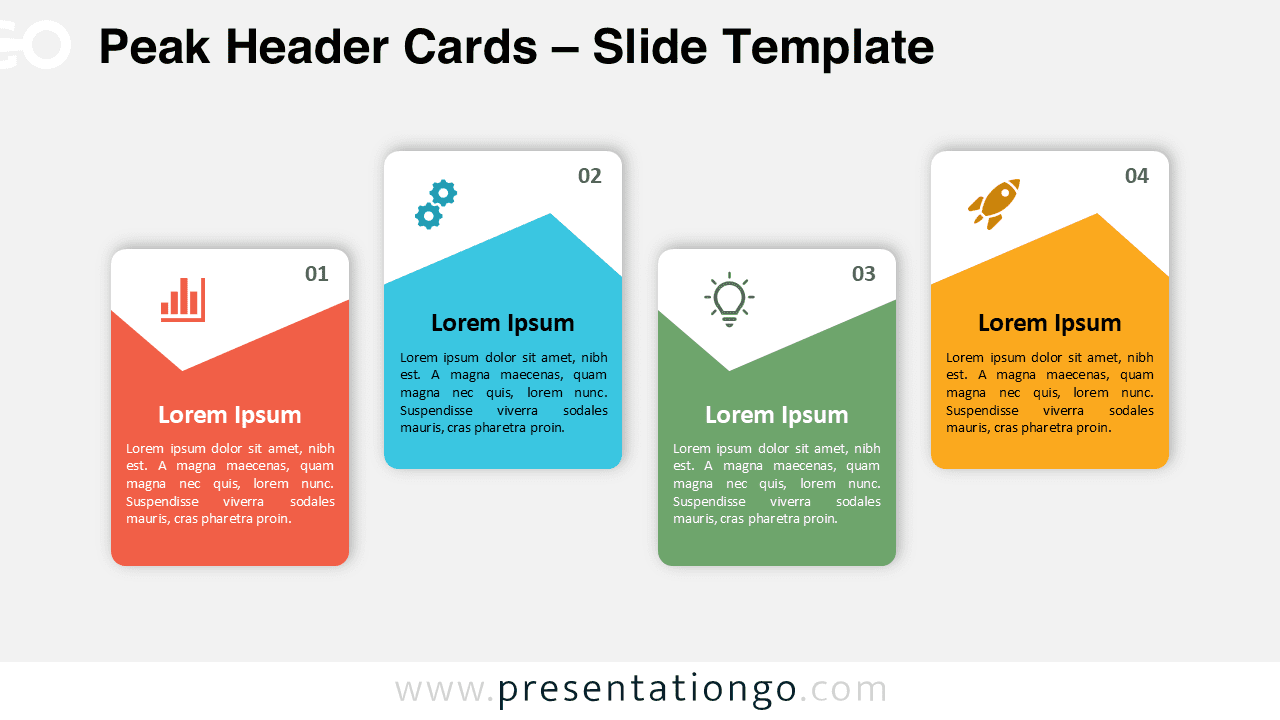
Download the free Peak Header Cards diagram for PowerPoint and Google Slides. A 4-step card layout ideal for processes, workflows, and stages.
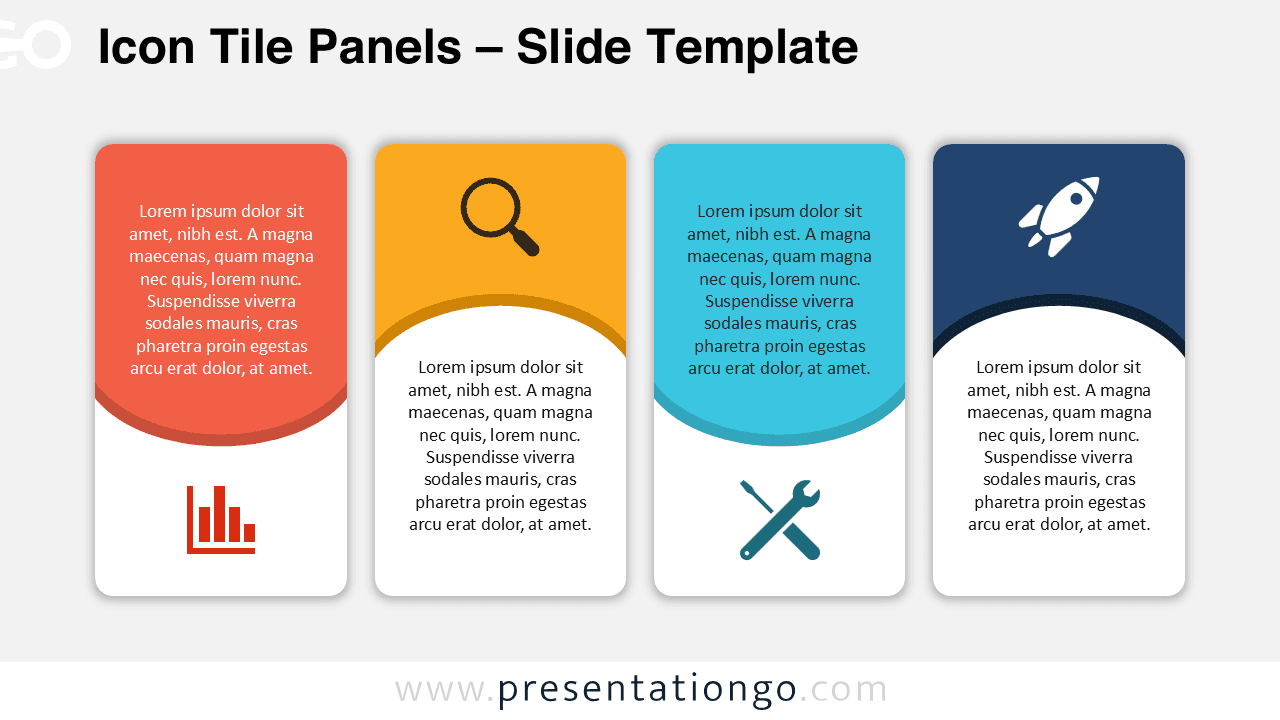
Download the free Icon Tile Panels diagram for PowerPoint and Google Slides. A four-panel layout for processes, comparisons, and features.
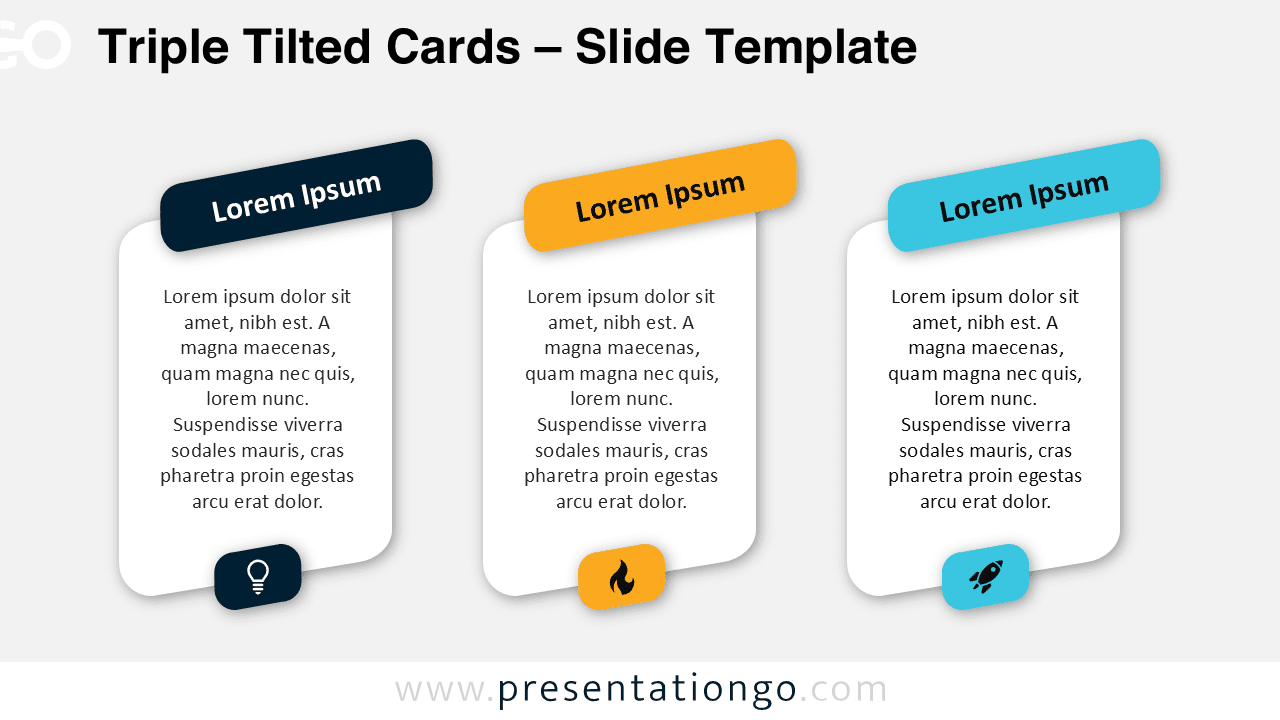
Download the Triple Tilted Cards diagram for PowerPoint and Google Slides. A modern three-item layout with editable text, colors, and icon placeholders.
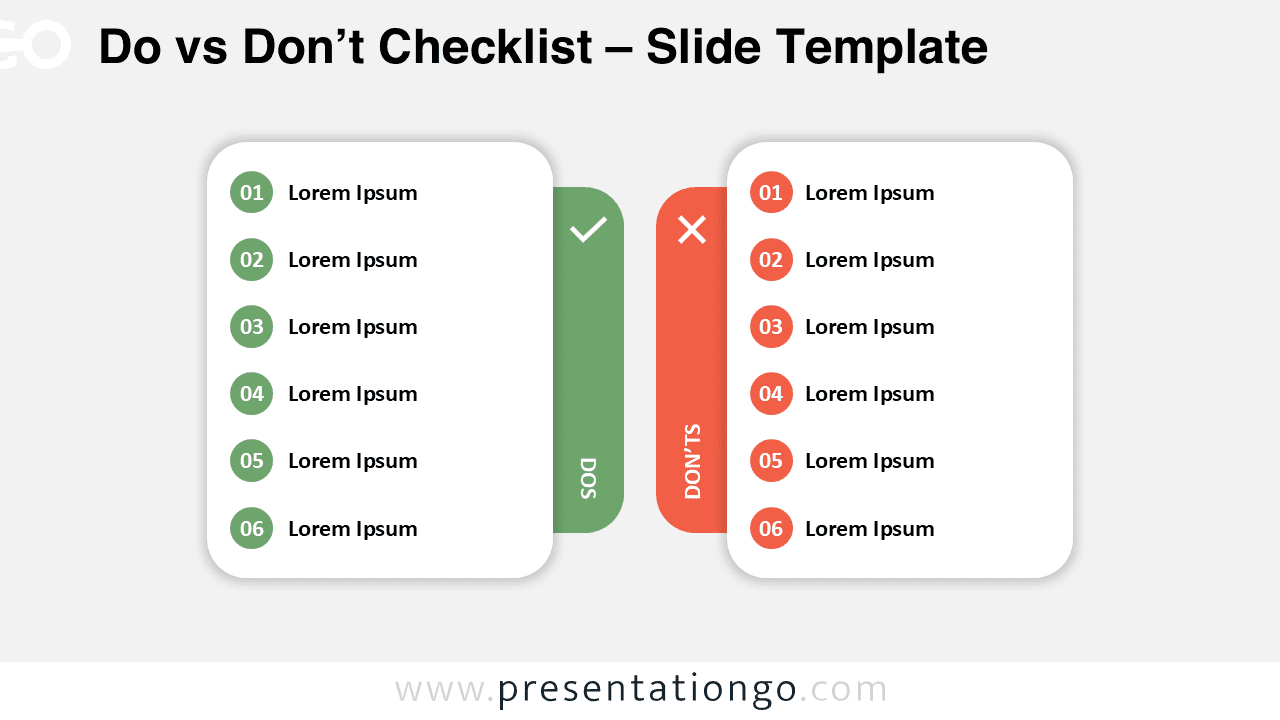
Present good vs bad practices with impact. A clean Do vs Don’t list for PowerPoint and Google Slides. Includes light and dark versions.
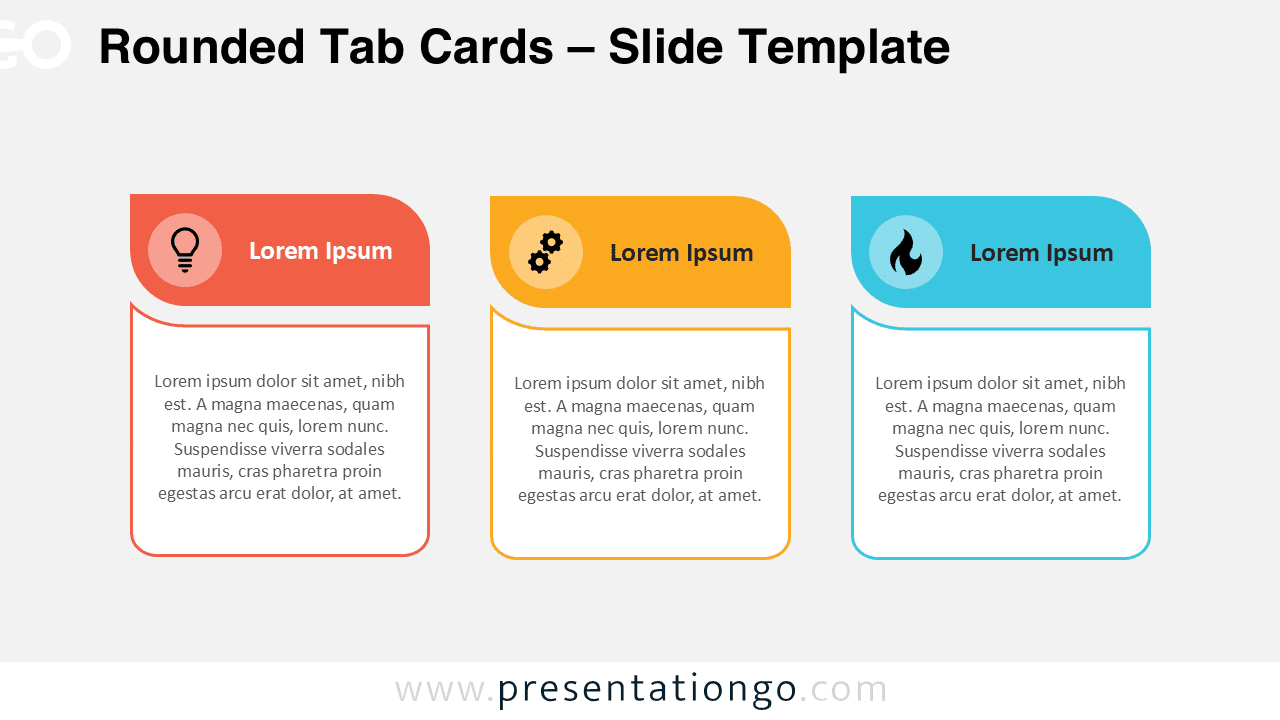
Showcase features, steps, or options with rounded tabs and icons. Two slides, editable colors, and text for PowerPoint and Google Slides.
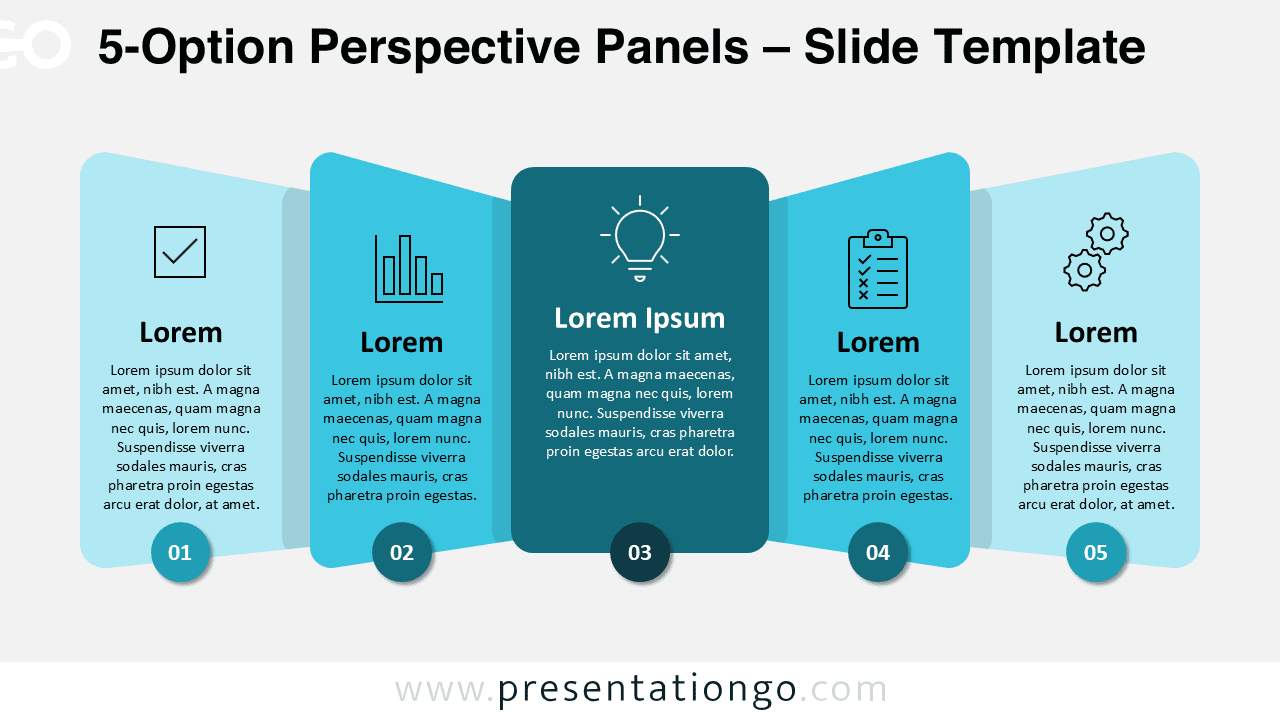
Compare or explain five elements with this elegant 5-Option Perspective Panels template. Free PowerPoint and Google Slides template.
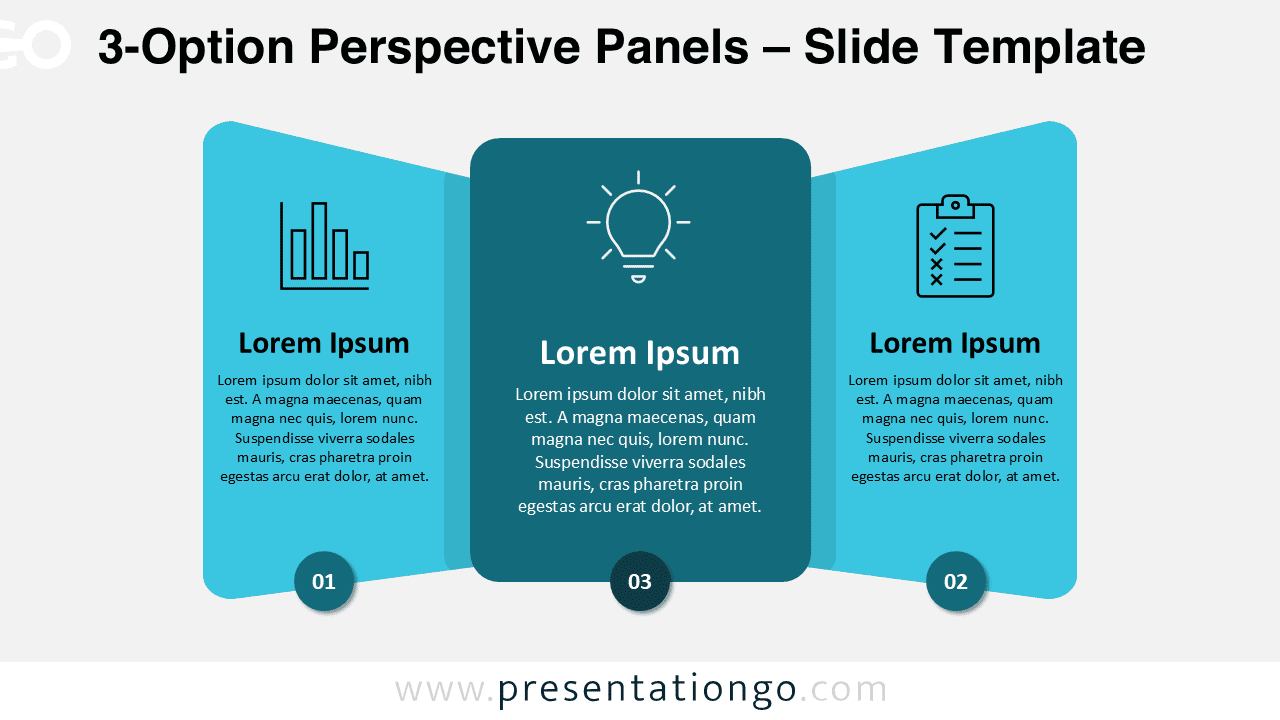
Compare three elements or choices using this 3-Option Perspective Panels slide. Simple to customize in PowerPoint or Google Slides.
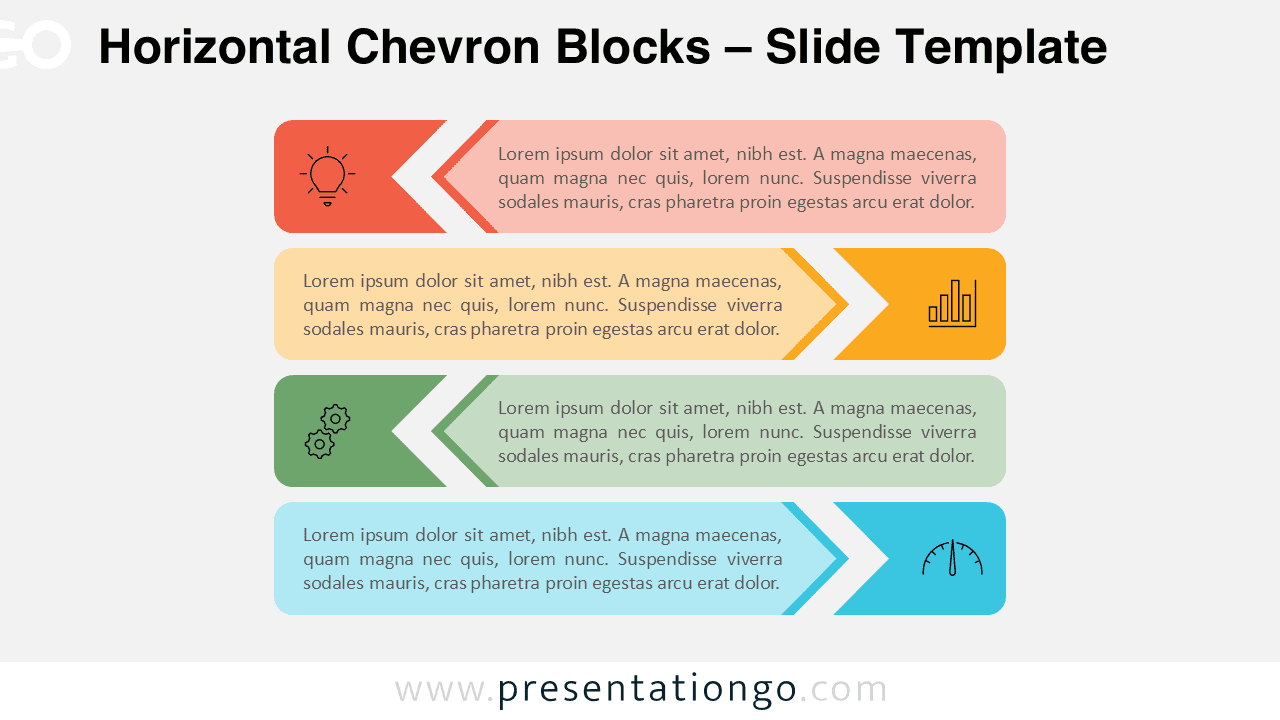
Professional Horizontal Chevron Blocks for PowerPoint & Google Slides. Perfect for linear workflows and colorful step-by-step processes.