Loading resources…
Total 304 resources
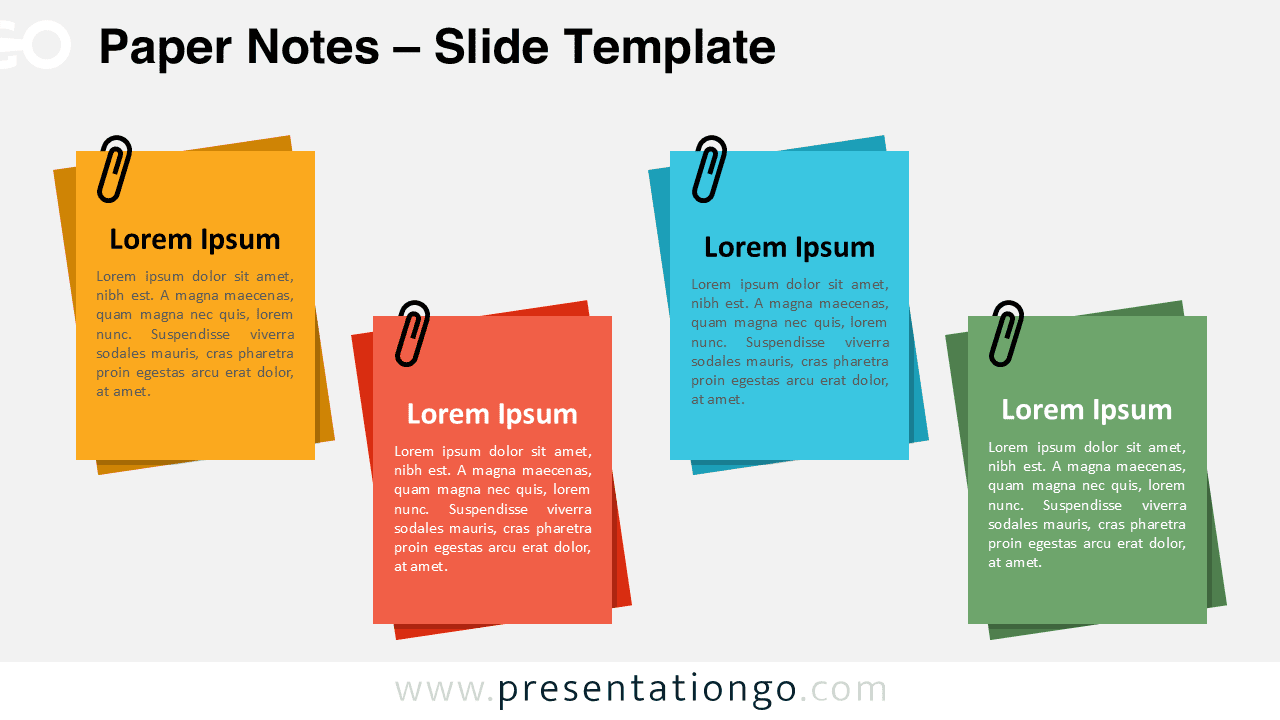
Download the Paper Notes PowerPoint and Google Slides template with four sections that resemble sticky notes for clear presentation flow.
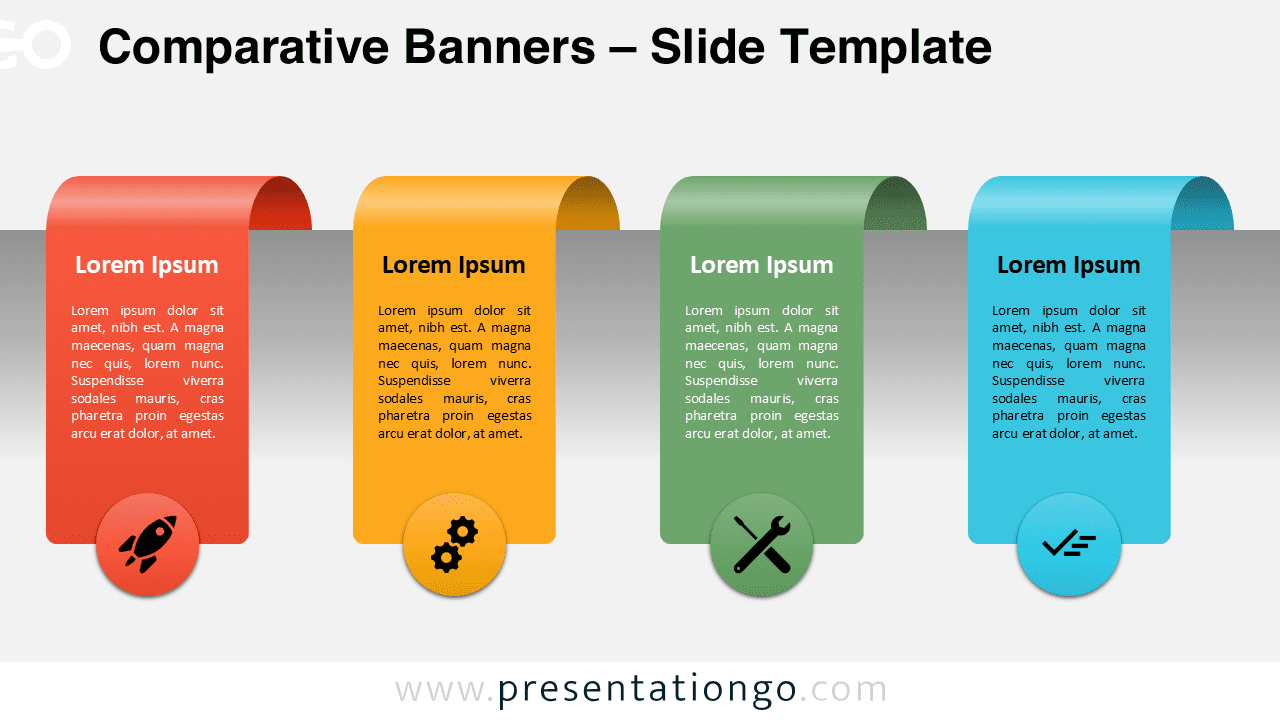
Download the Comparative Banners for PowerPoint and Google Slides to highlight differences across four options or steps visually.
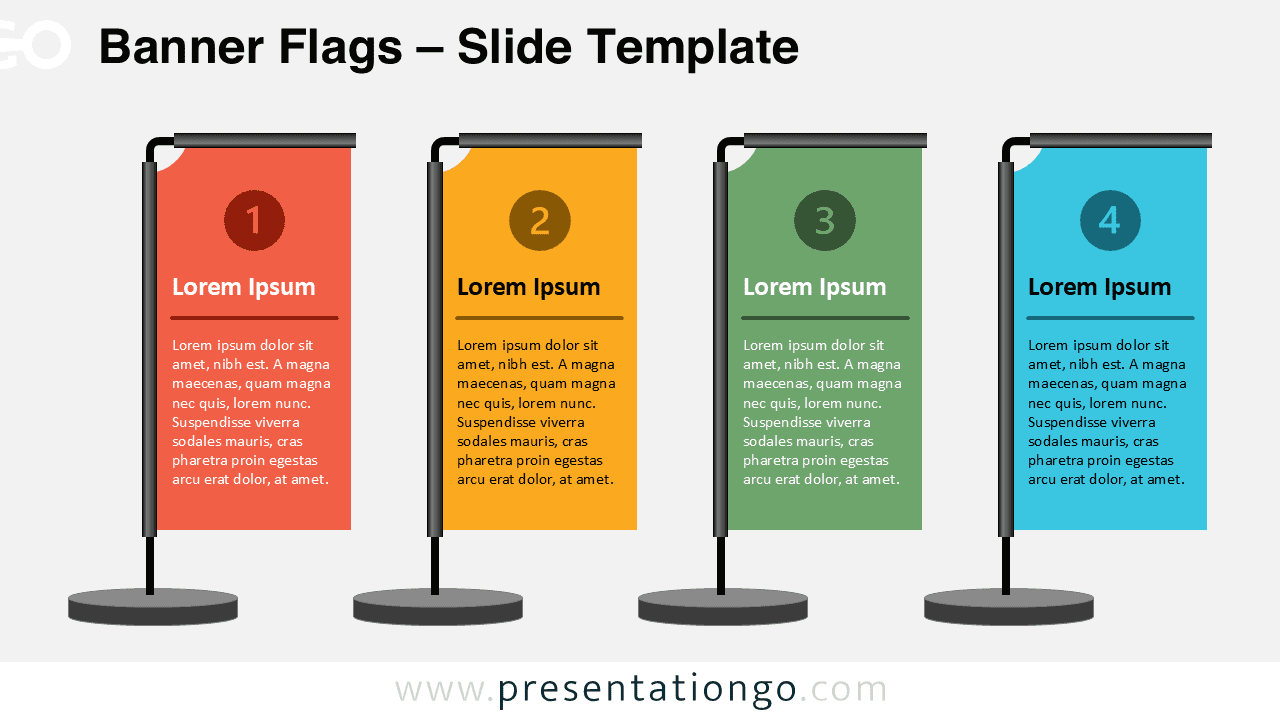
Download this free Banner Flags template for PowerPoint and Google Slides to display comparisons or steps in a four-flag format.
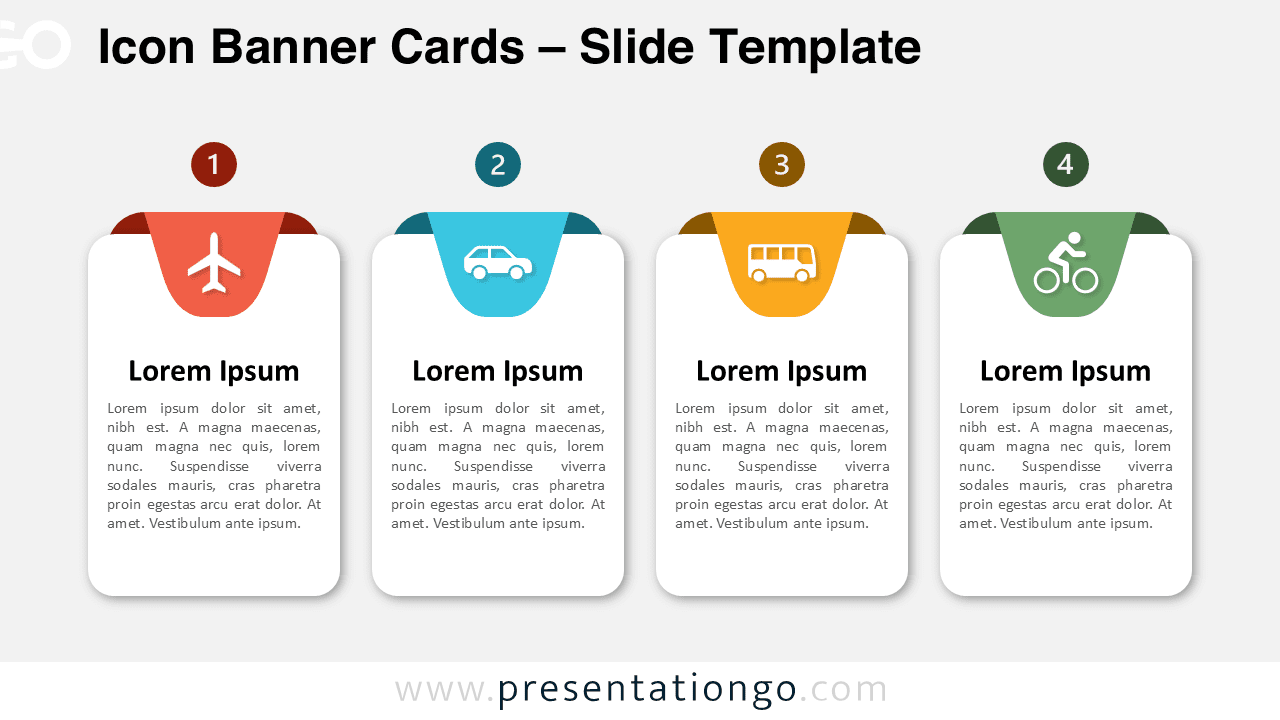
Download the Icon Banner Cards for PowerPoint and Google Slides, a 4-step layout template ideal for workflows, comparisons, and timelines.
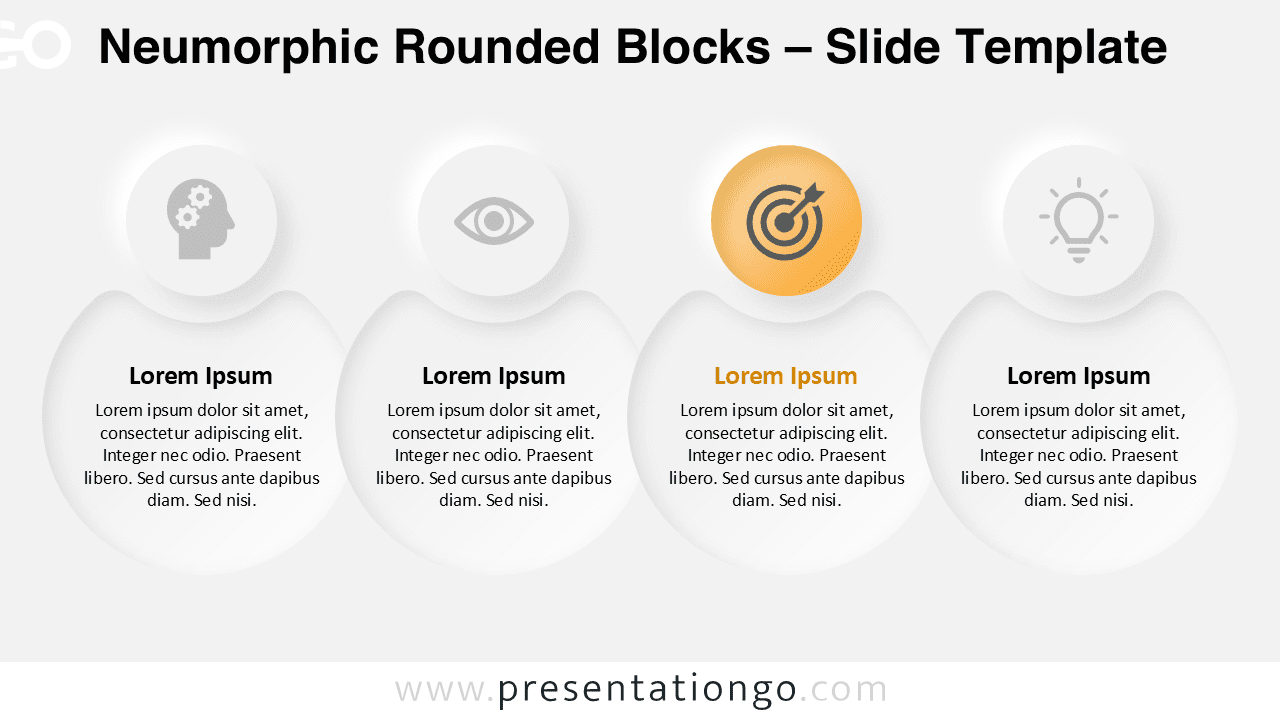
Download the Neumorphic Rounded Blocks template for PowerPoint & Google Slides. Features a modern four-step layout with customizable shapes.
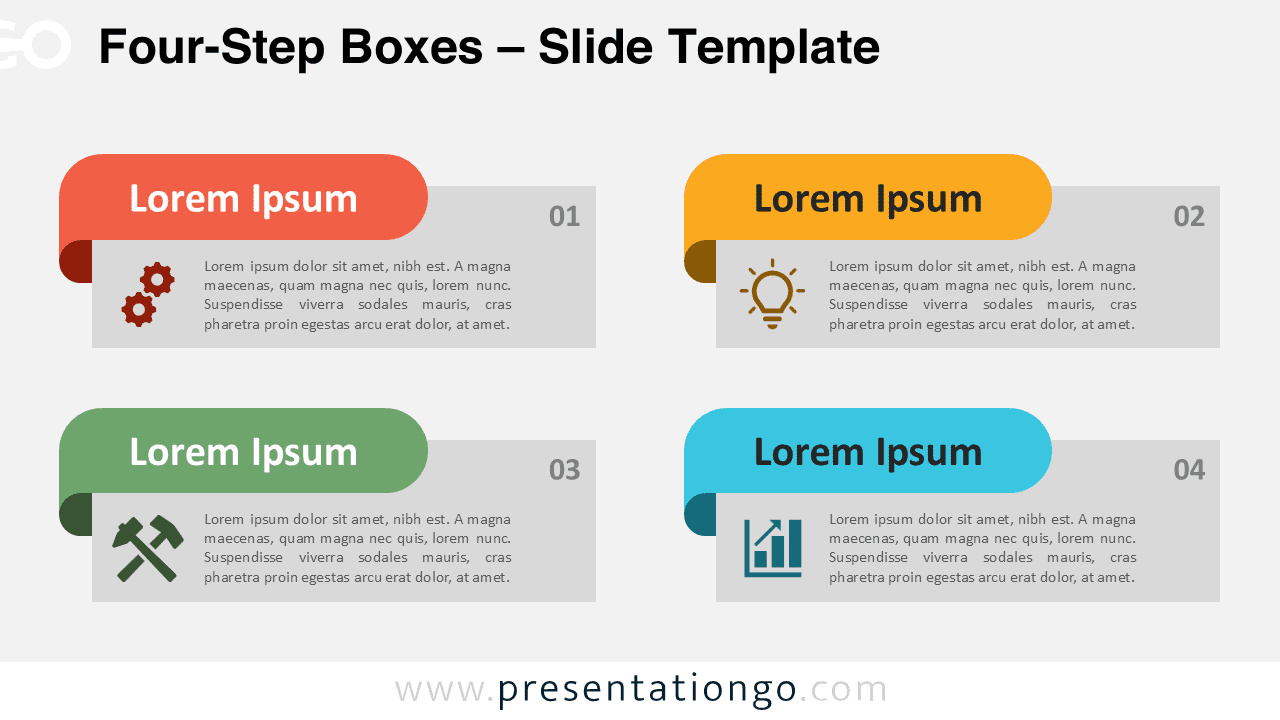
Download Four-Step Boxes for PowerPoint & Google Slides with a 2x2 structure, customizable colors, icons, and clear step flow.
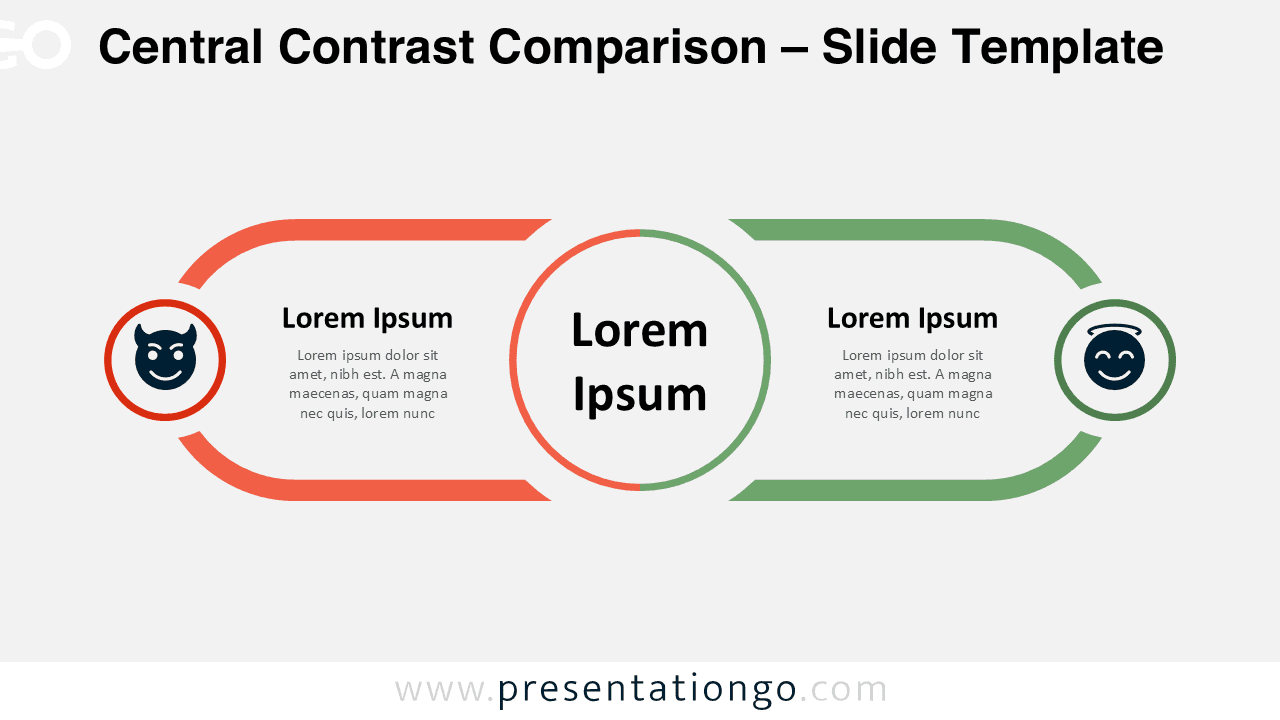
Download the Central Contrast Comparison for PowerPoint and Google Slides: compare opposing concepts using a clean 2-section design.
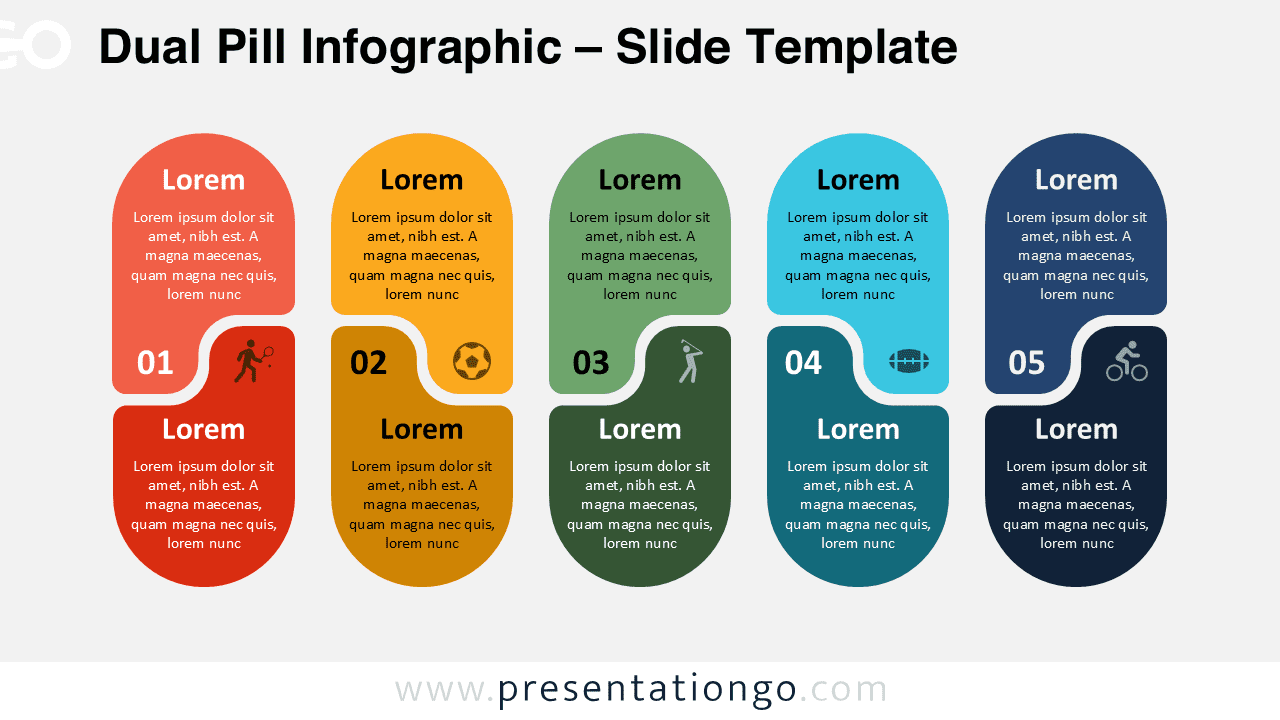
Present sequential steps with the Dual Pill Infographic template for PowerPoint and Google Slides, featuring five pill-shaped elements.
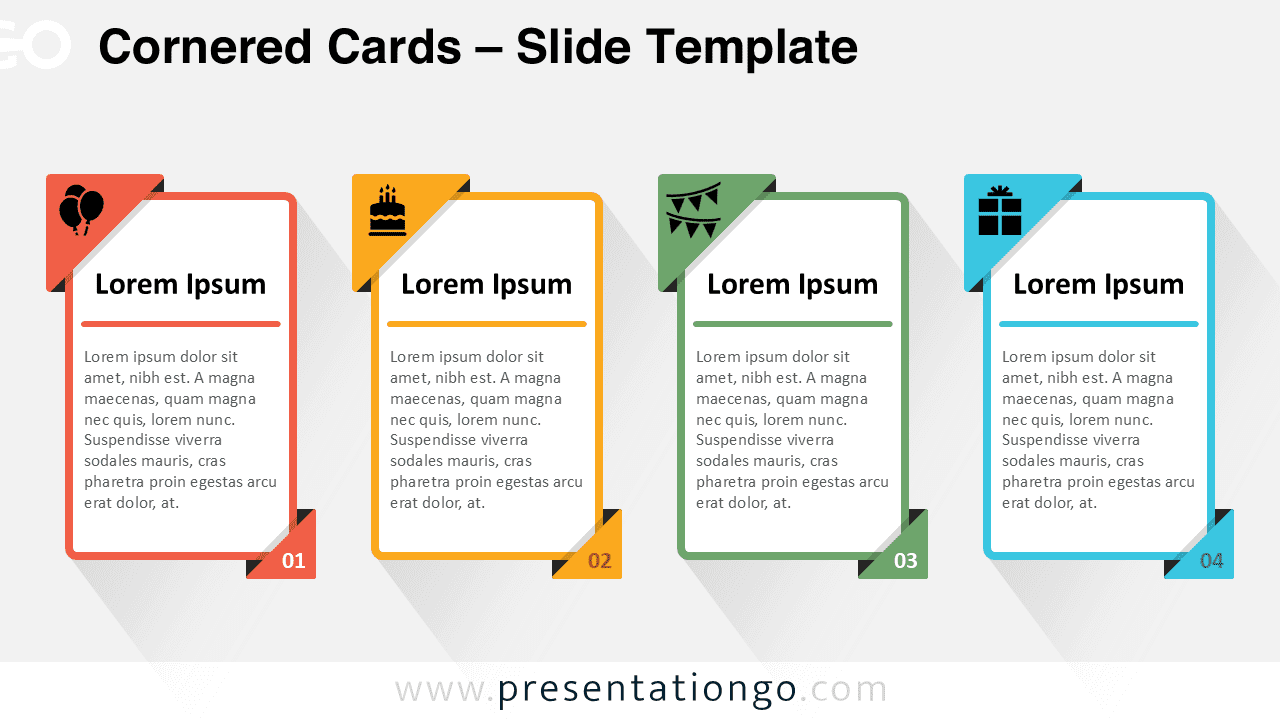
Download the Cornered Cards for PowerPoint & Google Slides – a numbered, step-by-step layout to present ideas with clarity and structure.
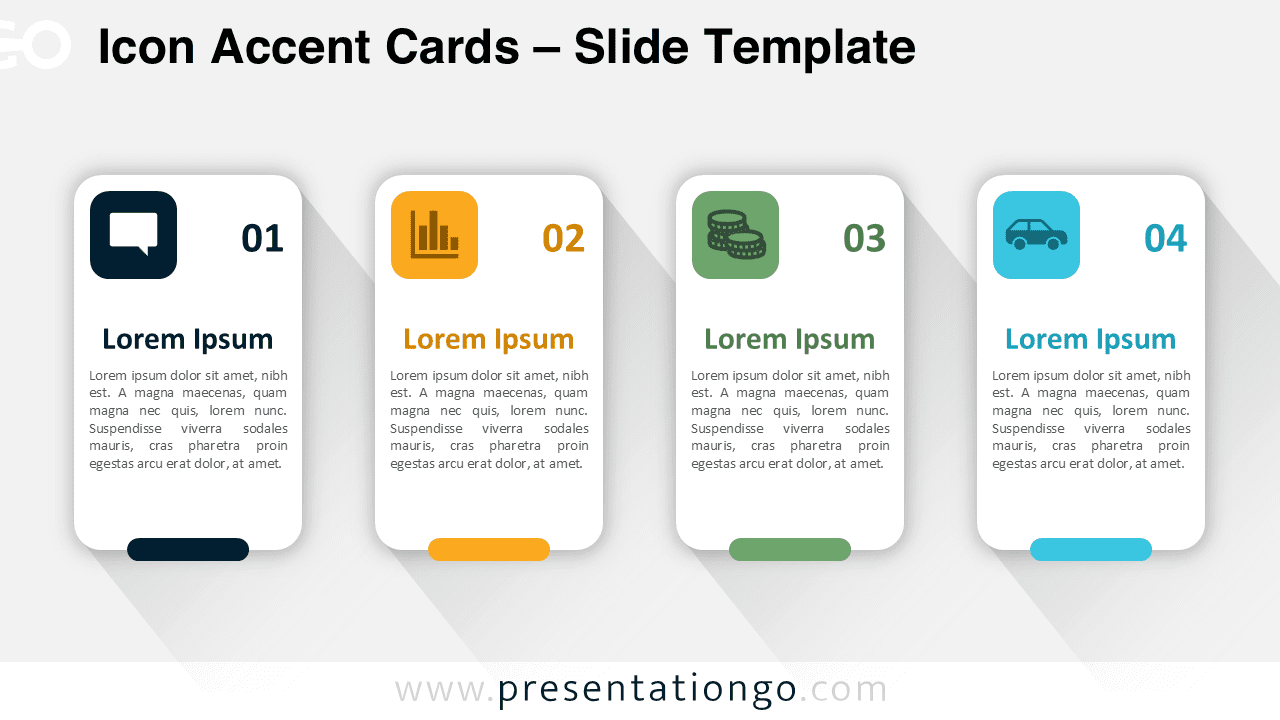
Organize content visually with Icon Accent Cards for PowerPoint & Google Slides – a four-step infographic with bold numbers and icons.
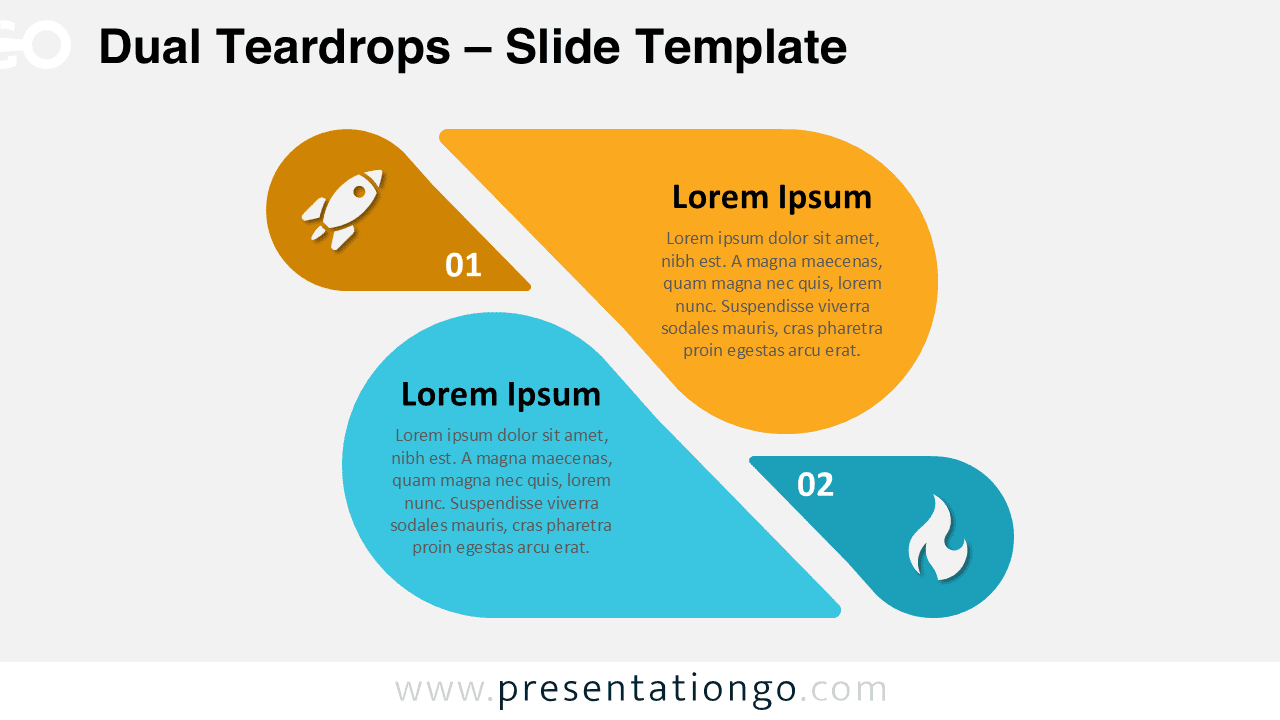
Download Dual Teardrops for PowerPoint & Google Slides, a two-step comparison template ideal for business strategies and decision-making.
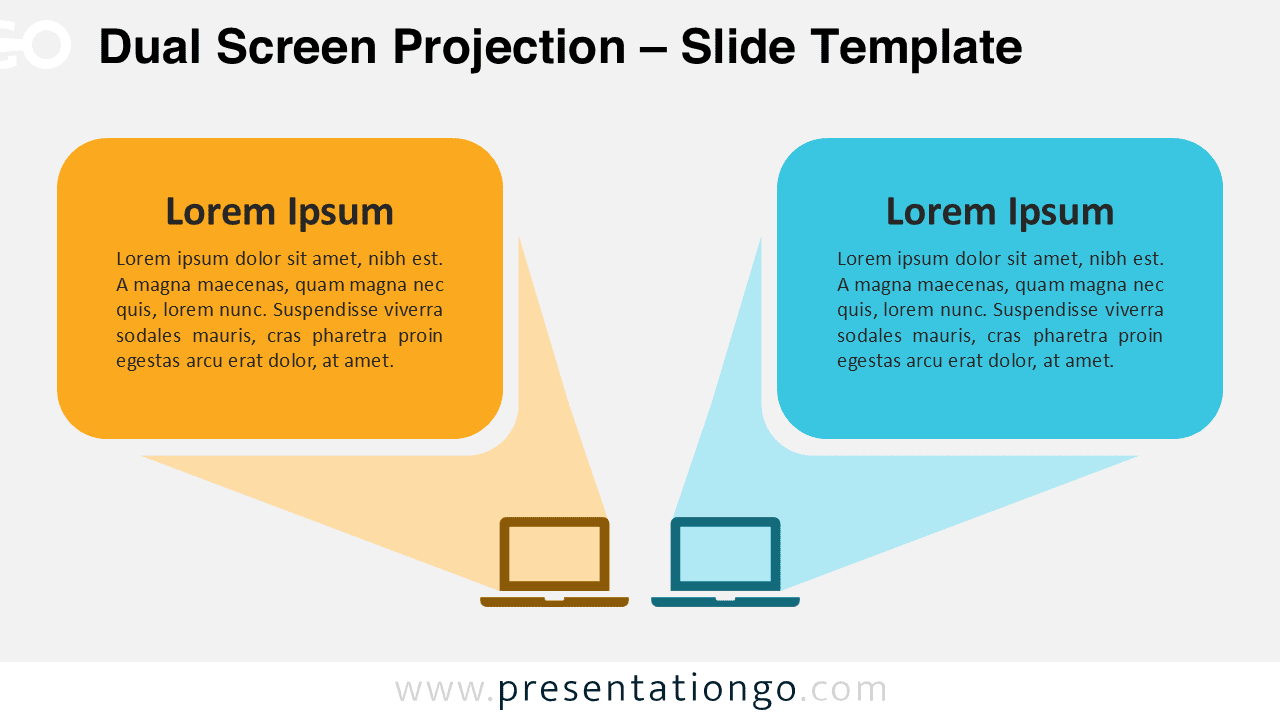
Download Dual Screen Projection for PowerPoint & Google Slides to showcase side-by-side comparisons with a structured and modern design.
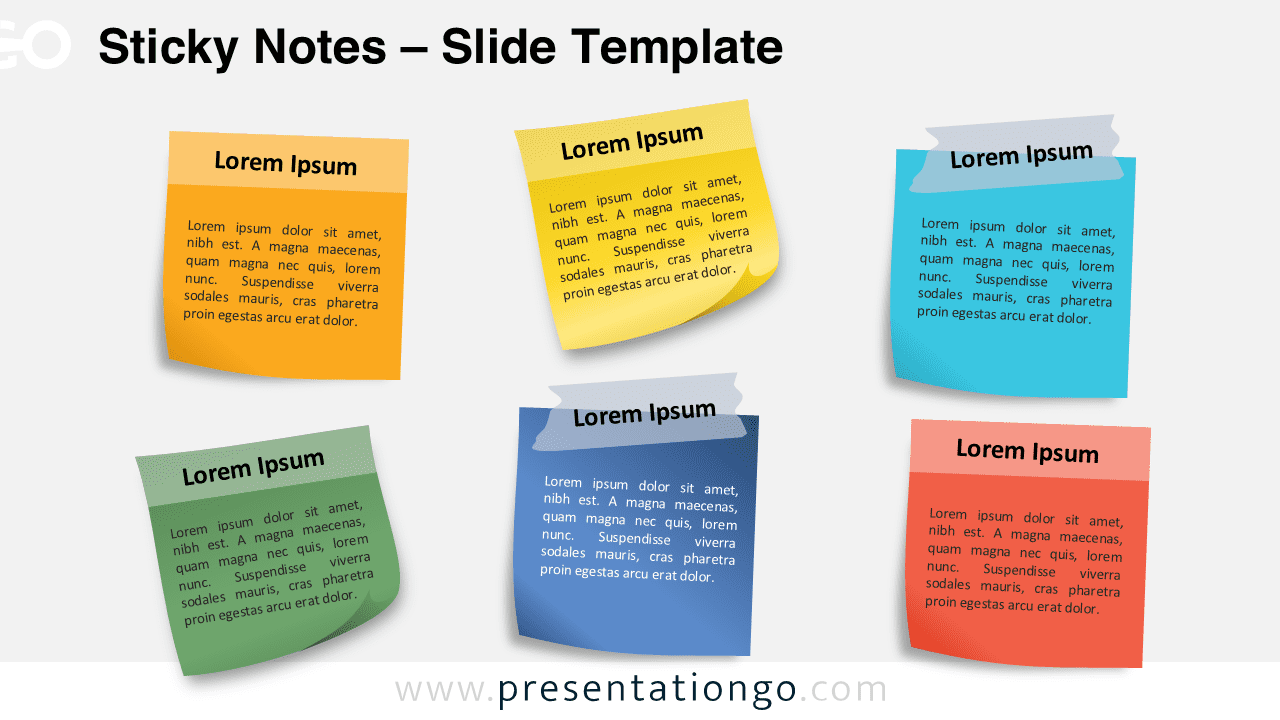
Download the Sticky Notes template for PowerPoint & Google Slides—perfect for brainstorming, reminders, and organizing ideas visually.
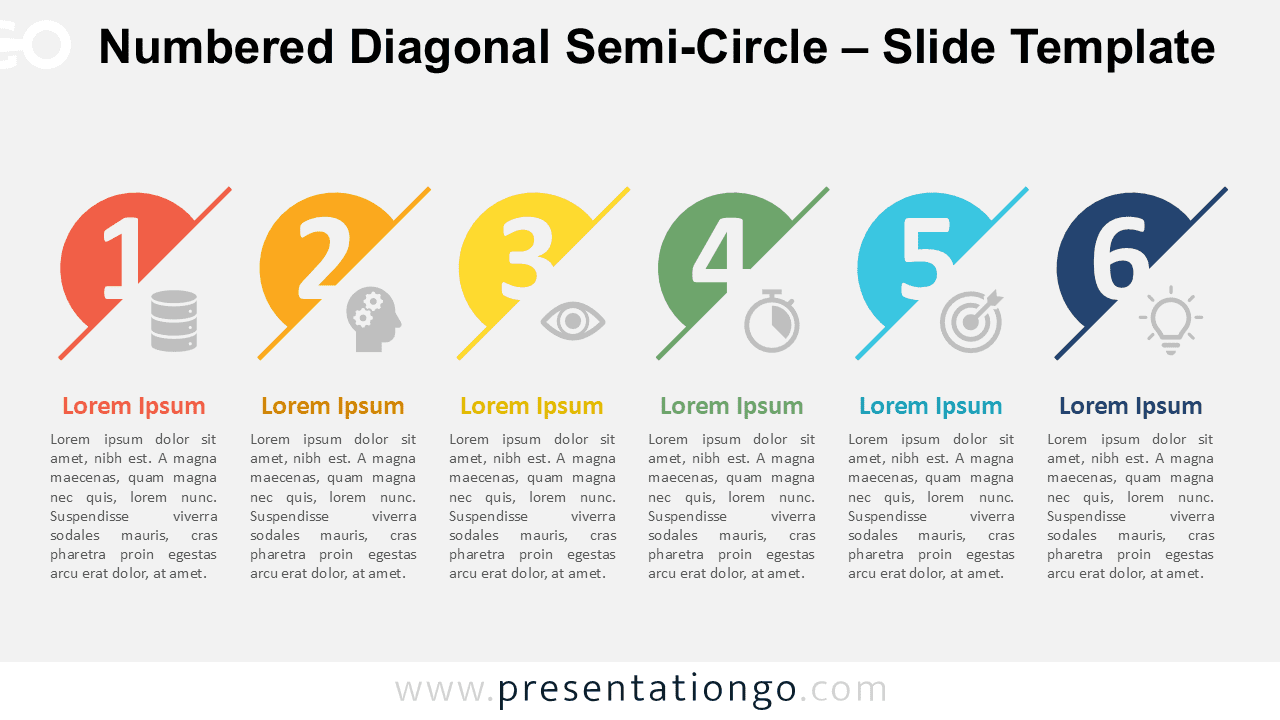
Present up to six sequential steps with the customizable Numbered Diagonal Semi-Circle for PowerPoint and Google Slides. Download free.
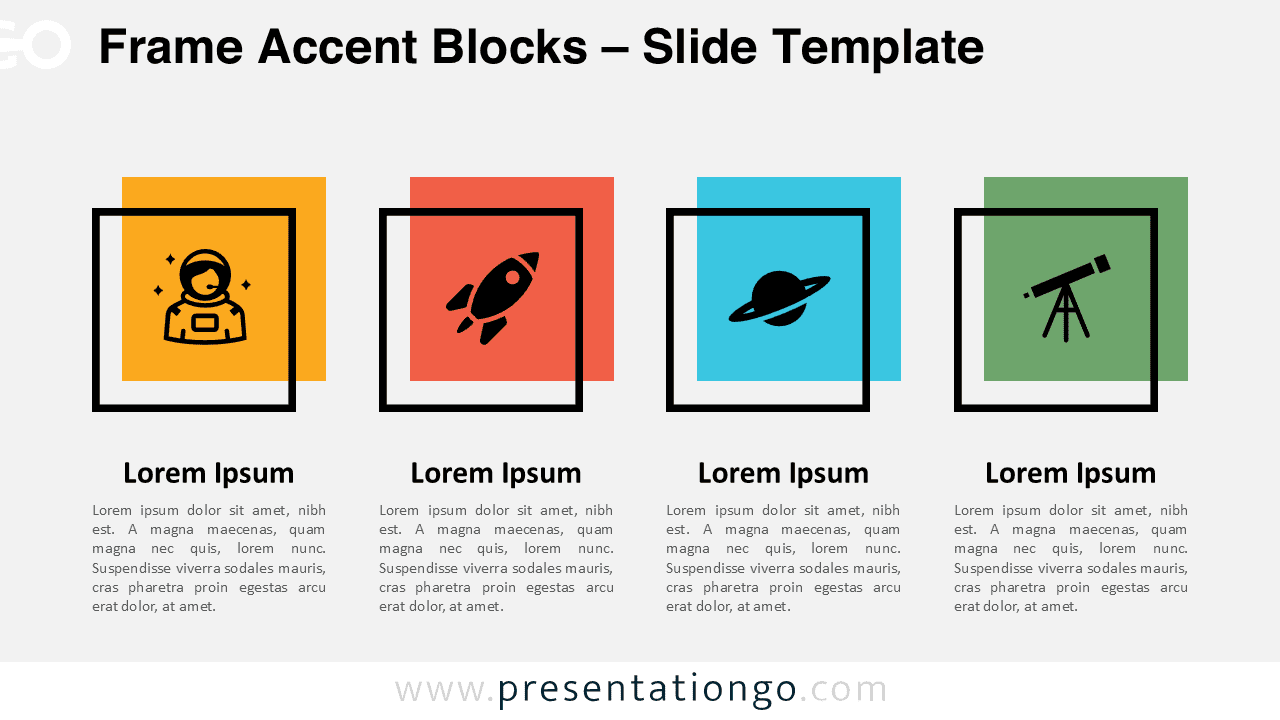
Download Frame Accent Blocks for PowerPoint and Google Slides: Showcase four concepts, ideas, or steps with vibrant customizable designs.
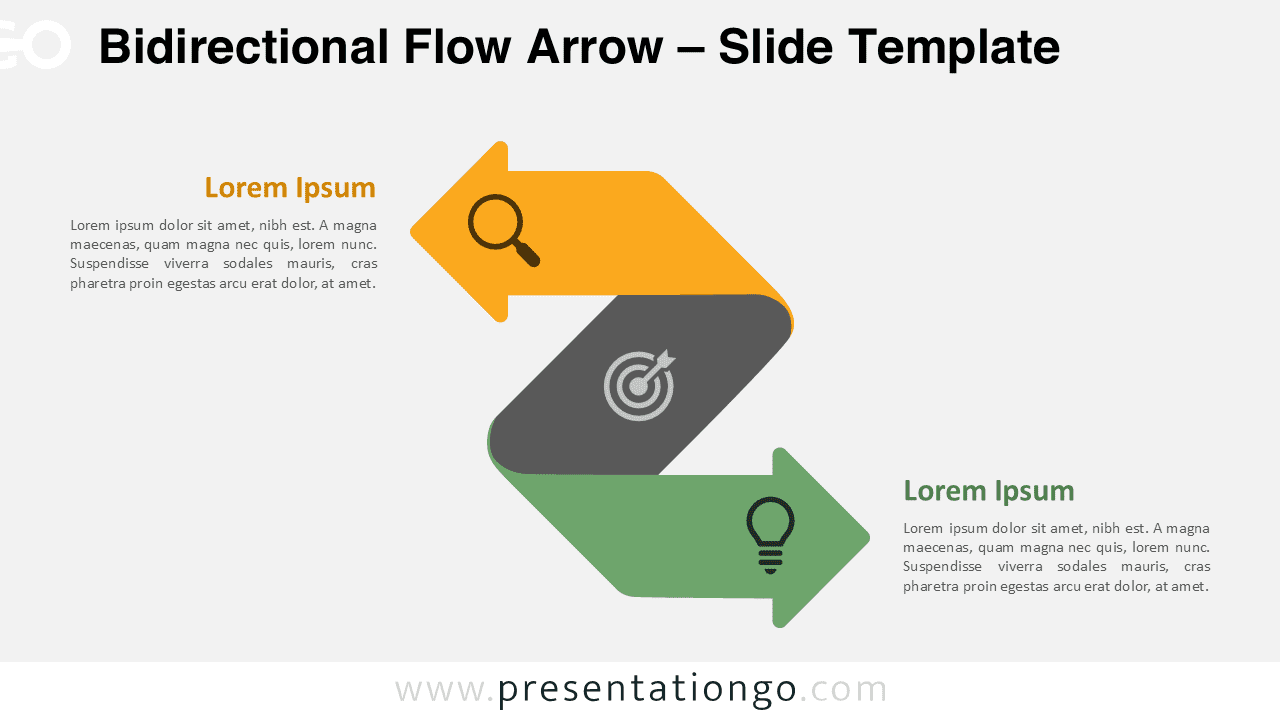
Bidirectional Flow Arrow for PowerPoint & Google Slides. Perfect for comparisons, workflows, and dual concepts with full customization.
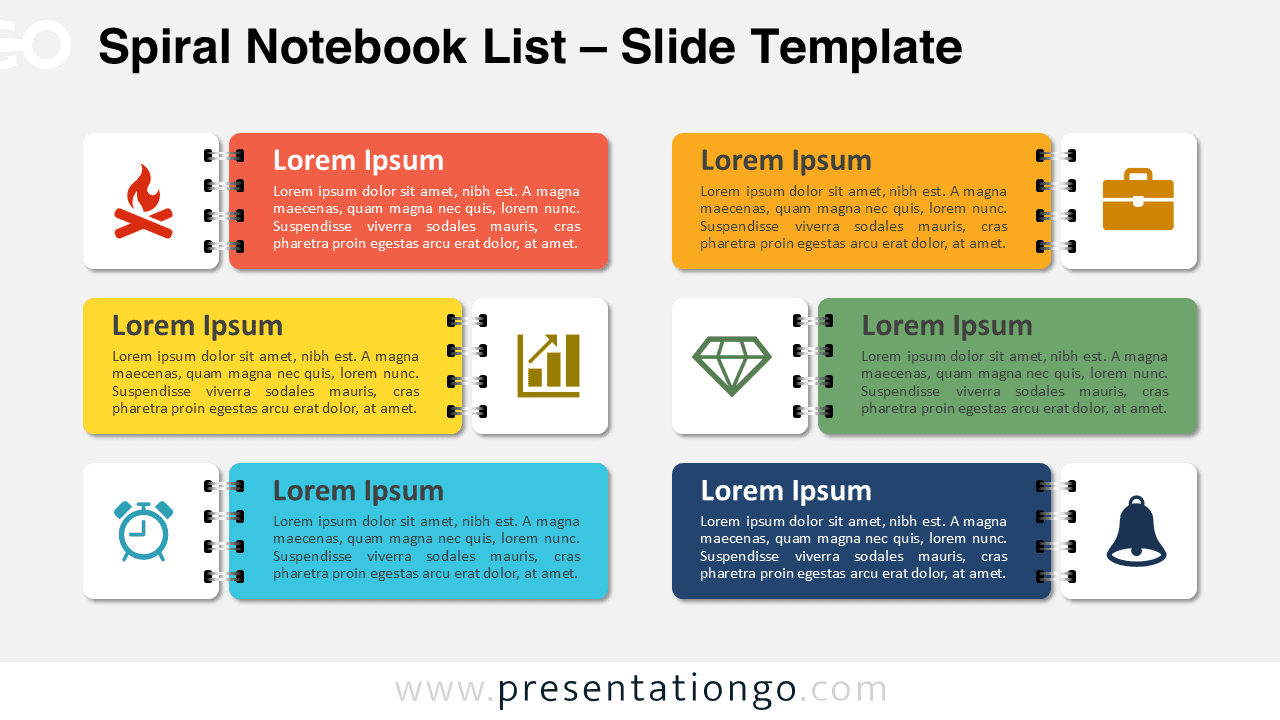
Download this six-section Spiral Notebook List template for PowerPoint and Google Slides to display your lists, processes, or ideas creatively.
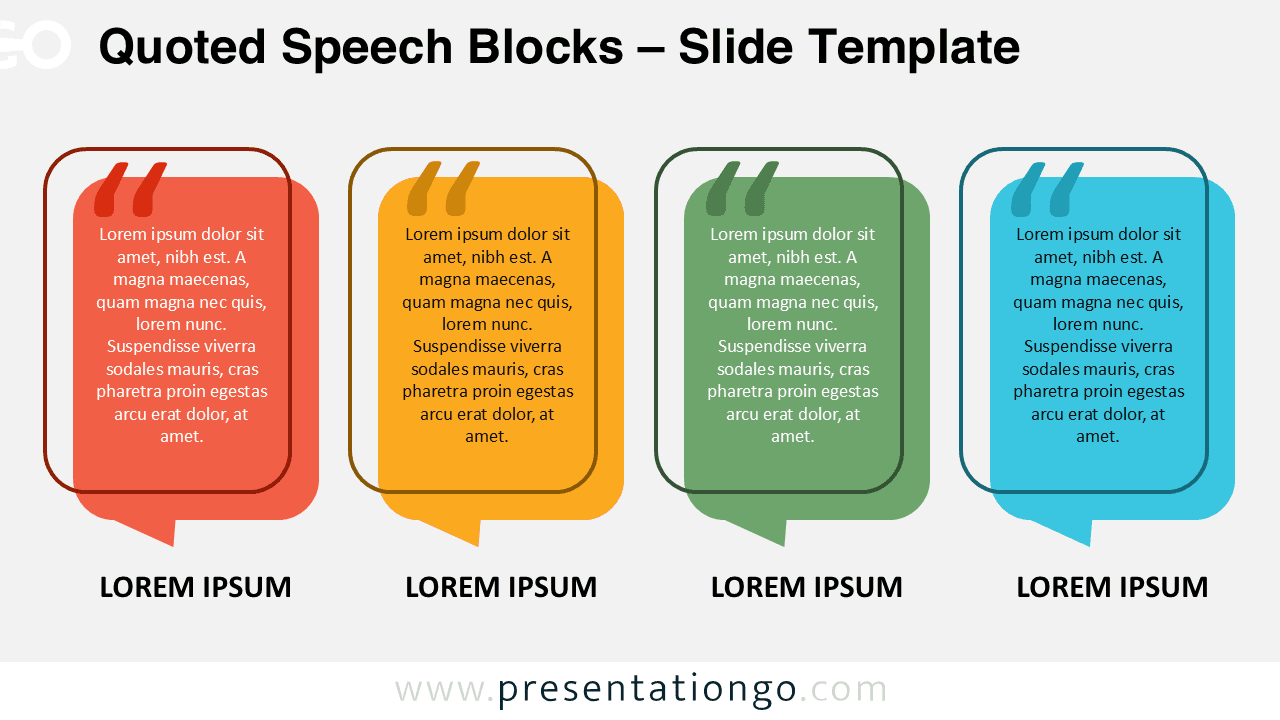
Download Quoted Speech Blocks for PowerPoint and Google Slides. Use this horizontal layout for organizing quotes or 4-step processes.
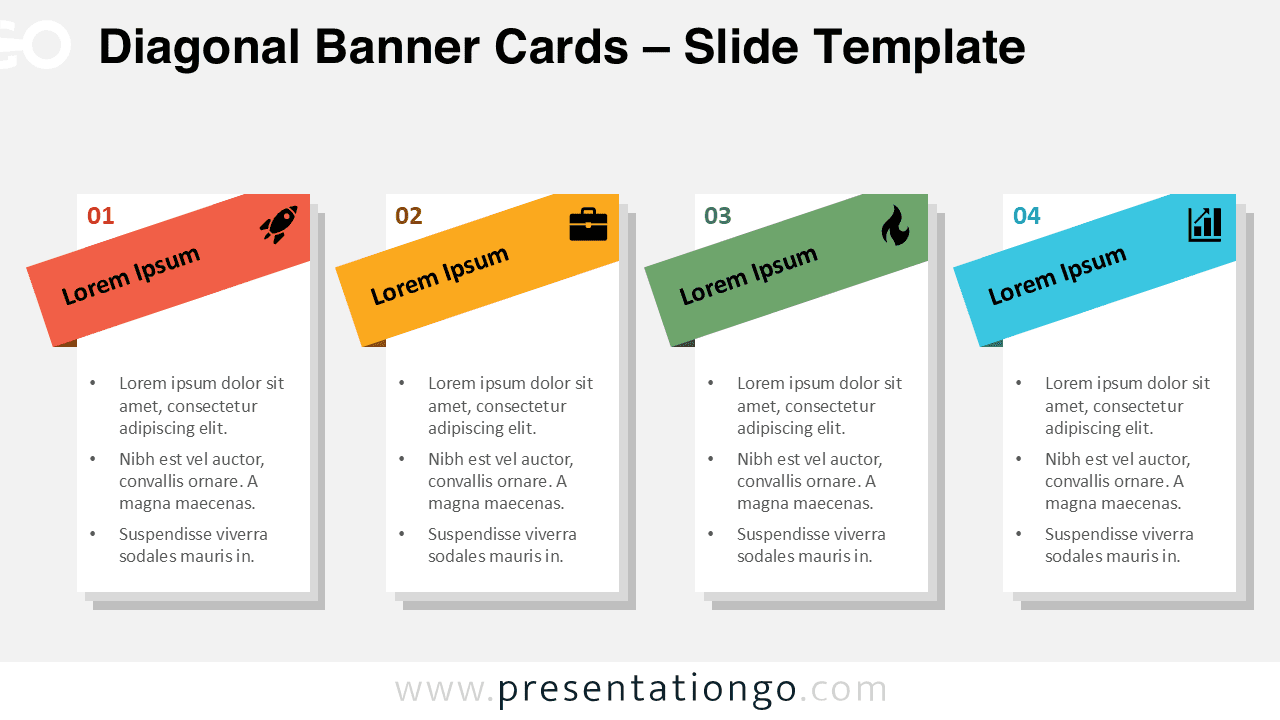
Download the Diagonal Banner Cards template for PowerPoint and Google Slides, featuring a four-step process layout with dynamic banners.
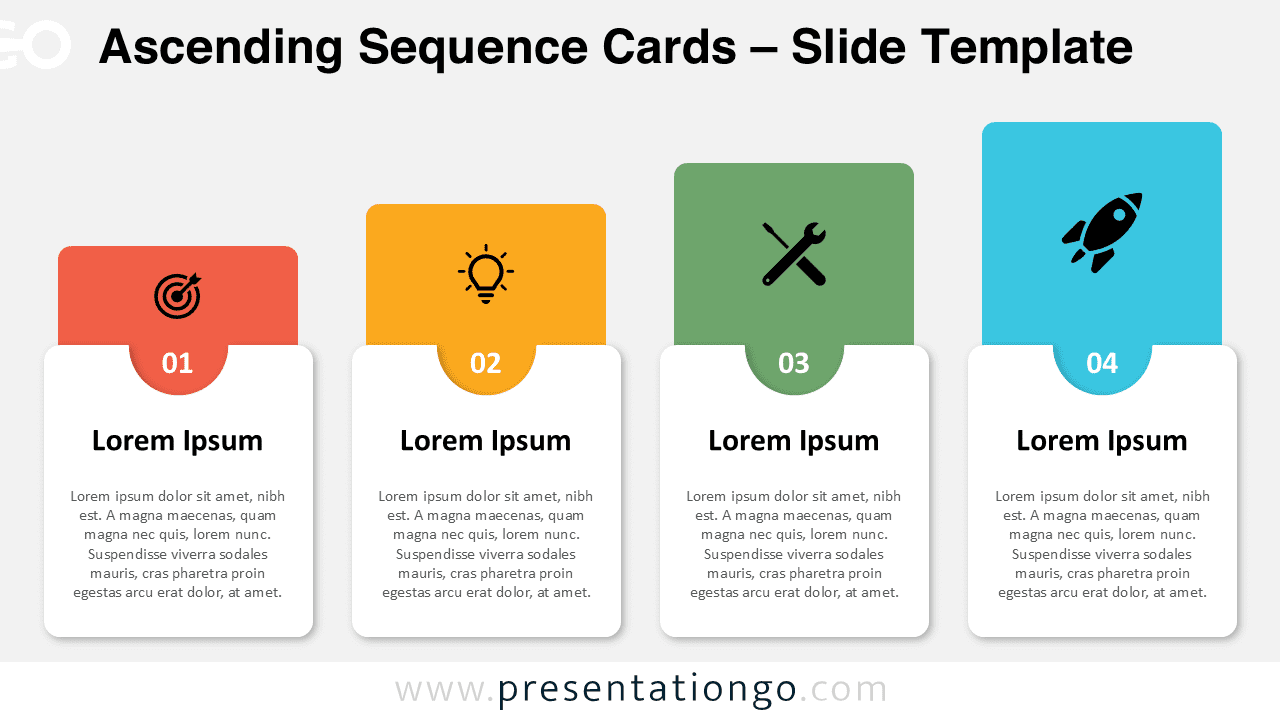
Download the Ascending Sequence Cards for PowerPoint and Google Slides to showcase step-by-step processes and sequential information.
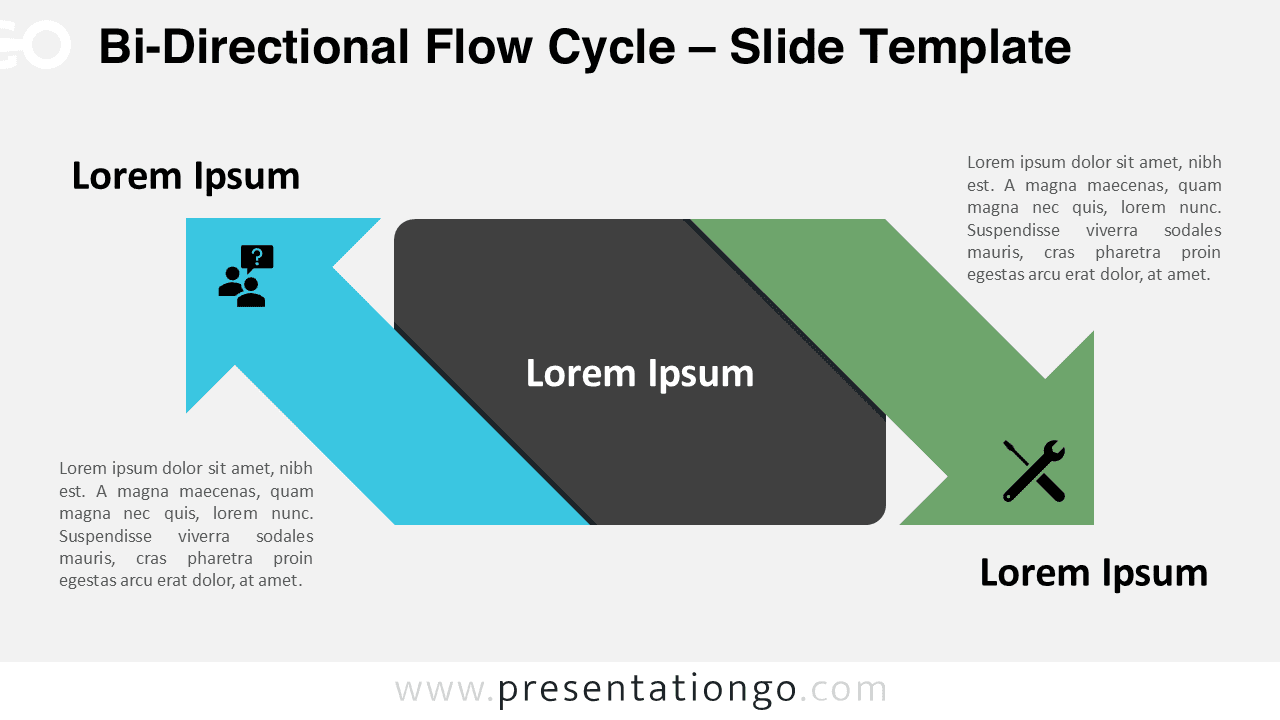
Download this two-step flow diagram for PowerPoint & Google Slides, perfect for mapping out contrasting ideas or processes.
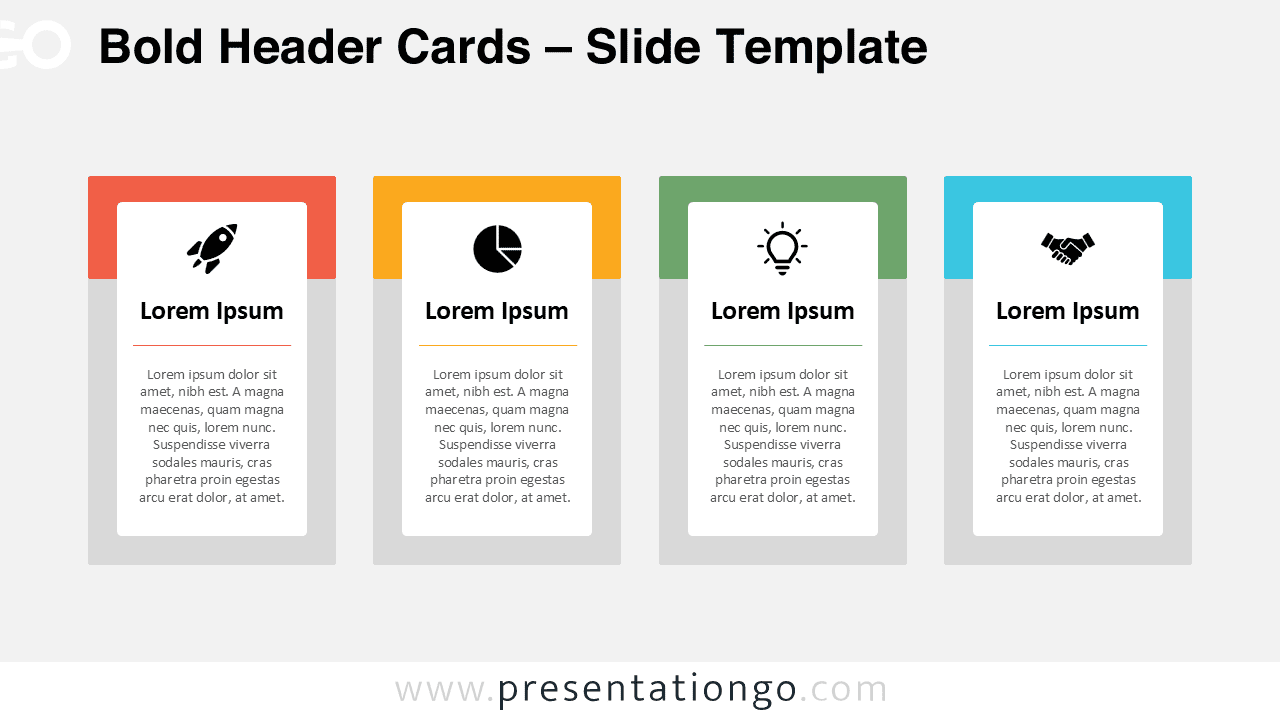
Download the Bold Header Cards for PowerPoint & Google Slides to highlight key concepts with four color-coded, customizable cards.
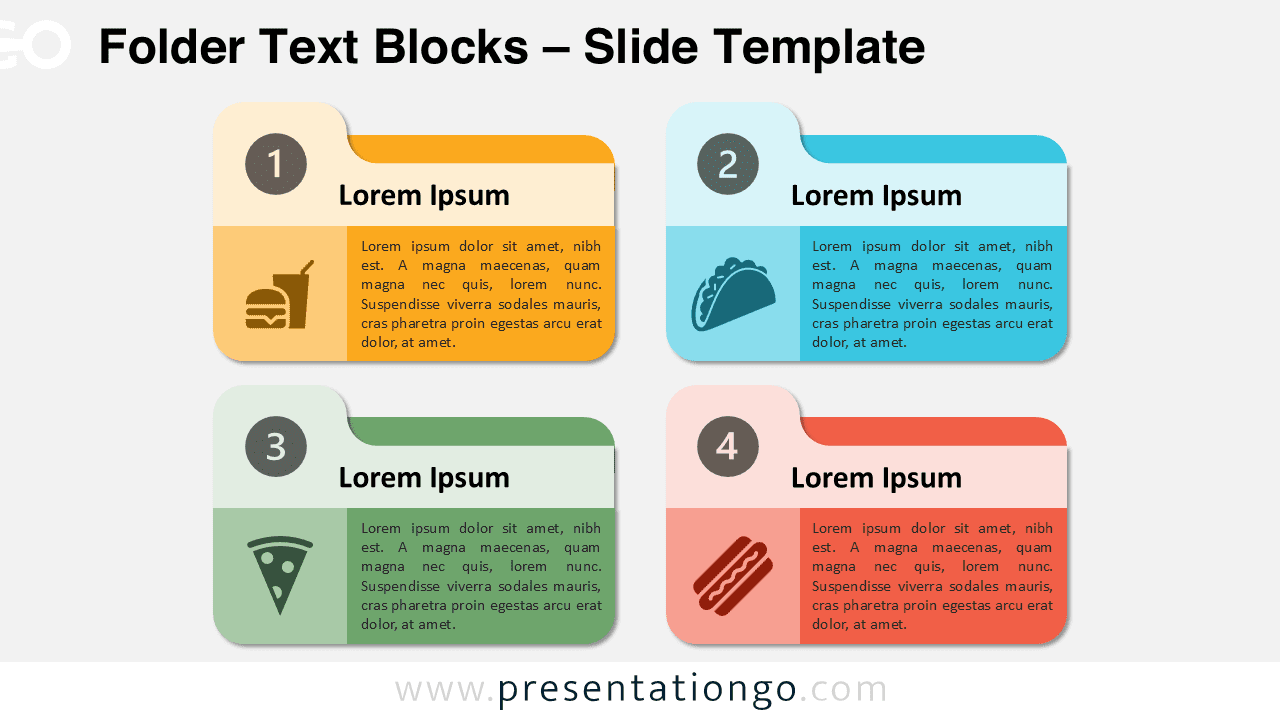
Download the Folder Text Blocks for PowerPoint & Google Slides. Clear four-step process blocks, customizable, and easy to edit.
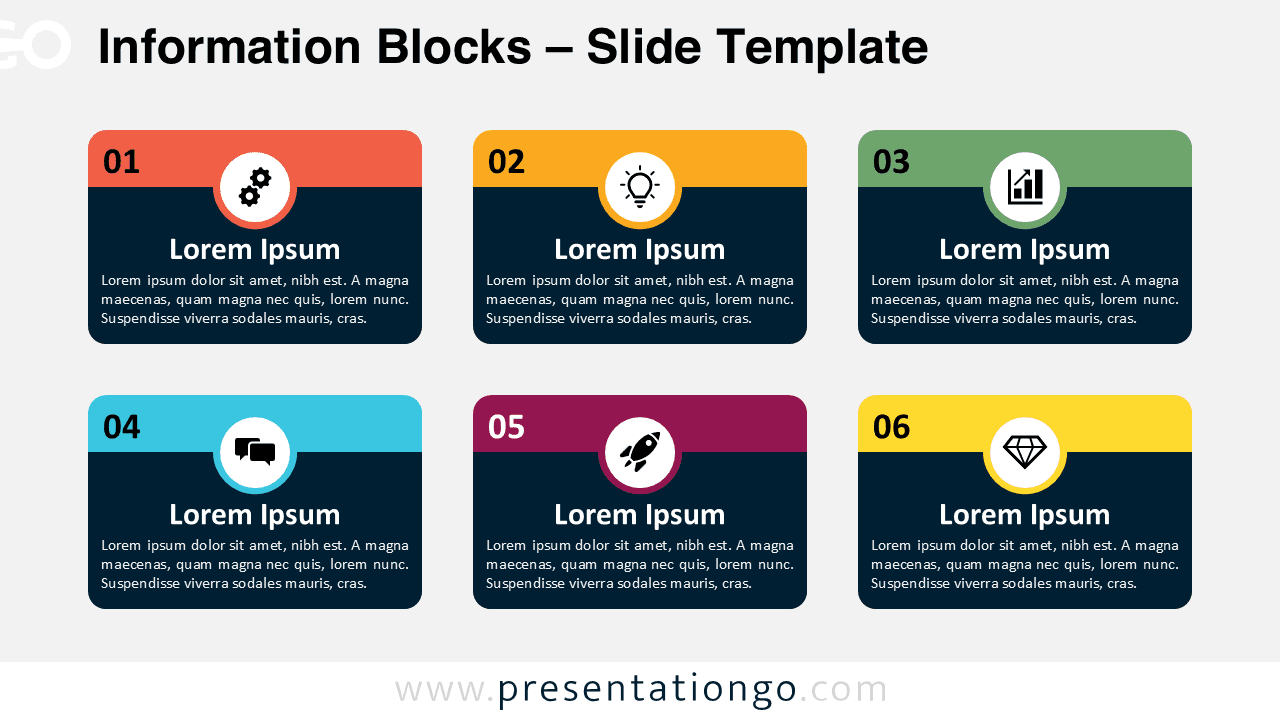
Download the Information Blocks Cycle PowerPoint and Google Slides template with six customizable blocks for organizing your slides.