Loading resources…
Total 3480 resources
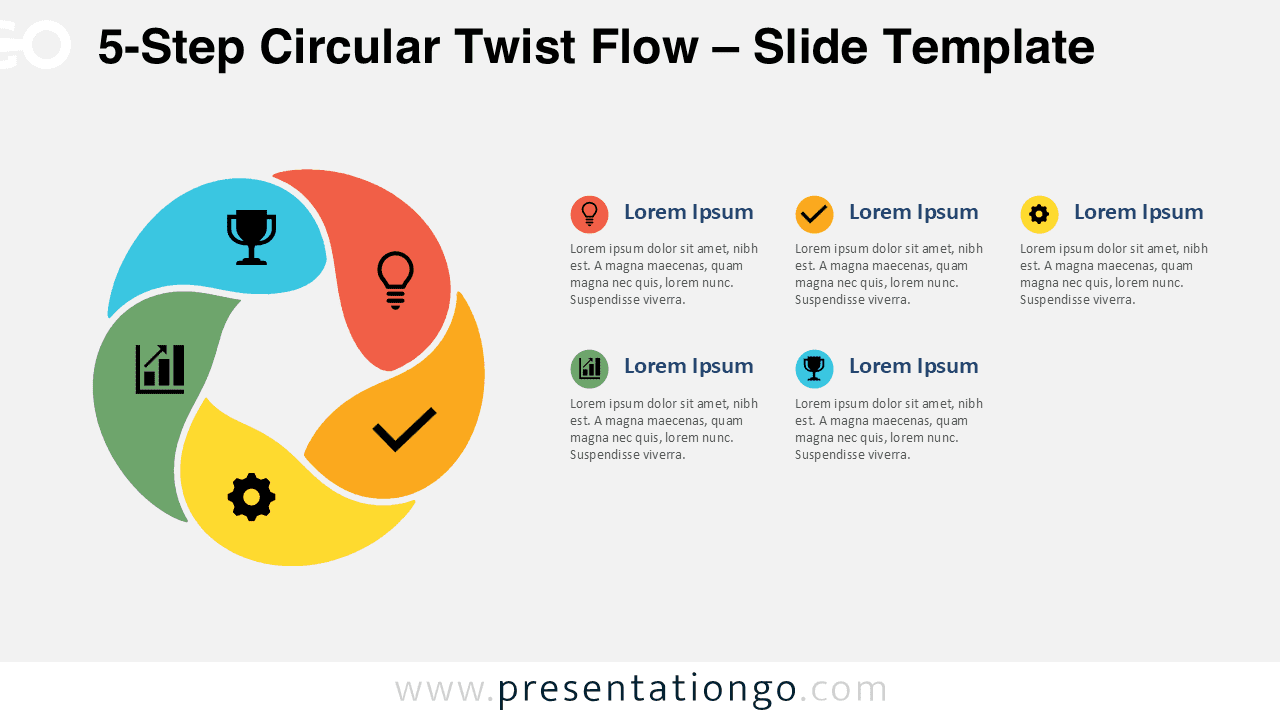
Download the free 5-Step Circular Twist Flow diagram for PowerPoint and Google Slides to present workflows, plans, and ideas with editable icons with ease.
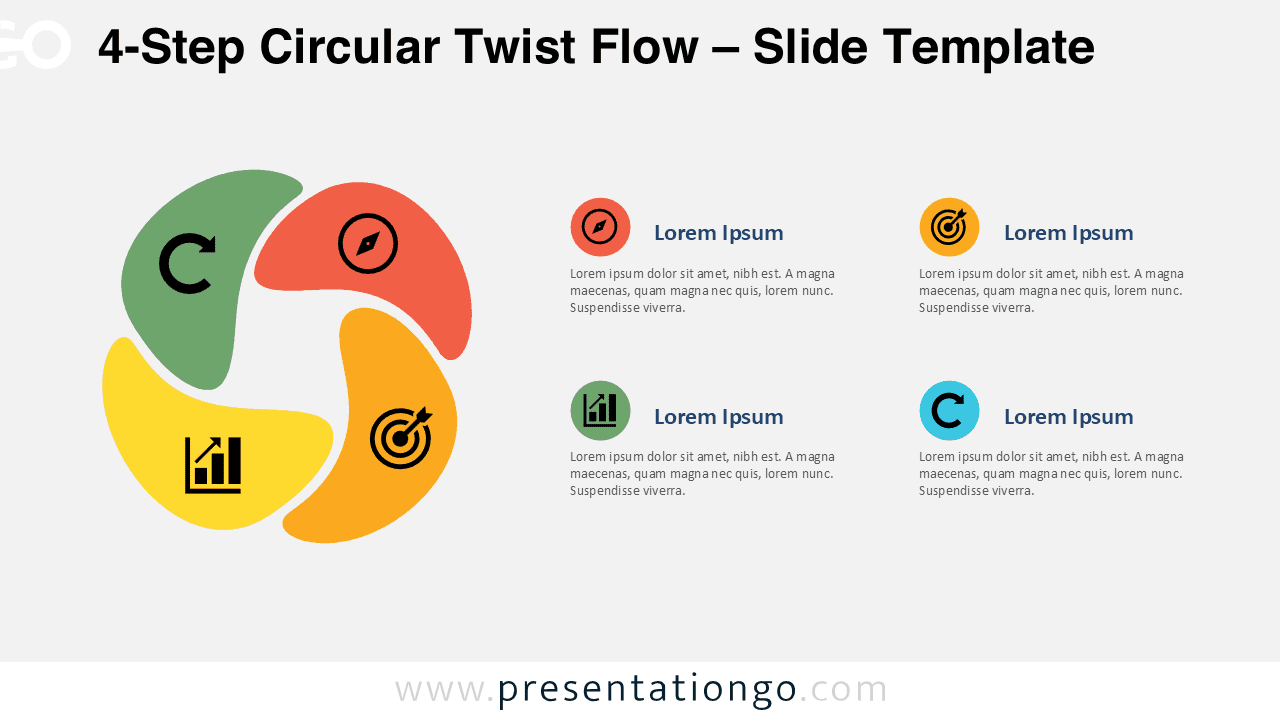
Present four stages clearly with the 4-Step Circular Twist Flow diagram for PowerPoint and Google Slides, featuring editable text and icons.
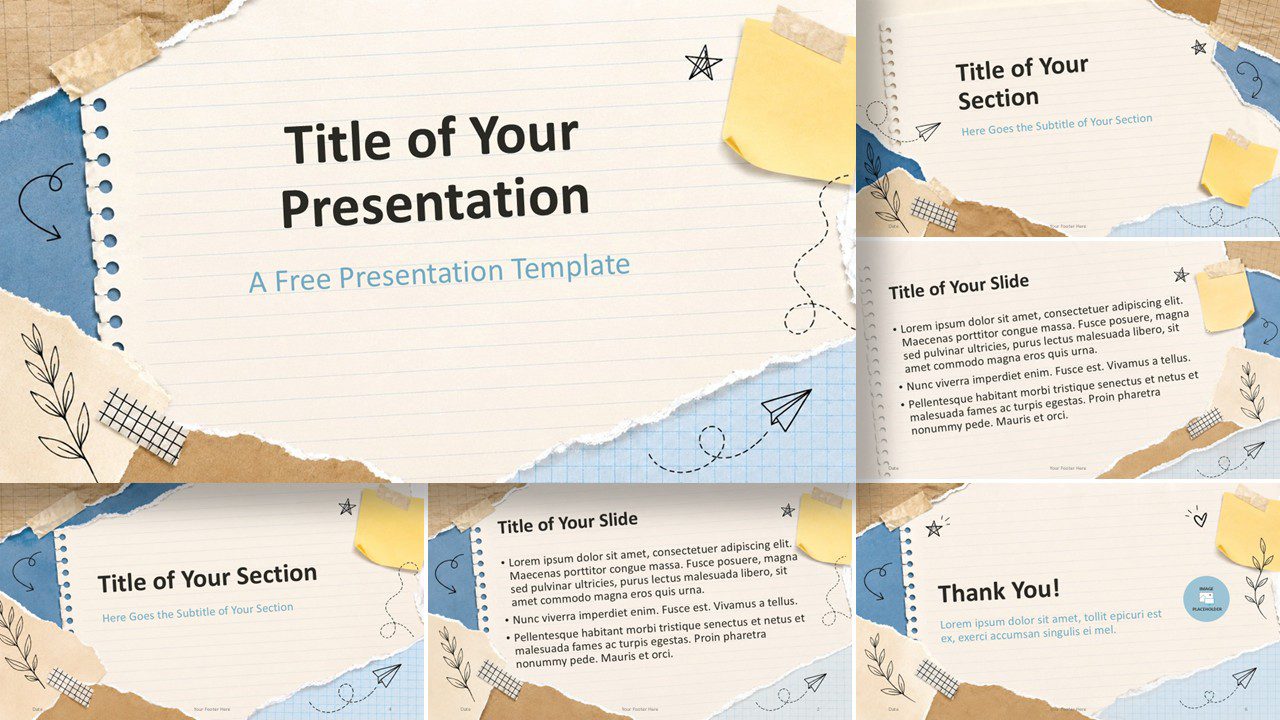
Use Scrapbook Notes in PowerPoint and Google Slides to create warm classroom slides with notebook paper, sticky notes, tape, and hand-drawn accents fast.
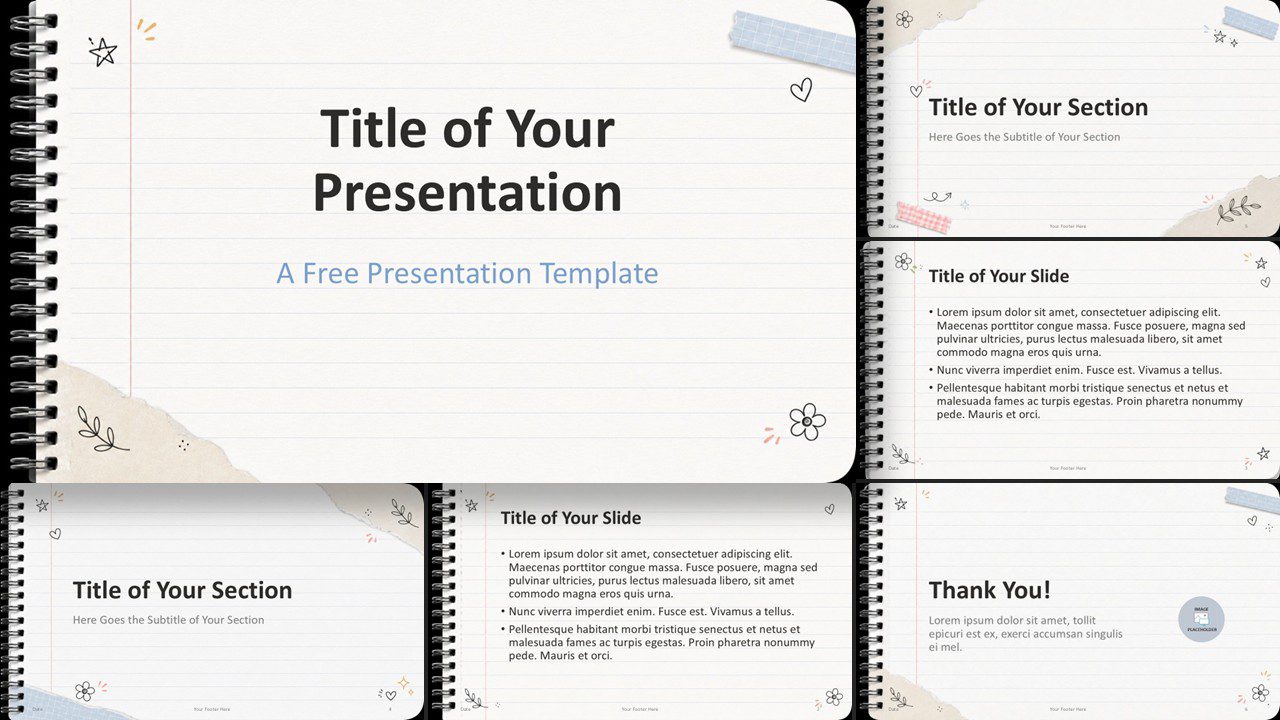
Download the Notebook Doodles template for PowerPoint and Google Slides. A playful lined-paper design with doodles, tape accents, and custom colors.
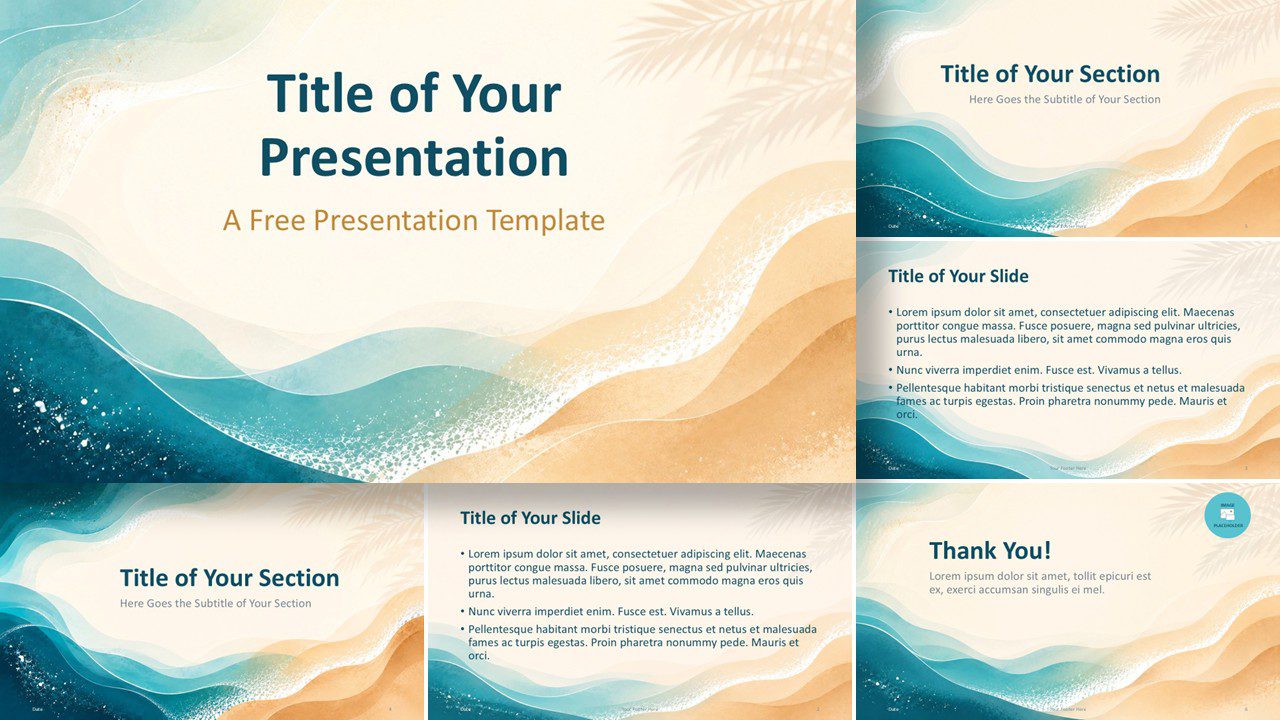
Download the Ocean Breeze presentation template for PowerPoint and Google Slides, featuring soft coastal visuals, custom palette, and easy editing for calm decks.
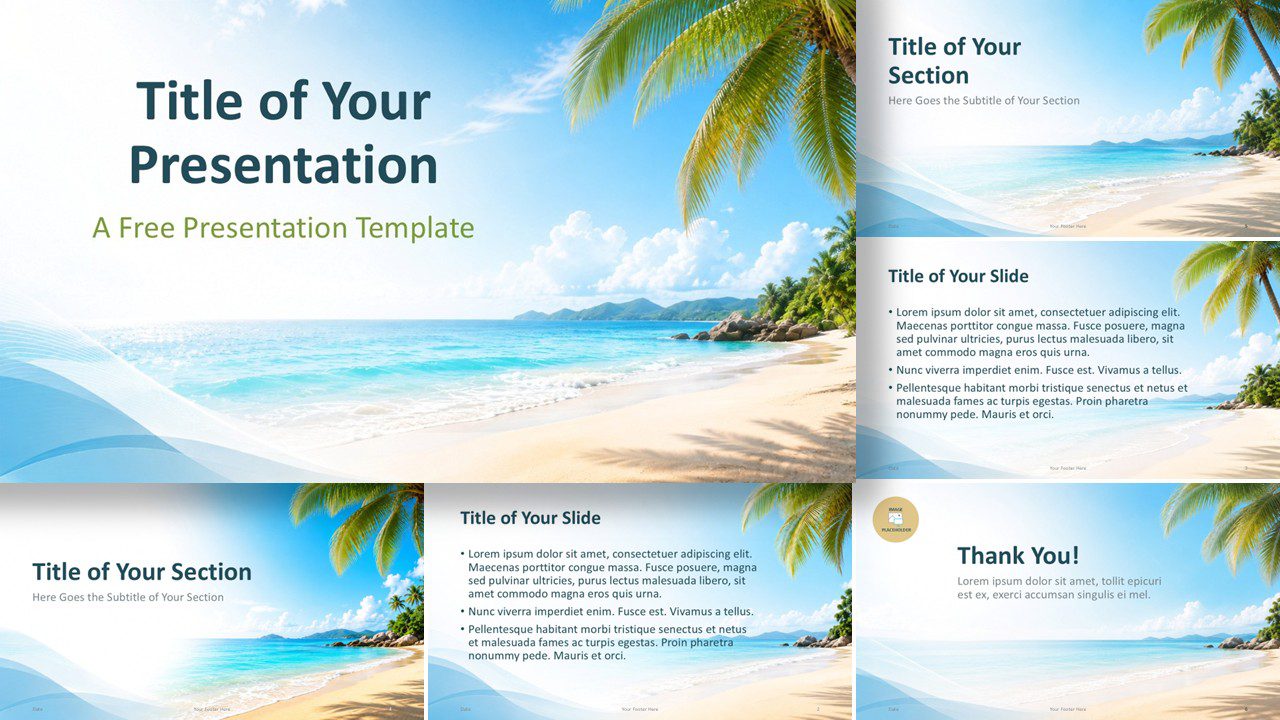
Use this free Tropical Beach Template for PowerPoint and Google Slides to build fresh travel, summer, tourism, or lifestyle presentations.
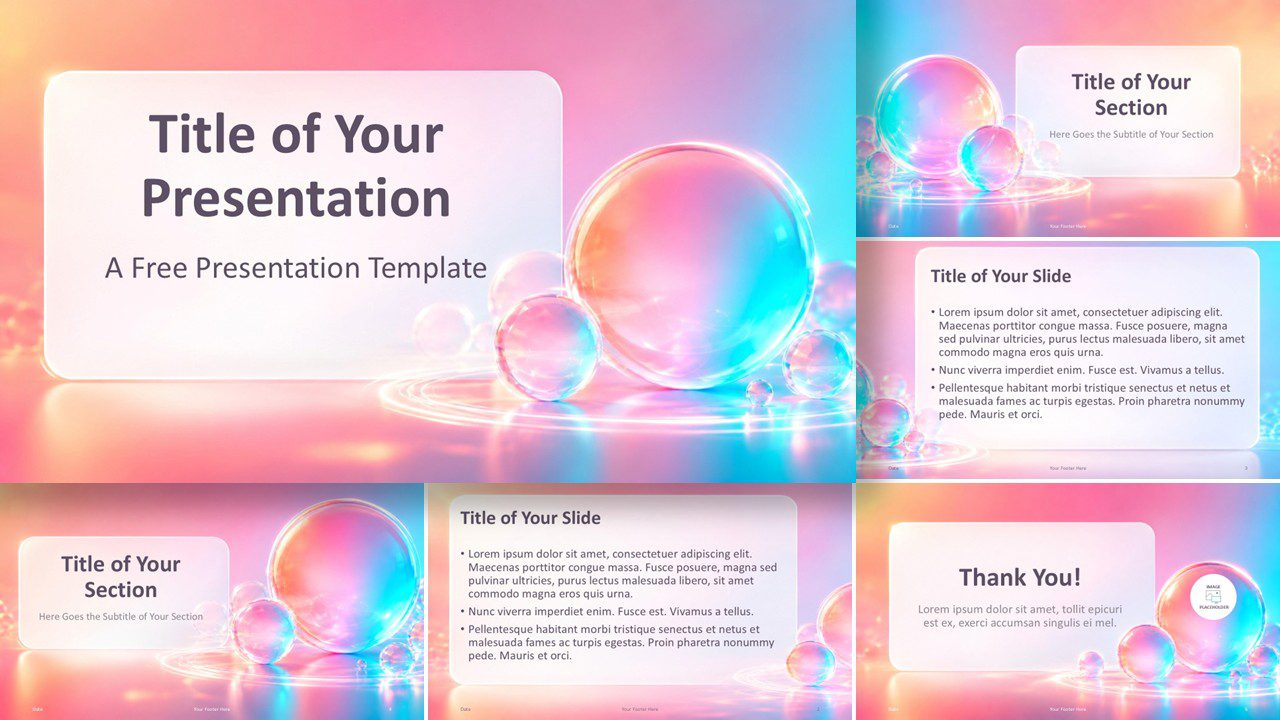
Download Aurora Bubbles, a free PowerPoint and Google Slides template with glossy spheres, pastel gradients, editable layouts, and a custom color palette.
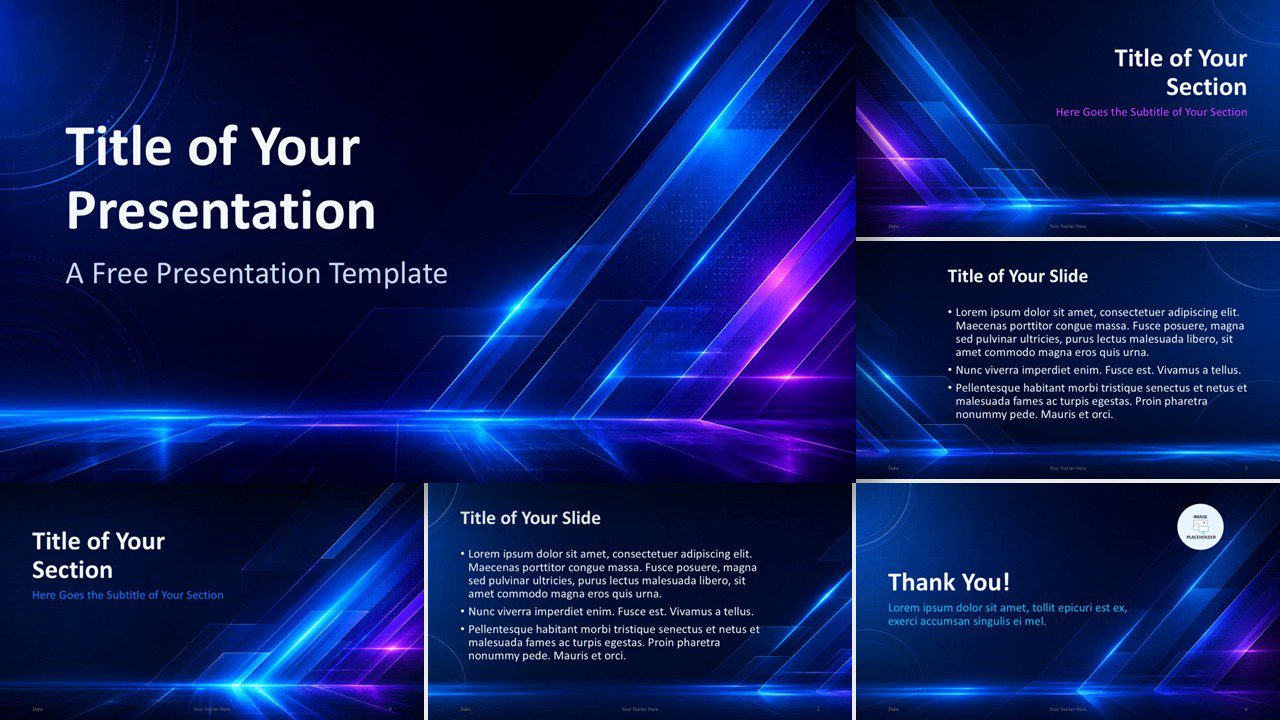
Create a bold digital presentation with the Neon Tech Template for PowerPoint and Google Slides. Includes 6 slides and a tailored color theme for tech talks.
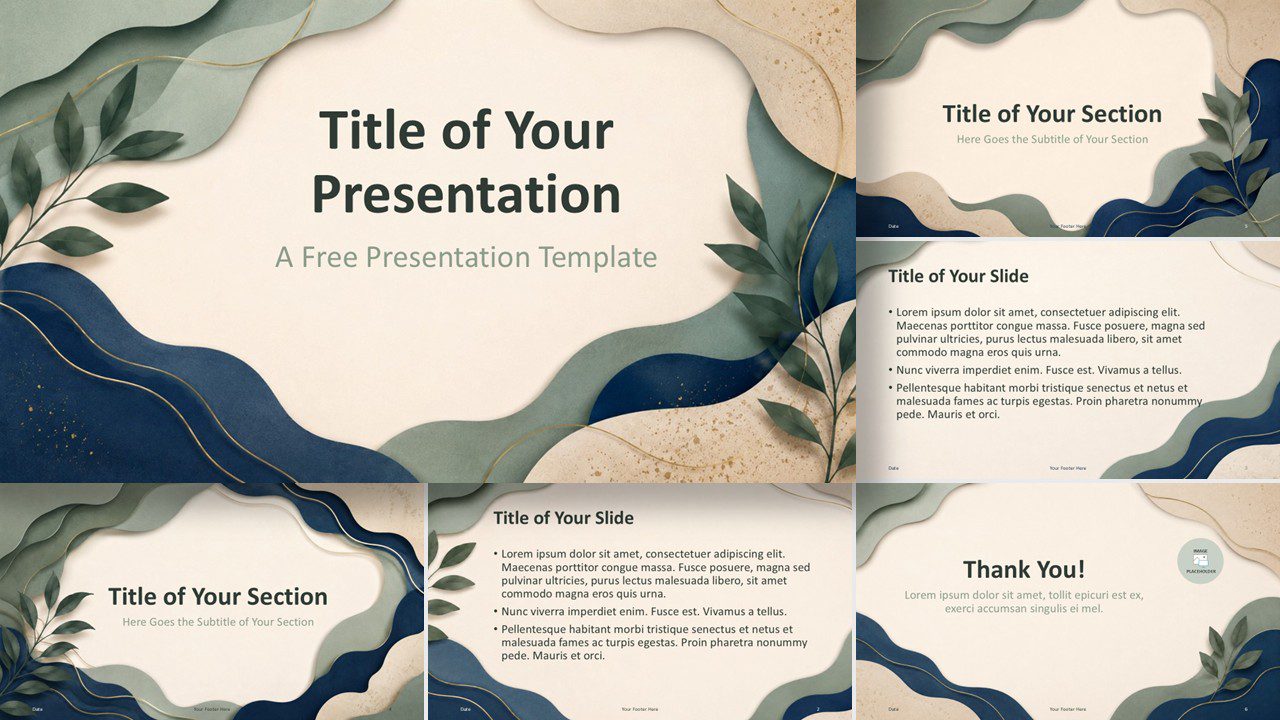
Download the free Organic Layers Template for PowerPoint and Google Slides with six editable botanical layouts and a custom earthy color palette included.
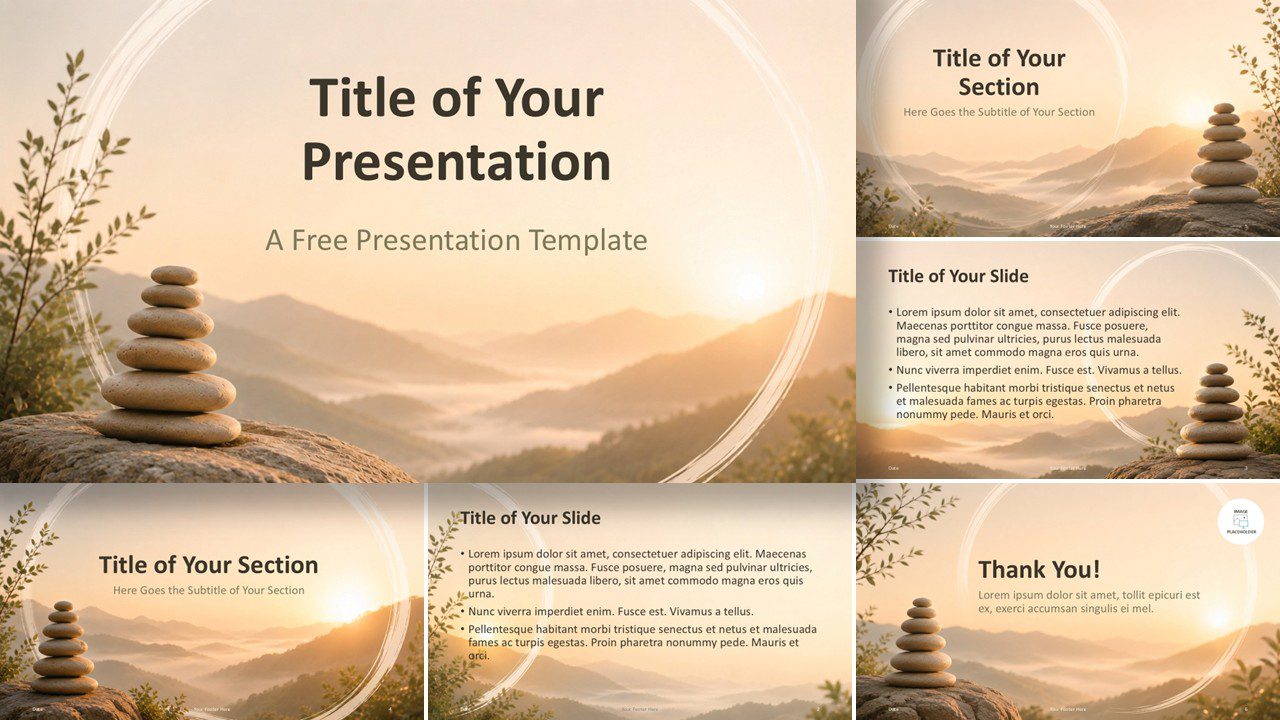
Present wellness, mindfulness, or nature topics with Zen Sunrise Template. Free for PowerPoint and Google Slides with editable design.
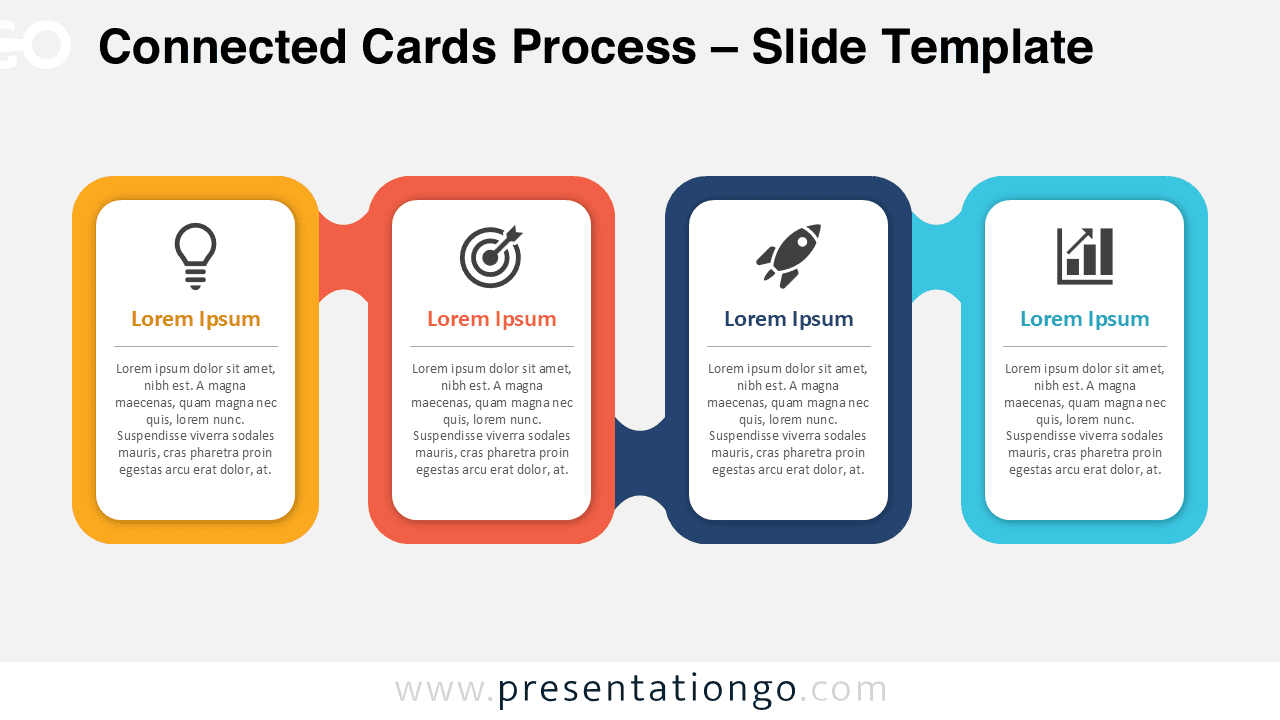
Present a clean sequence with the Connected Cards Process diagram for PowerPoint and Google Slides. Customize labels, cards, and icons with ease.
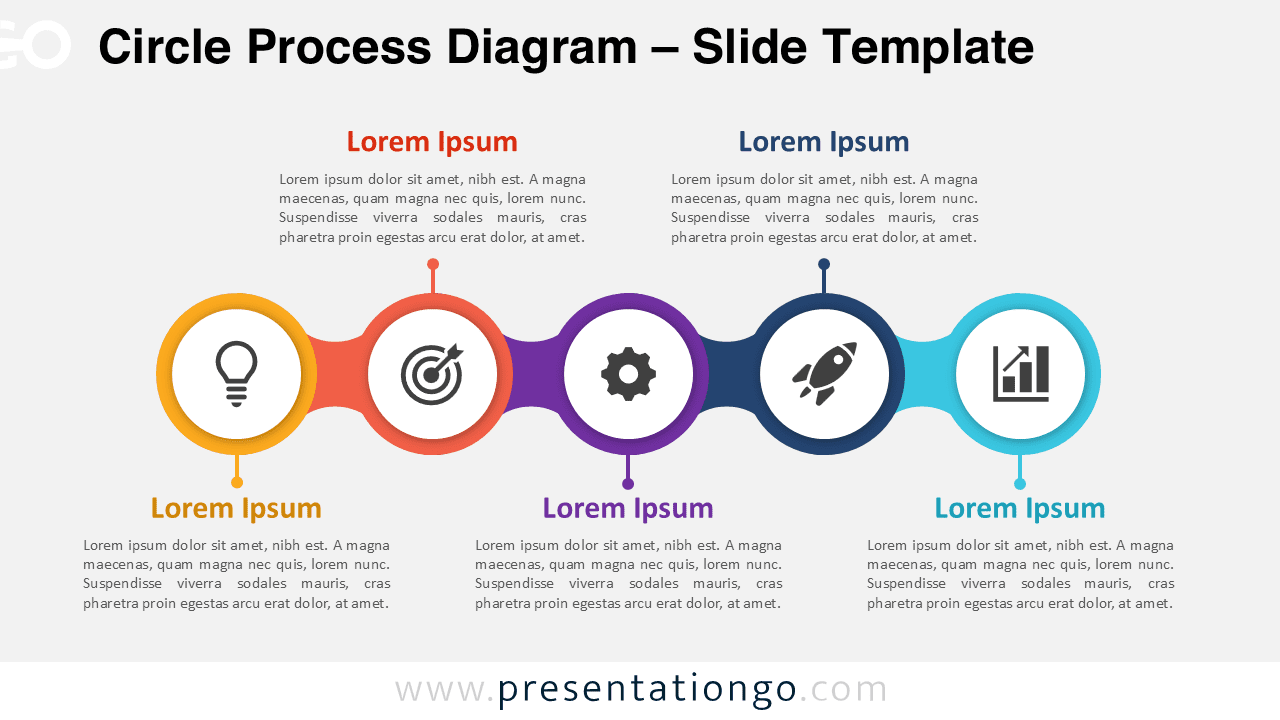
Download the Circle Process Diagram for PowerPoint and Google Slides. Use five editable stages with Office library icons for clear workflows and plans.
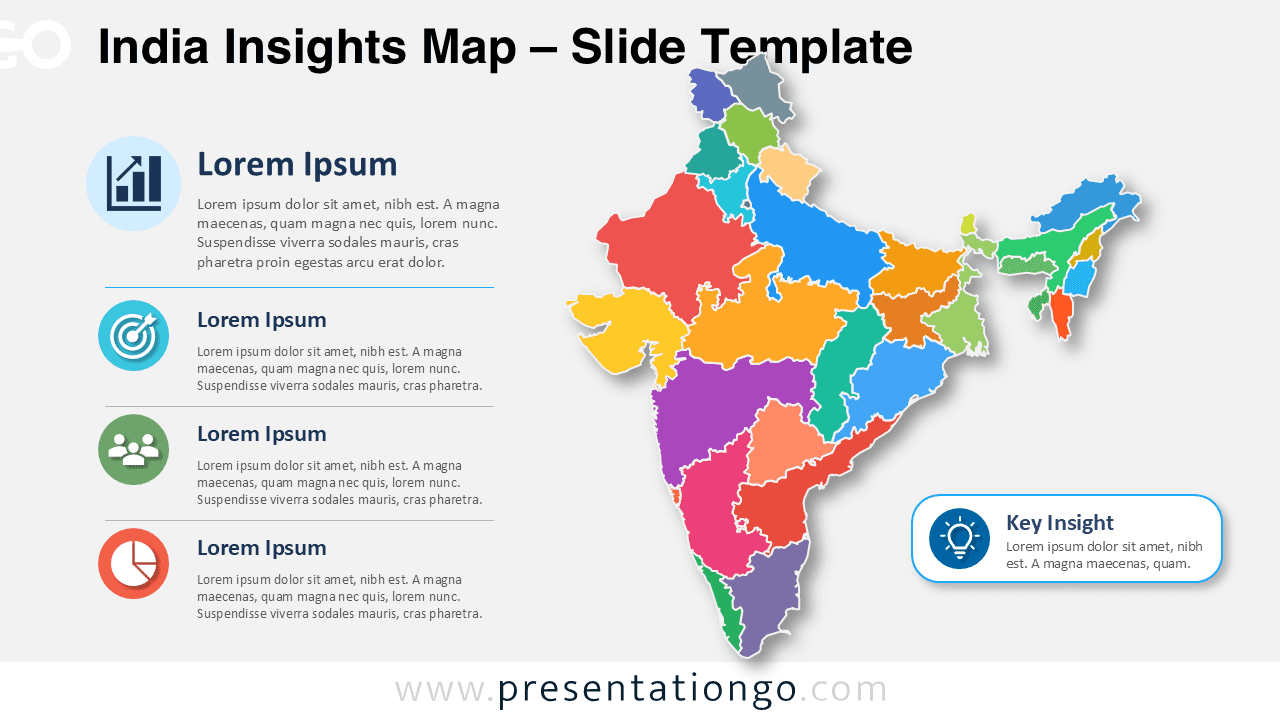
Download the India Insights Map for PowerPoint and Google Slides. Edit the India map, change colors, update text, and customize Office icons for reports.
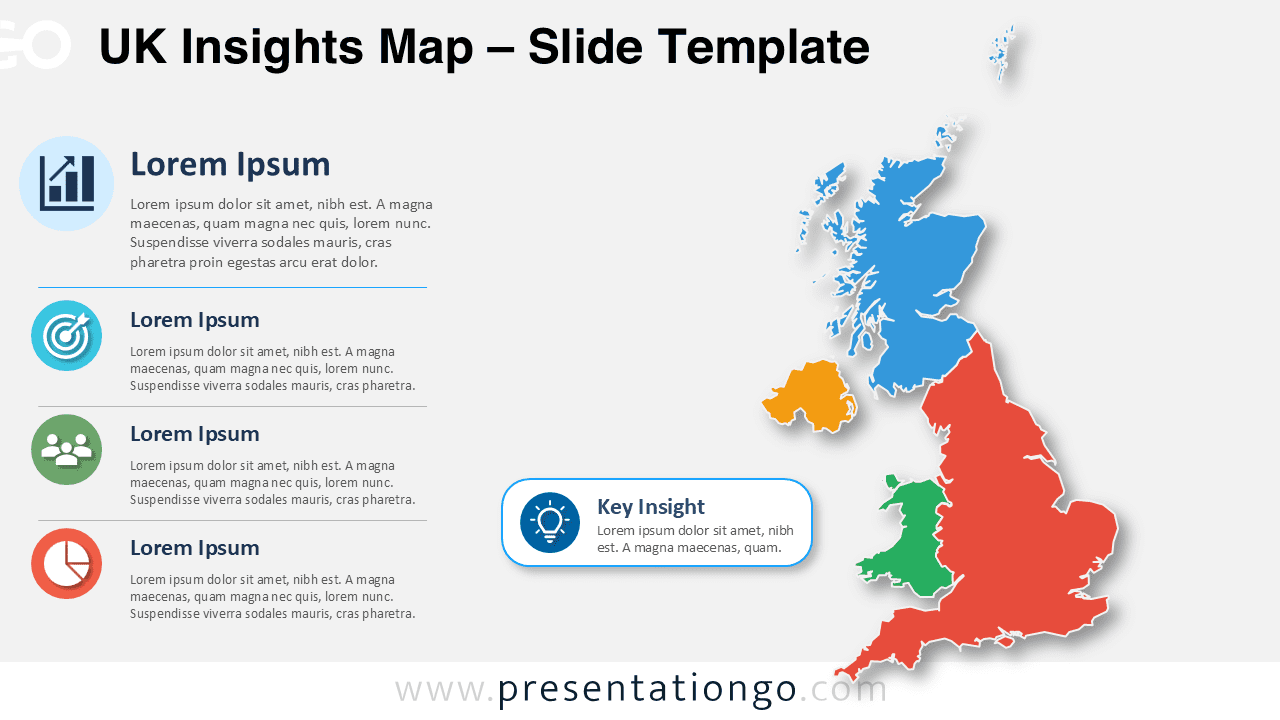
Download the free UK Insights Map for PowerPoint and Google Slides. Edit the UK map, Office icons, callout, and text for regional business analysis tasks.
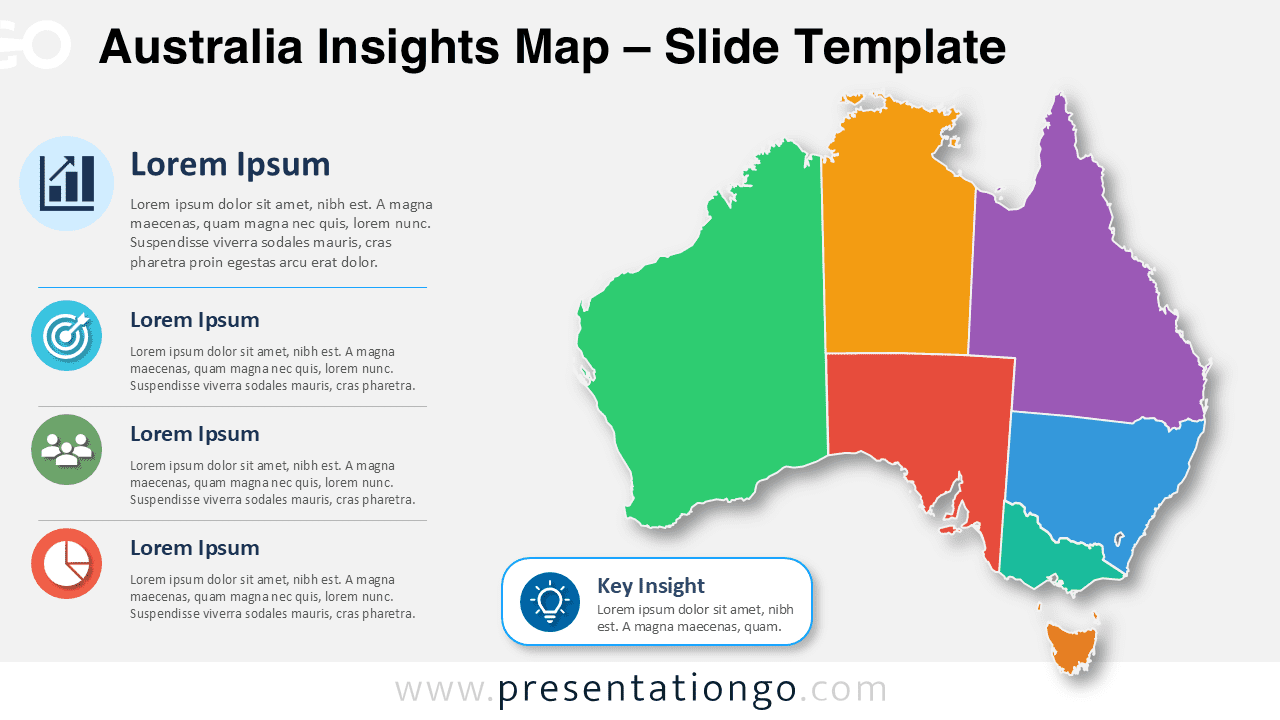
Show business insights across Australia with an editable map for PowerPoint and Google Slides, including callouts and Office library icons for reports.
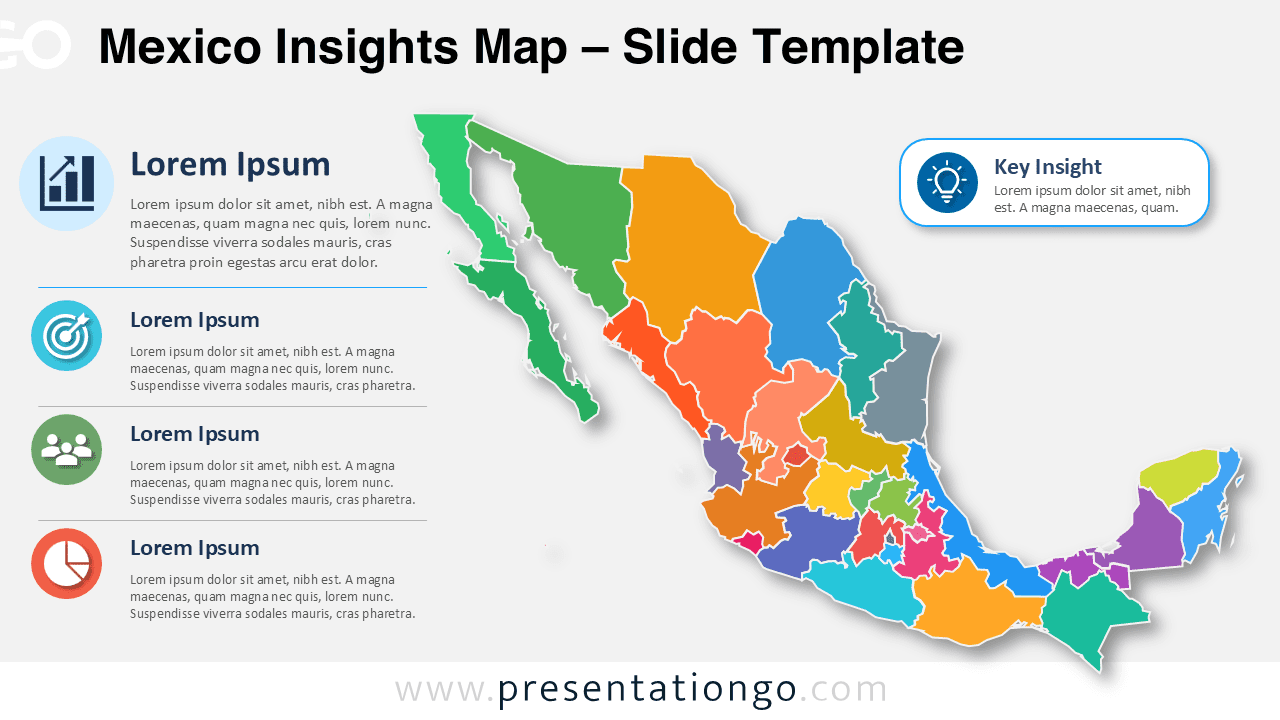
Download the Mexico Insights Map for PowerPoint and Google Slides. Edit the map, labels, Office icons, and callouts for regional analysis reports and plans.
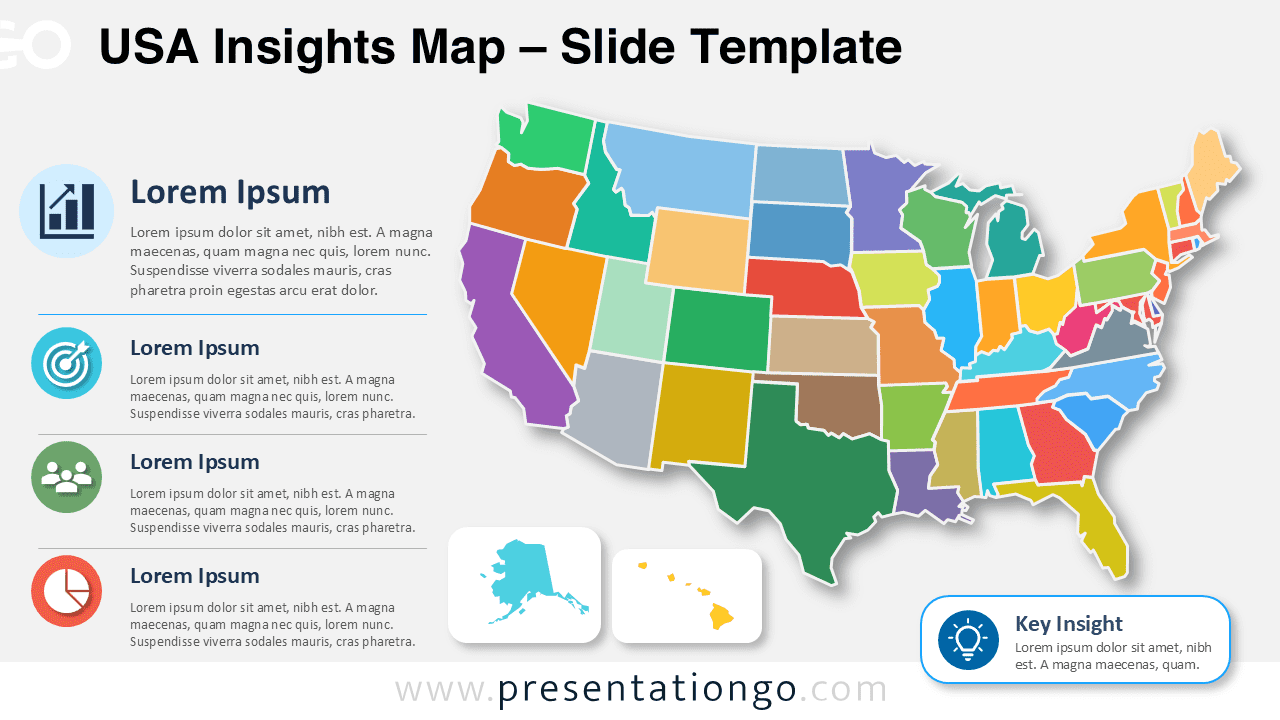
Download the USA Insights Map for PowerPoint and Google Slides. Edit each state, customize labels, and present clear regional data with icons and confidence.
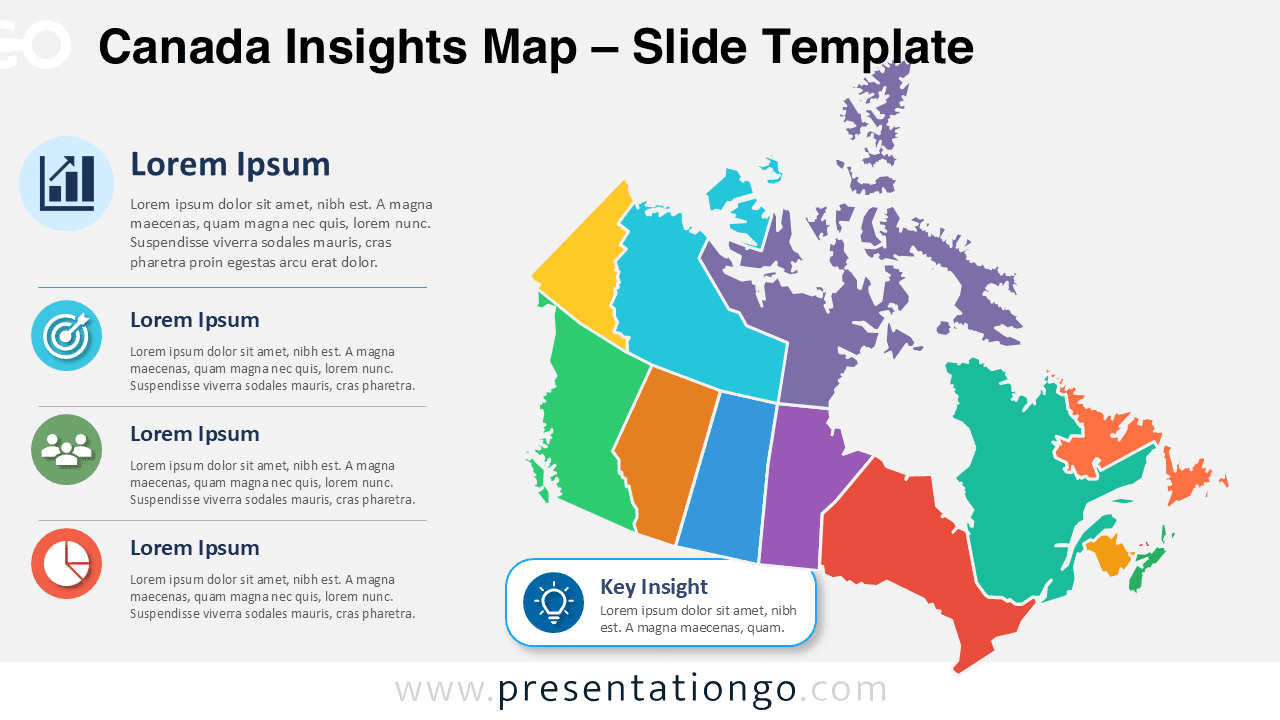
Download the Canada Insights Map for PowerPoint and Google Slides. Edit regions, icons, labels, and callouts for clear regional analysis and reports.
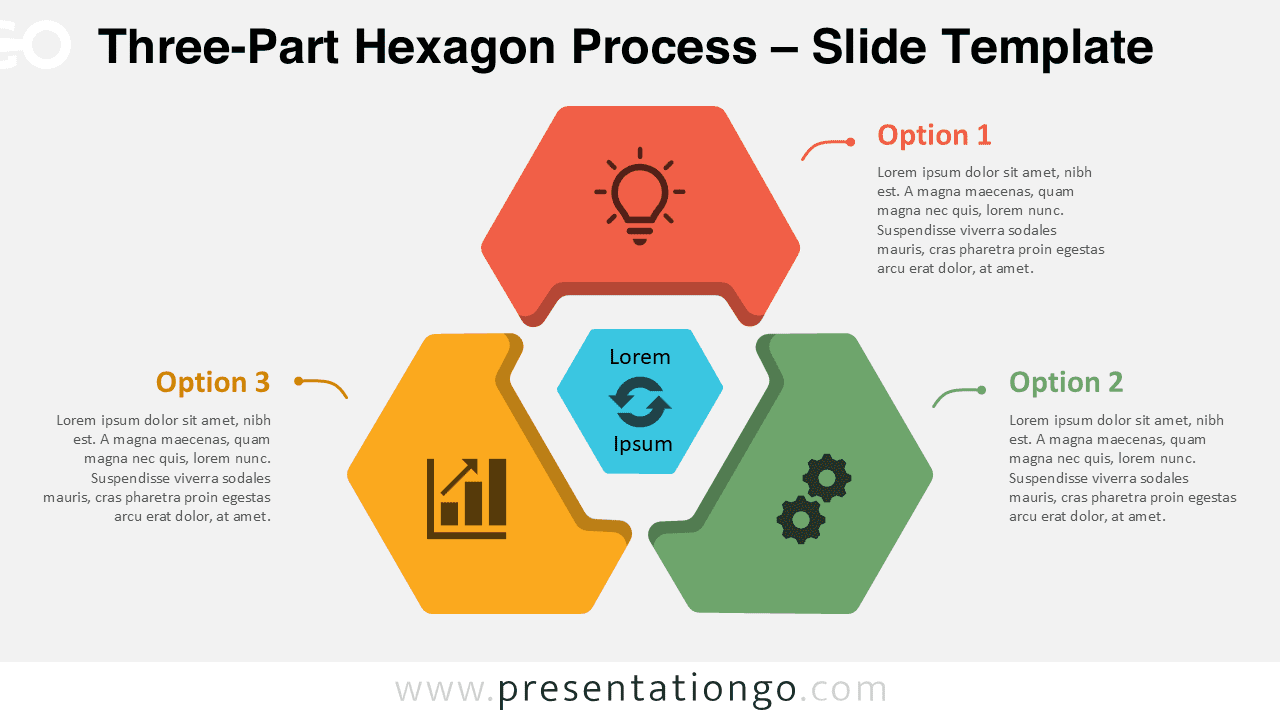
Present three connected ideas with this Three-Part Hexagon Process diagram for PowerPoint and Google Slides. Includes editable Office icons.
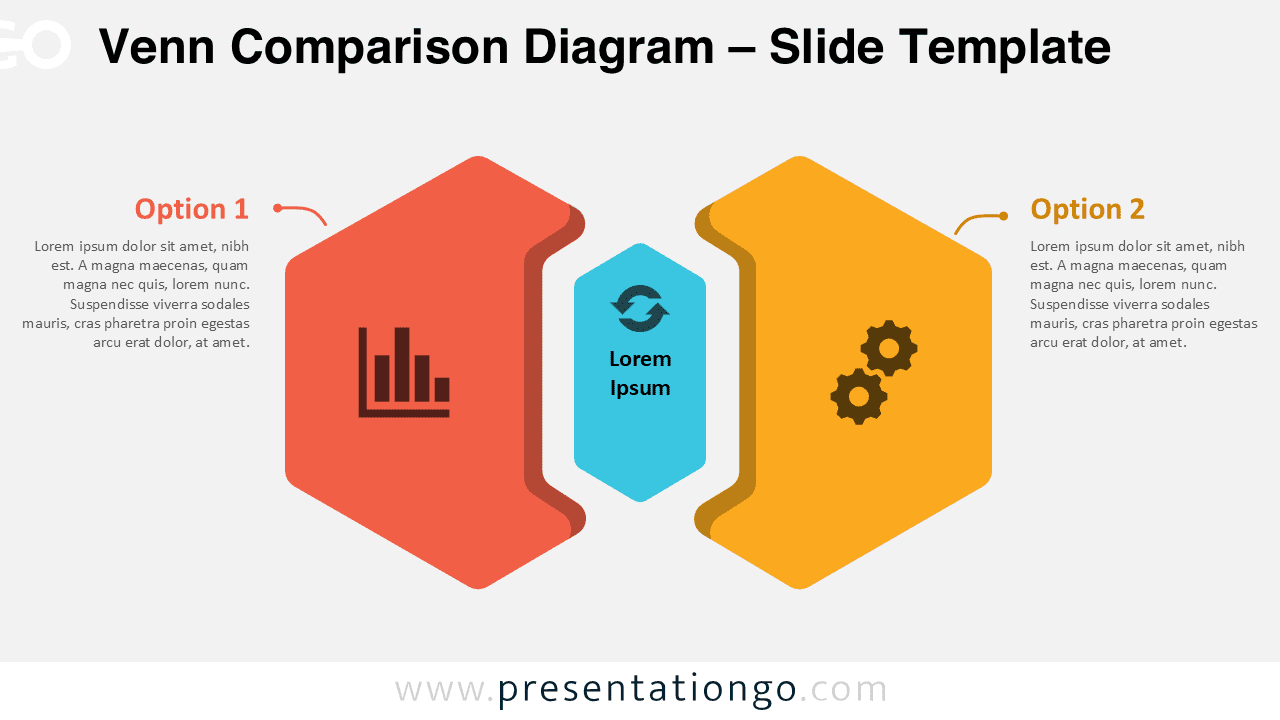
Download this Venn Comparison Diagram for PowerPoint and Google Slides to compare two options, explain decisions, with editable icons.
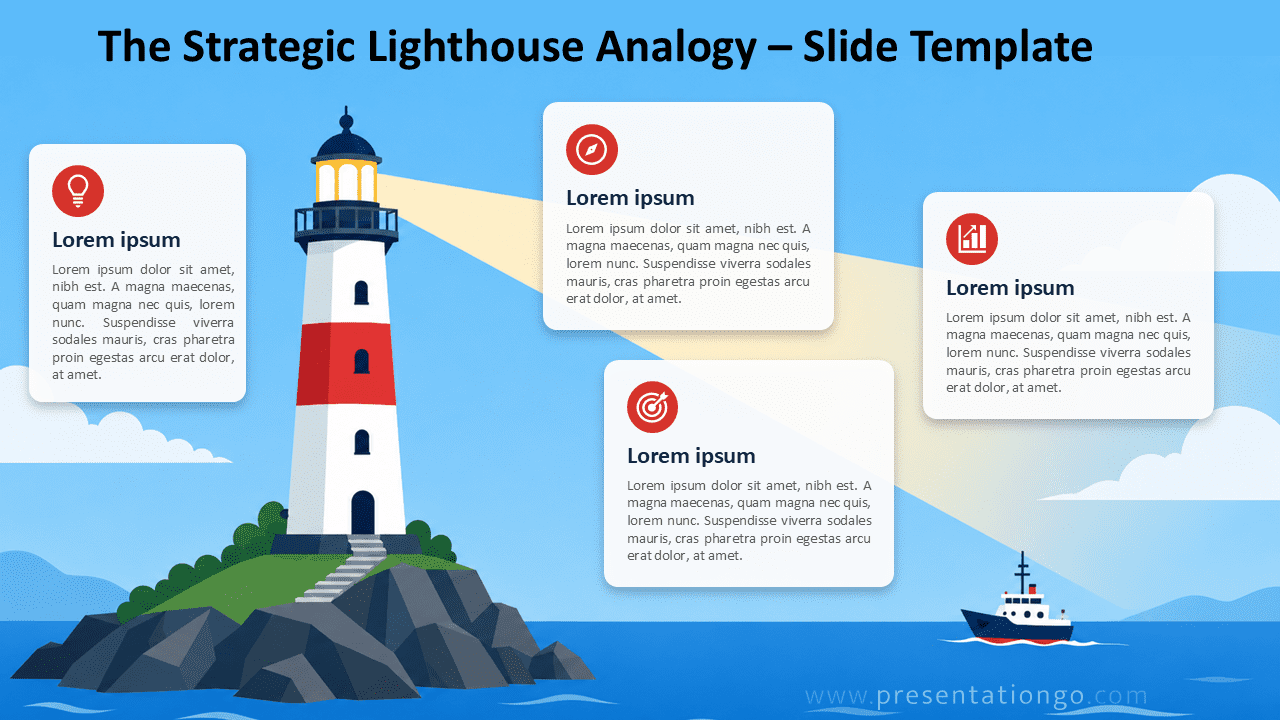
Download the Strategic Lighthouse Analogy diagram for PowerPoint and Google Slides to explain strategy, guidance, vision, and decision paths with card text.
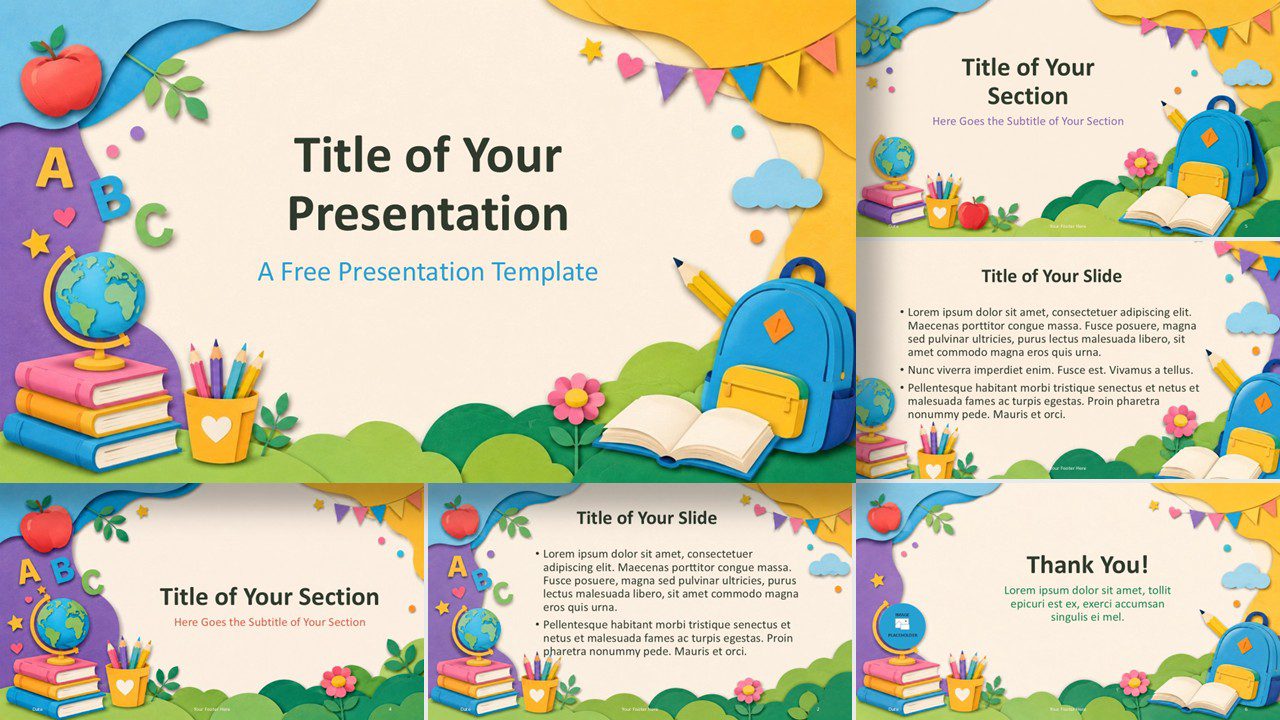
Download a cheerful school template for PowerPoint and Google Slides with books, pencils, a globe, and soft paper-cut scenes for young learners and lessons.
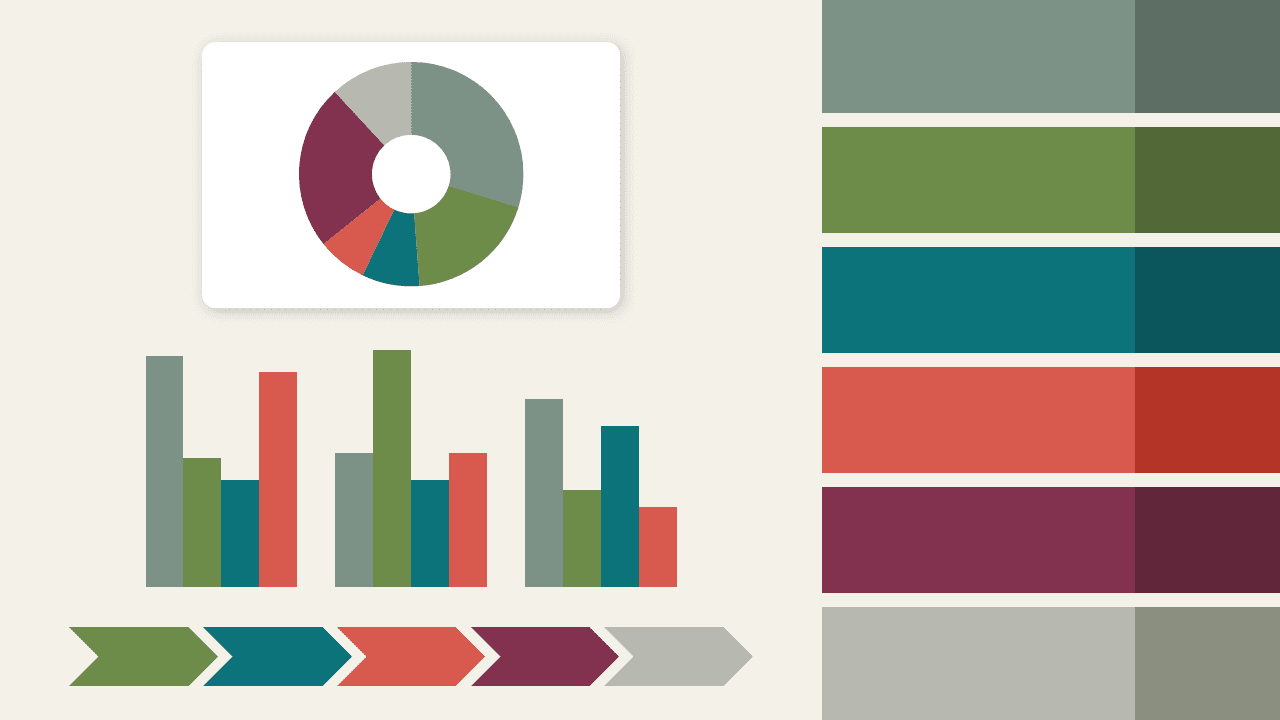
Nordic Botanica PowerPoint color palette blends sage, olive, teal, vermillion, burgundy, and gray for elegant slide design.
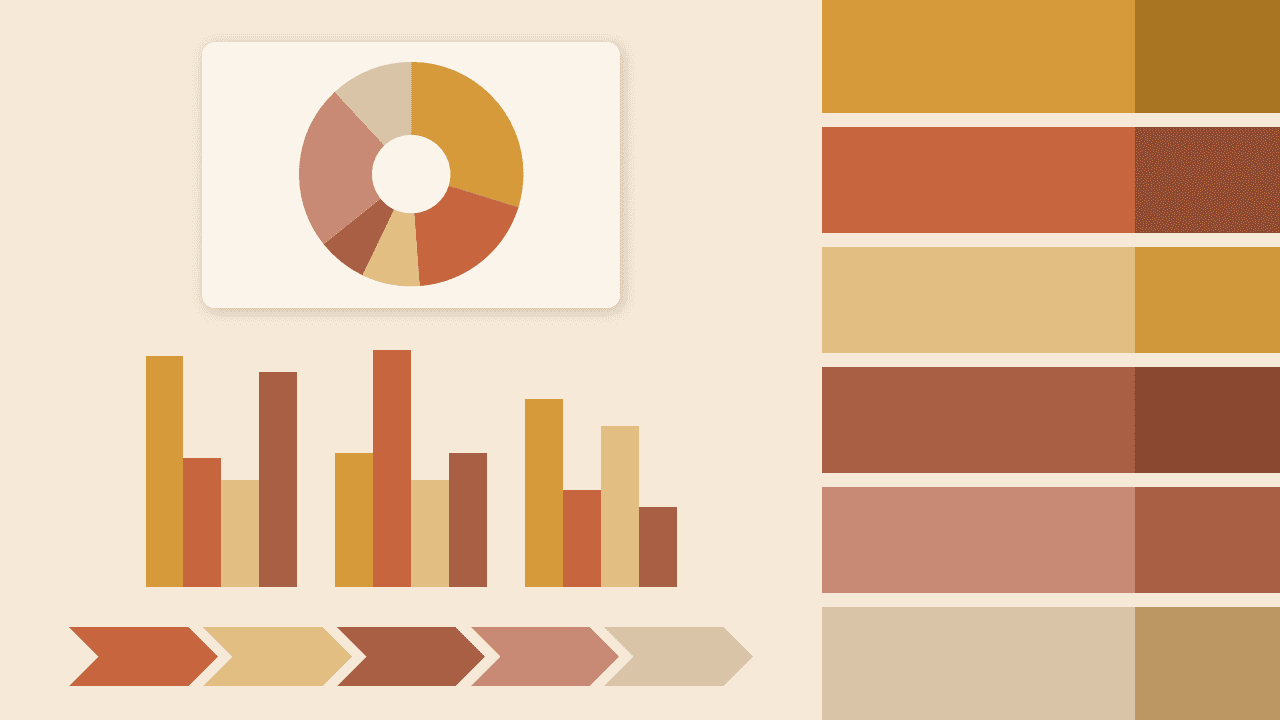
Download Spice Market PowerPoint color palette, a warm XML theme with amber, sienna, terracotta, rose, wheat, and linen tones for refined slides.