Loading resources…
Total 6154 resources
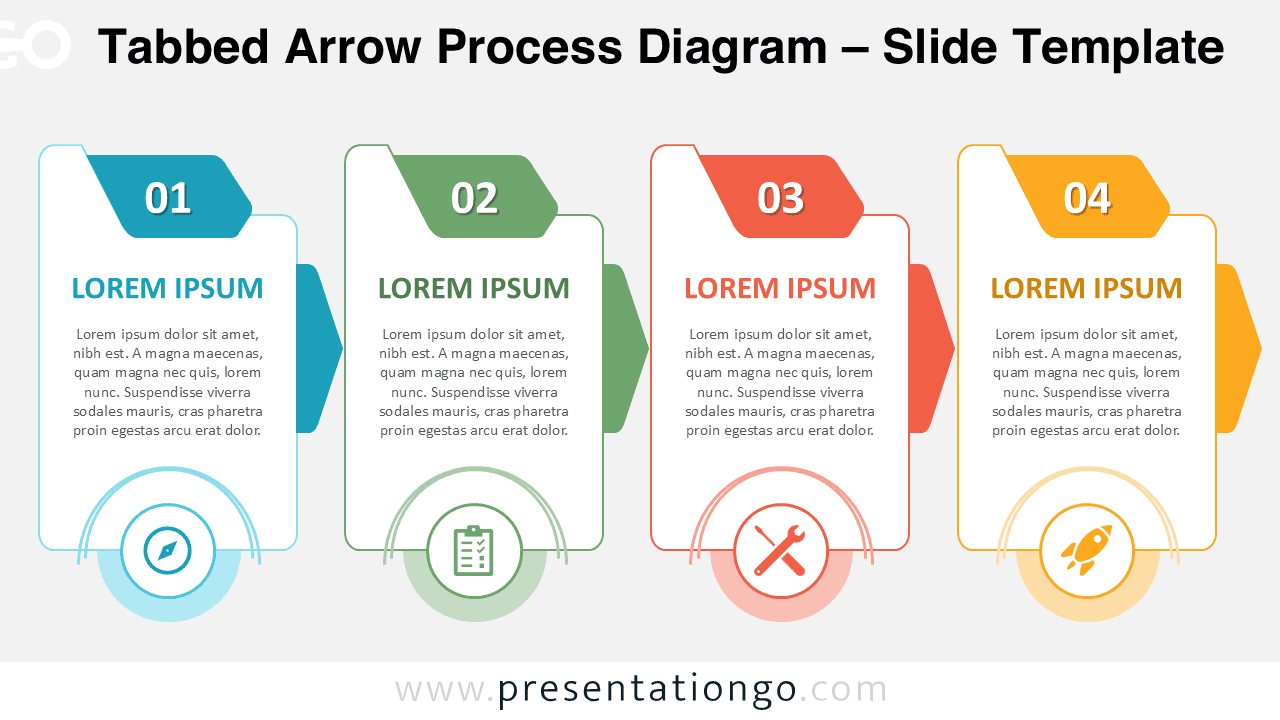
Download the Tabbed Arrow Process Diagram for PowerPoint and Google Slides. Explain four stages with editable cards, arrows, text, and icons.
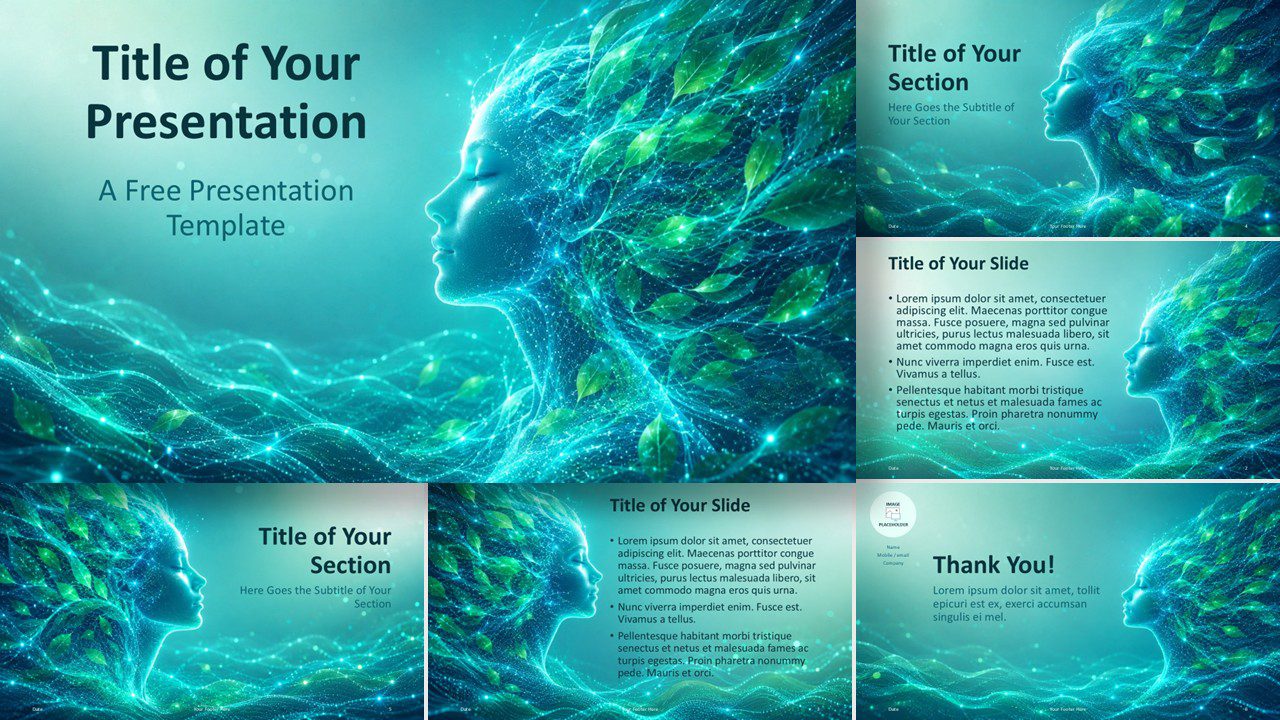
Create calm eco-tech presentations with the Natural Intelligence PowerPoint template, also compatible with Google Slides and easy to customize.
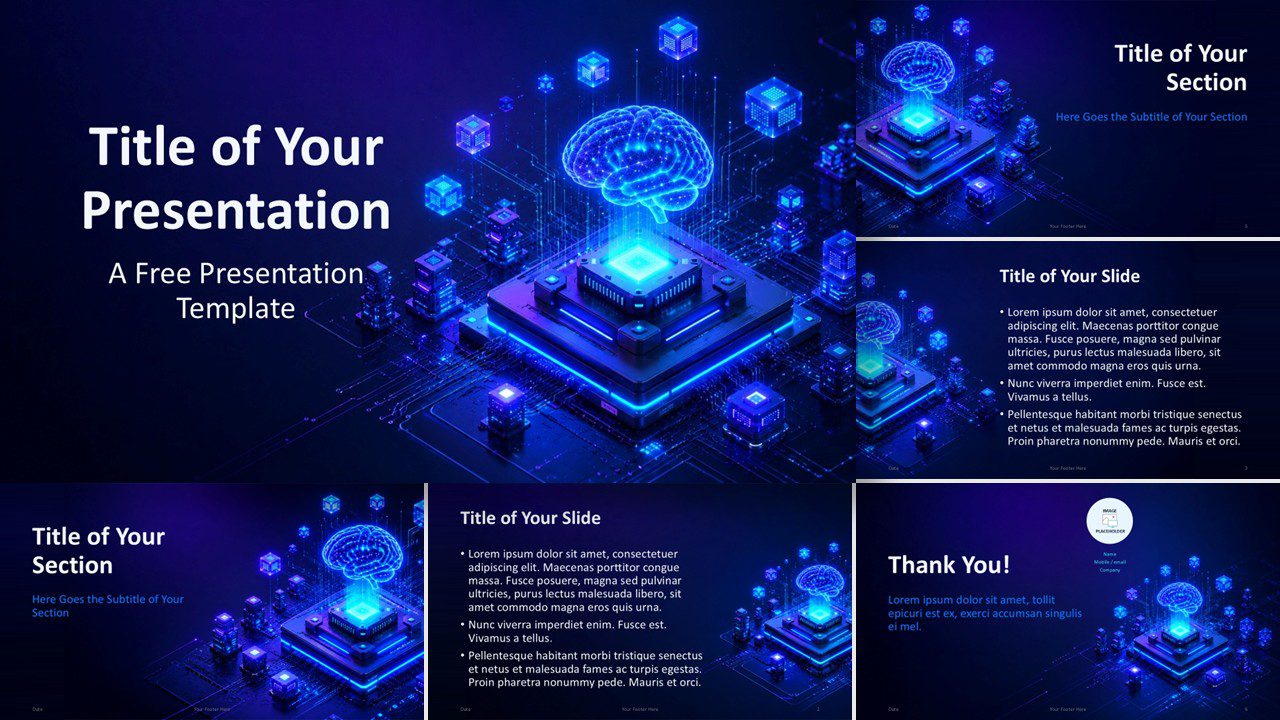
Present AI strategy, innovation, or data topics with the free AI Processor template for PowerPoint and Google Slides, with 6 editable slides and neon palette.
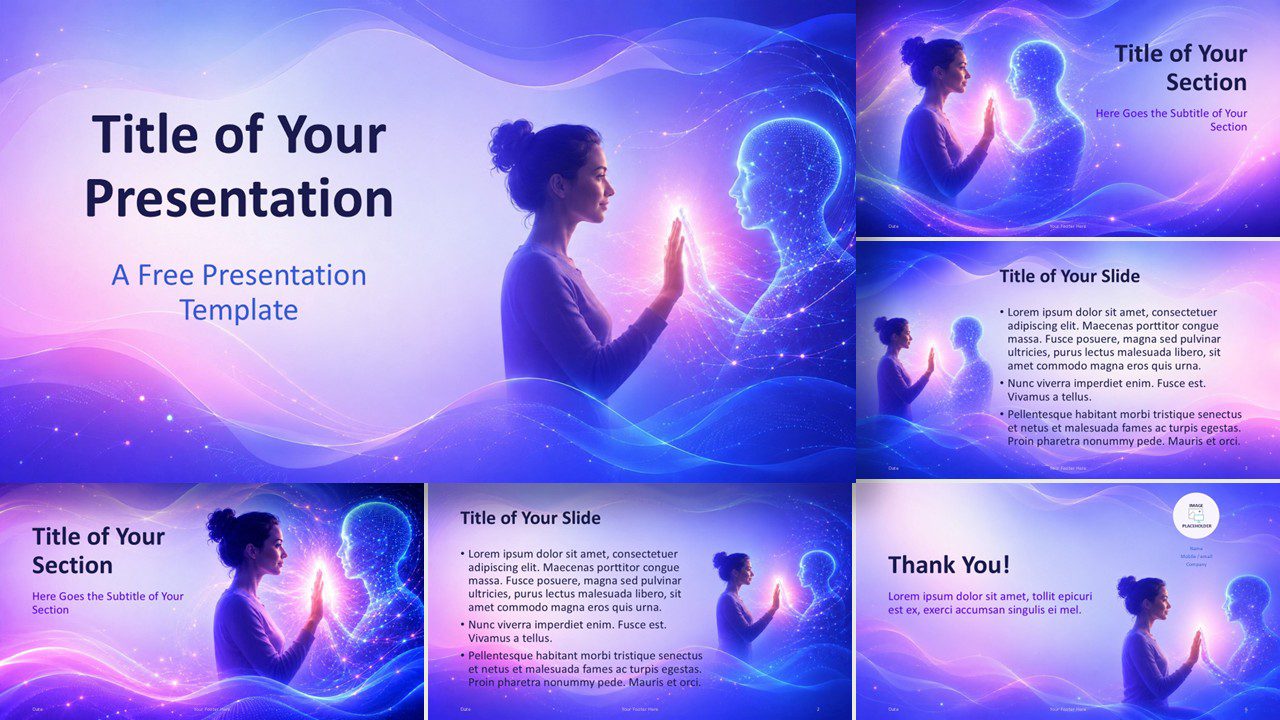
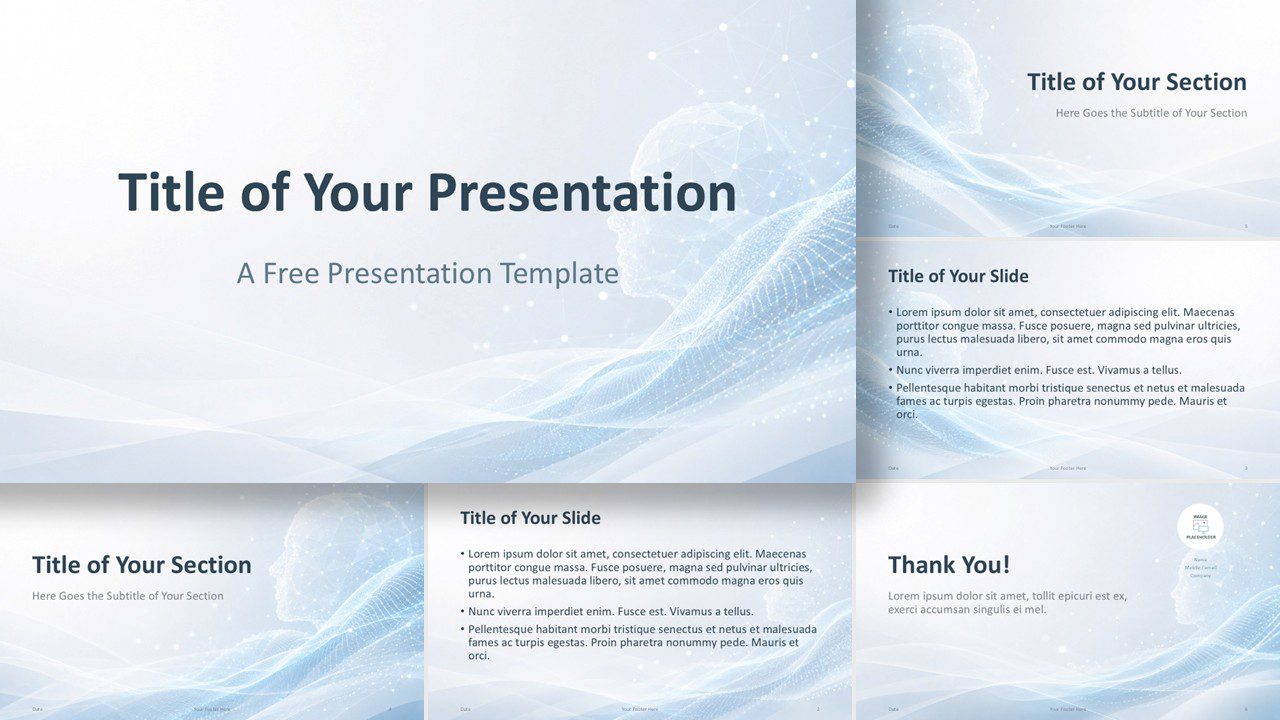
Use the Human AI Connection PowerPoint template to present AI ideas in PowerPoint and Google Slides with glowing visuals and flexible slides for tech talks.
Use the Digital Mind PowerPoint and Google Slides template to present AI, innovation, data, and technology ideas with calm, editable layouts.
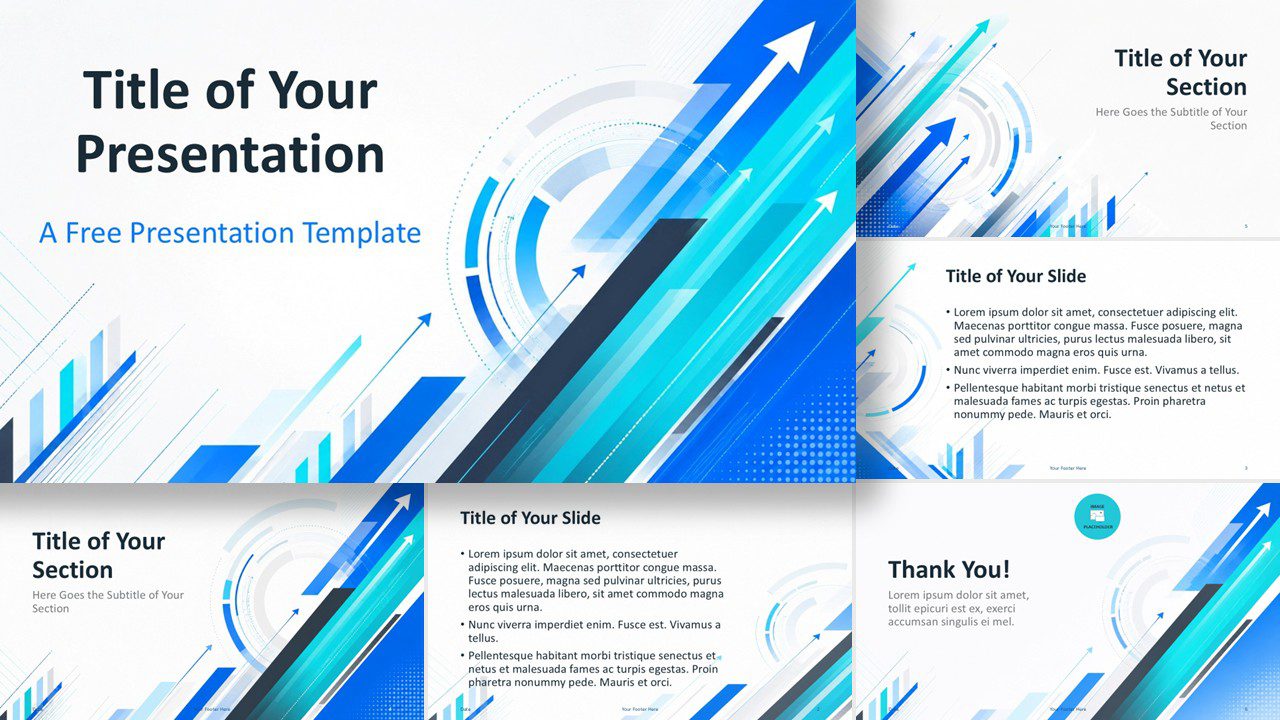
Get a modern business presentation template with upward arrows, blue accents, editable slides, and support for PowerPoint and Google Slides, free download.
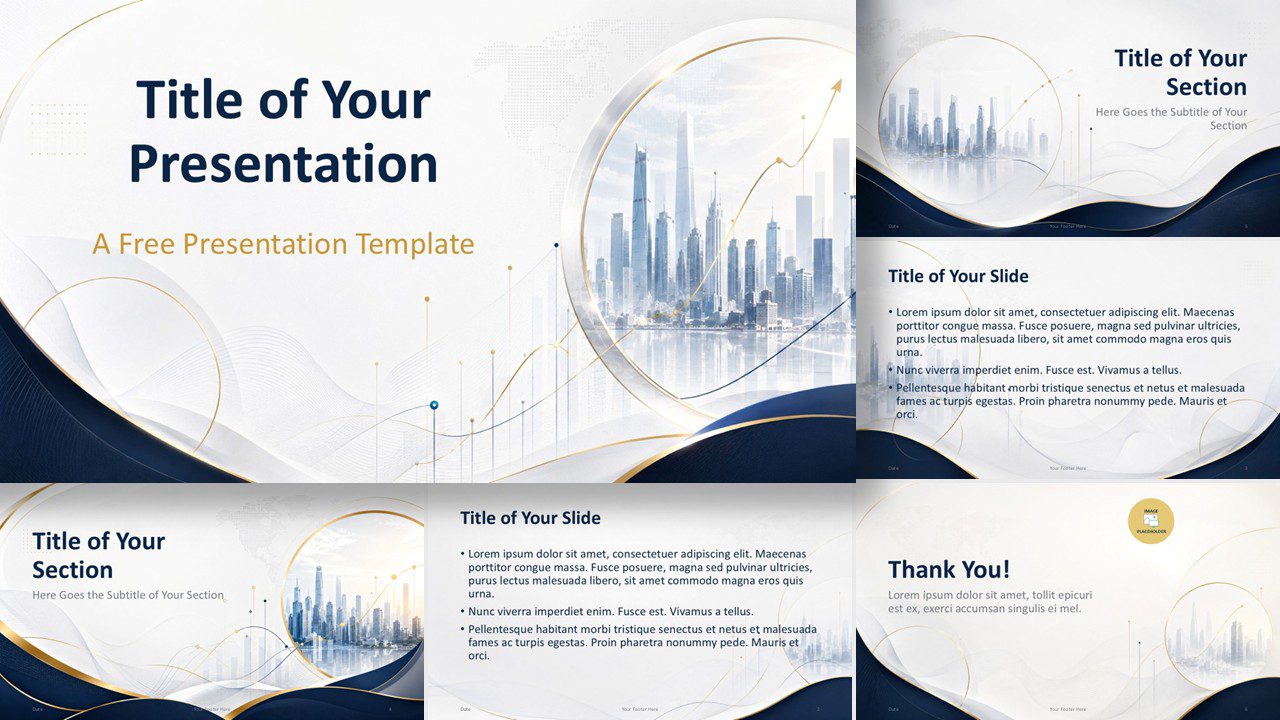
Present strategy, finance, or market insights with Executive Skyline, a free PowerPoint and Google Slides template with premium city design and polish.
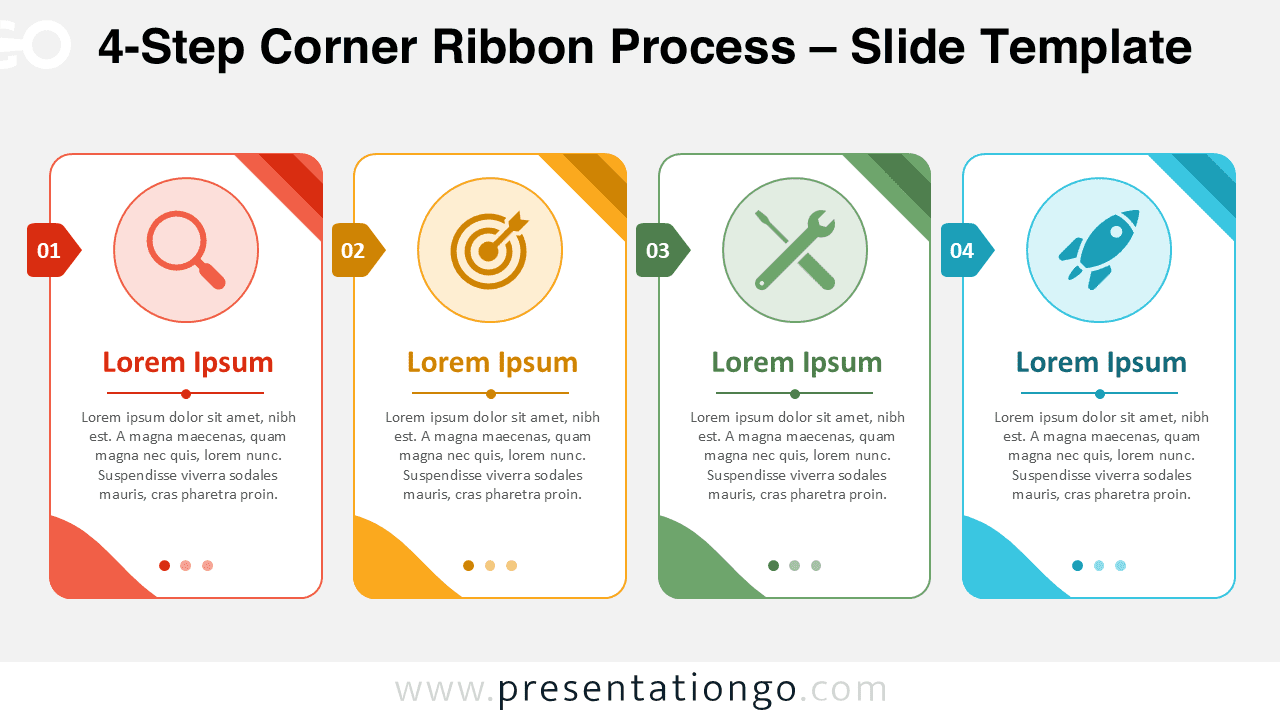
Download the 4-Step Corner Ribbon Process for PowerPoint and Google Slides. Present workflows with editable cards, text, and Office icons quickly.
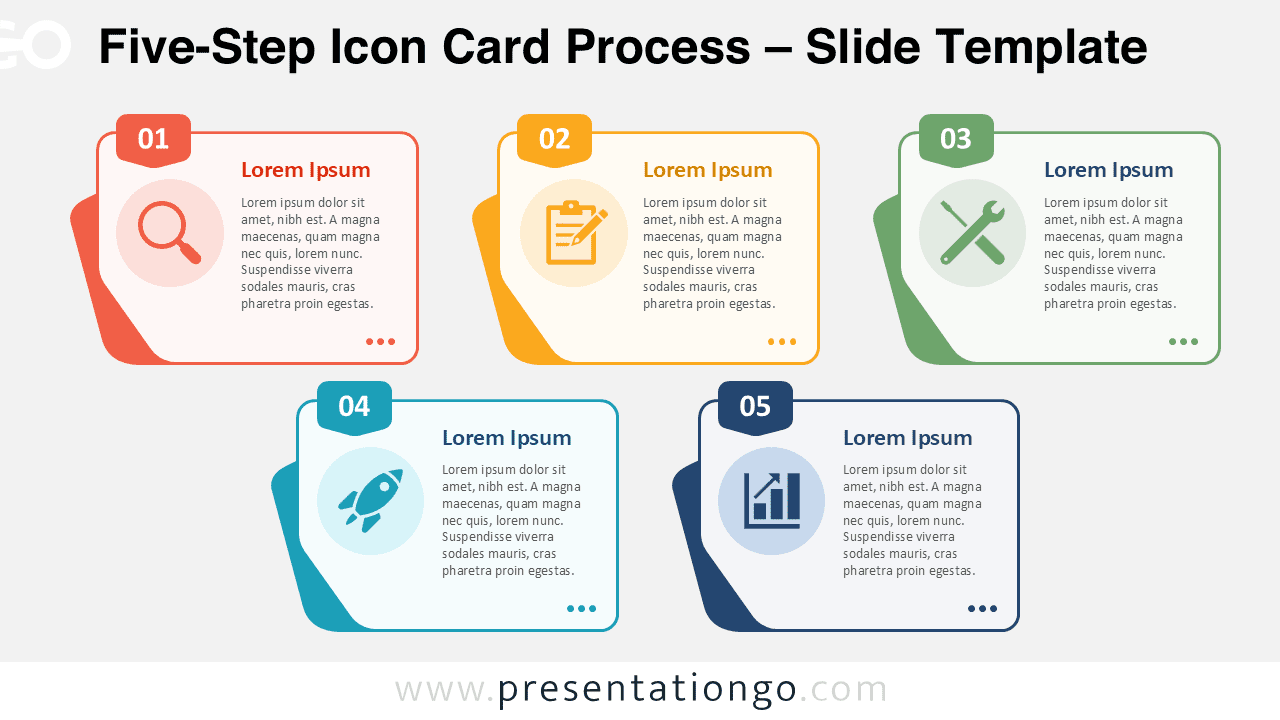
Five-Step Icon Card Process diagram for PowerPoint and Google Slides. Customize cards, icons, and text to explain any process.
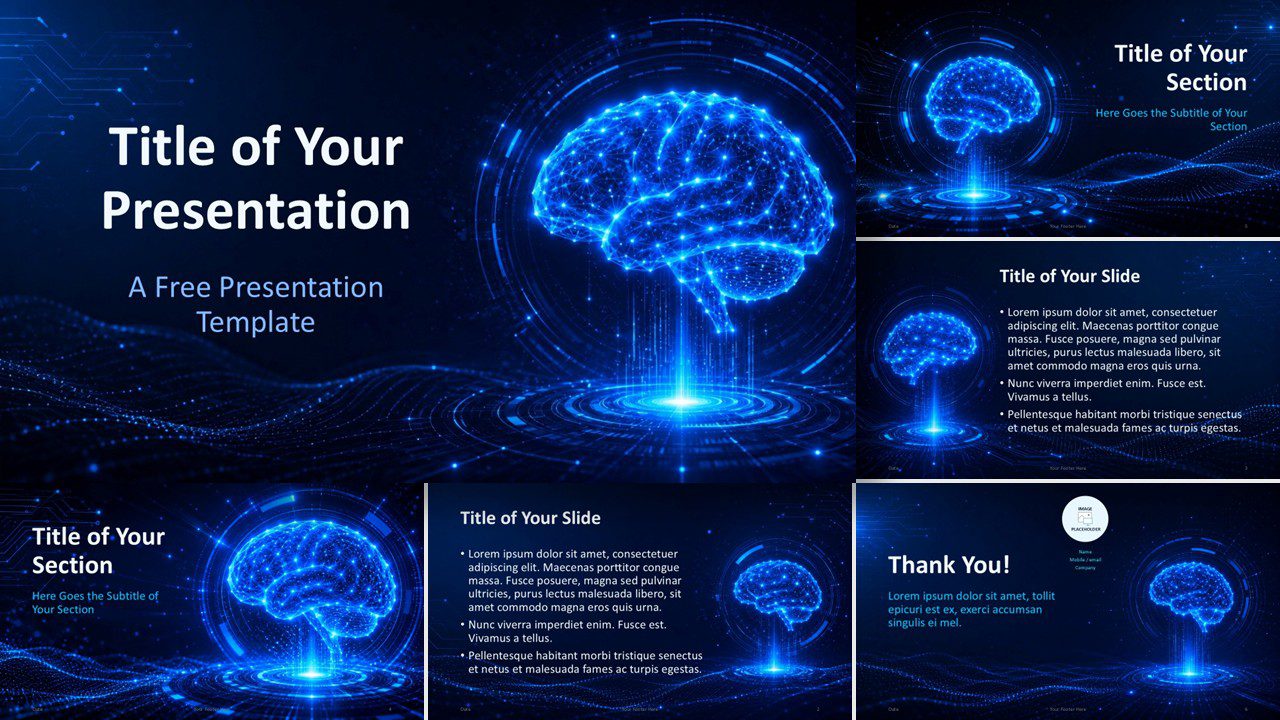
Use Neural Intelligence, a free PowerPoint and Google Slides template for AI reports, tech pitches, data stories, research talks, and innovation decks.
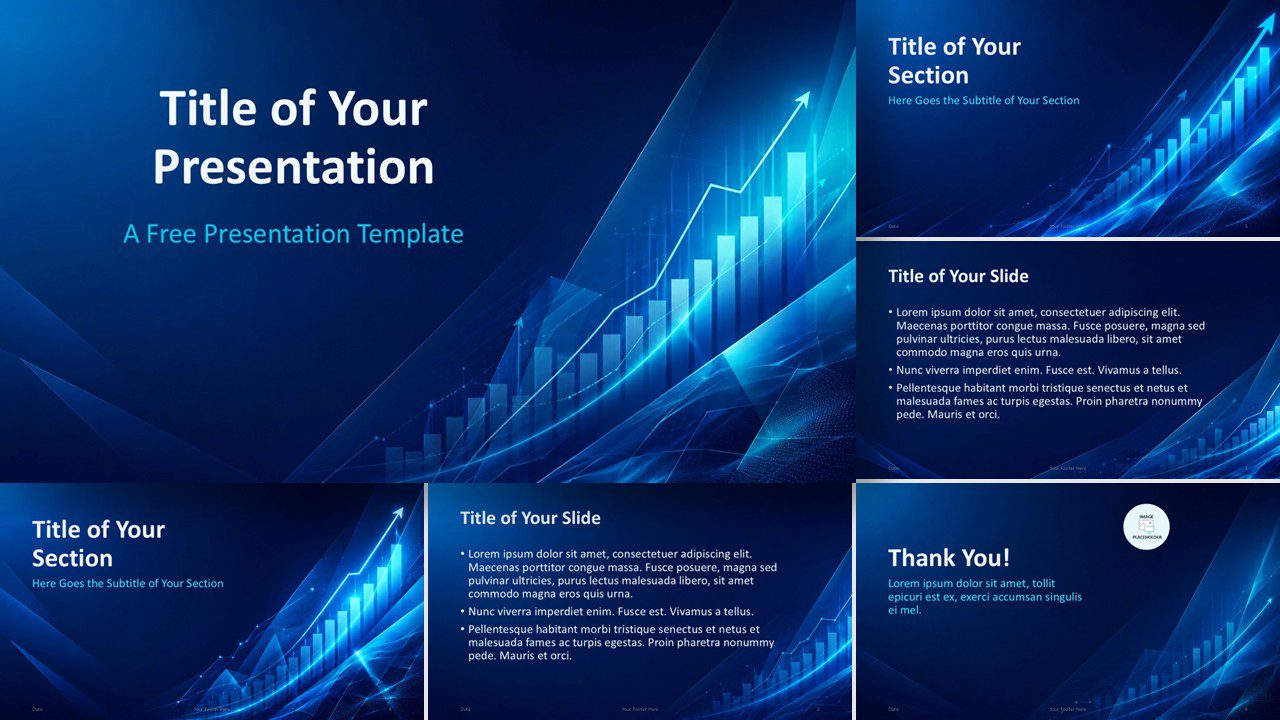
Use the Growth Analytics PowerPoint and Google Slides Template to present sales trends, market insights, and performance results with a modern blue style.
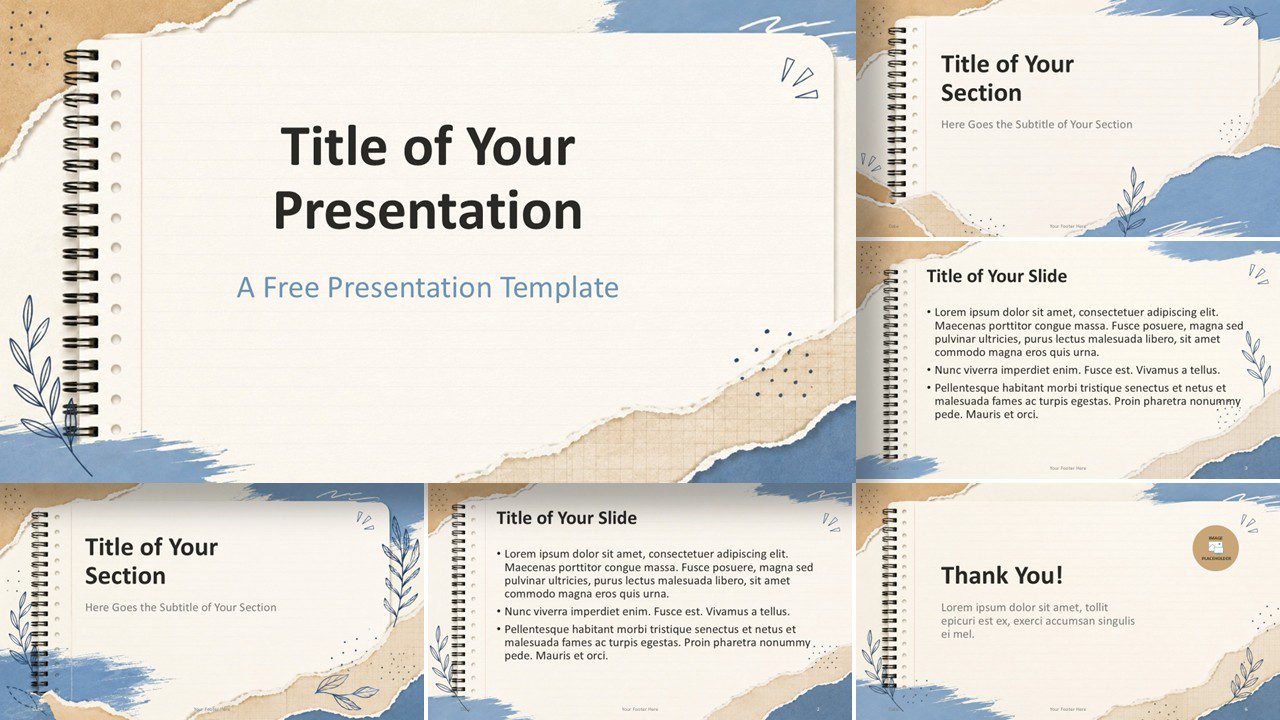
Download the free Torn Paper Notebook Template for PowerPoint and Google Slides, featuring torn paper textures, soft colors, and editable layouts for lessons.
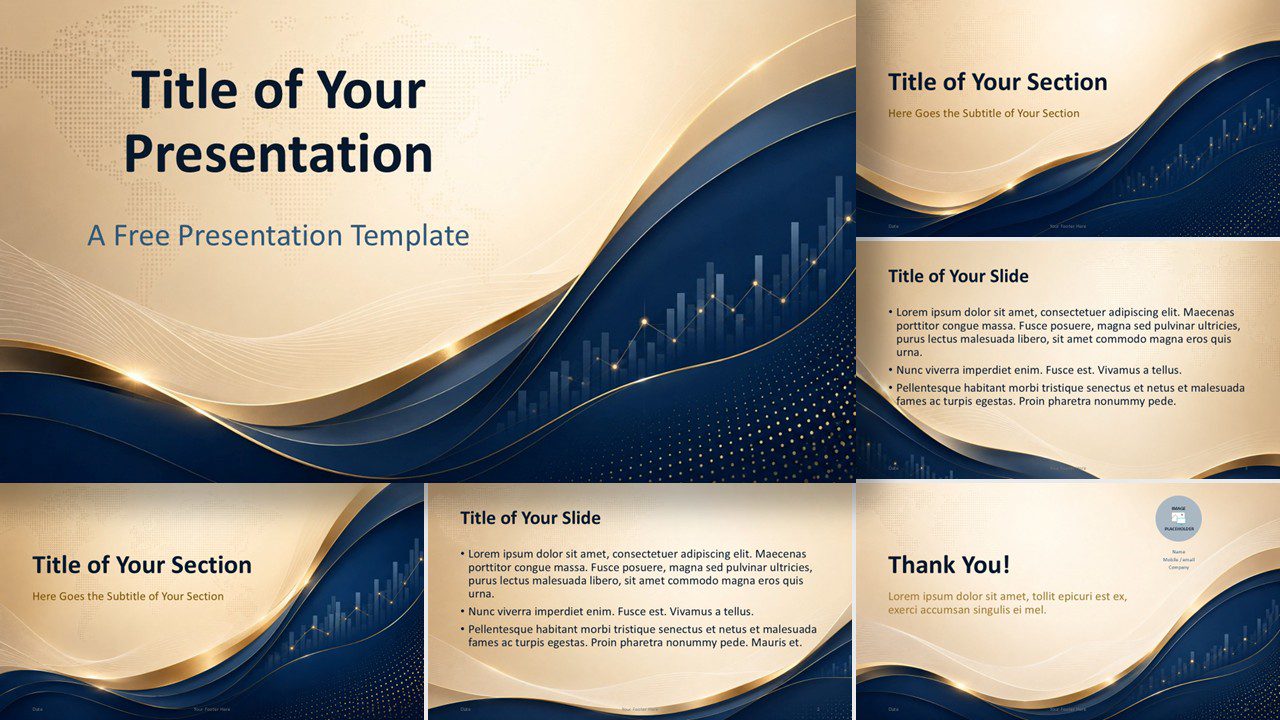
Global Finance is a free PowerPoint and Google Slides template with premium waves, business charts, and a refined corporate design.
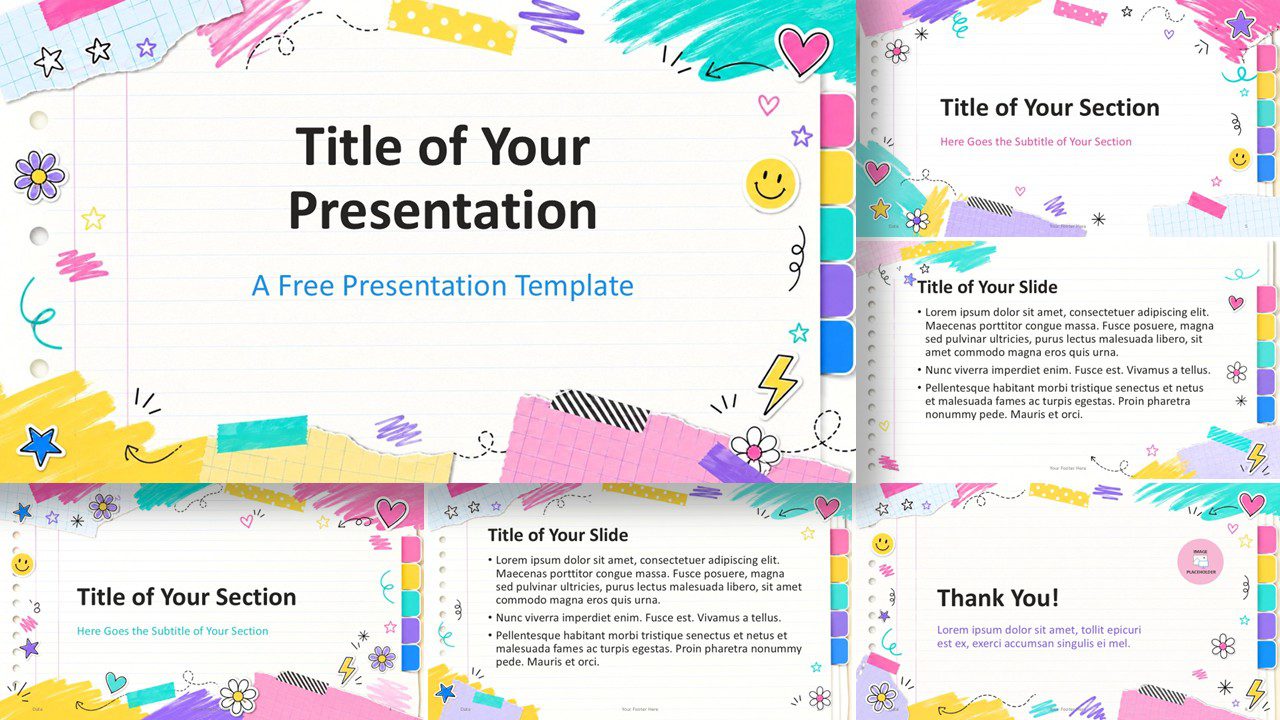
Download the free Playful School Notes template for PowerPoint and Google Slides. Get 6 playful layouts, custom colors, and notebook style for class projects.
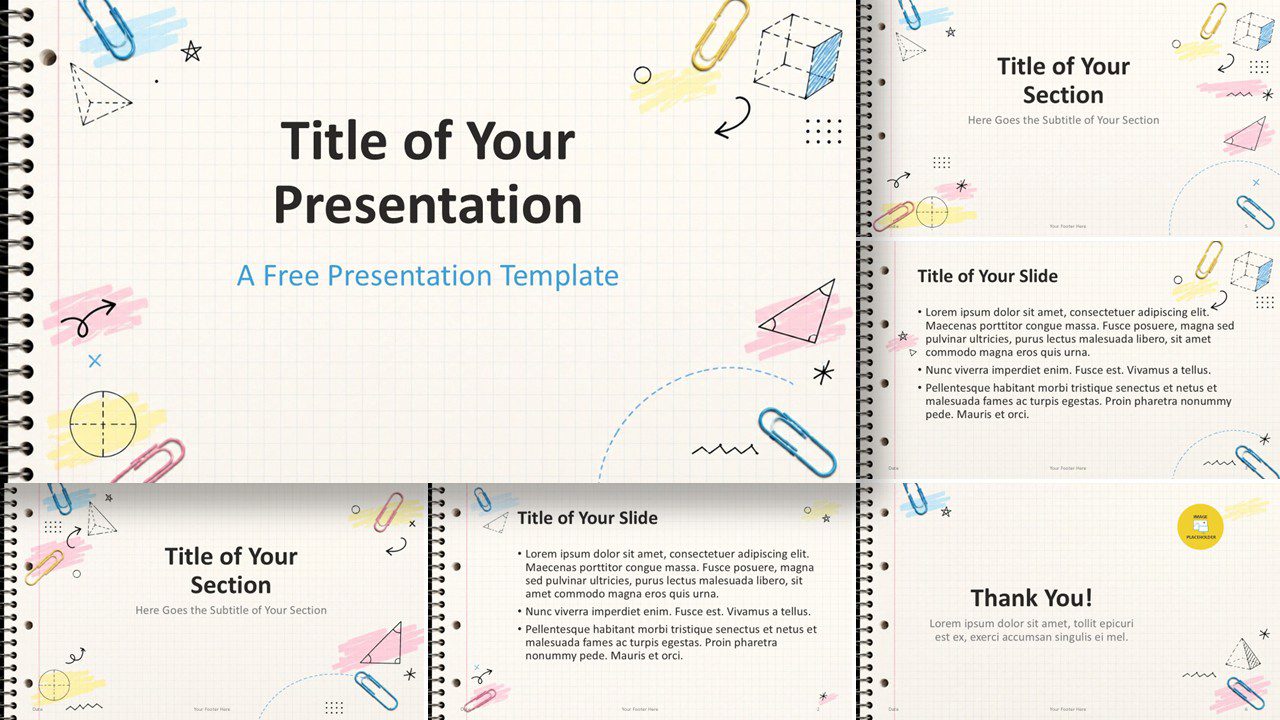
Grid Notebook is a free PowerPoint and Google Slides template with notebook paper, doodles, pastel accents, and classroom-ready layouts.
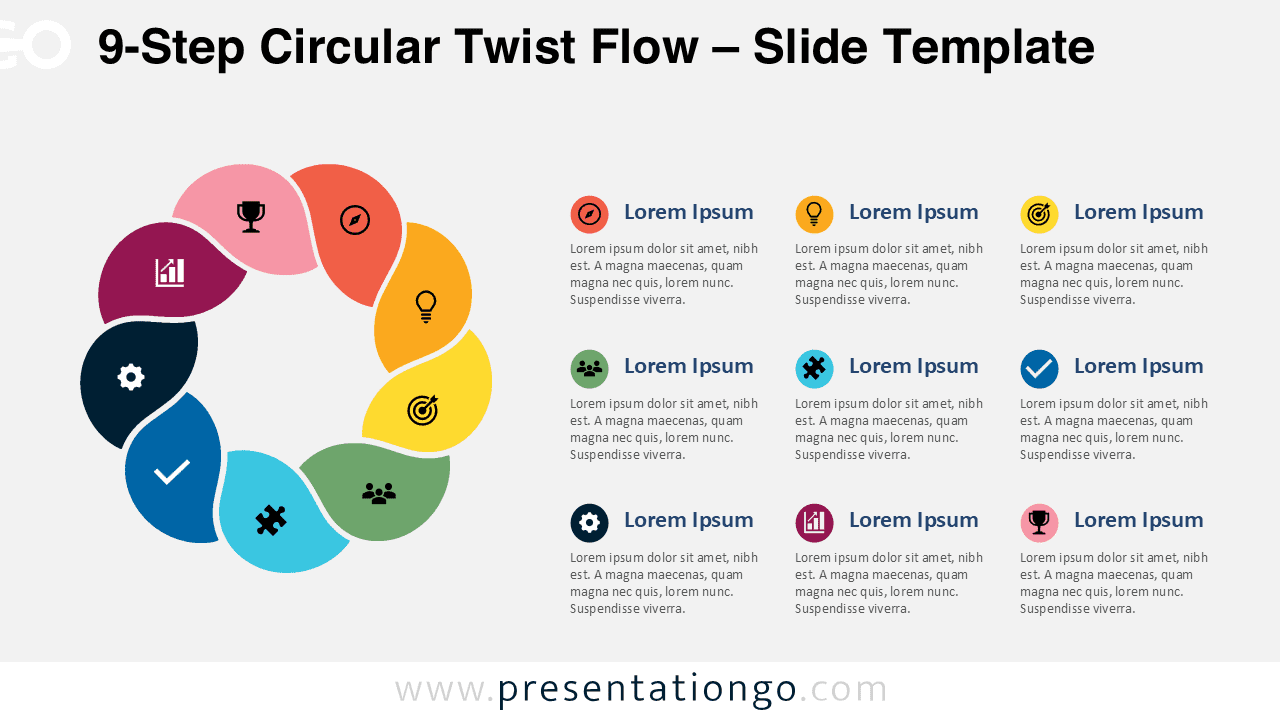
Download the free 9-Step Circular Twist Flow diagram for PowerPoint and Google Slides to present complex workflows with editable Office icons.
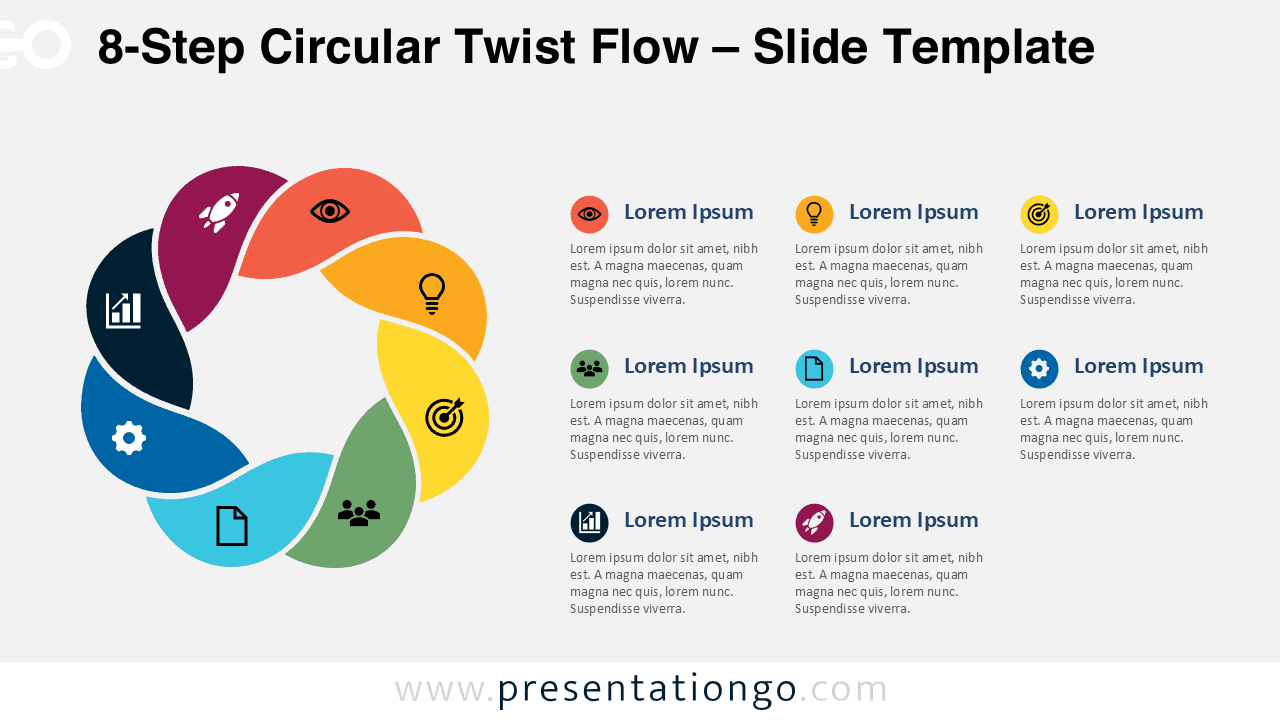
Download this free 8-Step Circular Twist Flow diagram for PowerPoint and Google Slides to explain cycles, workflows, strategies, and action plans clearly.
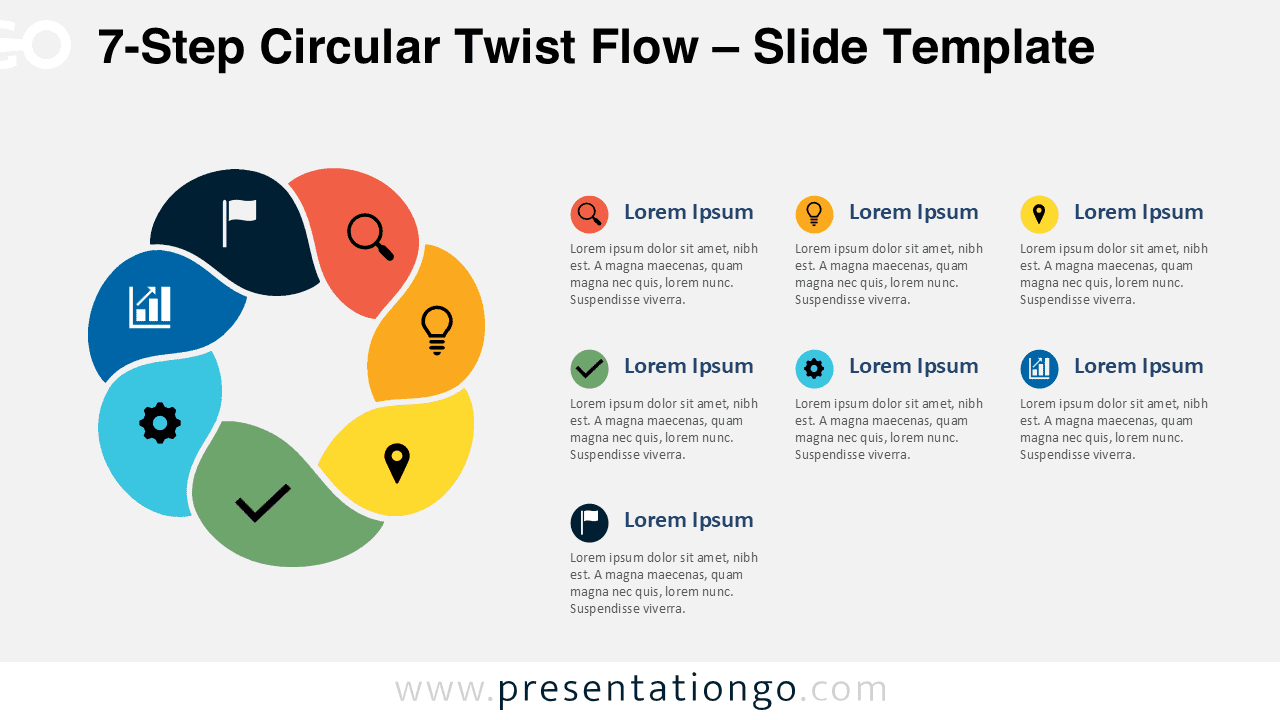
Present seven connected stages with the 7-Step Circular Twist Flow diagram for PowerPoint and Google Slides, featuring editable text and Office icons.
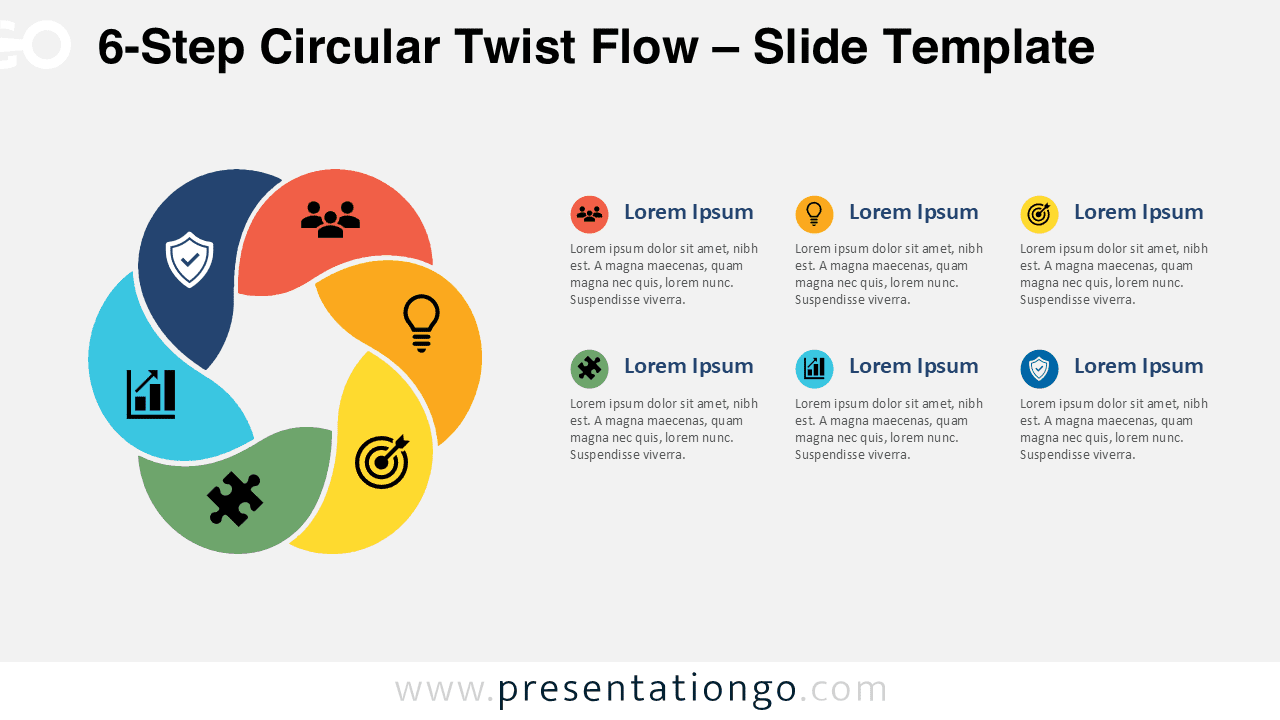
Download the free 6-Step Circular Twist Flow diagram for PowerPoint and Google Slides to present workflows, plans, and ideas with editable Office icons.
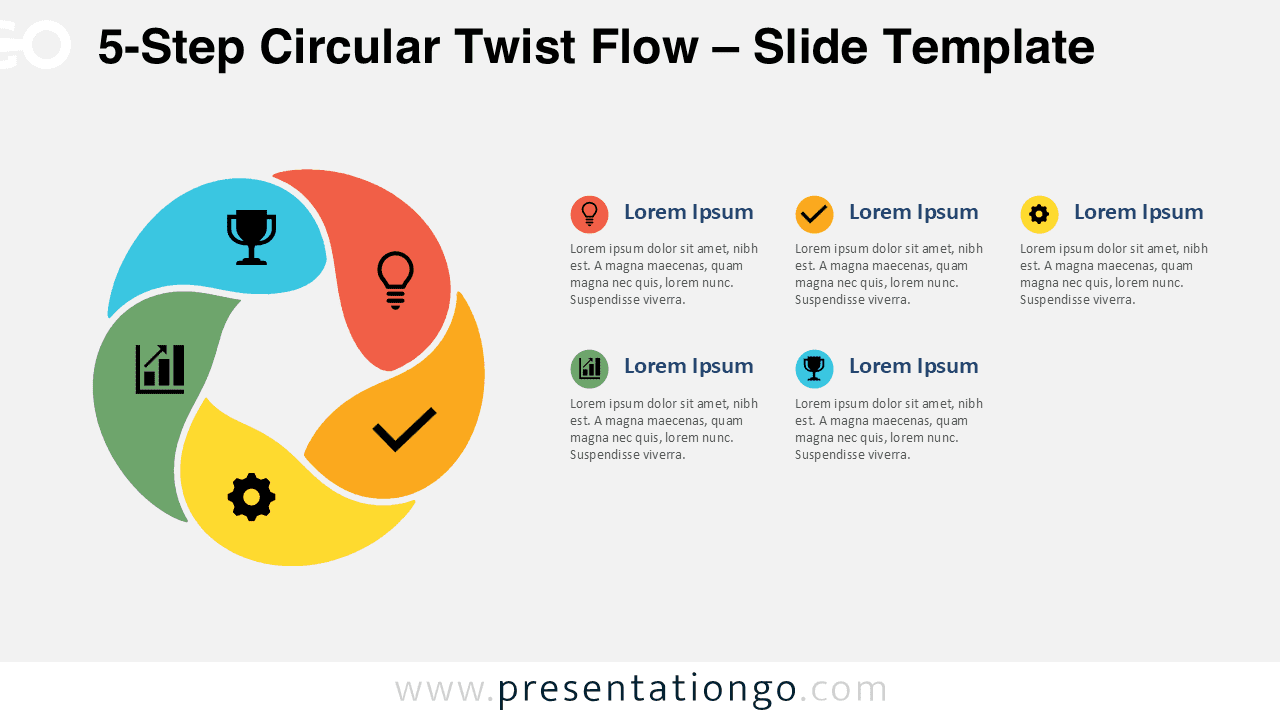
Download the free 5-Step Circular Twist Flow diagram for PowerPoint and Google Slides to present workflows, plans, and ideas with editable icons with ease.
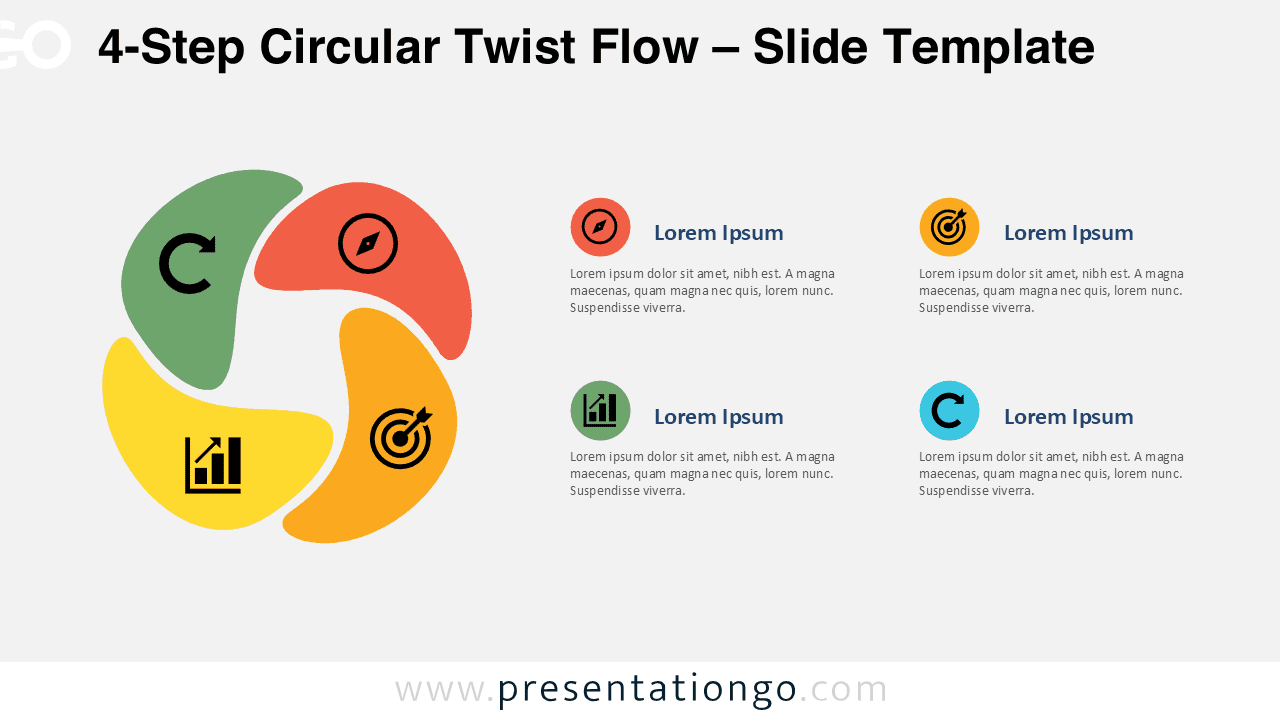
Present four stages clearly with the 4-Step Circular Twist Flow diagram for PowerPoint and Google Slides, featuring editable text and icons.
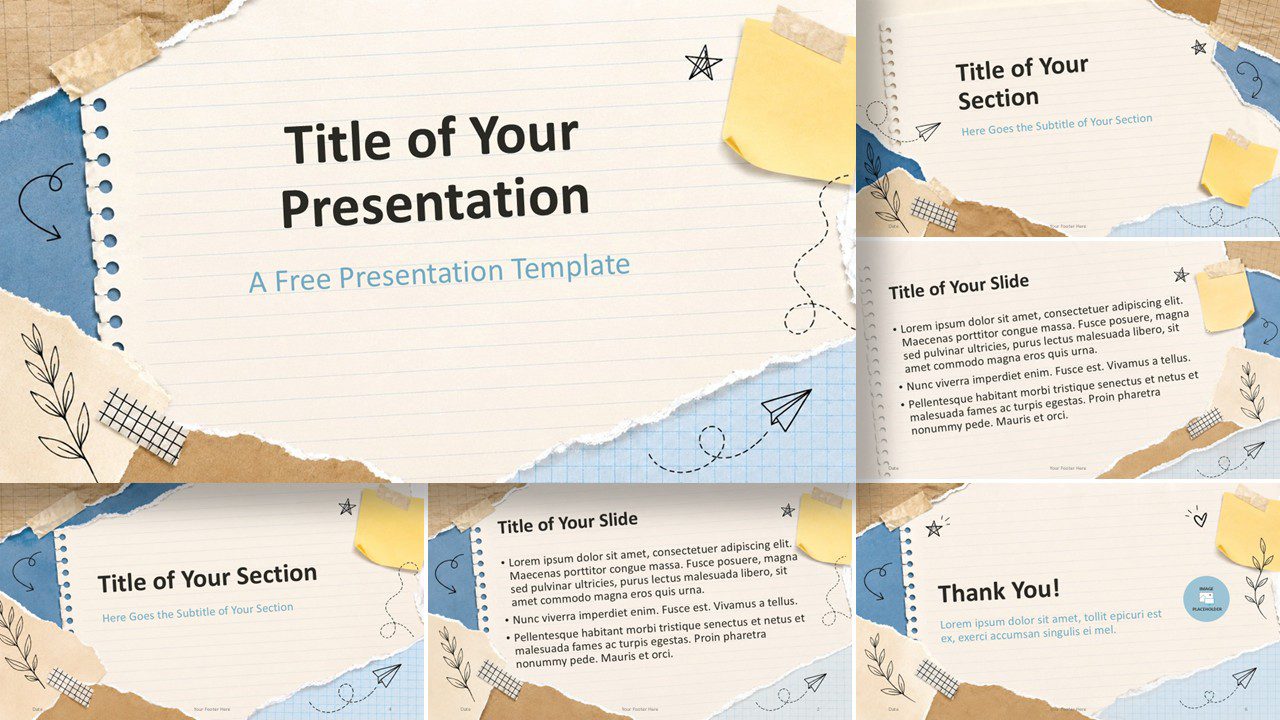
Use Scrapbook Notes in PowerPoint and Google Slides to create warm classroom slides with notebook paper, sticky notes, tape, and hand-drawn accents fast.
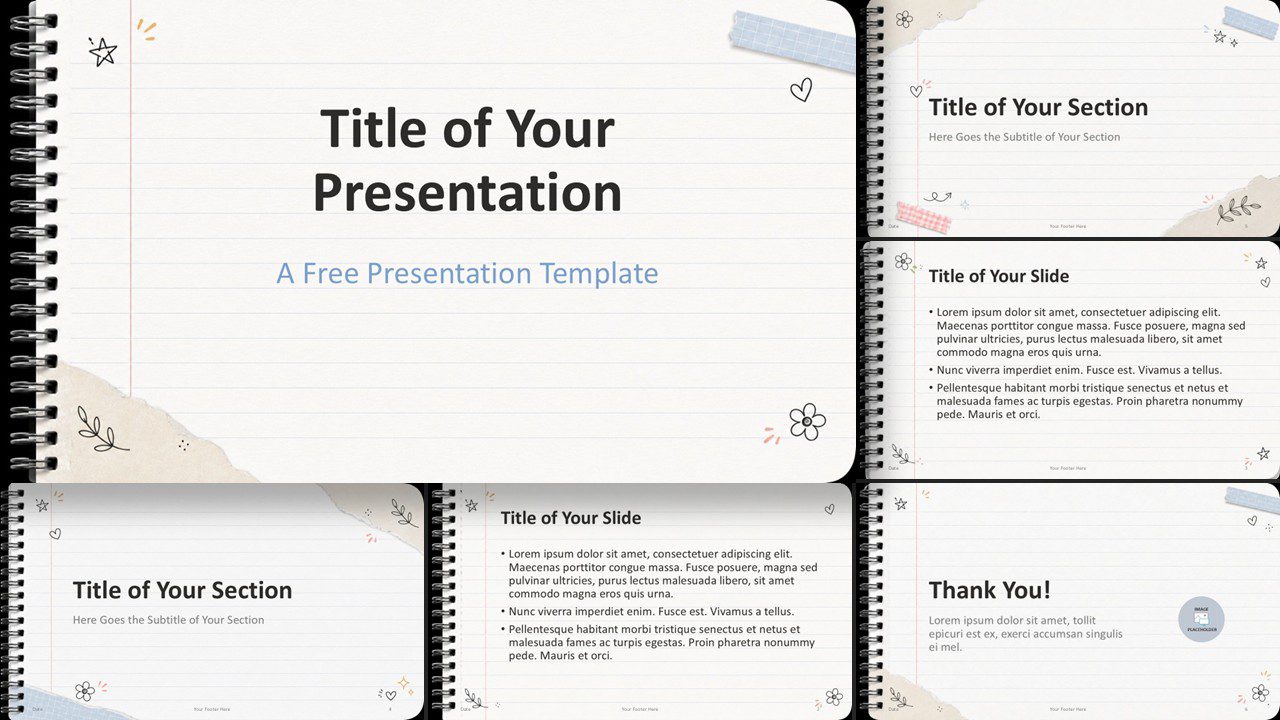
Download the Notebook Doodles template for PowerPoint and Google Slides. A playful lined-paper design with doodles, tape accents, and custom colors.
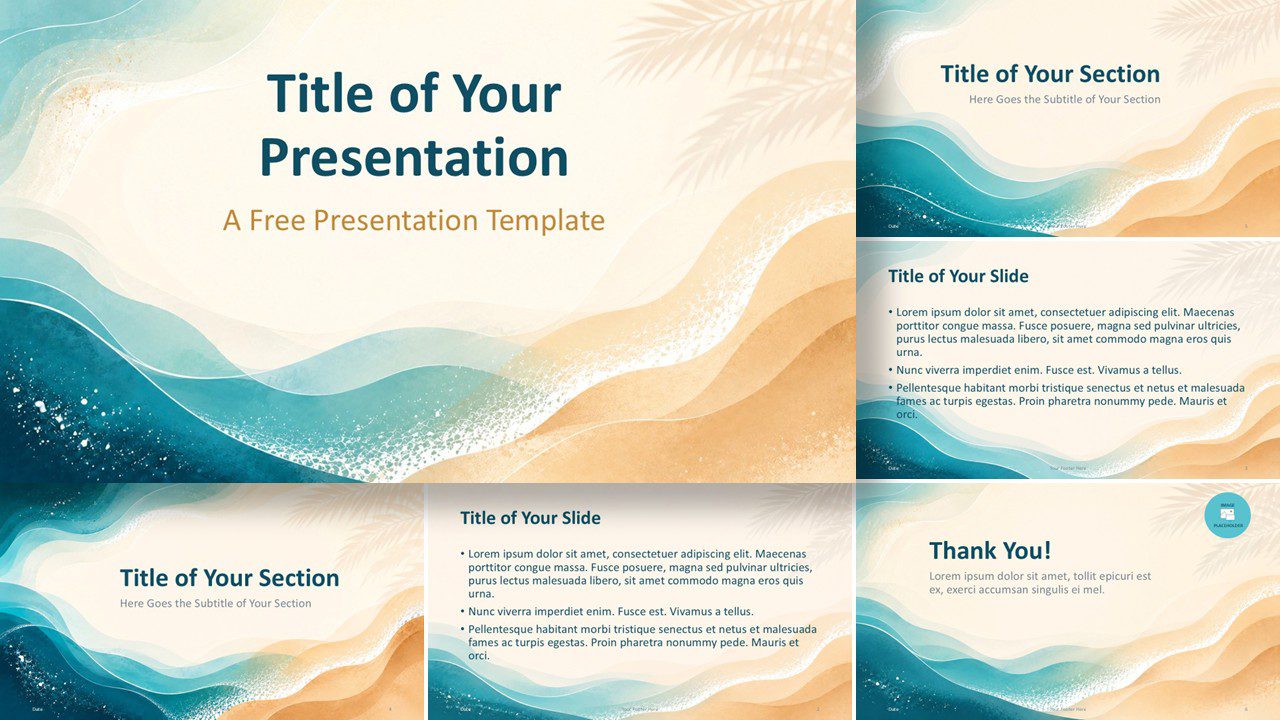
Download the Ocean Breeze presentation template for PowerPoint and Google Slides, featuring soft coastal visuals, custom palette, and easy editing for calm decks.