Loading resources…
Total 14138 resources
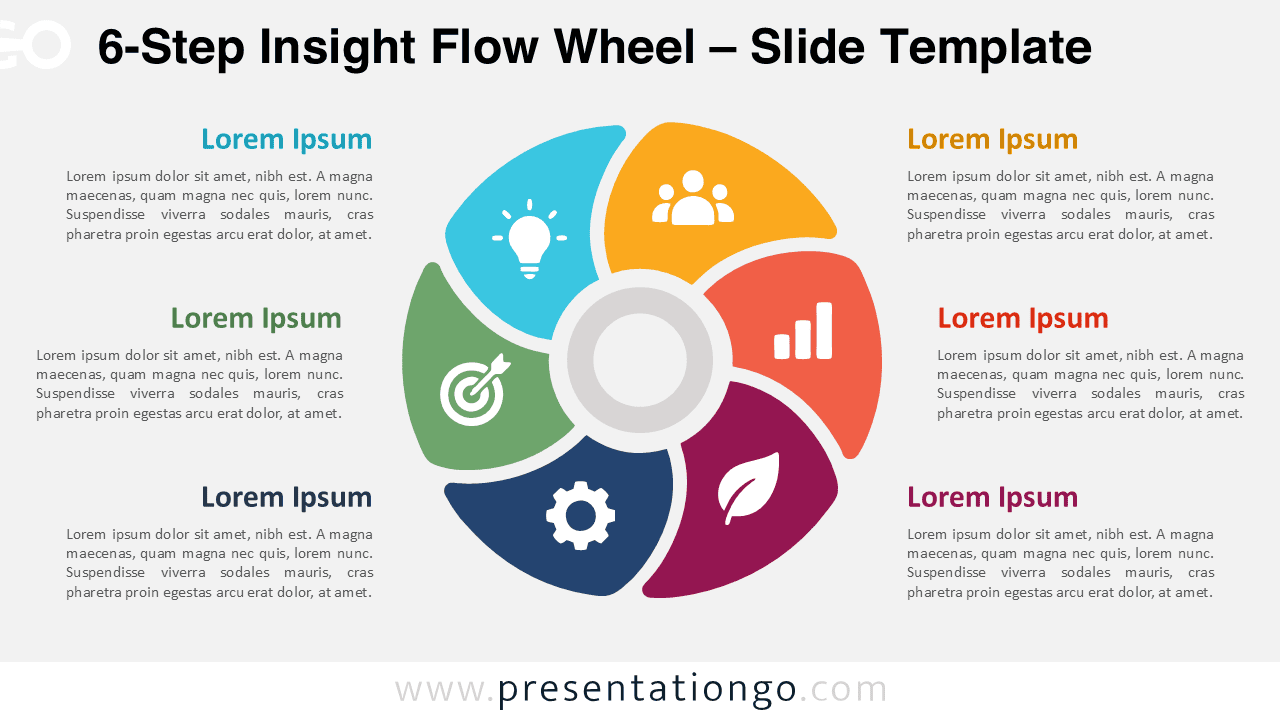
Download the 6-Step Insight Flow Wheel for PowerPoint and Google Slides with six editable segments, icon placeholders, and matching text areas.
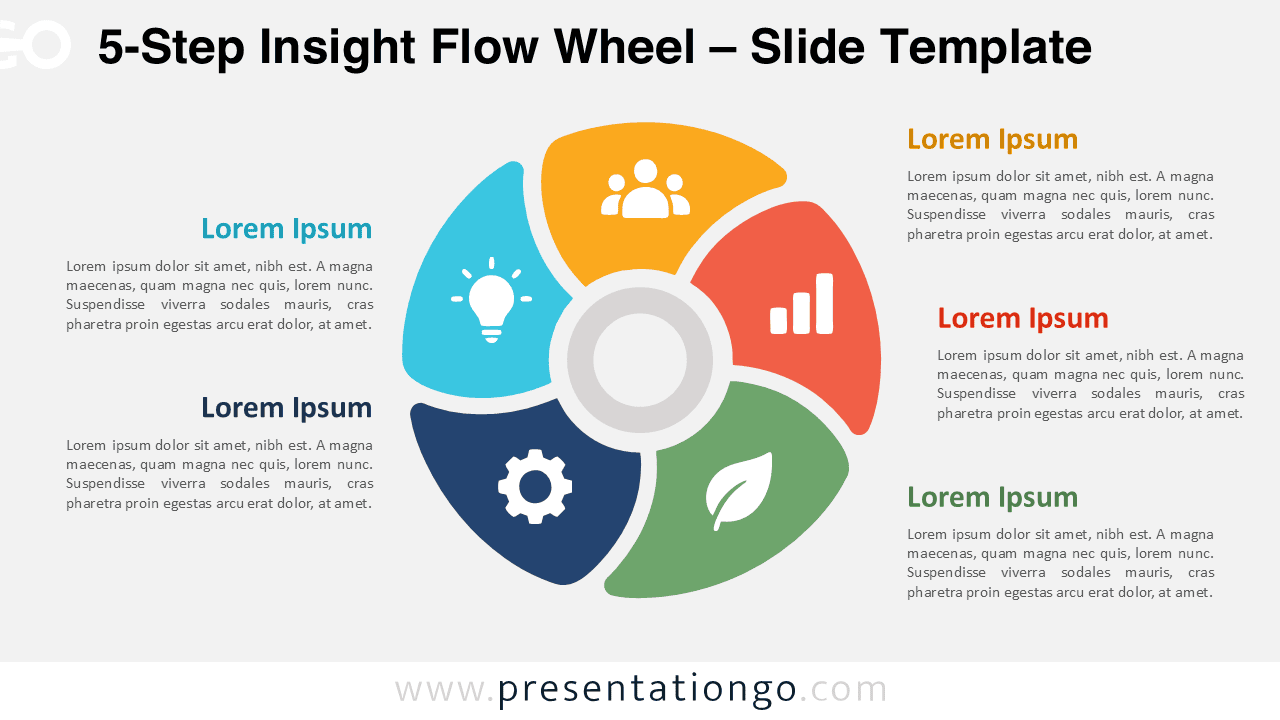
Use the 5-Step Insight Flow Wheel in PowerPoint and Google Slides to organize five connected ideas with editable segments, icons, and text.
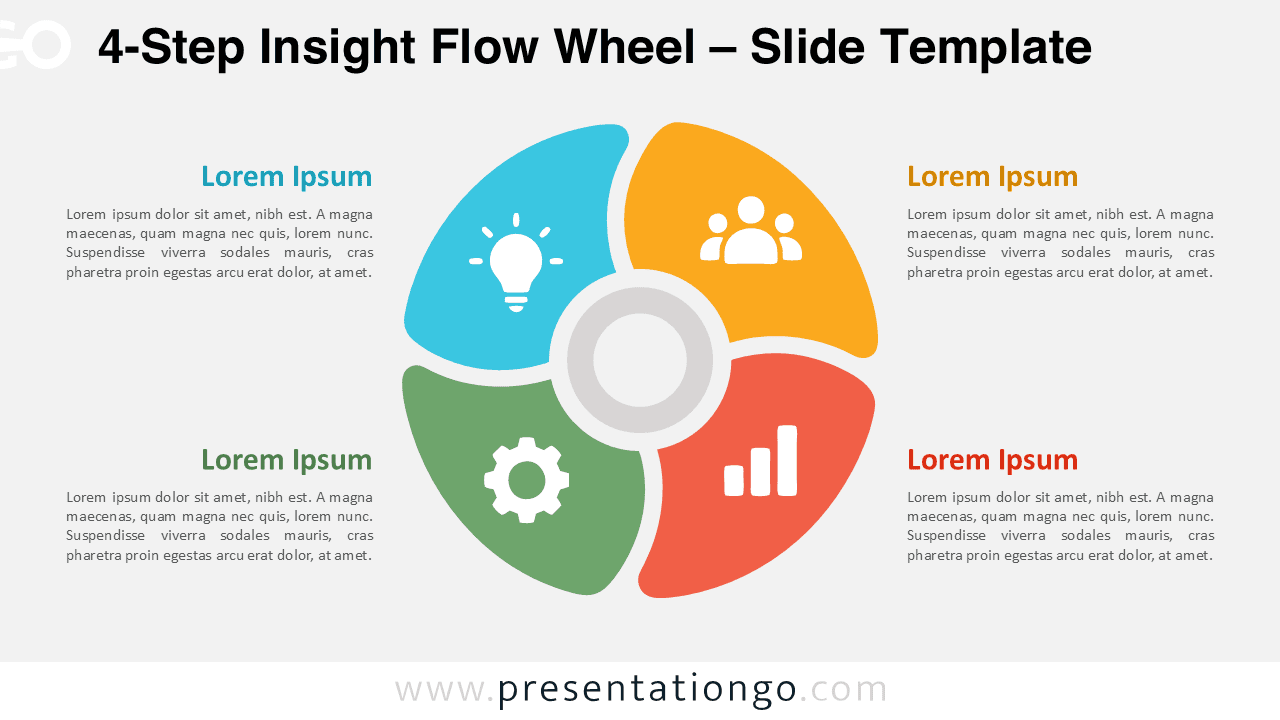
Download the 4-Step Insight Flow Wheel for PowerPoint and Google Slides, featuring four editable segments, icon placeholders, and text areas.
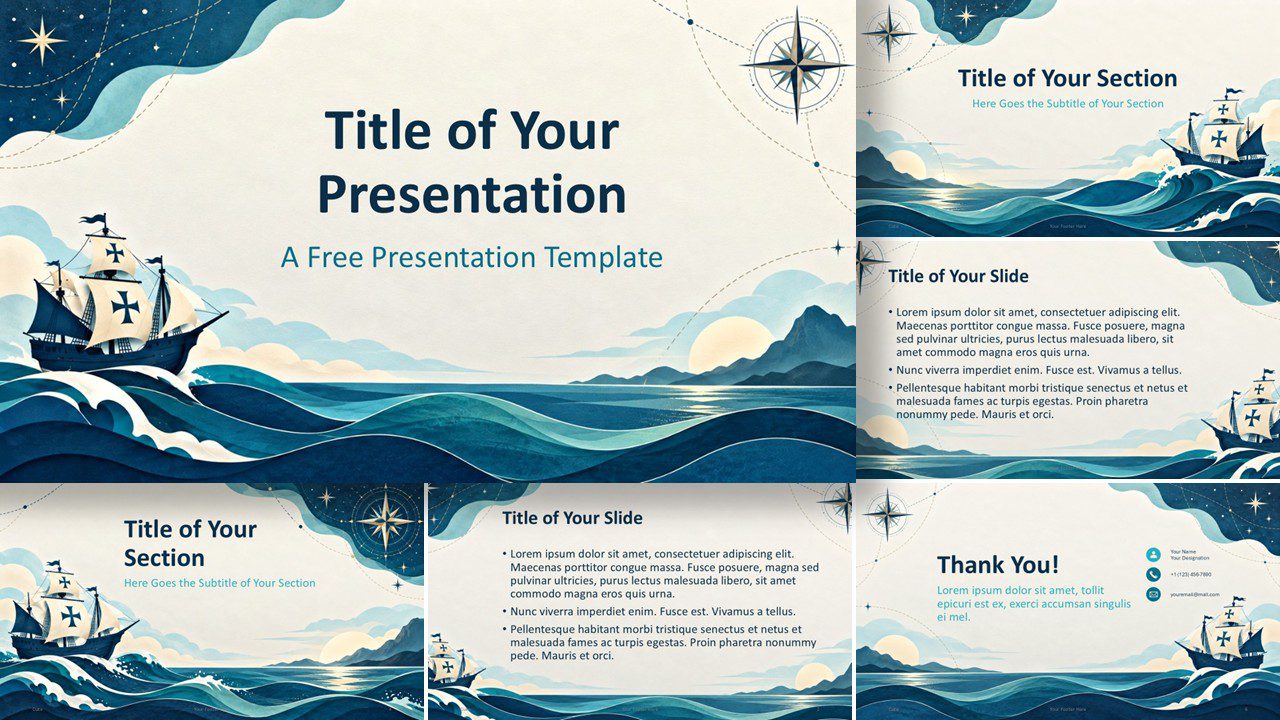
Download the Columbus Voyage Columbus Day presentation template for PowerPoint and Google Slides, with six nautical slides and a custom ocean palette.
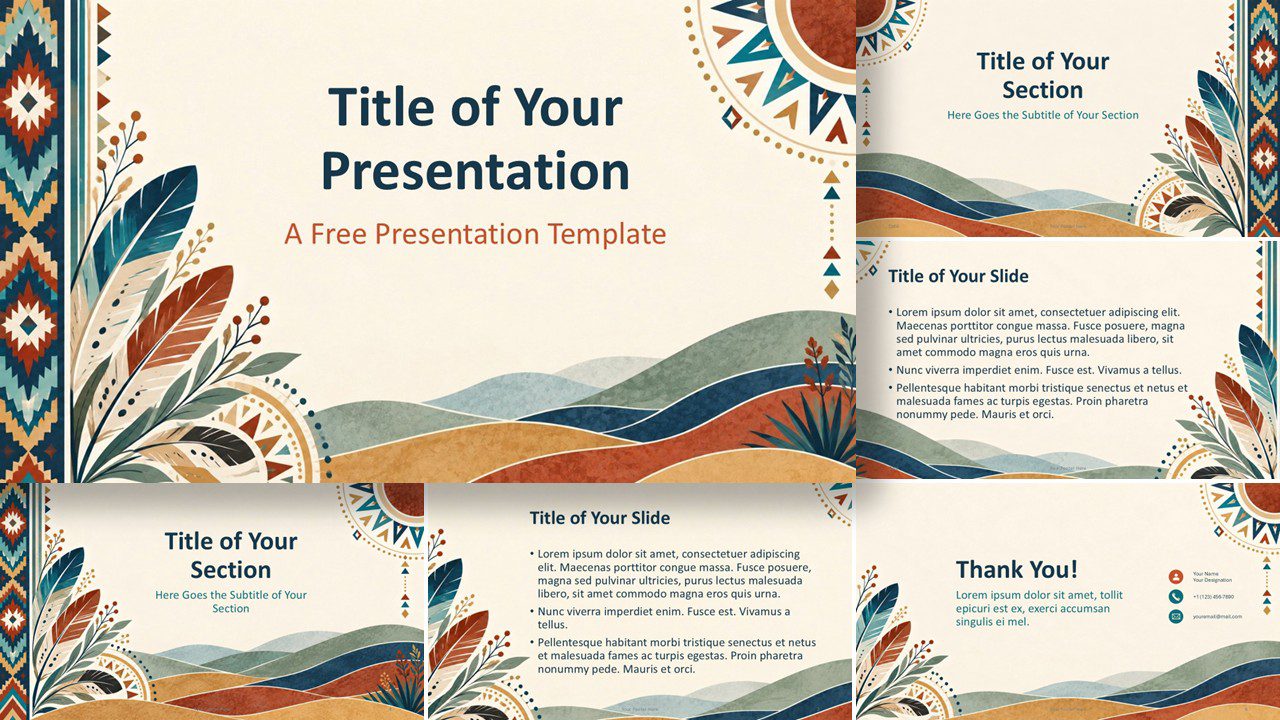
Download the Native American Heritage presentation template for PowerPoint and Google Slides, with six cultural, editable layouts and earthy colors.
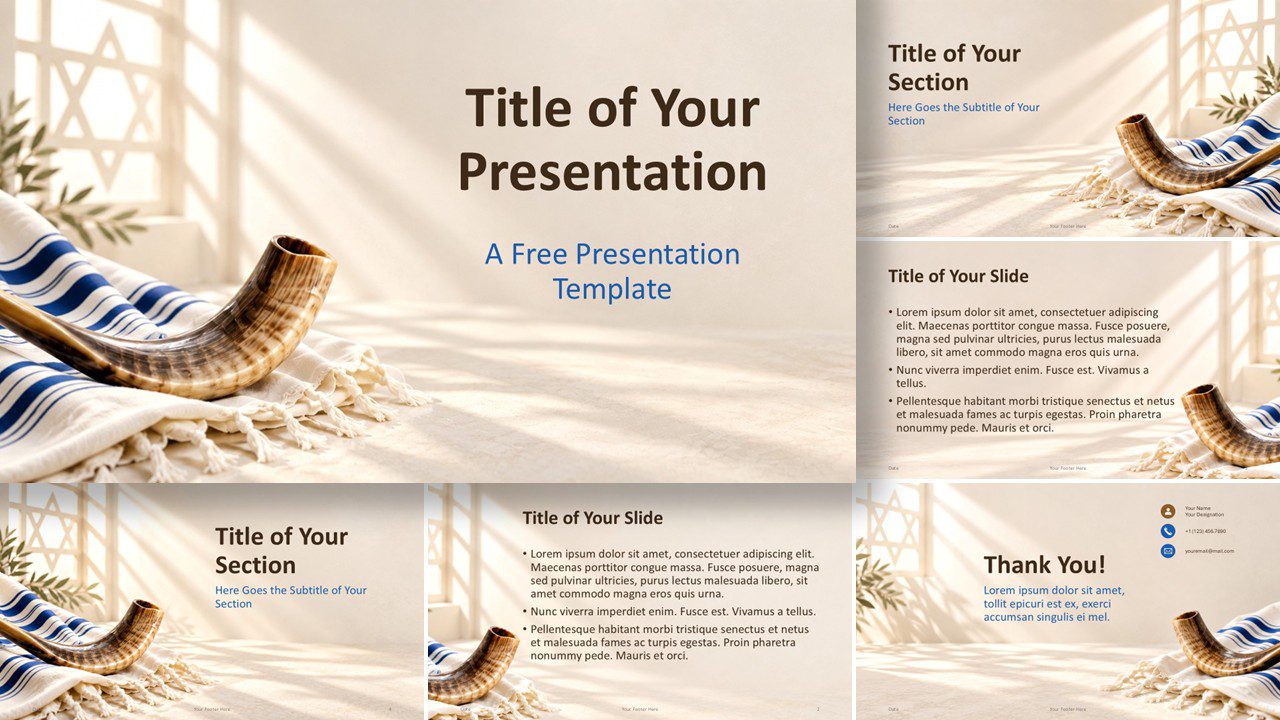
Download the free Yom Kippur Light presentation template for PowerPoint and Google Slides, with reflective Jewish imagery and and warm ceremonial colors.
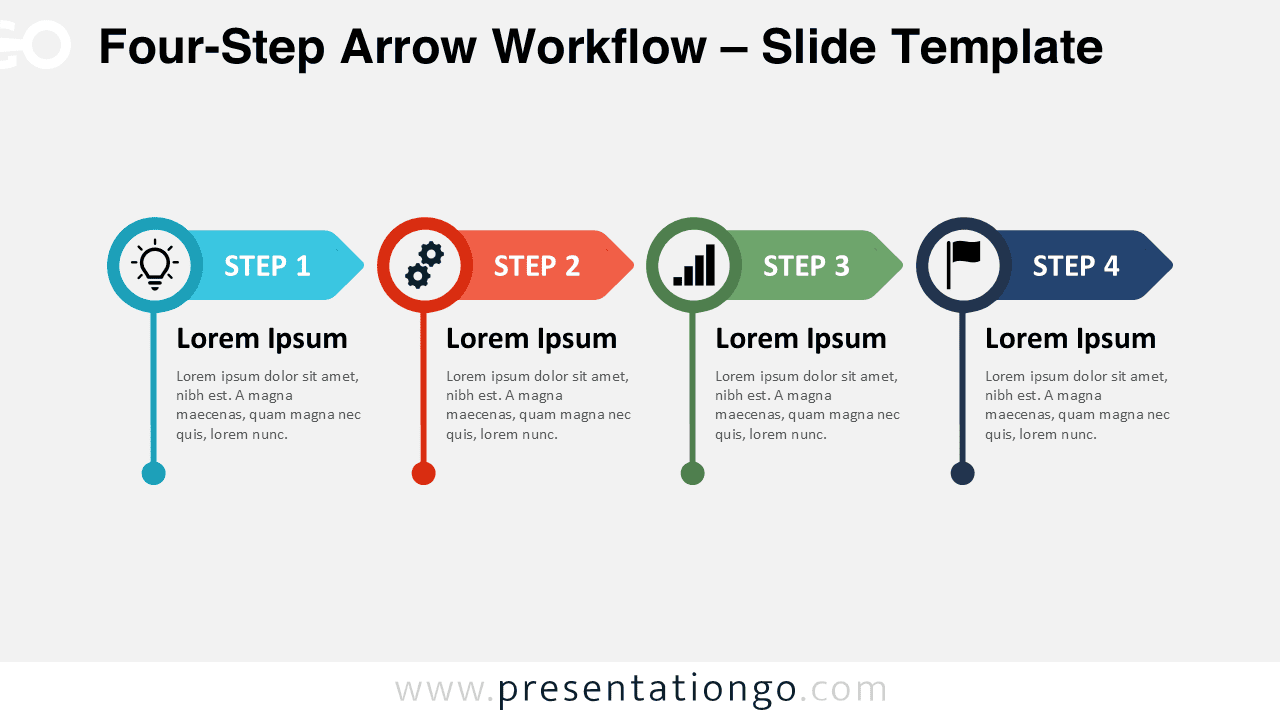
Four-Step Arrow Workflow for PowerPoint and Google Slides with editable arrows, icons, text, and shapes for processes, plans, and project stages.
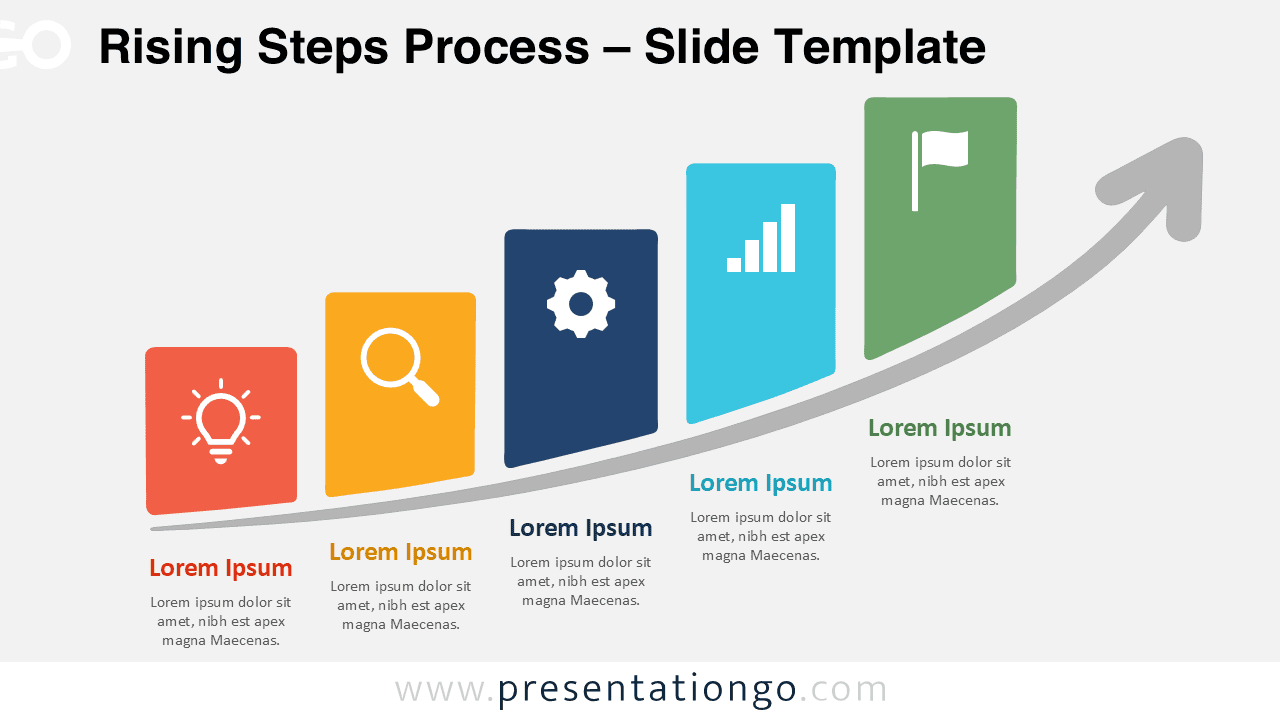
Download the Rising Steps Process diagram for PowerPoint and Google Slides. Show five stages of growth, progress, strategy, or project development.
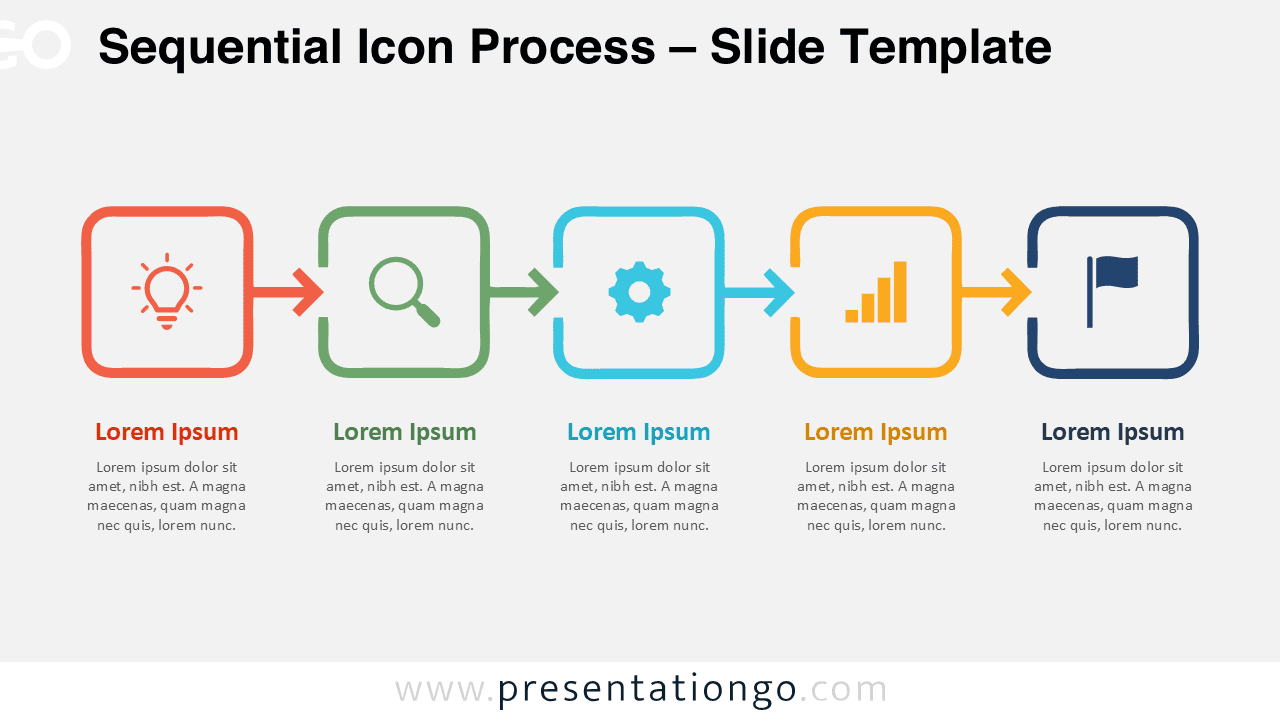
Create clear five-step workflows with the Sequential Icon Process for PowerPoint and Google Slides, featuring editable stages, arrows, text, and icons.
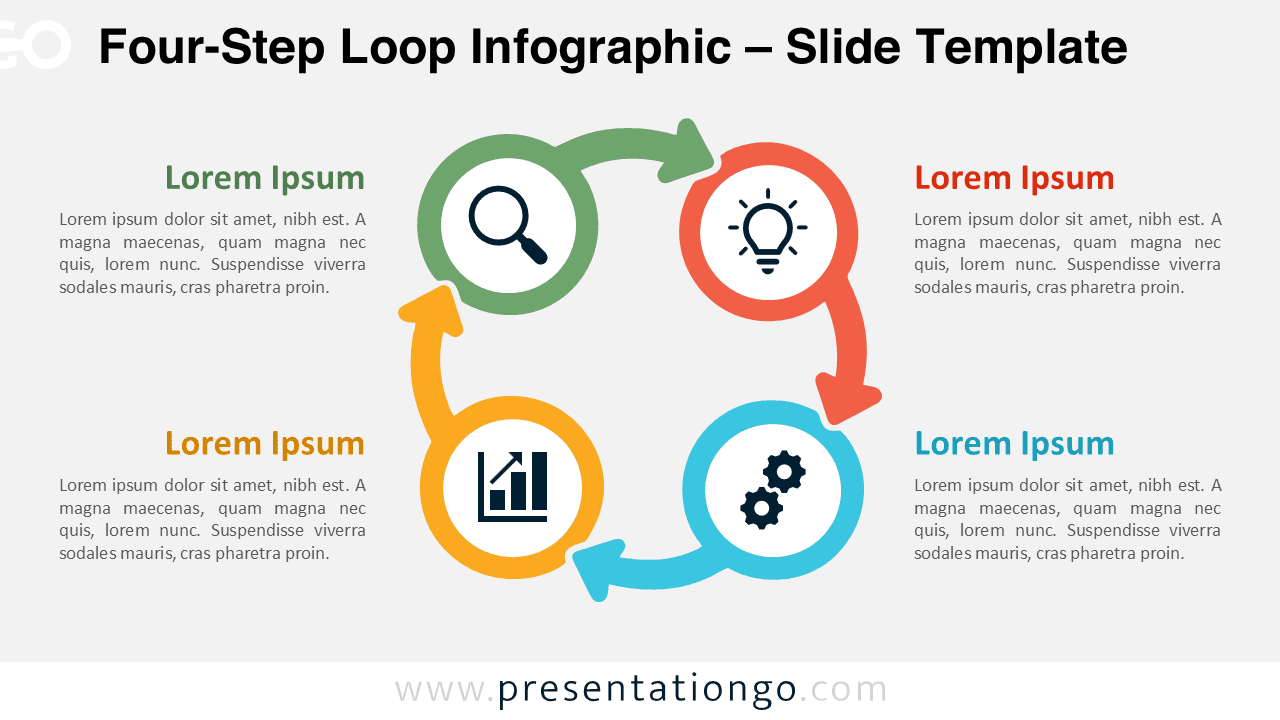
Download the Four-Step Loop Infographic for PowerPoint and Google Slides, featuring an editable circular process with four connected stages.
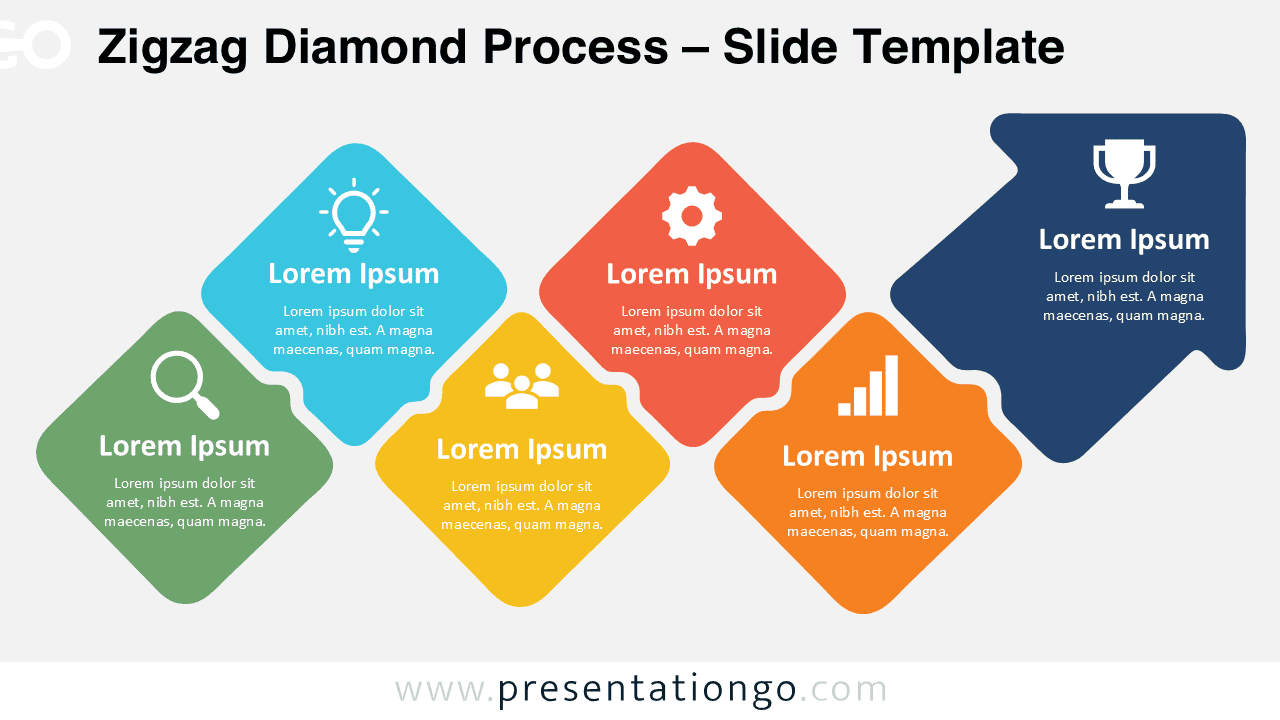
Download the Zigzag Diamond Process for PowerPoint and Google Slides to present 5 or 6 connected stages with editable shapes, text, and icons.
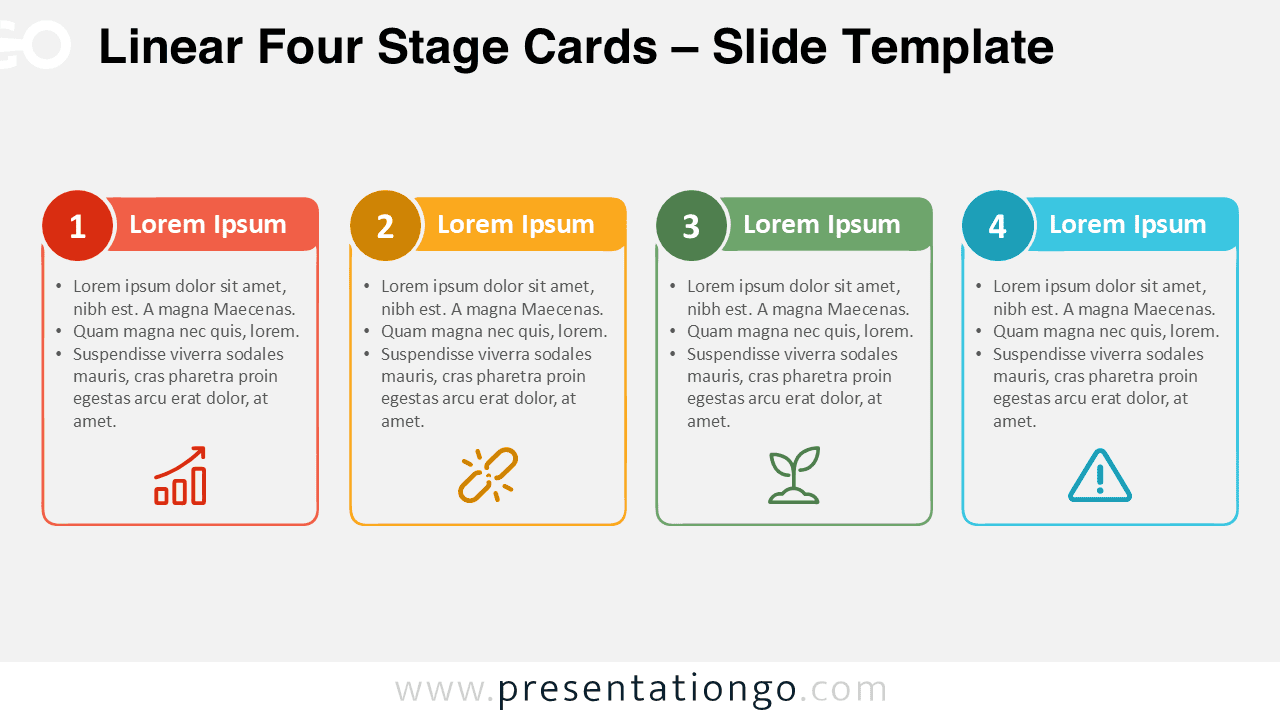
Download Linear Four Stage Cards, an editable four-step diagram for PowerPoint and Google Slides, ideal for processes, workflows, plans, and strategies.
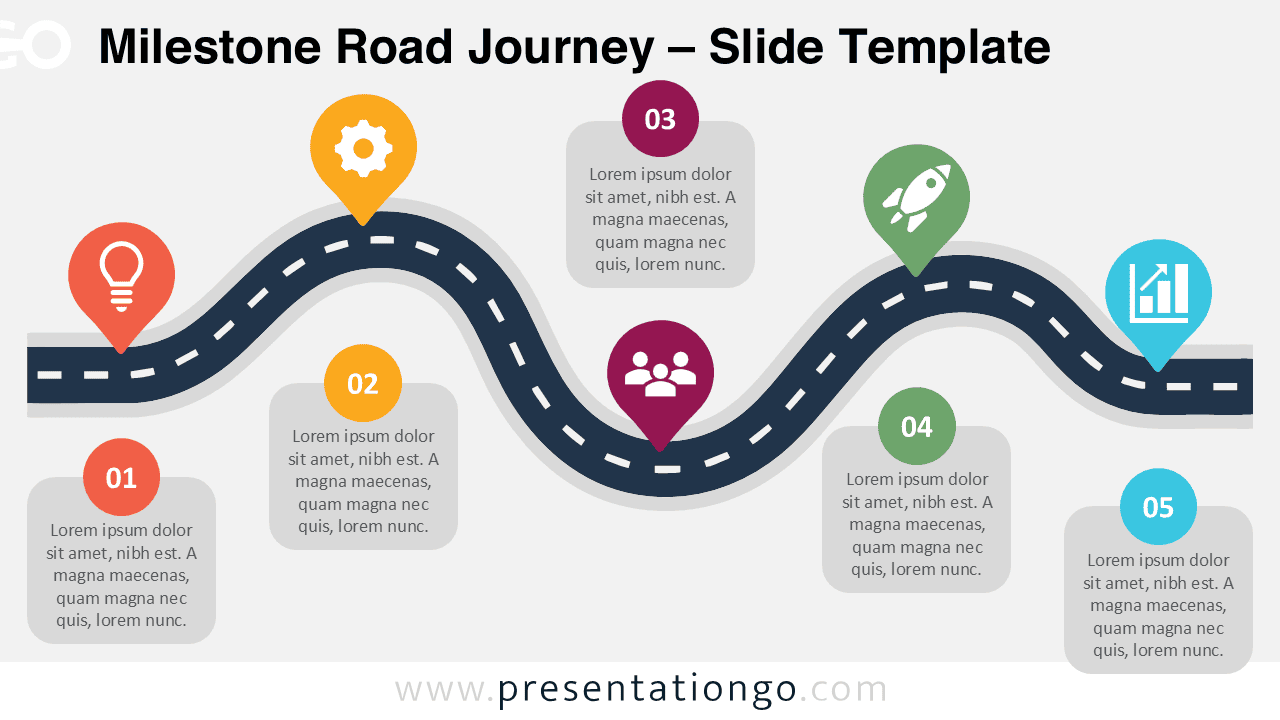
Download the Milestone Road Journey diagram for PowerPoint and Google Slides. Adapt the milestones to present projects, processes, plans, and business journeys.
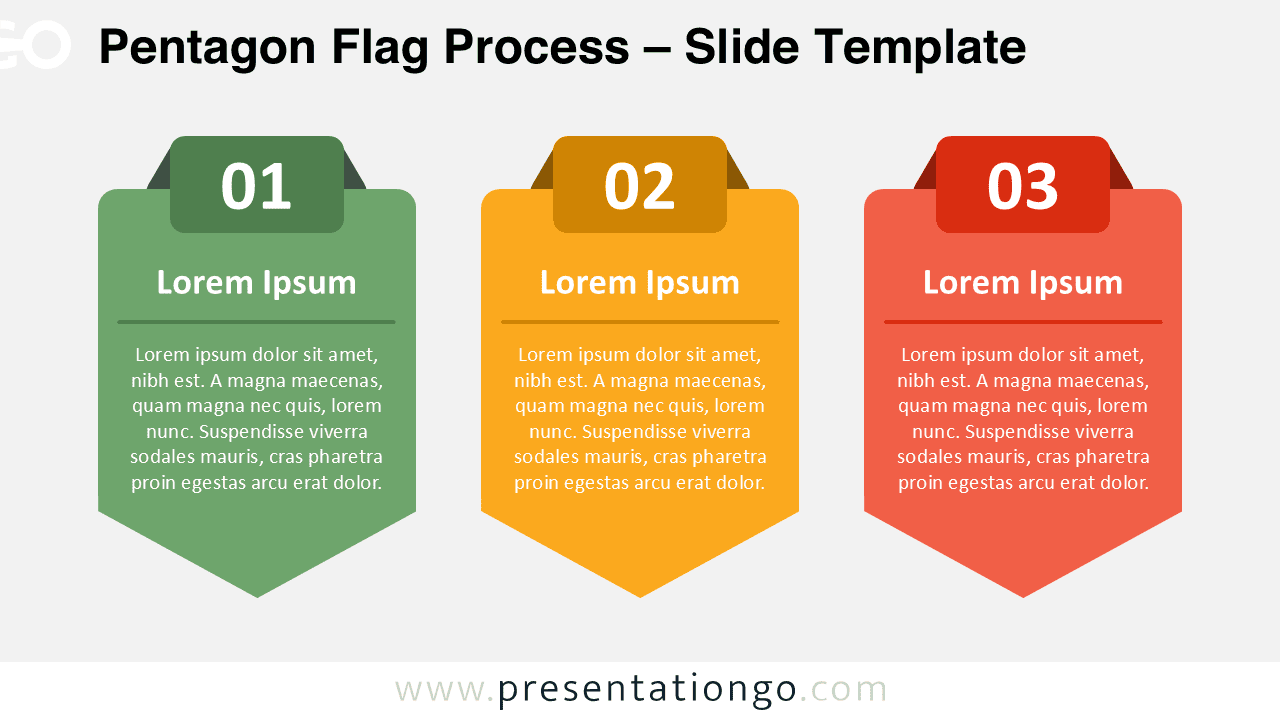
Use the Pentagon Flag Process PowerPoint diagram to present three stages clearly. Fully editable for PowerPoint and Google Slides presentations.
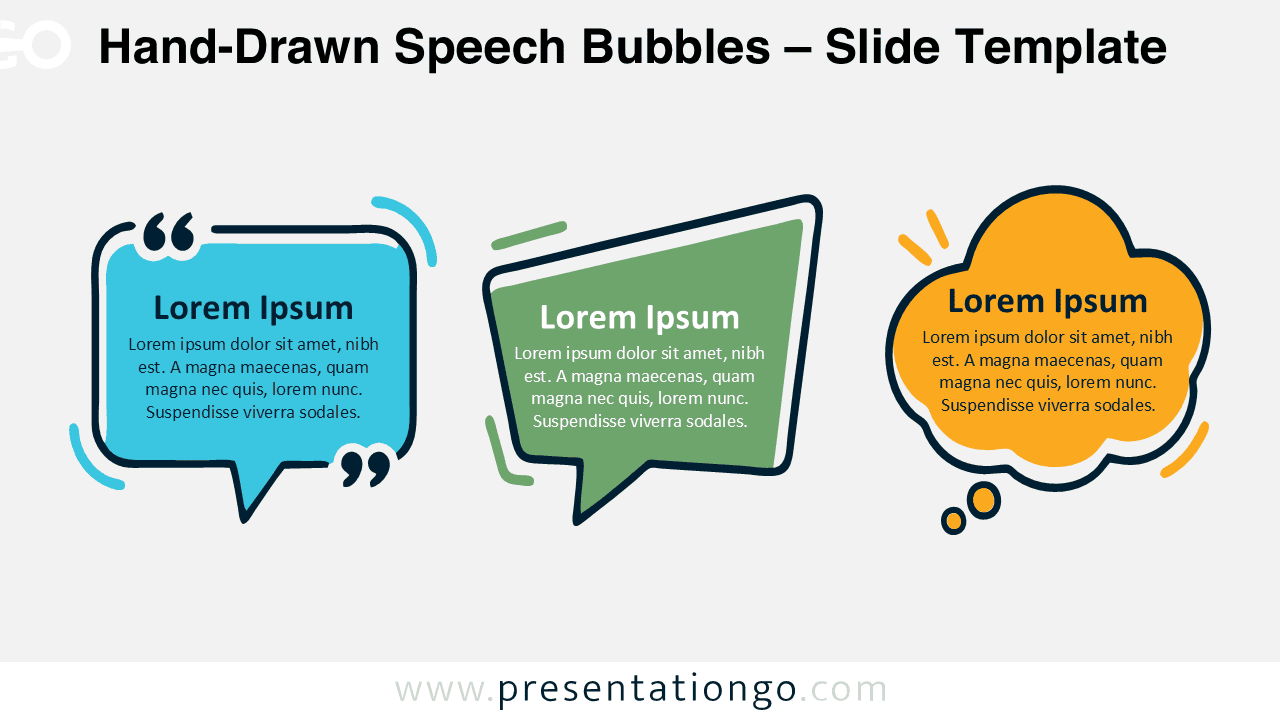
Download Hand-Drawn Speech Bubbles for PowerPoint and Google Slides. Customize three expressive shapes for quotes, ideas, feedback, and dialogue.
如何打造一份专业又不失个性的简历?这里有你需要的答案。以下是小编整理的一份医生简历封面Word简历模板,模板风格简约大气,欢迎下载使用。
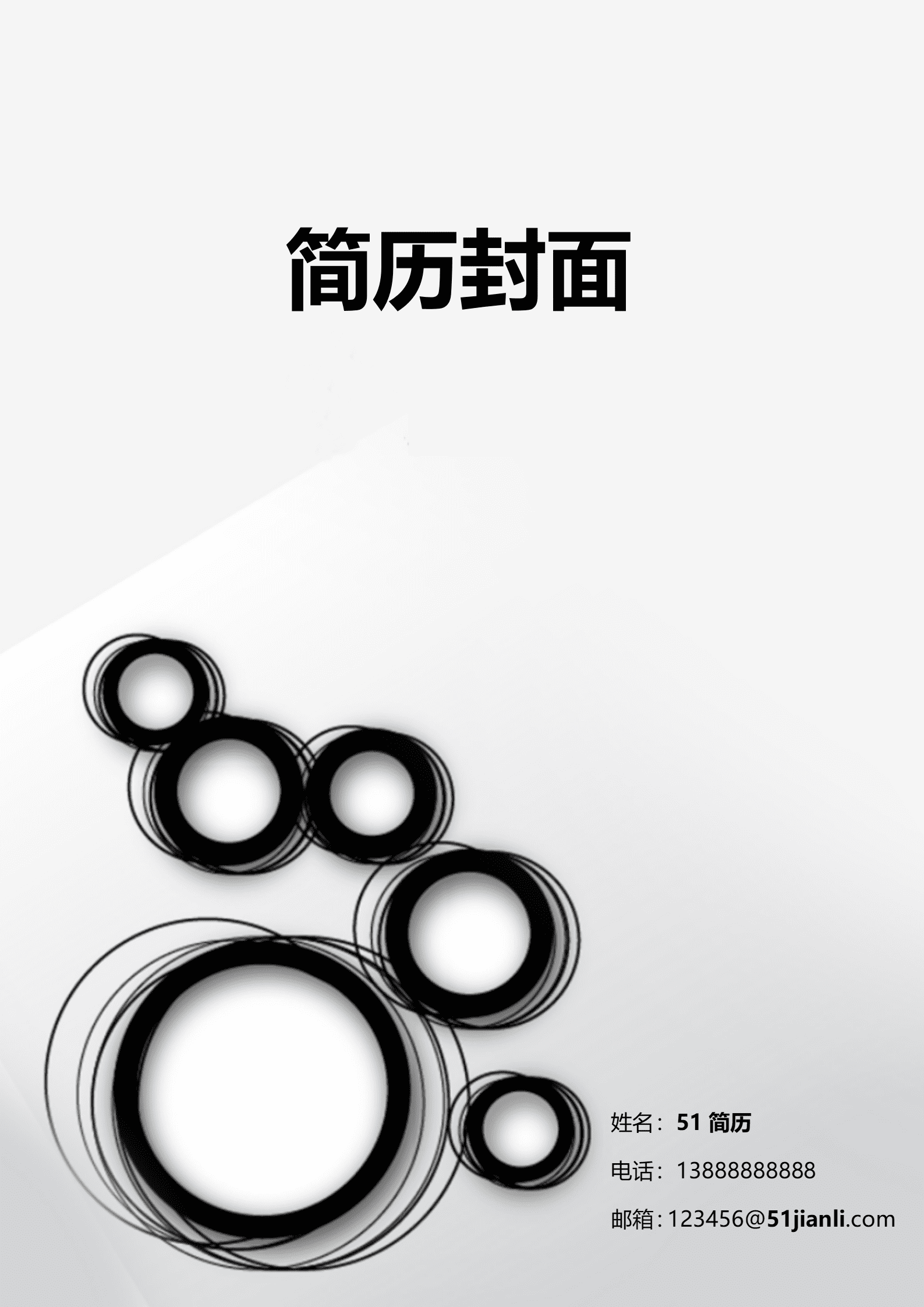
如何打造一份兼具专业与个性的简历?这里有你需要的答案。以下是小编整理的一份个性时尚简约风格简历封面Word简历模板,模板风格简约大气,欢迎大家下载使用。
如何撰写一份既能展现专业技能,又能突出个人特色的简历?这里有你需要的答案。以下是小编整理的一份助理类简约简历封面Word简历模板,模板风格简约大气,欢迎下载使用。
如何撰写一份既能展现专业技能,又能突出个人特色的简历?这里有你需要的答案。以下是小编整理的一份市场销售蓝色简约简历封面Word简历模板,模板风格简约大气,欢迎下载使用。
如何打造一份彰显专业与个性的简历?这里有你需要的答案。以下是小编整理的一份建筑风格高端黑简历封面word简历模板,模板风格简约大气,欢迎下载使用。
如何用清新风格展现你的专业与个性?这里有你需要的答案。以下是小编整理的一份小清新插画简历封面word简历模板,模板风格简约大气,欢迎下载使用。
应届毕业生如何打造一份亮眼的简历?这里有你需要的答案。以下是小编整理的一份应届毕业生学士帽简历封面Word简历模板,模板风格简约大气,欢迎下载使用。
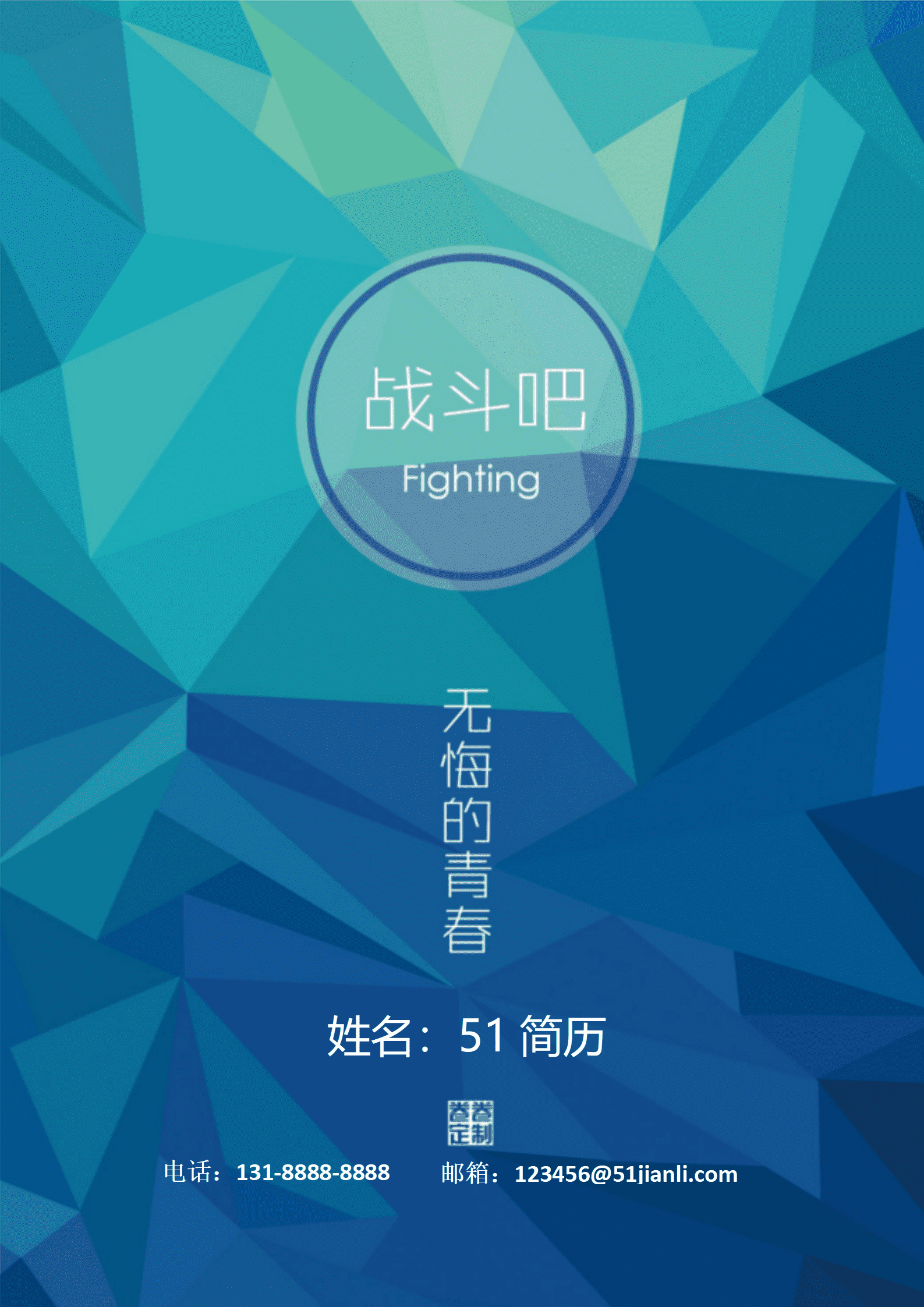
如何用创意设计展现你的独特风格?这里有你需要的答案。以下是小编整理的一份彩色色块创意简历封面Word简历模板,模板风格简约大气,欢迎下载使用。
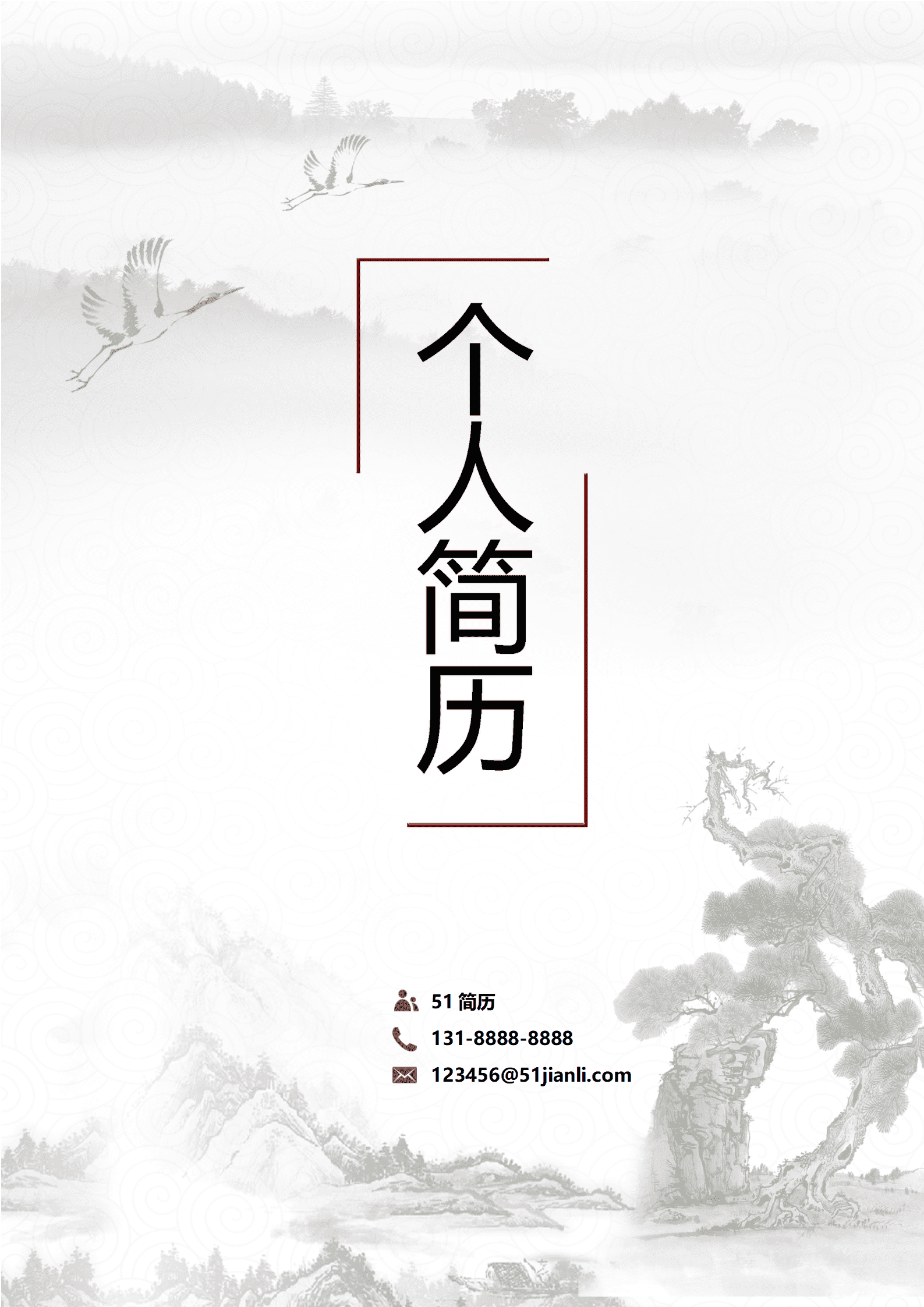
如何打造一份兼具专业与个性的简历?这里有你需要的答案。以下是小编整理的一份中国风山岭简历封面Word简历模板,模板风格简约大气,欢迎下载使用。