Loading resources…
Total 6154 resources
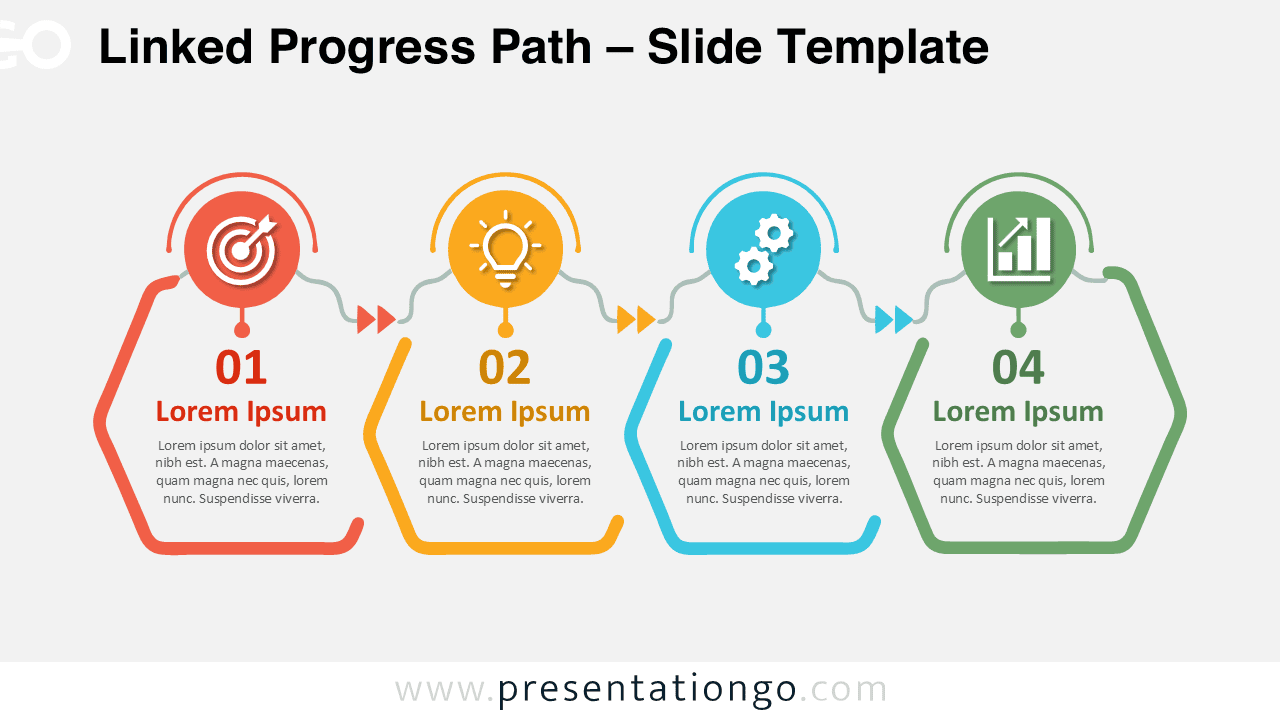
Download the Linked Progress Path diagram for PowerPoint and Google Slides. Present four connected stages with editable shapes, text, and icons.
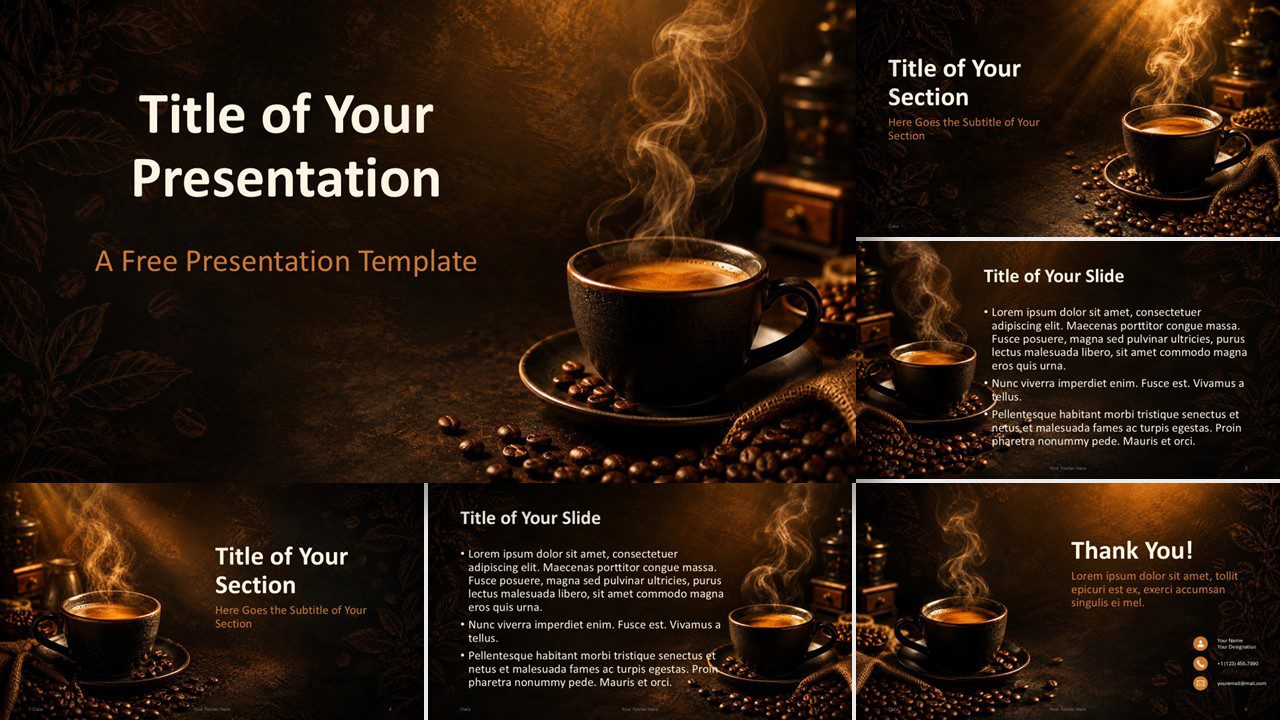
Download the Coffee Aroma PowerPoint and Google Slides template with 6 editable layouts, warm coffee photography, and a custom roasted color palette.
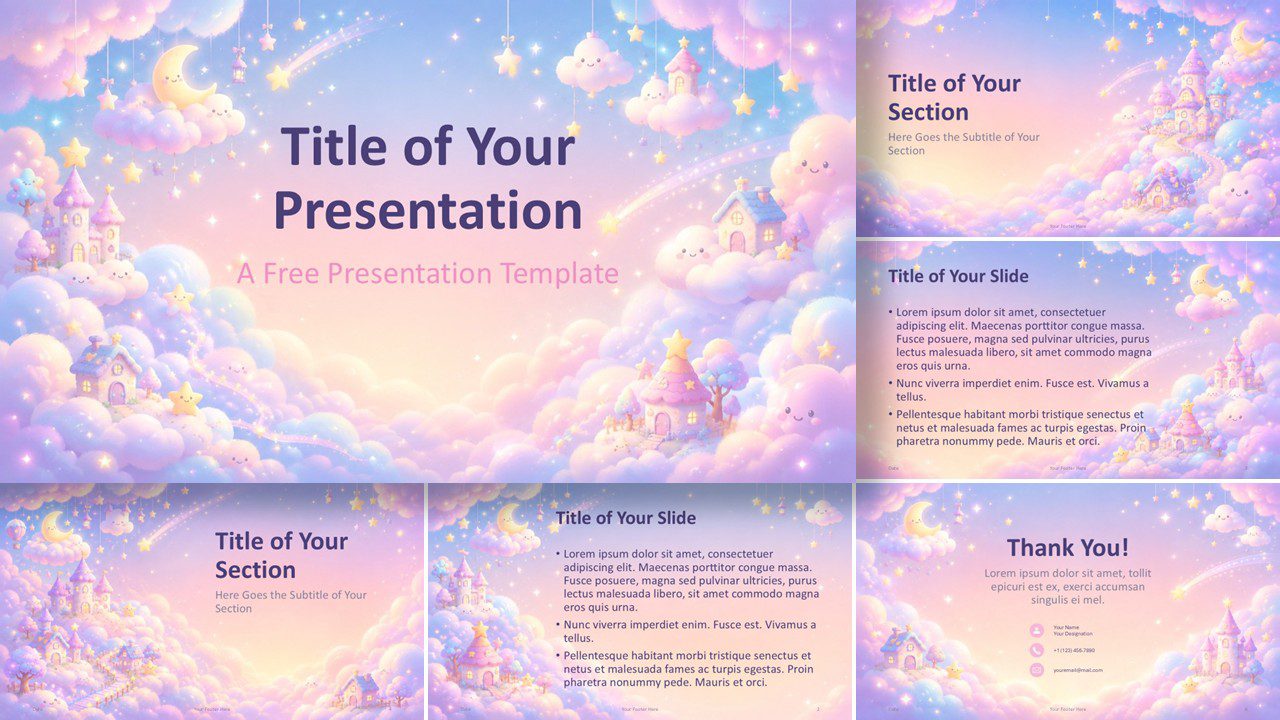
Download the Dreamy Kawaii template for PowerPoint and Google Slides, featuring six editable pastel slides, whimsical scenes, and a custom color palette.
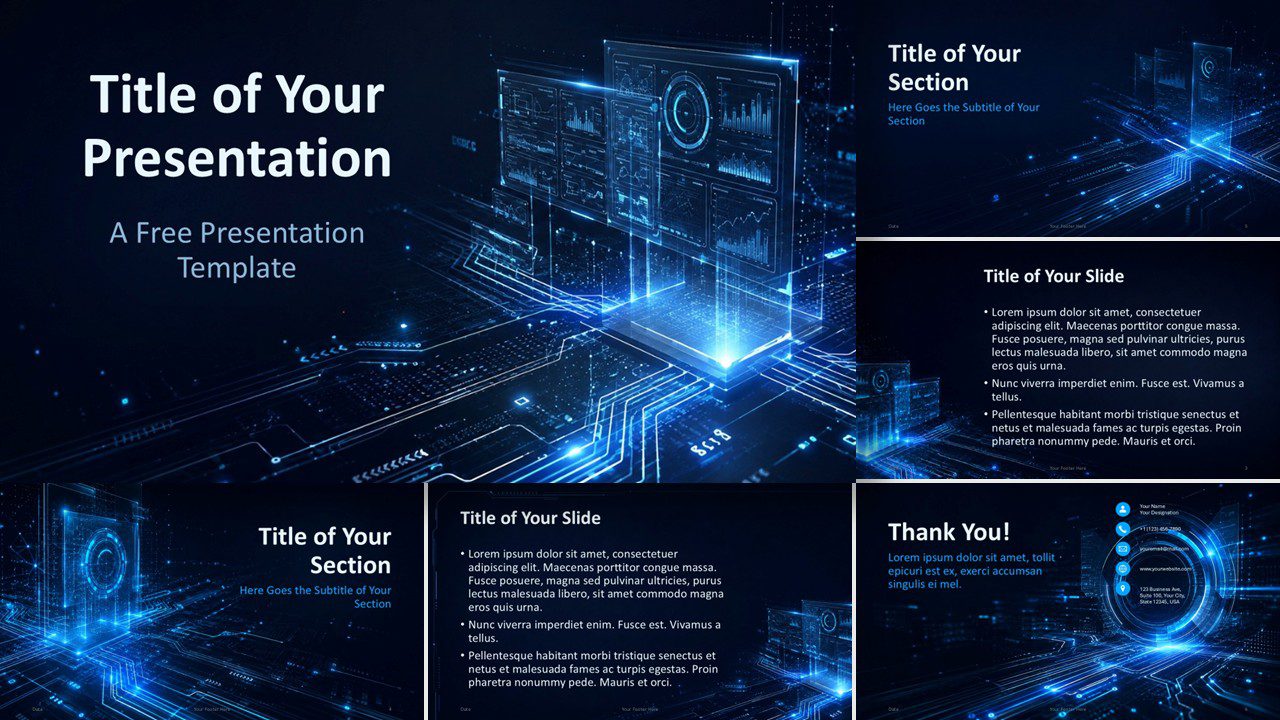
Download the Digital Interface PowerPoint and Google Slides Template with 6 editable slides, futuristic visuals, custom colors, and professional layouts.
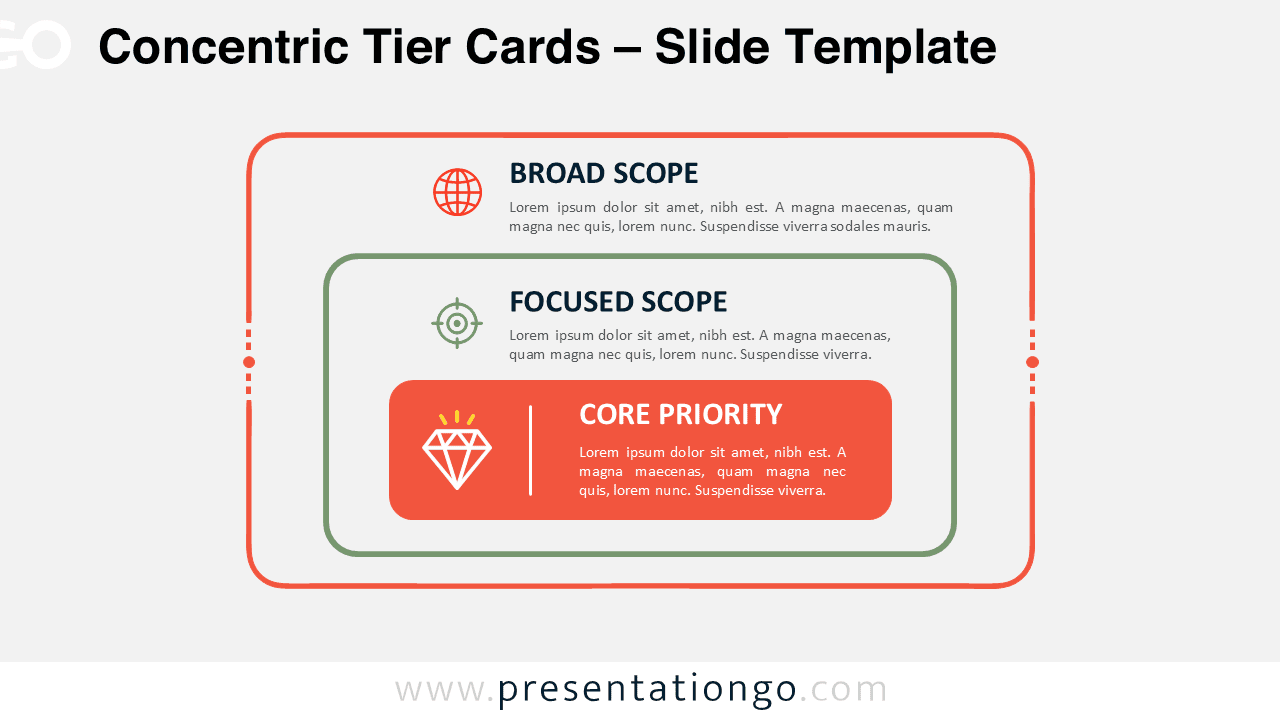
Download the Concentric Tier Cards diagram for PowerPoint and Google Slides. Compare broad, focused, and core priorities with three editable nested text cards.
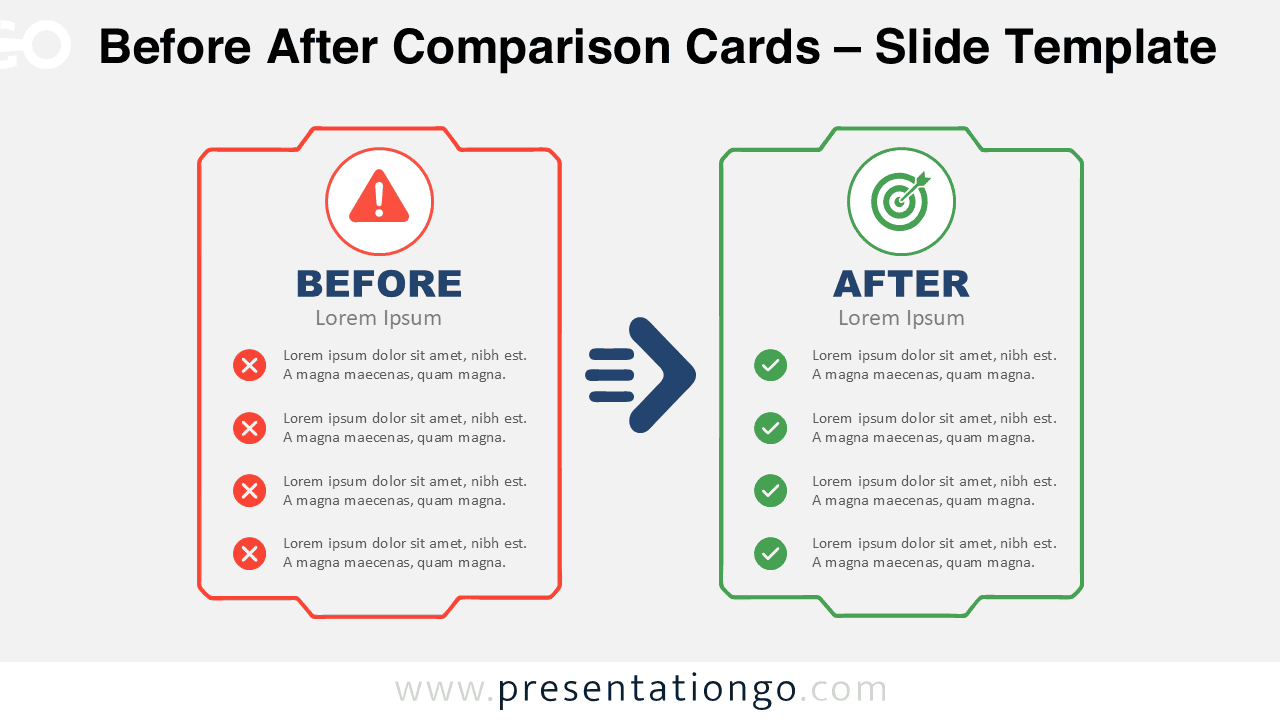
Use Before After Comparison Cards to present change, progress, or transformation in PowerPoint and Google Slides with two editable comparison panels.
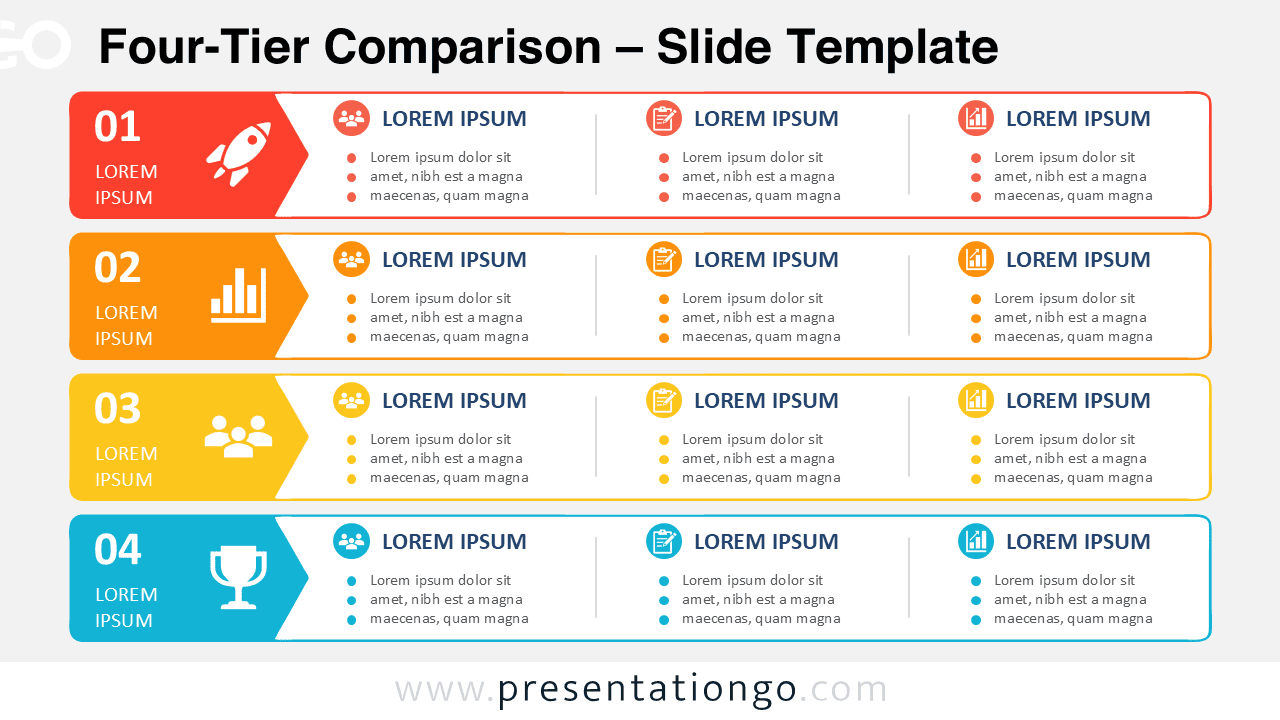
Present four service levels or business options clearly with the Four-Tier Comparison PowerPoint Diagram for editable PowerPoint and Google Slides decks.
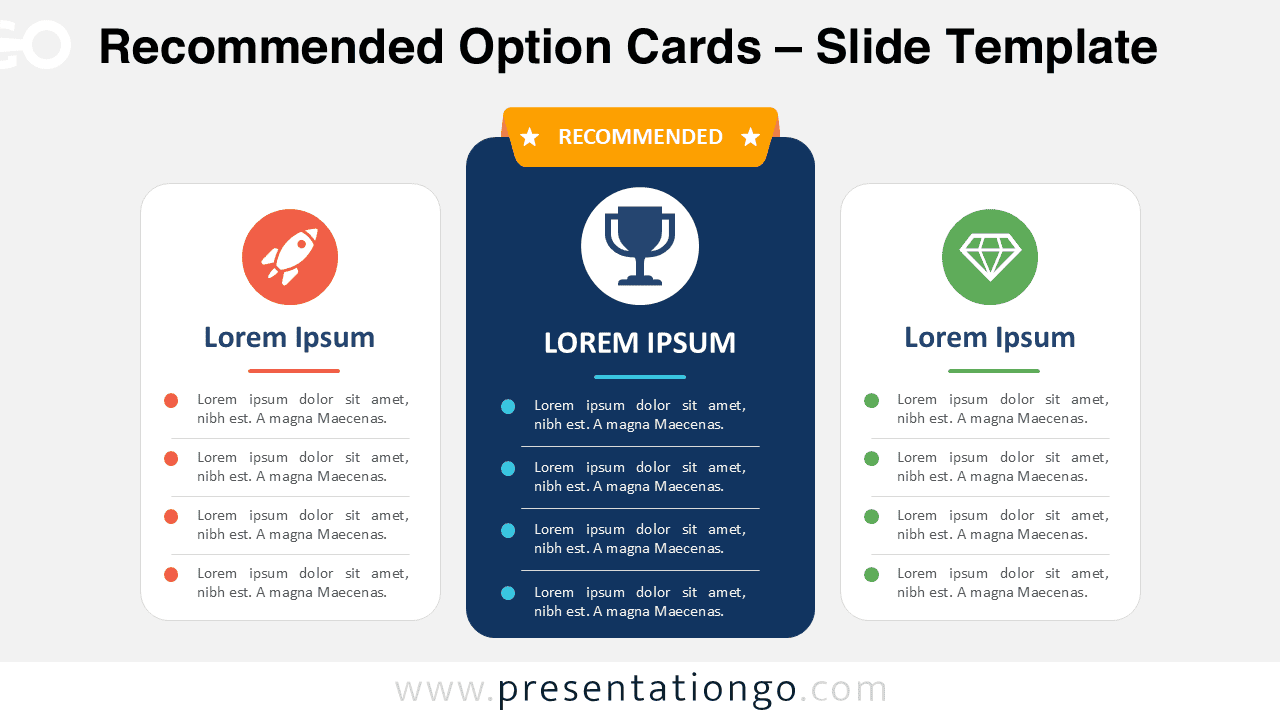
Download the Recommended Option Cards PowerPoint diagram for comparing three choices with an elevated center option. Fully editable in Google Slides.
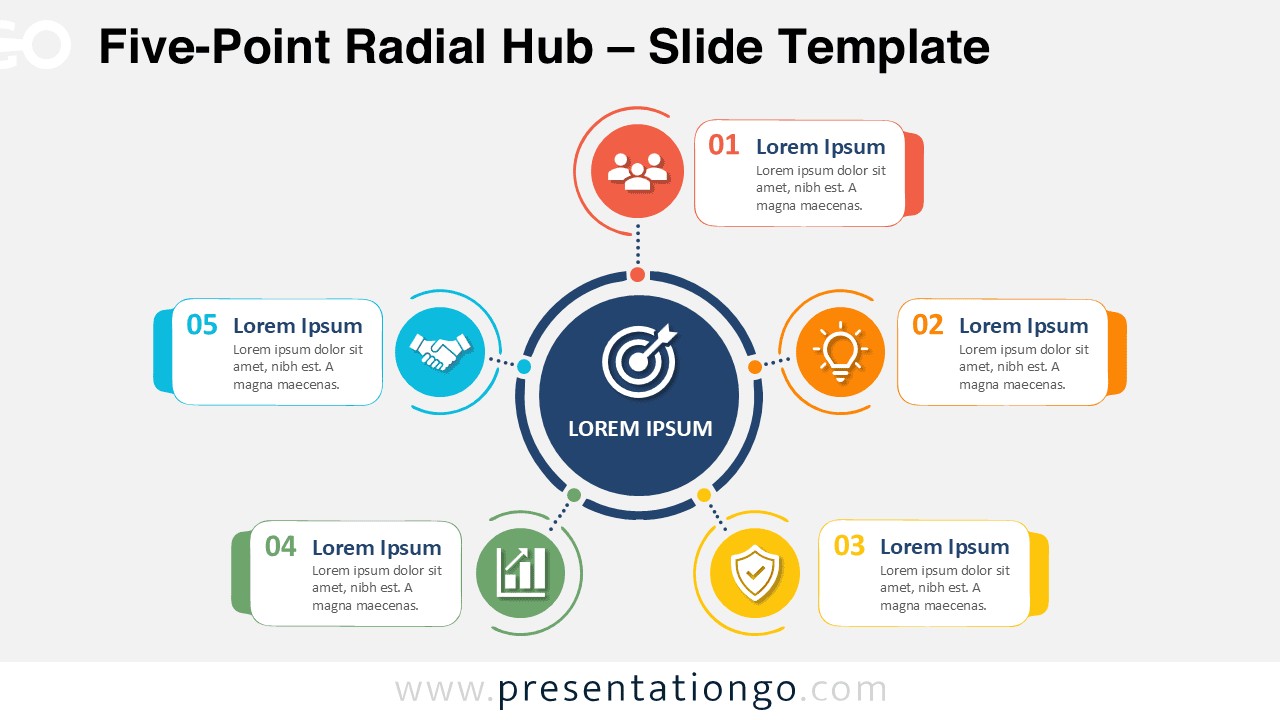
Download the Five-Point Radial Hub diagram for PowerPoint and Google Slides. Present five connected ideas with editable text, shapes, and Office icons.
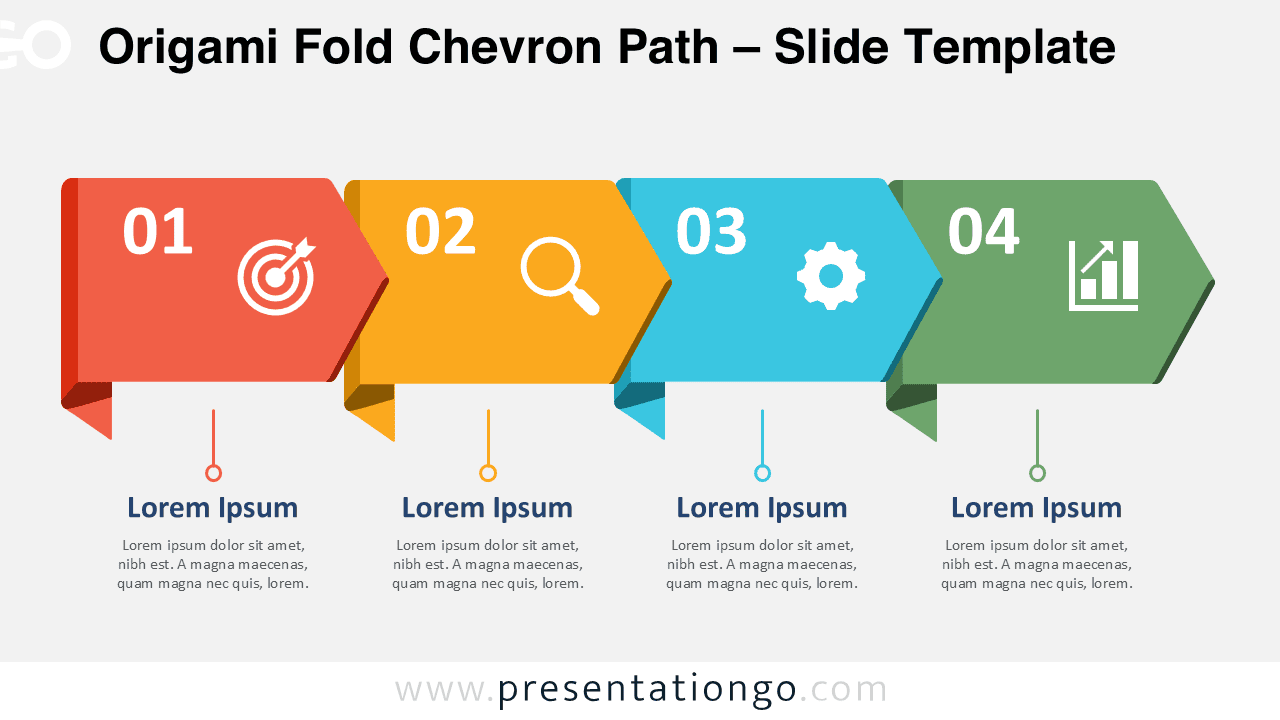
Download the Origami Fold Chevron Path for PowerPoint and Google Slides. Create clear four-step processes with editable shapes, text, and icon placeholders.
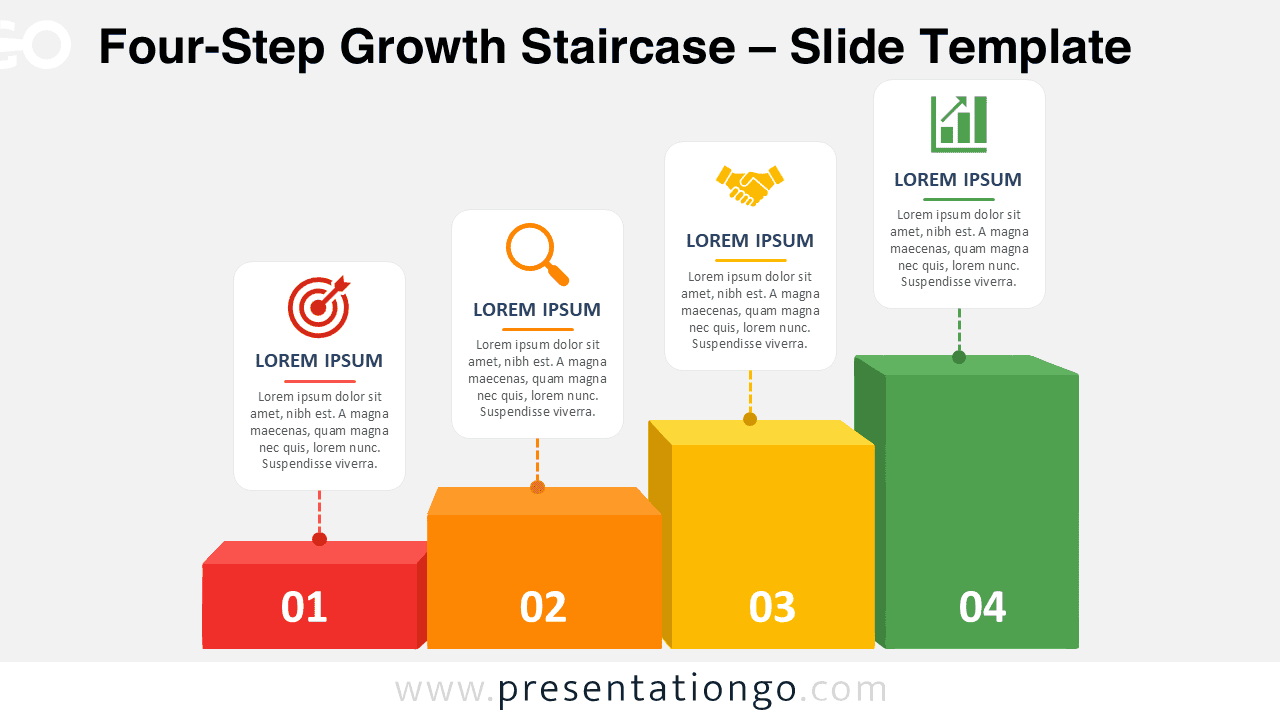
Download the Four-Step Growth Staircase for PowerPoint and Google Slides, featuring four editable stages for growth, funnels, maturity, and progress.
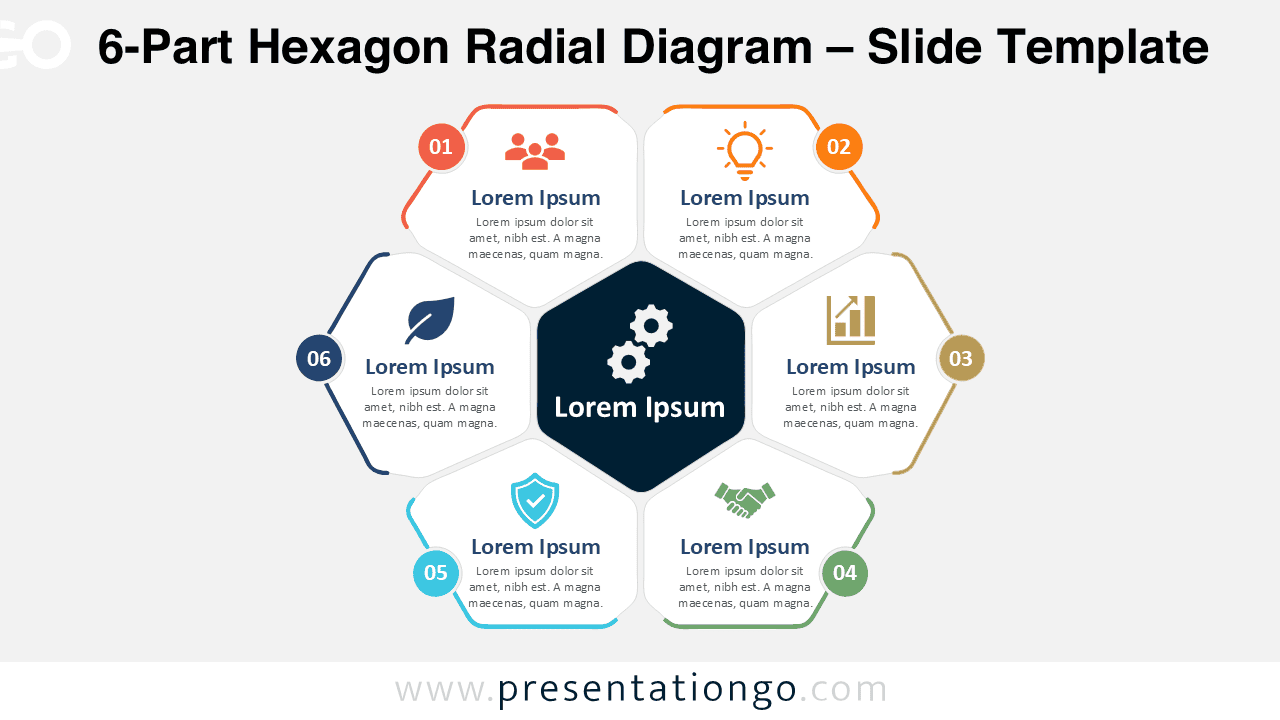
Meta Description 1:Download the 6-Part Hexagon Radial Diagram for PowerPoint and Google Slides. Present six connected ideas, stages, or priorities in an editable layout.
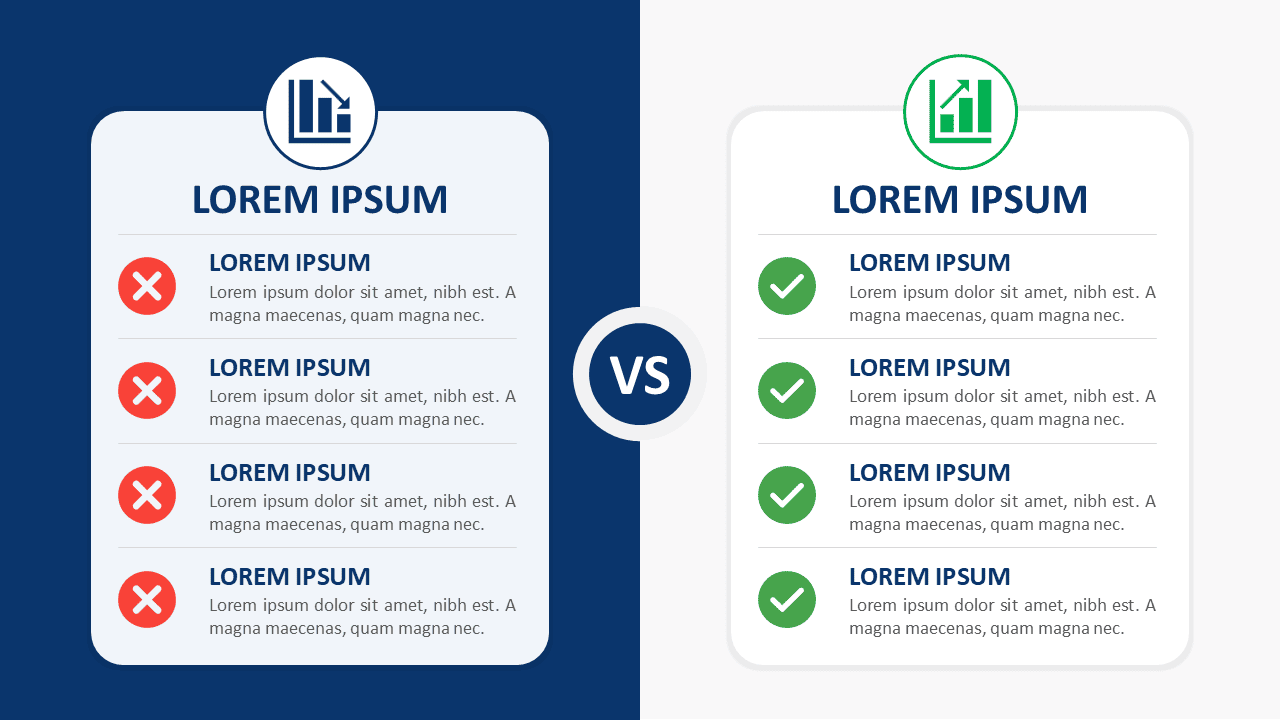
Download Split-Screen Comparison Cards for PowerPoint and Google Slides. Compare two options across four clear points with fully editable content.
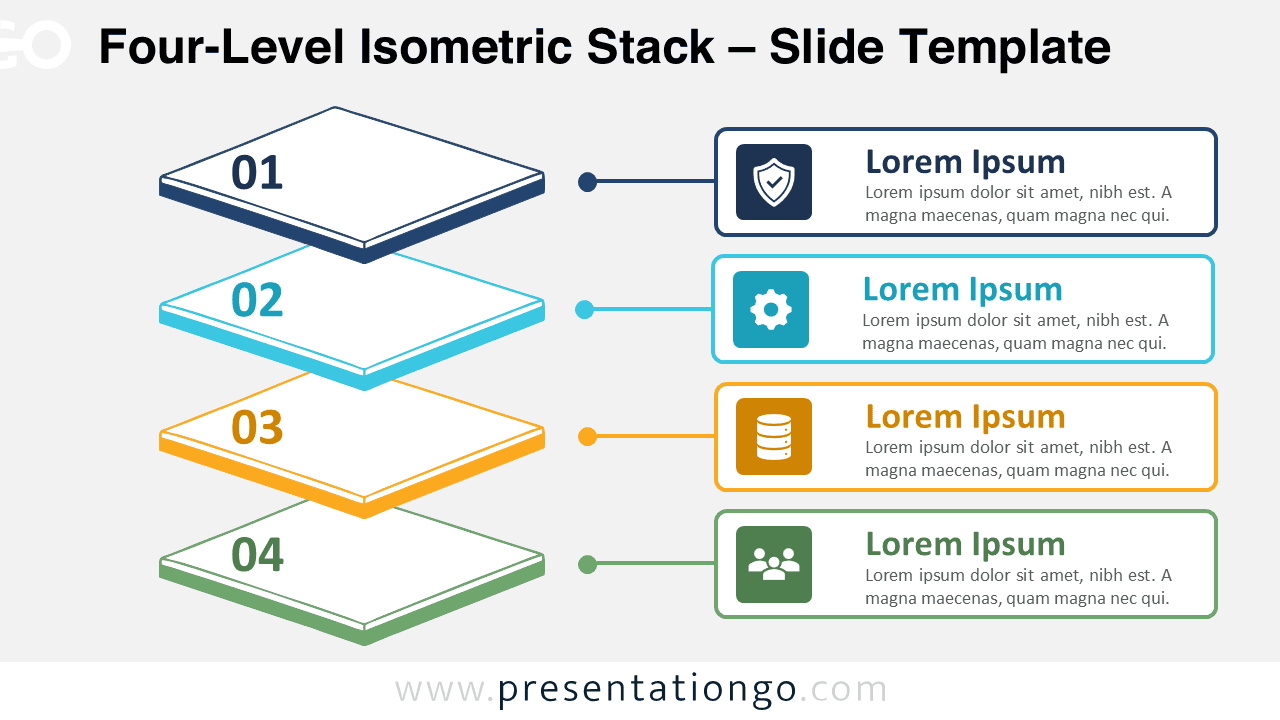
Download the Four-Level Isometric Stack diagram for PowerPoint and Google Slides. Present four hierarchical layers with editable text, shapes, and icons.
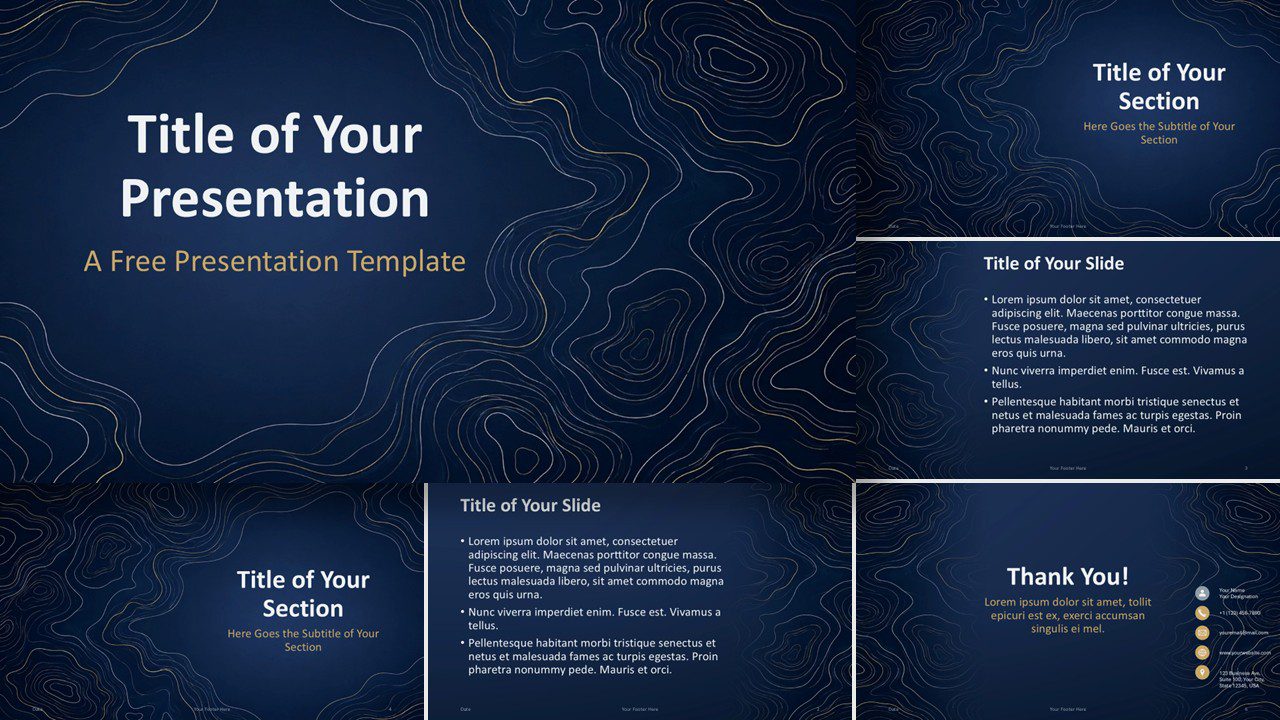
Navy Contours is a free PowerPoint and Google Slides template with editable layouts, elegant contour lines, and a tailored gold, blue, and slate palette.
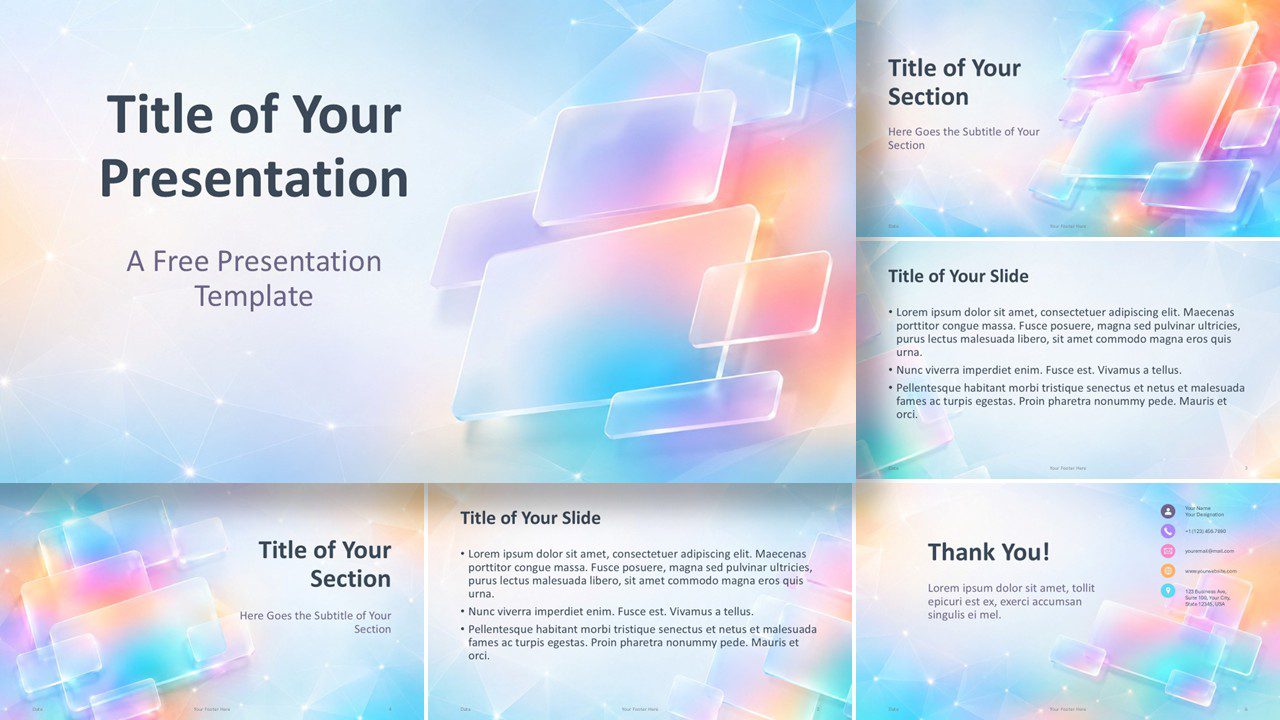
Download the free Iridescent Tiles template for PowerPoint and Google Slides, featuring glassmorphism styling, six editable slides, and a custom palette.
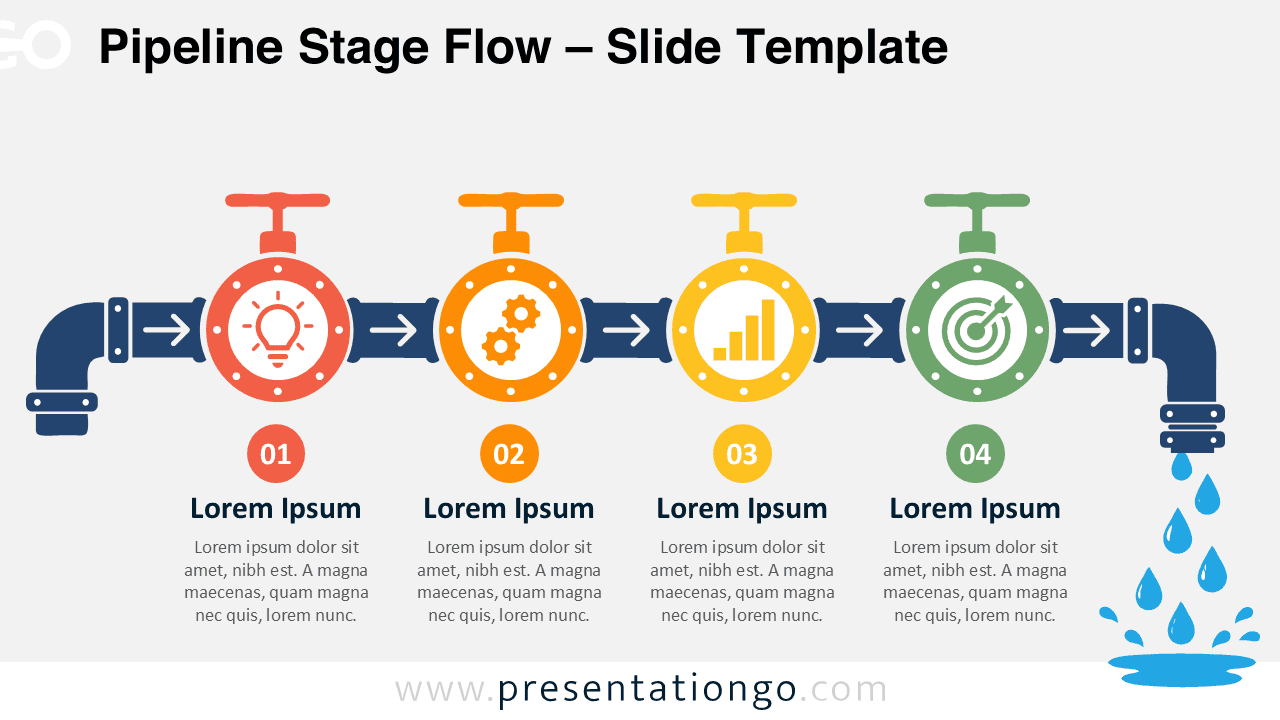
Use the Pipeline Stage Flow diagram to explain four checkpoints, decisions, or milestones with editable elements for PowerPoint and Google Slides presentations.
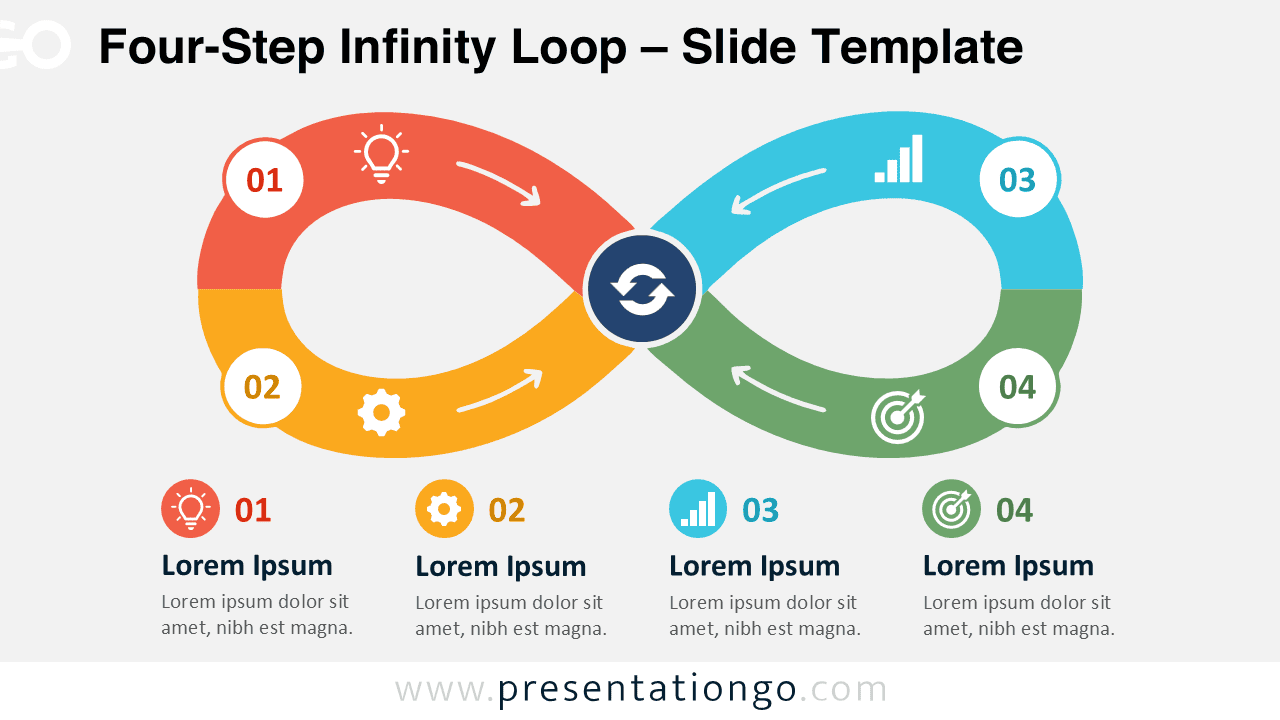
Download the Four-Step Infinity Loop diagram for PowerPoint and Google Slides to present recurring processes, feedback cycles, and continuous improvement.
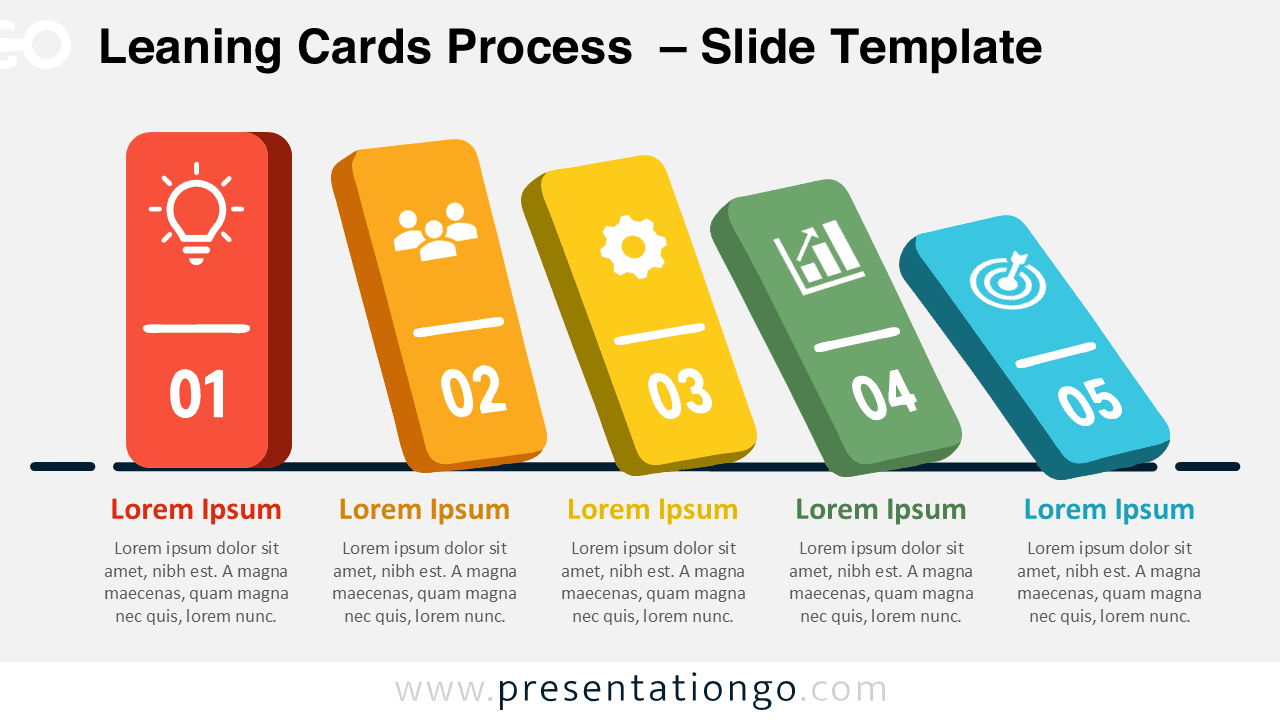
Show a five-step workflow with the Leaning Cards Process diagram for PowerPoint and Google Slides, including editable icons and text blocks.
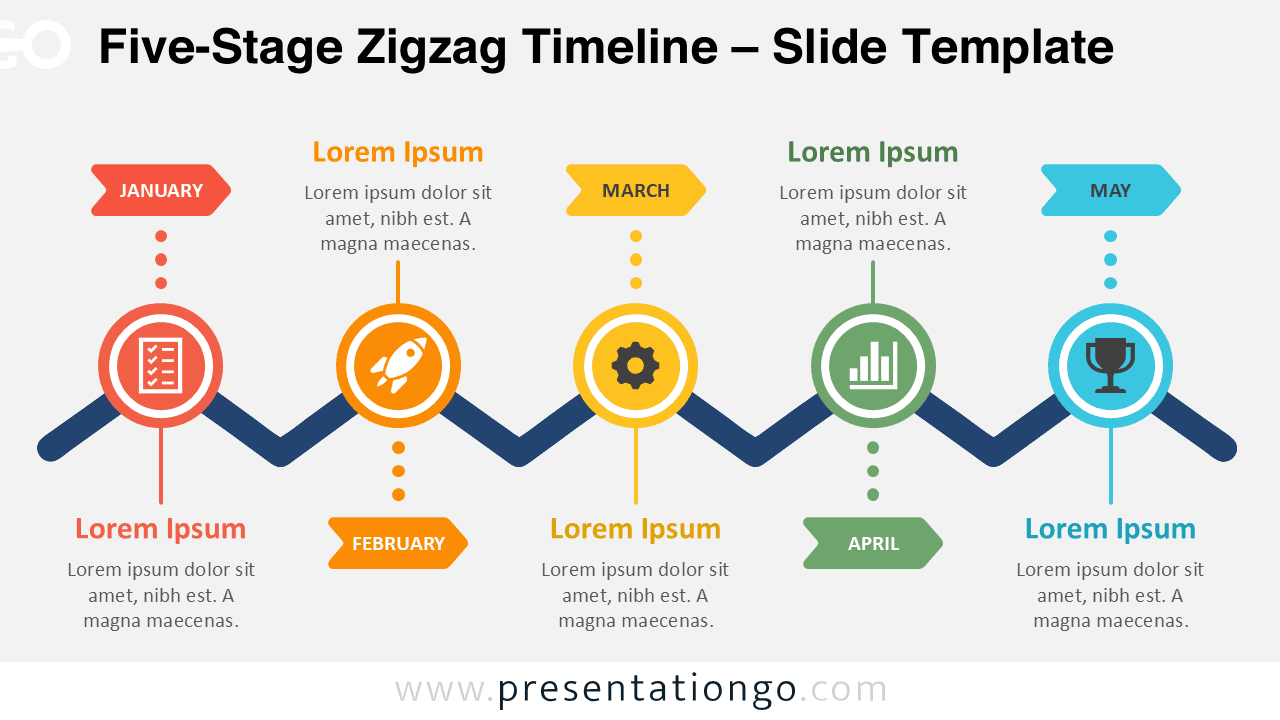
Download the Five-Stage Zigzag Timeline for PowerPoint and Google Slides. Ideal for milestones, roadmaps, and monthly plans.
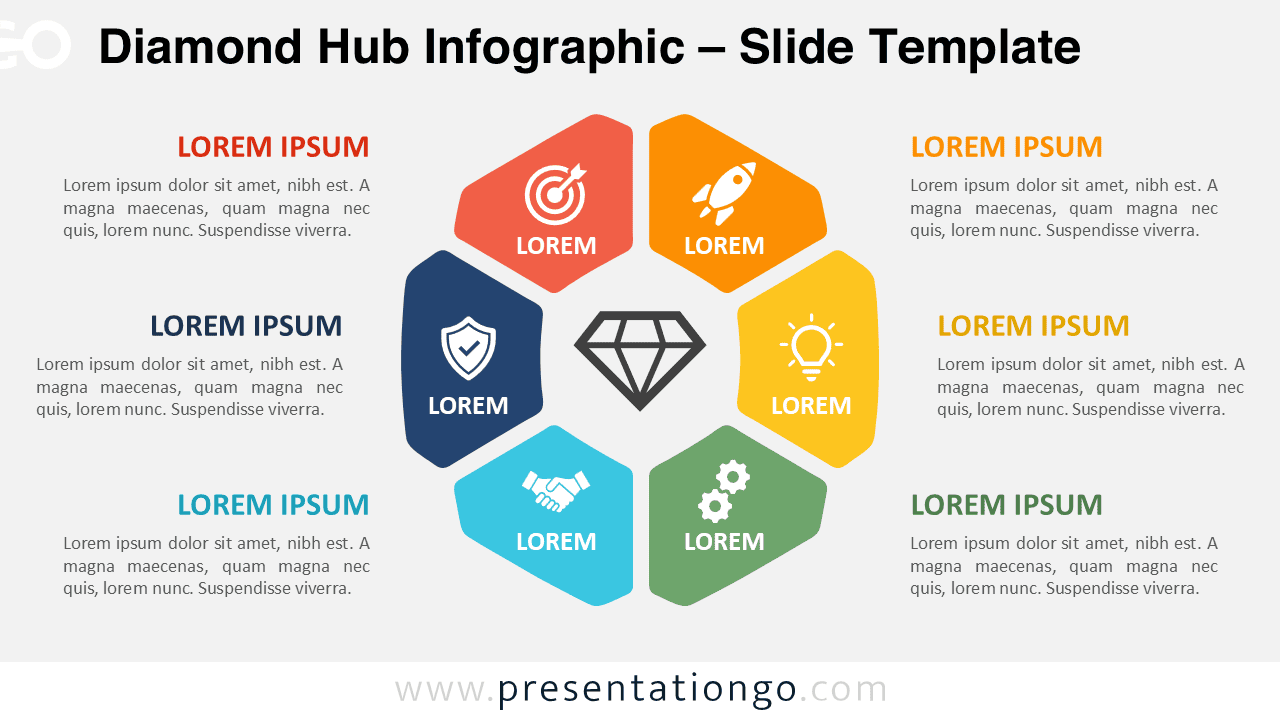
Present six connected priorities around one central idea with the editable Diamond Hub Infographic for PowerPoint and Google Slides.
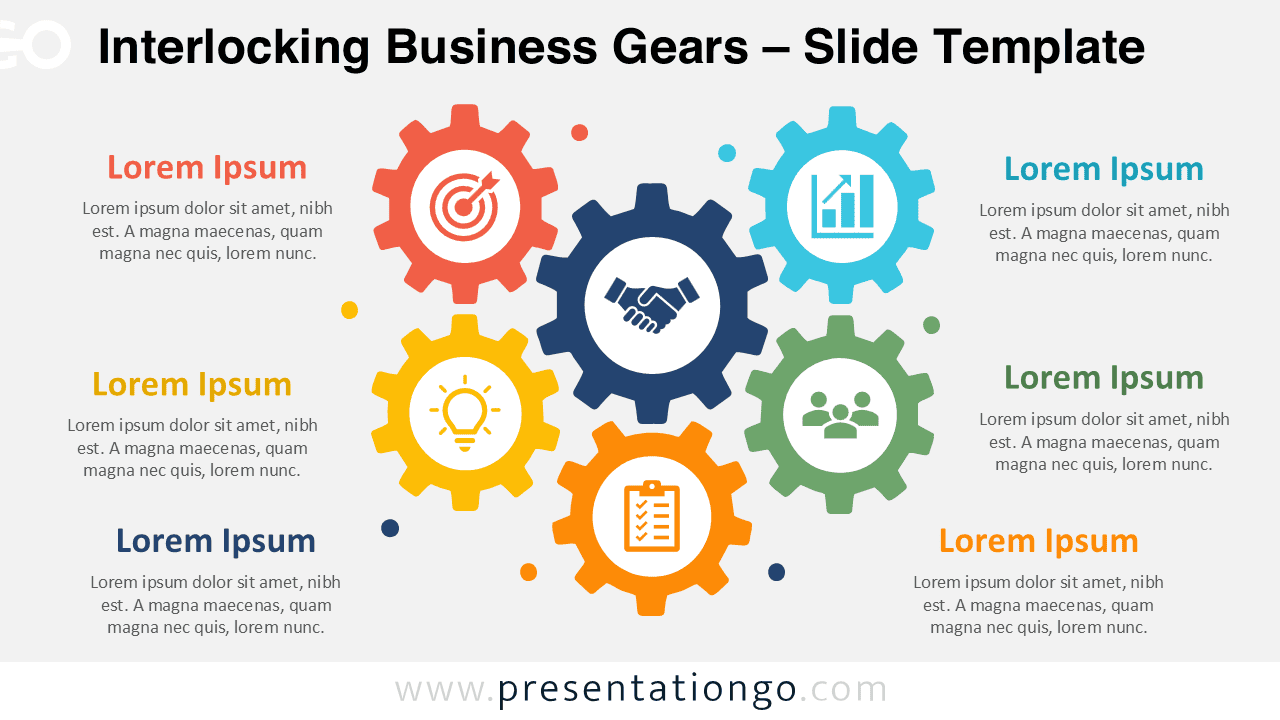
Present connected systems with the Interlocking Business Gears diagram for PowerPoint and Google Slides, featuring editable labels and shapes.
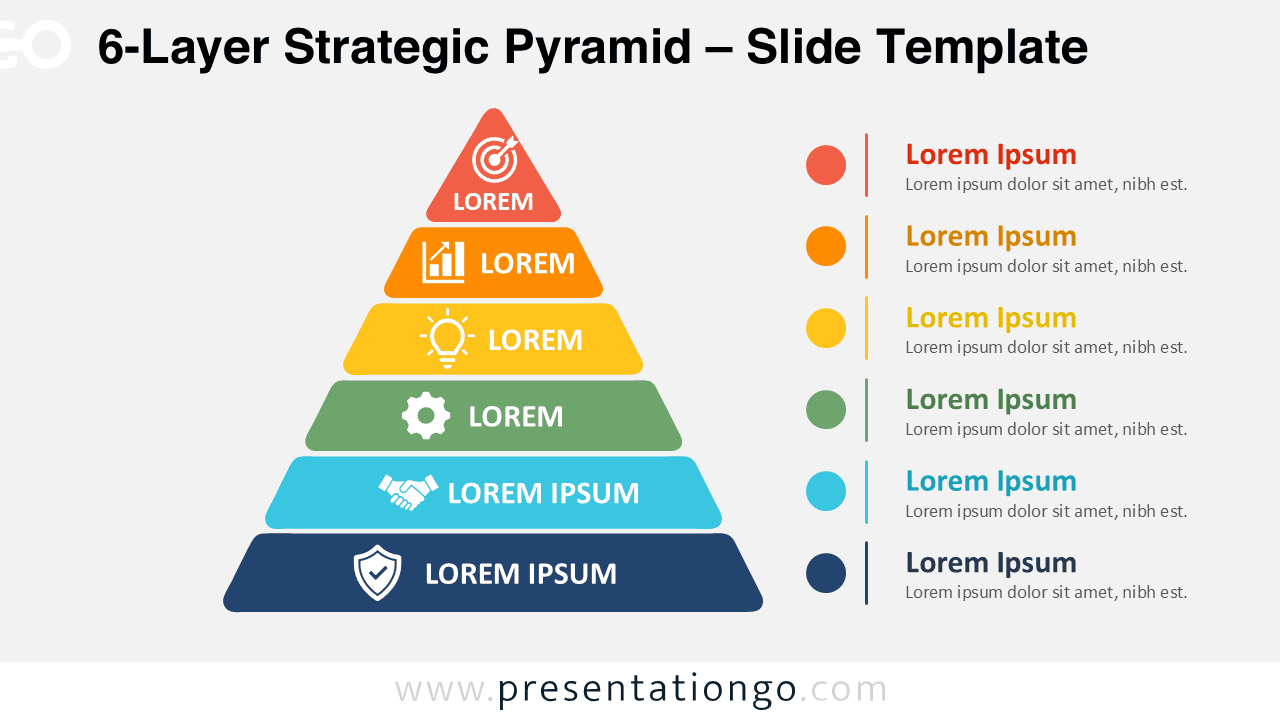
Download the 6-Layer Strategic Pyramid for PowerPoint and Google Slides. Edit six tiers, labels, shapes, and icons to explain complex hierarchies clearly.
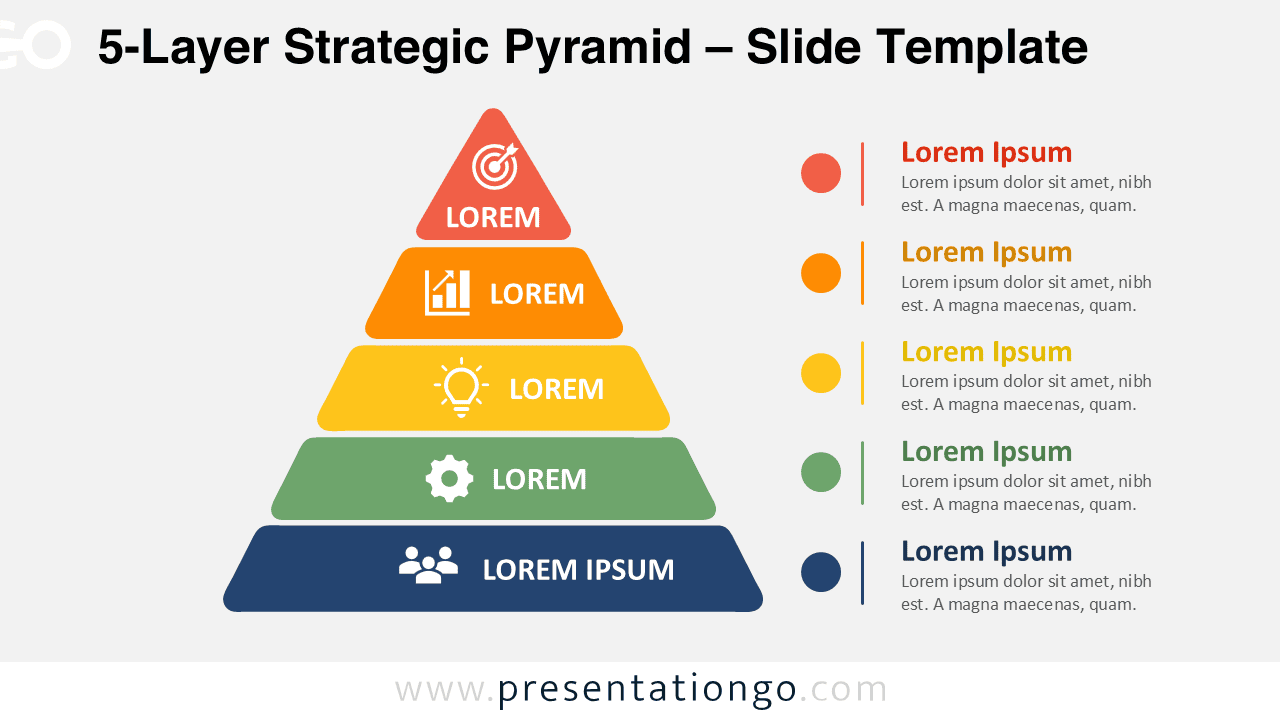
Download the 5-Layer Strategic Pyramid for PowerPoint and Google Slides. Edit every tier, label, shape, and icon to explain structured business hierarchies.