Loading resources…
Total 6154 resources
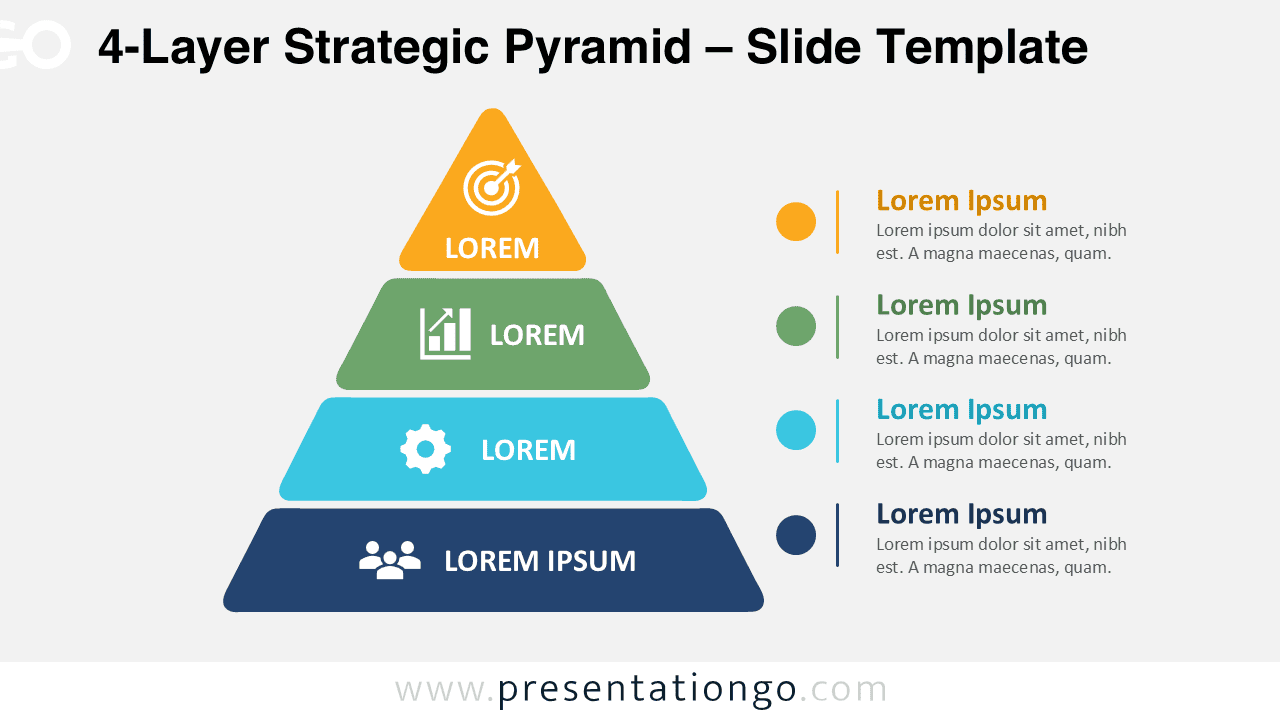
Download the 4-Layer Strategic Pyramid for PowerPoint and Google Slides. Edit each tier, label, shape, and icon to present clear hierarchies and levels.
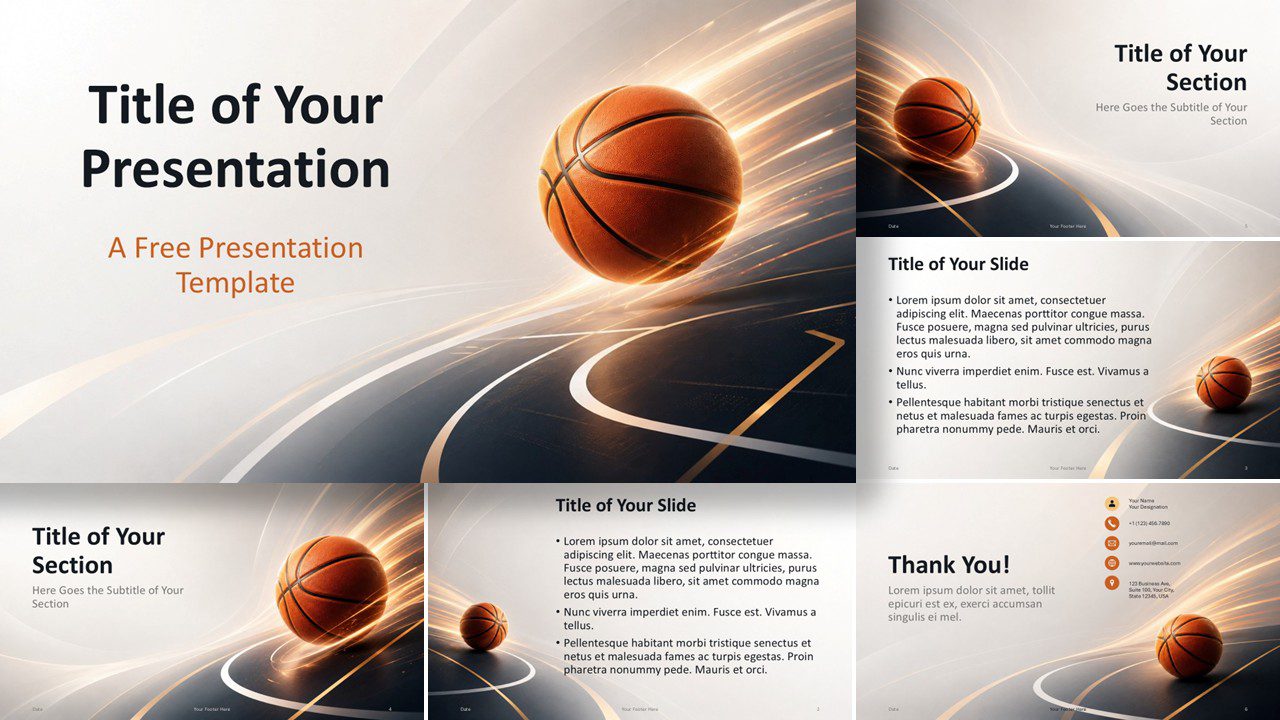
Create a bold sports presentation with the Basketball Motion template for PowerPoint and Google Slides, featuring six editable layouts and custom colors.
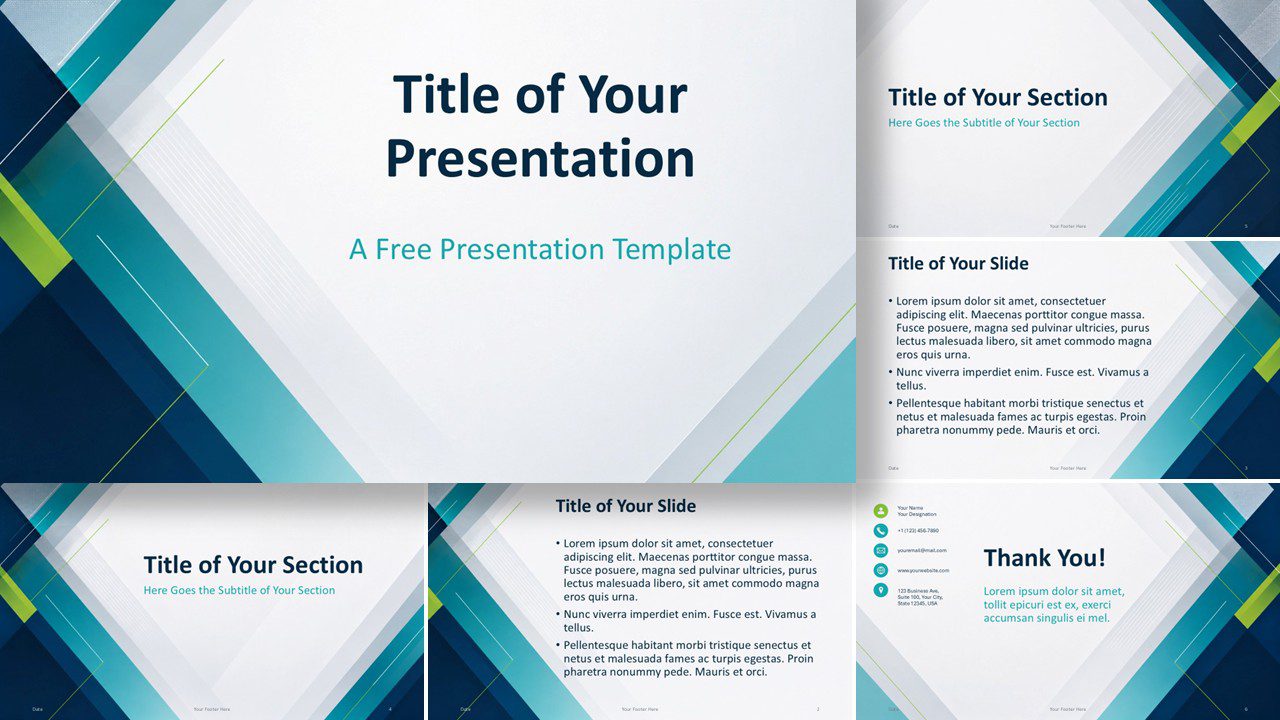
Create polished business presentations with Teal Geometry, an editable PowerPoint and Google Slides template featuring clean geometric accents and custom colors
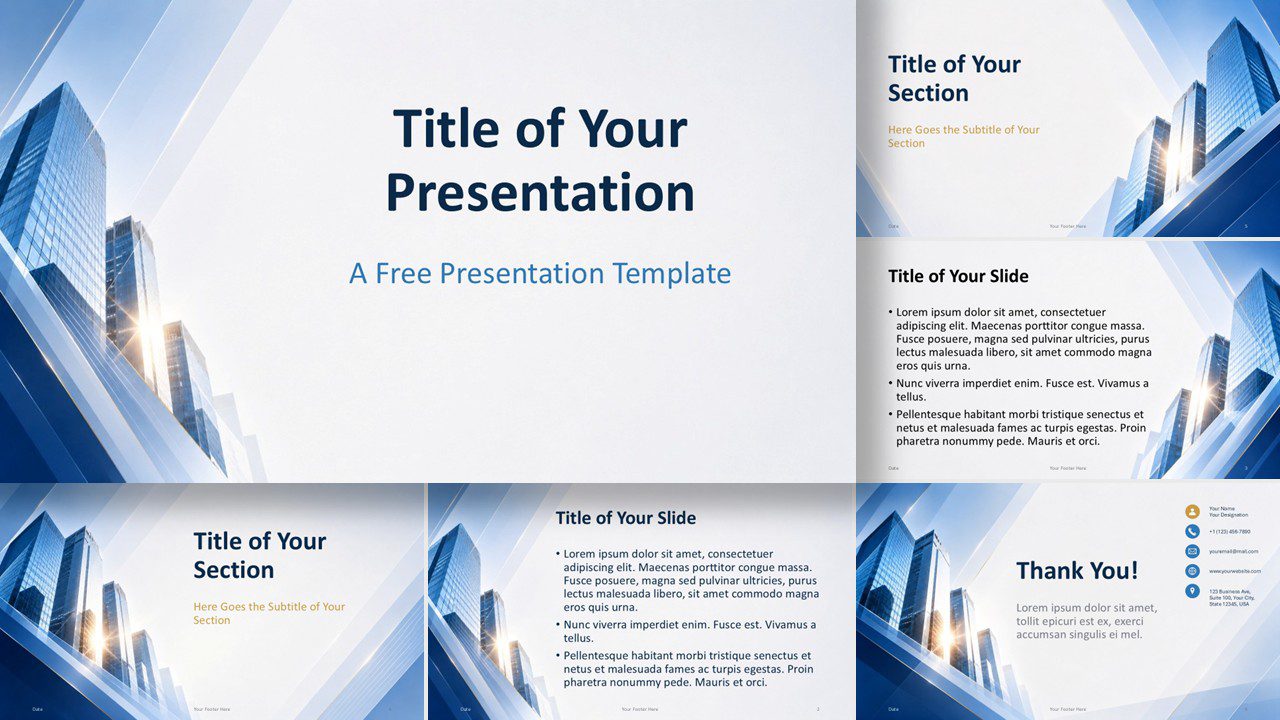
Download the Corporate Glass Skyline presentation template for PowerPoint and Google Slides, featuring modern layouts, blue architecture, and gold accents.
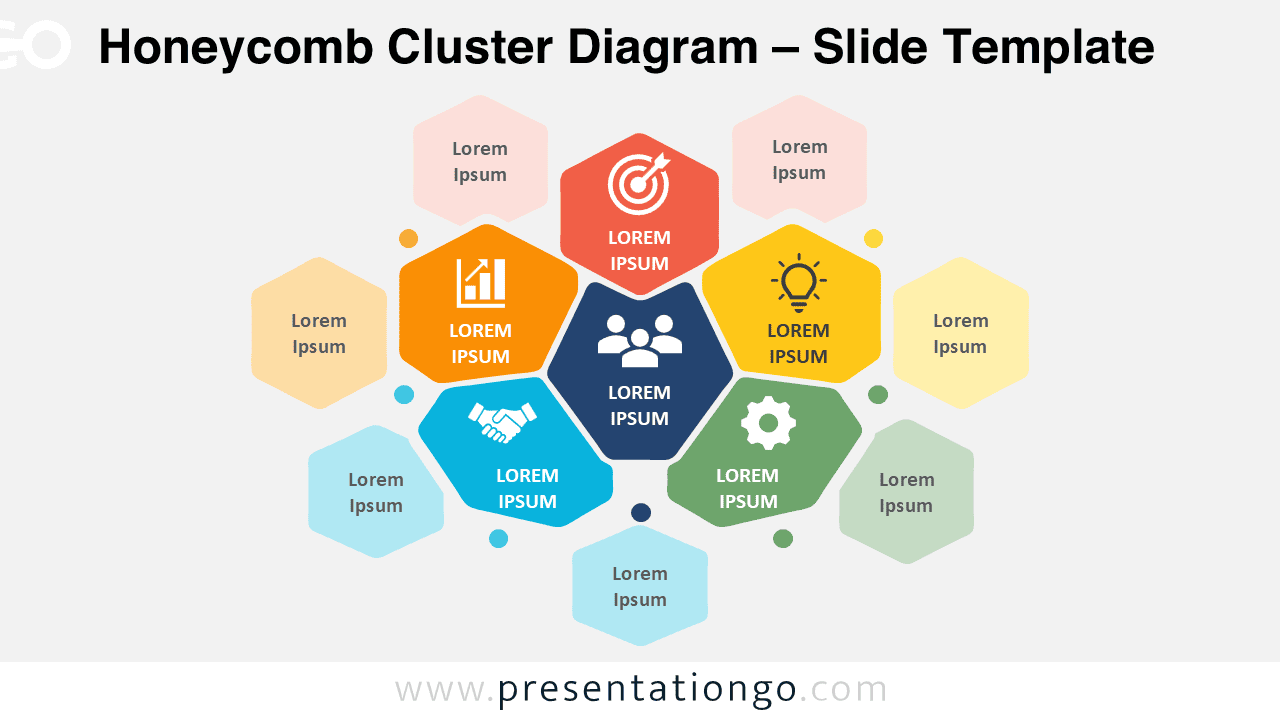
Download this Honeycomb Cluster Diagram for PowerPoint and Google Slides to present related ideas, business ecosystems, features, or strategic connections.
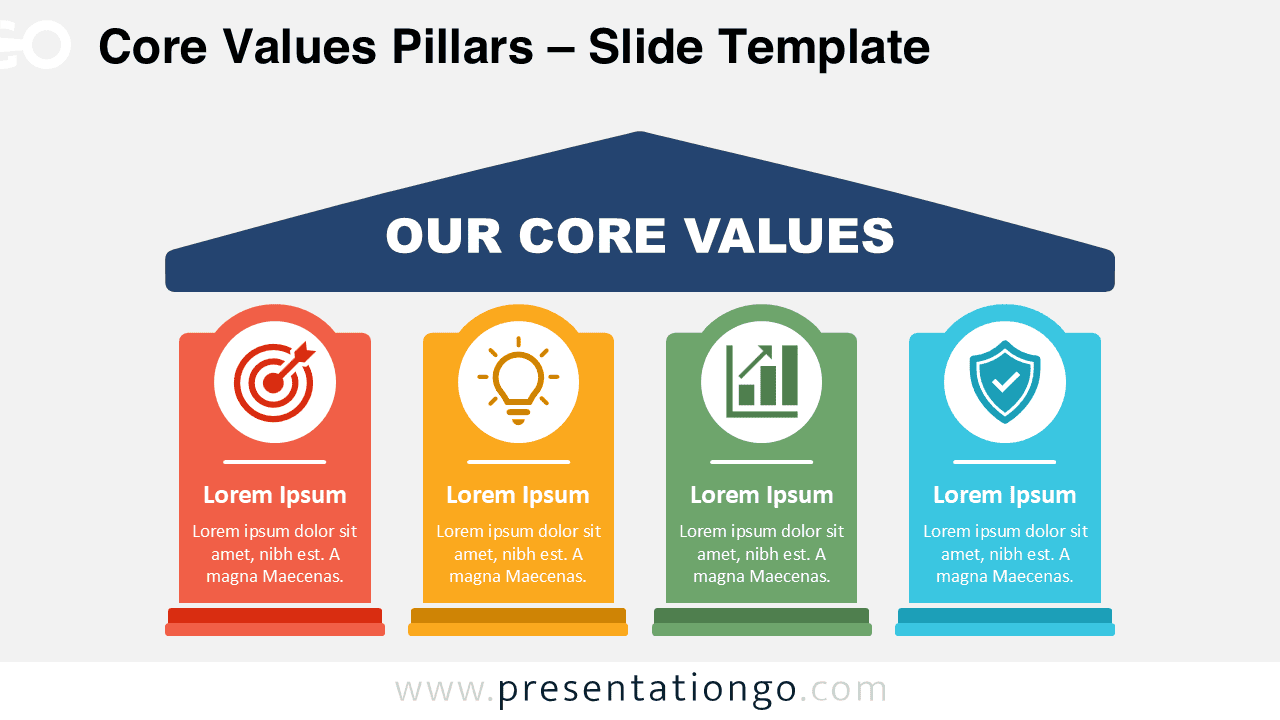
Download the Core Values Pillars diagram for PowerPoint and Google Slides. Present four business principles with editable text, shapes, and icons.
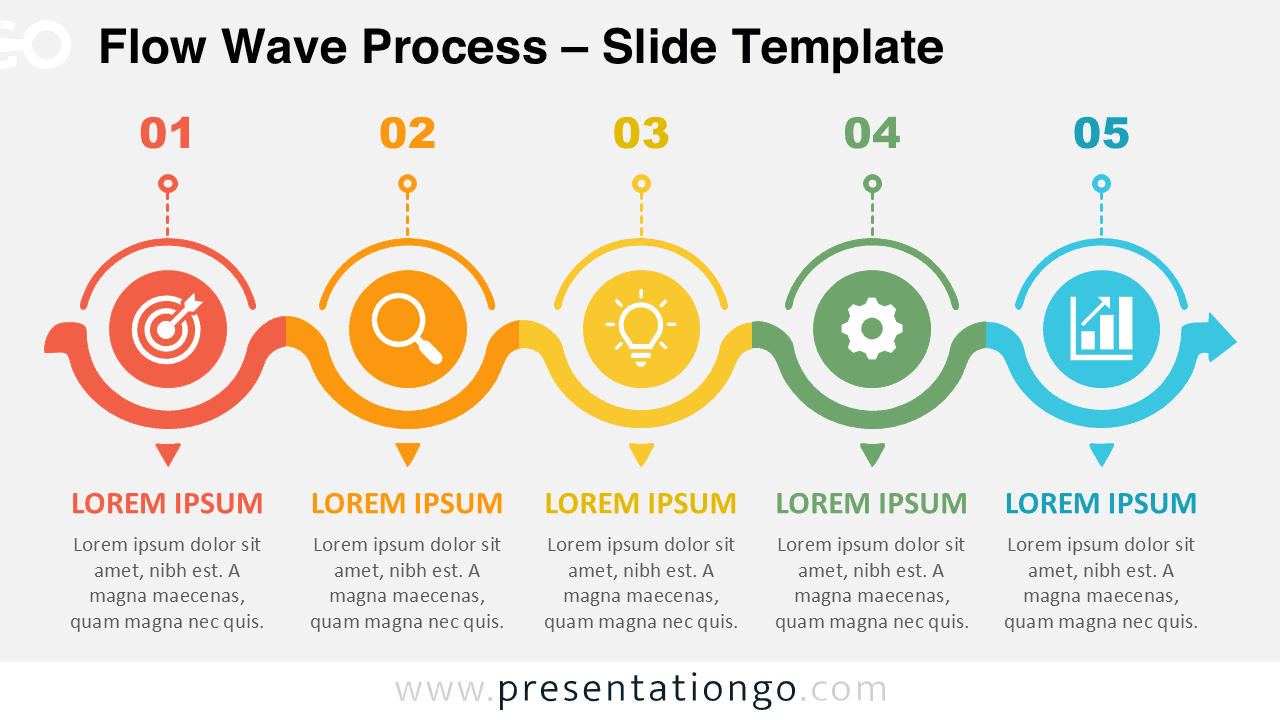
Download the Flow Wave Process diagram for PowerPoint and Google Slides. Present five connected stages with editable shapes, text, and icons.
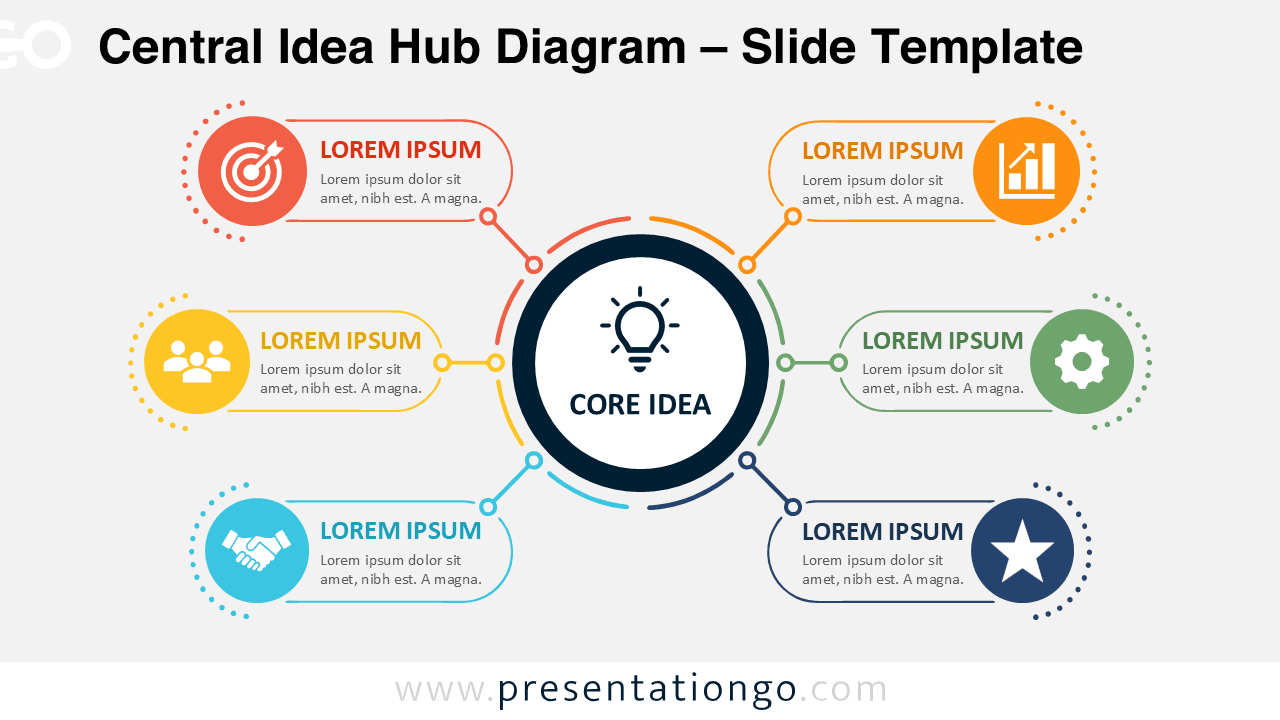
Download the Central Idea Hub Diagram for PowerPoint and Google Slides. Present six connected topics around one clear, editable central concept.
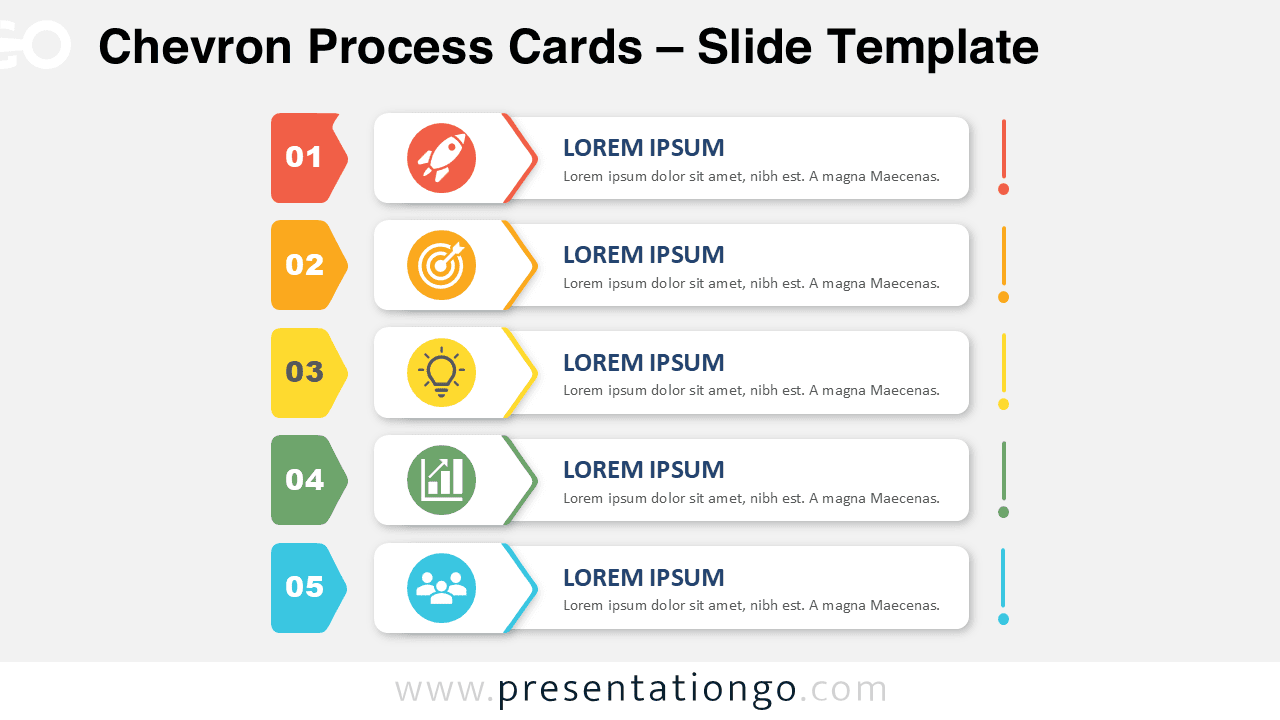
Download Chevron Process Cards for PowerPoint and Google Slides. Present five clear steps with editable text, shapes, and Office library icons.
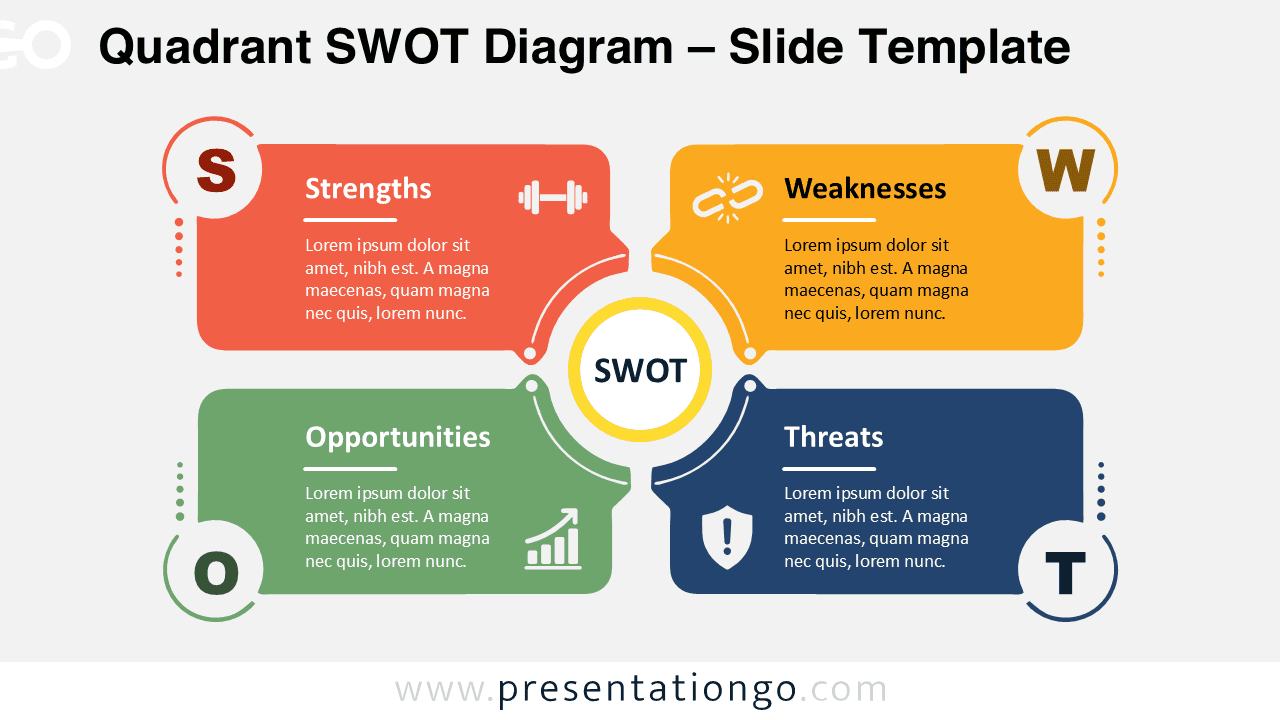
Download this Quadrant SWOT Diagram for PowerPoint and Google Slides. Present strengths, weaknesses, opportunities, and threats in a clear layout.
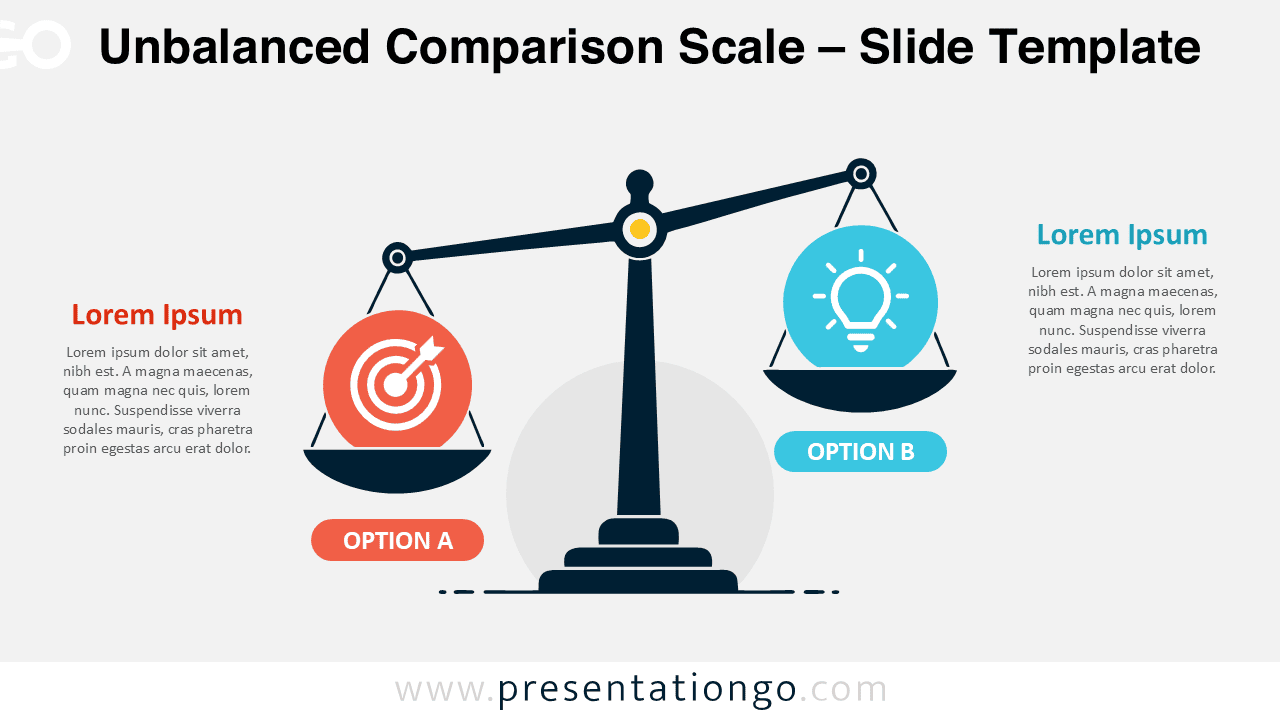
Present unequal choices clearly with the Unbalanced Comparison Scale. Customize the diagram easily in PowerPoint or Google Slides for any comparison.
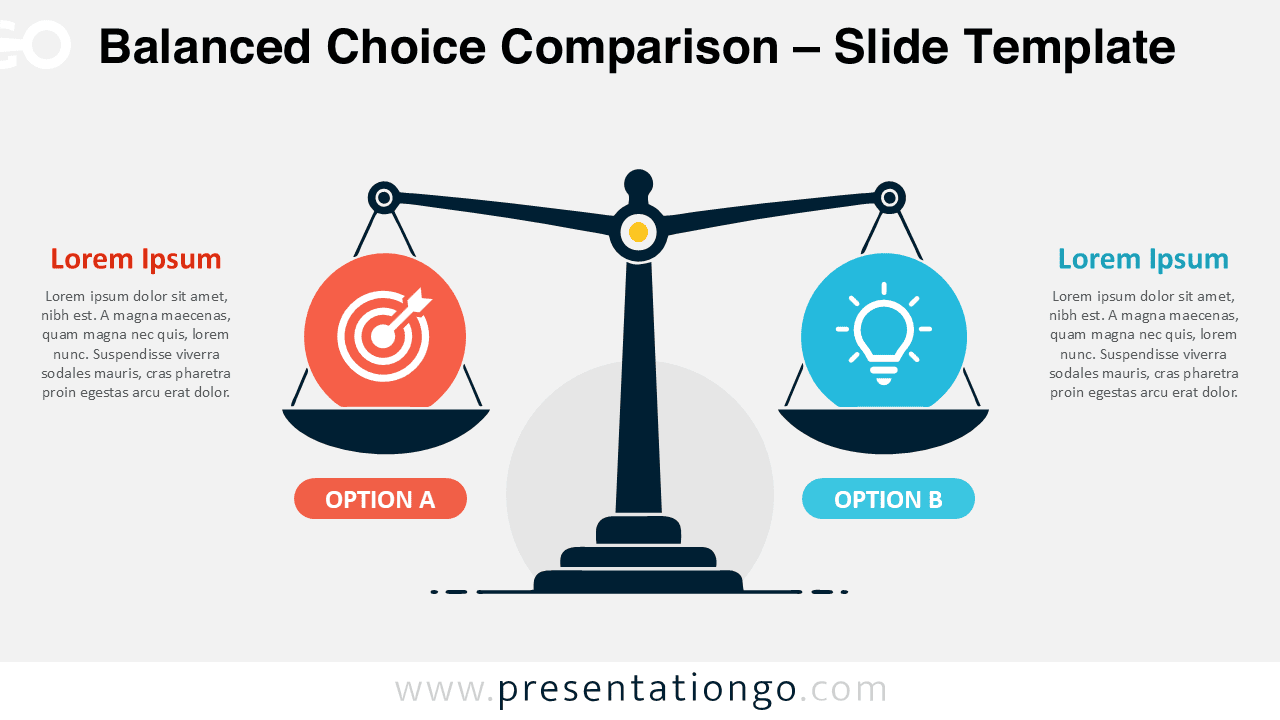
Download the Balanced Choice Comparison diagram for PowerPoint and Google Slides. Compare two alternatives with a clear, editable balance scale layout.
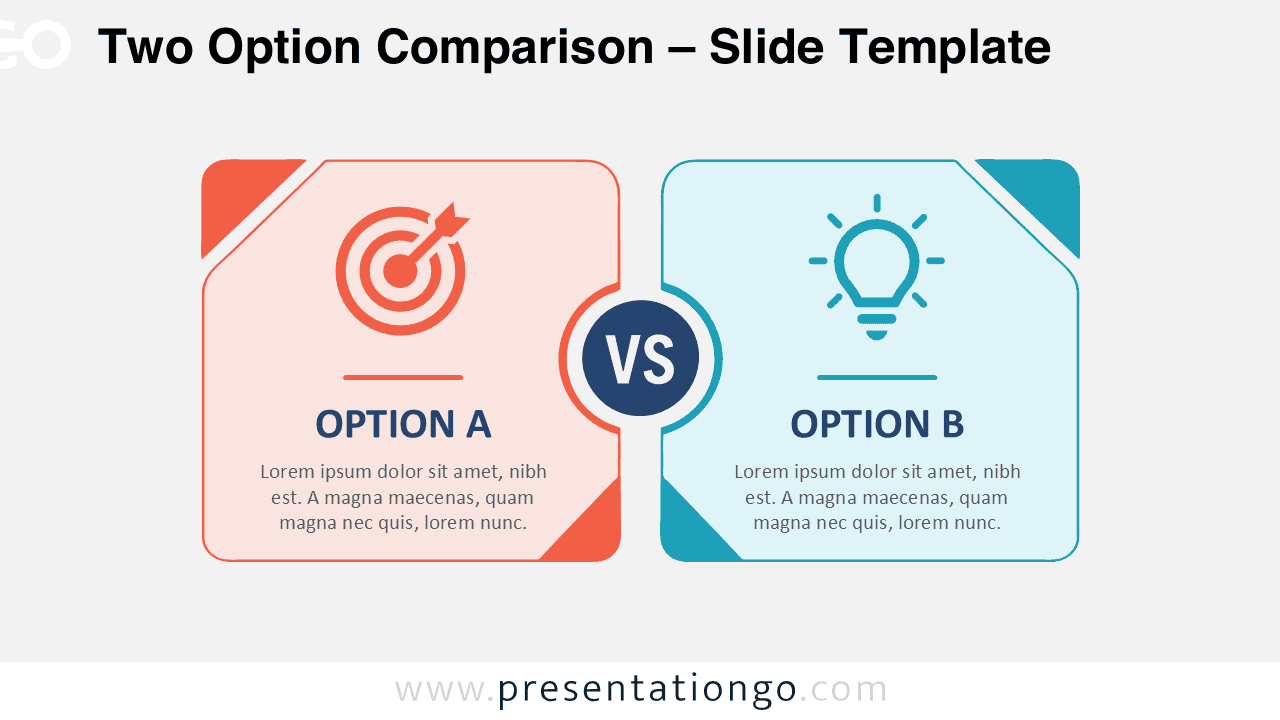
Compare two alternatives clearly with this Two Option Comparison diagram for PowerPoint and Google Slides, featuring editable text, shapes, and icons.
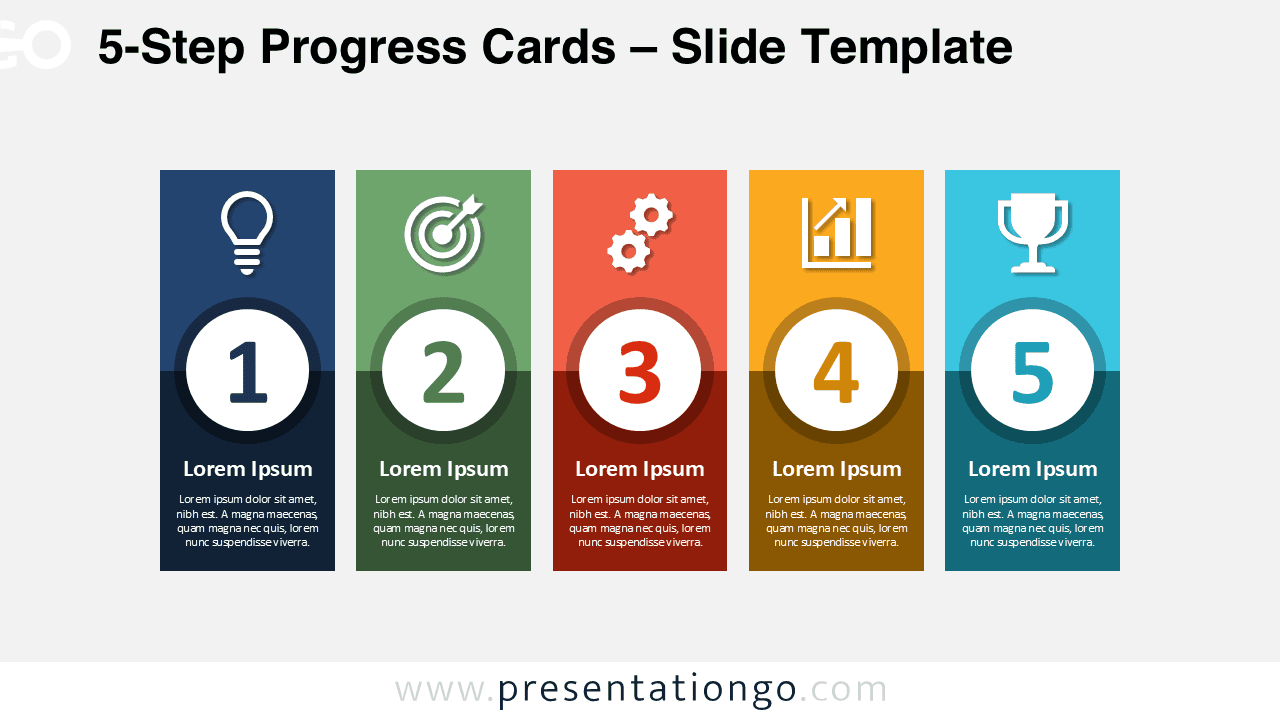
Download the 5-Step Progress Cards diagram for PowerPoint and Google Slides. Present processes, plans, milestones, and strategies with five clear stages.
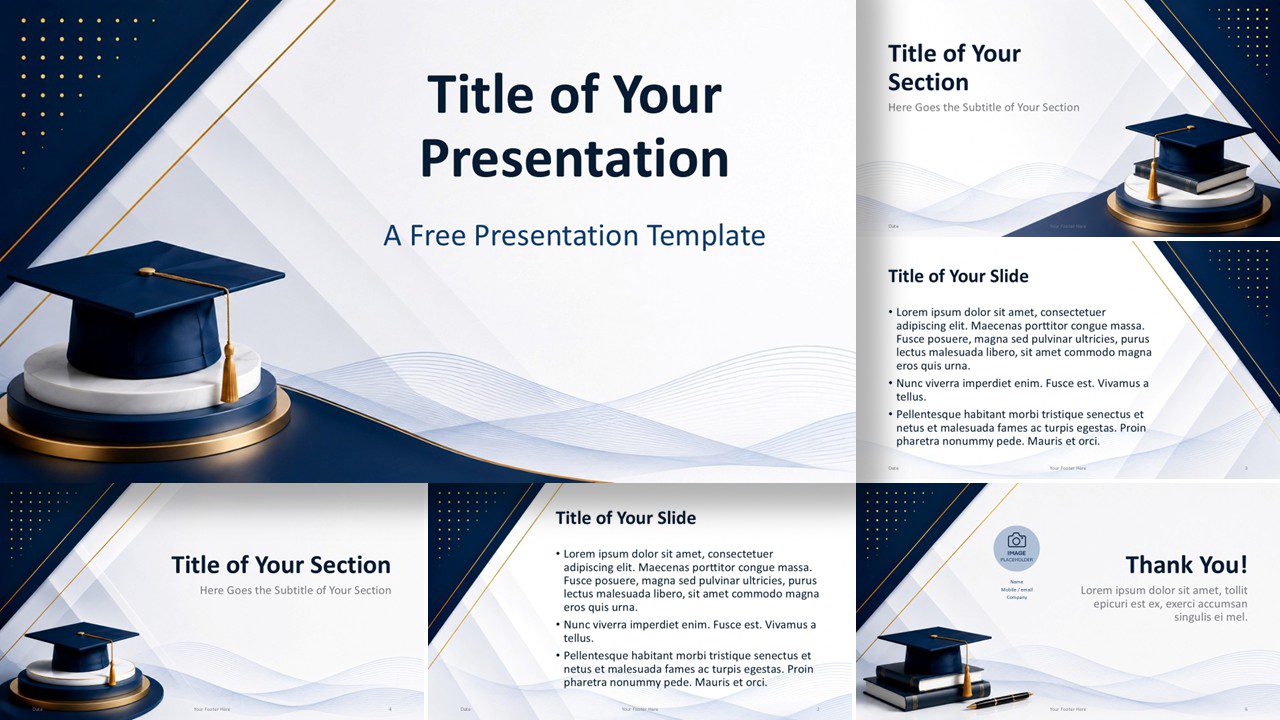
Create polished academic presentations with the free Academic Prestige PowerPoint and Google Slides Template, complete with editable layouts and premium styling.
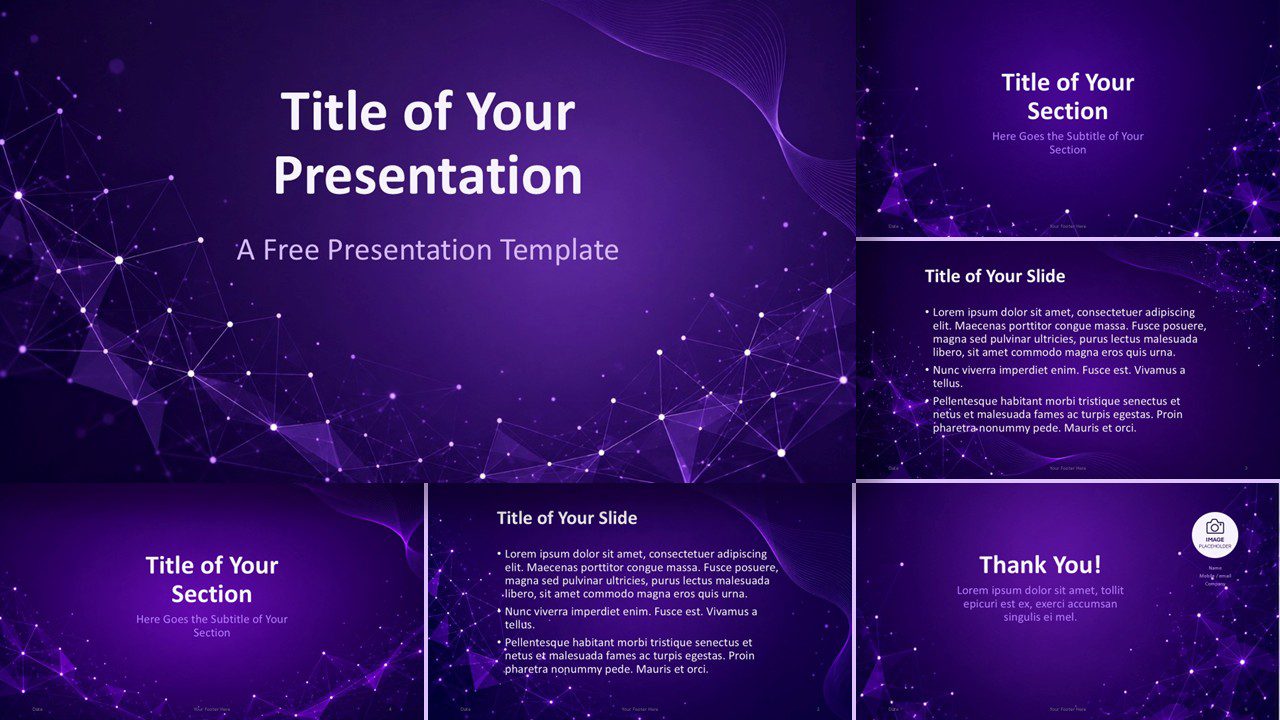
Download the Purple Network presentation template for PowerPoint and Google Slides, featuring editable layouts and a vivid technology-inspired design.
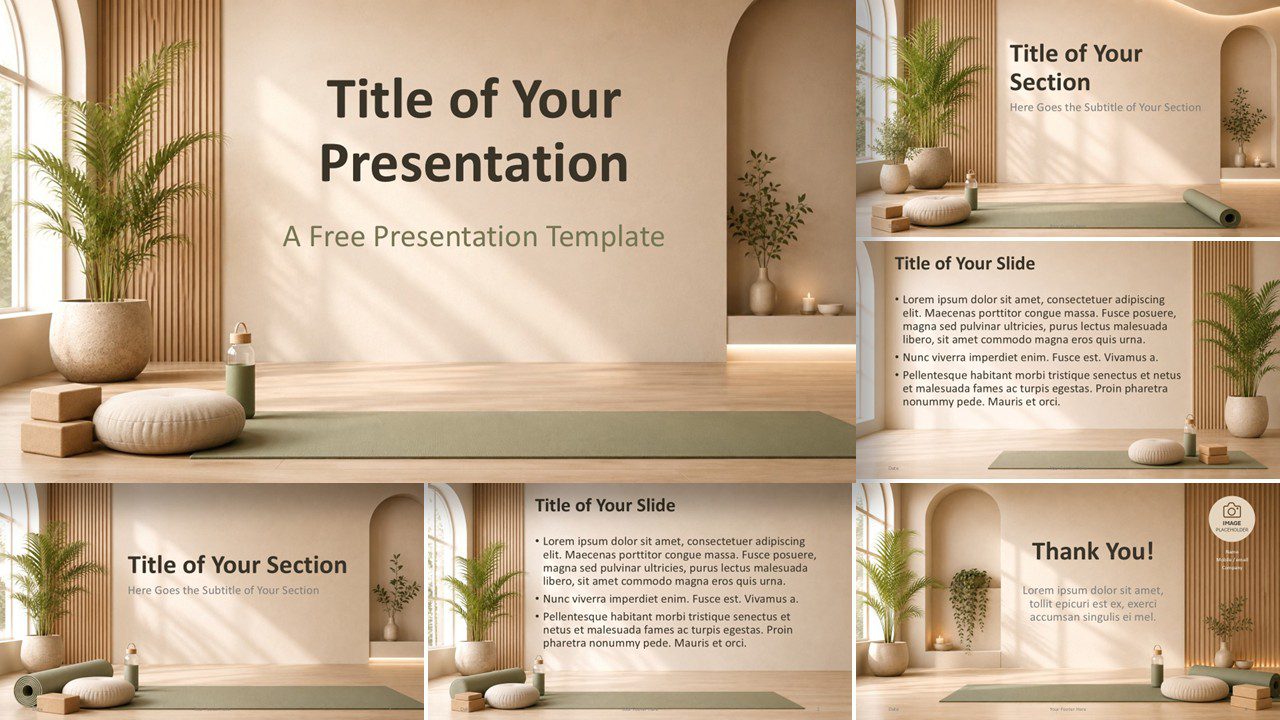
Download the Yoga Serenity PowerPoint and Google Slides template with calming wellness imagery, editable layouts, and a custom nature-inspired palette.
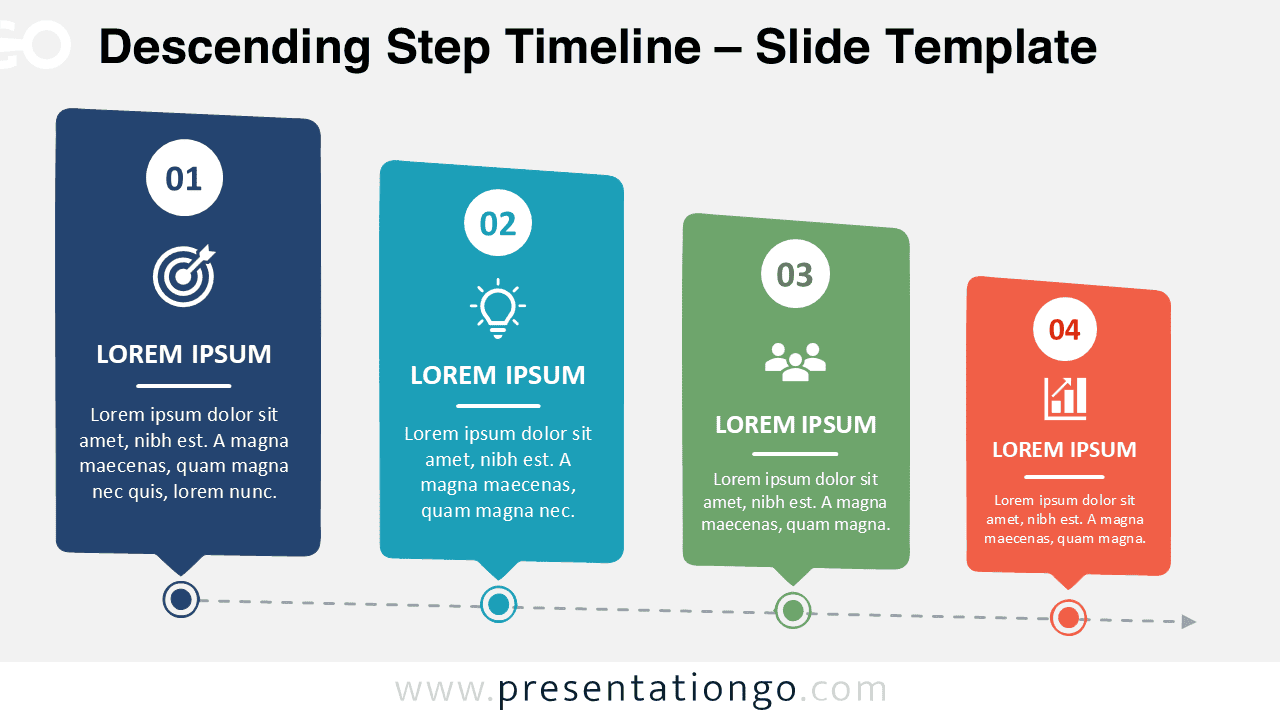
Download a Descending Step Timeline for PowerPoint and Google Slides. Highlight workflows, milestones, priorities, and project phases.
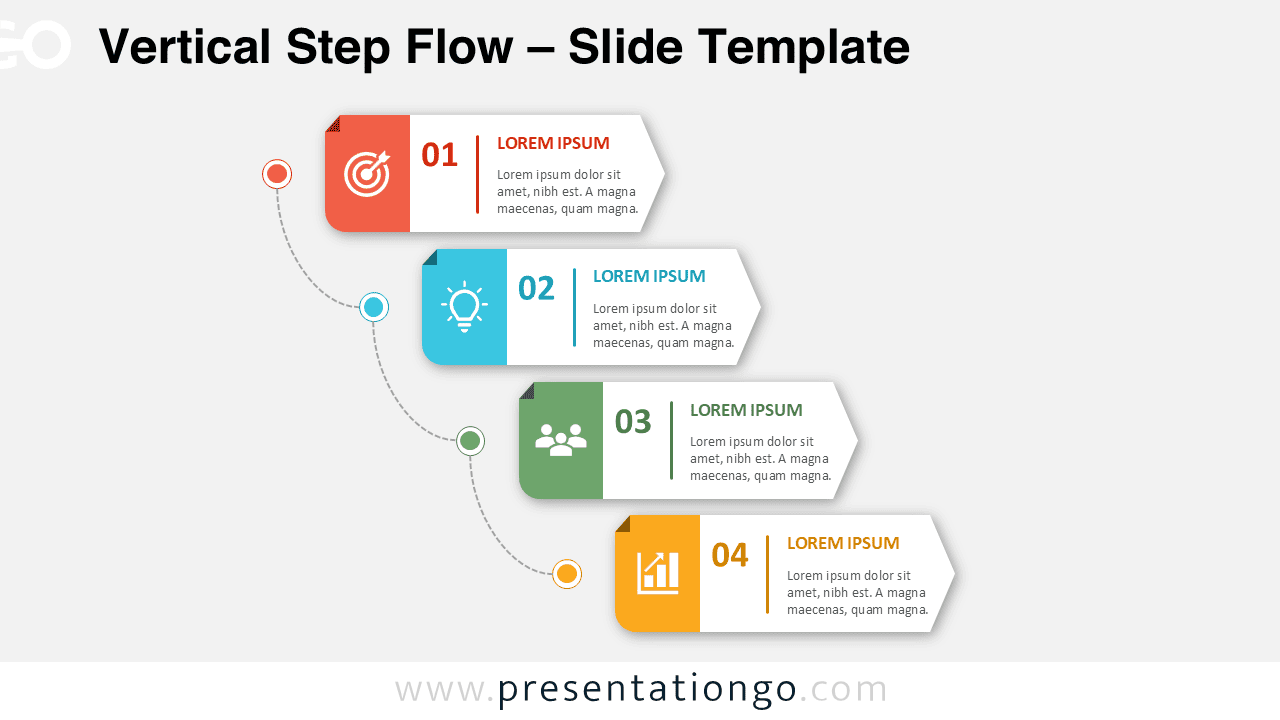
Download and use the Vertical Step Flow PowerPoint diagram to explain processes, workflows, and milestones with four decreasing steps.
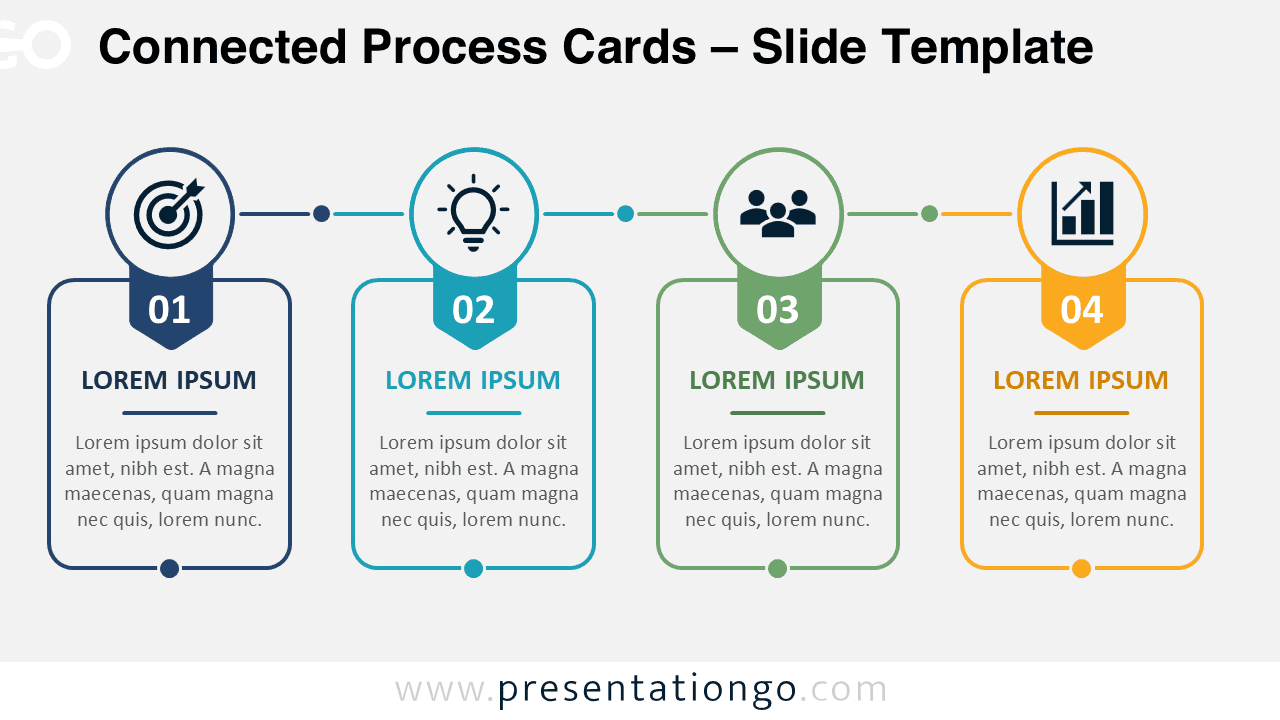
Download Connected Process Cards for PowerPoint and Google Slides to present four-step workflows with editable content and modifiable Office library icons.
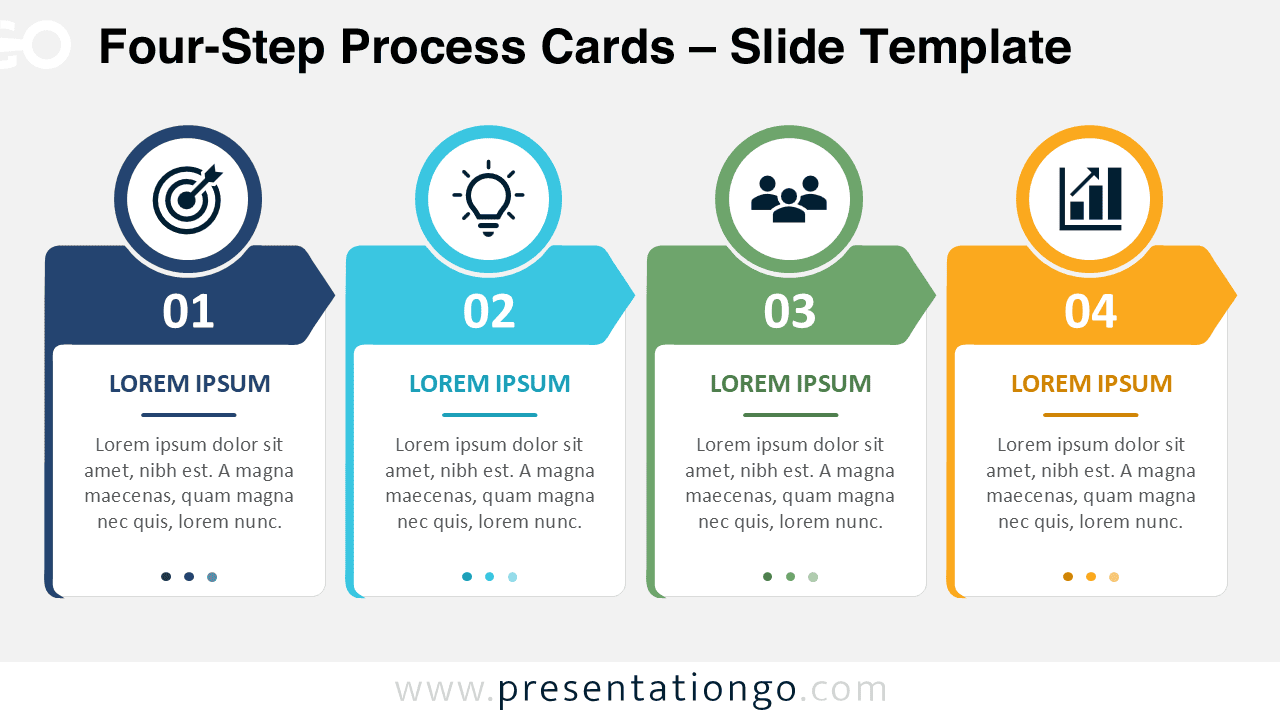
Use the Four-Step Process Cards diagram to explain four-stage workflows in PowerPoint and Google Slides with editable text, shapes, and Office icons.
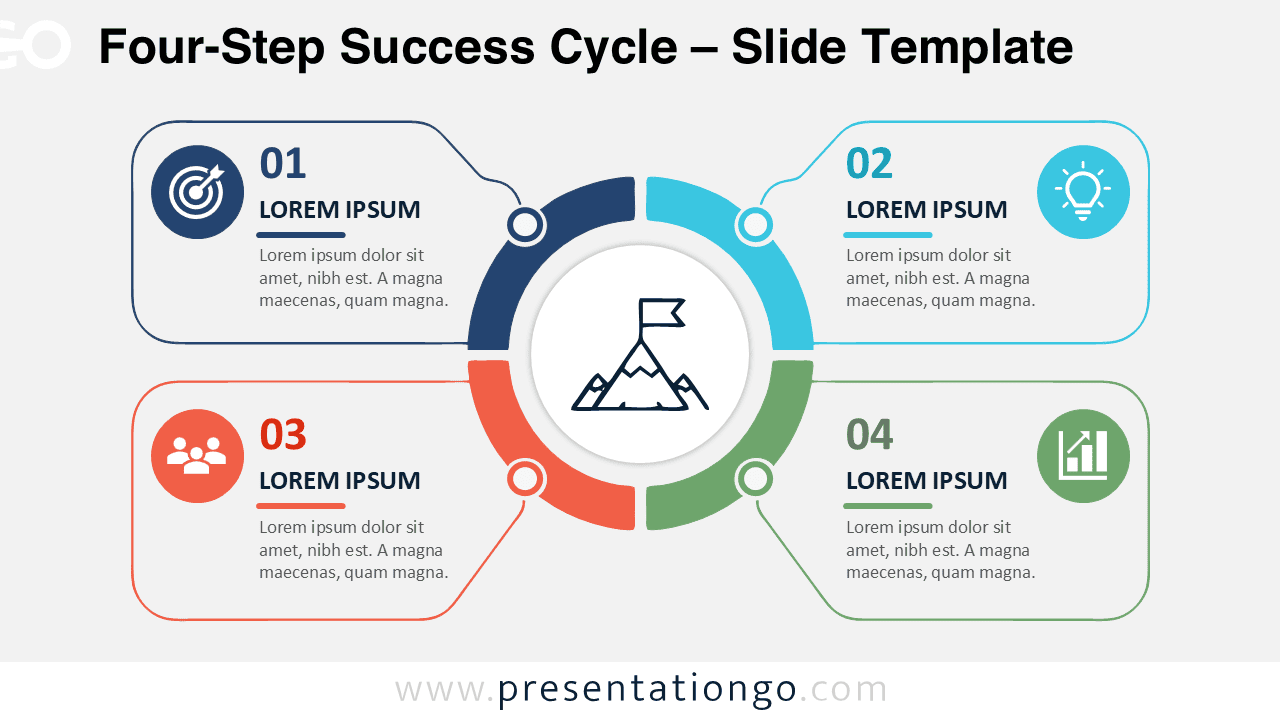
Present goals, stages, and strategic actions with the Four-Step Success Cycle PowerPoint diagram, fully editable in PowerPoint and Google Slides.
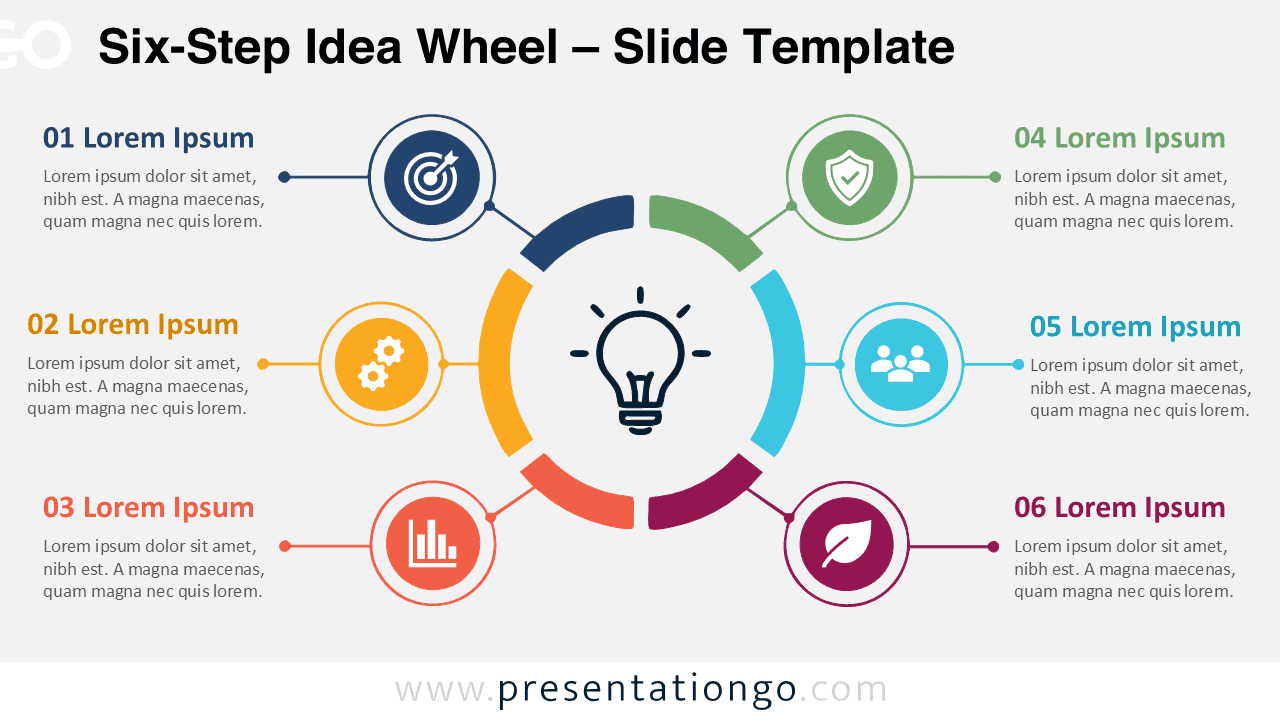
Download the Six-Step Idea Wheel and explain connected ideas, business stages, innovation steps, or strategic priorities in PowerPoint and Google Slides.
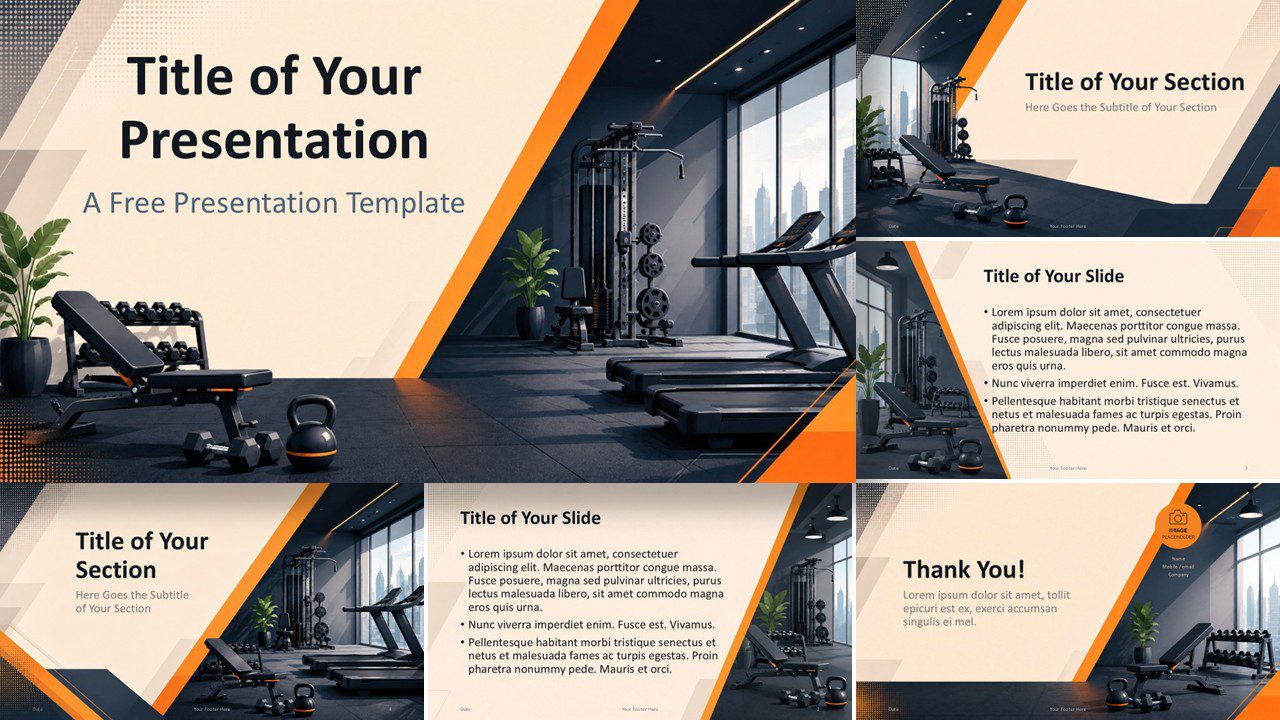
Use the Fitness Studio presentation template for PowerPoint and Google Slides to showcase workouts, gym services, coaching, and wellness programs.