 100% 免费
放射模块列表PowerPoint谷歌幻灯片
3D Radial Block List for PowerPoint and Google Slides
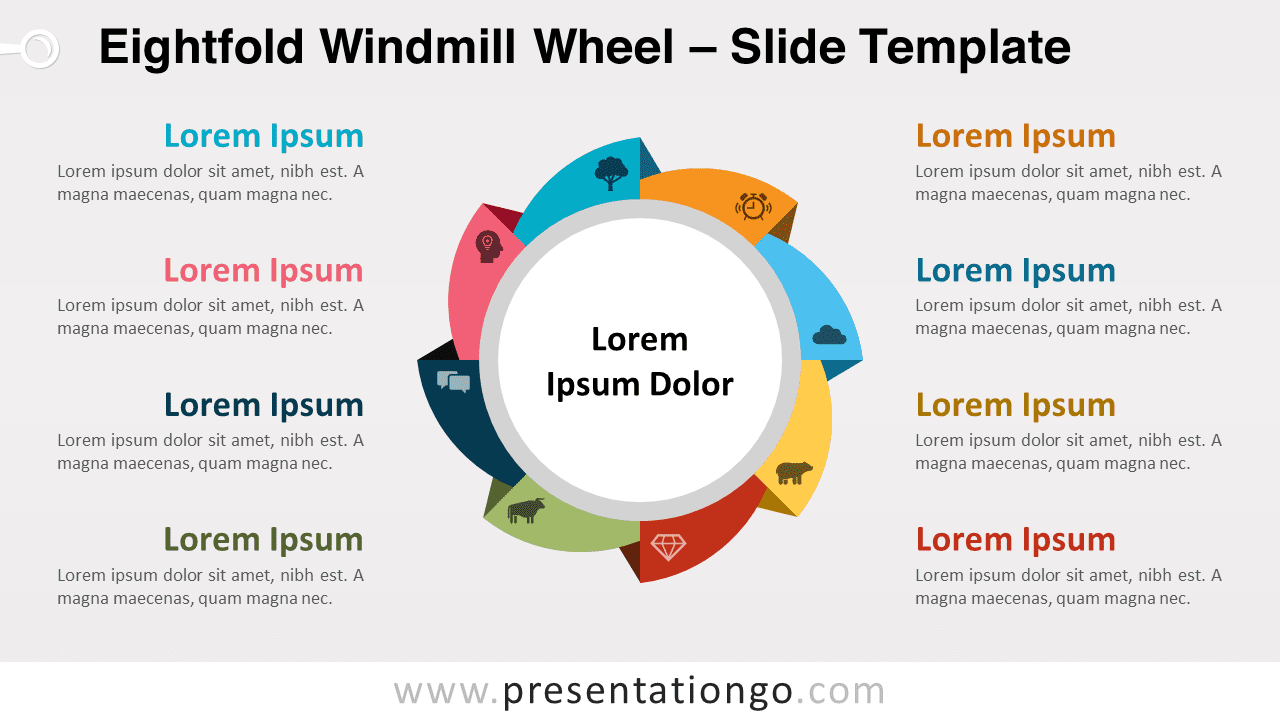
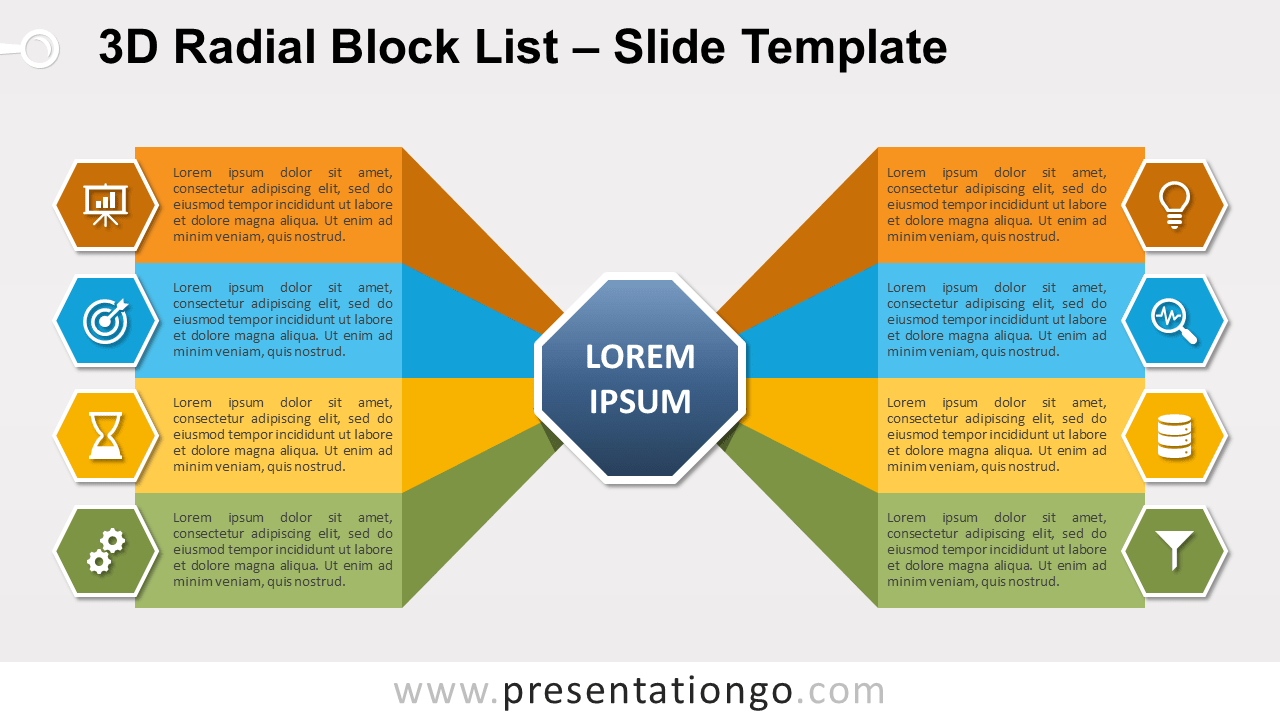
Free 3D radial block list for PowerPoint and Google Slides. Blocks of information linked to a central concept. 8 blocks to explain your main idea.
模板详情
Free 3D radial block list for PowerPoint and Google Slides. Two sets of 4 grouped blocks of information with a perspective effect linked to a central concept. Editable graphics with icons and text placeholders. Radial diagrams show relationships between different items to a central element. You can use a radial diagram whenever you need to illustrate information flowing from the outside in or the inside out. This radial diagram is designed with 2 sets of 4 vertical blocks , symmetrically displayed (left and right). Each block is associated with a central hexagonal shape with a perspective effect. Also, a hexagon is positioned next to each block. You can then embed an icon (or a number). Specifically, use this 3D radial block list to describe 8 ideas, concepts, or groups of information related to a central idea in a cycle. It emphasizes both information in the center diagram and how information in the outer shapes contributes to the central idea in a cyclical progression. Finally, it shows connections to the main idea.
- 来源
- PresentationGo
- 文件格式
- pptx
- 文件大小
- 97 KB
- 下载次数
- 0
- 幻灯片页数
- 2
- 页面比例
- 16:9
作者 / 版权:PresentationGo
原始出处:PresentationGo 原文