 100% 免费
层级右侧箭头PowerPoint谷歌幻灯片
3-Layer Right Arrow for PowerPoint and Google Slides
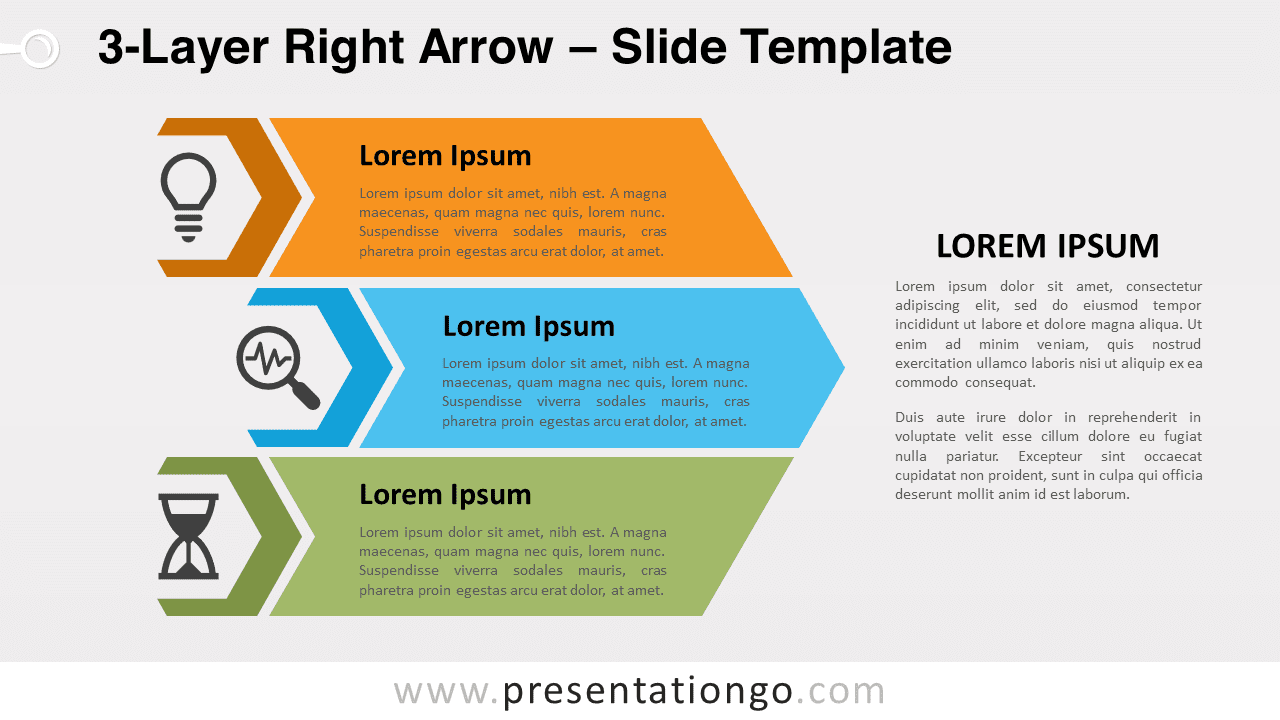
Free 3-layer right arrow for PowerPoint and Google Slides. An arrow with three colorful levels and icons to show progression and hierarchy.
模板详情
Free 3-layer right arrow for PowerPoint and Google Slides. Useful infographic for presenting ideas in a clear and hierarchical manner. With seven colored levels and the option to include icons and explanatory text, this template is a great visual aid for conveying progress and success. If you want to be as swift as an arrow when conveying your ideas, you should try this free 3-Layer Right Arrow template! You can indeed hierarchize your ideas and show their progression towards success. This infographic represents a large arrow pointing to the right. This large arrow is divided into three narrower arrows with different colors. These layers are your 3 options to represent your ideas or facts. Indeed, you can include a title and a short text inside each small arrow. Moreover, there is a hexagon on the left for you to insert an icon that can illustrate your idea. Finally, you will find a large text placeholder on the right if you need to explain your ideas further. An arrow pointing forward usually indicates the future and optimism. Therefore, it is perfect to show the progression and success of your ideas or steps. This free 3-Layer Right Arrow template will be the best visual aid you can get to convey your great ideas! Shapes are 100% editable : colors and sizes can be easily changed.
- 来源
- PresentationGo
- 文件格式
- pptx
- 文件大小
- 119 KB
- 下载次数
- 0
- 幻灯片页数
- 2
- 页面比例
- 16:9
作者 / 版权:PresentationGo
原始出处:PresentationGo 原文