 100% 免费
步骤丝带流程
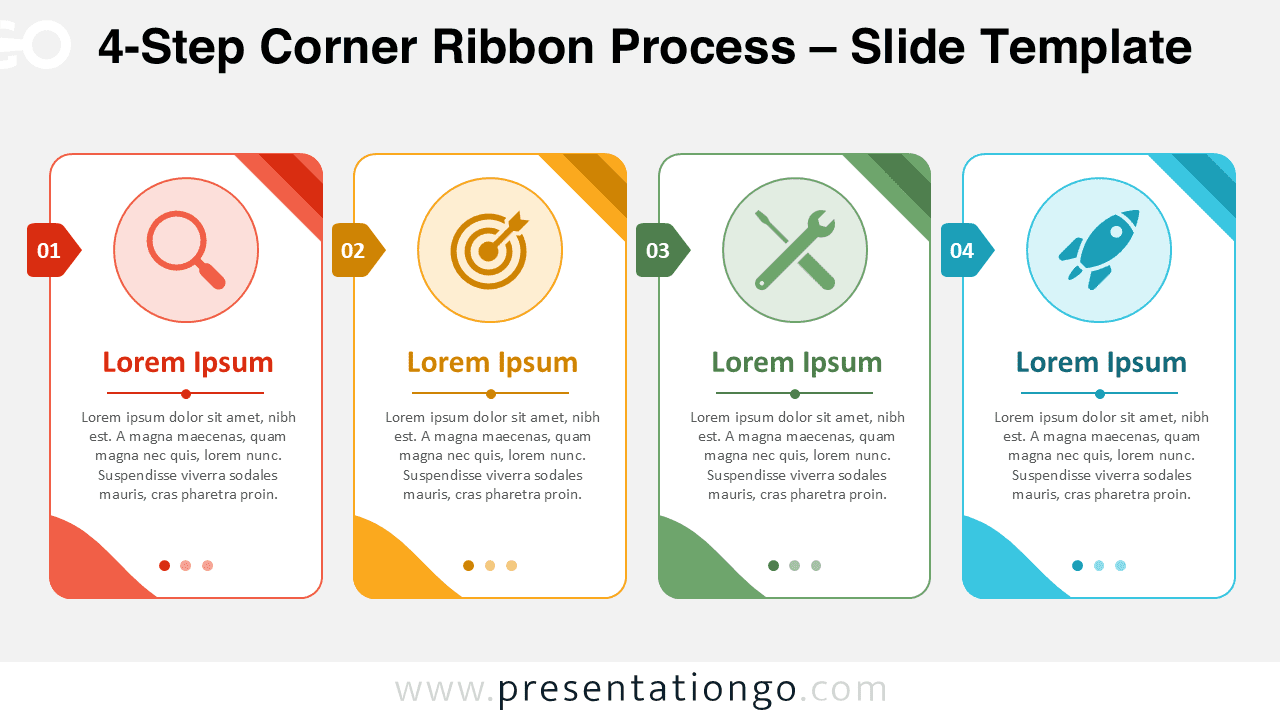
4-Step Corner Ribbon Process
Download the 4-Step Corner Ribbon Process for PowerPoint and Google Slides. Present workflows with editable cards, text, and Office icons quickly.
模板详情
The 4-Step Corner Ribbon Process helps you present a clear sequence with strong visual organization. It works well when you need to explain four phases, actions, priorities, or milestones in a simple slide. Each card separates one step from the next, so your audience can follow the logic quickly. This PowerPoint and Google Slides diagram uses numbered side tabs, editable text placeholders, and large icon areas. The corner ribbon details add direction and structure without making the slide feel crowded. You can use the layout for business planning, project updates, strategy sessions, training content, or product workflows.
- 来源
- PresentationGo
- 文件格式
- pptx
- 文件大小
- 129 KB
- 下载次数
- 0
作者 / 版权:PresentationGo
原始出处:PresentationGo 原文