 100% 免费
交替箭头步骤
Alternating Arrow Steps
下载 这款 交替 箭头 步骤 模板 适用于 PowerPoint 和 Google Slides. 展示 动态 6-步骤 流程 带有 清晰度 和 风格.
查看原文(English)
Download this Alternating Arrow Steps template for PowerPoint & Google Slides. Showcase dynamic 6-step processes with clarity and style.
模板详情
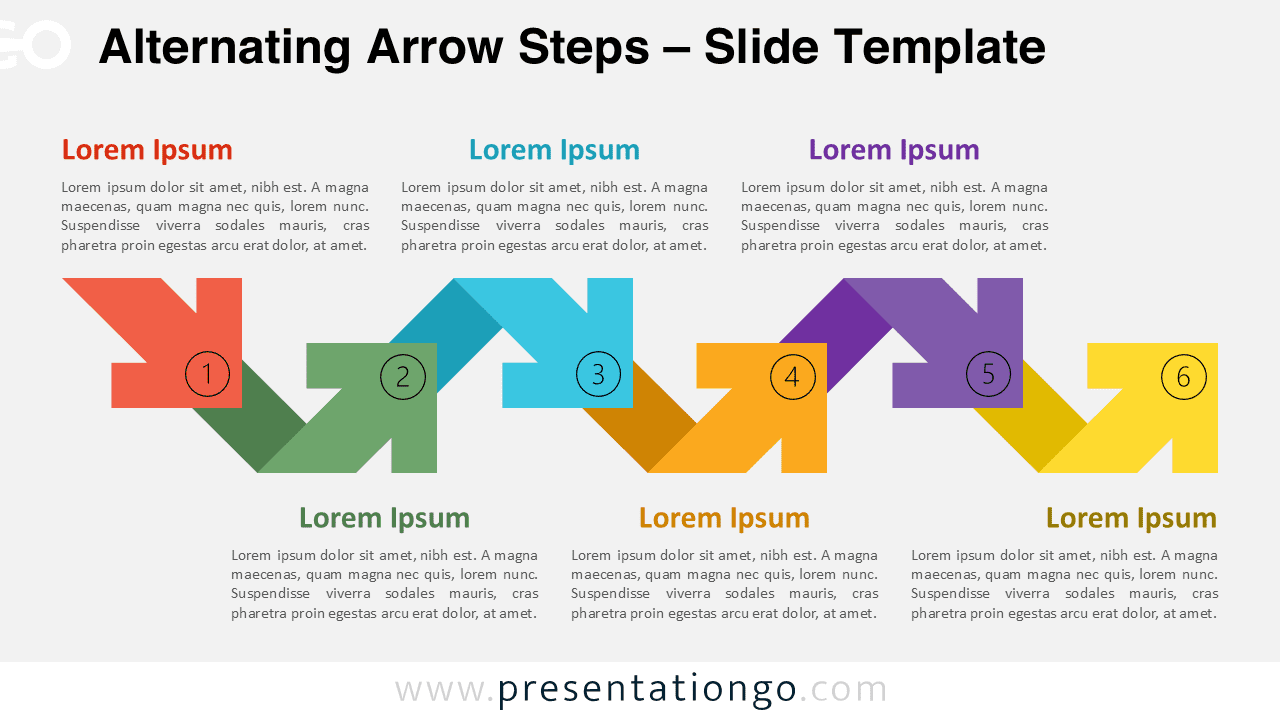
The Alternating Arrow Steps diagram presents a six-step process flow with alternating directions, ideal for showcasing dynamic progressions in PowerPoint and Google Slides presentations. This visually appealing template features interconnected diagonal arrows with a folded effect, creating a sense of movement and progression. Each step is represented by a colorful arrow pointing in alternating directions, accompanied by a text block for descriptive information. Numbered circles on the arrows provide clear navigation through the diagram, enhancing its usability and comprehension. Alternating process diagrams effectively illustrate workflows with changing perspectives or directions. This specific template excels in presentations requiring visual representation of multi-step processes, strategic plans, or project timelines. It allows presenters to clearly communicate complex ideas, highlight key milestones, and demonstrate progression through various stages. The template includes 2 unique slides pre-populated with icons (for the numbers) and text placeholders. It offers fully customizable shapes, light and dark themes, and both Standard (4:3) and Widescreen (16:9) ratios. Available in PowerPoint PPTX and Google Slides formats, it ensures compatibility across platforms.
模板特性
- 2 unique slides
- Options for both light and dark themes
- Pre-populated with icons and text placeholders
- Fully customizable shapes for complete control
- Available in both Standard (4:3) and Widescreen (16:9) ratios
- Offered in both PowerPoint PPTX and Google Slides formats
- 来源
- PresentationGo
- 文件格式
- pptx
- 文件大小
- 142 KB
- 下载次数
- 0
- 幻灯片页数
- 2
- 页面比例
- 16:9
作者 / 版权:PresentationGo
原始出处:PresentationGo 原文