 100% 免费
对比
Balanced Choice Comparison
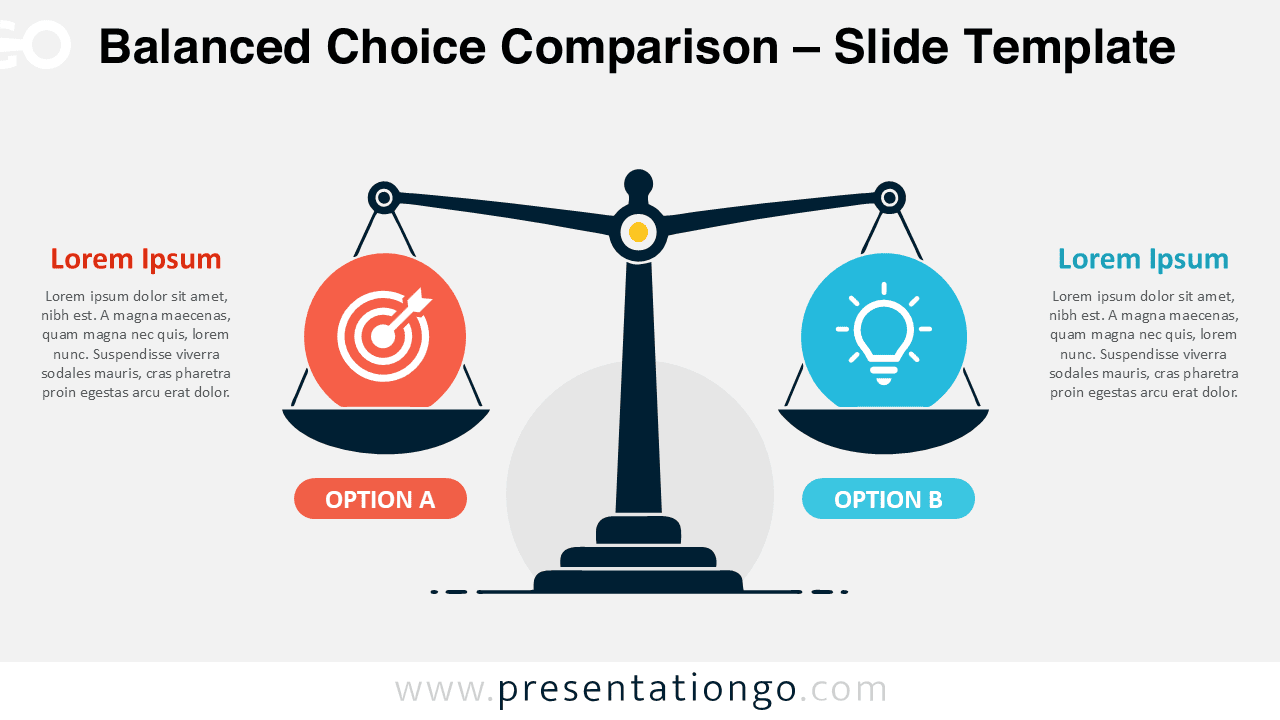
Download the Balanced Choice Comparison diagram for PowerPoint and Google Slides. Compare two alternatives with a clear, editable balance scale layout.
模板详情
The Balanced Choice Comparison diagram gives you a clear way to present two alternatives side by side. Its central balance scale creates an immediate visual connection between both choices. Each side offers dedicated space for a heading, supporting text, and an editable visual placeholder. The symmetrical composition keeps both alternatives equally important and avoids suggesting a preferred outcome. This Balanced Choice Comparison diagram works well when a standard table feels too rigid or text-heavy. The scale metaphor adds meaning without making the slide difficult to read. You can use it to discuss competing options, compare viewpoints, evaluate alternatives, or explain trade-offs. The simple structure also helps your audience understand the relationship between both sides quickly.
- 来源
- PresentationGo
- 文件格式
- pptx
- 文件大小
- 123 KB
- 下载次数
- 0
作者 / 版权:PresentationGo
原始出处:PresentationGo 原文