 100% 免费
对比卡片
Before After Comparison Cards
Use Before After Comparison Cards to present change, progress, or transformation in PowerPoint and Google Slides with two editable comparison panels.
模板详情
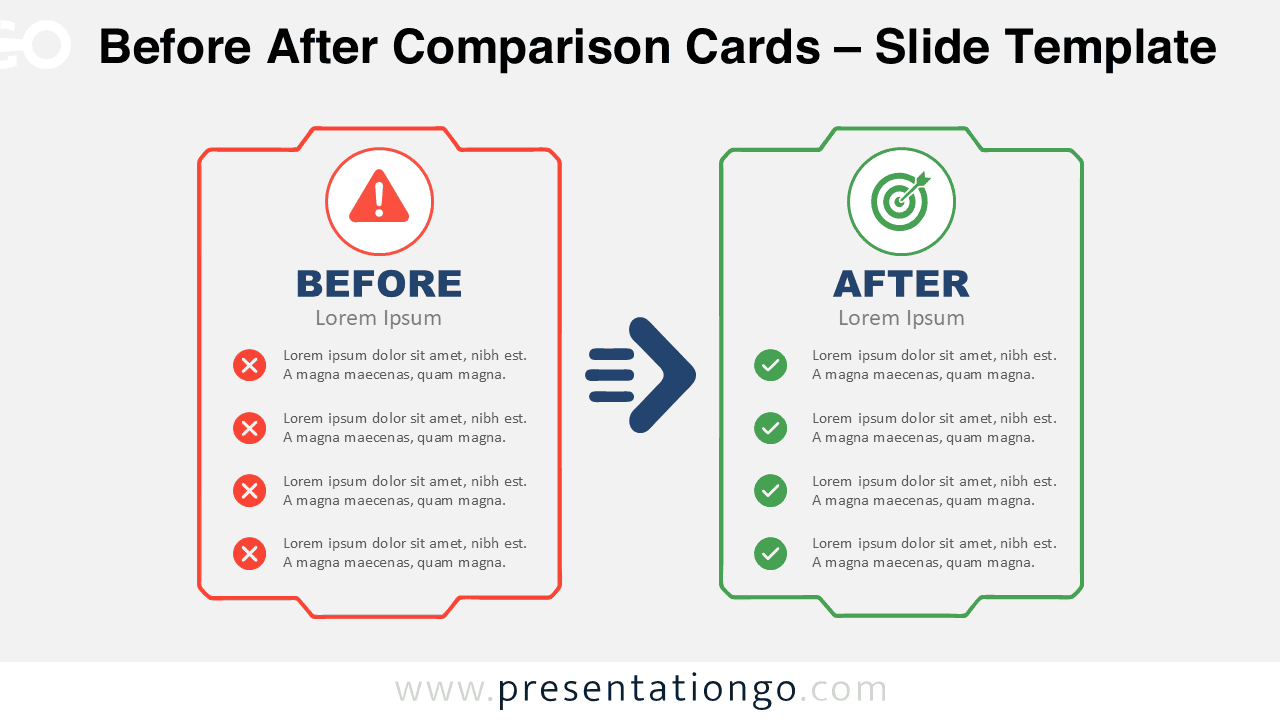
The Before After Comparison Cards diagram provides a simple way to communicate change between two clearly defined states. It places the current situation on the left and the improved situation on the right. A central arrow creates a natural visual flow between both sides. The layout works especially well when you need to explain transformation without overloading the slide. You can use the diagram in PowerPoint and Google Slides for business, operational, technical, or strategic presentations. Each card provides space for a heading, supporting text, and four concise points. This structure keeps the comparison focused while giving each side equal visual importance.
- 来源
- PresentationGo
- 文件格式
- pptx
- 文件大小
- 331 KB
- 下载次数
- 0
作者 / 版权:PresentationGo
原始出处:PresentationGo 原文