 100% 免费
圆形箭头流程PowerPoint谷歌幻灯片
Circle Arrow Diverging Process for PowerPoint and Google Slides
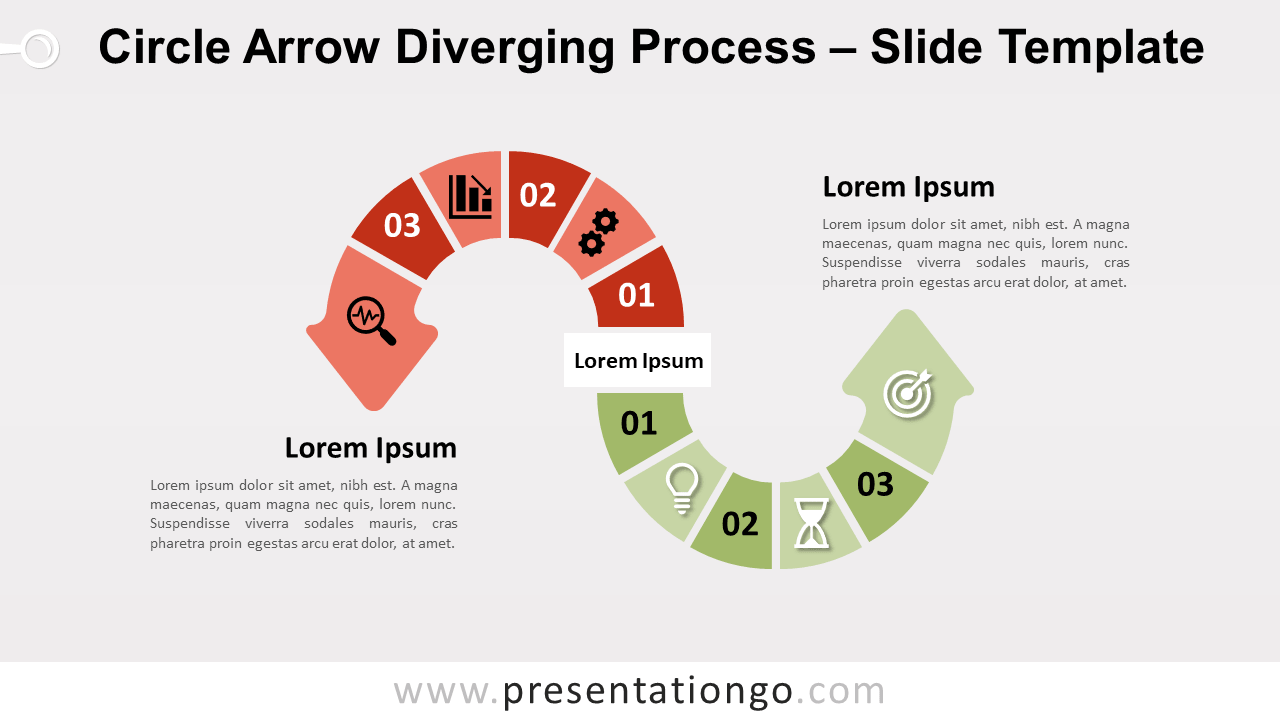
Free circle arrow diverging process for PowerPoint and Google Slides. Two upside-down arrows with 3 steps each to showcase opposite ideas.
模板详情
Free circle arrow diverging process for PowerPoint and Google Slides. Two upside-down arrows with 3 steps each to showcase opposite ideas. Editable graphics with icons and text placeholders. Do you want to convince your audience and show them two different paths or courses of action? This free Circle Arrow Diverging Process will help you display two diverging ideas or two opposite processes with 3 steps. This chart design shows 2 curved arrows starting from a central idea in the middle of the slide. Each one offers 3 options (6 options in total) to showcase 3 steps. You can indeed include both numbers and icons inside the arrows. Besides, you will find text placeholders on each side to specify your thoughts. Finally, the arrow pointing left is red and goes from up to down whereas the other is green and goes upwards. The up and down shapes and colors are ideal to show the good and bad, positive, and negative steps of 2 processes. This free Circle Arrow Diverging Process will enchant your audience and help you make your point.
- 来源
- PresentationGo
- 文件格式
- pptx
- 文件大小
- 122 KB
- 下载次数
- 0
- 幻灯片页数
- 2
- 页面比例
- 16:9
作者 / 版权:PresentationGo
原始出处:PresentationGo 原文