 100% 免费
线条设计交替流程PowerPoint谷歌幻灯片
Line Design Alternating Process for PowerPoint and Google Slides
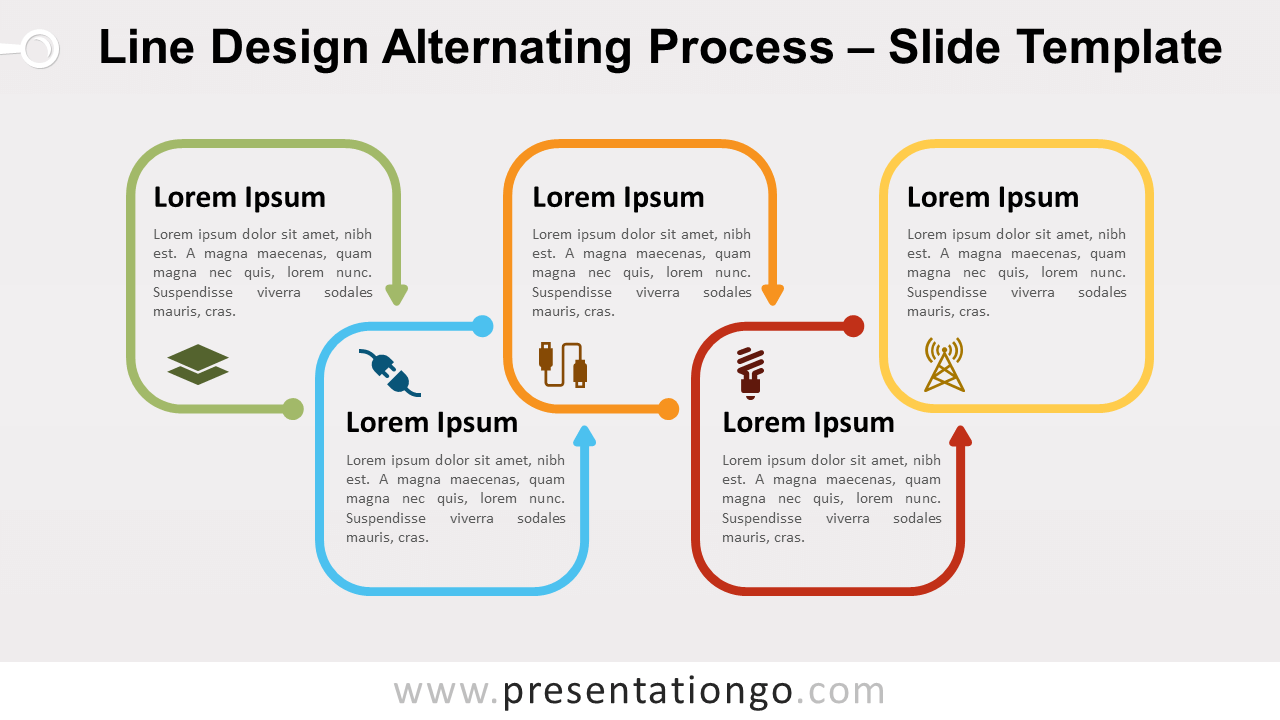
Free line design alternating process for PowerPoint and Google Slides. A minimalist process diagram with rounded square outlines, in an alternating flow.
模板详情
Free line design alternating process for PowerPoint and Google Slides. A minimalist process diagram designed with rounded square outline arrows, in an alternating flow. Editable graphics with icons text placeholders. Have you not enough of line design diagrams? Well, we thought we had to complete (even more) our collection! And we hope you like this new one… Like most of line design graphics, this diagram tends to be simple. Almost minimalist. Indeed, this kind of design highlights your information and doesn’t overwhelm your slides with too many colors and unnecessary fills. More specifically, for this diagram, we used round square shape (squircle) outline arrows. Also, the five elements show an alternating up-and-down flow. Finally, you can use this Line Design Alternating Process to show groups of information or sequential steps in a task, process, or workflow. And the alternating flow emphasizes the interaction or relationships between the steps.
- 来源
- PresentationGo
- 文件格式
- pptx
- 文件大小
- 90 KB
- 下载次数
- 0
- 幻灯片页数
- 2
- 页面比例
- 16:9
作者 / 版权:PresentationGo
原始出处:PresentationGo 原文